









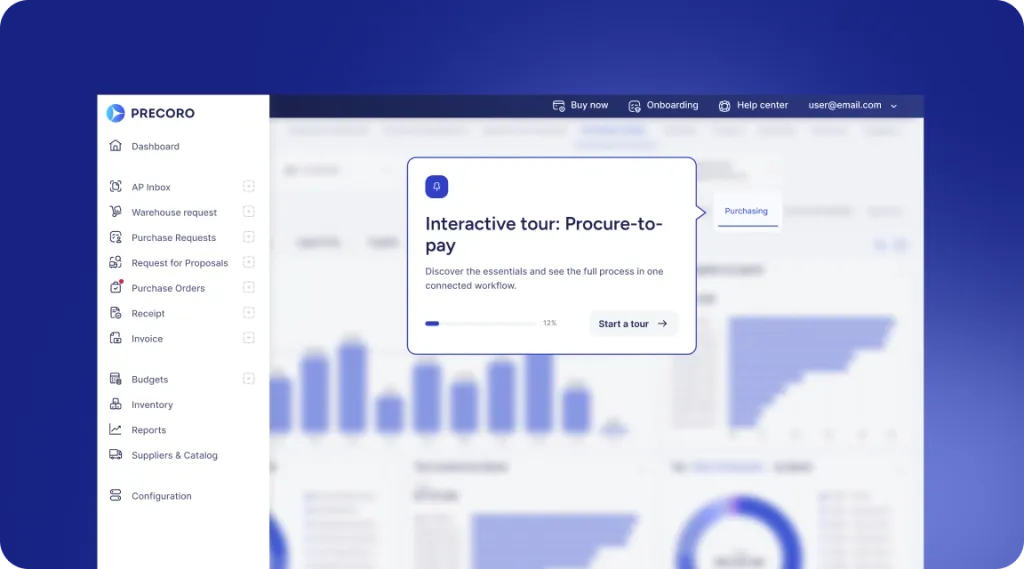
 Explore Precoro's features




















Accounts payable automation software has evolved from a back-office efficiency tool into a core part of modern finance operations. Manual AP processes create bottlenecks that become harder to manage as companies grow. This comprehensive guide covers everything finance teams need to make a confident AP automation decision.
What is accounts payable (AP) automation software?
Accounts payable automation software handles the invoice-to-payment process, from capturing invoice data to approving and paying it. It uses rule-based workflows and AI to help teams manage the entire process with minimal manual work.
How does AP software work?
The typical invoice handling process begins when the system receives an invoice, be it via email, electronic data interchange (EDI), or a supplier portal. From there, AP automation software works in four steps:
- Captures the invoice data
- Validates it against purchase orders and receipts
- Routes it through a configured approval workflow
- Initiates payment upon final sign-off
How does AP automation software reduce manual data entry and manual work?
Software for accounts payable reduces the total volume of manual data entry through the use of optical character recognition (OCR) and, in more complex applications, machine learning algorithms trained to extract fields like vendor name, invoice number, line items, tax amounts, and due dates with high accuracy.
These data fields are then validated and matched automatically, removing the need to cross-reference documents manually. As a result, the per-invoice processing time drops dramatically, and so do the overall error rates.
Once invoice details are captured and verified, approval routing is managed automatically without the need for any manual handoff. Payments are also executed automatically according to configured terms instead of relying on manual batching and bank uploads.
What features should an automated accounts payable platform include?
The feature set of an AP automation platform ultimately determines how much manual work it can remove and how effectively it fits into an existing finance tech stack. Since solutions vary significantly in depth and capability, it’s important to carefully assess features before choosing a platform. Core features that a capable AP automation platform should include:
| Core feature | What it does |
|---|---|
| OCR + data extraction | Captures invoice fields automatically from any format. |
| 2- and 3-way PO matching | Validates invoices against purchase orders and goods receipts. |
| Configurable approval workflows | Routes invoices based on custom rules, roles, and approval thresholds. |
| ERP and accounting integrations | Syncs data with systems such as QuickBooks, NetSuite, and SAP. |
| Exception handling and escalation | Flags and routes problematic invoices without stopping processing. |
| Audit trail and compliance logging | Records every action for internal controls, audits, and compliance reviews. |
| Supplier portal or communication tools | Gives vendors visibility into invoice and payment status. |
| Reporting and analytics dashboards | Tracks cycle times, approval bottlenecks, and spending patterns. |
Why are accounts payable teams investing in AP automation software?
Finance teams face a growing pressure to do more with less, and the accounts payable function is one of the highest-friction areas in the back office. In this context, AP automation software quickly became the go-to investment for many such teams, as it delivers measurable returns without the need for a complete finance transformation.
Why is AP automation software considered one of the best accounts payable solutions?
AP automation software is consistently in the upper echelon of finance team investments when it comes to ROI, as it focuses on high-volume, repetitive activities in the AP department. Instead of attempting a costly organization-wide ERP implementation or hiring more people, AP automation pinpoints the primary bottleneck (manual invoice processing) and systematically removes it.
How can automation improve accuracy and reduce errors?
Manual AP processes are inherently prone to errors. Whenever employees key invoice data by hand, match line items across spreadsheets, and route documents through email chains, mistakes happen, and they accumulate over time.
The scale of these errors isn’t the result of carelessness, but the unfortunate outcome of manual work being performed for high invoice volumes. Software for accounts payable improves accuracy across the board by removing human handling from areas that are the cause of most errors.
How can payment automation improve invoice processing and approval speed?
In manual AP processes, invoice cycle time is always determined by the slowest part of the process, be it a delayed email response, an approver who is traveling, or a batch payment run that only happens twice a week.
Automation removes these delays: approvers can sign off from anywhere, and payments go out on schedule instead of waiting for the next batch run.
How does automation affect supplier relationships and payment terms?
Suppliers always notice when payments are late. Slow manual processing leading to late payments strains vendor relationships, reduces negotiating leverage, and, in some cases, even triggers late fees or supply disruptions.
AP automation solutions resolve this issue by making on-time payment the default outcome, not an exception. Many platforms also offer supplier portals that provide vendors with instant, real-time visibility of the invoice’s progress, minimizing the need for back-and-forth inquiries about invoice status.
How does AP automation impact different finance roles?
AP automation has a strong impact on various financial roles.
- AP clerks stop typing in data and chasing approvals. They spend their time on the problem invoices instead.
- AP managers can see where invoices are stuck without asking around. Controllers get a clear record of every action, which makes audits and month-end close easier.
- CFOs get a better view of cash flow and can plan payments with more confidence.
- Approvers outside finance can review and sign off on their phones in a few clicks, with no accounting knowledge required.
How does AP automation software work end-to-end?
AP automation solutions don’t just cover a specific step in the AP process. They automate the entire manual chain, from the moment an invoice is received to the moment payment is confirmed. Because each step depends on the one before it, understanding the full flow helps you set realistic expectations for implementation.
How does invoice capture improve the Accounts Payable process?
The accounts payable process begins the moment an invoice enters the organization. Invoices may arrive via email, post, fax, supplier portals, or e-invoicing networks.
Invoice capture automation consolidates them all into a single processing pipeline. Whether an invoice arrives as a scanned PDF, an EDI file, or structured XML, the system ingests it automatically and prepares it for data extraction.
For example, Precoro’s Agent for Invoice Extraction handles invoices from sources and in formats that may not be directly processable, such as vendor portal links, text pasted into emails, and XLSX or CSV files. It converts them into standardized PDFs and adds them to the AP Inbox.
What role do OCR and machine learning play in invoice data extraction?
Once an invoice has been captured, its data must be extracted and structured. Optical character recognition reads the document and extracts the key details like vendor name, invoice number, line items, tax amounts, and due dates, converting unstructured document content into usable data.
Machine learning acts as an extension of what OCR can already do. Traditional OCR relies on predictable invoice layouts to discern information, while ML models are trained on massive volumes of different invoice templates, which makes it possible for ML to extract data accurately from practically any vendor template.
Precoro’s Intelligent AP Automation doesn’t rely on fixed templates, as the AI captures invoice data even from multi-page documents and long tables without manual setup.
How is AI used in AP automation?
AI does more than read invoices. It can suggest the right GL code by learning from past invoices, and it gets better each time someone corrects it. It also spots anything odd, like a changed bank account or a duplicate invoice, before money goes out.
Some tools even suggest who should approve an invoice or guess which ones will cause problems. The newest tools can fix simple mismatches on their own and only send the tricky ones to a person. Still, AI is only as good as the data it learns from.
How does automated matching and validation work within accounts payable software?
With invoice data extracted, accounts payable software cross-references it against existing records to confirm the invoice is legitimate and accurate before it moves to approval. This process is called matching, and it comes in two standard configurations:
- 2-way matching compares the invoice against the purchase order
- 3-way matching compares the invoice against the purchase order and the goods receipt
💡 Note: Three-way matching is the more rigorous option of the two, which is why it’s often used for inventory-heavy or high-volume procurement.
How are exceptions and discrepancies detected and handled?
Even well-configured AP automation systems will still encounter invoices that fail matching or validation. In these cases, the platform needs a structured way to flag, categorize, and resolve issues without blocking the rest of the invoice flow.
Common exception types, their causes, and how they are handled are outlined below:
| Exception type | What triggers it | How it is routed |
|---|---|---|
| Price variance | Invoice amount differs from the purchase order | Sent to purchasing or procurement for review |
| Missing PO reference | No matching purchase order found | Returned to the requester or vendor for correction |
| Quantity mismatch | Invoice quantity differs from the goods receipt | Sent to the receiving team to verify the delivered quantity |
| Duplicate invoice | Matching vendor, amount, or invoice number already exists | Flagged and held for manual review |
| Unapproved vendor | Supplier is not in the approved vendor master | Escalated to procurement or finance management |
How does the approval process work within an AP automation tool?
Approval workflow configuration is one of the most important decisions in any AP automation implementation. AP automation tools allow teams to define routing rules based on invoice value, department, cost center, vendor type, or any combination of these. Once configured, the approval flow runs as follows:
- The invoice is assigned to the correct approver based on routing rules.
- The approver receives an automated notification with invoice details attached.
- The approver reviews and approves, rejects, or raises a query.
- Multi-level approvals trigger sequentially or in parallel, depending on configuration.
- Final approval releases the invoice for payment scheduling.
How does AP automation integrate with accounting software and accounting system platforms?
AP automation doesn’t work in isolation. In order for it to function effectively, the platform needs to be able to exchange information with the accounting systems and ERP platforms that the finance department is already working with. Most accounts payable automation platforms support integration with:
- ERP systems: SAP, Oracle, Microsoft Dynamics, NetSuite
- Accounting software: QuickBooks, Xero, Sage
- Procurement platforms: Coupa, Jaggaer, Ariba
- Banking and payment rails: ACH, SWIFT, virtual card networks
- Document management systems: SharePoint, Google Drive, proprietary DMS tools
What types of AP automation solutions exist?
No two AP automation platforms are the same: the range of deployment options available, the overall feature scope, and the architecture of the platforms vary greatly. These characteristics must be well-understood before attempting to assess a specific vendor's product.
What are cloud-based vs on-premises AP automation options?
The deployment model of an AP automation solution determines how it’s hosted, maintained, and accessed. It also has significant implications in terms of implementation cost, IT involvement, and scalability. The table below highlights major differences between cloud-based and on-premises hosting models.
| Criteria | Cloud-based | On-premises |
|---|---|---|
| Hosting | Vendor-managed and accessed through a browser | Hosted on the company’s own infrastructure |
| Implementation time | Weeks to a few months | Several months to over a year |
| Upfront cost | Low (subscription-based) | High (licensing and hardware) |
| Ongoing maintenance | Handled by the vendor | Requires internal IT resources |
| Scalability | Elastic and scales with invoice volume | Limited by infrastructure capacity |
| Data control | Data stored and managed by the vendor | Full internal control and ownership |
| Best suited for | Organizations seeking quick deployment and minimal IT overhead | Organizations with strict data residency or sovereignty requirements |
How do single-vendor suites compare with integrated point solutions?
Closely related to this is the decision between using AP automation as part of an end-to-end solution or building a stack of specialized tools, where each solution covers only a specific part of the process. The differences between these two approaches are outlined below:
| Criteria | Single-vendor suite | Integrated point solutions |
|---|---|---|
| Scope | Covers AP, procurement, payments, and related processes in one platform | Separate tools handle specific functions such as capture, approvals, or payments |
| Integration complexity | Low — functionality is native and pre-connected | Higher — systems must be connected through APIs or middleware |
| Best-in-class capability | Varies by module | Each tool can be selected for a specific strength |
| Vendor risk | Concentrated with a single provider | Distributed across multiple vendors |
| Total cost | More predictable and often bundled | Can increase as additional tools are added |
| Best suited for | Organizations prioritizing simplicity and consolidation | Teams addressing specific process gaps with specialized tools |
What open source AP automation software options are available?
Open-source options are a small segment of the market, and most are full ERPs with basic AP modules rather than dedicated AP tools. Examples include ERPNext, Odoo Community Edition, and Dolibarr.
How do you choose the right AP automation software?
Choosing accounts payable automation software comes down to finding a solution that fits your processes, systems, and scale. The sections below outline the key criteria that should guide this decision.
What business requirements should you define before evaluating vendors?
One of the most common and costly mistakes in software selection is starting vendor evaluations before clearly defining internal needs. Without a clear understanding of what the organization actually requires, teams are often drawn to impressive-looking demo features that don’t translate into real value in day-to-day use.
Before opening any vendor conversations, finance and procurement teams should align on invoice volume and format, current bottlenecks, approval complexity, ERP and accounting systems in use, team size, and compliance requirements.
What integration capabilities should you look for?
When evaluating AP automation software, check whether the platform offers native ERP connectors, bidirectional data flow, appropriate sync frequency, clear integration-failure alerts, and an open API for custom integrations. Also ask how the system handles in-flight invoices during temporary integration outages.
What security, compliance, and audit features are essential?
By its nature, accounts payable is positioned at the intersection of financial data and vendor relationships, which makes it a high-value target for both external threats and internal fraud. The goal of AP automation software should be not just to streamline the process, but also to make it more secure and auditable than its manual alternatives. Essential security and compliance features that are recommended to verify during evaluation include:
| Feature | Why it matters |
|---|---|
| Role-based access controls | Limits who can view, edit, approve, or pay invoices. |
| Full audit trail | Records every action on each invoice with timestamps and user attribution. |
| Segregation of duties enforcement | Ensures the same person cannot both approve and execute payments. |
| Duplicate and fraud detection | Flags suspicious patterns before payments are executed. |
| Data encryption (in transit and at rest) | Protects financial data from interception or breach. |
| SSO and MFA support | Secures platform access against credential-based attacks. |
| Compliance certifications | Supports standards like SOC 2, ISO 27001, and GDPR readiness depending on jurisdiction. |
| Configurable retention policies | Meets legal requirements for invoice and payment record storage. |
E-invoicing and regulatory compliance
E-invoicing replaces PDF and paper invoices with structured, machine-readable data in formats such as UBL, XRechnung, and CFDI. A growing number of countries mandate it for domestic or cross-border transactions, often with real-time reporting to tax authorities.
AP automation software helps by natively receiving structured files, validating required fields, and automatically applying local tax rules. Every step is logged, creating the audit trail regulators expect, while retention policies keep records for the required period.
Platforms such as Precoro support these formats within the standard AP workflow, so compliance doesn't need a separate process.
How should total cost of ownership and ROI be assessed?
The upfront price of AP automation solutions is rarely the true cost of the entire solution. A realistic total cost of ownership assessment should account for the software licensing, implementation and setup, integration development, internal IT time, support tiers, and contract terms.
Cost per invoice processed, reductions in approval cycle time, and avoided error-related costs are all important to include when modeling ROI. Issues like duplicate payments, late payment fees, and audit remediation all carry real financial impact that is often underestimated until fully quantified.
Which industries benefit most?
Industries with high invoice volumes, complex approvals, or many entities tend to see the fastest returns.
- Manufacturing and distribution rely heavily on three-way matching against purchase orders and receipts.
- Healthcare organizations manage large supplier bases and strict compliance needs.
- Real estate and construction need property- or project-level coding on every invoice.
- Professional services firms and nonprofits benefit from cost center and grant-level approvals. Financial services gain from stronger audit trails and fraud controls.
Top AP automation software
The platforms below represent a range of solutions in the AP automation space, from specialized invoice processing tools to broader financial operations suites. For each, we outline key strengths, known limitations, pricing transparency, and verified user feedback from credible sources.
NOTE: Vendors without listed pricing require a demo or quote.
Basware AP Automation
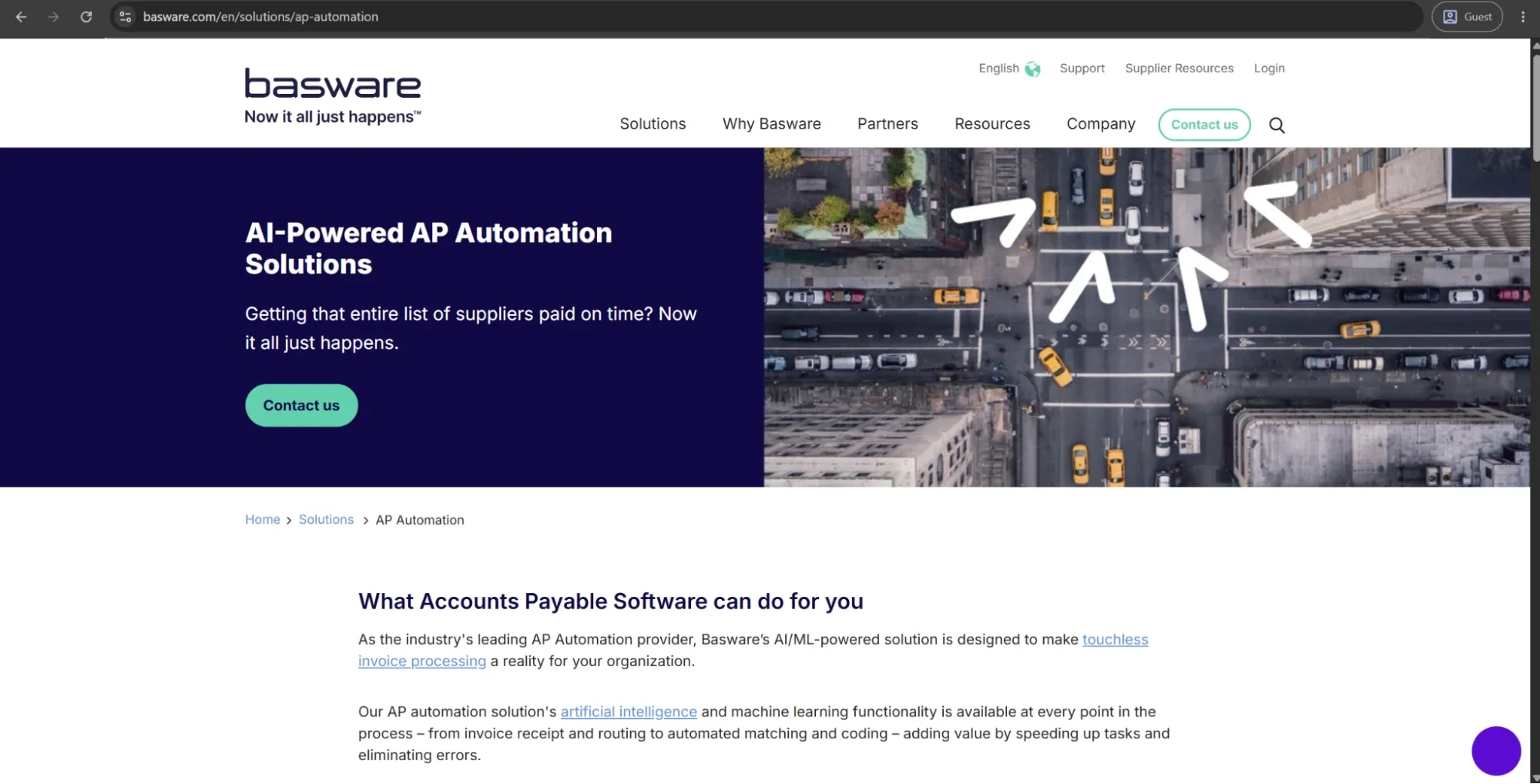
Basware is a Finland-based AP automation and procure-to-pay solution with more than 40 years in the business. The system is primarily aimed at upper-mid-market and large enterprise organizations that need to handle a high volume of invoices from one or more companies across different geographies.
The AI model the platform uses was trained on over 2.2 billion invoices, providing coverage for the complete invoice lifecycle from capture and matching to coding, approval, and compliance, with both PO-based and non-PO-based invoices.
What is unique about Basware is its e-invoicing compliance engine, which manages tax compliance regulations across 50+ countries and adapts to those rules. Additionally, the platform is ERP-agnostic, which allows organizations to avoid being locked into a single vendor's ecosystem.
Advantages:
- The AI matching and SmartCoding capabilities deliver high-touchless processing rates on both PO and non-PO invoices.
- ERP-agnostic architecture allows deployment across multi-ERP enterprise environments without forcing system consolidation.
Shortcomings:
- ERP integration setup is complex and time-consuming, often requiring significant IT involvement to complete correctly.
- The platform's search functionality is unintuitive, with case-sensitive constraints that slow down high-frequency users.
- Invoices occasionally get stuck in processing queues, with error messages that offer limited diagnostic guidance for resolution.
Pricing:
Basware doesn’t offer specific pricing information on its official website.
Precoro
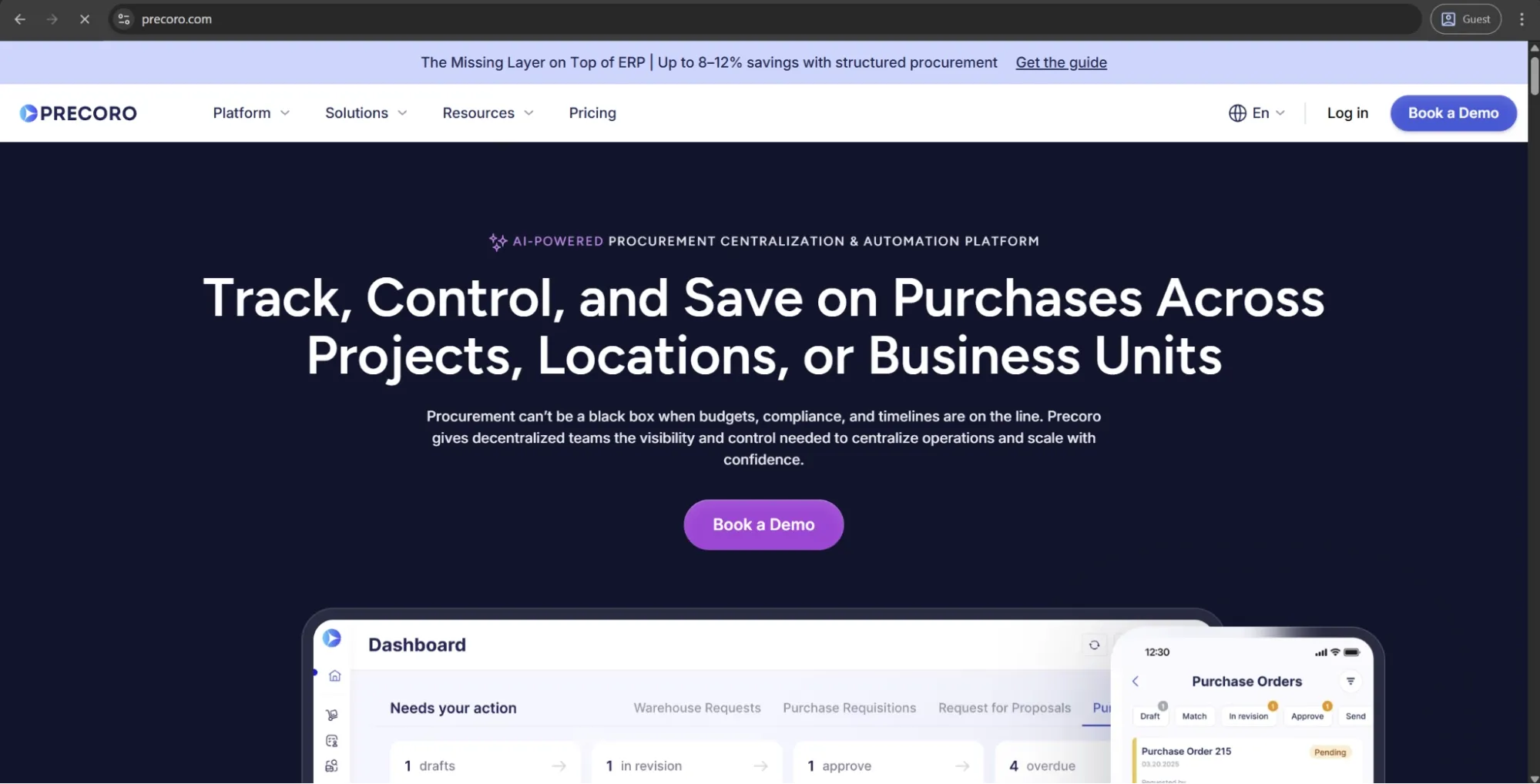
Precoro is a procurement and AP platform for mid-sized companies that brings purchasing, accounts payable, and spend control into one system without the lengthy setup of an enterprise suite. It automates the AP cycle, from AI-powered invoice capture and PO matching to approval workflows and two-way accounting integrations.
Precoro’s AP Automation Crew handles much of the manual work:
- AI Agent for Invoice Extraction: Processes invoices from sources such as vendor portals, raw email text, and spreadsheets.
- Invoice Processing: Extracts invoice data from PDFs and creates pre-filled drafts.
- Credit Note Processing: Creates credit note drafts linked to original invoices.
- Expense Processing: Extracts expense details from receipt photos and files.
- Matching Agent: Finds the right PO even when invoice details are missing or inconsistent.
Your team stays in control: people review AI-generated drafts, handle exceptions, and can override AI decisions.
Advantages:
- Intuitive interface and strong onboarding support make it easier for procurement, finance, and non-procurement approvers to adopt the system.
- Flexible approval workflows let teams route invoices by department, location, amount, supplier, budget, or custom rules without relying on IT.
- Approval SLAs with automated reminders and escalations prevent invoices from stalling in the approval process.
- Built-in e-invoicing enables receipt and processing of structured formats like UBL 2.1, CFDI, XRechnung, and other local formats within the standard AP workflow.
- The Supplier Portal reduces back-and-forth with vendors by letting them submit invoices and update their own information directly.
- Multi-entity management allows organizations to handle procurement and AP processes across multiple business units within a single system.
Shortcomings:
- Initial setup requires defining approval rules, budgets, suppliers, and matching logic before the platform delivers full value. It’s not a complex rollout, but companies with unclear or undocumented approval processes may need to clean up workflows first.
- It complements ERPs rather than replacing them, so companies expecting full financial system consolidation may need to keep parallel systems in place.
- Precoro’s inventory capabilities are useful for light operational tracking, but it’s not a full warehouse management system.
Pricing:
Precoro’s pricing model is relatively simple and consists of three pricing tiers:
- Core — starts at $499 per month billed annually, offers basic procurement features like automated approvals and three-way matching, along with spend & vendor management, a number of integrations (Xero, QuickBooks, Slack), and reporting analytics.
- Automation — starts at $999 per month billed annually, expanding upon the previous tier with AI-powered AP automation, intake management, PunchOut catalogs, real-time budget tracking, SSO support, and more.
- Enterprise tier comes with no public pricing information, but it does offer practically everything Precoro can offer, including additional integrations, advanced admin controls, no user number limitations, and enterprise-grade data protection.
There’s also a dedicated AP automation package starting at $499 per month when billed annually, which covers invoice processing needs.
Concur Invoice
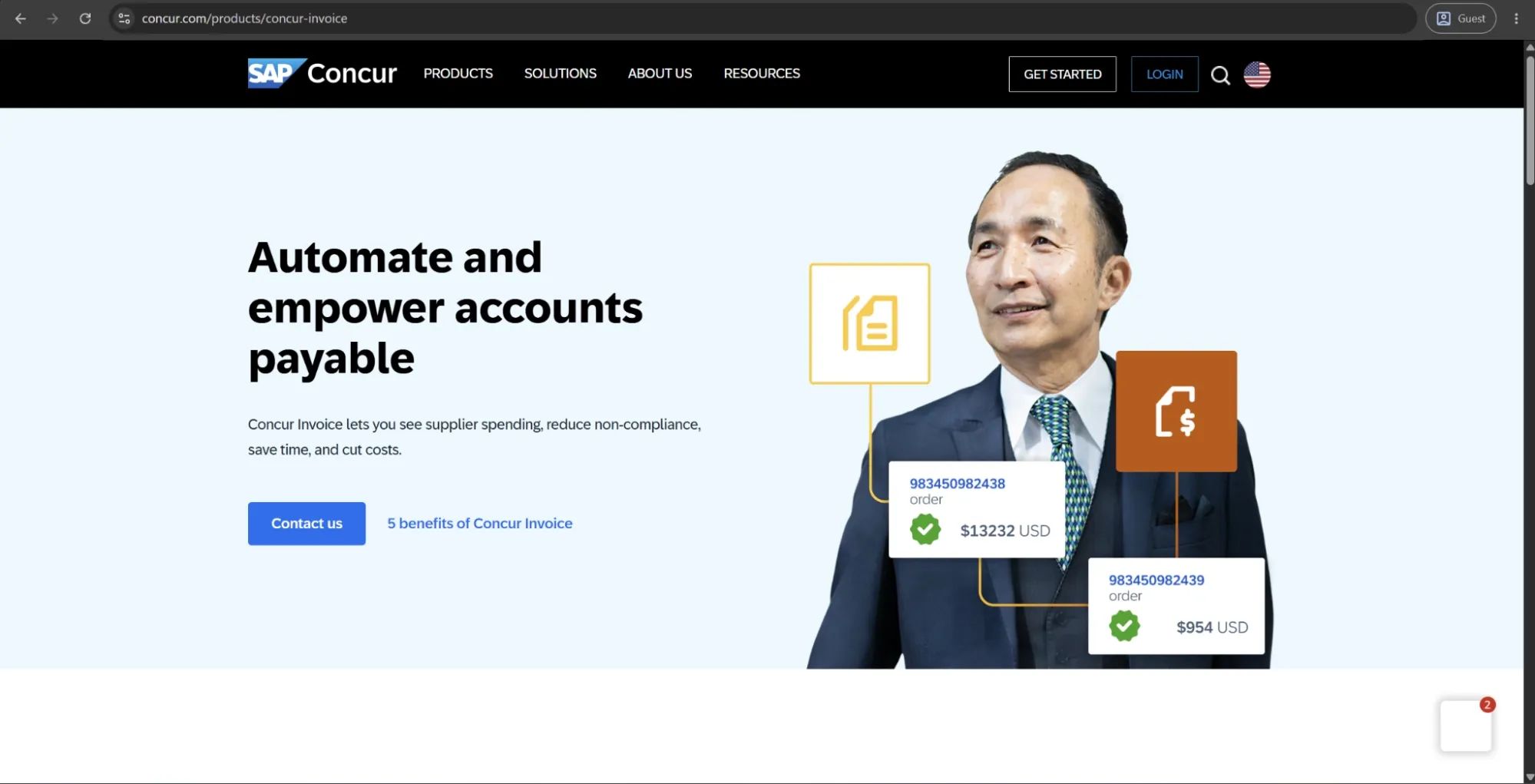
Concur Invoice is the accounts payable module within the broader SAP Concur spend management suite, which also includes travel booking and expense management. As part of the SAP ecosystem, it’s designed for upper mid-market to enterprise organizations that want invoicing, travel, and expenses managed within a single platform.
The AP module supports invoice capture, two- and three-way PO matching, configurable workflows, and ERP integrations, along with an open API and native connectivity to SAP financial systems.
Advantages:
- Unified visibility across invoices, expenses, and travel spend flows into a single reporting layer without manual consolidation.
- Built-in global compliance covers multiple currencies, tax rules, and local regulatory requirements across many countries.
- Deep native integration with SAP financial systems makes it the strongest option for organizations already in the SAP ecosystem.
Shortcomings:
- The desktop interface requires too many steps for routine actions, which slows down high-frequency AP users noticeably.
- Customer support during onboarding and post-implementation has proven inconsistent, particularly for complex configurations.
- Teams that only need AP automation will find the platform significantly broader — and more expensive — than necessary.
Pricing:
Concur Invoice doesn’t have any public pricing information on the website. The only way to receive such information is to contact their sales department for a personalized quote or a demo.
Oracle Fusion Cloud ERP
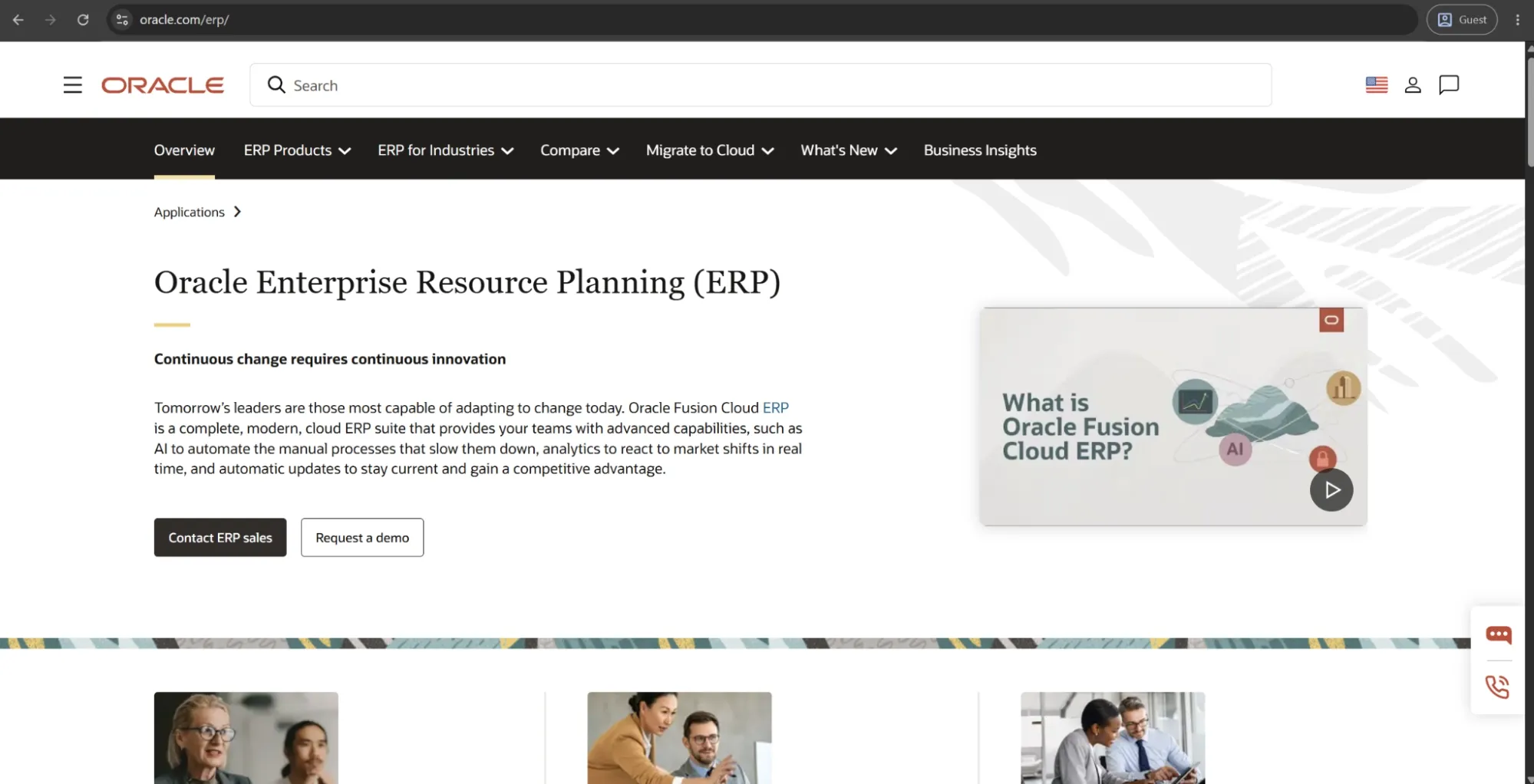
Oracle Fusion Cloud ERP is a full enterprise suite that covers financial management, procurement, supply chain, and project operations. AP automation is built into the platform as a native module rather than a standalone add-on. It supports invoice intake from multiple channels, intelligent document recognition, PO and receipt matching, tax compliance checks, and approval routing, all within the same system.
AP capabilities have been further strengthened with AI agents. Oracle’s Payables Agent can ingest invoices from email, portals, EDI, and PDFs, extract and standardize data, run tax and fraud checks, and route approvals.
Advantages:
- The AI Payables Agent handles multi-channel invoice ingestion, tax checks, and fraud detection with minimal manual touchpoints.
- Native integration across Oracle's full financial stack removes data silos entirely.
Shortcomings:
- The interface is widely reported as cluttered and unintuitive, with too many screens required for straightforward AP tasks.
- Implementation demands a dedicated internal team and significant planning time; under-resourced rollouts consistently run into delays.
- Vendor lock-in is a genuine concern as extracting data or integrating non-Oracle tools requires Oracle expertise and adds ongoing cost.
Pricing:
There is no specific pricing information on Oracle’s website when it comes to Oracle ERP or similar offerings.
Stampli
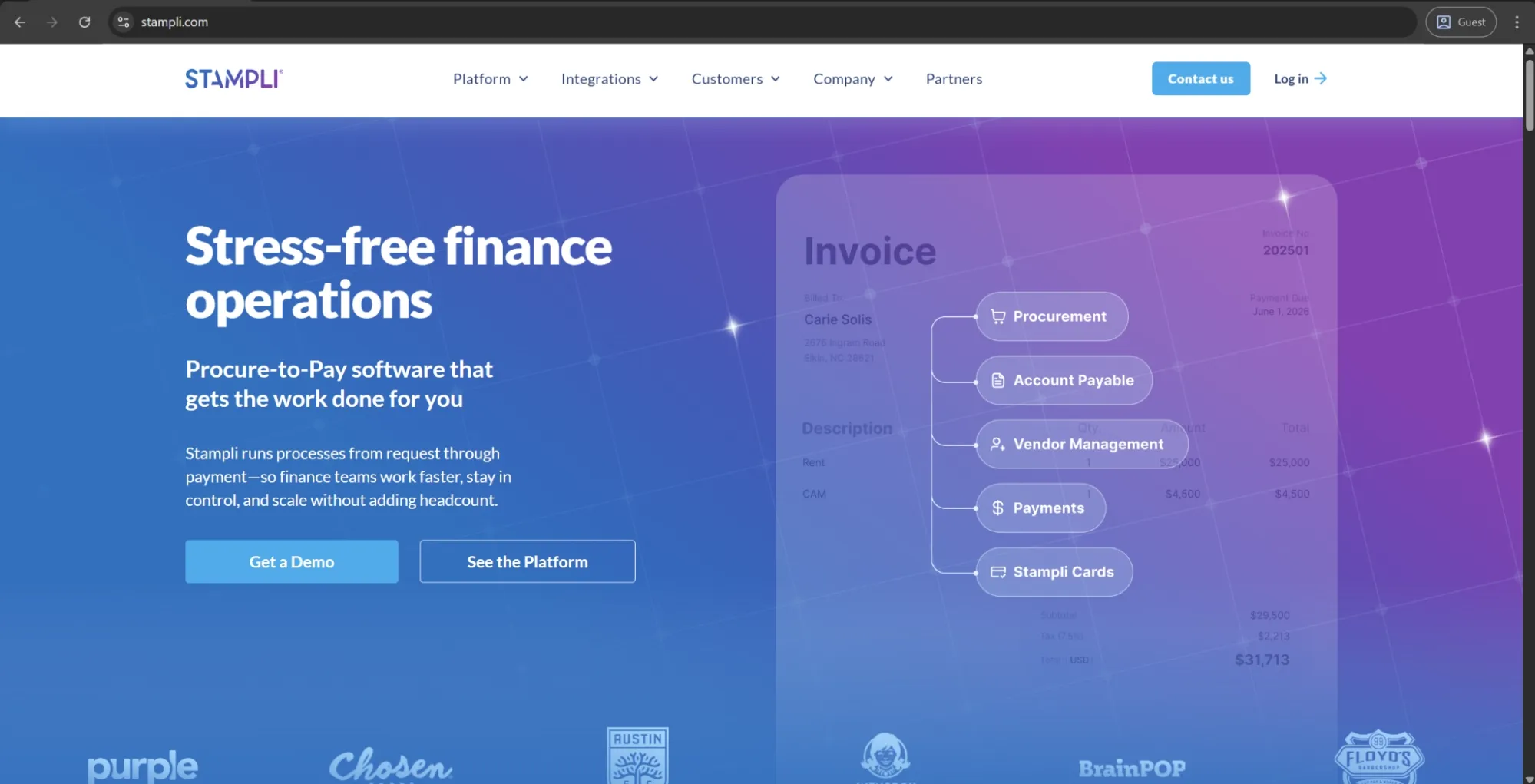
Stampli is a dedicated AP automation platform designed to provide advanced invoice workflows while integrating tightly with existing ERPs. It supports invoice capture, AI-assisted GL coding, approval routing, PO matching, and payments. Its AI assistant, Billy the Bot, learns coding patterns over time to improve automation for recurring invoice types.
What differentiates Stampli is its built-in collaboration layer. All communication, approvals, and supporting documents are tied directly to the invoice record, allowing finance and non-finance teams to discuss invoices in context and avoid fragmented email threads or lost information.
Advantages:
- Billy the Bot learns GL coding patterns over time, reducing manual coding input on recurring invoice types with each processed invoice.
- ERP integration is non-disruptive by design. The platform syncs with existing vendor lists and PO data without creating parallel records.
Shortcomings:
- Billy the Bot struggles with unusually formatted or handwritten invoices, requiring manual verification where extraction accuracy drops.
- Some customization options require support team involvement rather than self-service admin configuration, slowing down workflow adjustments.
- The interface can feel crowded for new users, with a notable learning curve before the layout becomes familiar.
Pricing:
Stampli doesn’t have any public pricing data available on the official website. The only way to receive such information is to contact their sales department for a personalized quote.
SIMPL
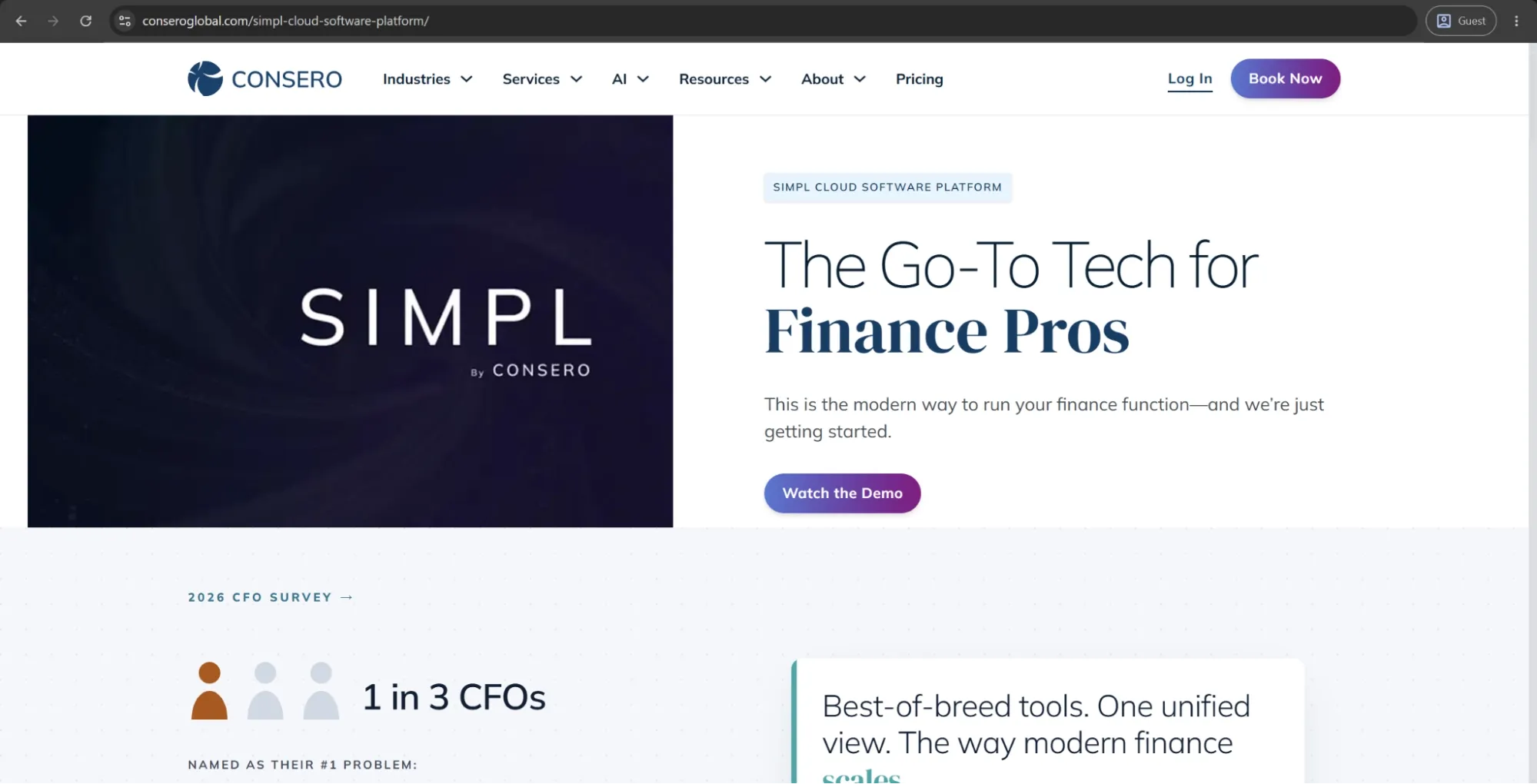
SIMPL is the software platform behind Consero’s Finance as a Service offering, which combines cloud-based financial software with an outsourced accounting team. It functions as a fully managed finance service where Consero handles processes such as invoice processing, approvals, payments, reconciliations, and month-end close.
The platform includes AP and AR automation, expense management, real-time financial dashboards, and investor-ready reporting within a single environment.
Advantages:
- The FaaS model delivers a complete, audit-ready finance function without recruiting or managing accounts payable teams in-house.
- Real-time dashboards and VP-level financial oversight are included in the package, giving leadership visibility without additional headcount.
- Implementation can go live in as little as 30 days, significantly faster than building an equivalent internal finance operation from scratch.
Shortcomings:
- The model requires handing off the full AP function, so it isn’t a fit for companies that want to keep day-to-day control.
- Pricing reflects a managed service rather than a software license, making it substantially more expensive than standalone AP automation tools.
- Customization is limited by Consero's standardized operating model — businesses with highly non-standard processes may find the fit constraining.
Pricing:
Finance as a Service (FaaS) is one of the three options found on Consero’s pricing page, none of which has any specific information about how much their services cost.
Nanonets
Nanonets is an AI-driven document processing and workflow automation platform that approaches AP automation through intelligent document understanding. It combines OCR and machine learning to extract structured data from invoices, bills, receipts, and purchase orders.
Its key differentiator is extraction flexibility. Nanonets is designed to handle highly unstructured documents and can adapt to new formats with minimal configuration. Beyond AP, it can also be used for contracts, logistics documents, and other custom document types, making it useful for finance teams operating in document-heavy environments.
Advantages:
- The platform is highly customizable through API integrations, allowing teams to connect existing workflows without adopting a new end-to-end system.
- Setup is relatively straightforward compared to enterprise AP tools, and users consistently describe the interface as intuitive and quick to learn.
Shortcomings:
- Pricing scales in a way that becomes expensive for smaller organizations or those with lower invoice volumes relative to the feature set.
- Payment execution capabilities are thinner than in dedicated AP platforms — Nanonets is stronger on capture and routing than on payment facilitation.
- Some customization options and advanced configuration require technical expertise, making self-service setup difficult without developer involvement.
Pricing:
Nanonets seems to be using a somewhat unconventional model for this field — a pay-as-you-go model. $200 in credits is given to all new users for free, and once those are used up, users can purchase additional credits to continue working. There are also higher-tier options, including Credits Accelerate and Enterprise plans, designed for larger organizations.
Xelix
Xelix, a London-based enterprise AP controls platform, uses a different approach to AP automation that focuses on layering onto existing ERP and finance systems to improve controls, audit, and risk functions that most AP platforms handle poorly. The five core modules of Xelix cover overpayment and fraud prevention, master vendor data management, supplier statement reconciliation, vendor query management, and AP reporting and analytics.
The platform stands out the most when it comes to fraud and overpayment detection capabilities. Xelix constantly monitors the patterns of transactions and looks for deviations like supplier bank detail modification, double payments, or abnormal invoice value.
Advantages:
- The platform bolts onto existing ERP systems without disrupting core AP processing workflows, meaning deployment does not require system replacement.
- The Helpdesk module handles supplier query management autonomously, reducing inbox volume for AP teams at high-transaction-volume scale.
Shortcomings:
- Reporting functionality is limited in customization depth, a gap that users with varied internal reporting needs frequently flag as a disappointment.
- Workflow customization options are currently restricted, with some ERP connections relying on flat file transfers rather than robust API integrations.
- The platform's scope is deliberately narrow — organizations expecting full AP processing capabilities will need to source those elsewhere.
Pricing:
There is no public pricing information available on Xelix’s website.
Coupa
Coupa is a cloud business spend management system that supports procurement, AP automation, expenses, supplier risk, and treasury. It’s often used by enterprise companies seeking to consolidate all of their spend operations in the same system. The AP module of Coupa handles touchless invoice capture, two- and three-way matching, customizable approval workflows, global payments, and e-invoicing compliance.
Advantages:
- Users consistently praise the platform’s stability during critical payment runs.
- AI-driven invoice matching, fraud detection, and anomaly flagging are among the most developed capabilities in the enterprise AP automation market.
Shortcomings:
- The interface carries a steep learning curve — navigation is frequently described as unintuitive, with vague error messages that slow troubleshooting.
- Implementation takes longer than users typically expect, and getting non-technical staff to adopt it correctly has proven consistently challenging.
- Non-standard invoice scenarios fall short of what the platform handles cleanly out of the box.
Pricing:
Coupa doesn’t have public pricing information on its website, but it offers an abundance of partners via the Coupa Partner Xchange Program that can be used to acquire different products from Coupa depending on a company’s location and other factors.
AvidXchange
AvidXchange is a US-native AP automation and payments platform designed primarily for upper mid-market organizations. It covers the full AP lifecycle, from invoice capture and approval routing to payment execution and supplier network connectivity.
Advantages:
- Purpose-built workflows for real estate and property management reflect over 25 years of vertical-specific AP experience.
- Invoice capture, approval routing, and payment execution are accessible remotely, supporting hybrid and multi-property finance teams effectively.
- The supplier payment network and electronic payment options reduce paper check reliance significantly, cutting processing time and associated costs.
Shortcomings:
- Customer support response times are slow, with long waits and unresolved issues reported frequently.
- Invoices occasionally get stuck in processing queues, requiring manual intervention that undermines the automation the platform is meant to provide.
- The 2025 TPG and Corpay acquisition introduces vendor evaluation considerations. Buyers on longer contracts should verify the roadmap and support continuity.
Pricing:
There isn’t any pricing information available on AvidXchange’s official website. The only option available initially is to book a personalized demo.
Comparison table
The ten platforms in this guide approach AP automation differently. Some focus on invoice processing and payments, while others include AP within broader procurement, financial management, or ERP systems.
To make the comparison more useful, we've grouped the platforms by their primary purpose. Each table highlights the capabilities and differences that matter most when choosing a solution.
Dedicated AP automation platforms
These platforms focus on invoice processing, approvals, matching, and payments. While they cover similar workflows, they differ in their approach to automation, collaboration, and supplier management.
| Platform | Key differentiator | Invoice processing and matching | Payments | ERP integration |
|---|---|---|---|---|
| Stampli | Invoice-centered collaboration and AI-assisted coding | AI capture, GL coding, PO matching | Supported | Integrates with existing ERPs |
| Basware | Global e-invoicing compliance and high-volume automation | AI capture, SmartCoding, PO and non-PO matching | Invoice-to-pay capabilities | ERP-agnostic, multi-ERP support |
| AvidXchange | AP automation and supplier payments, particularly for US businesses | Invoice capture, approval routing, matching | Electronic payments and supplier payment network | Industry-specific ERP integrations |
Procurement and spend management platforms with AP capabilities
These platforms connect invoice processing with other spending activities, such as purchasing, expense management, and supplier management. The main differences are how much of the purchasing process they cover and whether AP can operate independently.
| Platform | AP capabilities | Procurement | Expense management | Key differentiator |
|---|---|---|---|---|
| Precoro | AI invoice capture, PO matching, approvals, and standalone AP package | Yes | Yes | Centralized purchasing and AP with AI agents, flexible approvals, and multi-entity controls |
| Concur Invoice | Invoice capture, 2- and 3-way matching, approvals | Not a core capability | Yes, through SAP Concur | Connects invoice, travel, and expense management |
| Coupa | AI invoice capture, matching, approvals, and global payments | Yes | Yes | Enterprise-wide spend management, supplier risk, and treasury |
Enterprise ERP platforms with built-in AP automation
Unlike standalone AP tools, these solutions include accounts payable within a larger financial management system. They're designed for organizations that want AP processes connected directly to their core ERP.
| Platform | AP automation | Broader capabilities | Key differentiator |
|---|---|---|---|
| Oracle Fusion Cloud ERP | AI invoice capture, matching, tax checks, and approval routing | Financial management, procurement, supply chain, and projects | Native AP automation within Oracle's financial ecosystem |
Specialized AP and financial operations solutions
Not every platform aims to manage the complete invoice-to-pay process. Some focus on specific problems, such as extracting invoice data, preventing duplicate payments, or outsourcing finance operations.
| Platform | Primary focus | Key capabilities | Main consideration |
|---|---|---|---|
| Nanonets | AI document processing | OCR, data extraction, document workflows, API integrations | Stronger in document processing than payment execution |
| Xelix | AP controls and risk prevention | Fraud detection, duplicate payment prevention, supplier reconciliation, AP analytics | Complements existing AP and ERP systems rather than replacing them |
| SIMPL (Consero) | Managed finance operations | AP/AR processing, payments, reconciliation, financial reporting | Finance as a Service model requires outsourcing day-to-day finance operations |
Ultimately, the right choice depends on what you’re trying to fix. If invoice processing is your main bottleneck, a dedicated AP platform may be enough. If invoices are getting delayed because purchasing, approvals, and supplier information are scattered across different systems, a platform that connects procurement and AP may be a better fit. Enterprise ERPs and specialized solutions serve different needs, from consolidating financial operations to addressing specific processing or control gaps.
The hidden costs of AP automation that vendors rarely mention
Published pricing typically reflects only the software subscription cost and rarely captures the full total cost of ownership. As a result, finance teams that budget based solely on subscription fees often find their first-year costs are higher than expected, sometimes significantly so.
Common costs vendors rarely mention upfront: ERP connector consulting, supplier onboarding, vendor master data cleanup, internal workflow redesign, and change management and retraining.
What are the best practices for implementing AP automation software?
Even a properly chosen AP automation solution is going to underdeliver if it was implemented too quickly or without proper planning. The following practices help differentiate between smooth rollouts and expensive ones.
What are the typical phases of an AP automation software implementation?
Regardless of an organization’s size or complexity, most AP automation implementations follow a similar sequence. A typical implementation runs through the following stages:
- Discovery and scoping
- System configuration
- Integration setup
- Data migration
- Testing
- Pilot rollout
- Full deployment and handoff
💡 Note: Implementations tend to stall the most in the gap between phases 2 and 3.
How should you plan AP data migration and system integrations?
Data migration is one of the most time-consuming yet critical parts of an AP automation implementation. If data is inaccurate, incomplete, duplicated, or poorly structured, it will immediately lead to matching errors and exceptions after go-live.
You should prioritize auditing vendor master data early, cleaning duplicates and missing fields before migration, and defining a clear cutover approach for open invoices. Integration planning follows the same principle. Integrations should be properly scoped and tested before go-live, rather than being developed alongside live operations.
What are the best practices for AP automation change management and user training?
Even the most technically suitable AP automation solution can fail if users don’t understand it, don’t trust it, or aren't involved in the implementation process. Change management is a key factor in whether adoption actually succeeds.
There are certain practices that consistently improve implementation outcomes. These include involving AP staff early, training on real scenarios, explaining the “why,” and planning a parallel run.
Which KPIs and pilot tests should you use before a full AP automation rollout?
Running a structured pilot before full deployment allows finance teams to collect real performance data and establish a solid basis for refining configurations before scaling the system. The table below outlines key KPIs that should be defined as baseline metrics before the pilot and tracked throughout its execution.
| KPI | What it measures |
|---|---|
| Invoice processing time | End-to-end cycle from receipt to payment readiness |
| Cost per invoice | Total AP processing cost divided by invoice volume |
| First-pass match rate | Percentage of invoices that clear matching without exception |
| Approval cycle time | Average time from approval request to final sign-off |
| Exception rate | Percentage of invoices flagged for manual review |
| Duplicate detection rate | Number of duplicate invoices caught before payment |
| On-time payment rate | Percentage of invoices paid within agreed terms |
For the pilot, it’s better to narrow the scope rather than just reduce volume. Instead of processing a small percentage of all invoices, choose a specific segment, such as one entity, one department, or your top 20 suppliers. A focused pilot makes configuration issues easier to spot and fix. In contrast, a broad but low-volume pilot often produces scattered, unclear results that are harder to interpret and act on.
What common challenges and risks should you expect?
What are the most frequent AP automation solutions implementation pitfalls?
The most frequent pitfalls include:
- Underestimating integration complexity
- Skipping process documentation
- Insufficient stakeholder buy-in
- Scope creep during configuration
- Supplier readiness gaps
How can data quality and inconsistent supplier invoices be addressed?
Data quality issues inside the company and inconsistencies with external suppliers are two different problems that are often lumped together. AP automation software can’t fix either of those, but it can make them a lot more visible instead.
On the supplier side, inconsistencies in invoice formatting reduce the accuracy of OCR extractions and generate significantly more exceptions than a well-formatted invoice pool would. A proper long-term remedy to this issue is to create a structured supplier onboarding process, provide electronic submission channels, and create a vendor portal.
What legal, regulatory, or fraud risks need mitigation?
Accounts payable is one of the highest-risk functions in terms of compliance and fraud, and AP automation software does not eliminate that risk on its own. The necessary controls must be intentionally configured rather than assumed to be in place by default. Key risk areas and the mitigations that address them are presented below:
| Risk | What it looks like | Mitigation |
|---|---|---|
| Invoice fraud | Fraudulent vendor invoices submitted for payment | Vendor master controls, new supplier approval workflows |
| Duplicate payments | Same invoice paid twice due to resubmission or system error | Automated duplicate detection on vendor, amount, and invoice number |
| Segregation of duties violations | Same person approving and executing payment | Role-based access controls enforced at platform level |
| Regulatory non-compliance | Missing audit trail, incorrect tax treatment, data retention gaps | Configurable audit logging, tax rule automation, retention policies |
| GDPR and data privacy | Vendor and employee data handled outside compliant storage | Data residency controls, encryption, vendor DPA agreements |
| ACH and wire fraud | Payment redirected to fraudulent bank account via vendor impersonation | Bank detail change approval workflows, dual authorization on payment updates |
Every AP automation system has a certain “ceiling”, a point where the logic it operates on can no longer replace the need for human judgment. Designing for that ceiling isn’t a failure of automation; it’s a sign of a mature implementation.
The pragmatic approach is to treat exception management as a designed workflow, not a fallback. This includes defining certain things in advance, such as:
- Which exception types go to which roles
- What information is surfaced to the reviewer automatically
- What resolution timeframe is expected
- How unresolved exceptions escalate
An exception queue that dumps messages in a generic inbox without any ownership, context, or SLA would remain as efficient as the manual process it was supposed to replace.
Trend analysis for exception rates is also important. An increased exception rate is a common signal of a supplier whose invoice format has changed, a PO process that is generating mismatches, or a matching rule that is too strict for a legitimate invoice type.
What AP automation cannot fix
AP automation software is a process tool. It speeds up and enforces whatever existing workflows and data structures have already been established. What it cannot do is fix the organizational and data issues lying underneath those workflows.
Poor procurement discipline and missing purchase orders
In organizations where purchases are made without being tied to prior purchase orders, AP automation often exposes a predictable issue. When invoices arrive without a corresponding PO, they are routed into exception queues, increasing manual review workload in proportion to how informal the purchasing process is.
Unclear approval ownership and decentralized spending culture
Reliable approval workflows in an AP automation system depend on having clear ownership in place. While the platform can route invoices to the right approver, it can only do so effectively if spend categories and ownership responsibilities are already clearly defined.
This becomes more difficult in decentralized spending environments. When departments operate with high autonomy, centralized AP workflows are often seen as restrictive rather than helpful.
Inaccurate ERP and vendor master data
Some decisions made by an AP automation platform about automatically matching, coding, or routing a document can be dependent on the information it retrieves from other integrated systems. When that data is incorrect, the system doesn’t usually flag obvious errors; it produces confident but incorrect outputs, which is a much more serious issue.
| Data problem | What it causes in automation |
|---|---|
| Duplicate vendor records | Misrouted invoices, split payment history, matching failures |
| Missing or incorrect payment terms | Late payments, missed early payment discounts |
| Outdated vendor bank details | Payment failures or misdirected funds |
| Inconsistent GL codes | Miscoded invoices that pass approval but break reconciliation |
| Stale or unresolved open POs | Exception queue inflation from invoices with no valid match |