supplier relationship management software

Supplier Relationship Management Software: The Best Tools & Strategies in 2026

Explore how supplier relationship management software works, what features to look for, and which platforms to consider in 2026.

Anastasiia Svyr
Anastasiia Svyr

Managing suppliers through spreadsheets and email threads worked well enough when supply chains were simpler. Today, it doesn't. Disruptions happen faster, compliance requirements keep expanding, and the number of suppliers most organizations work with has grown far beyond what manual tracking can reliably handle.

Supplier relationship management software gives procurement and supply chain teams a structured system for managing every stage of the supplier lifecycle — from onboarding and performance tracking to risk monitoring and contract compliance. Done right, it shifts supplier management from a reactive function to a proactive one.

But the platforms available in 2026 vary significantly in terms of capability, complexity, and cost. Some are purpose-built SRM tools. Others are modules within larger procurement suites. Choosing the wrong one for your organization's size and workflow creates just as many problems as it solves.

This guide covers what SRM software actually does, which features matter in practice, how to evaluate platforms based on your specific situation, and what a successful implementation looks like from day one.

Read on about:

What supplier relationship management software is
Key benefits of supplier relationship management software in 2026
Features to look for in modern supplier relationship management software
How to choose the right supplier relationship management software
Top supplier relationship management software solutions in 2026
Cloud-based vs. on-premise SRM software solutions
The best strategies for implementing SRM software successfully
Supplier relationship management software FAQs

What is supplier relationship management software?

Supplier Relationship Management or SRM software is a specialized digital platform that helps organizations systematically manage, evaluate, and optimize their relationships with suppliers and vendors. It replaces manual systems, like spreadsheets, with automated workflows and data insights, making onboarding faster, performance tracking easier, risk management and partnerships stronger, and procurement decisions more informed.

How does SRM software differ from traditional procurement tools?

The difference between traditional procurement tools and SRM software is in the intent. Traditional procurement tools manage transactions — sourcing, purchase orders, invoices, and supplier records — with a focus on buying efficiently at the right cost. SRM software manages supplier relationships beyond transactions, focusing on performance, risk, compliance, collaboration, and long-term strategic value.

In practice, procurement tools answer the question: “What are we buying?” SRM software answers: “How well is this supplier performing, and how critical are they to the business?”

Why is supplier relationship management critical for modern businesses?

Three major pressures have made supplier relationship management a top board-level priority for modern businesses in 2026.

1. Supply chain resilience

After years of disruption, procurement leaders have learned that limited visibility into suppliers is costly. According to Deloitte's 2025 Global Chief Procurement Officer Survey — which surveyed over 250 CPOs across 40 countries — the top three most effective risk mitigation strategies are:

  • Maintaining active alternative supply sources (74%)
  • Enabling greater visibility into the supply chain (64%)
  • Enhancing supplier information sharing and collaboration (61%)

Organizations without structured, digitized supplier data simply cannot execute these strategies effectively.

2. Regulatory complexity

ESG disclosure requirements, supply chain due diligence laws (like the EU's CSDDD), and modern slavery reporting obligations now require companies to know far more about their suppliers than just a name and a bank account. PwC’s Global Compliance Survey 2025 found that 77% of executives reported their company has been negatively impacted by compliance complexity. Managing this at scale without specialized SRM software is becoming a legal and operational liability.

3. Cost pressure and efficiency

Structured SRM practices do more than just manage risk; they directly impact the bottom line by reducing quality failures and optimizing negotiation terms. Recent industry research indicates that effective SRM programs can reduce total procurement costs by as much as 12.7%. This figure represents "hard" savings from improved terms and "soft" savings from cost avoidance by catching supplier risks before they escalate into full-blown crises.

What are the core components of effective SRM software?

Core SRM software components include supplier segmentation, performance management, collaboration, risk management, and contract management — all working together to optimize supplier relationships and support strategic goals.

  • Supplier segmentation: Classifies suppliers by importance (strategic, critical, transactional) to focus efforts where it matters most.
  • Supplier performance management: Tracks KPIs such as delivery time, quality, and cost to identify gaps and improve performance.
  • Supplier collaboration & communication: Enables real-time sharing of information, documents, and joint project work.
  • Supplier risk management: Identifies and reduces financial, operational, and reputational risks across suppliers.
  • Supplier contract management: Handles contract creation, negotiation, tracking, and compliance.
core components of effective srm software

What are the key benefits of implementing supplier relationship management software in 2026?

According to Deloitte's 2025 Global CPO Survey, 61% of procurement leaders said enhancing supplier collaboration was their most effective risk mitigation strategy. More than 60% of CPOs said supplier collaboration delivered more value than anything else in their procurement toolkit. Those numbers aren't surprising — what's surprising is how many organizations are still managing that collaboration through spreadsheets and email threads.

The most direct operational benefit of SRM software is visibility. When supplier contacts, certifications, contracts, risk indicators, and performance history all live in separate systems, no one has the complete picture when it matters — during a contract renewal, a quality escalation, or a compliance audit. A single supplier record accessible by procurement, legal, and finance changes how those situations play out.

Beyond that, the concrete benefits organizations consistently report after implementing SRM solutions:

  • Cost savings. Better spend visibility exposes consolidation opportunities and strengthens negotiating positions.
  • Faster supplier onboarding. Manual onboarding can take weeks. Automated document collection, validation workflows, and compliance checks can reduce that to days, which matters most during seasonal demand spikes or urgent supplier substitutions.
  • Risk caught earlier. Continuous monitoring of financial health, compliance status, and ESG flags means problems surface before they affect operations, not after.
  • Accountability. When suppliers know they're being measured consistently against agreed KPIs and can see their own performance data, review conversations shift from disputes to problem-solving.
  • Audit readiness. Documented approval chains, certification expiry tracking, and timestamped communication logs satisfy GDPR, anti-bribery, and EU supply chain due diligence requirements without last-minute scrambling.
key benefits of implementing supplier relationship management software in 2026

How does the SRM software improve supply chain visibility?

Without a centralized system, supplier data lives across inboxes, shared drives, and individual team members' memories. When something goes wrong — a delayed shipment, a quality failure, a compliance gap — procurement teams spend hours piecing together information that should have been accessible in seconds. SRM software consolidates supplier data into a single, structured environment. This includes:

  • Supplier profiles — contact details, certifications, financial health indicators, and relationship history in one place
  • Order and delivery tracking — real-time visibility into purchase order status and fulfillment performance across the supplier base
  • Risk signals — automated alerts when a supplier's financial stability, compliance status, or geographic region triggers a concern
  • Tier visibility — the ability to map beyond direct (Tier 1) suppliers to sub-suppliers (Tier 2 and Tier 3), which is where most unexpected disruptions originate

The value is simple: you catch supply chain problems early, before they turn into real disruptions. For example, if a procurement manager sees that a key supplier’s on-time delivery rate has dropped by 15% over the last 90 days, they can act immediately — instead of discovering the issue only after it causes a missed production deadline.

how does the SRM software improve supply chain visibility

Can supplier relationship management tools really reduce procurement costs?

Yes — supplier relationship management tools can reduce procurement costs by automating onboarding, streamlining contract management, and improving performance tracking. They cut administrative overhead, minimize errors, strengthen risk management, and give procurement teams the visibility they need to negotiate harder and secure better pricing.

The payoff? Faster workflows, tighter compliance, and lasting savings through more resilient supplier partnerships.

According to the 2025 Deloitte Global CPO Survey, “digital masters” — organizations that have fully integrated SRM and advanced procurement technologies — consistently outperform their peers:

  • 96% met or exceeded cost-saving targets, compared to 80% using legacy systems
  • 94% achieved cost-avoidance goals, compared to 75% of others

The impact is especially strong in high-growth sectors. For example, a 2025 analysis of global SaaS companies found that AI-enabled SRM tools helped consolidate vendors, reducing software spending by 23% and shortening sourcing cycle times by 40%.

What role does automation play in supplier management?

Automation within SRM software removes the administrative overhead from routine tasks and creates consistent, auditable processes across the supplier lifecycle. The areas where automation has the most meaningful impact include:

  • Supplier onboarding — automated collection and validation of required documents, certifications, and banking details, reducing onboarding timelines from weeks to days
  • Performance scoring — automatic calculation of KPIs (on-time delivery, quality rates, lead time adherence) based on system data, without manual spreadsheet updates
  • Contract renewals and expiry alerts — automated notifications before contracts lapse, preventing unintentional single-source situations or compliance gaps
  • Risk monitoring — continuous background checks against financial data, news feeds, and regulatory databases, with alerts routed to the right stakeholders when thresholds are breached
  • Approval workflows — structured routing of supplier requests, qualification documents, and change requests through defined approval chains

When a procurement team manages 200 suppliers manually, they deal with hundreds of emails, updates, and follow-ups every month. Automation handles the repetitive work so people can focus on decisions that actually need attention.

How does SRM software enhance risk management and compliance?

Supplier risk comes from multiple directions at once: financial instability, geopolitical exposure, regulatory non-compliance, ESG violations, and operational failures. Tracking these risks manually across a large supplier base is practically impossible — and the consequences of missing a critical signal can be significant.

SRM software centralizes risk management by continuously monitoring suppliers against a defined set of risk criteria and surfacing issues before they become disruptions. This typically includes:

  • Financial risk monitoring — integration with credit rating agencies and financial data providers to flag deteriorating supplier financial health
  • Compliance tracking — automated monitoring of certifications, licenses, and regulatory requirements, with expiry alerts and non-compliance flags
  • ESG and sustainability scoring — structured collection and reporting of supplier environmental, social, and governance data, which is increasingly required for regulatory reporting in the EU and elsewhere
  • Geographic and geopolitical risk — visibility into supplier concentration in high-risk regions, enabling proactive diversification decisions

Beyond monitoring suppliers, SRM software also keeps the records needed for compliance audits. When auditors or regulators request proof of due diligence, the system can quickly provide a complete history of supplier assessments, certifications, and communications — without manual searching or document collection.

💡
Note!
Risk monitoring depends entirely on the quality and freshness of its data. Always check which third-party sources a platform relies on and how often supplier risk data is updated before trusting its risk scores as accurate or complete.

What features should you look for in modern supplier relationship management software?

Modern SRM software should be built around a centralized supplier database, automated onboarding, real-time performance tracking, and AI-driven risk management. Anything less is just basic record-keeping.

Key features for modern SRM software at a glance:

  • Centralized supplier database & information management: A single source of truth covering the full supplier lifecycle — from onboarding to offboarding—with document storage, validation, and renewal tracking.
  • Performance tracking and analytics: Real-time dashboards and scorecards to monitor KPIs like on-time delivery, quality, and cost efficiency.
  • Risk & compliance management: Tools to track financial stability, regulatory compliance, geopolitical risks, and ESG factors to prevent disruptions.
  • Supplier self-service portal & collaboration: A secure platform for suppliers to manage data, exchange documents, and communicate directly.
  • Integration with ERP and procurement systems: Seamless connectivity with systems like SAP or Oracle to eliminate silos and ensure consistent data flow.
  • Automated workflows & alerts: Automated triggers for contract renewals, task approvals, and compliance issues.
  • AI and predictive insights: AI-driven analysis to flag risks early, suggest improvements, and evaluate supplier performance more effectively.
  • PunchOut catalog support: Enables employees to shop directly from supplier catalogs while maintaining compliance with procurement policies.
key features for modern SRM software

Which AI and machine learning capabilities matter most?

The most critical AI and machine learning capabilities in Supplier Relationship Management software include predictive analytics, risk management, and performance monitoring. The AI and machine learning features most worth evaluating in an SRM platform include:

  • Predictive risk scoring — models that identify suppliers at elevated risk of disruption based on historical patterns, financial signals, and external data, rather than just flagging issues after they occur
  • Spend analytics and anomaly detection — AI-driven identification of unusual spending patterns, maverick spend, or pricing inconsistencies across the supplier base
  • Automated supplier classification — intelligent categorization of suppliers by spend, criticality, and risk profile, without requiring manual tagging for each one
  • Natural language contract analysis — extraction and summarization of key contract terms, obligations, and risk clauses from uploaded documents, without manual review
  • Demand forecasting inputs — some advanced SRM platforms can incorporate demand forecast data to proactively signal upcoming volume changes to suppliers before they affect delivery timelines.

How important is real-time data analytics in the SRM platforms?

Very. Don’t get caught on marketing — “real‑time” should mean metrics that update often, not once a day or only in one source, while the rest lag. Ask vendors exactly where each number comes from and how often it refreshes.

Why it matters: issues must show up early enough to act. A delivery problem caught mid‑month can still be fixed. The same problem, only visible in a quarterly review, usually can’t.

Trends over snapshots:
Track supplier performance trends over time, not one‑off scores. A drop from 93% → 90% → 88% → 85% shows deterioration; a single 85% tells you nothing.

Spend visibility drives decisions:
Clear spend by supplier, category, and business unit makes negotiations and consolidation defensible. Without it, you’re guessing.

What integration capabilities should your supplier relationship management software have?

Integration is where SRM implementations quietly fail. A platform that doesn't connect cleanly to your ERP, procurement tools, and finance systems doesn't centralize supplier data — it creates a new silo with better UI. And yet, integration quality is consistently one of the most underweighted criteria in vendor evaluations because it's the hardest to assess from a demo.

The integrations your SRM platform needs to support:

Area What to actually verify
ERP connectors Pre-built, version-specific integrations — not just API access that requires custom development. Confirm for your specific ERP version, not just the product family.
Procurement and P2P tools Native or API-based sync with sourcing and purchase-to-pay platforms already in your stack.
Contract management Bidirectional flow if using a separate CLM system — which fields sync in each direction, and how often.
Financial data Supplier payment history and invoice data are accessible within supplier records, not just in the finance system.
Risk data feeds Live connections to Dun & Bradstreet, EcoVadis, Moody's, or equivalent — confirm which are included in the subscription vs. charged separately.
ERP bidirectional sync The SRM platform should write performance and risk data back to the ERP, not just receive it.
REST API Full documentation and webhook support for integrations not covered by native connectors.

The bidirectional sync point gets missed more often than it should. Most SRM platforms receive data from ERPs, but don't write back supplier performance or risk information. That means teams end up maintaining records in two places, which defeats the purpose. Ask vendors explicitly which fields flow from ERP to SRM and which flow back.

Also worth raising during contract negotiations: how does the vendor handle ERP version upgrades? A native connector that works today can break after a platform update if the vendor doesn't actively maintain compatibility.

Should your SRM solution include supplier performance tracking?

Yes, supplier performance tracking is a core part of an effective SRM solution. It gives organizations the visibility they need to spot supplier risks early, monitor performance consistently, and keep procurement moving smoothly.

With the ability to track supplier performance over time, businesses can prevent disruptions before they happen, strengthen supplier relationships, and make smarter sourcing decisions that support growth.

A strong SRM platform turns supplier management into a more proactive, disciplined process — helping reduce costs, improve procurement efficiency, and build a more reliable and resilient supply chain.

How can contract management features streamline operations?

Contract management is a key feature in SRM software because it centralizes supplier agreements and automates routine processes, reducing admin work and risk.

  • Automated renewals: Tracks contract expiry dates and sends alerts or triggers renewals to prevent missed deadlines.
  • Compliance tracking: Monitors supplier obligations to ensure regulatory and contractual compliance and reduce legal risk.
  • Centralized storage: Keeps all contracts in one secure system for easy access and review.
  • Workflow automation: Streamlines approval processes to remove delays and speed up procurement cycles.
  • Data-driven insights: Provides analytics on supplier performance, contract value, and negotiation opportunities.

By removing manual paperwork and improving visibility, contract management helps procurement teams focus on supplier strategy rather than administration, leading to faster decisions, stronger compliance, and greater overall efficiency.

How do you choose the right supplier relationship management software for your business?

The shortest answer: choose the platform your team will actually use. A system with every capability on the market is the wrong choice if implementation takes 14 months and requires a consultant to change any workflow. The right platform fits how procurement actually works, not how it looks in a slide deck.

What questions should you ask before selecting an SRM platform?

A polished demo doesn’t show what daily use looks like. These questions are meant to test how the platform actually performs in real operations:

  • How does the platform handle our specific ERP integration? Ask for a technical architecture diagram, not just a "yes, we integrate with SAP" answer.
  • What is the onboarding timeline for a typical organization of our size? Get a realistic range, not a best-case scenario.
  • How can our suppliers access the supplier portal? Adoption by suppliers is as important as adoption by your internal team — the simpler the supplier experience, the higher the participation rate.
  • What does the exception and escalation workflow look like when performance thresholds are breached? If the platform can't show you this clearly in a demo, it's not well-designed for operational use.
  • How often is risk data refreshed, and from which sources? A risk score that's 60 days old has limited practical value.
  • What does the customer support model look like after go-live? Dedicated onboarding support that disappears after deployment is a common pain point with enterprise SRM vendors.
  • Can we speak with a reference customer in a similar industry and of a similar size? Any vendor confident in their platform should be able to arrange this within a week.

How do you assess your organization’s specific SRM needs?

Before comparing platforms, first map how your current supplier management process actually works and where it fails. Those gaps define what SRM software must solve — and they vary from one organization to another.

A basic needs assessment includes:

Assessment area Questions to answer
Supplier base size and complexity How many active suppliers? How diverse are their categories and geographies?
Current process maturity Where is supplier data currently stored? How is performance tracked today?
Pain points What most frequently causes delays, errors, or compliance issues?
Integration requirements Which existing systems must the SRM platform connect to?
User base How many internal users will need access? Will suppliers interact with the platform directly?
Regulatory context What industry-specific compliance requirements must the platform support?
Growth trajectory How is your supplier base expected to change over the next three years?

The goal is to create a clear list of required capabilities and non-negotiable criteria. If a platform lacks those core features or integrations, it should be ruled out regardless of its other strengths. So, in the end, your teams aren’t distracted by impressive extras while missing critical functionality.

What budget considerations should you keep in mind?

Two companies can use the same SRM tool and pay completely different amounts. It all depends on whether pricing is based on users, suppliers, or a fixed annual fee. Prices can be:

  • Per-user pricing is predictable at current headcount, but creates friction when multiple departments need access, and every license has a cost.
  • Per-supplier pricing scales with the vendor base, which works well until the business grows quickly or consolidates through acquisition.
  • Flat annual contracts provide cost certainty but often include caps on supplier records, document storage, or API calls that only become problematic after signing.

Mid-market SRM platforms like Kodiak Hub and Proactis typically run $25,000–$100,000 annually. Enterprise platforms like SAP Ariba, Coupa, and Oracle range from $100,000 to $ 500,000 or more annually. Implementation costs add another 50–150% of the annual license in year one.

The full cost picture to build before any vendor negotiation:

Cost category What to include
Software license Annual fee, pricing model, what's included vs. metered
Implementation Configuration, data migration, workflow setup — get a fully scoped estimate, not a range
ERP integration Development cost if no native connector exists for your specific ERP version
Training Initial onboarding and ongoing enablement as the team changes
Support tier Difference between standard email support and a dedicated account contact, and what each costs
Customization What post-go-live configuration changes cost, and who can make them
Contract terms Minimum commitment, auto-renewal clauses, data export rights at termination

The biggest gap in SRM pricing usually shows up in implementation. For enterprise platforms with deep ERP integrations, implementation costs often match — or even exceed — the first year’s licensing fees. That’s why a rough estimate isn’t enough. You need a detailed implementation scope before you can fairly compare vendors or total cost.

Should you prioritize scalability in your SRM software selection?

Yes, you should prioritize scalability in your SRM software selection because it ensures the system can handle increasing workloads, users, and data without losing performance or functionality. A scalable platform can support larger, more complex projects as your organization grows, keeping procurement processes stable and efficient even as demand expands.

In the long term, scalability helps maintain performance under pressure, future-proofs your investment as the business evolves, and ensures a consistent, reliable experience for all users. Choosing scalable software upfront means your SRM system can grow with your organization instead of becoming a limitation over time.

What are the top supplier relationship management software solutions in 2026?

Precoro

precoro

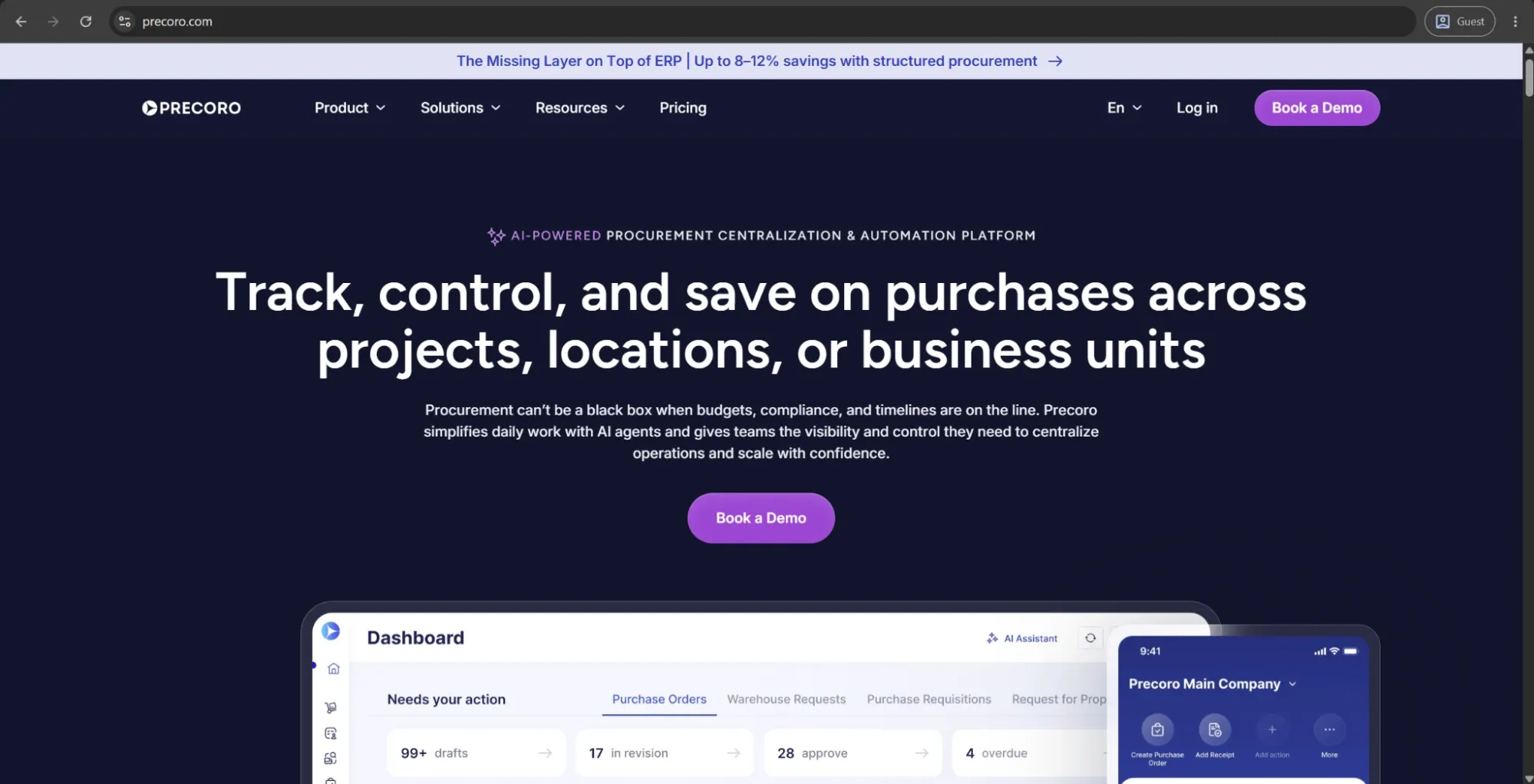
Precoro is an AI-powered procurement platform designed for mid-sized businesses seeking greater control over fragmented spending. It brings structure to the buying process, in which employees submit purchase requests and finance teams gain full visibility and control before any spend is approved.

The platform centralizes the entire procure-to-pay cycle — purchase requests, approvals, purchase orders, budgeting, supplier management, invoicing, and payments — in a single system, eliminating the need to manage approvals via email or multiple tools.

What makes Precoro different from the rest of the market?

Its key advantage is speed. Finance and procurement teams can configure workflows, approvals, budgets, and suppliers themselves, often going live in a few weeks without IT-heavy implementation. Instead of trying to replace ERPs like SAP, NetSuite, or QuickBooks, Precoro works alongside them, adding a procurement control layer before transactions hit the accounting system.

It also supports multi-entity operations, making it useful for growing companies managing multiple locations or subsidiaries from one finance function. AI features are embedded into daily work, including invoice capture, expense processing, and spend insights through a built-in assistant.

On the operational side, it centralizes supplier management, enforces structured onboarding, automates PO and invoice matching, and reduces manual AP work. Budget control happens in real time, helping teams catch overspending before it occurs.

Overall, Precoro focuses on fast deployment, practical automation, and strong spend control for mid-sized organizations that need visibility without enterprise complexity.

Industry application

Precoro is used mainly by mid-sized organizations in logistics, manufacturing, healthcare, nonprofits, construction, and education to manage distributed, indirect spend across teams and locations. It’s especially well-suited for companies that have outgrown spreadsheets but don’t need enterprise S2P or complex manufacturing procurement systems.

Customer ratings

  • G24.7/5 points based on 197 user reviews
  • Capterra4.8/5 points based on 255 user reviews

Advantages

  • A clean, intuitive interface that's consistently recognized as easy to adopt across procurement and non-procurement users alike — one of the most frequently cited strengths in customer reviews
  • Quick implementation with no IT involvement required; hands-on onboarding and a responsive customer success team get most customers live in two to four weeks
  • Detailed spend visibility across the organization through custom reports, clear dashboards, and an AI Assistant that answers natural-language questions about spend, trends, and anomalies
  • Multi-entity support for centralized control across subsidiaries, locations, and business units — rare at this price point in the mid-market
  • AI capabilities are built into the standard workflow for invoice capture, expense processing, and quotations, rather than gated behind enterprise tiers

Shortcomings

  • Works alongside ERP, not as a replacement
  • Basic inventory tracking, not a full warehouse system
  • Requires upfront setup of workflows and budgets
  • Not built for strategic sourcing, CLM, or supplier risk management

Pricing

Precoro’s pricing model is relatively simple and consists of three pricing tiers:

  • Core — starts at $499 per month, billed annually, and offers basic procurement features like automated approvals and three-way matching, along with spend & vendor management, a number of integrations (Xero, QuickBooks, Slack), and reporting and analytics.
  • Automation — starts at $999 per month, billed annually, and builds on the previous tier with AI-powered AP automation, several procurement operations (intake management, PunchOut catalogs), real-time budget tracking, SSO support, and more.
  • The Enterprise tier has no public pricing information, but it includes practically everything Precoro offers, including additional integrations, advanced admin controls, no user limits, and enterprise-grade data protection.

There is also a separate pricing option for companies interested only in AP automation, starting at $499 per month (billed annually). It includes advanced features for invoice processing, budget and vendor management, approval workflows, accounting integrations, and more.

The author’s note

Precoro is a strong fit for mid-sized companies that need to bring structure and visibility to fragmented spending across teams or locations without replacing their existing ERP. It works as a procurement control layer on top of systems like QuickBooks or NetSuite, with fast deployment and low implementation risk.

The key limitation is scope. Precoro is built for procurement centralization, purchasing control, and AP automation, not for advanced strategic sourcing or supplier risk management, so those needs require separate tools. It provides fast setup, solid control, and reliable visibility into spend for mid-market teams.

Anna Inbound Sales Representative at Precoro

We'll help ensure 100% compliance with your procurement policy across all departments and locations.

SAP Ariba Supplier Management

sap ariba supplier management

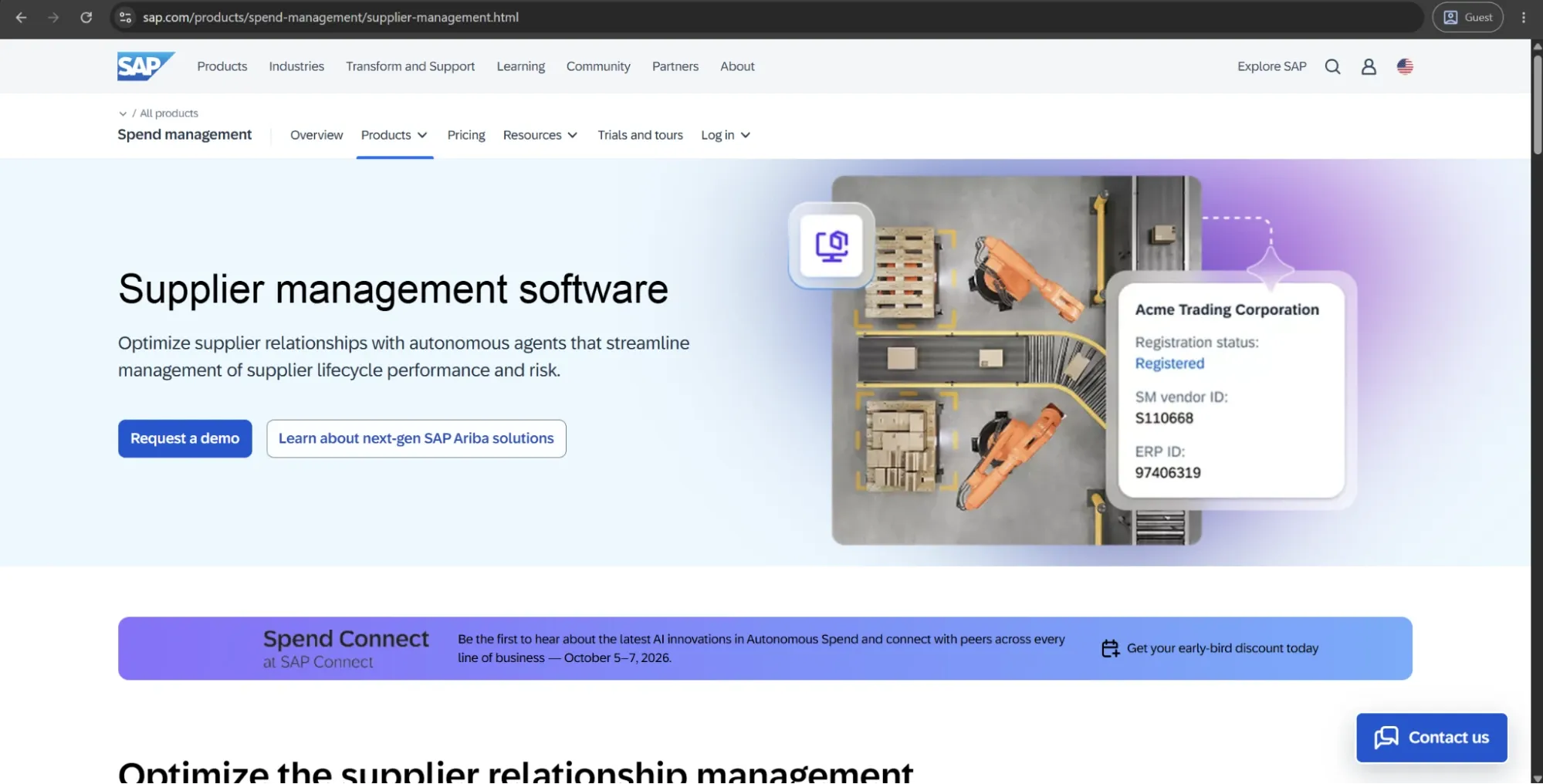
SAP Ariba Supplier Management (often branded as SAP Ariba Supplier Lifecycle and Performance / Supplier Management) is a cloud‑based module within the SAP Ariba intelligent spend‑management suite that focuses on end‑to‑end supplier governance, performance, and risk. It acts as a central hub for managing supplier information, lifecycle stages, KPIs, and risk indicators, tightly integrated with broader Procurement and S/4HANA procurement workflows.

Noteworthy capabilities of SAP Ariba Supplier Management

Several capabilities stand out across the supplier‑management lifecycle:

  • Supplier lifecycle management – Manage onboarding, qualification, segmentation, and offboarding workflows in a standardized way, including document collection, certifications, and approvals.
  • Supplier performance management – Configure custom KPIs, scorecards, and evaluation templates to measure delivery, quality, cost, and service performance with periodic or event‑driven reviews.
  • Risk and compliance monitoring – Integrate risk‑intelligence feeds to monitor regulatory, financial, environmental, social, and operational risks, backed by alerts and issue/action workflows.
  • Self‑service supplier portal – Let suppliers maintain their own profiles, update contact and banking details, and view performance feedback, reducing admin overhead for the buyer.
  • Native integration with SAP Ariba suite – Share supplier data and risk signals across sourcing, contracts, buying, and invoicing, enabling “risk‑aware” sourcing and supplier‑based decision making.

Industry application

SAP Ariba Supplier Management is used by large global enterprises in manufacturing, automotive, healthcare, retail, energy, utilities, and aviation to manage complex supply chains with strong compliance, risk, and performance requirements, especially within SAP-driven procurement environments.

Customer ratings

  • G24,1/5 points based on 759 user reviews
  • Capterra3,8/5 points based on 88 user reviews

Advantages

  • Centralized supplier data – One coherent supplier master visible to procurement, finance, and compliance teams reduces duplication and conflicting views of the same supplier.
  • Improved compliance and policy adherence – Automated checks during onboarding and ongoing monitoring help enforce internal policies as well as external regulations (e.g., sanctions, ESG, trade controls).
  • Better performance visibility – Scorecards and analytics let buyers identify best‑in‑class suppliers and underperformers, enabling data‑driven sourcing and renegotiations.
  • Reduced administrative overhead – Self‑service supplier updates and workflow‑driven evaluations cut manual spreadsheet work and repetitive data‑collection tasks.
  • Increased supply‑chain resilience – Early‑risk alerts and scenario‑based risk assessments help organizations react proactively to disruptions (e.g., financial distress, geopolitical events).

Shortcomings

  • High implementation cost and complexity, especially outside the SAP ecosystem
  • Steep learning curve for users and suppliers
  • Custom pricing with limited transparency
  • Limited deep customization in cloud setup

Pricing

SAP Ariba Supplier Management is priced through custom enterprise licensing, based on users, modules, and transaction volume, with costs ranging from lower-tier usage around ~$50 per user/month to significantly higher enterprise deployments reaching thousands per user/month. Final pricing varies widely since it is negotiated directly with SAP rather than publicly listed.

The author’s note

SAP Ariba Supplier Management works best as a governance layer for organizations already using SAP Ariba or SAP S/4HANA, helping standardize supplier onboarding, performance tracking, and risk management across global operations.

For smaller or less mature organizations, the cost and complexity can outweigh the value, making it more practical to start with core Ariba modules first and add Supplier Management later as procurement processes mature.

Oracle Supplier Management

oracle supplier management

Oracle Supplier Management is a cloud-based module within Oracle Fusion Cloud Procurement that centralizes supplier data, qualification, and collaboration to streamline procurement processes across enterprises.

Noteworthy capabilities of Oracle Supplier Management

Oracle Supplier Management offers advanced supplier master data management for maintaining accurate profiles, certifications, and performance metrics in a single source of truth. Key features include Vendor Scorecards for evaluating suppliers on criteria like on-time delivery, ISO compliance, risk plans, and innovation contributions, alongside a self-service Supplier Portal for registration, negotiations, and invoicing. It also provides AI-powered tools like generative AI for creating compliance questionnaires, online surveys with reusable question libraries, automatic scoring, expiration alerts, and integration with sourcing for risk-aware RFx invitations.

Industry application

Used in manufacturing, tourism, and government procurement for supply chain visibility, sustainability tracking, compliance, and Oracle ERP–driven source-to-settle automation.

Customer ratings

  • G24.1/5 points based on 19K user reviews
  • Capterra4,5/5 points based on 472 user reviews

Advantages

  • Centralized supplier data reduces duplication and improves decision-making
  • Automation of onboarding, surveys, and monitoring reduces risk and improves sourcing accuracy
  • Collaboration tools strengthen supplier relationships and communication
  • Improved efficiency leads to cost savings and faster responsiveness
  • Scalable processes supported by automation and system integration
  • AI simplifies sustainability tracking and other procurement tasks

Shortcomings

  • Complex implementations often span 12-24 months with high costs, making it challenging for smaller enterprises without deep Oracle expertise.
  • Pricing lacks transparency because it's fully custom-negotiated, which can lead to unexpected total ownership costs, including consulting and managed services.
  • While powerful, it relies heavily on integration with other Oracle modules, which may limit flexibility for hybrid or multi-vendor environments.

Pricing

Oracle Supplier Management, as part of Oracle ERP Cloud Procurement, offers per-user pricing of $400–$625 per month with a 25-user minimum, resulting in annual software costs ranging from $250,000 for small deployments to $2M–$10M+ for large ones. Implementation ranges from $500,000–$20M, depending on scale, with support included but extras like guided learning or partners adding 15-25% annually; all terms are custom-negotiated based on modules, users, and cloud infrastructure.

The author’s note

Oracle Supplier Management excels in strategic, compliance-heavy environments but demands significant investment — ideal for Fortune 500 firms prioritizing integrated cloud ecosystems over quick wins. Future AI enhancements, as demoed recently, signal stronger sustainability and risk tools, though custom pricing remains a barrier for mid-market adopters.

Gatekeeper

gatekeeper

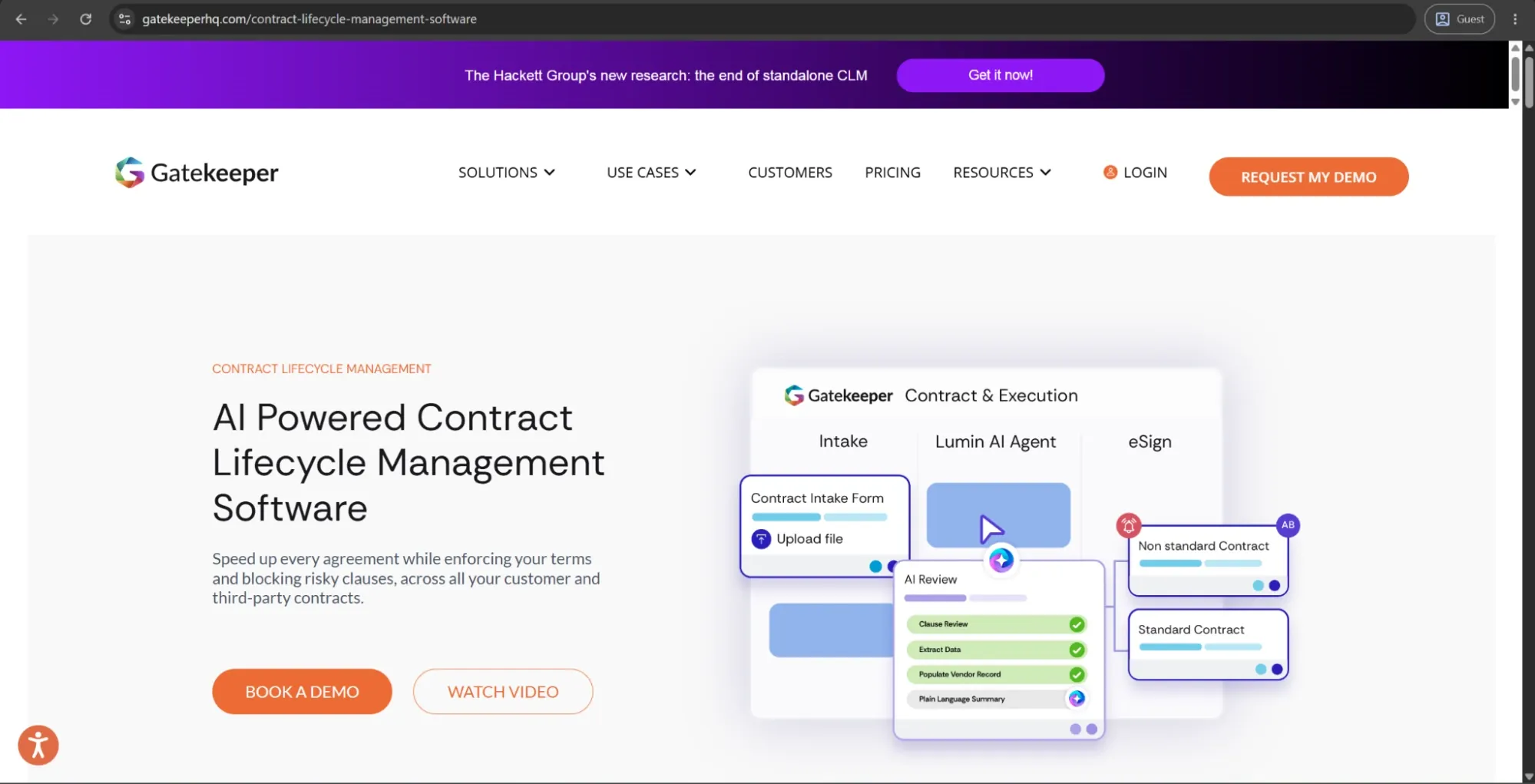
Gatekeeper is a cloud-based contract lifecycle management (CLM) and vendor management platform aimed at procurement, legal, and finance teams. The software combines contract management, supplier oversight, spend visibility, and compliance monitoring in a unified workspace.

Noteworthy capabilities of Gatekeeper

  • AI-powered contract analysis and clause extraction through its LuminIQ AI engine
  • Automated approval workflows and renewal reminders
  • Centralized vendor and contract repository
  • Risk and compliance monitoring for suppliers
  • Native e-signature support and integrations with platforms like DocuSign, Slack, Jira, SAP, NetSuite, and Workday
  • Spend tracking and supplier performance visibility
  • Unlimited-user pricing model on enterprise plans

Users frequently praise the platform for improving contract visibility, reducing missed renewals, and simplifying vendor governance workflows.

Industry application

Gatekeeper is commonly used by mid-sized and enterprise companies across industries such as finance, healthcare, manufacturing, and technology to manage suppliers, contracts, and compliance at scale.

Customer ratings

  • G24.5/5 points based on 91 user reviews
  • Capterra4,7/5 points based on 79 user reviews

Advantages

  • Intuitive and user-friendly interface
  • Strong automation for renewals, reminders, and approvals
  • Centralized contract and vendor visibility
  • Responsive customer support
  • Helpful dashboards and reporting for compliance tracking
  • Extensive integrations with ERP, CRM, and collaboration tools
  • Effective audit trail and compliance support
  • Hugely helps reduce manual contract administration and improves operational efficiency across teams

Shortcomings

  • Initial implementation can be complex
  • Advanced workflow customization may require additional support
  • Reporting flexibility is limited for some use cases
  • Navigation and settings management can occasionally feel clunky
  • Pricing may be too high for smaller businesses
  • Certain integrations and transaction syncing features have limitations
  • Manual user provisioning challenges and gaps in ERP transaction syncing during earlier versions of the platform

Pricing

Gatekeeper doesn’t publicly disclose full pricing details on its official site, but multiple review platforms report that pricing starts around $995–$1,245 per month with annual billing. Pricing is generally based on contract and supplier volume rather than per-seat licensing, and unlimited users are included.

The author’s note

Gatekeeper stands out as a strong option for organizations seeking a combined CLM and vendor management platform with advanced automation and compliance capabilities. Its strengths lie in workflow automation, supplier oversight, and centralized visibility rather than lightweight contract storage alone.

However, the platform appears best suited for mid-market and enterprise teams that can fully utilize its broader procurement and compliance ecosystem. Smaller businesses or teams seeking a simpler, lower-cost CLM solution may find the platform more robust — and expensive — than necessary.

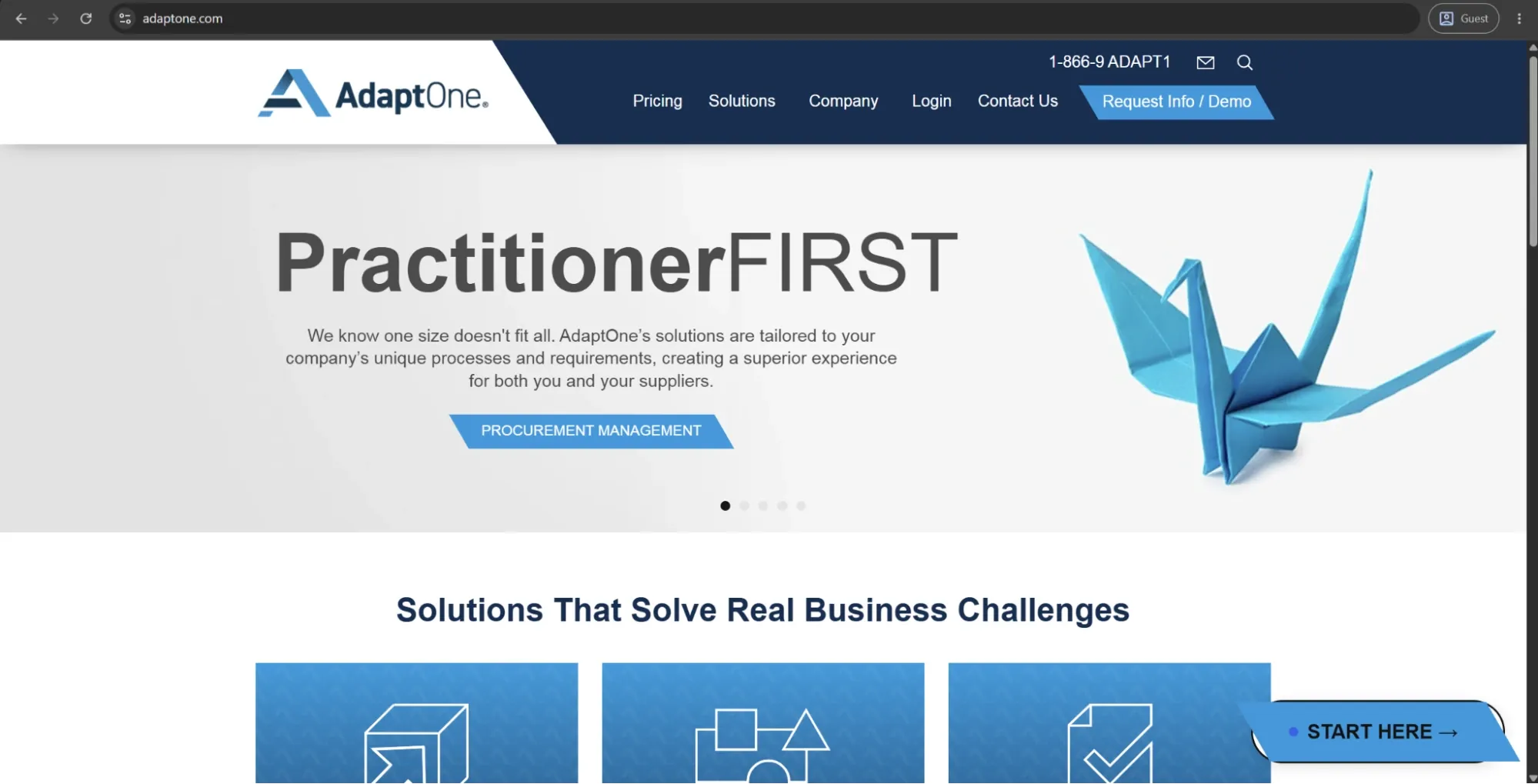
AdaptOne

adaptone

AdaptOne is a cloud‑based, supplier‑centric procurement and supplier relationship management platform designed to automate and streamline the full supplier lifecycle, from sourcing and onboarding through procurement, compliance, and performance tracking. It’s marketed as a highly configurable, process‑oriented suite that aligns with enterprise workflows while emphasizing real‑time analytics, supplier diversity, and ESG‑linked reporting.

Noteworthy capabilities of AdaptOne

  • End-to-end supplier management (sourcing, onboarding, performance, risk)
  • Built-in supplier diversity and ESG tracking
  • Real-time dashboards for spend, risk, and performance
  • Configurable workflows to match internal processes
  • Integration with ERP and procurement systems for seamless data flow

Industry application

AdaptOne is typically used in industries like financial services, healthcare, manufacturing, technology, retail, higher education, and the public sector — anywhere organizations manage large supplier networks with strong requirements for compliance, ESG reporting, and supplier diversity tracking.

Customer ratings

  • G24.7/5 points based on 11 user reviews

Advantages

  • Supplier-focused design across the full lifecycle (onboarding to offboarding)
  • Highly configurable workflows aligned to business processes
  • Real-time visibility into spend, risk, performance, ESG, and diversity
  • Strong built-in support for supplier diversity and ESG reporting
  • Enterprise-grade scalability, security, and role-based access control

Shortcomings

  • Too complex for small or simple supplier environments
  • Requires time and change management to implement properly
  • Can overlap with ERP/procurement systems, needing integration effort
  • Cost may be high if ESG/diversity features aren’t fully used

Pricing

AdaptOne’s pricing is based on a tiered subscription model, with packages based on the number of suppliers and the level of onboarding and training services. As of the latest available plan listing:

  • Bronze tier: Up to 1,000 suppliers, unlimited users, about 2,200 USD/month (or roughly 26,000 USD annually).
  • Silver tier: Unlimited suppliers, with more onboarding/training hours, in the range of 4,400 USD/month (about 53,000 USD annually).
  • Gold tier: Unlimited suppliers plus higher‑touch implementation support (more training hours), around 7,200 USD/month (about 86,000 USD annually).
  • Platinum tier: Same “unlimited suppliers” scope but with maximum onboarding/training and support, priced above the Gold tier, though the exact figure is not always disclosed publicly.

Each tier includes “unlimited users,” which is attractive for organizations that want to roll out supplier‑management capabilities across many departments. Exact pricing may vary by negotiation, region, and integrations, so vendors and review sites typically recommend requesting a custom quote.

The author’s note

AdaptOne is a strong fit for companies that take supplier risk, supplier diversity, and ESG reporting seriously. It’s designed for organizations that need structured supplier management and want deeper visibility into compliance and supplier data.

Its flexibility is a big advantage, especially for companies with more mature processes. But that also means implementation takes time, and the platform can feel heavy for businesses with simpler supplier operations.

If supplier governance, diversity tracking, and ESG reporting are already important internally, AdaptOne makes sense. If not, a simpler procurement platform will probably be easier to manage and better value overall.

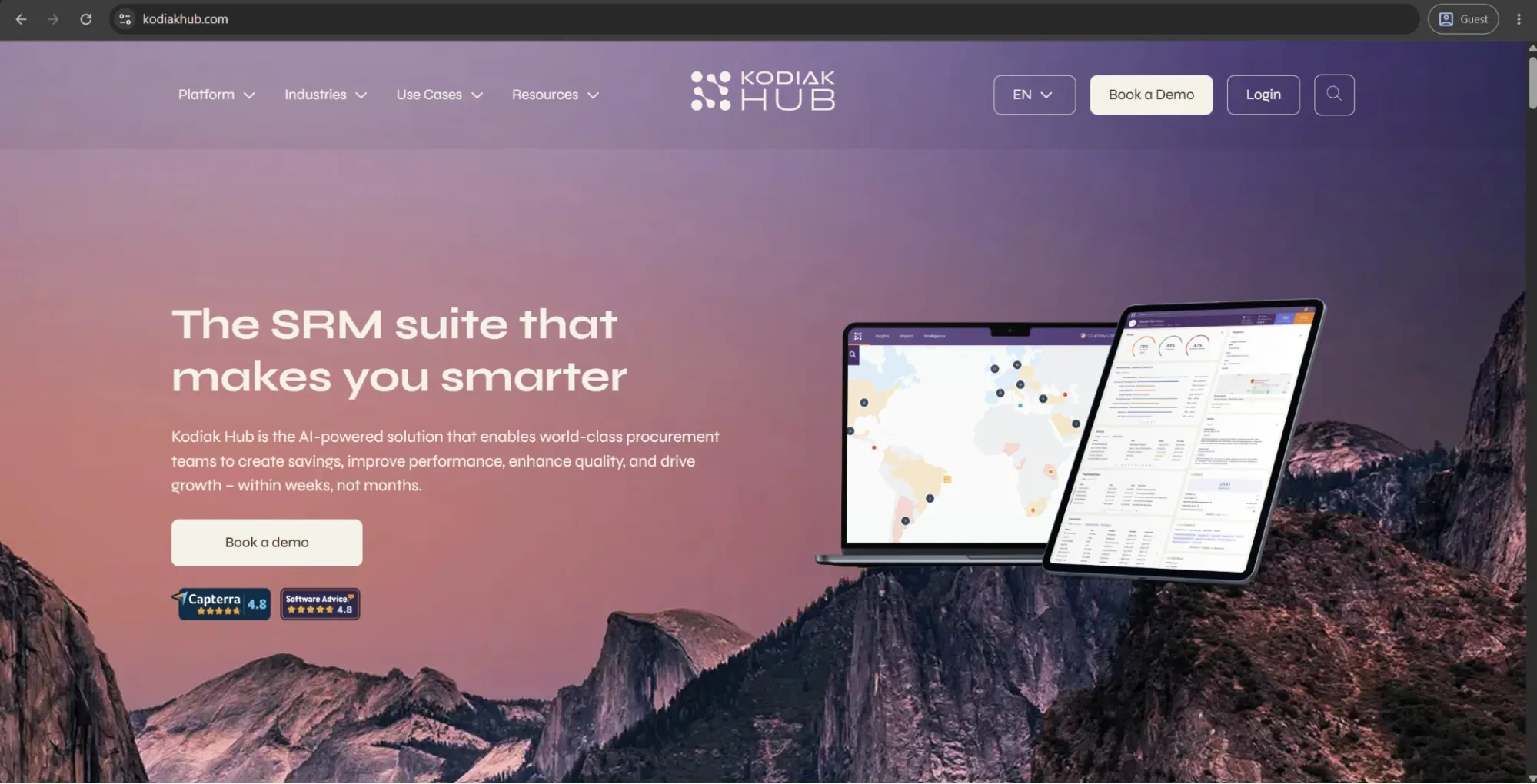
Kodiak Hub

kodiak hub

Kodiak Hub is a cloud-based supplier relationship management SaaS platform founded in 2016 and headquartered in Stockholm, Sweden, designed to centralize supplier data, automate workflows, and drive strategic procurement decisions using AI, big data, and modular tools.

Industry application

Kodiak Hub is used in manufacturing, automotive, chemicals, mining, construction, FMCG, retail, food production, and technology sectors for direct materials procurement, supplier risk management, ESG compliance, and performance optimization in global supply chains.

Customer ratings

  • G24.4/5 points based on 30 user reviews
  • Capterra4.8/5 points based on 14 user reviews

Advantages

  • Modular, intuitive design enables fast deployment and easy adoption
  • Unifies supplier data for clearer, actionable insights
  • Reduces risk and improves collaboration with minimal IT dependency
  • Streamlined onboarding and supplier management processes
  • Strong analytics support better, faster decision-making
  • Scales well for complex, global supply chains
  • Real-time intelligence improves performance and predictability
  • Easy Excel integration for reporting and analysis
  • Recognized for innovation in procurement solutions

Shortcomings

  • No free trial available
  • Can be costly or surprising for smaller teams
  • Best suited for manufacturing/direct materials, less ideal for service-heavy procurement out of the box
  • May require customization for non-global or unique use cases
  • AI insights depend heavily on clean, consistent data quality
  • Initial setup can be challenging in fragmented supplier environments

Pricing

Pricing starts at $100–$500 per month (likely per user or base tier), following a quote-based, monthly subscription model tailored to modules, users, and scale, with no public details on enterprise costs or contracts. Contact vendors for precise quotes, as the mid-market focus suggests more competitive pricing than legacy giants.

The author’s note

Kodiak Hub is a strong fit for supplier-heavy procurement, especially in direct materials environments where teams need clear visibility into supplier risk. It stands out for innovation in supplier collaboration and sustainability, though quote-driven pricing demands due diligence.

The key consideration is scope. Kodiak Hub is most valuable when supplier performance and risk management are core priorities. For teams focused mainly on end-to-end procure-to-pay workflows, it may be more specialized than necessary.

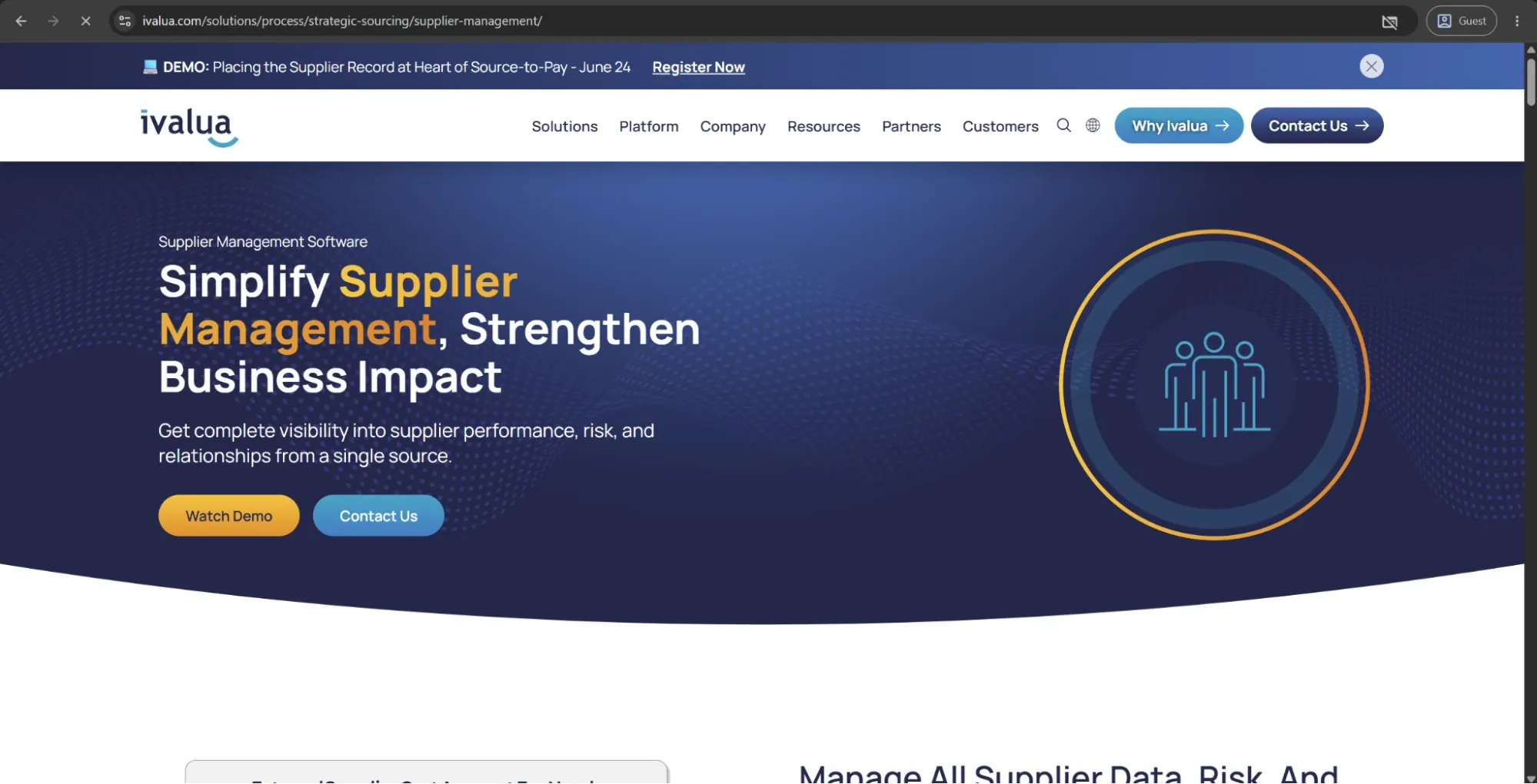
Ivalua Supplier Management

ivalua supplier management

Ivalua Supplier Management is a cloud‑based supplier‑relationship and supplier‑data module within Ivalua’s broader Source‑to‑Pay / spend‑management platform. It’s designed to organize supplier information, risk, performance, and collaboration across the entire supplier lifecycle, so that sourcing, procurement, and finance teams can operate from a single “golden record” for each supplier.

Noteworthy capabilities of Ivalua

Ivalua’s Supplier Management layer is built around three pillars: supplier data, risk, and performance–collaboration. Key capabilities include:

  • 360‑degree supplier visibility: A unified view of supplier information, contracts, and activity across the source‑to‑pay process, helping avoid duplication and rework.
  • Supplier information management: Streamlined onboarding, information validation, segmentation, and approval workflows backed by a central supplier portal.
  • Integrated risk center: Risk assessment at supplier, sub‑tier, and contract level, with external data feeds, business‑rule‑driven alerts, and automated risk‑program workflows.
  • Performance evaluations and scorecards: Automated performance campaigns, surveys, KPIs, and trend analysis to track and compare supplier performance over time.
  • Issues and collaboration management: Tools to log, categorize, and resolve supplier‑related issues and to run structured collaboration plans (e.g., performance‑improvement programs, innovation initiatives).

These capabilities are tightly embedded in Ivalua’s unified platform, which connects supplier data with sourcing, contracts, purchasing, and analytics so that risk and performance insights feed directly into ongoing decisions.

Industry application

Ivalua Supplier Management is mainly used by large, multinational organizations in manufacturing, healthcare and life sciences, financial services, retail, and the public sector. It’s well-suited to manage complex global supplier networks with strong needs for risk control, compliance, performance tracking, and centralized, data-driven supplier governance.

Customer ratings

  • G24.3/5 points based on 100 user reviews
  • Capterra3,8/5 points based on 6 user reviews

Advantages

  • Strong end-to-end source-to-pay integration with connected supplier, sourcing, contract, and purchasing data
  • Strong risk and performance management with automated assessments, alerts, and scorecards
  • Supplier collaboration tools for structured communication, issue tracking, and joint improvements
  • Built for global scale with multi-country, multi-currency, and multi-entity support
  • High configurability with no-code flexibility for workflows, data models, and dashboards

Shortcomings

  • Complex to implement and requires significant setup effort
  • No transparent pricing; costs are quote-based and can be high
  • Too feature-heavy for smaller or less mature procurement teams
  • Integration with legacy systems can be time-consuming and complex
  • Requires strong training and change management to achieve full value

Pricing

Ivalua doesn’t publicly list precise tiered pricing for “Ivalua Supplier Management” as a standalone module. Ivalua typically sells its capabilities as part of a broader source‑to‑pay or spend‑management package, with pricing negotiated per customer.

The author’s note

Ivalua Supplier Management is built for large, complex enterprises that treat supplier risk, performance, and collaboration as core to their operations. It integrates supplier data, risk, sourcing, contracts, and analytics into a single system, making it well-suited for mature, global, or highly regulated environments.

The downside is its complexity, longer implementation time, and high, non-transparent pricing. For smaller or less mature organizations, it can feel heavy and harder to justify.

In short, it’s a strategic enterprise SRM platform, not a lightweight or fast-deploy solution.

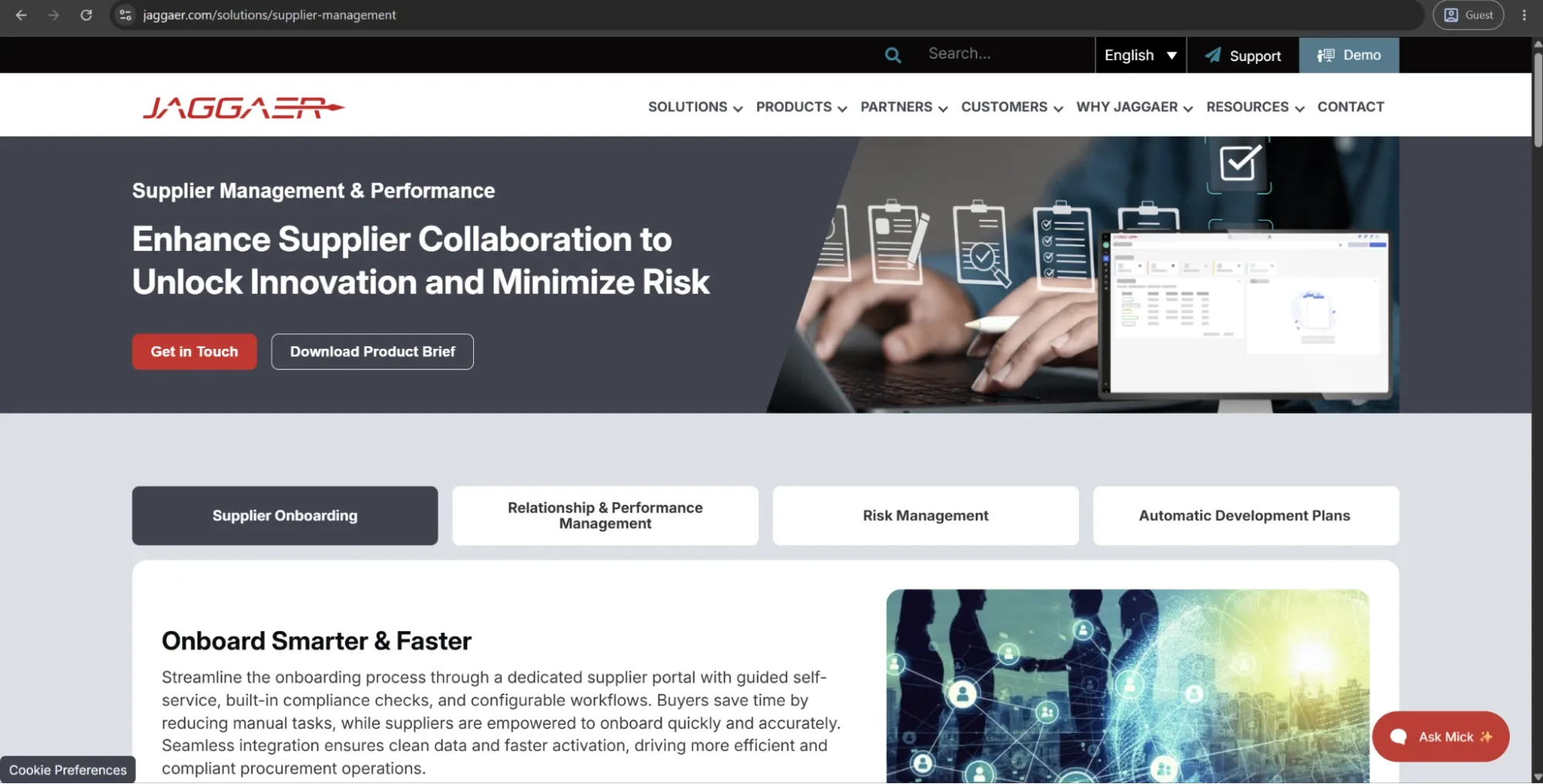
Jaggaer Supplier Management

jaggaer

Jaggaer Supplier Management is a cloud‑based supplier‑relationship and supplier‑data module within Jaggaer’s broader Source‑to‑Pay (S2P) and supply‑chain platform. It’s designed to consolidate supplier information, onboarding, risk, performance, and compliance into a “single version of the truth” for procurement and supply‑chain teams, thereby improving visibility, control, and collaboration across the supplier lifecycle.

Noteworthy capabilities of Jaggaer

  • 360° supplier view with risk, performance, and compliance data
  • Guided supplier onboarding and lifecycle management
  • Custom scorecards for delivery, quality, cost, and other KPIs
  • Risk and compliance tracking, including ESG and financial risk
  • AI-driven improvement suggestions
  • Integrated with sourcing, contracts, and spend processes

Industry application

Jaggaer Supplier Management is used by large enterprises in manufacturing, healthcare, retail, public sector, and financial services. It supports organizations managing complex global supplier networks with strong needs for risk control, compliance, performance tracking, and centralized, data-driven SRM integrated with sourcing and contracts.

Customer ratings

  • G24.2/5 points based on 66 user reviews
  • Capterra4,1/5 points based on 21 user reviews

Advantages

  • Single platform for supplier data, contracts, risk, and performance (JAGGAER ONE)
  • Strong risk and performance management with dashboards and scorecards
  • Flexible, configurable workflows for onboarding, evaluation, and approvals
  • Built for global scale with ERP and legacy system integration
  • AI and analytics for risk detection and improvement opportunities
  • Works best as part of the broader JAGGAER Source-to-Pay suite

Shortcomings

  • Steep learning curve due to high configurability and feature depth
  • Interface can feel unintuitive and requires training
  • Too complex and heavy for smaller or less mature organizations
  • Integration with legacy ERP systems can be time-consuming
  • No transparent pricing; quote-based and harder to compare

Pricing

Exact public pricing for Jaggaer Supplier Management as a standalone module isn’t disclosed; Jaggaer typically sells its capabilities as part of a broader source‑to‑pay or supply‑chain‑management package, with pricing negotiated per customer.

The author’s note

Jaggaer Supplier Management is designed for large enterprises with complex supplier networks where risk, performance, and compliance are core priorities. It connects supplier data, risk, AI insights, performance, and contracts into a single system, making it well-suited for mature, global, and highly regulated organizations.

The downside is its complexity, longer implementation cycles, steep learning curve, and non-transparent pricing, which can be too heavy for smaller or less mature teams. In those cases, simpler SRM tools are often more practical and faster to deploy.

In short, Jaggaer works best as a strategic enterprise SRM backbone, not a lightweight or plug-and-play solution.

Coupa

coupa

Coupa is a cloud-native business spend management platform. It operates as a unified source-to-pay platform covering procurement, sourcing, contract management, supplier risk and performance, invoicing, expenses, and payments — all on a single codebase and a single data model.

Noteworthy capabilities of Coupa

Coupa combines community intelligence, AI-driven risk management, and supplier collaboration in a single source-to-pay platform. It uses large-scale spend data to benchmark pricing and supplier performance, continuously monitors risk, and automates sourcing and analytics through Navi AI agents.

It also offers a widely used supplier portal, AI-enabled contract management, built-in supplier diversity tracking, and strong ERP integrations, making it a fully connected procurement and S2P system.

Industry application

Coupa is used by large enterprises across manufacturing, retail, healthcare, tech, finance, energy, and logistics (including companies like Nike and Mastercard) to manage global direct and indirect spend, with a focus on spend visibility, compliance, supplier risk, and end-to-end source-to-pay consolidation.

Customer ratings

  • G24.2/5 points based on 567 user reviews
  • Capterra4.0/5 points based on 126 user reviews

Advantages

  • Centralized spend visibility. Coupa unifies procurement, invoicing, and expenses in one platform to improve tracking, compliance, and approval workflows.
  • Strong ERP integrations. Customers value Coupa’s seamless ERP connectivity and supplier management capabilities.
  • Easy adoption. Users highlight the platform’s intuitive experience and flexibility, making it easy for teams to adopt quickly.
  • Integrated suite. Coupa’s tightly connected modules enable smooth information flow across procurement and finance processes.
  • Global scalability. Organizations use Coupa to support large-scale, multi-country deployments efficiently.
  • AI-driven risk management. Coupa uses AI to identify supplier and third-party risks before they impact the business.

Shortcomings

  • Limited customization; works best with standardized processes
  • Supplier portal experience is often criticized, affecting adoption
  • Advanced analytics require extra paid modules, increasing the total cost
  • Reporting and contract customization have known limitations
  • Some core S2C features are seen as basic in certain modules
  • Mixed support experience, from strong to unresponsive
  • Complex implementation and heavy change management for large rollouts

Pricing

All contracts are custom-quoted based on modules selected, transaction volume, user count, and deployment complexity.

The author’s note

Coupa is a strong fit for large organizations that want real community-driven intelligence for supplier risk, pricing benchmarks, and category insights beyond internal data.

Its main trade-off is flexibility. It works best when companies follow standardized procurement processes, but it can feel restrictive for teams with complex or highly customized workflows, where a more configurable platform like Ivalua may fit better.

GEP SMART Supplier Management

gep smart supplier management

GEP SMART is a unified source-to-pay platform built on Microsoft Azure by GEP Worldwide, which combines software, consulting, and managed services in one model. It covers spend analysis, sourcing, contracts, supplier management, and procure-to-pay in a single system designed for both direct and indirect procurement.

Noteworthy capabilities of GEP SMART

Its MINERVA AI delivers high-accuracy spend classification, predictive risk scoring, contract extraction, savings insights, and AI-assisted sourcing, now extended with agentic automation via Quantum Intelligence.

It stands out in direct procurement through BOM-driven purchasing, automated demand-based PO creation, and real-time supplier collaboration on forecasts, schedules, and issues. The platform also integrates third-party risk and ESG data from providers like Dun & Bradstreet, Moody’s, and EcoVadis to support compliance and risk-aware sourcing.

Industry application

GEP SMART is used by large enterprises in manufacturing, oil & gas, pharma, retail, financial services, energy, and aerospace for managing complex direct and indirect procurement with global supplier networks and regulatory requirements.

Customer ratings

  • Capterra4,6/5 points based on 7 user reviews

Advantages

  • One of the few major S2P platform purpose-built for direct and indirect procurement in a single unified system — no bolt-on modules or separate codebases
  • MINERVA AI spend classification accuracy above 92% outperforms most competing platforms in production environments
  • A single data model across all modules eliminates the integration overhead of maintaining separate sourcing, contracts, analytics, and P2P tools
  • The managed services arm means GEP can provide embedded procurement expertise during and after implementation — not just software support
  • Mobile-native design works well for field procurement teams and global operations across time zones
  • User satisfaction rating of 92% across independent review platforms, with consistent praise for the interface and the responsiveness of GEP's customer success team

Shortcomings

  • High cost (~$500K/year), best suited for large enterprises only
  • Long implementation time (12–18 months)
  • P2P module seen as basic compared to specialist tools
  • Spend analysis may not fully integrate across modules
  • UI is functional but less modern and less intuitive
  • Lower brand recognition in North America vs. SAP Ariba or Coupa

Pricing

GEP SMART doesn’t publish standard pricing. All contracts are custom-quoted based on managed spend volume, selected modules, number of users, and implementation scope.

The author’s note

GEP SMART is a strong fit for large manufacturers and industrial companies managing complex global spend across multiple systems. It handles both direct and indirect procurement well, and its AI and managed services add real operational support beyond just software.

The challenge is scale and commitment. With costs starting around $500K a year and implementations often taking 12–18 months, it’s really built for large enterprises with long-term transformation plans, not teams that need something quick or lightweight.

It’s a capable platform, but the investment is significant, so it’s worth carefully validating scope and expectations before committing.

Which enterprise-level supplier relationship management platforms lead the market?

Enterprise SRM platforms are designed for large organizations that manage complex, global supplier bases and face significant regulatory and compliance requirements. They typically offer deep ERP integration, configurable workflows, AI-driven risk management, and extensive analytics — at a cost and implementation complexity to match.

The leading enterprise-level SRM platforms currently include: SAP Ariba, Jaggaer, Ivalua, Coupa, and GEP SMART:

  • SAP Ariba is the most widely used enterprise SRM solution, offering full supplier lifecycle management and strong integration with SAP ERP through the Ariba Network.
  • Jaggaer is designed for complex, compliance-heavy industries such as manufacturing, healthcare, and higher education.
  • Ivalua is known for its high configurability and support for non-standard procurement workflows.
  • Coupa combines supplier management with broader business spend management and uses community intelligence to benchmark supplier performance and identify risks.
  • GEP SMART provides a unified platform for procurement, contracts, and supplier collaboration, making it attractive to organizations seeking a single integrated solution.

However, enterprise SRM implementations aren’t fast. Most large-scale deployments take between 6 and 18 months and require dedicated IT resources, change management programs, and significant data migration work. Before selecting a platform, evaluate not just feature depth but also the vendor's implementation support model and their experience deploying in your industry.

💡
Note!
Licensing costs for enterprise SRM platforms typically start at six figures annually and scale significantly with user count, supplier volume, and add-on modules. Always request a total cost of ownership estimate that includes implementation, integration, and ongoing support.

What are the best mid-market supplier relationship management solutions available?

The most capable mid-market SRM platforms include Precoro, Tradogram, Procurify, Kissflow Procurement Cloud, and Vendorful:

  • Precoro combines supplier management with procurement, approvals, and accounts payable, making it well-suited for mid-market companies seeking a single procurement platform.
  • Tradogram offers supplier evaluation, purchase order management, and basic performance tracking through a simple interface with minimal setup requirements.
  • Procurify focuses on spend visibility, approvals, and vendor onboarding, making it popular among growing professional services and technology firms.
  • Kissflow Procurement Cloud stands out for its flexibility, allowing teams to create custom supplier workflows without significant technical resources.
  • Vendorful is more specialized, focusing on RFx management, vendor evaluation, and contract management for organizations prioritizing structured supplier selection and performance management.

Mid-market organizations face a different set of tradeoffs than enterprise buyers. They need enough functionality to manage a growing supplier base effectively, without the implementation complexity or cost associated with platforms built for global enterprises. The best mid-market SRM solutions strike that balance — covering core supplier management needs while remaining practical to deploy and maintain with leaner procurement teams.

💡
Note!
When evaluating mid-market platforms, pay particular attention to supplier onboarding workflows. A large portion of the value in SRM comes from how efficiently suppliers are brought into the system and how easy it is for vendors to maintain their own profiles. Platforms that require a heavy involvement from the procurement team to onboard each supplier will create bottlenecks as the supplier base grows.

Are there affordable supplier relationship management options for small businesses?

Small businesses managing fewer than 100 suppliers don't need the full feature set of an enterprise or mid-market platform. What they need is a structured place to manage supplier records, track contracts, and capture basic performance data — and several tools deliver that without the six-figure investment.

The most accessible supplier management options for small businesses include Zoho Inventory, QuickBooks, and Airtable-based setups:

  • Zoho Inventory helps small teams manage supplier records, purchase orders, and basic tracking in one lightweight system that’s easy to set up and use.
  • QuickBooks supports basic vendor management alongside accounting, which makes it a practical option for companies that want supplier tracking closely tied to payments and invoices.
  • Airtable-based setups are often used as flexible, low-cost supplier databases, enabling teams to customize workflows for contracts, supplier lists, and basic performance tracking without formal procurement software.

How do cloud-based vs. on-premise supplier relationship management software solutions compare?

Cloud-based SRM solutions are generally more flexible, scalable, and cost-effective, while on-premise systems offer greater control and customization but require higher upfront investment and IT resources. The choice depends on your organization’s size, compliance needs, and long-term growth strategy.

Cloud-based vs. on-premise SRM software: Key comparisons

Factor Cloud-based SRM On-premise SRM
Deployment & setup Quick to deploy, minimal IT infrastructure needed Longer setup, requires dedicated servers and IT staff
Cost structure Subscription-based, lower upfront costs High upfront investment, ongoing maintenance expenses
Scalability Easily scalable as supplier networks grow Scaling requires additional hardware and system upgrades
Accessibility Accessible anywhere with internet, ideal for remote teams Limited to internal networks unless configured for external access
Updates & maintenance Automatic updates handled by the vendor Manual updates, the IT team is responsible for patches and upgrades
Compliance & control Vendor-managed compliance may raise data sovereignty concerns Full control over data storage and compliance is better for regulated industries
Integration API-first design, integrates easily with ERP, CRM, and eCommerce systems Integration possible but often requires customization and consulting support

In 2026, many enterprises are adopting hybrid SRM models that combine cloud agility with on-premise control, especially in industries like manufacturing and healthcare, where compliance and scalability are equally critical.

What are the best strategies for implementing supplier relationship management software successfully?

Implementing supplier relationship management software is a strategic process that requires careful planning, team preparation, and ongoing support. Start by setting simple goals such as improving supplier visibility, reducing risk, or streamlining procurement. Involve key teams early — procurement, finance, and operations, so everyone is aligned.

Train users so they understand how the system will make their work easier. Roll it out in phases instead of all at once to avoid disruption. After launch, track usage and collect feedback to fix gaps and improve adoption. Use vendor support and training resources to get the most value from the system.

With clear goals, team involvement, and ongoing support, SRM implementation becomes smoother and more effective.

How do you prepare your team for the SRM software adoption?

To ensure a smooth transition and maximize your ROI, follow these six essential steps to prepare your team for SRM software adoption.

1. Define the purpose and objectives

Before introducing a new tool, you must be able to answer the "why." Are you trying to centralize supplier data, mitigate vendor risk, or automate manual tasks?

Collaborate with key stakeholders to identify the specific pain points the software will solve. When the team understands the strategic necessity of the change, they are much more likely to embrace it.

2. Communicate the value early

Change can be intimidating. To prevent "software fatigue," craft a clear narrative about how the SRM platform will make daily work easier.

Focus on the benefits: fewer manual spreadsheets, better data visibility, and faster approval cycles. To maintain momentum, establish a firm implementation timeline so the team can visualize the transition and prepare accordingly.

3. Audit current skills and sentiments

A "one-size-fits-all" training approach rarely works. Before the rollout, gather feedback on your team’s current technical proficiency and their attitudes toward existing supplier management processes.

Knowing where the knowledge gaps are — and where the skepticism lies — allows you to tailor your communication and training to meet the team where they are.

4. Create a roadmap for training

Training shouldn't be an afterthought. Develop a structured project plan with clear milestones for:

  • Initial sandbox testing: Letting a small group explore the tool.
  • Comprehensive training sessions: Deep dives into specific modules.
  • Full adoption: The official "go-live" date.

Structured learning ensures that by the time the software is fully deployed, everyone feels confident in their new digital environment.

5. Foster cross-functional collaboration

SRM software doesn't live in a vacuum; its data impacts Finance, Legal, and Operations. Involving these departments early in the adoption process ensures the tool addresses the needs of the entire organization. When these teams feel their requirements have been heard, they become advocates for the software rather than roadblocks.

6. Implement robust change management

The transition period is the most critical phase. Establish a support framework that includes:

  • Weekly workshops: To tackle specific use cases.
  • On-demand tutorials: For quick troubleshooting.
  • Direct support channels: To address concerns in real-time.

A strong change management strategy turns a potentially disruptive event into a manageable evolution of your workflow.

What are the common implementation challenges, and how can you overcome them?

The most common challenges in SRM software implementation include poor data quality, the transition from manual to digital workflows, resistance to change among employees and suppliers, and integration with existing ERP systems. Without strong leadership, proper planning, and effective training, these challenges can lead to delays, low adoption, and project failure.

Closer look at challenges:

  • Poor data quality and migration issues: Existing supplier data is often incomplete, outdated, or inconsistent. Cleaning and migrating this data into a new SRM system can be complex and time-consuming.
  • Resistance from suppliers and employees: Both internal teams and suppliers may hesitate to adopt a new system due to a lack of training, technical skills, or concerns about changing familiar processes.
  • Difficulty adapting to new workflows: Employees used to traditional procurement methods may struggle to work with more digital and data-driven processes.
  • Integration with existing systems: Connecting SRM software with current ERP systems and other business tools can create technical challenges and lead to disconnected data.
  • Limited leadership support and resources: Lack of executive sponsorship, budget limitations, and insufficient project resources can slow implementation and reduce overall success.

Ways to overcome these challenges:

  • Engage stakeholders early: Involve procurement, finance, legal, IT, and suppliers from the beginning to ensure alignment and support throughout the project.
  • Provide training and support: Offer clear guidance, onboarding sessions, and ongoing assistance to help employees and suppliers use the new system confidently.
  • Improve data quality before implementation: Clean, organize, and standardize supplier data before migrating it into the SRM platform.
  • Ensure smooth system integration: Choose solutions that work well with existing ERP systems and prioritize seamless data sharing across platforms.

For most businesses, success depends on changing the organizational mindset from transactional purchasing to strategic, data-driven supplier management.

How long does a typical SRM software implementation take?

Implementation timelines depend on three things: platform complexity, how many systems need to be integrated, and how much supplier data needs to be migrated and cleaned before go-live. Here are some general timelines for SRM software implementation:

Organization profile Typical timeline
Small team, lightweight platform, minimal integration 2–6 weeks
Mid-market, standard ERP integration, moderate data migration 2–4 months
Enterprise, multiple ERP instances, global rollout 6–18 months

What training programs ensure maximum user adoption?

One-off "marathon" training sessions won’t give lasting adoption. Usually, teams revert to familiar tools — email, spreadsheets, shared drives — when the new system is unclear, and no one is available to answer questions in real time. Instead, opt for:

  • Role-based modules: 15-minute task videos tailored to each role (procurement, category leads, suppliers), focused only on what they actually do in the system.
  • In-app guidance: Tooltips or guided prompts that help users complete tasks while working in the platform.
  • Supplier training: Simple onboarding instructions to ensure suppliers enter data correctly and consistently.
  • Scenario-based training: Real workflows (e.g., onboarding suppliers, handling performance issues, running reviews) instead of feature explanations.
  • Quick reference guides: One-page instructions for common tasks that users can quickly check during daily work.
  • 30/60/90-day check-ins: Post-go-live reviews using usage data to identify adoption gaps early.

Supplier adoption matters as much as internal adoption. If suppliers don’t use the portal, it’s useless. At minimum, give them a short onboarding note explaining:

  • What they need to do
  • Why it matters to them
  • Who to contact if something is unclear

For key suppliers, add a quick onboarding call — it noticeably improves usage.

Supplier relationship management software FAQs

How does supplier relationship management software support supplier collaboration and innovation? See more Hide

SRM software provides a centralized platform for real-time communication, data sharing, and joint performance tracking, so both sides can work from the same information instead of separate systems. Basically, it shifts the relationship from a transactional to a collaborative one.

For collaboration, SRM software supports joint reviews and shared improvement plans, allowing suppliers and buyers to co-manage performance rather than relying on one-sided evaluation.

For innovation, SRM software provides a structured way for suppliers to submit ideas and manage them as tracked initiatives with clear ownership, timelines, and follow-up — encouraging continuous improvement and long-term partnership development.

What data should you clean before implementing supplier relationship management software? See more Hide

Before implementing supplier relationship management software, clean your supplier master data first so the new system becomes a single source of truth rather than a repository of old errors. The most critical data to clean includes:

  • Duplicate vendor records, such as the same supplier listed multiple times under different names or IDs.
  • Outdated contact information, including old addresses, phone numbers, emails, or primary contacts.
  • Inconsistent naming conventions, such as “ABC Corp Inc.,” “ABC Corporation,” and “ABC Inc.” treated as separate suppliers.
  • Incomplete compliance, risk, or financial documentation, including missing tax IDs, expired certificates, missing bank details, or unclear payment terms.

For best results, focus first on your “Critical 100” high-spend or high-risk suppliers, use automated tools with fuzzy-matching capabilities, and assign clear ownership to Procurement or Accounts Payable to prevent fraud and ensure a high return on investment.

How do you measure the long-term success of a supplier relationship management software strategy? See more Hide

Measuring long-term SRM success goes beyond cost metrics and focuses on overall strategic value. Key indicators include cost reduction from improved supplier performance and collaboration, operational efficiency gains such as reduced lead times, and risk mitigation through fewer supply chain disruptions. It also tracks innovation and continuous improvement driven by supplier collaboration, as well as responsiveness to communication and relationship strength. Together, these metrics show whether the SRM strategy is delivering sustained efficiency, resilience, and value over time.

SLM and SRM: What’s the difference? See more Hide

SLM, or Supplier Lifecycle Management, is a process system. It manages the supplier from start to finish — onboarding, checking qualifications, signing contracts, tracking performance, handling risks and compliance, renewing, or removing the supplier. It’s structured, controlled, and rule-based.

SRM, or Supplier Relationship Management, is the system for managing relationships. It focuses on working closely with key suppliers to build trust, improve performance together, and create value through collaboration, such as innovation or better deals, not just contracts.

Both enhance supply chain resilience.

Easy way to remember:

  • SLM = managing the supplier step-by-step: process + control.
  • SRM = managing the relationship: partnership + collaboration.

In the end, the best supplier relationship management software is the one that truly fits your workflows, supplier structure, and business goals.

If you want to see whether Precoro is the right fit for your team, book a demo with us.

Procurement Basics

Anastasiia Svyr

B2B content writer delivering helpful, in-depth, and user-focused content on procurement, P2P, AP, and supply chain efficiency.

Marta Holyk

Marta Holyk is a B2B content strategist focused on procurement and finance workflows, turning complex processes into clear, actionable insights for modern operations teams.