









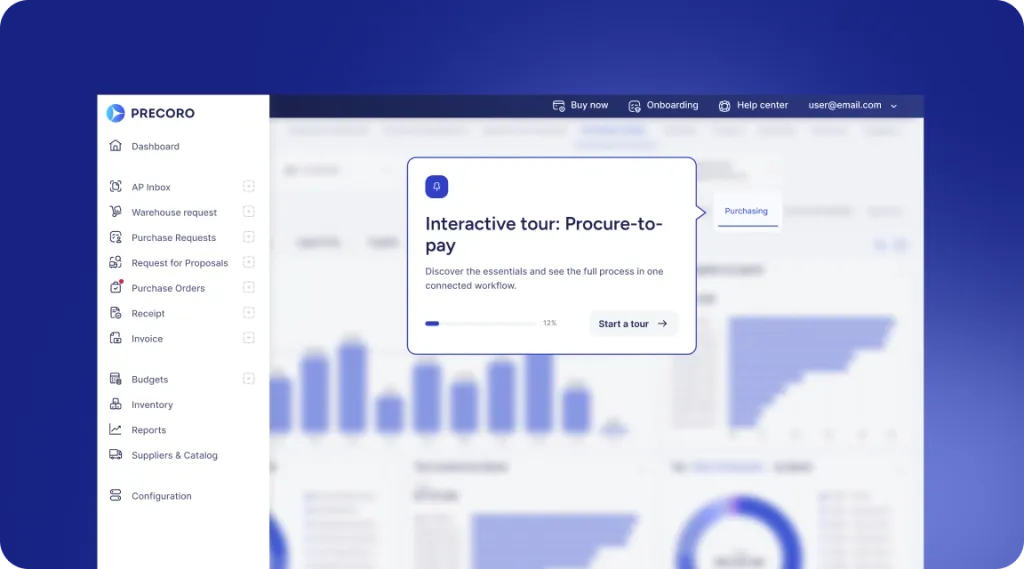
 Explore Precoro's features














See the full payment flow in Precoro
Explore how Precoro lets you fund your account and pay suppliers directly from your procure-to-pay platform—no separate banking tools or manual reconciliation.

















































Simplify invoice payments
Follow the full payment flow, from account setup to a paid supplier invoice, without leaving Precoro.
Guided account setup

Set up a financial account for every legal entity with a short Stripe application. Each entity gets its own verified account, keeping funds separate and reporting clear.
Secure bank connections

Connect funding and payout accounts through Stripe open banking. Authorization happens on your bank’s side, so Precoro never sees or stores your banking credentials.
Instant balance top-ups

Fund your account in a few clicks—pick the account, enter the amount, and add a reference note. Your balance updates immediately, and you’re ready to pay.
Built-in payment guardrails

The Pay button activates only when an invoice is fully approved and the supplier’s banking details are verified.
Flexible delivery options

Choose Standard ACH, Same-day ACH, or Wire, and adjust the amount if needed. Each payment remains a Draft until you confirm it, so you can hold or edit it at any time.
Automatic invoice sync

Once you confirm a payment, Precoro marks it as Paid and updates the linked invoice automatically, no manual reconciliation required.
Full audit trail

Every payment logs to the integration history, so you can pull proof of payment or download a receipt whenever you need one.
Real-time visibility, anywhere

Track balances and payment statuses in real time from one place. Need to pay on the go? Manage supplier payments from the Precoro mobile app.
See how Precoro fits into your team's workflows
A personalized demo, built around your team’s challenges, led by experts who understand what matters.
From booking to conversation