









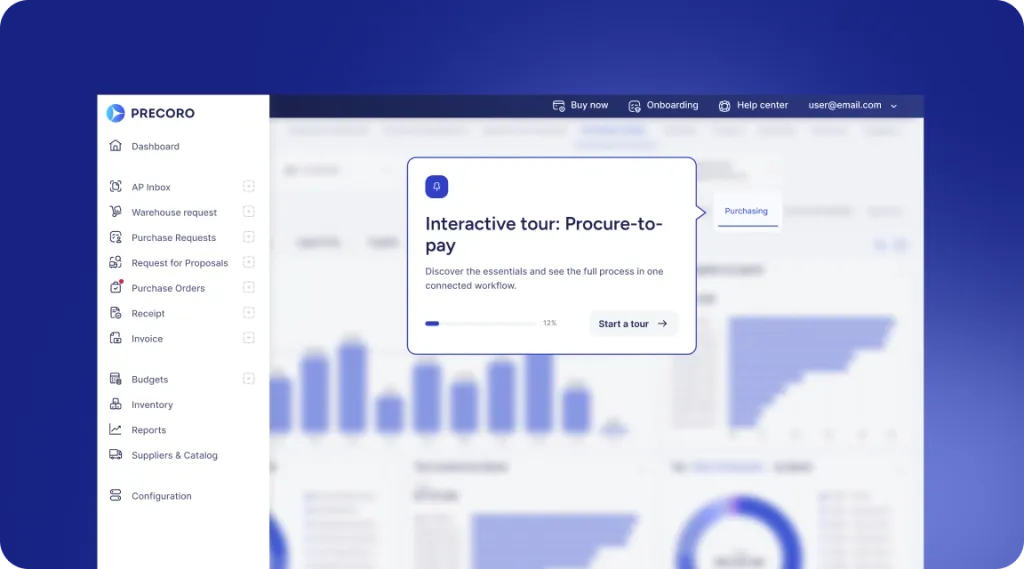
 Explore Precoro's features




















For growing multi-entity organizations, every additional tool employees need to check creates another opportunity for a procurement task to be delayed. Approvers may postpone decisions until they log in to another system, while procurement and finance teams spend valuable time following up on documents that are already awaiting approval.
That’s why Precoro now connects directly with Microsoft Teams. The integration places approvals, matching notifications, receipt requests, comments, and reminders inside an existing corporate workflow, helping teams act faster without adopting another daily routine.
Keep reading to see what your team can do in Microsoft Teams and how it changes your purchasing cycle.
How the Precoro and Microsoft Teams integration works
The integration turns routine procurement tasks into quick, in‑chat actions so you don’t have to jump between systems.
Once Precoro is connected to Microsoft Teams, users receive procurement notifications directly in Teams as requests, purchase orders, invoices, and other documents move through key stages of the procurement process, helping them stay informed and take action without switching between tools.
Each notification includes the relevant details and available actions, allowing stakeholders to review, approve, reject, or open the document in Precoro without losing track of the process.
- Approve or reject procurement documents and suppliers
When a document or supplier is submitted for approval in Precoro, assigned approvers instantly receive a Microsoft Teams notification with key details, including the supplier, items, amounts, and budget impact. They can authorize or reject with one click directly from the Teams chat, or open the full document in Precoro to review attachments, comments, and approval history. If several people can approve the same document, each gets their own notification, and the cards stay synchronized, so everyone always sees the latest status. - Respond to matching tasks
Precoro also alerts the right stakeholders about invoice matching issues and exceptions directly in Microsoft Teams. When a document requires additional review — for example, an invoice that doesn’t match the purchase order because the amount or quantity is different — the responsible stakeholder receives an instant notification in Teams. From that message, they can review the relevant document details, send it back for revision in one click, or open it directly in Precoro to resolve the issue. - Stay updated on comments and mentions
Communication stays in sync through comments and mentions. Stakeholders receive Microsoft Teams notifications when they're tagged in Precoro, with direct access to the related procurement document. - Keep approval deadlines visible
To prevent bottlenecks, Precoro sends reminder notifications in Teams when approval deadlines are approaching or have been missed. These reminders ensure overdue procurement tasks remain visible to the responsible approvers until they are completed.
What you get with Precoro and Microsoft Teams integration
Connecting Precoro to Microsoft Teams moves procurement work into the collaboration hub your team already uses every day. For procurement, finance, AP, and operations leaders, the value shows up in three outcomes: faster cycle times, better alignment across stakeholders, and stronger compliance with less friction.
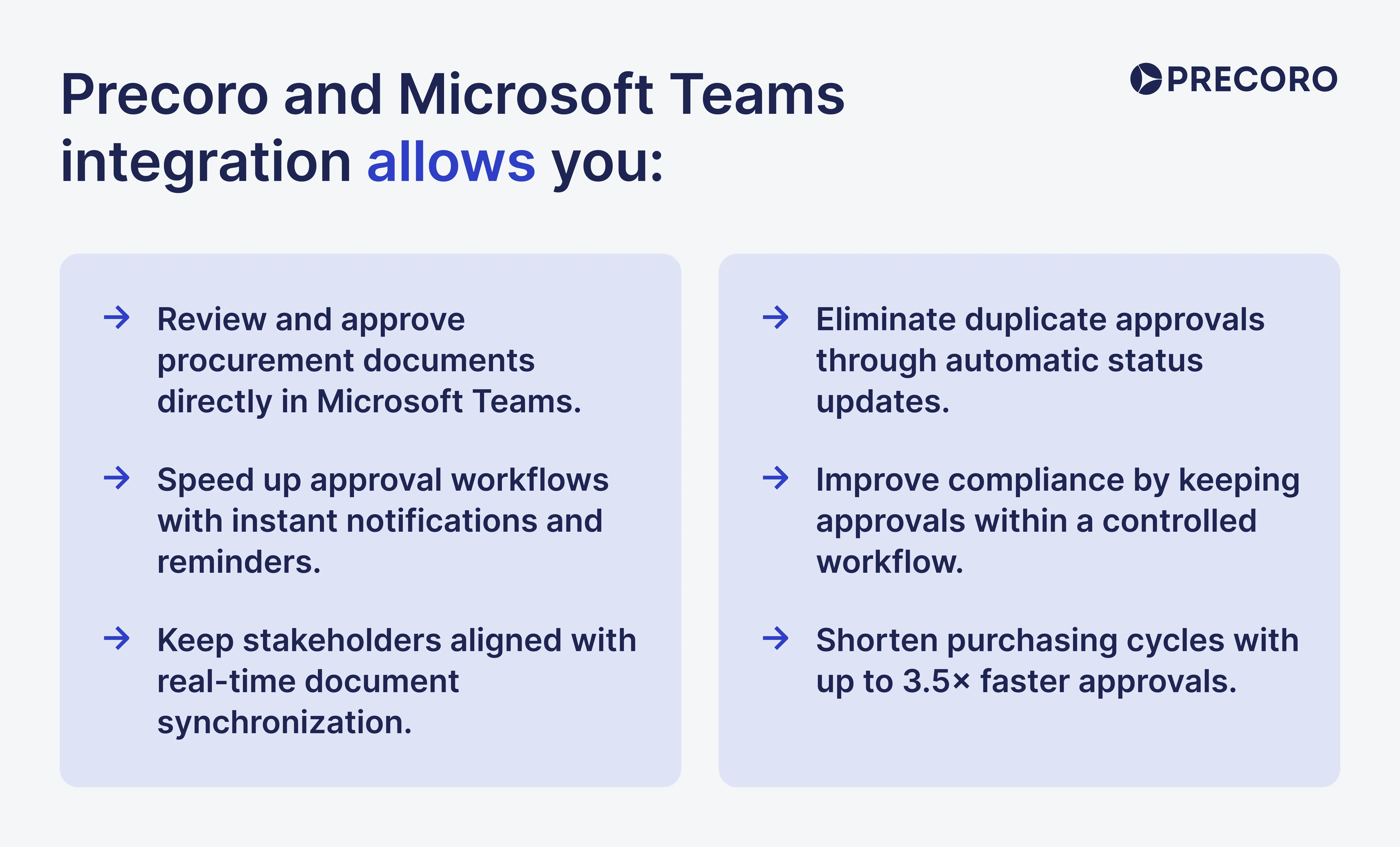
Accelerate approvals by up to 3.5×
Precoro customers achieve up to 3.5× faster approvals and a 78% faster purchasing cycle by bringing procurement actions into Microsoft Teams. Approval requests, notifications, and reminders appear where employees already work, reducing delays caused by app switching and manual follow-ups.
Improve visibility across procurement stakeholders
98% of spend stays under management when live document changes, mentions, and parallel approval updates land straight into Microsoft Teams.
When multiple approvers are assigned to the same step, everyone gets notified at once. The moment one person acts, approval cards update instantly for everyone else — eliminating redundant clicks and confusion. The same happens if a document gets canceled, so conversations stay centralized, manual follow-ups disappear, and workflows keep moving without friction.
Scale procurement with 80% less manual data entry
Growth shouldn't require reinventing procurement processes. Reduce manual data entry by 80%, so as new entities, departments, or locations come online, employees continue working in Microsoft Teams while following the same standardized workflows. 95% on-time delivery holds even as volumes climb, so onboarding effort drops, new internal procedures aren't needed, and purchasing scales with visibility, compliance, and centralized control intact.
Drive compliance and unlock 5% in annual budget savings
Up to 5% of your annual procurement budget can be saved by keeping purchasing decisions within controlled procurement workflows. With Precoro and Microsoft Teams integration, managers approve requests inside their daily chat instead of bypassing the system, making approved workflows easier to follow and increasing policy adoption across the organization.
As a result, purchasing decisions remain transparent, company policies are applied consistently across departments and locations, and unapproved spend is reduced.
Setting up the integration
Connecting Precoro to Microsoft Teams is quick and only takes a few minutes. For a detailed setup walkthrough with step-by-step instructions and screenshots, visit our Knowledge Base.
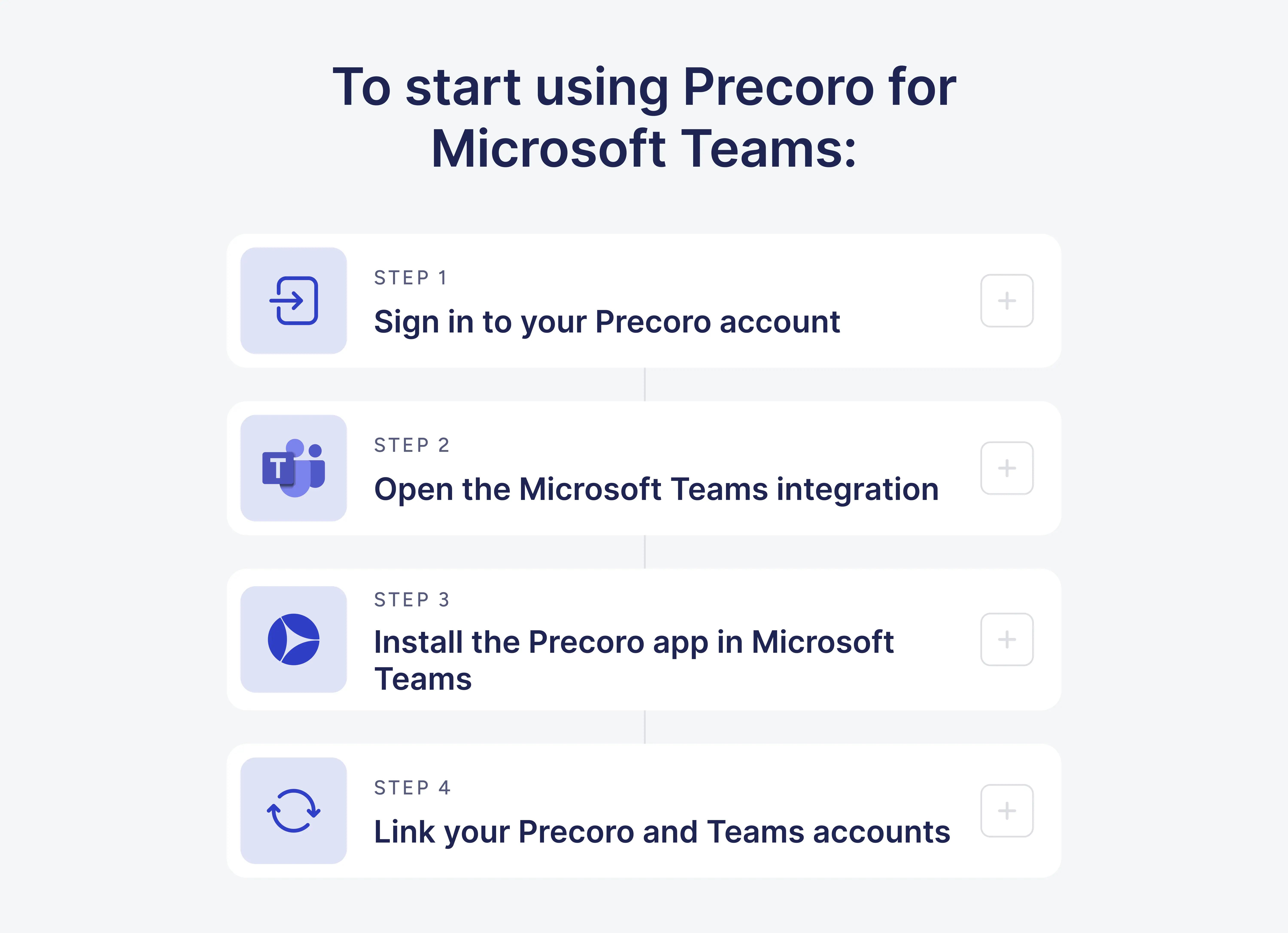
To start using Precoro for Microsoft Teams:
Step 1: Sign in to your Precoro account.
Step 2: Go to Configuration → Integrations → Microsoft Teams and click Connect to Microsoft Teams.
Step 3: Sign in to Microsoft and install the Precoro app in your Teams workspace.
Step 4: Link your Precoro user to your Teams account: Click Configuration → Integrations → Microsoft Teams → Link account.
You're all set! From now on, whenever a document needs your action, you'll receive an instant notification directly in Microsoft Teams to handle it in one click.
There’s more coming your way
Precoro is an agentic procurement and AP centralization platform built to keep purchasing simple and controlled. Every request, approval, and update lives in one system, so procurement, finance, and AP leaders always know what's happening — without extra administrative work.
The Microsoft Teams integration brings that same controlled workflow into a tool your teams already use every day, enabling employees to receive procurement updates and take action on requests, purchase orders, invoices, and other documents without leaving their normal workflow.
We're continuously expanding the ways users can receive updates, complete procurement tasks, and manage exceptions without unnecessary manual work or disconnected communication. Check our open product roadmap to explore upcoming integrations, submit feature requests, and see what we're building next to make everyday procurement simpler and more reliable.