Procurement-to-Pay Solutions in 2026: Best Procure-to-Pay Systems
Finding the right procure-to-pay software can be complicated, but we're here to help. This buyer's guide will take you through the best procure-to-pay platforms of 2026, including pros, cons, and reviews.

Picture this: you're a manager contacting a vendor for a quote. You ask it over email and get a verbal go-ahead in response through a chat thread. It takes several weeks for an invoice to show up in your shared inbox, and by the time finance tries to reference it, everything surrounding the order is already a blur.
Procure-to-pay software exists to assist with issues like these, tying every step of the process from purchase request to checkout in one seamlessly connected, trackable workflow. With this, each order has an audit trail and an owner.
The market for procure-to-pay tools is lively, and there's a fair variety of those lumped under the same umbrella term. Some started out as invoice-processing tools and later expanded to include purchasing; others launched as sourcing systems and later expanded to include payments. You can usually see their origins in features that work well and ones that feel bolted on.
Today, we're taking a look at the best procurement tools as of October 2026, based on what reviewers publish and what vendors reveal publicly about their pricing. The sections before the comparison itself, though, will introduce what these systems actually do and how to compare them more effectively.
Keep reading to find out:
Key takeaways about P2P solutions
Types, features, and business impact of procure-to-pay solutions
Core features of procure-to-pay systems
Choosing the right procure-to-pay software for your business
Procure-to-pay software deployment: Cloud vs. on-premise solutions
How did we compare procure-to-pay software in 2026?
Top procurement-to-pay software
How should you choose procure-to-pay software in 2026?
FAQ
Key takeaways
- Procure-to-pay software serves as a connective tissue among purchase requests, approvals, POs, invoice matching, and payment processes.
- The software varies significantly, with some options being very good at sourcing and procurement, while others are geared more towards AP automation or spend management.
- Potential buyers should explore what kind of approval controls, invoice matching, supplier management, ERP integrations, reporting, implementation requirements, and total cost of ownership their potential solution offers.
- The most suitable product for a specific company would depend on that company’s size, procurement maturity, invoice volume, geographic requirements, and existing finance systems.
- Pricing and product capabilities in this guide should be considered time-sensitive, dated to the article’s latest review timeframe.
Understanding procure-to-pay solutions: Types, features, and business impact
What are procure-to-pay solutions?
A procure-to-pay solution is designed to control the entire buying process in a company.
At the front, you have procurement that takes care of the requisitions and orders. In the back, you have the accounts payable (AP) verifying invoices and paying suppliers. In addition, most of these solutions also facilitate supplier onboarding by saving their bank details and tax forms to avoid email chasing in the future; data from procure-to-pay software also feeds into a spend analytics layer, showcasing where the money actually went.
Knowing where a product lives in this chain can help you differentiate between them. AP-first tools are based on invoice capture and approval, so their spend control features may be a bit leaner. Conversely, a spend management suite that focuses on sourcing and supplier management will be a lot beefier in those capabilities but weaker in invoice management.
Some of the products actually come from elsewhere, as well: expense platforms, HR suites, etc. These are the ones that might stand out a lot in a head-to-head comparison.
How the procure-to-pay process works within software solutions
Suppose you’re a team lead who needs twelve monitors for a new office. You just enter your request with an item name and the cost center, and the rest is handled by the system. If the total exceeds a certain limit, the request also goes to your director; it might also go to finance if it pushes the department budget in any way. The approval process practically configures itself on the fly, and each of the approvers would get a personalized notification and all the necessary details when needed.
An accepted request immediately becomes a purchase order (PO), without the need to retype it before forwarding it to the supplier. With procure-to-pay software, generating a PO for almost every purchase is quick and easy, and that capability alone eliminates many of the surprise invoices finance would’ve had to chase manually otherwise. Whenever the monitors come in, someone simply logs in the receipt, and the entire process is complete.
The moment the software becomes truly worthwhile, though, is when the supplier’s invoice appears, and the system scans it for you, comparing the amounts on the order and the receipt. If everything lines up, the invoice simply proceeds to the payment stage; but if the supplier bills for fourteen monitors, the invoice stops and lands in an expert’s hands, with the discrepancy fully highlighted.
Doing this entire process by hand means working with two PDFs and a spreadsheet, which is basically an entire afternoon of work for the AP team. After verification, the payment goes out on the previously agreed terms, with the full history attached to one record.
What role does automation play in procure-to-pay solutions?
Four technologies do most of the work here:
- Optical Character Recognition (OCR)
- Machine learning
- Rule-based approval routing
- Automated invoice matching
Demos are where the first two options shine the most. OCR is fantastic with clean documents, but can stumble over scans or odd formats. With machine learning on top of it, it can gradually improve at reading invoices from familiar suppliers while flagging the ones that look abnormal. Both features remove manual typing but barely touch anything else.
The other two are less exciting but actually matter more, even though they can only be as good as the policies around them. For example, the remote approval policy may enforce a two-approver threshold at 6 PM on a Friday, but if there’s nobody to set the threshold, the old habits will carry on, only faster. Whenever policies are well-defined, and the approval path is clearly the quickest one, maverick buying tends to go down by itself, as the process is no longer slow enough to warrant looking for workarounds.
Core features of procure-to-pay systems
Not all procure-to-pay systems handle the same processes in the same way. Look beyond feature checklists to see how each system handles real-world purchasing scenarios, from the first request to changes after an order is placed.
Purchase requisition and order management
As you look through different requisition screens in a demo, they all might seem similar. It's really useful to understand where the key differences are.
For example, is the budget checked at the point when you request it? If so, then a manager can be warned that a department has gone over budget prior to any spending. But if checked only on receipt of invoice, the money’s already spent at that point.
The other example covers what happens whenever an order changes: suppliers ship in parts, prices are all over the place, quantities get corrected, and a system that forces users to cancel a purchase order and rebuild it every time will be worked around in the span of a few weeks after go-live.
A good testing ground is to ask a vendor to amend a live PO during a demo and see how the system handles it.
Invoice automation and approval workflows
Invoices are where the software really earns its keep, with the matching engine being at the heart of it all. Two-way matching only compares the invoice to the PO, but three-way matching also adds the goods receipt, so you’re not paying for something that hasn’t even been delivered yet.
That said, most systems have both of these options anyway, so the better topics to cover are the edge cases, like a small price difference or a single invoice covering several deliveries. A tolerance feature could let minor differences through automatically, avoiding the issue of every rounding error turning into a ticket to be resolved manually.
What happens to a match that didn’t work is equally significant. Such an invoice has to go to the person capable of resolving the issue, along with the reasoning attached to the transfer. Trying to create a shared queue here will do nothing but replicate the manual work silo in a different location.
Approvals operate under a similar logic. Routing by amount is the baseline, and some systems also route by category or by cost center. There’s no need to worry about forwarding those emails, with delegation activating while a director is on leave and escalation turning on whenever an approval has been stuck in the same status for days.
The audit side encapsulates all of the above. Every approval includes a timestamp and a date, and duplicate invoices are flagged before they’re paid twice, making compliance checks much faster.
Supplier management and vendor portals
Supplier records can get stale faster than any other data type, be it because of changing bank details, expired tax forms, or something else entirely. But a vendor portal could help you hand that upkeep to the supplier side, so they can update their own information and check invoice status whenever they want.
No emails to the AP team necessary. Fewer payments are getting sent to old bank accounts, too. Bank-detail changes are also a common route for invoice fraud, necessitating a supplier portal capable of holding invoices for verification before letting them be paid.
Spend analytics and reporting
Reporting is something everyone says they want, but few people actually test it before buying. The test is simple: “What would a finance lead open every Monday?”
One good answer is the share of spend under a PO; if it’s low, it means money is leaving the account without proper authorization, and the number should also point to which departments should be reviewed first. Another competent option is a list of open commitments — orders placed but not yet invoiced; these are also the ones on which month-end accruals are being built.
The reporting aspect of built-in dashboards can vary quite a bit in what you can modify. If you require the figures to accompany other business data, you're looking for a Microsoft Power BI connector or, at the very least, a clean export. The data has to be consistent with the ERP. Reports that are inconsistent with the ledger will be ignored quite fast, so raise a question about how reconciliation works.
Choosing the right procure-to-pay software for your business
Choosing P2P software isn’t just about finding the longest feature list. The right system should match how your organization buys today while giving you room to grow. Start by understanding your current processes and maturity level, then evaluate which capabilities you actually need.
Assessing your organization’s procure-to-pay maturity level
Most organizations begin their buying journey with email chains and spreadsheets that handle all purchasing, with approvers who are available at the time. That’s the honest baseline, and it should be defined clearly before starting your shopping journey. Recognize your current position by reflecting on the following questions:
- Does an approval get skipped when someone’s in a hurry?
- Does anyone know how much of this month’s spending has a PO behind it?
The implication is that manual work would make at least someone know the current state of the company’s finances. If your team can’t answer the second question, then you’re earlier on the scale than your spend volume might suggest.
The primary reason for asking isn’t about being humble. If you’re managing an organization with informal, spreadsheet-driven buying, you’ll get more utility from a system that efficiently manages a handful of straightforward, simple rules than from one created to handle complicated, multi-entity budgets and formal sourcing events you're not ready for yet. You can always upgrade later, but over-buying just means there’s more work to do now and little time to finish it all.
Key questions to ask when evaluating procurement-to-pay vendors
Demos are often created to sweep certain important questions under the rug, so it helps to write them down beforehand. Data should be the first priority: Is it possible to bring last year’s spending in and assign it to the new platform’s categories? Then there’s the account: what’s the fate of the account and its approval rules the day a person associated with that account departs the company?
Next, push on exceptions, because every demo tends to show the happy path only. Ask to pull up a partial delivery live and amend a PO in front of you. Inquire what a rejected invoice would look like for the requester and for the approver.
Reference calls matter even more than the product tour. Inquire with one of the current customers about something a vendor can’t answer for them, like what aspect of the software took longer to fix than expected during rollout.
Must-have vs. nice-to-have features
Most vendors offer their full feature list as equally important. As such, it’s better to know what a broken process can’t survive without and what mostly contributes to time savings but isn’t crucial.
Must-haves for any procure-to-pay system:
- A defined approval workflow impossible to bypass by accident
- POs generated from an approved request automatically
- Invoice matching against the PO at the very least
- An audit trail behind each transaction
- An accounting or ERP integration that doesn’t need manual export to work
Features worth having, but not worth eliminating a vendor over:
- AI-suggested invoice coding capabilities
- A supplier-facing portal for self-service updates
- Built-in RFx or sourcing features
- Mobile approval capabilities
- Detailed pre-built dashboards
A lot of the options from the second list are commonly used in almost any sales pitch, and these are also the ones that increase the total cost. If they are treated as optional, an evaluation process can look past the flashiest demo and see the one tool that’ll actually be useful.
Vendor support, training, and service considerations
What support is like in a free trial versus 18 months in is often completely different, but that difference isn’t explicitly stated in the contract. During onboarding, it’s easy to see why any vendor would want to be staffed and responsive — to avoid new account churn, at the very least. Renewal-year support is a far better indication of this, with reference calls acting as a way to check these things before signing.
Another related configuration is how the account would be set up to grow. Most businesses add new departments and units over time, and someone would have to be responsible for configuring the workflows for each of those new units. Ask who exactly does that, be it a vendor consultant, a partner, or your own admin.
Pricing models and total cost of ownership (TCO)
Procure-to-pay pricing rarely lines up from one vendor to another, making side-by-side comparison in terms of cost somewhat difficult to process. That said, most fall into just a handful of models:
| Pricing model | How it works | Where it tends to bite |
|---|---|---|
| Per-user or per-seat | A monthly fee for every person with a login | Costs scale with headcount, including approvers |
| Unlimited users | One flat fee | Often paired with a higher entry price or the baseline tier |
| Transaction-based | A fee per invoice or PO processed | Predictable with steady volume but expensive in a growth spike |
| Module-based | A base platform with paid add-ons | The base plan might look bare-bones until the add-ons are included |
The subscription fee not being equal to the full cost of the software is an open secret of sorts for most business fields like this. Implementation and migration are mostly one-time fees that scale with the number of integrations and approval rules necessary. Training fees are their own section, too, mostly scaling from the hours a rollout takes from the team running it, even when the vendor doesn’t bill for it directly.
None of this information would show up on a pricing page, so be sure to get each of your potential vendors on a shortlist for a number that includes everything we mentioned in one place.
Procure-to-pay software deployment: Cloud vs. on-premise solutions
What are the pros and cons of cloud vs. on-premise procure-to-pay software?
Most procure-to-pay systems available today run in the cloud, and for most companies, that’s preferable: no servers to manage, no updates to install manually, no restrictions in terms of access and mobility. There are still some on-premises options available, though, even if they remain for a very specific audience that requires physical infrastructure for legal or compliance reasons.
The trade-off remains simple: with on-premises infrastructure, you get to choose where exactly your data is stored and how it’s protected, but you’ll also have to physically manage those servers and upgrade their software or hardware when needed.
What integrations does procure-to-pay software need?
Cloud systems interact with the rest of your finance stack using native connectors or documented APIs, and a good vendor will get a standard ERP talking with the procure-to-payment tool in a matter of days. The on-premises option is a different story: you’ll have to build the middleware yourself, manage it with your internal resources, and run it through your own testing processes whenever a new version of any tool is out.
Before committing to something specific, ask for the list of pre-built connectors for the specific ERP and accounting solutions you’re working with. “We support integrations” and “we have a tested connector for your exact setup” are not one and the same.
What security and compliance standards should procure-to-pay software support?
While shopping for cloud vendors, ask about their supported security standards. ISO/IEC 27001:2022 is worth asking for every shortlisted vendor without exception, with SOC 2 reports and encryption-at-rest details being worth seeing, as well.
On-premise deployments shift all of that certification burden onto your own security team, which can be useful for businesses that genuinely need it and an unneeded expense for those that do not.
How did we compare procure-to-pay software in 2026?
Each product below was scored using the same logic, with publicly available review scores and additional details taken from vendor resources. We also highlight the gaps where vendors have not published something for everyone to see: pricing, in particular, is the most common offender here.
Customer rating
All ratings note both the platform (G2 or Capterra, as of October 2026) and the total number of reviews on that platform to avoid making it look like 4.7 from nine people and 4.7 from four hundred have the same implications.
Advantages, disadvantages, and key features
How do you make a list of shortcomings that isn’t full of one person’s experiences dictating the entire outlook on the software? One negative review doesn’t get invalidated by one positive review. In our list, the only complaints that deserve their place are the ones popping up across multiple independent reviews, explaining similar experiences with the same product feature. The same logic applies to advantages: only repeated praise gets to be on our list of benefits for each software.
Pricing
As covered before, we only explain pricing details when there’s public information about vendor pricing in the first place. Where it isn’t public, we state it directly.
Overall assessment
Let’s take Rillion as an example; it’s excellent for capturing invoices, but it isn’t the best at procurement tasks. The author’s note focuses on what the product really does well, and who would be a good fit for it. That should give you a better idea than trying to combine positives and negatives into an average explanation without any discernible features.
Top procurement-to-pay software
Twelve different products are featured here, though they don’t all have the same potential buyer. Some solutions are invoice-centric, others revolve around sourcing, so you’ll have to see which fits the most before making a decision. Precoro, a company behind this guide, is one of the twelve and was reviewed using the same criteria as the rest. Price ranges and ratings are based on public information as of October 2026.
| Software | Primary focus | Business size | Public starting price | Best-fit scenario |
|---|---|---|---|---|
| Rillion | AP automation | Medium | Not public | High invoice volume, long approval chains |
| Precoro | Procurement | Medium | $499/mo | Fragmented purchasing across teams or subsidiaries |
| BILL | AP automation | Small | $49/user/mo | Small company focused on invoice approval and payment |
| Stampli | AP automation | Medium | Not public | Invoice-centered collaboration growing into procurement |
| Coupa | Full procure-to-pay suite | Enterprise | Not public | Global company managing spend across a complex supply chain |
| Medius | AP automation | Medium and enterprise | Not public | Paper-heavy AP process ready to go digital |
| SAP Concur | Travel & expense | Enterprise | Not public | Managing employee travel, expense, and invoices together |
| Tipalti | Global payments | Fast-growing | $99/mo | Mass payouts to international suppliers |
| Ivalua | Procurement suite | Enterprise | Not public | Complex sourcing with strict compliance needs |
| Paylocity | HR and spend management | Medium | Not public | The company is already on Paylocity for payroll and HR |
| Procurement Express | Lightweight procurement | Small | $415/mo | First move away from email and spreadsheet purchasing |
| Jaggaer | Sourcing | Enterprise | Not public | Formal sourcing with a large, complex supplier base |
Rillion
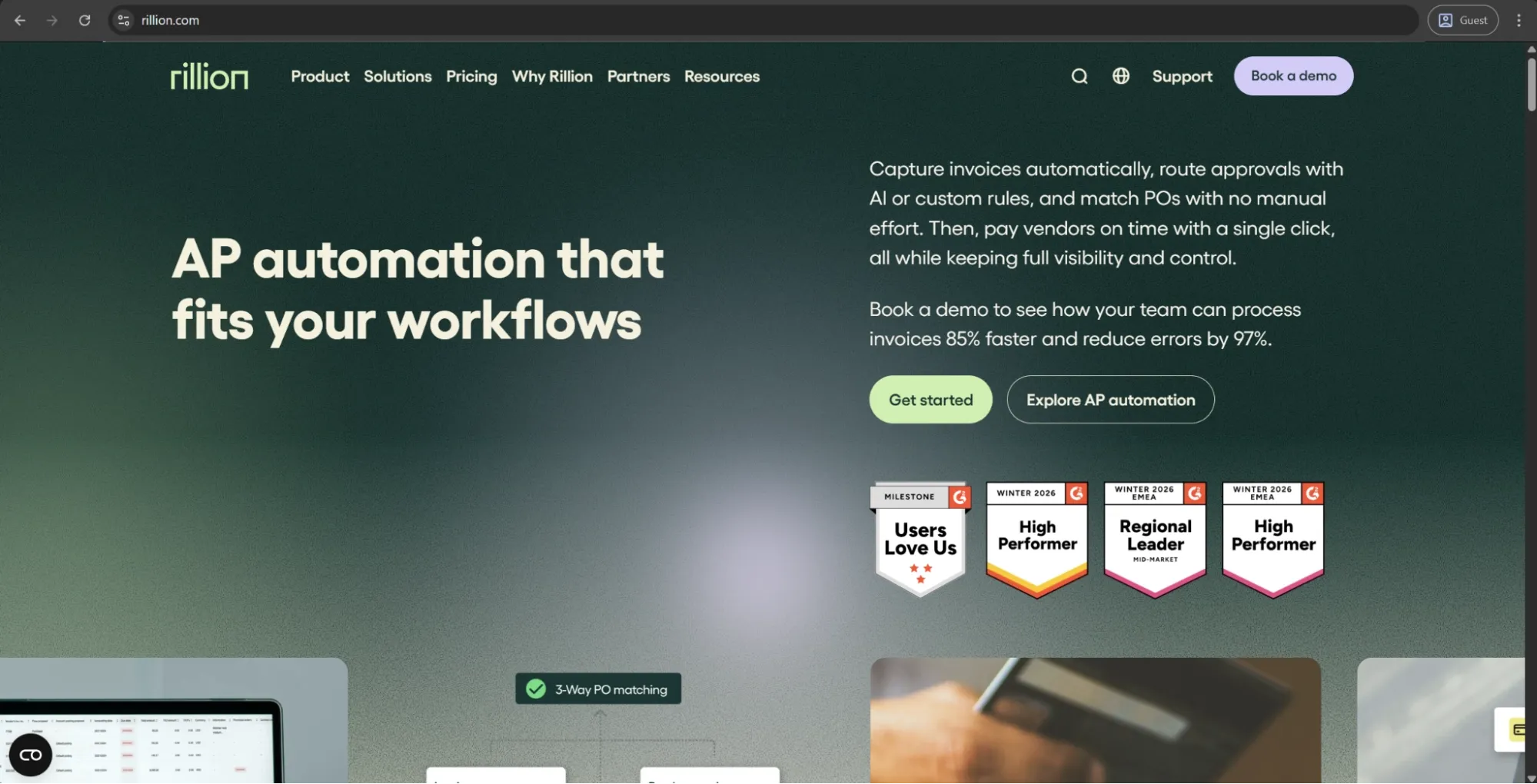
At its core, Rillion grew out of two well-established invoice companies, Palette Software and Centsoft, so you can see all that know-how in its primary idea as an AP solution. Businesses can use it to effortlessly move invoices from capture to payment, with AI handling a majority of the data entry process. There are two versions of the platform: Rillion One for small and medium-sized companies, and Rillion Prime for enterprises, with unlimited users and entities for both — an unusual benefit in a market that's been all about charging per seat for a while now.
Pricing, ratings, and product information checked: October 2026.
What are the customer ratings of Rillion?
What are the advantages of Rillion?
- Unlimited approvers and users on every plan, no per-seat pricing.
- Reduced manual input with faster processing thanks to AI-assisted invoice capture.
What are the shortcomings of Rillion?
- User interface feels outdated and cumbersome, and offers limited customization.
- Complex tasks like partial deliveries or non-standard invoice matching remain manual.
- Support response time and resolution speed vary from one client to another.
- AP is the core; many other features, like PO matching and budget management, all cost extra.
What is the cost of Rillion?
Even though Rillion doesn’t publish any detailed pricing data on its site, you can still get limited information about its pricing tiers and functionality. There are three major options to choose from:
- Basic is a simple but powerful plan for beginners with multi-entity management, unlimited users, invoice automation, SSO support, and more.
- Professional includes everything above with a few handy extras like AP analytics and Riley AI assistant.
- Premium expands even further by adding an automation coach and dedicated service delivery management to the previous plan.
Whichever plan you pick, keep in mind that some features can also be purchased separately: AI-native invoice capture, PO matching, budget management, payments (US only), etc.
What types of businesses is Rillion designed for?
If you're a mid-size organization with a ton of invoices to process, Rillion would be just right for you. This is especially true in companies where each invoice must go through a long line of approvers. No extra charge for any number of users, but both matching and routing need a little hand-holding. Rillion’s interface is not the latest and greatest, and anything beyond AP costs extra, but the solution is still great if invoices are your biggest pain right now.
Precoro
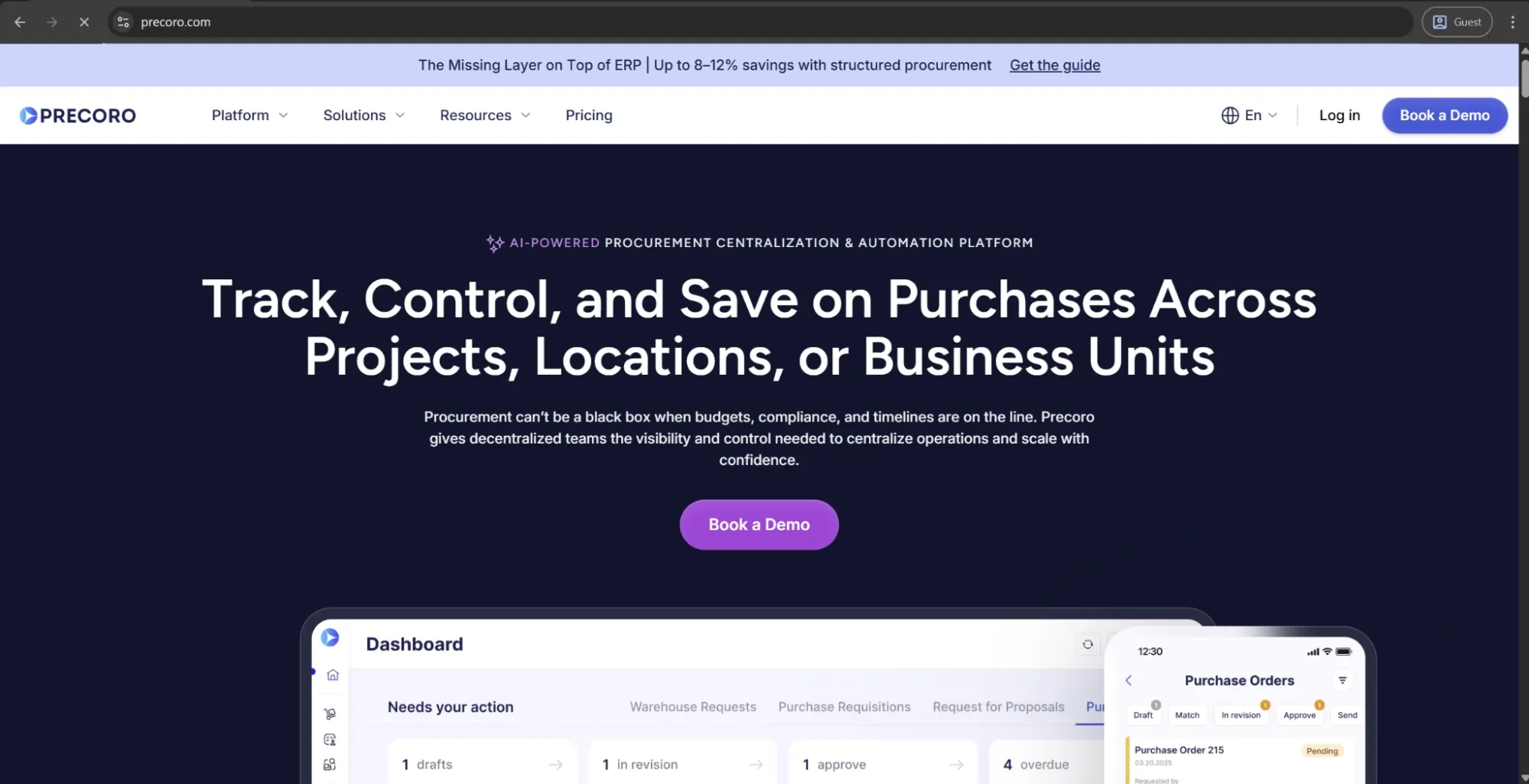
Precoro is an agentic procurement and AP centralization platform built to give finance and procurement teams control over company spending before money is committed. It brings purchase requests, approvals, budgets, suppliers, purchase orders, receipts, invoices, payments, and card spend into one view, so teams can see who is buying what, from whom, and against which budget.
Companies can configure approval workflows, budgets, catalogs, entities, roles, and purchasing rules around the way their business operates rather than forcing every team or location into the same setup. Precoro is particularly suited to decentralized companies that need centralized oversight across departments, locations, subsidiaries, or business units.
Approved financial data can then be passed to accounting and ERP systems such as NetSuite, QuickBooks Online, and Microsoft Dynamics 365 Business Central. Precoro is designed to work alongside these systems as the purchasing control layer, rather than replacing the ERP itself.
Pricing, ratings, and product information checked: October 2026.
What are the customer ratings of Precoro?
G2 — 4.7/5 points based on 222 user reviews
Capterra — 4.8/5 points based on 255 user reviews
What are the advantages of Precoro?
- Covers the full intake-to-pay cycle in one system, from the first request to approvals, POs, receipts, invoices, and payments.
- AI Crews built into everyday workflows handle routine work through the AI Document Processing, AI agents, and the AI Assistant.
- Clear visibility into spending across any part of the business, with custom reports and dashboards.
- A clean, intuitive interface that reviewers often praise, plus a mobile app for creating requests, approving documents, and logging receipts on the go.
- Implementation that doesn’t depend on your IT team.
- Multi-entity management for consistent control across subsidiaries and locations.
What are the shortcomings of Precoro?
- Focus on structure and control of purchasing before transactions reach the ERP; it doesn’t replace the ERP itself.
- Can only offer basic inventory and receiving features for simple warehouse management.
- Mandatory detailed upfront setup of workflows, budgets, and rules before go-live.
What is the cost of Precoro?
Precoro’s pricing model offers simplicity and consistency in three separate tiers:
- Core starts at $499/month, billed annually. It offers the essential feature set for beginners, including automated approvals, three-way matching, spend management, vendor management, reporting analytics, invoice payments, spending cards, and more.
- Automation begins at $999/month, billed annually. Adds AI agents, AI Document Processing, SSO support, real-time budget tracking, and more integrations.
- Enterprise doesn’t have a specific public cost associated with it, presenting an expansion of the Automation tier with custom-built integrations, advanced admin controls, enterprise-grade data protection, and no limitations on the number of users in the environment.
What types of businesses is Precoro designed for?
If you have a mid-sized company with purchasing distributed across teams and subsidiaries, and you want your finance team to approve spend before it’s committed, then Precoro would be right for you. It integrates well with existing ERPs, and its rollout speed is better than most. That said, if you want the ERP itself replaced or need serious warehouse/inventory tracking capabilities, you will probably find better options elsewhere.

BILL
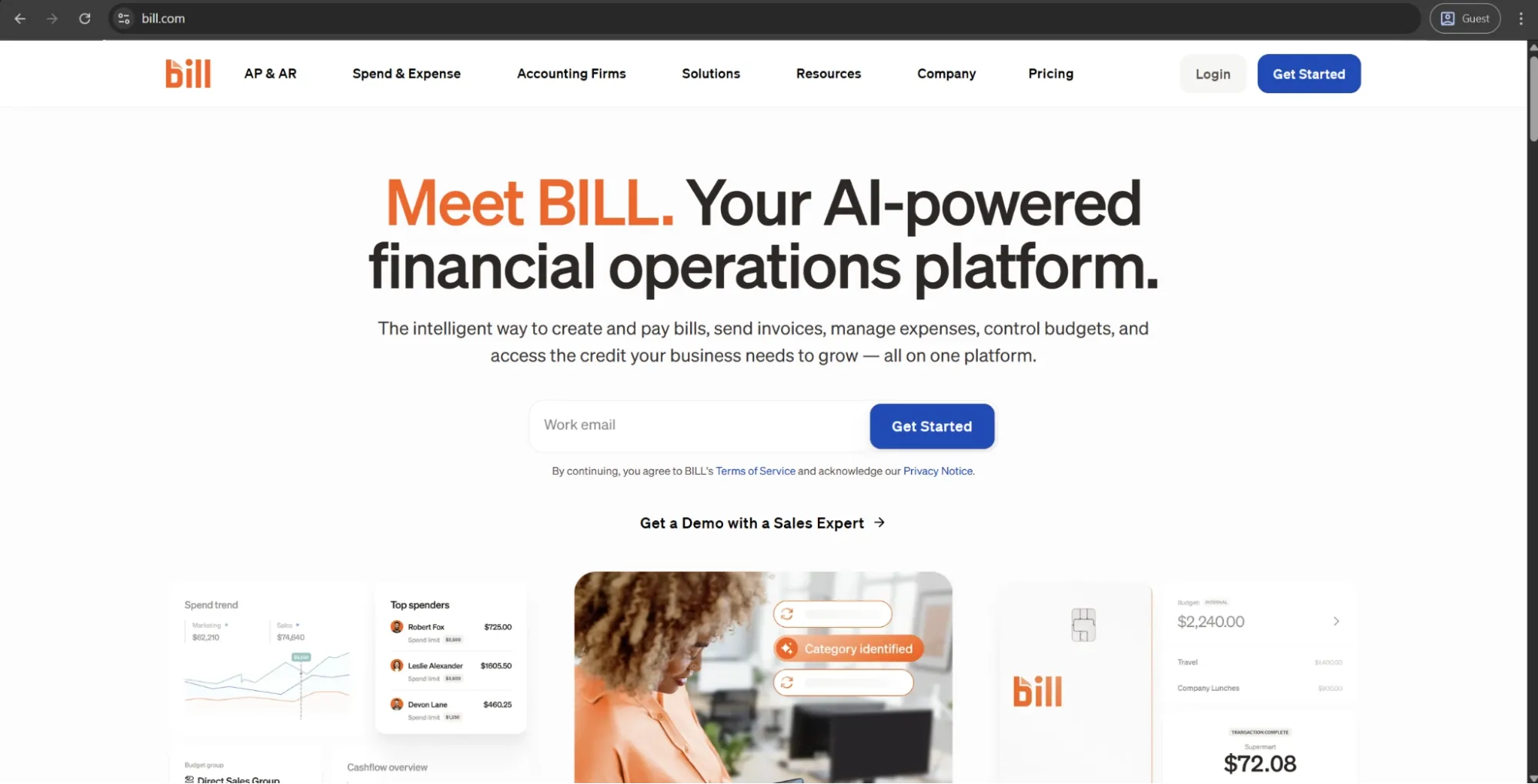
BILL mostly takes care of small businesses with its payments-first platform, helping suppliers pay in whatever way they prefer to do so: from paper checks to virtual cards. Invoices are automatically routed to the appropriate approver and go out through the same system, catching duplicates early on. They also introduced a procurement module in 2025, but that one can only handle simple purchase requests and single-step POs so far.
Pricing, ratings, and product information checked: October 2026.
What are the customer ratings of BILL?
What are the advantages of BILL?
- Intuitive interface consistently praised by SMB users for making invoice capture, approval routing, and payment processing accessible without extensive training.
- Strong payment flexibility, supporting ACH, wire transfers, virtual cards, and check payments within a single platform, with automatic duplicate invoice detection, reducing the risk of overpayment.
- Wide integration coverage with QuickBooks, Xero, Sage Intacct, NetSuite, and Expensify, making it easy to slot into existing SMB finance stacks without significant technical work.
What are the shortcomings of BILL?
- The procurement module (added in 2025) can only support basic purchase requests and single-step PO creation, which is unsuitable for complex workflow management.
- “Sync breaks” seem to be common between BILL and accounting software, necessitating manual intervention that forces users into long lines and frustrating customer support interactions.
What is the cost of BILL?
BILL uses a per-user monthly subscription model with four primary pricing plans: Essentials ($49 per user per month) with core AP automation features, Team ($65 per user per month) with automatic two-way sync and custom user roles, Corporate ($89 per user per month) that includes advanced approval policies and procurement-related features, and finally Enterprise that requires contacting sales or requesting a demo while offering SSO, API access, advanced controls, and automated two- and three-way matching.
What types of businesses is BILL designed for?
BILL is just what you're looking for if you own a small business that wants quick & easy invoice approvals and payments. If you're a QuickBooks or Xero fan, you'll feel right at home here. Just be prepared to look for a dedicated procurement solution early on if you want to use BILL for both requisitions and payments.
Stampli
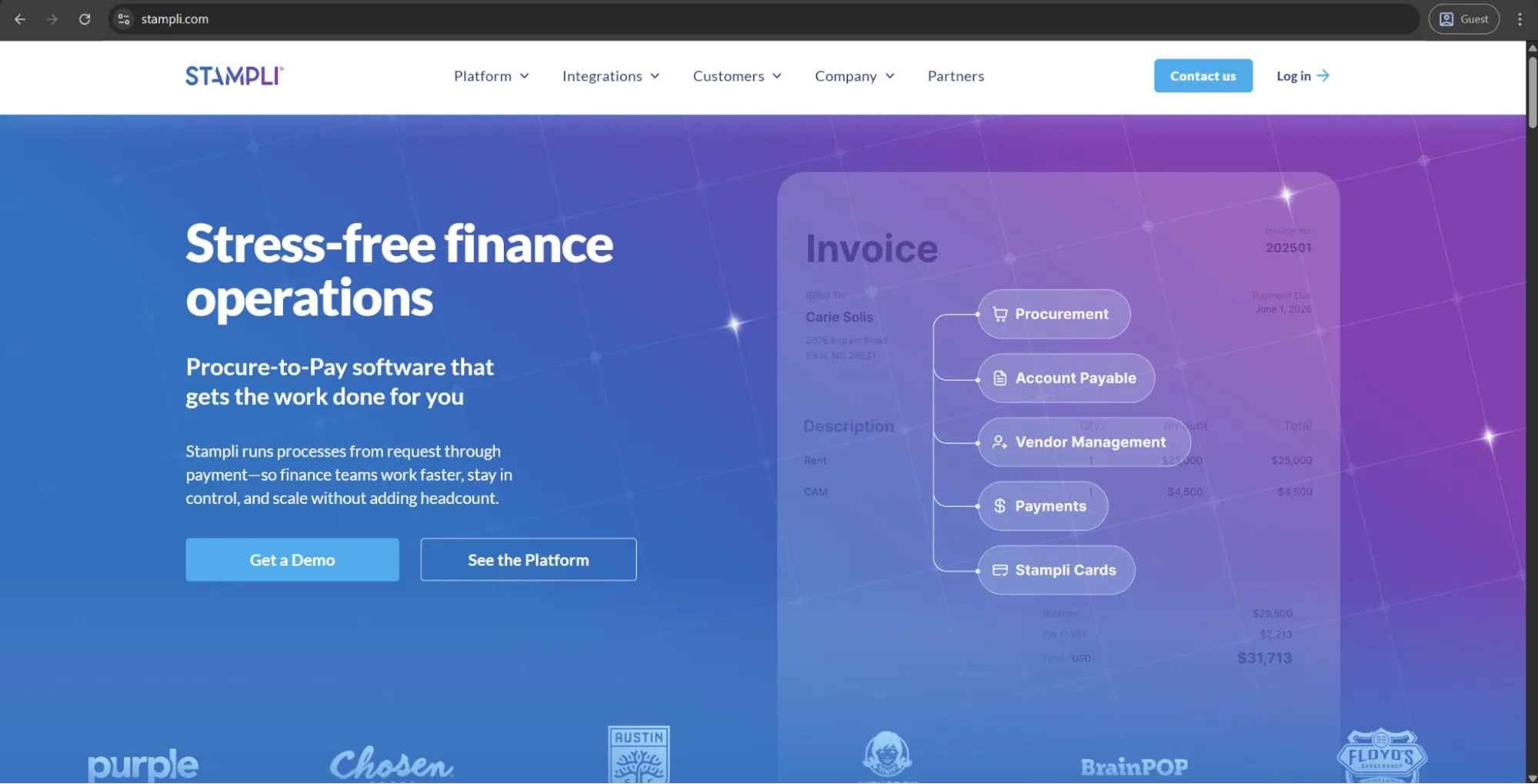
Stampli puts the invoice right in the middle of everything, so all the discussions about a bill and its approval will also happen in the context of an invoice. A lot of reviewers bring up Billy the Bot, Stampli’s AI assistant that picks up your coding habits from past invoices and gets better over time with that in mind. Purchase requests and POs were added later on, too, so it’s a logical step up for companies that have already outgrown plain AP capabilities.
Pricing, ratings, and product information checked: October 2026.
What are the customer ratings of Stampli?
What are the advantages of Stampli?
- Most teams go live within weeks with very little or zero IT involvement.
- Billy the Bot learns how to code invoices by watching your history and gets smarter as you go.
- Customer support responses are quick, and dedicated success managers stick around for some time after the go-live.
What are the shortcomings of Stampli?
- Recurring invoices could be flagged as duplicates; someone would have to override them manually every time.
- Some changes cannot be made on the customer side and can only be done via customer support.
- Reporting is somewhat limited, with no predefined templates and restricted search capabilities until an invoice has been reviewed.
What is the cost of Stampli?
The exact cost of Stampli’s services isn’t listed on their website. However, you can contact their sales team directly and request a personalized quote.
What types of businesses is Stampli designed for?
Stampli is here for you and your finance team, ready to deliver answers exactly where your invoices are, offering support where teams usually need it. If your company has a lot of sourcing or multiple entities purchasing in different ways, you might find the procurement side too bare-bones for your tastes, but if you approach the tool as an AP solution growing toward procurement-to-pay, it’ll show itself in the best way.
Coupa
Coupa started with indirect spend and kept expanding until it covered most of what a regular company purchases. There’s sourcing on one side and supplier collaboration on the other, with invoicing and expenses staying in between in this cloud-based environment. It’s a favorite of many big and mid-market companies that want to see the spending of their whole business in a centralized fashion. A lot of its complexity as a solution comes right from the range of features it offers to cover all aspects of the purchasing cycle.
Pricing, ratings, and product information checked: October 2026.
What are the customer ratings of Coupa?
What are the advantages of Coupa?
- One platform that handles the entire chain of sourcing to supplier collaboration.
- A convenient live view of all spend separated by either supplier or cost center.
- The product is in active development; updates with new features arrive regularly.
- A large ecosystem of consultants and existing users works as a knowledge source for all new customers.
What are the shortcomings of Coupa?
- Day-to-day tasks sometimes take more effort than they should.
- The learning curve is steep for anyone who isn’t already a full-time procurement expert.
- Implementation takes time and effort to finish properly.
- Slow ticket resolution and vague responses seem to be common in customer support across the board.
What is the cost of Coupa?
Coupa’s pricing information isn’t published online, but rather provided via an extensive partner network called the Coupa Partner Xchange Program; the specific user experience and terms could vary depending on deployment scope and location, among other factors.
What types of businesses is Coupa designed for?
Coupa does ask a lot of its clients, both financially and in terms of manpower. That said, it pays off well for global organizations with extensive supply chains and someone working on those chains full-time. That said, the sheer complexity of the solution makes it almost impossible to just turn it on and forget about it.
Medius
Medius, the one that some might remember as MediusFlow, was built to get invoices approved and paid for without any paper involved. Its capabilities have expanded since then, adding procurement and sourcing modules to aim for a larger share of mid-market and enterprise clients. A lot of its customers notice the AI-driven invoice processing capabilities, along with an assistant called Medius Copilot that comes with the AP 360 package.
Pricing, ratings, and product information checked: October 2026.
What are the customer ratings of Medius?
What are the advantages of Medius?
- AI-powered invoice automation capabilities reduce processing times from weeks to days.
- Approvers inside and outside of the AP find the software easy to use, with onboarding constantly praised for its efficiency.
What are the shortcomings of Medius?
- Initial setup and ERP integration can take a while, especially with limited IT assistance.
- Connecting the solution to an ERP system often takes a long time and a lot of effort.
- Slowdowns and freezes are commonplace with high invoice volumes; some users even report needing to restart the entire system.
- The pricing model favors mid-market and enterprise businesses, with little to no room for small businesses.
What is the cost of Medius?
Medius offers two AP automation packages: AP Essentials for smaller teams, and AP 360 as an expansion of the first one with multi-entity support, Medius Copilot, Supplier Conversations, and more. There are no public prices on Medius’s website; per-request quotes are the only option to get any pricing info.
What types of businesses is Medius designed for?
If you are a mid-market or enterprise finance team seeking to break free from a paper-choked AP process, Medius is ideal for you, as long as you have the resources for a proper ERP integration. The procurement and sourcing modules are nice add-ons, but the solution itself should be treated as an AP purchase first.
SAP Concur
SAP Concur extensively covers the field of T&E (travel and expenses), and it can also handle invoices. Employees can book trips, get reimbursed, and manage invoices from the same platform. Concur, being an SAP product, is one of the most widely used corporate spend platforms and tends to be extremely popular among companies that have international or multi-currency needs.
Pricing, ratings, and product information checked: October 2026.
What are the customer ratings of SAP Concur?
What are the advantages of SAP Concur?
- A combination of booking, receipt capture, corporate cards, and reimbursements in one mobile platform.
- Extensive global coverage: 140+ currencies and compliance support in 170+ countries.
- Extensive SAP integration with supplementary connectors for NetSuite and Microsoft Dynamics.
What are the shortcomings of SAP Concur?
- Outdated and unintuitive interface with a challenging configuration that often requires experienced admins or outside consultants.
- Invoice handling is the weak spot; it's getting better, but it's still a secondary feature added to the expense and travel modules.
What is the cost of SAP Concur?
Unfortunately, SAP Concur does not include any prices on its website. To receive pricing, you will need to contact their sales team to obtain a quote or request a demo.
What types of businesses is SAP Concur designed for?
Concur is an excellent SAP invoice processing software to consider when you’re a big company that needs employee spend and supplier invoice handling to be concentrated in one place. It won’t be the first choice of anyone looking for a dedicated AP automation solution, though.
Tipalti
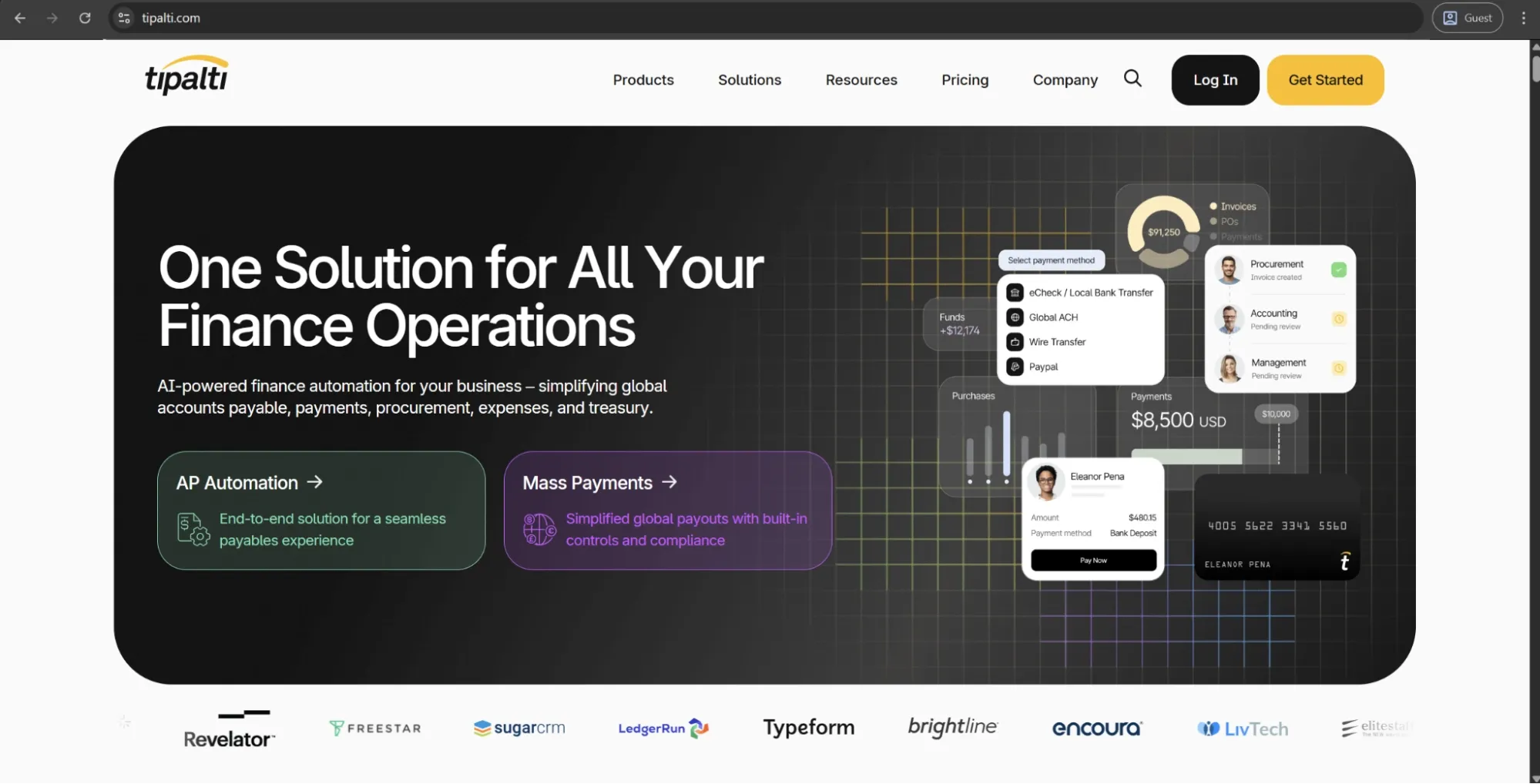
Tipalti is great for making payments to a large number of partners and suppliers worldwide, with cross-border payments being its strongest suit to this day: 190 countries, 120+ currencies, tax compliance, and fraud detection are all included in the package. Over the years, Tipalti has also evolved into a comprehensive platform that has AP automation and procurement capabilities, among others. A typical customer of Tipalti is a fast-growing company with complex international payouts.
Pricing, ratings, and product information checked: October 2026.
What are the customer ratings of Tipalti?
What are the advantages of Tipalti?
- Can pay suppliers in 120+ currencies across 190+ countries, dealing with local-transfer headaches along the way.
- Suppliers get a self-service portal where they can enter and update their own bank/tax details.
- Tax handling is a built-in capability, validating TINs and taking care of withholding.
- SOX-compliant audit trails.
What are the shortcomings of Tipalti?
- The ERP connections, particularly NetSuite, are prone to sync errors and failed data loads that someone would have to fix by hand.
- Rollout consumes a lot of time and often exceeds quoted timeframes.
- Standard reports can be restrictive, and there’s not much room for customization.
What is the cost of Tipalti?
Tipalti separates its pricing offerings into two large categories: Accounts Payable and Mass Payments. Accounts Payable pricing includes three tiers:
- Select is $99/month. It includes unlimited users, supplier self-onboarding, ERP integrations, tax compliance tools, and automated taxpayer identification number (TIN) validation.
- Advanced is $199/month. It adds 2- and 3-way matching, flexible bill approval workflows, domestic multi-entry infrastructure, and dedicated customer support.
- Elevate only has custom pricing. It includes all previous features plus foreign exchange hedging, global multi-entity infrastructure, priority support, and professional services for custom ERP integrations.
What types of businesses is Tipalti designed for?
Companies with international suppliers or affiliates paid in bulk are the primary audience for Tipalti; it’s one of the best options on the market in this particular scenario. If not, you might find it way too much to handle for what it offers, especially if you’re paying a handful of domestic vendors and barely anyone else.
Ivalua
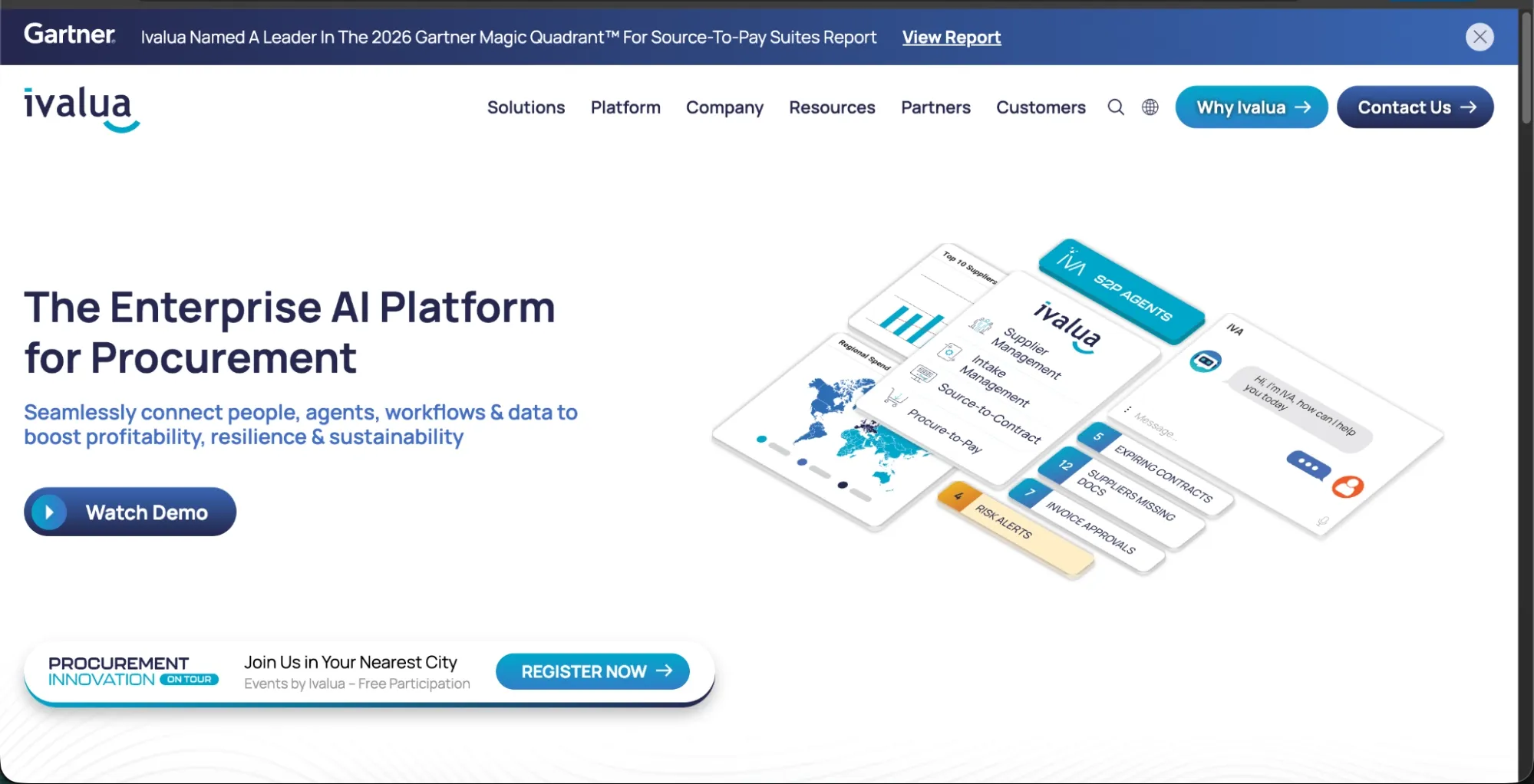
Ivalua assists large companies as a procurement suite, offering an all-in-one environment covering everything from strategic sourcing to day-to-day purchasing. What makes Ivalua popular is how flexible and adaptable it can be, modifying workflows and data structures to match how clients organize their own procurement. Extensive configurability remains a big reason why Ivalua is used by a lot of businesses with strict compliance rules and complicated global configurations.
Pricing, ratings, and product information checked: October 2026.
What are the customer ratings of Ivalua?
What are the advantages of Ivalua?
- Covers the entire procurement process from sourcing and contracts to purchasing and invoicing; can scale across multiple entities and large supplier bases.
- High flexibility and a lot of freedom in configuration, reshaping workflows and data structures for even the most complicated procurement rules.
What are the shortcomings of Ivalua?
- Extremely difficult customization that necessitates a dedicated internal team or outside consultants to set everything up, all on top of a confusing interface.
- Its complexity is a one-way ticket that makes a lot of more straightforward or simple use cases inapplicable to Ivalua.
What is the cost of Ivalua?
Ivalua doesn’t publicly disclose pricing on its website.
What types of businesses is Ivalua designed for?
Ivalua fits large enterprises with a mature procurement team the most (with a budget to match). It would be overkill for almost any mid-sized company that just wants to get its day-to-day purchasing under control, though.
Paylocity
Paylocity was originally a payroll and human resources (HR) company that started providing spend management capabilities after it acquired Airbase in 2024. With that, Airbase’s spend management tools are now within the same framework as Paylocity's payroll and time tracking capabilities, helping a mid-market company run HR and finance in the same platform. Here, spend policies and approval routes can update themselves when someone leaves or changes roles, automating the kind of administrative work nobody misses.
Pricing, ratings, and product information checked: October 2026.
What are the customer ratings of Paylocity?
What are the advantages of Paylocity?
- A single system sharing HR and finance capabilities has been a substantial pitch since the Airbase acquisition.
- Approval flows and spend policies are owned by individuals, so when one person leaves or moves jobs, workflows simply update on their own.
- The mobile app is known for its usefulness in terms of approving requests and snapping pictures of receipts on the go.
What are the shortcomings of Paylocity?
- Report designs seem inconsistent, and financial analysis as a whole is very difficult.
- Wildly inconsistent support gets mentioned a lot in user reviews, ranging from waiting a long time for inconclusive answers to getting fast, to-the-point support.
- Its existing procurement and spend modules came from Airbase; they mostly suit mid-market teams with standard workflows and will struggle with anything more challenging.
What is the cost of Paylocity?
Unfortunately, the cost for Paylocity is not posted on their website. However, they do offer a dedicated pricing page to submit a request for a quote, and can even schedule a free demo.
What types of businesses is Paylocity designed for?
One would not recommend looking for comprehensive procurement and AP capabilities in Paylocity’s toolset, as many specialized tools offer many more features in comparison. If you’re a mid-market firm already working with Paylocity for its HR or payroll capabilities, you can also use its core spend capabilities as long as your expectations are grounded enough. The inherent link between HR data and financial data remains the primary selling point of this solution.
Procurement Express
Procurement Express suits small businesses prepared to leave email-and-spreadsheet purchasing style behind. Its capabilities are refreshingly simple: each request moves through multiple levels of approval, turning into a PO that matches against your budget.
There’s also basic invoice tracking and a combination of a mobile app and a document scanning capability that suits field crews outside of the office. Procurement Express sizes its plans depending on how many payments are pushed through them each month, from $10,000 to $50,000,000, depending on the pricing tier.
Pricing, ratings, and product information checked: October 2026.
What are the customer ratings of Procurement Express?
What are the advantages of Procurement Express?
- One of the more painless configuration experiences on the entire market; extremely accessible to first-timers.
- Budget tracking works in real time, and threshold alerts help warn teams about potential overspending.
- Consistent support during onboarding is guaranteed.
What are the shortcomings of Procurement Express?
- Bare-bones reporting capabilities provide just a simple spend view.
- POs can’t be amended and have to be deleted and then rebuilt to introduce changes.
- ERP connectivity is relatively shallow and relies partly on Zapier at times.
- Every plan requires at least 10 users, and there’s also a one-time setup fee of $2,000.
What is the cost of Procurement Express?
Procurement Express offers four separate pricing tiers, with different levels of capabilities targeting specific market segments:
- Basic: $415 per month, includes a self-service setup for a single company, with QuickBooks integration and basic reporting capabilities. Supports up to $10K per month.
- Better: $900 per month, combines the previous offering with Amazon PunchOuts, Sage 50 integration, and standard reporting capabilities. Supports up to $1M per month.
- Best: $2,550 per month, brings in a dedicated implementer, as well as Sage 200 integration, support of up to 5 companies, scan & match capability, and 100+ store PunchOuts. Supports up to $10M per month.
- Enterprise: the only pricing tier with no public cost attached to it, includes everything the company has to offer, including NetSuite integration, Amazon PunchOuts, a dedicated account manager, SFTP access, advanced reporting, and more. Supports up to $50M per month.
What types of businesses is Procurement Express designed for?
If you are a small team embarking on digital buying for the first time, Procurement Express is the right choice, offering practically no usual software pain early on. When reporting, integrations, and moving items around take over your life, then it's time to look at other alternatives.
Jaggaer
Jaggaer prioritizes sourcing over everything else. The Jaggaer ONE platform works through spend analysis and supplier selection, all the way to purchasing. It also comes with dedicated AI capabilities that suggest suppliers that best fit what your company needs. Jaggaer was built for large enterprises with extensive supplier bases and well-established procurement practices.
Pricing, ratings, and product information checked: October 2026.
What are the customer ratings of Jaggaer?
What are the advantages of Jaggaer?
- Extensive sourcing capabilities with RFx management and supplier evaluation.
- Capable of covering both upstream sourcing and downstream purchasing; supports complicated procurement structures with multi-entity configurations.
What are the shortcomings of Jaggaer?
- Implementation takes a lot of time and resources to complete; most companies need either a dedicated procurement team or outside help to handle configuration and maintenance.
- Non-procurement users often find the interface confusing.
- Companies that want simple, transactional purchasing under control might find Jaggaer’s focus on strategic sourcing less than useful.
What is the cost of Jaggaer?
Jaggaer doesn’t provide public pricing on its website.
What types of businesses is Jaggaer designed for?
You're a great candidate for Jaggaer if your company makes a point to approach sourcing as a real discipline, with a purchasing function and ongoing consulting support. If your company's primarily managing a lot of the low-end indirect buying, you'll be on the other end of the spectrum, paying for features you may not even need.
How should you choose procure-to-pay software in 2026?
Attempting to demo twelve whole products in the same list would be overkill for the majority of businesses out there. Once you pinpoint where exactly your process breaks, be it skipped approvals or invoices that never match an order, you’ll only have a couple of vendors from the list above to consider — the ones that are actually capable of fixing your specific issue.
The best test you can do is to run one of your own messy invoices through each of the potential candidates’ environments; that should say more about those solutions in your circumstances than any feature sheet ever would.
FAQ
A significant part of any manual process is spent waiting for an approver to respond, for AP to find the PO behind an invoice, or for someone to re-enter information. P2P software removes these gaps by connecting each step. Approved requests can become POs without retyping, approvals go to the right person and can be handled from a mobile device, and invoices are matched against POs and receipts automatically, leaving only exceptions for manual review. Payments can then follow agreed terms while the system helps catch duplicate invoices along the way. As one of the many side effects of automation, month-end gets a lot easier because commitments and invoices already agree by the time finance sits down to close.
Not really. The community versions of Odoo and ERPNext include purchasing modules, but they’re primarily ERP solutions, making invoice matching and approval routing entirely dependent on the end user to build and configure. A large company would also have to spend a lot of time on the support and security upkeep of its own solutions, which is why the overwhelming majority chooses a commercial tool that usually costs a lot less.
Finance teams typically need answers to a handful of recurring questions: Where is money going? How much spend had an approved PO before the purchase? What has been ordered but not yet invoiced? How long do invoices take to get paid, and which ones are overdue? Which departments are approaching or exceeding their budgets? Most P2P platforms offer dashboards and scheduled exports to answer these questions, as we mentioned earlier. Forecasting and benchmarking are less common, however, and may be unavailable or limited to higher-priced plans.
Evaluate if Precoro fits your procurement workflow
Request a demo to walk through real use cases and see how Precoro connects purchasing, AP, and budgets in one system.