









 Explore Precoro's features





















Ramp fits a specific type of finance team well enough — but as business operations grow and evolve, the limitations of this platform in different fields tend to become more and more prominent. Once that happens, the question turns from finding any alternative to figuring out which option is the most suitable one.
This article compares top 16 Ramp alternatives and competitors in the year 2026, from enterprise AP automation solutions to global contractor payment platforms, covering each platform’s features, user reviews, cost, and fit — so that companies can know what kind of tool suits their specific needs the most.
What is Ramp?
Ramp is a financial operations product that has integrated corporate cards, expense management, bill payments, procurement, accounting automation, and treasury into a single unified system. The company was founded in 2019 with its headquarters being located in New York City. Over this short timespan, Ramp has quickly become one of the most heavily funded fintech companies in the United States, with a $32 billion of value as of late 2025.
The platform’s foundational thesis is that controlling spend before it happens is a lot more valuable than tracking it after the fact. Over 50,000 businesses in total have used Ramp (including Shopify, Notion, and Glossier), which managed to save $10 billion and 27.5 million hours since its founding (according to Ramp).
The underlying engine of the platform is a suite of physical and virtual corporate cards feeding directly into automated expense categorization, receipt matchmaking, and ERP sync.
As of 2026, Ramp’s platform offers:
- Corporate cards
- Expense management
- Bill payments
- Procurement
- Price intelligence
It’s designed primarily for mid-market businesses (those between 25 and 5,000 employees, for the most part) that need a modern alternative to legacy finance tools without enterprise-level price tags or complexity.
Ramp's advantages
What sets Ramp apart from its competitors isn’t a specific feature or capability, but the underlying philosophy behind software design. The vast majority of finance tools are built to track spending, while Ramp is built to reduce it. Below we’ve covered some of the most notable advantages of this platform in different aspects and areas.
The pricing model is unusual for a platform of this scope
Free trial gives access to corporate cards, expense management, accounts payable, accounting integrations, and vendor management without per-user fees. This benefit alone is valuable for growing teams that can replace multiple point solutions with a single platform, generating savings through reduced tool sprawl and embedded automation features.
The automation goes further than receipt capture
Ramp can grab receipts, categorize expenses, flag out-of-policy expenses, and synchronize into ERPs automatically. However, its vendor-level intelligence is even more impressive as a feature. Once an invoice is uploaded, Ramp can compare its cost against benchmarked data from other companies on the platform, flagging cases where a business pays above the median for a given tool or service.
Spend control is built into the card layer itself
Virtual cards can be limited to a single vendor, department, budget, or even a single transaction, expiring automatically once said limit is reached. As a result, policy enforcement can happen at the point of the purchase instead of weeks later (during a review cycle).
Procurement and payments are part of the same system
Purchase requests flow into approval workflows automatically with budget checks built-in, so each new subscription or vendor relationship is approved, budgeted, and tracked from day-one. This is how Ramp clients avoid the SaaS sprawl that tends to build up when employees can order anything using a corporate credit card without a mandatory approval process for each purchase.
Adoption tends to be fast
Ramp’s integration with accounting systems, combined with automatic receipt matching, saves users a significant amount of time and effort. The platform is consistently described as requiring almost no training — a massive advantage for any organization rolling out a new finance tool across multiple departments.
Why look for a different solution if you already have Ramp?
Ramp is a powerful solution that works well for many mid-market companies. The question isn’t whether it’s good, but whether it fits the way your finance operations are actually organized.
A problematic track record of limited accounts payable depth and finance workflow flexibility
Ramp was originally built as a card-first spend management platform, and that foundation still shapes its broader accounts payable experience. Its bill pay functionality covers core AP needs such as invoice capture, approval workflows, and payment execution, making it well-suited for teams that want a fast, automated approach to spend and payables management.
However, compared to more AP- or procurement-first platforms, it may offer less depth in highly complex or heavily customized AP environments, particularly where organizations require advanced workflow configuration, multi-entity consolidation at scale, or highly specialized approval logic. As a result, Ramp tends to fit best for companies that prioritize speed, automation, and spend control over deep procure-to-pay configurability.
Additionally, Ramp can be less flexible when it comes to complex approval chains, multi-step setups, and custom accounting rules, which may require workarounds for more advanced routing or specialized workflows. Some users also report ERP integration gaps, where payments made outside of Ramp don’t always sync back, leading to potential double-entry work.
These limitations are unlikely to be an issue for companies with straightforward finance operations. However, teams that have already outgrown basic expense management (or expect to in the near future) should evaluate the platform more carefully before committing.
The methodology for evaluating potential competitors and alternatives to Ramp
Choosing a Ramp alternative depends on where Ramp falls short for your business. The options below are evaluated using a consistent set of criteria across all platforms, making it easier to compare them to Ramp in a fair and practical way.
Each solution was assessed on the following:
- Platform capabilities and fit — what the tool is actually built to do well, and which use cases or company profiles it serves best.
- User ratings — verified scores from Capterra and G2, reflecting real-world satisfaction across a broad base of users.
- Advantages and shortcomings — an honest assessment of where each platform leads and where it falls short, drawing on user reviews and feature analysis.
- Customer reviews — direct quotes from verified Capterra and G2 reviewers, reproduced in their original wording.
- Pricing — current pricing structure for each platform, including free tiers and enterprise options where available.
No single solution on this list will fit every company’s needs. The goal of this comparison is to give you enough context on each platform to identify what best addresses your specific gaps with Ramp — whether that’s deeper AP automation, more flexible workflows, stronger ERP integration, or something else entirely.
Ramp user reviews
- Trini U. — G2 — “Ramp provides an ultimate experience by seamlessly combining operational efficiency with cutting-edge, up-to-date AI tools. By integrating several key performance features, the platform drastically improves workflow through a perfect blend of transparency and performance, delivering critical financial information in real time. This platform is truly a masterpiece. It elevates overall workflow quality and efficiency, providing total reassurance that vital information will always be available on time. For any organization looking to modernize its financial stack, Ramp is a game-changer.”
- Gideon B. — G2— “It's not that easy to use. The autofill doesn't do everything. Some of the flows are not intuitive at all, and some of the language is unclear so I don't know what info I need to enter. The language needs to be clarified and perhaps better tooltips.”
Alternatives to Ramp
The tools presented below cover many use cases — from pure AP automation to full spend management suites — and also differ substantially when it comes to their cost, complexity, or target company size. Additionally, not all these tools are direct alternatives to Ramp, and that is also by design. The best alternative is the one that addresses your specific gaps with Ramp, which will differ from one organization to another.
Brex
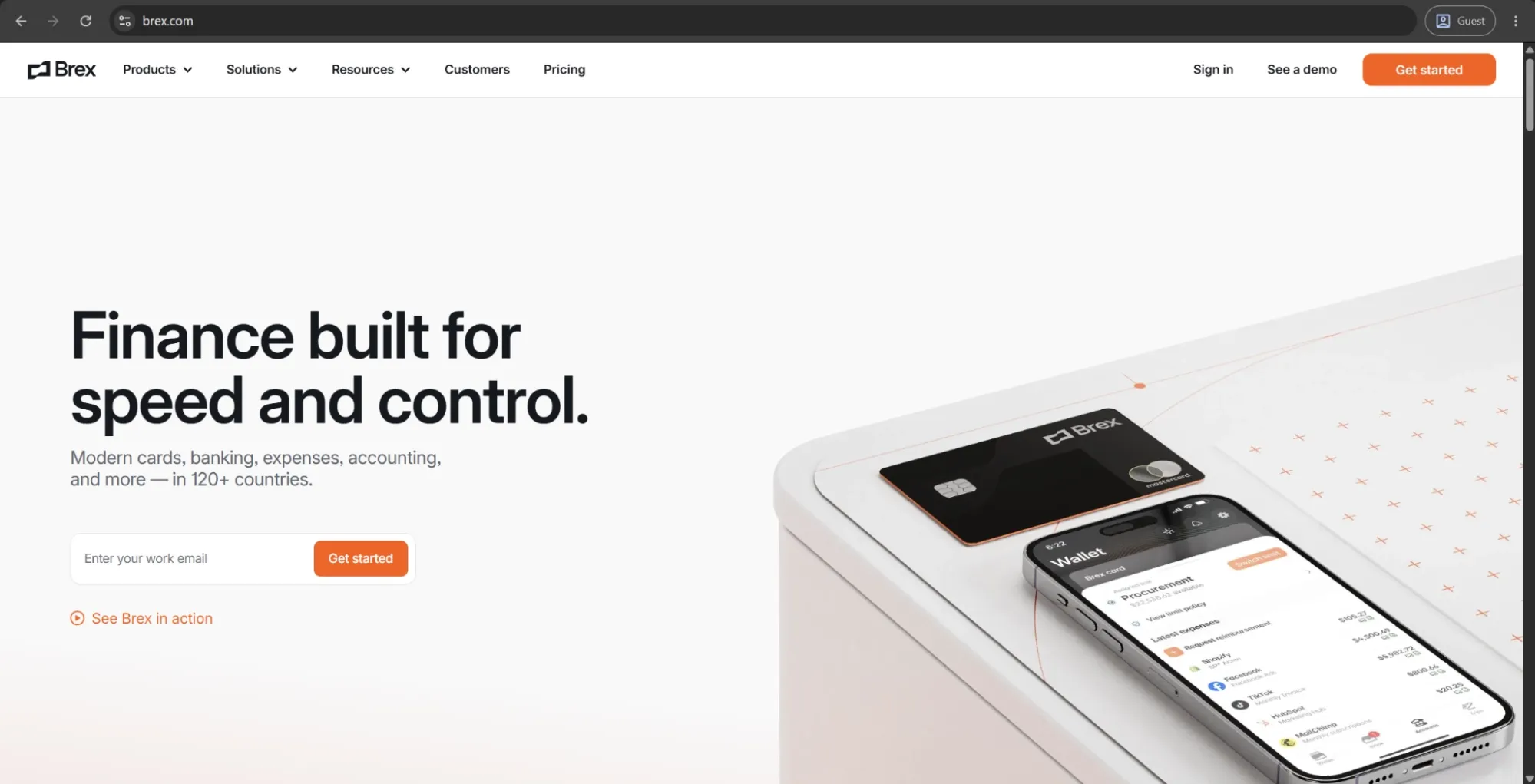
Brex is an all-in-one spend management solution that includes corporate cards, expense management, bill pay, travel booking, reimbursements, and business banking. It’s a great fit for startups, scaling companies, and international teams that intend to exert more control over their finances before they reach the accounting system.
Brex supports local currency accounts in USD, EUR, GBP, CAD, and more — with built-in international wire transfers and multi-entity support. That’s why it’s one of the best options on the list for businesses that deal with international operations on a regular basis.
Customer ratings:
Advantages:
- Brex consolidates cards, expense management, bill pay, travel, and reimbursements into a single platform with no per-user fee on the base plan.
- The global card works across countries without requiring a personal guarantee, making it accessible for non-US founders and international teams.
- Virtual card creation is instant and highly flexible, with customizable spend limits per employee, department, or vendor.
Shortcomings:
- ERP and HRIS integrations are limited on lower-tier plans and have shown reliability issues during setup for some teams.
- Trip-based expense organization is weak: mileage and multi-stop travel entries require separate manual inputs rather than grouped trip management.
- Approval workflow customization becomes rigid at scale, with limited flexibility for complex or exception-based routing rules.
Customer reviews (original spelling):
- Marc R. — Capterra — “There is a lot to set up to get it right but once you do, it has so many options and runs smoothly. But you need to be prepared to really spend time learning all features available to customize.”
- Tatiana Z. — G2 — “Brex is very easy and practical to use for the control and management of resources and users. The product allows having multiple virtual cards for different types of expenses, users, countries, etc., which facilitates traceability and costs.”
Pricing:
Brex offers a choice between three separate pricing plans:
- Essentials, available for free and offers a minimal feature set for startups and growing companies (local currency wires, instantaneous reporting, API access, up to 2 entities, etc.).
- Premium, starts at $12 per user per month and expands upon the previous offering with multiple customizable expense policies, dynamic expense review chains, advanced approvals with dynamic spend limit, and more.
- Enterprise is a custom-priced plan that builds on the Premium version, offering additional features such as tailored implementation services, support for unlimited entities, and a dedicated account manager.
The author’s note:
Brex is a strong choice for venture-backed startups and high-growth companies that need support for global spending without the friction of legacy platforms. Its international capabilities are its main differentiator compared to most competitors in the space, including Ramp.
However, it’s worth noting that Brex was acquired by Capital One in early 2026, with the deal expected to close in the summer, which may introduce some uncertainty around the platform’s future direction.
Coupa
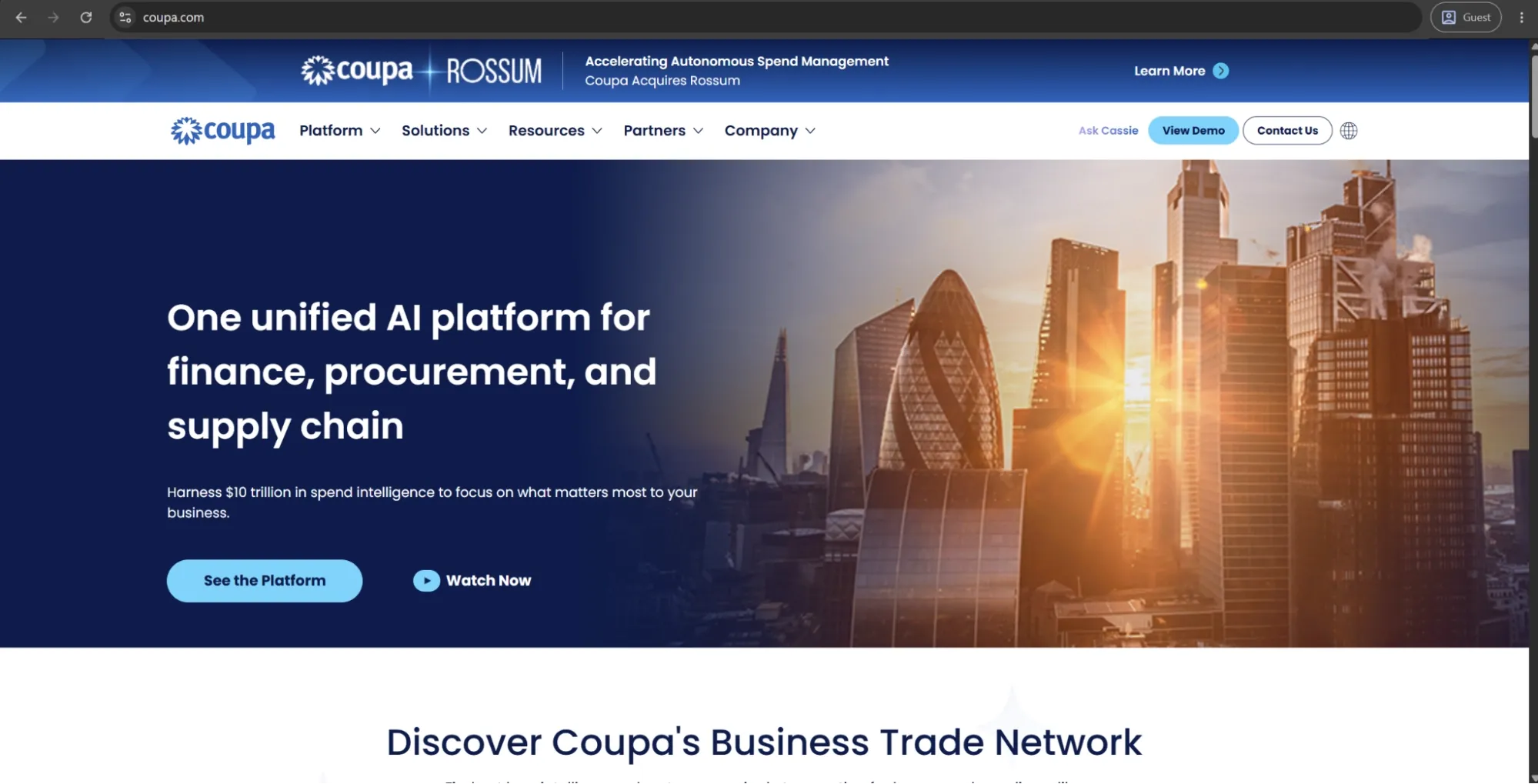
Coupa is a cloud-based spend management platform that brings procurement, accounts payable automation, and supply chain planning into a single system. It supports the full source-to-pay process, including requisitions, purchase orders, invoice verification and approval, as well as vendor management.
The platform is powered by a large dataset of over $10 trillion in spend, which enables its AI features and benchmarking tools to deliver market insights that are typically available only to much larger enterprises.
Customer ratings:
Advantages:
- Coupa covers the full source-to-pay cycle — procurement, invoicing, supplier management, and contract compliance — in a single platform.
- Its AI benchmarks spend against a dataset of trillions in processed transactions, surfacing savings opportunities most platforms cannot match.
- Multi-currency and multi-language support make it well-suited for global procurement operations across multiple regions and entities.
Shortcomings:
- Implementation is time-consuming and typically requires significant IT involvement or external consultants to configure properly.
- The supplier portal has a reputation for being difficult to navigate, which creates friction and leads to invoice errors on the vendor side.
- Reporting and PO workflow customization are limited relative to the platform's overall depth, frustrating power users who need flexibility.
Customer reviews (original spelling):
- Mai M. — Capterra — “Overall, it has been a true asset and a helpful tool with very specific clients who are incredibly important to my small business!”
- Jacup J. — G2 — “the system can feel slow and clunky at times especially when navigating between modules or uploading receipts through the mobile app It’s powerful but not always the most seamless experience Also some suppliers find the portal confusing which sometimes delays transactions on their end.”
Pricing:
Coupa doesn’t have public pricing information on its official website, but it offers an abundance of partners via the Coupa Partner Xchange Program that can be used to acquire different products from Coupa depending on a company’s location and other factors.
The author’s note:
Coupa sits firmly in the enterprise and upper mid-market segment. Its procurement and supply chain capabilities are highly advanced, but they come with significant complexity and cost that can be difficult to justify for smaller teams.
Customizing workflows often requires time and may involve IT support or external consultants. For organizations that need robust sourcing, supplier management, and AP automation in a single system — and have the resources and time to implement it properly — Coupa is the strongest option.
SAP Concur
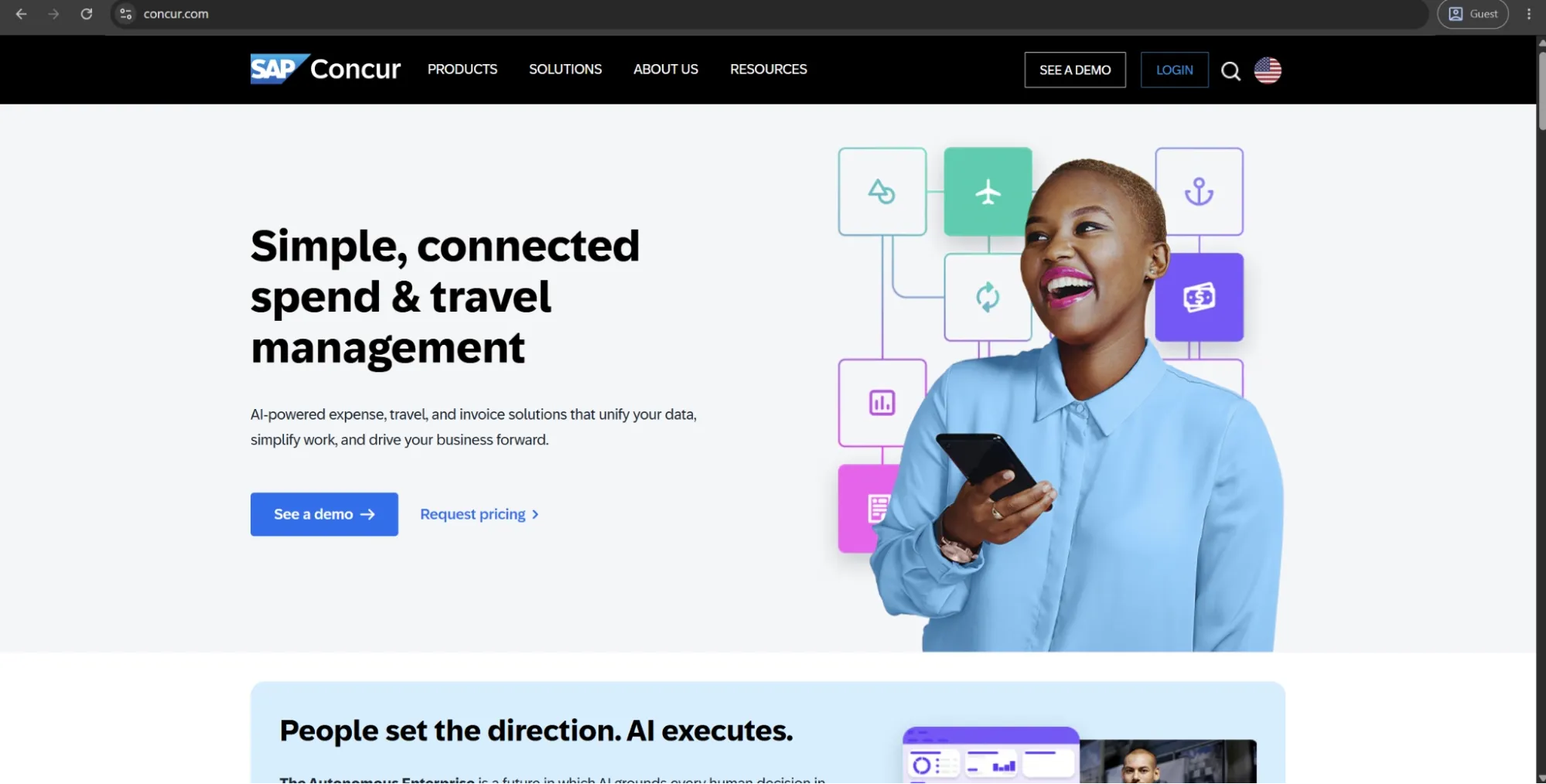
SAP Concur is an integrated travel, expense, and invoice management platform used by organizations ranging from mid-market companies to large enterprises. It helps track employee spending, automate approvals, and provide real-time financial visibility.
The platform includes three modules — Concur Expense, Concur Travel, and Concur Invoice — which together cover the full employee spend lifecycle, from trip authorization and expense reimbursement to invoice processing and general ledger sync. SAP Concur also integrates natively with SAP ERP systems such as S/4HANA, automatically posting approved expenses to update cost centers and budgets in real time.
Customer ratings:
Advantages:
- Concur connects travel booking, expense reporting, and invoice management in one system, giving finance teams end-to-end T&E visibility.
- Its native SAP integration posts approved expenses directly to cost centers and budgets in real time, with no manual intervention required.
- AI-powered policy enforcement audits transactions automatically, flagging duplicates and out-of-policy spend before reimbursement occurs.
Shortcomings:
- Implementation is time-consuming and typically requires significant IT involvement or external consultants to configure properly, especially in larger or multi-entity environments.
- The platform is primarily focused on travel and expense management, which means organizations often need additional tools to cover procurement or end-to-end source-to-pay workflows.
- The platform can feel complex and enterprise-heavy in day-to-day use, which may be overkill for smaller or less demanding finance operations.
Customer reviews (original spelling):
- Nick C. — Capterra — “Overall it is an easy app to use with clear controls and I've encountered only one issue since I started using it.”
- Chandan T. — G2 — “One of the key challenges with SAP Concur is the limited flexibility in expense categories and user input options. It often lacks sufficient customization for real-world expense scenarios, leading to manual workarounds. The user interface can also feel complex, with multiple steps required for simple submissions. Additionally, receipt scanning accuracy is inconsistent, and the overall experience could be improved with better automation, smarter suggestions, and more intuitive navigation. Performance lags and limited visibility into approval workflows further impact user efficiency.”
Pricing:
SAP Concur doesn’t have any public pricing information available on the official website. The only way to receive such information is to contact their sales department for a personalized quote or a demo.
The author’s note:
SAP Concur's actual unique selling proposition is not the interface, it's the strength of integration into enterprise finance infrastructure, and specifically for SAP-native environments. Critiques typically include lagging performance, poor configurability, inconsistent support (particularly during implementation), and a UX that feels dated when compared with modern alternatives. That said, it’s a great solution for larger, compliance-centric businesses that require auditability, multi-entity capabilities and a high degree of ERP integration — and are willing to invest in a proper implementation, as well.
Mellow
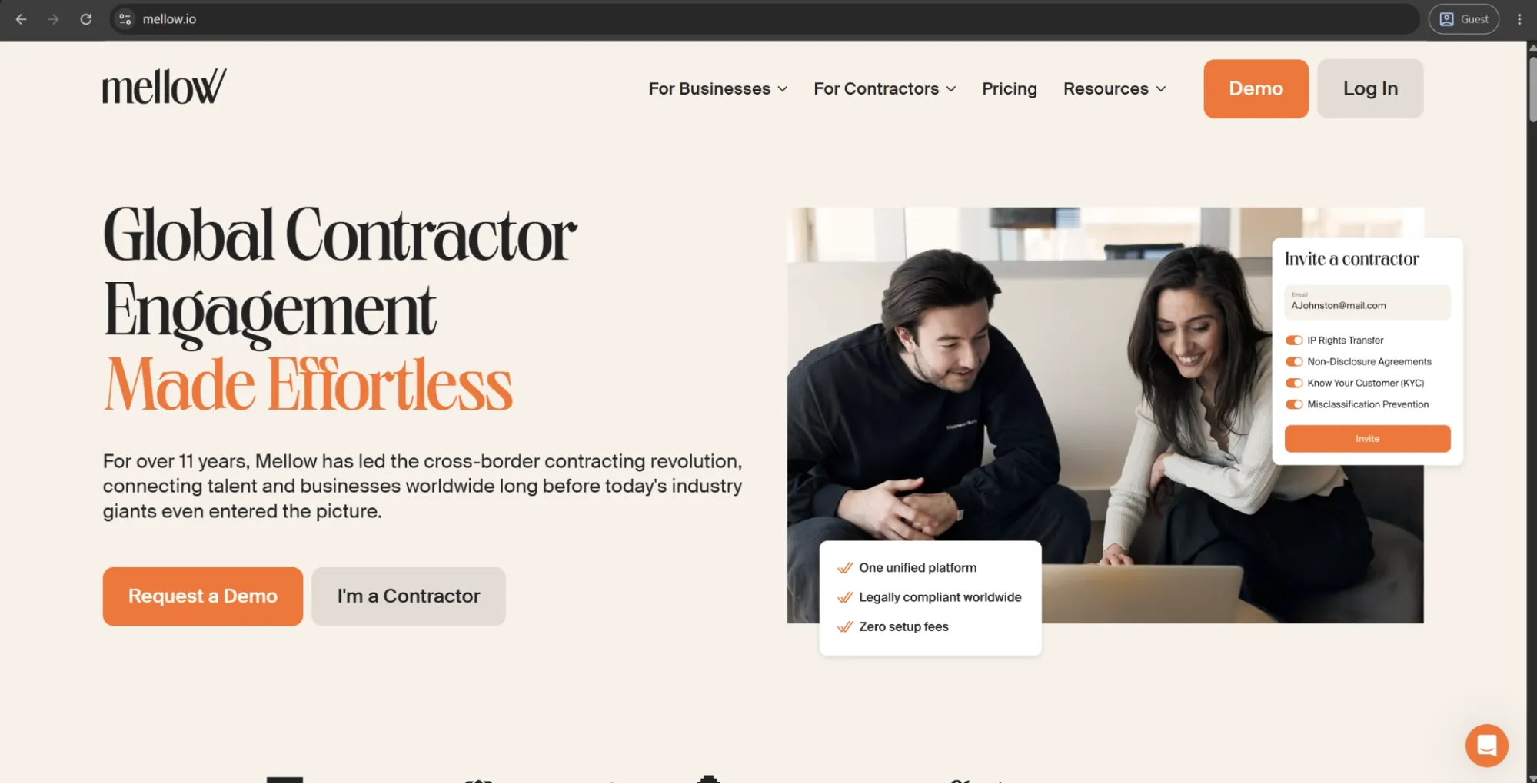
Mellow is a contractor management platform designed to assist companies working with freelance and independent contractors internationally, managing the entire lifecycle from onboarding, contracting, and payments to closeout paperwork. Mellow operates on a contractor-of-record model and aims to take the legal and compliance responsibilities off their client's plate — companies only have one contract with Mellow, and Mellow will then manage tax responsibilities, KYC checks, and make payments in 100+ countries across 30+ currencies, including cryptocurrency.
Customer ratings:
Advantages:
- The contractor-of-record model transfers legal and tax compliance responsibility to Mellow, minimizing misclassification risk for companies hiring internationally.
- Payment support spans over 100 countries and 30 currencies, including cryptocurrency — a practical advantage for teams paying contractors in non-standard markets.
- Flat-rate, per-contractor pricing keeps costs predictable and avoids the per-transaction fees that accumulate quickly at volume.
Shortcomings:
- The task catalogue interface is cumbersome in practice, with users citing duplicate entries and unnecessary attribute fields.
- The platform has a notably small review base relative to others on this list, making it harder to assess long-term reliability at scale.
- Mellow covers contractor management only — companies that also need procurement, expense, or AP functionality will require additional tools alongside it.
Customer reviews (original spelling):
- Alena R. — Capterra — “I've been working with Mellow for over a year. I have never had any difficulties during this time, everything is always clear and fast.”
- Oleg T. — G2 — “I use Mellow to pay contractors around the globe, and I find it very fast and easy. I like the fast support that gives me good reassurance, especially when I transfer money through ACH payment and feel nervous about sending it to an unknown service. It works perfectly well for me, and setting it up was pretty easy. I always recommend Mellow to others and even rate it a 10 for recommendations.”
Pricing:
Only one of Mellow’s three pricing plans has a fixed price: the Contractor Management plan, which costs $35 per contractor per month. It includes localized contract templates, secure escrow payments, multi-currency funding and withdrawals (30+ currencies), zero fees for contractors, scheduled auto-payments, and dedicated support.
The other two options available are:
- Get Paid is priced at 5% per payment rather than a fixed monthly fee. It’s designed for users who need to receive client payments as freelancers or manage only a small number of contractor payments. The plan includes full legal compliance, tax documentation support, currency management assistance, and does not require company registration, among other features.
- Contractor of Record is priced between 3.5% and 5.5% per payment, depending on usage, instead of a fixed price. It’s built for managing contractors at scale. This plan offers a single master contract for all contractors, crypto payment options, bulk contractor onboarding, full compliance support, fee sharing with contractors, and protection against misclassification risk, among other capabilities.
The author’s note:
Mellow sits in a slightly different category from most tools on this list. It’s not a traditional spend management or AP automation platform; instead, it focuses on managing and paying distributed contractor workforces.
It’s best suited for startup teams, agencies, or operations leaders hiring internationally, especially where cross-border contractor payments create compliance and administrative complexity. For teams that only handle straightforward domestic payables, the platform typically adds little value.
Rillion
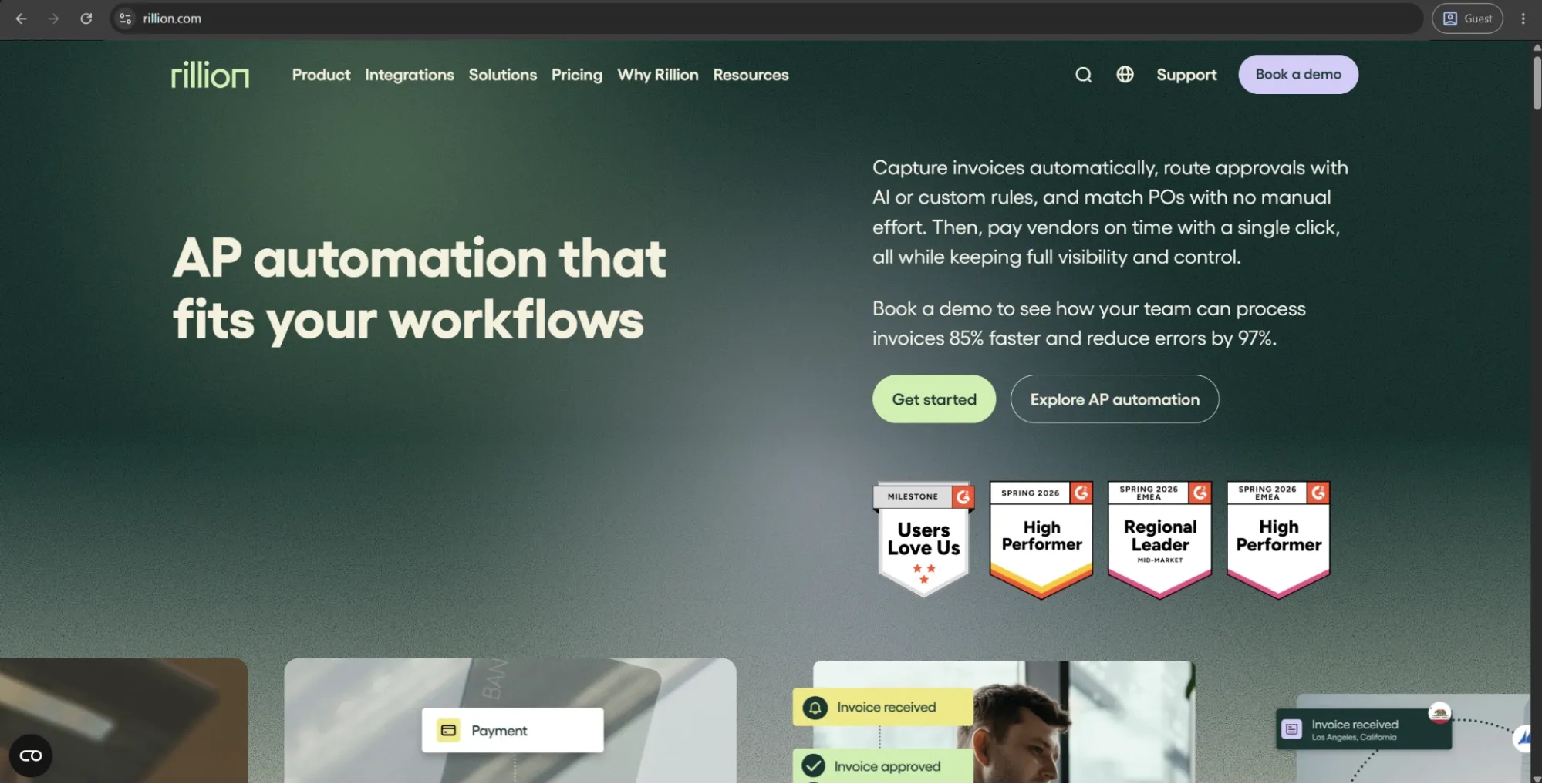
Rillion is an AI-powered accounts payable automation platform that simplifies invoice capture, approvals, and B2B payments. It automates manual AP workflows, helping teams save time and maintain stronger financial control across complex, multi-entity and multi-location operations.
Rillion was formed through the merger of Palette Software and Centsoft, bringing together more than 30 years of AP automation experience. Its key strength is highly configurable three-way purchase order matching designed for complex multi-line scenarios, along with support for virtual card payments and automated reconciliation.
Customer ratings:
Advantages:
- Unlimited user licensing means approval chains of any length incur no additional per-seat cost — a meaningful advantage for mid-market organizations with layered sign-off structures.
- Three-way matching handles highly complex, multi-line scenarios and is customizable to a degree that most AP tools in this price range don’t match.
- Virtual card payments and automated reconciliation are built in natively, reducing the need to manage payment execution through a separate tool.
Shortcomings:
- The interface has a dated feel that occasional users find unintuitive, with several reviewers specifically noting it requires daily use to become comfortable.
- Internal collaboration tools are limited, which creates friction for teams that need to communicate around invoices without leaving the platform.
- Rillion is a pure AP tool — no managing expenses, no corporate cards, no procurement module — requiring additional solutions to cover a full finance stack.
Customer reviews (original spelling):
- Latia B. — Capterra — “It works well and makes the process faster than entering invoices in manually. The download process is a little glitchy sometimes. Customer Service is very difficult with the company.”
- Michael M. — G2 — “I really like the great implementation support from Rillion. The API interactions with SAP B1 work incredibly well, and the team was fantastic in customizing features to fit our existing processes. Plus, the reporting functions are an added bonus. The implementation team provided excellent training, making the setup not very difficult and ensuring we knew how to use the system effectively.”
Pricing:
Rillion doesn’t publicly list detailed pricing on its website, but it outlines several plan levels with different feature sets. There are three primary plans to choose from:
- Essential — a basic feature plan that includes multi-entity management, no limitations when it comes to user numbers, invoice automation, approval workflow, KPI dashboard with reports, and Single Sign-On (SSO) support.
- Professional — combines all the features of the previous tier with recurring invoice automation and contract, AP analytics & industry benchmark, AI-powered Coding & Workflow, Riley AI assistant Pro, and more.
- Premium — expands upon the previous offering with an automation coach and a dedicated service delivery management.
It should be noted that users of all plans can also request add-ons such as AI-native invoice capture, purchase order matching, document management, requisitions & budget management, and payments (US only).
The author’s note:
Rillion focuses on a single area, accounts payable, and does it very well. That’s why it’s a strong fit for businesses where the main challenge is high invoice volume and complex AP workflows. Its unlimited user model is especially useful for mid-market companies that need extensive approval chains.
However, it remains strictly an AP solution. Companies that also need procurement, expense management, or corporate cards will need to pair it with additional tools, which can reduce some of the efficiency benefits gained from automation.
Precoro
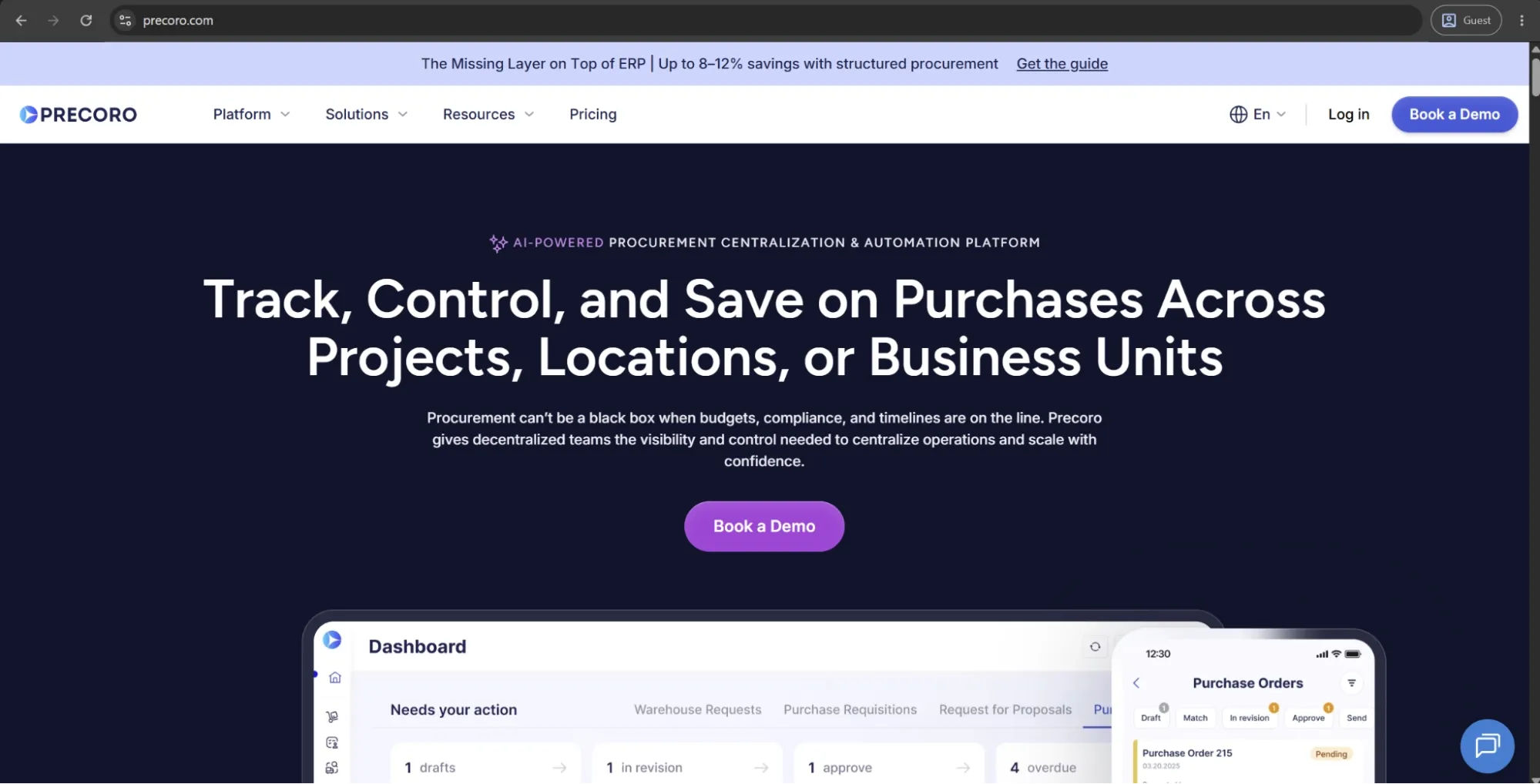
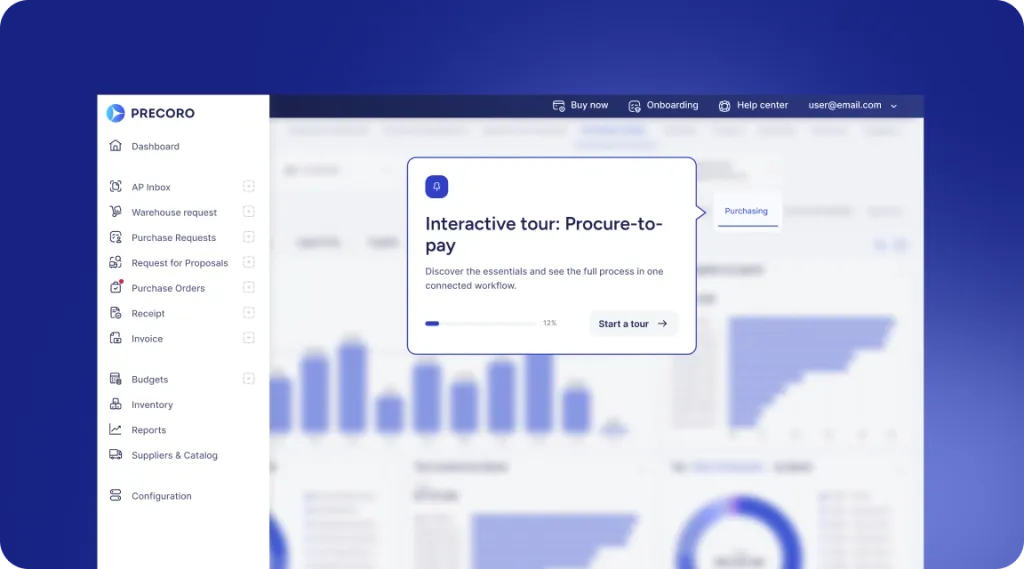
Precoro is the agentic procurement and spend centralization platform built for mid-market companies that need to centralize purchasing, control spend, and manage the full procure-to-pay process in one place.
It helps teams move every purchase through a structured flow, from request intake and approvals to purchase orders, receiving, invoice matching, and payment. Built-in budget controls give finance and procurement real-time visibility into committed and actual spend across departments, locations, cost centers, projects, suppliers, and categories, so they can catch overspending before it reaches the invoice stage.
Precoro also offers a Supplier Portal, AI-powered invoice scanning, three-way matching, virtual card management, expense workflows, and an AI Assistant, making it easier to connect procurement and AP without relying on spreadsheets or disconnected tools.
Customer ratings:
Advantages:
- Precoro integrates with NetSuite, QuickBooks Online, Xero, Sage Intacct, Microsoft Dynamics 365 Business Central, Power BI, Slack, and other ERP and accounting systems.
- The platform is built to be implemented without IT involvement and is designed with an intuitive interface that is easy for non-finance users to navigate.
- Onboarding is usually completed in less than eight weeks, with each client receiving a dedicated Customer Success Manager and access to free, lifelong product updates.
- The system is highly flexible and can be configured to match different organizational structures, approval workflows, and procurement policies.
- It supports multi-entity operations, allowing companies to establish a centralized control over procurement and spending.
Shortcomings:
- Some advanced reporting and analytics needs may still require exports or additional configuration.
- Initial setup requires teams to define approval rules, budgets, suppliers, and matching logic before they get the full value. It’s not a heavy rollout, but companies with messy or undocumented invoice approval processes will need to clean up some workflows first.
- Precoro’s inventory capabilities are useful for light operational tracking, but it’s not a full warehouse management system.
Customer reviews (original spelling):
- Michael A. — Capterra — “Precoro offers excellent value for money by combining ease of use with strong functionality across procurement and expense management. The platform provides great visibility into spending, with real-time tracking of budgets, transactions, and orders. I particularly like the customizable approval workflows and process tracking, which help ensure control and compliance across departments. Order management is smooth and centralized, making it easy to manage vendors and POs in one place. Additionally, their customer support is responsive and helpful, which made implementation and day-to-day use much easier.”
- Lisa T. — G2 — “Functionality is easy to understand and learn, highly customizable interface, excellent customer service, willingness to collaborate and improve/adjust performance of system, pricing is highly competitive per the amount of functionality and support received.”
Pricing:
Precoro’s pricing model is relatively simple and consists of three pricing tiers:
- Core — starts at $499 per month billed annually, offers basic procurement features like automated approvals and three-way matching, along with spend & vendor management, a number of integrations (Xero, QuickBooks, Slack), and reporting analytics.
- Automation — starts at $999 per month billed annually, expanding upon the previous tier with AI-powered AP automation, intake management, PunchOut catalogs, real-time budget tracking, SSO support, and more.
- Enterprise tier comes with no public pricing information, but it does offer everything Precoro can offer, including additional integrations, advanced admin controls, no user number limitations, and enterprise-grade data protection.
There’s also a dedicated AP automation package starting at $499 per month when billed annually. It covers invoice automation needs, including invoice capture, approval workflows, budget checks, vendor management, and accounting integrations, without the procurement layer.
The author’s note:
Precoro strikes a strong functional balance, offering the depth of an enterprise-level procurement system without the heavy enterprise cost or complexity of platforms like Coupa or SAP Ariba.
Users frequently highlight its intuitive interface and fast adoption across teams, which is a key advantage for companies that have struggled with low user engagement in more complex tools. It’s particularly well suited for multi-entity and multi-location organizations that need structured purchasing processes, but do not require a full source-to-pay suite.
AvidXchange
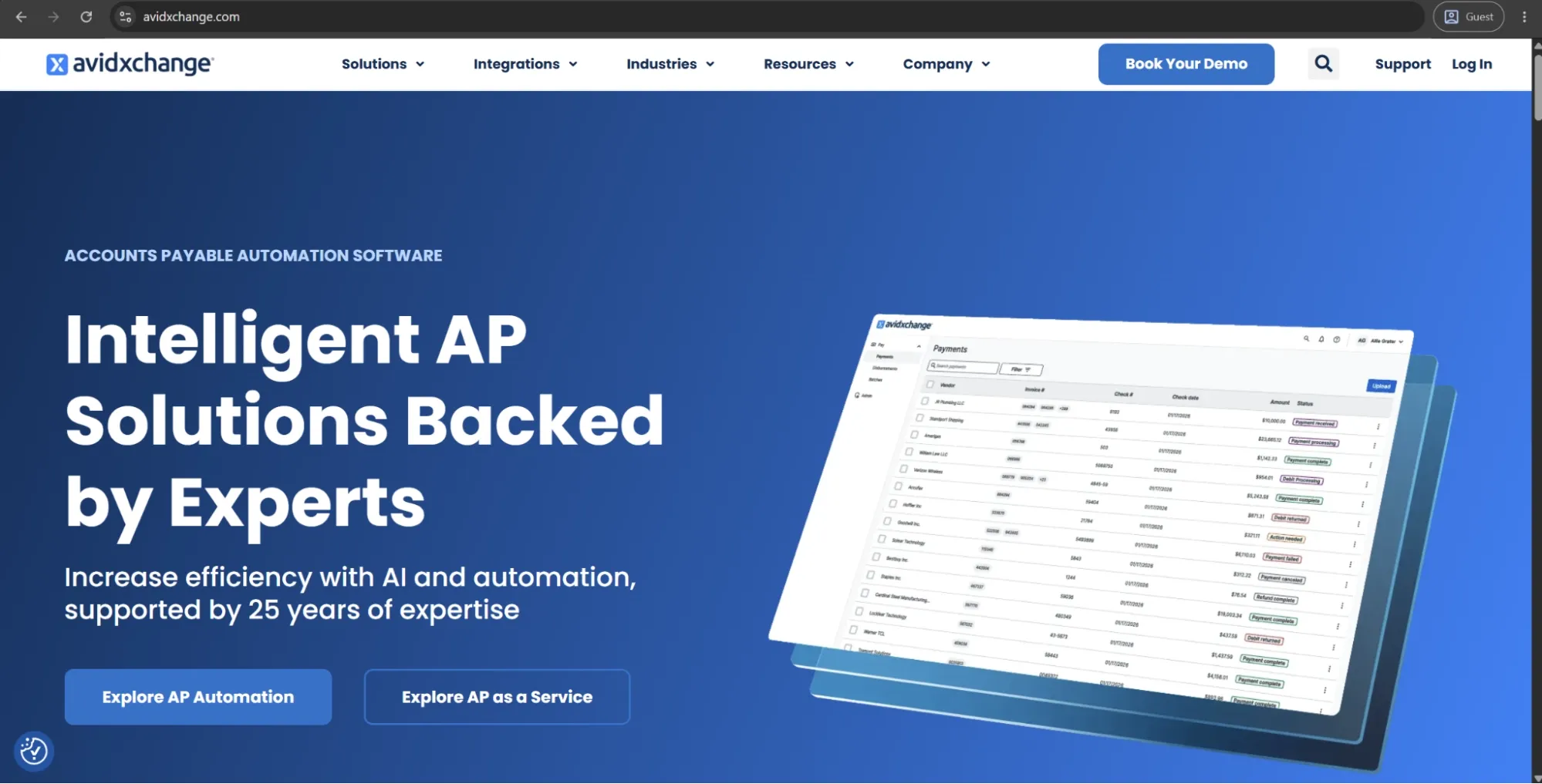
AvidXchange offers an accounts payable automation solution built for the mid-market that caters to a variety of industries — real estate, construction, financial services, healthcare, hospitality, and non-profits. The solution automates the entire AP workflow: it captures, approves and pays invoices using a large supplier network, offers virtual card, ACH, and check payments while allowing companies to remain in control of their payment schedule and cash flow. What truly sets the platform apart is its lien waiver management — addressing a specific compliance demand in construction finance that few other general AP solutions address.
Customer ratings:
Advantages:
- Industry-specific integrations for real estate, construction, and HOA management cover compliance requirements — such as lien waiver tracking — that generic AP tools do not address.
- Approval workflows are highly customizable, with routing rules that can be configured by invoice type, amount threshold, department, or vendor.
- The audit trail is detailed and time-stamped, giving finance teams a clean, defensible record for compliance and internal review purposes.
Shortcomings:
- Reporting capabilities fall well short of user expectations — basic reports are limited, and enhancements require submitting requests that rarely get prioritized.
- The interface has a tendency to freeze and experience upload failures, with users noting these disruptions are frequent enough to affect daily workflow.
- Support responsiveness is a recurring complaint, with delayed resolutions and limited escalation paths reported across multiple review sources.
Customer reviews (original spelling):
- Linda A. — Capterra — “AvidExchange provides a robust and highly secure platform that excels at creating a fully auditable and collaborative accounts payable workflow. The system’s foundational strengths lie in its transparency and fine-grained administrative control. Every business should have this software!”
- Stein T. — G2 — “Only knowing our previous AP platform which was very manual, I don't have much that I dislike in Avid. There are two things that probably stand out for me which include the following: in my opinion, I feel like there are some features that require too many extra clicks to access, their menus should be more hover and also some features should be linked together as opposed as getting out of one section to goto another. Another issue I have is the speed, with this being hosted by Avid, there are times that the system might show some latency which can lead to frustration as it is something that we cannot control.”
Pricing:
There doesn’t seem to be any pricing information on AvidXchange’s official website. The only option available initially is to book a personalized demo.
The author’s note:
AvidXchange would be a good fit for middle-market companies operating in asset-heavy or highly regulated verticals, where its industry-specific integrations and compliance features really shine. However, users frequently point to concerns around support responsiveness and reporting flexibility, which can become important issues when problems arise mid-cycle. Teams looking for straightforward, industry-focused invoice automation will likely have a good experience with the platform. In contrast, organizations that require advanced analytics or fast support escalation may find its capabilities more limited.
Expensify
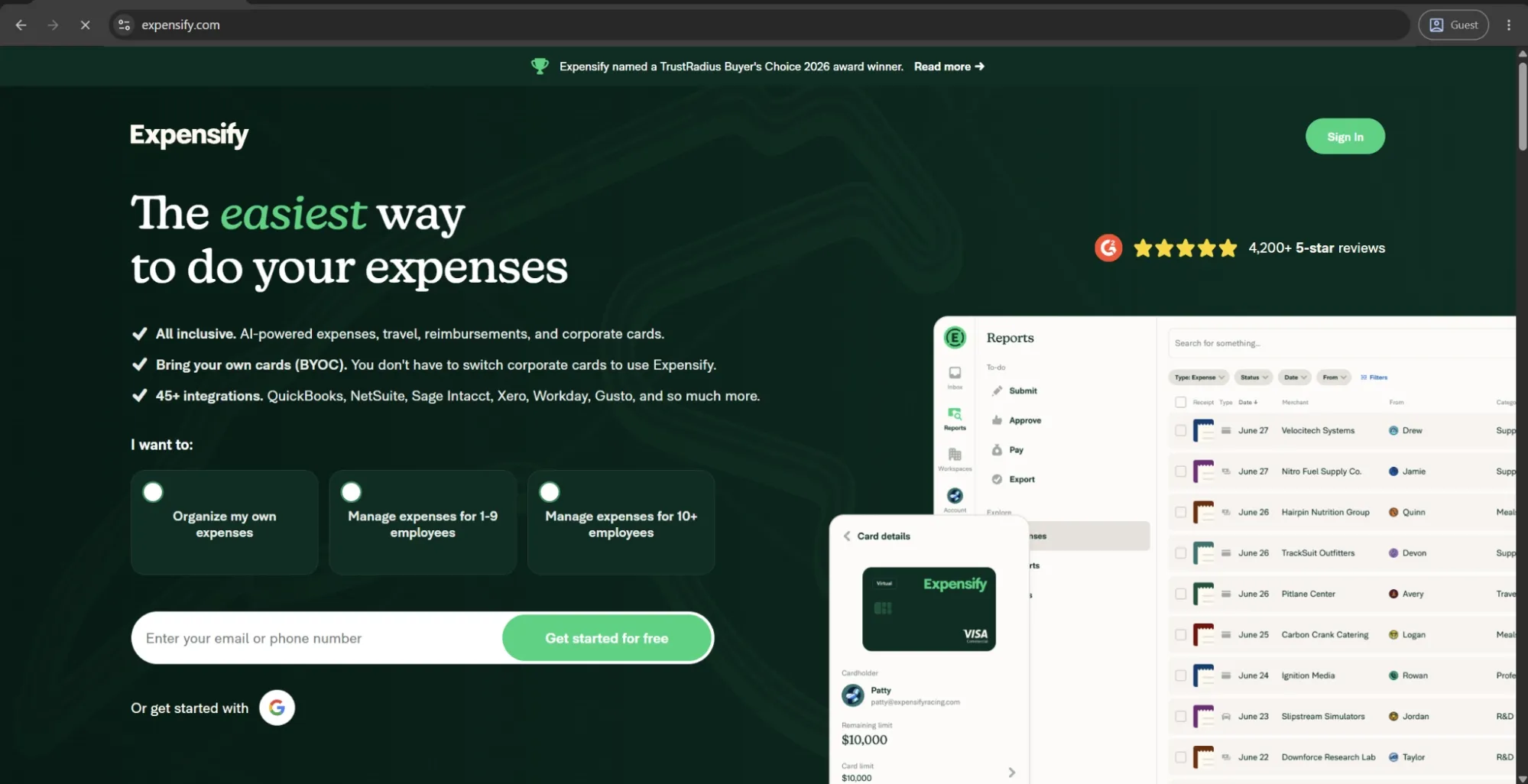
Expensify is a comprehensive end-to-end expense management tool that takes on tracking, receipt capture, reimbursements, corporate cards, travel booking, and bill pay from a single application. Expensify is designed around ease of use — its OCR technology scans receipts using images captured from a cell phone, minimizing manual data entry and accelerating the submission process. The platform has over 45 integrations, including those with QuickBooks, NetSuite, Sage Intacct, Xero, Workday, and Gusto. The system even has the bring-your-own-card model, meaning companies can utilize their existing corporate cards instead of adopting Expensify's branded card.
Customer ratings:
Advantages:
- SmartScan receipt capture is genuinely fast and reliable for straightforward receipts, reducing manual entry to near zero for field employees and frequent travelers.
- The bring-your-own-card model lets companies link existing corporate cards rather than switching to Expensify's own card — a practical advantage for teams with established card programs.
- Multi-currency support with automatic conversion handles international expense submissions without requiring manual intervention from finance teams.
Shortcomings:
- Receipt scanning reliability drops on complex or non-standard receipts, requiring manual correction that undercuts the time savings the feature promises.
- Approval workflows lack support for multi-level or conditional routing, making the platform a poor fit for teams with structured or hierarchical sign-off requirements.
- Expensify covers expenses only — teams that also need travel booking must maintain a separate tool, which fragments the workflow the platform is meant to simplify.
Customer reviews (original spelling):
- Cliff L. — Capterra — “I’ve used multiple expense platforms, and Expensify strikes the best balance between functionality and ease of use. It’s not trying to be everything, which is exactly why it works so well.”
- Damon G. — G2 — “I've been using Expensify for about 18 months now, primarily for tracking client-related travel, meals, mileage, and miscellaneous business expenses. As someone who hates the traditional headache of expense reports, I was drawn to its promise of automation and mobile-first design.”
Pricing:
Expensify doesn’t have its pricing data available to the public on the official website.
The author’s note:
In small organizations who value simplicity and speed over workflow sophistication, Expensify will be the go-to option. Its receipt capture features, automatic expense categorization, and simplified approvals are easy for finance teams to navigate without a separate IT team to manage it. That said, it is not the best fit for multi-entity organizations with complex processes or companies that require robust AP controls. Expensify is better suited to organizations that prioritize frictionless expense submission and a simple user experience for employees.
Tipalti
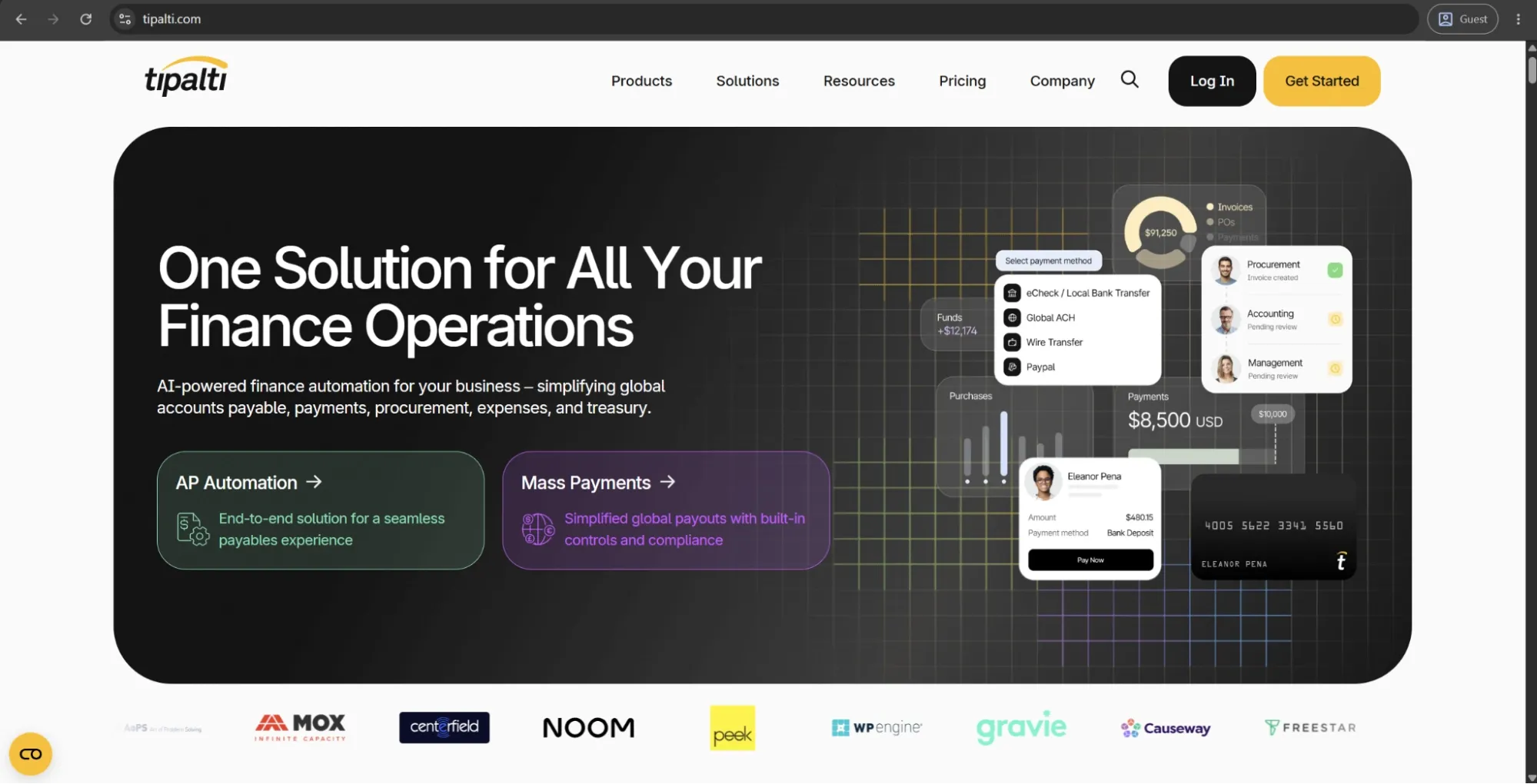
Tipalti provides an end-to-end financial automation solution that combines invoice automation, approval workflow, global payments, tax compliance, and ERP integrations within a single solution. It’s designed to help businesses scale accounts payable operations while maintaining financial control and visibility.
Its key differentiator is its global payments capability, which enables mass payments to suppliers in 196 countries and 120 currencies. This is supported by built-in OFAC and sanctions screening, multi-jurisdictional tax compliance, and fraud prevention controls. The platform also includes a multilingual supplier self-service onboarding module, which helps reduce the operational effort required to manage a large or international vendor base.
Customer ratings:
Advantages:
- Built-in OFAC screening and multi-jurisdictional tax compliance run automatically on every payment, reducing regulatory risk without requiring manual oversight from AP teams.
- Self-service supplier onboarding shifts the burden of data entry to vendors themselves, which both reduces keypunching errors and cuts down on AP team setup time.
- The audit trail supports SOX compliance out of the box, with role-based access controls and a full log of user actions across the payment workflow.
Shortcomings:
- Implementation is complex and time-consuming, particularly during ERP integration and custom workflow setup — users frequently report a steep initial learning curve.
- Reporting features lack the depth and flexibility that finance teams at enterprise scale tend to require, with several reviewers noting the dashboards feel underdeveloped relative to the platform's overall capability.
- Payment scheduling and the bill tracking interface are notably unintuitive, with users describing the experience as confusing compared to competing AP platforms.
Customer reviews (original spelling):
- Erin B. — Capterra — “It has been generally positive in regards to accomplishing the goal of automating manual billing/collections and payment workflows and speeding up the invoice process especially. I'm not sure I would say it's the number one tool out there, but it is a workable solution.”
- Verified User in Computer Software — G2 — “Tipalti has been a great asset to our AP processes. One of the most valuable aspects is the ability to manage invoices and payments within a single platform, which eliminates the need to navigate multiple systems. It significantly improved our AP efficiency and visibility. The flexibility to manually process bills and execute external payments, particularly for international vendors, has also been critical in supporting our global operations.”
Pricing:
Tipalti separates its pricing offerings into two large categories: Accounts Payable and Mass Payments.
The Accounts Payable page has three options:
- Select — $99 per month, grants unlimited user access, supplier portal for self-onboarding, seamless integrations with leading ERPs, automated W9 collection/TIN validation/compliance screening, and several other features.
- Advanced — $199 per month, expands upon Select’s features by providing support for 2- and 3-way matching, domestic multi-entry infrastructure, assigned customer support resource, flexible bill approval rules builder, and more.
- Elevate — covers all the previous features along with FX Hedging, priority customer support, global multi-entity infrastructure, professional services for custom ERP integrations, and more.
The author’s note:
Tipalti is made for enterprise and large mid-market businesses that work with multiple entities/geographies and need AP automation to keep up with that kind of complexity. It’s not a lightweight platform at its core — implementation can get complex quickly, especially when it comes to integrating with an ERP system (and the total cost of the platform reflects that).
For companies that have outgrown basic AP tools and need global payment infrastructure with built-in compliance, tax handling, and fraud prevention, Tipalti is one of the strongest options on the market. However, smaller or primarily regional businesses may find the implementation effort and pricing difficult to justify.
Basware
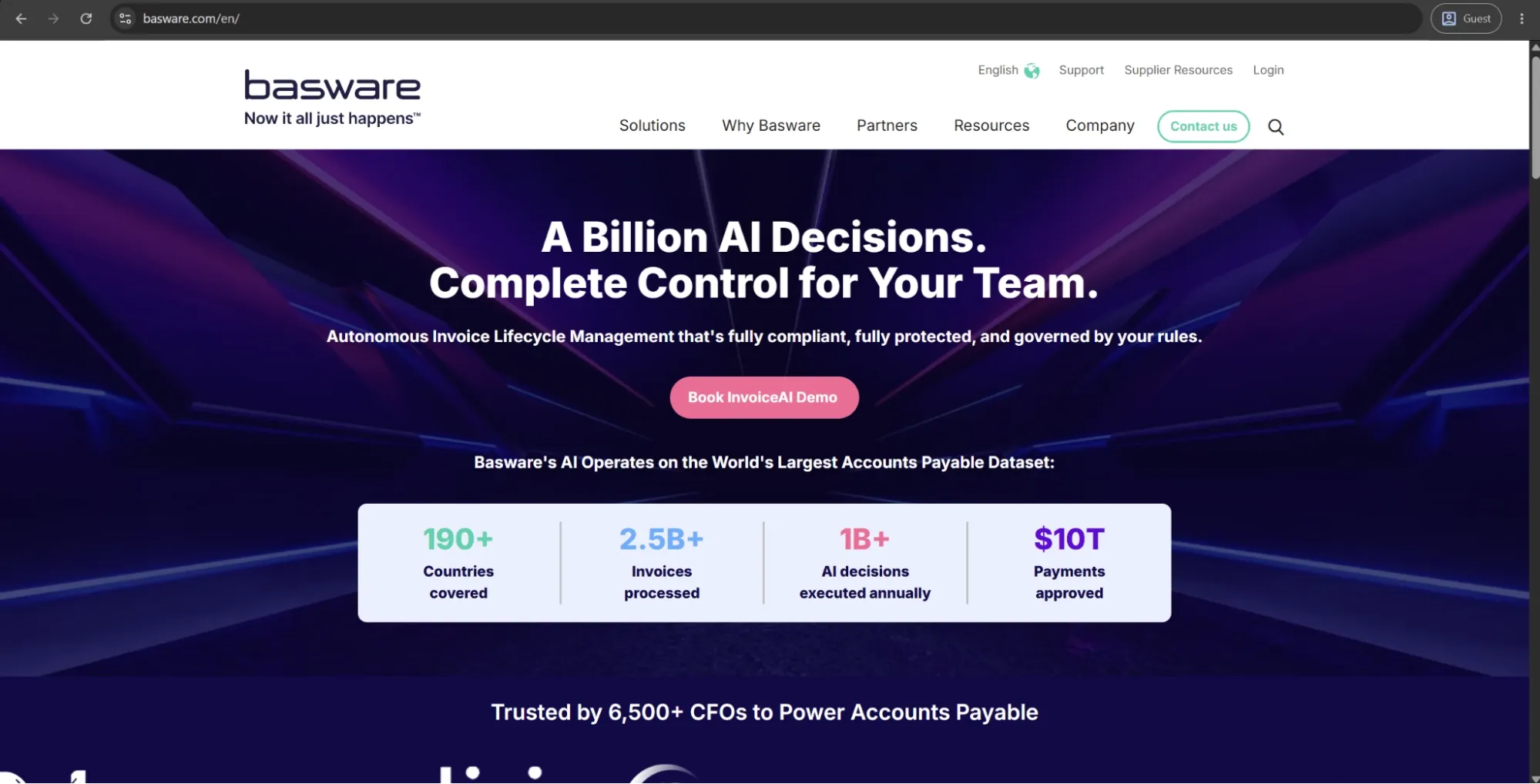
Basware is a cloud-based AP automation and procurement platform for large companies, especially those working with multiple countries or more than one ERP system. The AP automation suite combines AI for invoice capture, automated invoice matching with both POs and non-POs, approval workflows, and payment processing.
Customer ratings:
Advantages:
- Basware's AI is trained on over two billion invoices, giving its touchless processing and auto-coding a level of accuracy that may be hard to match.
- The workflow engine handles highly complex approval structures with granular exception rules — a genuine differentiator for enterprises with non-standard routing requirements.
- E-invoicing compliance coverage spans multiple jurisdictions and regulatory formats, which matters significantly for multinationals operating across markets with varying mandates.
Shortcomings:
- Implementation is complex and expensive, frequently requiring specialized IT involvement and extended timelines that catch buyers off guard.
- Purchase order processing is a recognized weak point, making Basware a less suitable fit for organizations where PO-heavy procurement is a primary use case.
- Pricing is opaque and modular, with add-ons that can push total cost of ownership well above initial estimates — a consistent frustration among reviewers.
Customer reviews (original spelling):
- Ahmet D. — Capterra — “Basware is one of the leading purchase-to-pay/invoice processing platforms. The workflow engine allows the implementation of kind of an approval process regardless of detail and exceptions. This power however comes with a price, the implementation can be challenging and the implementation learning curve can be sometimes steep. Consolidated reports are very useful and the ERP integration is sold, which is a must-have for any kind of P2P Platform.”
- Aditya B. — G2 — “Overall, it improves efficiency, compliance, and transparency in daily operations. While Basware is a strong procure-to-pay tool, some workflows are not very intuitive and require multiple steps for simple actions. The system can also feel slow at times, and certain error messages are not very clear, which makes troubleshooting difficult.”
Pricing:
Basware doesn’t offer specific pricing information on its official website.
The author’s note:
With four decades of AP automation experience, Basware has developed into a robust enterprise platform with particularly strong compliance, e-invoicing, and multi-ERP capabilities. It’s best suited for organizations processing high invoice volumes and operating across multiple regulatory or legal environments.
In these cases, the platform’s high touchless processing rates and strong compliance infrastructure can justify the investment. However, pricing is customized based on company size and invoice volume, implementation can be complex, and teams looking for a faster or more lightweight solution may find better fits elsewhere in this list.
BILL
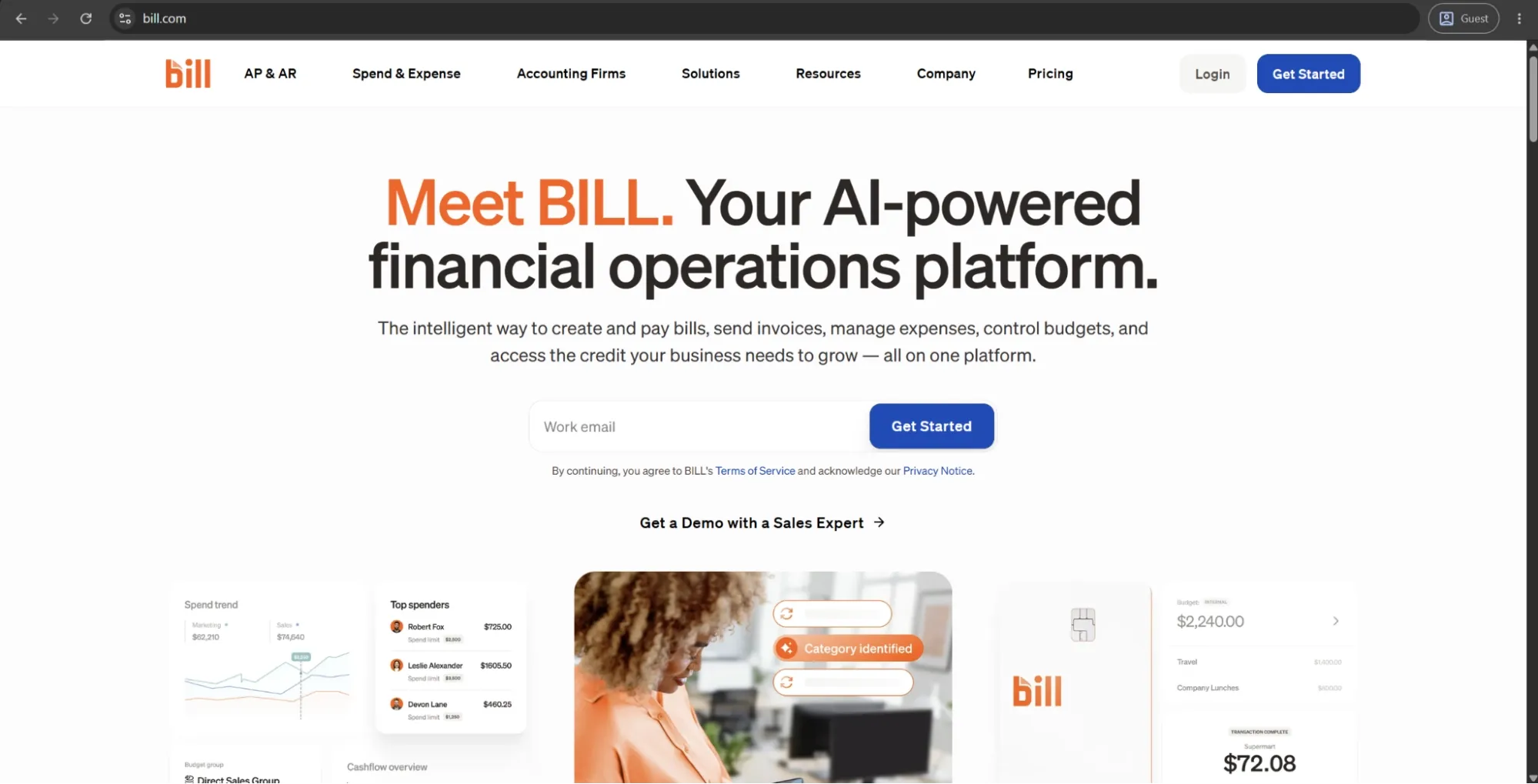
BILL is a financial operations platform offering small and mid-sized businesses the ability to manage their accounts payable, accounts receivable, and spend and expense workflows within the same solution. BILL’s AP module includes the invoice capture, invoice approval workflows, and payment execution through ACH, virtual cards, checks, or international wire transfers.
The platform’s spend and expense management product (formerly Divvy) adds corporate card issuance with customizable spending limits, real-time expense tracking, automatic receipt matching, and integrations with QuickBooks Online, Xero, and NetSuite.
Customer ratings:
Advantages:
- The base Spend & Expense plan is entirely free, with no per-user charges — making it one of the lowest-cost entry points for corporate card and expense management on this list.
- Virtual card creation is fast and flexible, with per-vendor or per-subscription scoping that gives finance teams proactive spend control without manual oversight.
- QuickBooks and Xero integrations are consistently praised as reliable and well-maintained, with two-way sync that reduces reconciliation time meaningfully for SMB finance teams.
Shortcomings:
- Customer support has drawn persistent criticism for slow response times and inadequate resolution quality, particularly for complex or edge-case issues.
- Reporting and analytics capabilities are basic relative to competitors, leaving finance teams that need detailed spend segmentation or custom dashboards underserved.
Customer reviews (original spelling):
- Patricia K. — Capterra — “Our experience has been wonderful. Transitioning our workflow from paper to electronic has been a true game changer for our leadership team!”
- Stacie B. — G2 — “The tool is a great way to view all invoices and send payments when desired. The ease of paying bills is the best feature of the device. I also appreciate that if their is a delay in payment, the system sends out alerts.”
Pricing:
BILL’s offering is separated into four primary pricing plans with their own features, costs, and limitations:
- Essentials — $49 per user per month — provides approval workflow automation, centralized bill management, standard approval policy customization, 6 standard user roles, manual integration with accounting software, and an abundance of Accounts Receivable features.
- Team — $65 per user per month — can offer automatic 2-way sync with several different versions of QuickBooks and Xero, access to custom user roles, and more.
- Corporate — $89 per user per month — builds on the previous offering with custom approval policies, discounts for approver-only users, and a multitude of procurement-specific features.
- Enterprise doesn’t have a specific price attached to it, prompting potential clients to contact the sales team directly or request a demo instead. It expands upon the Corporate plan with features such as SSO support, API access, dual control, syncing purchasing orders with automating 2- and 3-way matching, and more.
The author’s note:
BILL performs best in a practical middle ground, more capable than a basic bill-pay tool, but less complex than a full enterprise AP suite. It’s a reliable, user-friendly solution for small finance teams that want an all-in-one vendor payment system without a heavy implementation process. Its main strengths are accounting integrations and ease of use, which are prioritized over advanced workflow customization. However, teams that quickly outgrow basic approval flows or need deeper, more robust ERP synchronization may find it limiting over time.
Melio
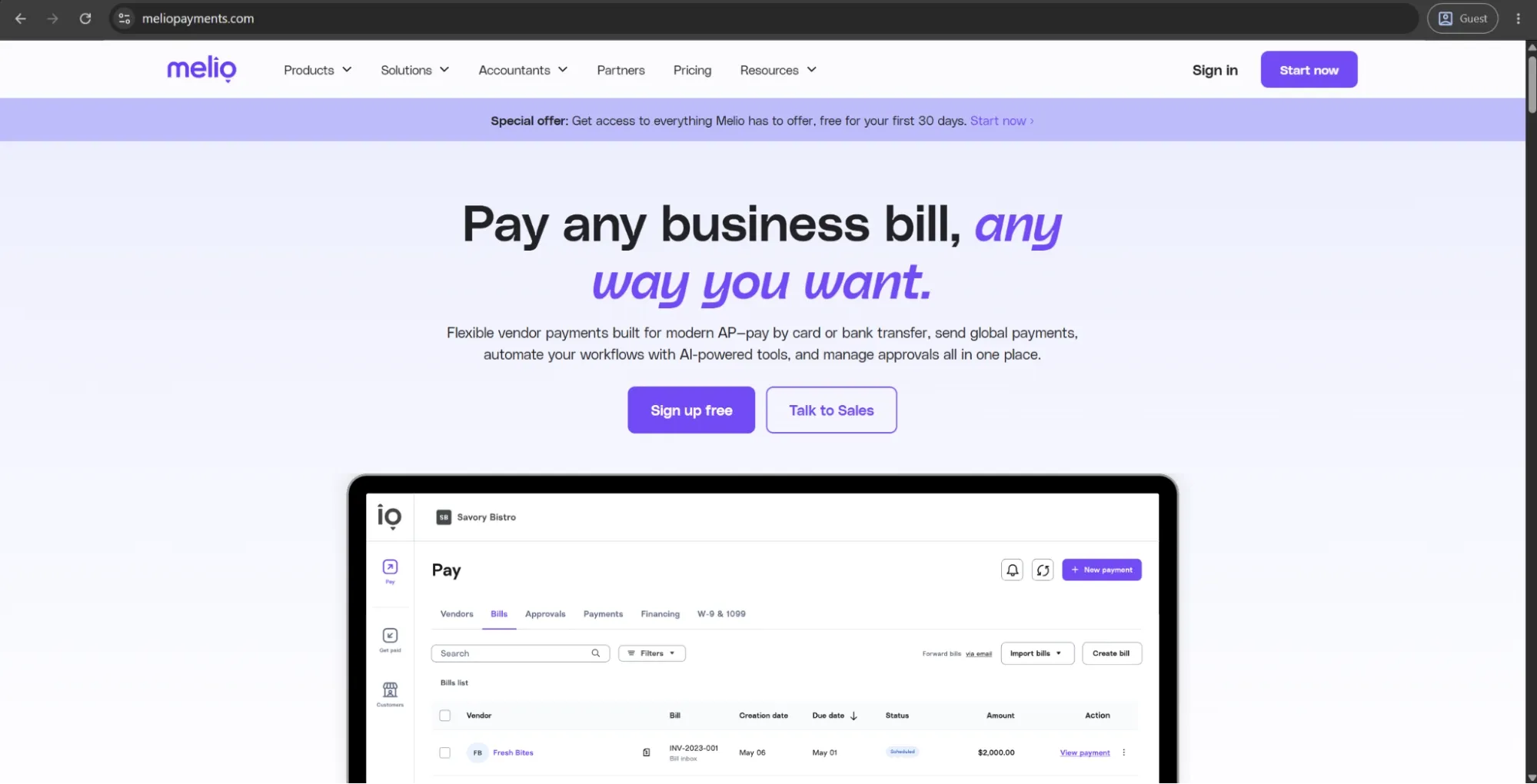
Melio is a B2B payments platform designed for small to mid-sized businesses to centralize and simplify vendor payments, bill management, and accounts receivable workflows.
A key feature is the ability to pay vendors by credit card even when they only accept ACH or checks, with Melio handling the conversion and settlement in the vendor’s preferred method. This also helps businesses manage cash flow and earn card rewards on payments.
The platform integrates with QuickBooks Online, QuickBooks Desktop, and Xero through two-way sync. It also includes AI-powered features such as bill capture, approval workflows, and a payment assistant called Agent Mel.
Customer ratings:
Advantages:
- ACH payments are free with no subscription fee required, making it one of the most cost-effective vendor payment solutions available for small businesses.
- The credit card payment flexibility — paying vendors who do not accept cards by routing through ACH or check — is a practical cash flow tool that most competing platforms do not offer.
- The QuickBooks integration is two-way, polished, and frequently cited as one of the most reliable in this category, with bills imported and payments synced back automatically.
Shortcomings:
- International payments are limited to USD-denominated transactions, making Melio a poor fit for teams that regularly pay vendors in local currencies.
- Customer support is inconsistent — response times are slow, and resolution quality drops notably for issues that go beyond standard payment inquiries.
- Approval workflows and payment customization options are too basic for organizations with multi-level sign-off requirements or complex AP structures.
Customer reviews (original spelling):
- Lindsay B. — Capterra — “It is a real pal when you are launching a business. You can send an invoice to clients and they pay how they want. No hidden service fees, you will receive 100% in your bank account.”
- Melissa M. — G2 — “Melio is easy to use and integrates seamlessly with QBO so that I can streamline my workflow for my clients. Vendors are able to choose how they receive their payments, and we can choose to pay with a credit card (even if the vendor doesn't accept credit cards!). It's cost-effective with fantastic customer support. If we ever have a problem with USPS delivering a paper check, we contact support and request to void and reissue the check - easy-peasy. I use Melio every day for all of my bill pay clients and I'm very happy with it.”
Pricing:
Melio’s pricing model is subscription-based and consists of five possible tiers:
- Go — possibly the only option on the list that offers certain features for free without being some sort of demo or trial. There is a limit of 5 free ACH payments per month, and there is also support for international payments, auto-pay, AI bill capture, and more.
- Core — $25 per month (+$10 per month for each additional user), offers 20 free ACH/month, synchronization with QuickBooks and Xero, AI assistant, dedicated bills inbox, approval workflows, batch payments, W-9 collection, etc.
- Boost — $55 per month (+$10 per month for each additional user), combines the previous offering with advanced user roles, custom approval workflows, premium phone support, and several other features.
- Unlimited — $80 per month with no limitations on the user count whatsoever.
- Platinum is the only option without a specific pricing point; it’s sold as the “preferred pricing and terms for high-volume businesses.”
The author’s note:
The best way to describe Melio is as a smart AP-focused bill-pay platform rather than a full spend management solution. It performs well in a narrow use case: helping small businesses regularly pay vendors and automate basic payment workflows at a low cost, especially for companies using QuickBooks.
This focus also exposes its limitations, including limited scalability for larger organizations with complex approval structures or advanced reporting needs, as well as constraints around its international payment capabilities, which are largely USD-centered. Even so, Melio remains a practical and cost-effective option for lean finance teams with straightforward payables.
Doola
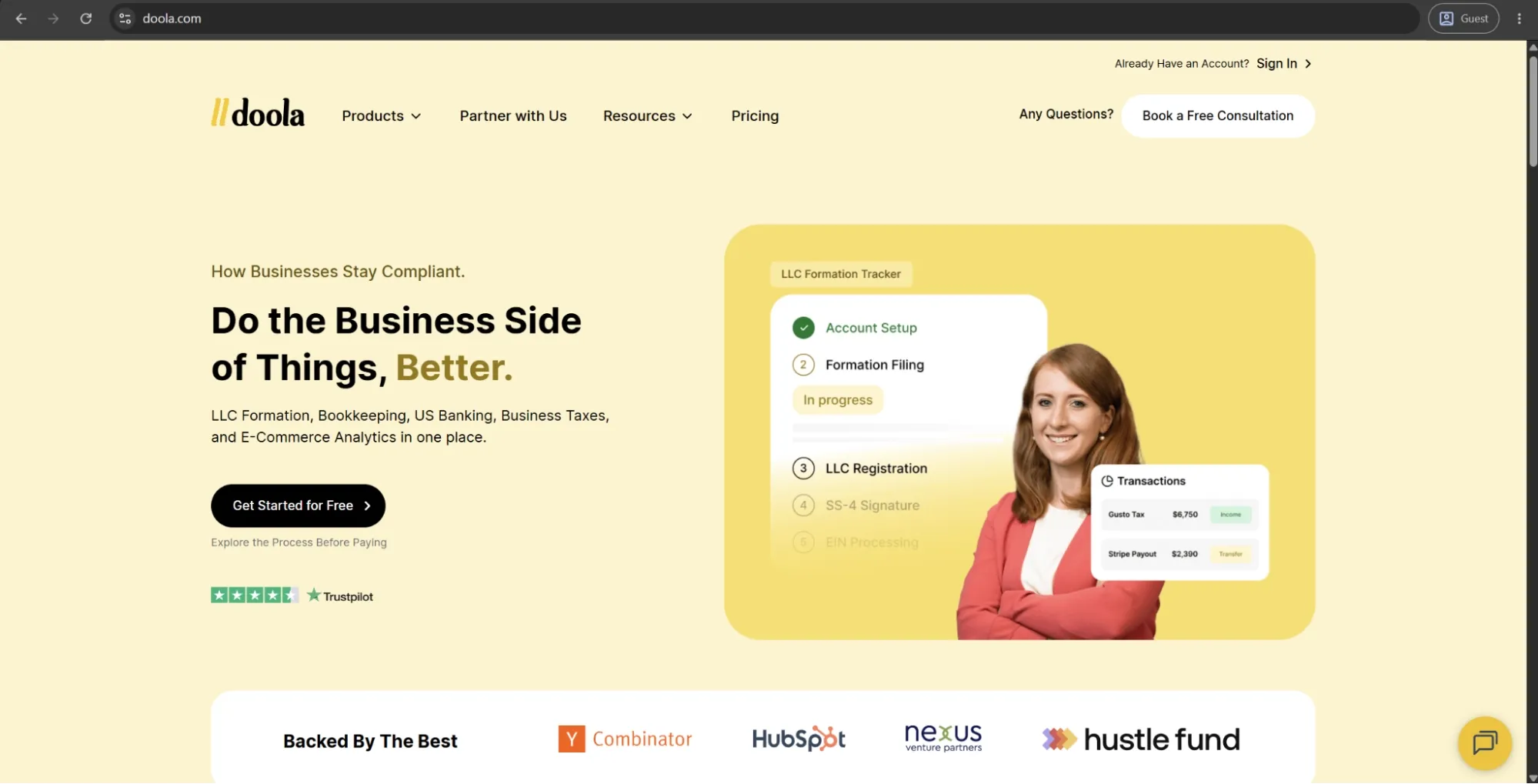
Doola is an all-in-one business formation and back-office service developed for international entrepreneurs and non-US residents looking to set up and run a business in the US. The service covers the entire formation process — including LLC or C-corp filing, EIN registration, registered agent services, and a US business address — and spans beyond formation with services like bookkeeping, tax preparation, and even US business banking setup via fintech partners. Most notably, they have recently launched a MCP integration across Claude, ChatGPT, and Replit. This allows founders to start forming an LLC directly within these AI interfaces, without the need to leave the chat window.
Advantages:
- The entire US company formation process — LLC filing, EIN, registered agent, and US banking setup — is handled end-to-end without requiring a Social Security Number or US residency.
- Formation, compliance, bookkeeping, and tax filing are bundled under a single subscription, eliminating the need to coordinate multiple separate service providers.
- Onboarding is fast and jargon-free, with users consistently praising how little complexity the platform surfaces during setup and document submission.
Shortcomings:
- Annual pricing is relatively expensive compared to basic formation alternatives, and the recurring subscription cost can erode value for founders who only needed a one-time filing.
- Post-purchase customer support has drawn consistent criticism — response times slow noticeably after the initial onboarding phase.
- EIN processing timelines for non-SSN applicants can stretch significantly beyond initial estimates, creating delays that affect banking and business launch schedules.
Pricing:
Doola’s pricing model may seem somewhat confusing but actually isn’t that difficult to understand.
There are two primary categories the users choose from: “I need a new business” and “I have an existing business”. Both options have two pricing plans that remain mostly the same in either situation:
- Tax and Compliance ($1,999 per year) is the self-described “most popular” pricing plan of Doola that includes everything necessary to form a company and keep it compliant to avoid any penalties. It offers 1:1 tax consultation, bookkeeping and invoicing software, federal and state tax filling, and many other features.
- Business-in-a-Box ($2,999 per year) is the complete feature set of Doola features, covering everything in the previous option, as well as a dedicated bookkeeper, monthly financial statements, estimated quarterly taxes, etc.**
Other than that, there are two other plans:
- Starter ($297 per year) only exists for users that “I need a new business”, it is the basic feature set that helps form your own company, get your EIN, and get a US bank account.
- Pulse ($300 per year) only exists for the users of the “I have an existing business” category, mostly focused on helping with bookkeeping, payout tracking, and expense monitoring.
The author’s note:
Doola is a niche but useful addition to this list, not as a direct alternative to Ramp, but as a solution for a specific need: helping international founders and digital-first businesses establish a U.S. financial presence before they can begin managing spend at scale.
It’s particularly relevant for freelancers, SaaS founders, e-commerce operators, and agencies with global teams that need support setting up and operating through a U.S. entity. For companies that already have an established U.S. entity and financial infrastructure in place, Doola is unlikely to provide much additional value.
Yooz
Yooz is an all-in-one AP automation platform that captures, processes, and pays invoices end to end using AI, OCR, and robotic process automation. It’s primarily aimed at finance teams in industries such as automotive, hospitality, non-profits, and professional services. Invoices can be captured through multiple channels, including email, scanning, and electronic submission, while its workflow engine supports fully customizable approval routing based on factors like invoice amount, department, or project code.
Customer ratings:
Advantages:
- Yooz integrates natively with over 250 ERP and accounting systems — more than any other AP automation platform in this category — making it highly compatible with non-standard tech stacks.
- Duplicate invoice detection and anomaly flagging run automatically on every submission, providing a layer of fraud prevention that requires no manual configuration.
- Deployment is fast and requires minimal IT involvement thanks to its cloud architecture, with teams frequently reporting go-live timelines measured in days rather than weeks.
Shortcomings:
- The platform's AI doesn’t always learn persistently from user corrections — repeated manual adjustments to vendor settings or coding rules don’t reliably carry forward.
- Performance slows noticeably under high invoice volumes or complex multi-entity workflows, which can frustrate teams processing large batches during month-end close.
- Reporting and payment history visibility are limited, with users noting they cannot easily access historical paid invoice data without navigating multiple screens.
Customer reviews (original spelling):
- Saho D. — Capterra — “I really like it! E-mail notifications and e-documentation of invoices are important functions they should work always.”
- Varun C. — G2 — “What I like best about Yooz is its easy-to-use automation for invoice and accounts payable processing. One downside of Yooz is that the initial setup and customization can take time, especially for complex workflows. Some users also experience occasional OCR inaccuracies with poorly scanned invoices, and the reporting features could offer more flexibility and deeper customization options.”
Pricing:
- Yooz has an unconventional pricing approach. Instead of publishing fixed software prices, it focuses on estimating potential savings from improved cash flow and AP efficiency using its platform.
- From the available information, Yooz offers a 15-day free trial. After that, pricing follows a subscription model that depends on the volume of documents processed. Beyond this, exact costs aren’t publicly listed.
The author’s note:
Yooz works well as a focused AP automation tool that is relatively quick to deploy and typically requires little to no IT involvement. Its unlimited-user model is particularly attractive for organizations with complex approval workflows, and its wide range of ERP integrations allows it to fit into many different tech environments.
The main trade-off is depth. Reporting is one of the most commonly cited limitations, with users noting that dashboards lack the advanced analytics and predictive capabilities found in more mature AP platforms. As a result, Yooz is best suited for teams that prioritize invoice processing efficiency over advanced spend intelligence.
Navan
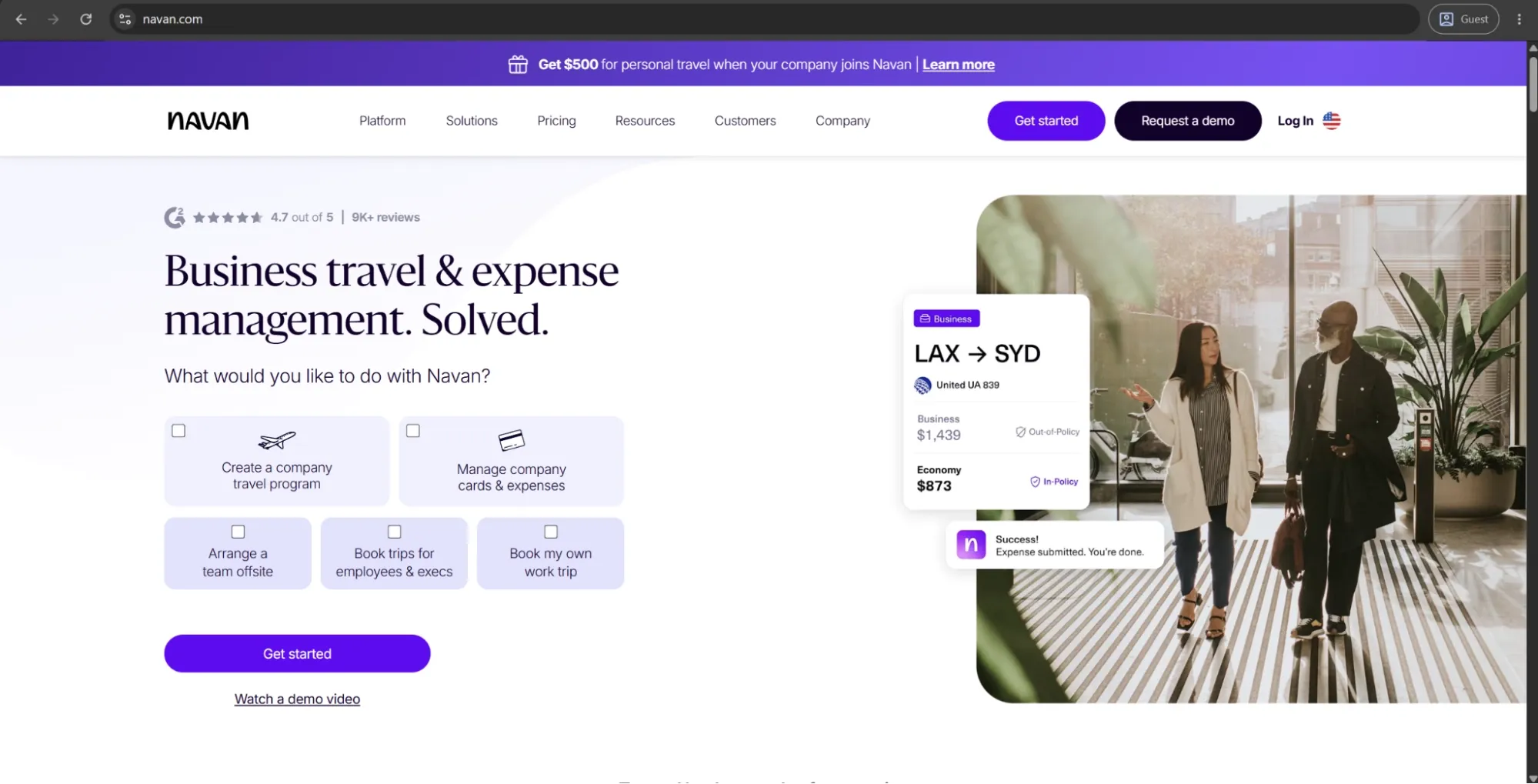
Navan is an all-in-one travel and expense management solution that combines travel booking, expense reporting, corporate cards, policy controls, approvals, and accounting integrations. It consolidates travel inventory like flights, hotels, cars, and rail from GDSs, and OTAs. It even has an employee travel book integrated automatically with relevant details — like travel purpose, project codes, and policy compliance status in an expense report. An optional incentive program lets employees keep a share of any savings made through the solution to spend on personal travel, aligning individual and company interests in a way most T&E platforms do not.
Customer ratings:
Advantages:
- Travel policy enforcement happens at the point of booking rather than after the fact, preventing out-of-policy spend before it occurs rather than flagging it during review.
- The rewards program lets employees keep a portion of savings when booking below budget, aligning individual behavior with company cost goals without requiring finance team involvement.
- The mobile app is consistently rated as one of the best in the T&E category — receipt capture, approvals, and travel management all work fluidly in a single interface.
Shortcomings:
- Fares and hotel rates on the platform are sometimes higher than direct booking alternatives, which creates friction for cost-conscious travelers and erodes trust in the inventory.
- Admin configuration is notably more complex than the employee-facing experience, with backend setup and policy mapping requiring significant time to get right.
- Reimbursements process on a weekly cycle rather than per claim, which frustrates employees who expect faster turnaround on out-of-pocket expenses.
Customer reviews (original spelling):
- Rebecca H. — Capterra — “Very good. A little slow sometimes but much easier to track expenses. I like that I can see when my expenses have been paid and if they haven't I can chase it with Finance.”
- Amy W. — G2 — “Navan gives employees autonomy over booking their own travel, which takes the hassle away from other teams and lets individuals choose their preferred trip details. I also like the trip overview you can print out like a timetable, as it makes the itinerary easy to follow. It’s great to be able to see the total cost of the trip and approve (or get approval) before booking.”
Pricing:
There are two primary plans Navan provides to its users:
- Navan Business includes both Navan Travel and Navan Expense modules, albeit with certain limitations. Users can still take advantage of global travel inventory with exclusive rates, customizable reports, receipt scanning, seamless integrations with most ERPs, and many other features.
- Navan Enterprise combines the full suites of Navan Travel and Navan Expense with global program coverage, a designated account executive, custom implementation, corporate negotiated rates, enterprise-grade travel support, and more.
Navan Business is available for free to all companies with up to 300 employees. Meanwhile, Navan Enterprise is more suitable for large-scale organizations, but information about its specific pricing point can only be acquired by requesting a personalized quote.
The author’s note:
Navan is the strongest option on this list for companies whose main friction with Ramp comes from travel management, particularly the disconnect between where employees book trips and how those expenses are later reconciled. It offers free travel booking for companies with fewer than 200 employees, making it a low-risk entry point for smaller businesses.
However, Navan is not a procurement or AP automation platform. It cannot replace broader spend management functionality, so companies would need additional tools to cover those needs. It’s best suited for organizations with frequent business travel and a need for tighter travel and expense policy enforcement.
Spendesk
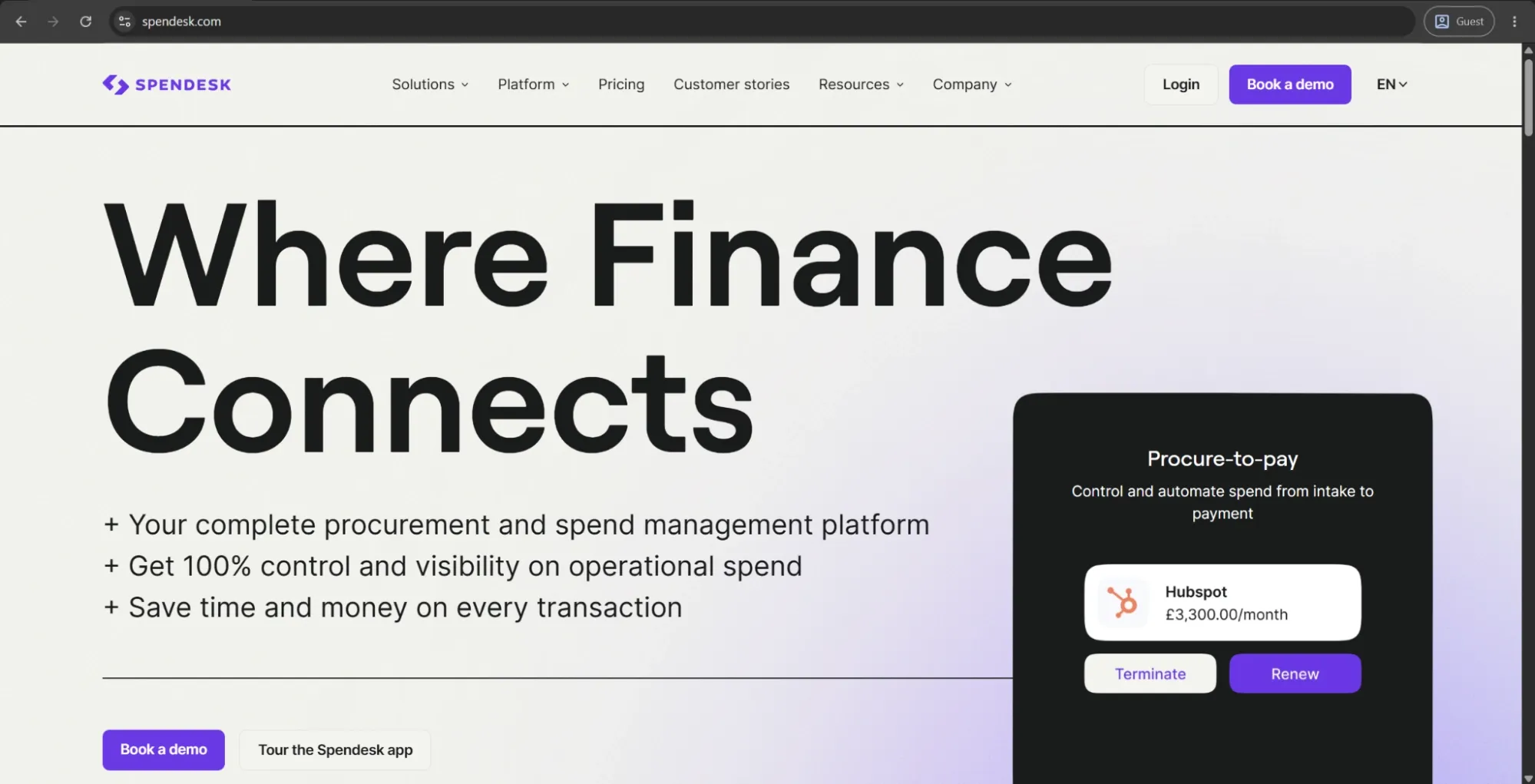
Spendesk is an AI-powered spend management and procurement solution that provides a single procure-to-pay solution with cards, accounts payable, expense management, and procurement, processing over €20 billion a year for 200K+ users. Finance teams are granted global visibility and control over spending, whereas employees can manage their own departmental spendings within budgets, reducing bottlenecks without sacrificing oversight. Spendesk claims to be the first European procure-to-pay solution integrating procurement with spend management up to 1,000 users and supporting European languages, currencies, and regulatory requirements — VAT handling and e-invoicing formats.
Customer ratings:
Advantages:
- The decentralized spend model gives department teams autonomy to manage their own budgets while finance retains real-time visibility and control — a balance few platforms strike as cleanly.
- VAT handling, local tax compliance, and e-invoicing support are built in natively, making it one of the most practical options for European companies managing multi-country spend.
- Receipt validation and invoice processing are AI-powered and run automatically at submission, reducing the manual pre-accounting work that typically consumes finance teams at month-end.
Shortcomings:
- Spendesk cards are occasionally declined by major vendors, which creates friction for teams that rely on the platform as their primary payment method across suppliers.
- The platform has a notably limited presence outside Europe, with North American teams finding fewer integrations, weaker support coverage, and less relevant compliance tooling.
- Customer support response times have drawn repeated criticism across multiple review sources, particularly for issues that require escalation beyond standard queries.
Customer reviews (original spelling):
- Julien G. — Capterra — “My experience with Spendesk is very satisfying. I save time and the mobile app is intuitive and highly practical.”
- Adriaan V. — G2 — “The ability to issue virtual credit cards makes it seamless to empower employees to manage their own department subscriptions. This along with department budget functionality makes it easy for them to track their own spend and take ownership of their own wallets. The web-based browser version sometimes takes a long time to load and to reflect updates, especially when I’m using the bookkeeping feature.”
Pricing:
Spendesk doesn’t offer any specific pricing data on its official website, only mentioning “tailored plans” and a suggestion to contact the company directly for a free quote in its dedicated pricing page.
The author’s note:
Spendesk is particularly well suited for European companies, focused on managing employee spending. Its structure gives finance teams strong control and visibility over committed spend before it becomes an actual expense, which is especially valuable for distributed teams.
The platform supports both multi-entity and multi-currency operations, making it a strong fit for EU companies operating across borders. Its alignment with EU regulatory requirements is also a key advantage compared to many US-centric solutions.
A comparison table
Sixteen platforms is a wide selection of options, especially when not all of them are competing in the same space. Grouping them by primary function would make the comparison more practical, as the evaluation criteria for AP automation tools don’t always apply to spend management platforms in the same way.
Spend and expense management software comparison
The tools below represent the closest competitors to Ramp’s core functionality — corporate cards, employee expense management, and spend visibility. Precoro is included as the leading procurement-focused alternative for companies whose main gap with Ramp is purchasing control rather than expense tracking. The comparison focuses on the most relevant factors in this category: card availability, travel coverage, payment capabilities, and the type of organization each platform is designed to support.
| Platform | Corporate card | Travel booking | Expense management | Payments | Free plan | Best for |
|---|---|---|---|---|---|---|
| Ramp | Yes | Yes | Yes | Yes | Base plan | Mid-market spend control |
| Brex | Yes | Yes | Yes | Yes | Base plan | Startups, global teams |
| BILL | Yes | No | Yes | Yes | Spend & Expense | SMB payables + cards |
| Expensify | Own card or BYOC | Basic | Yes | Yes | Individual | Receipt capture teams |
| Navan | Yes | Yes | Yes | Limited (travel reimbursements) | Travel module | Frequent business travelers |
| Spendesk | Yes | No | Yes | Yes | No | European employee spend |
| Precoro | Yes | No | Yes | Yes | No | Mid-market procurement |
AP automation and finance operations solution comparison
This group of tools spans a broader and more specialized set of use cases, including invoice processing, global payments, accounts payable workflows, and in some cases even business formation. They are less direct competitors to Ramp, but can address specific operational needs that Ramp does not cover. The comparison focuses on AP-specific criteria, including automation capabilities, purchase order matching, global payment support, and depth of ERP integrations.
| Platform | Invoice automation | PO matching | Global payments | ERP integrations | Best for |
|---|---|---|---|---|---|
| Coupa | Yes | Yes | Yes | Enterprise-focused | Enterprise procurement |
| SAP Concur | Invoice module | Yes | Yes | SAP-native | SAP-environment enterprises |
| Tipalti | Yes | Yes | 196 countries | Yes | Enterprise / upper mid-market AP |
| Basware | Yes | Yes | Yes | 250+ systems | Large enterprise e-invoicing |
| AvidXchange | Yes | Yes | No (US-focused) | Yes | Real estate & construction AP |
| Rillion | Yes | Yes | No | Yes | Mid-market AP automation |
| Yooz | Yes | Yes | No | 250+ systems | SMB & mid-market invoice processing |
| Melio | Yes (basic) | No | USD only | QuickBooks & Xero | SMB vendor payments |
| Mellow | No | No | 100+ countries | API-based | Global contractor payments |
| Doola | No | No | Via partners | No | International business formation |
How do you choose the best Ramp alternative?
The starting point for this question shouldn’t be the total number of features a platform offers, but rather the specific gaps Ramp does not cover in your business environment.
For example, a company that needs to manage international contractors or travel spend will have very different needs from one that is primarily focused on improving AP depth or gaining more control over approval workflows. Company size also plays a key role: enterprise tools like Tipalti and Coupa are better suited for large and upper mid-market organizations that can support longer implementation cycles, while solutions like Precoro, Rillion, Yooz, or BILL can typically be deployed much faster with minimal IT involvement.
From there, the range of options becomes more use-case driven. AP automation platforms such as Rillion, Basware, and AvidXchange go deeper in invoice processing than Ramp, each with different strengths in industry focus and reporting capabilities. European companies may also find Spendesk a more natural fit depending on their regulatory and operational needs. Precoro, meanwhile, is well suited for mid-market organizations that need structured procurement, offering similar value to enterprise tools like Coupa or SAP Ariba, but without the same level of complexity.
In practice, most organizations will not find a single platform that covers every operational need in one place. The decision usually comes down to prioritizing the most critical gaps and selecting specialized tools that address them effectively.