









 Explore Precoro's features




















The invoice volume in accounts payable is reaching a breaking point: 63% of teams spend more than 10 hours a week processing invoices, up from 52% in 2024. The AP function in most companies was never meant to handle that scale, and it shows, as approvals stall and errors grow more frequent.
Traditional AP automation doesn’t cut it anymore since fixed rules and basic OCR can only do so much. The AI revolution, however, is already underway and only getting stronger, with 72% of organizations already using AI in accounts payable. Most still treat it as a way to automate repetitive tasks, but it has more to offer.
This guide breaks down the main uses of AI in AP, the core tech stack, its benefits, and examples of accounts payable automation case studies to help you see how Precoro delivers these advantages to companies across industries and sizes.
What is AI-powered AP automation?
AI-powered AP automation is the use of artificial intelligence, machine learning (ML), and natural language processing (NLP) to handle invoices with minimal manual input. AI can automatically capture invoices, extract key data, match them to purchase orders and receipts, notify users of exceptions, and base its insights on available info or past decisions. The more documents AI processes, the more accurate it becomes and the better it aligns with the company’s AP team.
What types of AI enable accounts payable automation?
The AI umbrella encompasses several technologies that, when used together, become a true automation powerhouse. When stakeholders ask to implement AI in accounts payable, a simple “let’s add AI to the mix” isn’t enough. They need to know the exact differences between each technology, how hard it is to adopt, and what it will cost, both in time and money.
Machine learning
Machine learning identifies patterns in historical data and uses them to learn, improve, and make decisions. Unlike rule-based automation, which relies on fixed rules, machine learning isn’t pre-programmed. Instead, it learns from the datasets you provide.
In AP automation, machine learning has a large variety of uses. ML algorithms can suggest approval routes and detect duplicate invoices that may contain errors. When coupled with OCR, machine learning becomes a powerful tool for capturing data, flagging discrepancies, and matching it to POs. It learns over time—the more documents such systems process, the more accurate the result.
The downside of AP automation machine learning is that it’s relatively difficult to implement if you don’t have structured historical data already in place. It’s still possible, but the onboarding might last longer while you build the entire AP data flow from the ground up for your chosen platform.
Optical Character Recognition (OCR)
OCR is a technology that automatically extracts text from documents, such as PDFs or scans, and converts it into editable, searchable data that a machine can process. It recognizes individual characters in the file, converts them into words, and then reconstructs them into complete sentences. The technology solves the pain point that’s been troubling AP teams for decades—manual work.
Traditional OCR is mainly known for its text recognition capabilities. However, some tools go even further. For example, AP automation software like Precoro uses AI-powered OCR to understand document layout and context, so it accurately identifies vendor names, amounts, and line items and converts them into ready-to-use invoices. For teams that want extra confirmation, Precoro’s product team can review and verify the pre-filled data.
Unlike ML, most OCR tools are easy to implement and can be used out of the box. Costs are relatively low, with some systems charging customers for the number of invoices processed.
IDP and Intelligent AP Automation
Intelligent Document Processing (IDP) is an advanced technology for document scanning and processing. Precoro’s Intelligent AP Automation builds on this by going far beyond simple text extraction. Instead of only recognizing characters on a page, it understands document structure, identifies the type of document it has received, extracts the relevant data, and routes it through the appropriate workflow. This significantly reduces manual effort while improving accuracy across the entire accounts payable process.
Unlike traditional OCR, which relies primarily on fixed layouts and text recognition, IDP interprets the context of each document. It can accurately process non-standard invoice formats, multi-page documents, and complex tables without requiring supplier-specific templates. Once the data is extracted, AI can automatically match invoices to purchase orders, flag discrepancies, and route them for approval, keeping the entire process connected within a single procure-to-pay workflow.
For procurement, finance, and operations teams, this means processing more invoices without adding headcount, maintaining accurate spend data at any transaction volume, and keeping every purchasing document—from supplier invoices to approvals—in one centralized system. Rather than simply digitizing invoices, Intelligent AP Automation transforms them into structured, actionable data that supports faster approvals, stronger financial controls, and complete visibility across the procure-to-pay process.
Generative AI
Compared to the tools mentioned above, generative AI in accounts payable is designed to create new content, such as text, images, or code, rather than analyze existing data. It uses advanced AP automation machine learning models trained on large datasets to understand language and generate original output based on patterns it has already learned.
Generative AI focuses not on the transactional part of payables but on the communication. It can be used to summarize invoice details, answer user queries, and draft supplier or internal messages.
Implementation is relatively easy from a technical standpoint, often through built-in assistants or APIs. Teams can also easily adopt it, since most tools can be prompted with natural language rather than code or technical skills. For example, an employee can type in “Summarize all spend with Supplier A over the last three quarters” instead of entering any complicated formulas. However, generative AI raises some security concerns that may stall adoption.
Agentic AI
For the last decade, every procurement professional has repeated the mantra that AI is primarily a tool. Now, though, as the technology gets more advanced, we’re transitioning to artificial intelligence as an agent. Agentic AI can plan and carry out actions on its own within defined goals.
While Gen AI simply responds to prompts, agentic AI acts autonomously. It decides what to do and how to execute it across the system. Furthermore, it can even adjust its behavior based on the outcome of the action.
For instance, an agentic AI in accounts payable can process invoices, time payments, or escalate issues in accordance with policies. Precoro's AP Automation Crew, one of five Crews on the platform, handles that part of the workflow. Since it’s a relatively new technology that’s been gaining popularity, adoption can still be quite complex and require an outside expert to set up, as well as a quality dataset.
Costs are high due to governance, testing, and integration needs. Additionally, your team might be reluctant to adopt agentic AI since it essentially acts without direct instruction or intervention.
Should you use several types of artificial intelligence in accounts payable?
The answer to this question depends entirely on what you want your AP operations to achieve, but most likely, yes, different AI types can and should be combined for the best possible effect. OCR can convert PDF invoices into a readable format and extract all the needed info without your team even lifting a finger. AP automation machine learning can identify discrepancies, classify invoice data, and match it to other linked documents or entities in the system.
Generative AI provides the team with quick insights into their AP process and helps improve communication between you and suppliers. Agentic AI carries out autonomous actions within defined guardrails. When you use all of them together, you get a powerful tech stack that drastically improves the way your team processes invoices.
How is AI used in accounts payable?
Despite claims about agentic AI, for most companies, artificial intelligence in accounts payable is still a tool, first and foremost. 64% of businesses treat it more as a productivity enhancer or an assistant for repetitive tasks. Autonomous AI in accounts payable is still nowhere in sight, as only 30% think artificial intelligence should make decisions without human involvement.
It’s safe to conclude that AI-powered AP automation isn’t used to run the entire function end-to-end, but it’s applied across the full cycle. It mainly speeds up the most routine, data-heavy tasks, while more important steps, such as supplier management and process optimization, are handled entirely by the team.
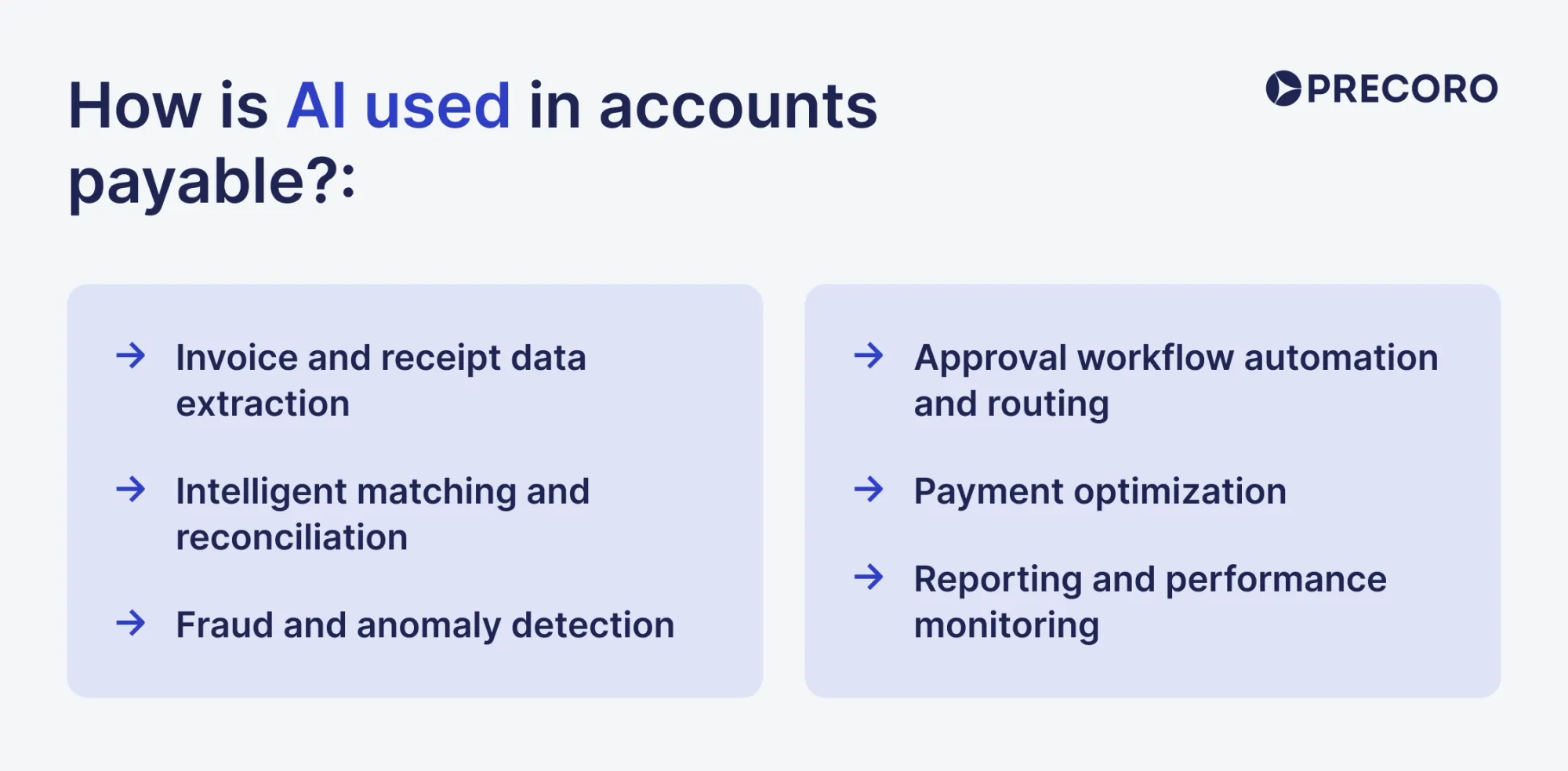
Invoice and receipt data extraction
A lion’s share of AP’s work relies on manual entry: receive the invoice, enter its details into the system, locate a matching purchase order and receipt, rinse and repeat. The burden of manual, mindless work riddled with human error—roughly 39% of invoices include mistakes—is exactly what pushes most companies to try AI in AP automation.
Advanced artificial intelligence in accounts payable can extract key invoice details, such as the supplier, amounts, taxes, and line items, and convert them into a readable, editable format that you can freely use in your AP system. Instead of typing everything in by hand, your team just reviews the invoice, fixes anything that looks off, and moves on.
Intelligent matching and reconciliation
Three-way matching is another pain point for accounts payable, as AP teams may spend hours searching for POs and receipts that match the submitted invoice, especially when there’s no data organization in place. AI in accounts payable, on the other hand, can automatically match invoices to related records such as purchase orders and receipts.
Let’s take Precoro, for example. Precoro first uses Invoice Processing to extract data from the invoice you submitted. Next, the system compares it to the approved purchase orders and analyzes the key details, such as item SKUs, PO numbers, dates, and even contextual cues.
After the best match is found, Precoro runs item-level matching, during which items from the OCR-processed invoice are compared against those on the POs. If all items align, the system auto-creates a pre-filled document with the “AI” marker on the matched lines so the AP team can review the output.
Approval workflow automation and routing
Manually sending invoices to the right approvers quickly gets tiring. These seemingly small steps—find the approver in your inbox, send the message, follow up if unresponsive—slow down the AP process more than you think. Not to mention, a lack of a centralized purchasing system leaves you with virtually no visibility into who approves and when, plus which invoices belong to which supplier.
Procurement tools with automatic approval routing remedy this issue. You establish the rules: who approves what, based on which thresholds and types of documents, and the system enforces the workflow automatically. The invoice is automatically sent to the right stakeholder for sign-off. Approval SLAs that set a due date add another layer of structure to the entire process.
Fraud and anomaly detection
Nearly 40% of teams already use AI in accounts payable to monitor their transactions for fraud and non-compliance. Remember, however, AI is meant to be merely an additional layer of security, not a replacement for human checks and critical thinking.
There are different risk management systems that can help flag fraudulent transactions. The basic setup usually starts with OCR, which extracts invoice data, analyzes it, and compares it to matching records. If the invoice is nearly or completely identical to another one in the system, users get notifications. Unlike simple rules that only catch exact matches, AI can flag documents that look highly similar even when a supplier changes formatting or edits the invoice number.
Artificial intelligence in accounts payable also notices any patterns that indicate risk, such as unusual amounts, overspend, or a lack of matching documentation. For example, Precoro can block invoice confirmation until the receipt is created.
Payment optimization
Once invoices reach approved status, AP teams still need to decide when to pay each one. Delayed and missed payments damage the company’s relationship with the supplier and indicate that this partnership isn’t a priority. AI in accounts payable helps avoid them by optimizing the payment scheduling and execution. Instead of an employee going through invoices and subjectively choosing which ones are high-priority and which ones can wait, AP automation systems do that work for them.
They analyze the available invoices based on due dates, payment terms, early-payment discount windows, amounts, supplier priority, and current cash availability. Based on these inputs, the system reorders invoices automatically, so the most time-sensitive or financially impactful payments surface first.
Note that AI in AP automation doesn’t process payments on its own. Far from it: your team still keeps full control of the key rules and approval thresholds, but the technology can reduce the likelihood of missed or late payments.
Reporting and performance monitoring
Perhaps the biggest benefit of AI in accounts payable is how easily it can parse large datasets and draw deep insights that would take an average person hours to uncover. AI can automatically collect data, analyze it, and conduct a thorough report based on key AP KPIs, such as on-time payment rate or cost per invoice.
AI highlights approval bottlenecks, recurring exception causes, suppliers that consistently cause issues, and invoices that repeatedly miss SLAs. For example, it can show that invoices from a specific supplier or location take twice as long to approve, or that a specific approval step accounts for most delays.
AI also supports trend and variance analysis. It compares current performance against historical baselines, flags negative trends early (for example, rising exception rates or declining touchless processing), and shows how changes in rules or workflows affect results.
Beyond dashboards, artificial intelligence in accounts payable enables natural-language analysis. Teams can ask questions like “Why did on-time payments drop last month?” or “Which suppliers cause the most rework?” and get direct, data-backed answers.
AI in AP automation by company size: Startups vs. mid-market vs. enterprise
Despite the general trend of AI adoption, the same automation setup won’t work for companies of different sizes. The objectives they’re pursuing are completely different, as are the issues they’re facing. Similarly, larger businesses have greater access to new technologies, while startups might struggle to catch up. However, AI in accounts payable has grown to the point where everyone can have their fill, what with easily available SaaS tools permeating the market.
Let’s break down how AI in AP automation helps companies of different sizes, where it has the biggest impact, and which AI tools you should consider depending on your size.
Startups
Startups typically have limited headcount and fewer resources to experiment, which means AI adoption is often off the table, especially in the first stages of company inception. However, as the benefits of AI become more certain, so does the need to adopt it: nearly 78% of businesses with a headcount of 10-500 use some type of AI in their processes.
Although enterprises dominate AP automation spend, AP digitization is booming among small businesses. SMBs are adopting it faster than any other segment, with usage expected to grow 18.15% year over year through 2031. Such progress is mainly caused by cloud-based SaaS tools that give smaller companies access to capabilities that once required enterprise budgets and IT teams.
Common AP pain points for SMBs
- Too much manual work for too few people. In small businesses, one person or a small team handles AP and its entire workload, including invoice processing, approval follow-ups, and reconciliations. As the company grows, that volume is difficult to handle.
- No structured AP workflow. Startups, in particular, tend to lack a structured accounts payable process. Instead, it’s typically non-centralized, ad hoc, and scattered through email or messengers.
- Little room to scale. This pain point is a natural outcome of the previous two. Relying on a single person to handle all AP in a chaos of emails and spreadsheets doesn’t easily scale with the company’s growth. Yes, when the time comes, startups hire more AP staff, but the problem persists unless automation steps in.
What AP tools should startups look for
Small businesses need a simple system that provides a structure for their AP process and does it quickly, without heavy customization. They’ll find these benefits in cloud-based AI-powered AP automation platforms that offer:
- AI-driven invoice processing to reduce manual work.
- Usage-based or per-invoice, volume-based pricing to keep payments predictable and manageable (no stomach-turning upfront investments).
- Preconfigured workflows and controls that are easy to toggle without IT support.
- Fast out-of-the-box implementation that delivers benefits early.
Mid-market businesses
Mid-sized companies have larger headcounts, reaching 2,000 employees, and are often spread across several locations. A dedicated team within the finance department typically manages AP, but the function remains relatively lean. As their invoice volume increases, so do the risks and the need not just to pay invoices but to do so in a controlled manner.
Perhaps that’s why mid-market orgs are some of the most eager to accept artificial intelligence in accounts payable and place high hopes on it: 73% find that AP automation improves cash flow, savings, and financial growth.
Mid-market is stuck in a weird position where they’ve outgrown the small-business mindset but don’t have as many resources as an enterprise. In a way, these companies fall into a sweet spot for AI. Their processes have enough historical data to work with more advanced tools, yet are flexible enough to change without complete overhauls.
Common AP pain points for mid-market
- Inconsistent processes across locations. The boundaries blur as organizations grow. Different approval workflows, coding standards, and even working hours can all lead to major miscommunication and rework between you and suppliers.
- Rising exception volumes. In turn, lack of consistency means the errors are more likely to slip through established guardrails (if there are any).
- Pressure to scale without hiring. 65% of mid-sized businesses still manually enter invoice data. Workload only increases, which leaves companies with two options: hire more personnel or automate the tasks to reduce workload.
What AP tools should mid-sized businesses look for
Mid-sized companies need more than basic automation but less than heavy enterprise infrastructure. AP automation platforms like Precoro strike the perfect balance between intuitiveness and flexibility with:
- Invoice capture with Intelligent AP Automation that scans the invoice, maps the data, performs two-way matching and creates an accurate invoice in the system.
- An AI assistant for faster answers to everyday AP questions, so teams can quickly find what needs attention and where delays come from without digging through reports.
- Configurable approval workflows with SLAs to prevent invoices from getting stuck in a sign-off limbo.
- Multi-entity and multi-location controls with separate workflows, budgets, currencies, and tax settings per entity.
- Built-in traceability across documents, so you can follow the trail from request to the invoice.
- Reporting and dashboards that give finance visibility into invoice status, bottlenecks, and process performance.
Enterprises
Enterprises are organizations with global operations, complex legal structures, and very high invoice volumes, often in the five- or six-figure range. The sheer amount of throughput is why enterprises captured 60.2% of the AP automation market in 2024.
Since AP in businesses of this size is handled by an entire department, the complexity moves beyond company walls. Here, it’s a global orchestration challenge where teams struggle to juggle invoices across regions, in different currencies, and tax regimes. Invoice approval workflows include multiple stakeholders (sometimes six or more), and the company wants a single source of truth to see everything at a glance.
Common AP pain points for enterprises
- Fragmented processes across regions and entities. Different countries follow different rules, timelines, and approval habits, which leads to inconsistency and audit risk.
- Heavy approval matrices that slow everything down. Multiple layers of approval protect the business, but also extend cycle times and increase exception volume.
- Technology lag from legacy ERP systems. Deeply customized, older ERPs make change expensive. A switch to modern AP automation tools can cost more than $10 million.
- AP spread across several systems. Nearly 60% of large businesses with yearly revenue of $10-20 billion use five or more AP tools. Lack of a unified solution leaves data fragmented and creates silos between teams.
What AP tools enterprises should look for
Enterprise AP teams need platforms that support scale and governance, even if rollout happens in phases. Typical requirements for artificial intelligence in accounts payable include:
- Deep ERP integration, including SAP, Oracle, and other legacy systems.
- Global configuration support, such as multi-entity, multi-currency, multi-tax, and multi-language handling.
- Strict policy enforcement and audit trails built into workflows.
- AI models trained on large, diverse datasets.
- Enterprise-grade security and compliance, including regional regulatory alignment.
What are the benefits of AI in accounts payable?
You won’t find hypotheticals here, nor vague statements like “I guess it did something.” AI delivers clear, measurable benefits that can be seen as you track your monthly KPIs. Here’s what companies can expect after implementing AI in accounts payable at full scale.
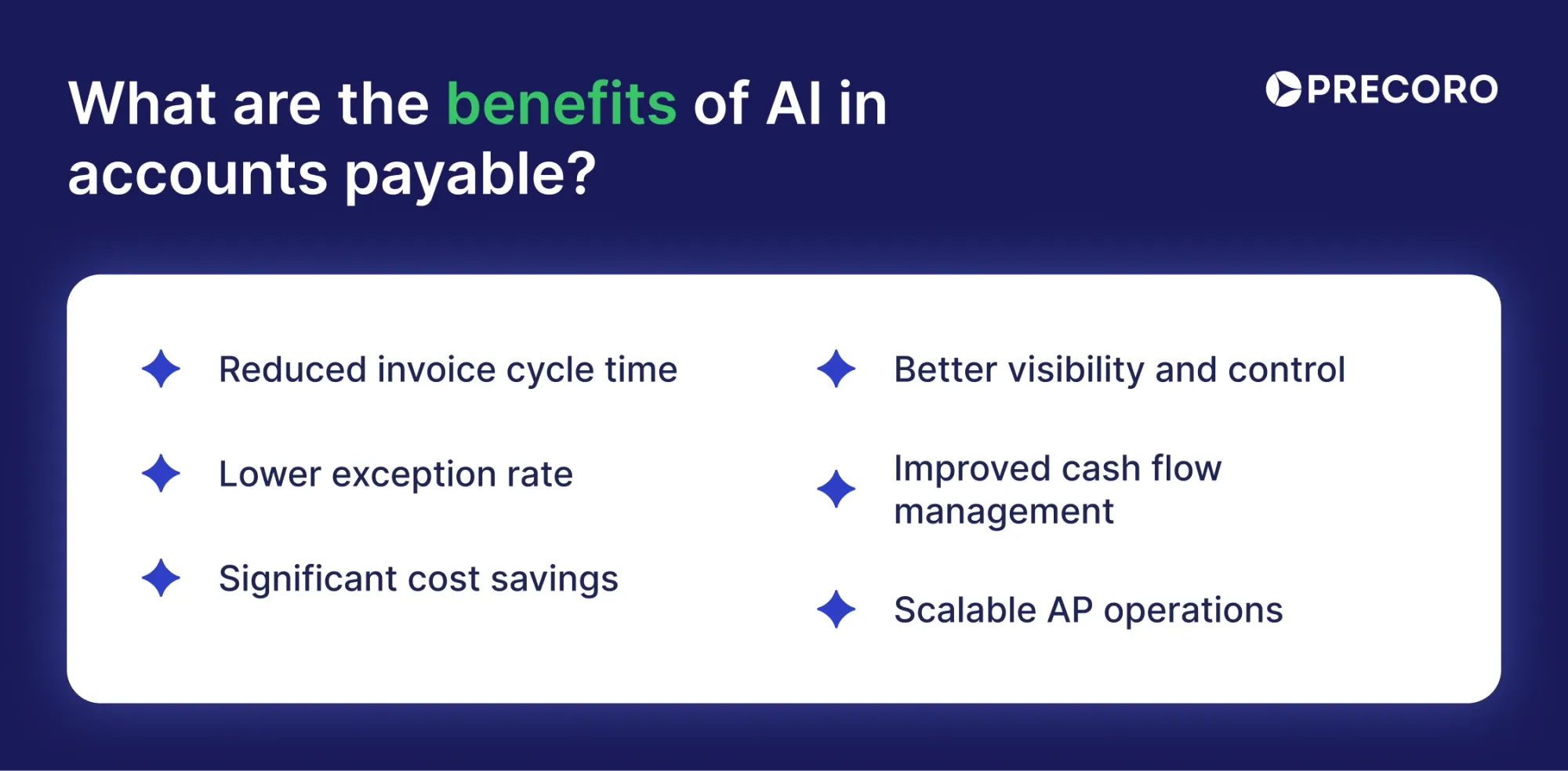
- Reduced invoice cycle time: Teams handling 5,000–10,000 invoices a month often spend more than five days doing it manually. With AI, that workload can drop down to two days because data capture, matching, and routing happen automatically. AP teams step in only when review or approval is actually needed.
- Lower exception rate: On average, one in five invoices is considered an exception, either because of errors, duplication, or incomplete information. Teams that actively mitigated these exceptions reduced the rate to 11.1%, in part due to AI. Artificial intelligence in accounts payable extracts invoice data and validates it against purchase orders, receipts, and past invoices. It also flags mismatches and duplicates early.
- Significant cost savings: Many AP teams spend around $12.88 per invoice, while those using automation bring that down to roughly $2.78. AI cuts costs by handling high invoice volumes without extra headcount and taking over the most time-consuming work, like data entry, matching, and follow-ups.
- Better visibility and control: AI-powered AP automation software shows invoice status in real time: what’s waiting for approval, what’s approved, and what’s delayed. Advanced analysis can parse large datasets and spot potential slipups. The visibility AI provides is a given—51% of companies expect data availability and insights from AP automation.
- Improved cash flow management: Cleaner data and faster invoice processing give finance a reliable view of what’s due and when. With AI in accounts payable, teams can prioritize urgent payments, plan cash flow more confidently, and capture early payment discounts rather than miss them. On average, companies capture only 58% of available discounts, while highly automated teams capture 85–95%.
- Scalable AP operations: AI makes AP easier to scale. As invoice volume increases, the process doesn’t slow down at the same rate because AI handles much of the routine work. Companies with at least 30% touchless processing see AP productivity increase by about 3.5× on average.
How to implement AI in accounts payable
Don’t expect AI to work out of the box, especially if your team is only familiar with outdated legacy systems. Even the best tools won’t work without a solid foundation that you establish in the form of clean data, defined objectives, and a clear understanding of what AI-powered AP automation is. We recommend a phased approach to AI implementation as it both prepares your team and sets the stage for further operations.
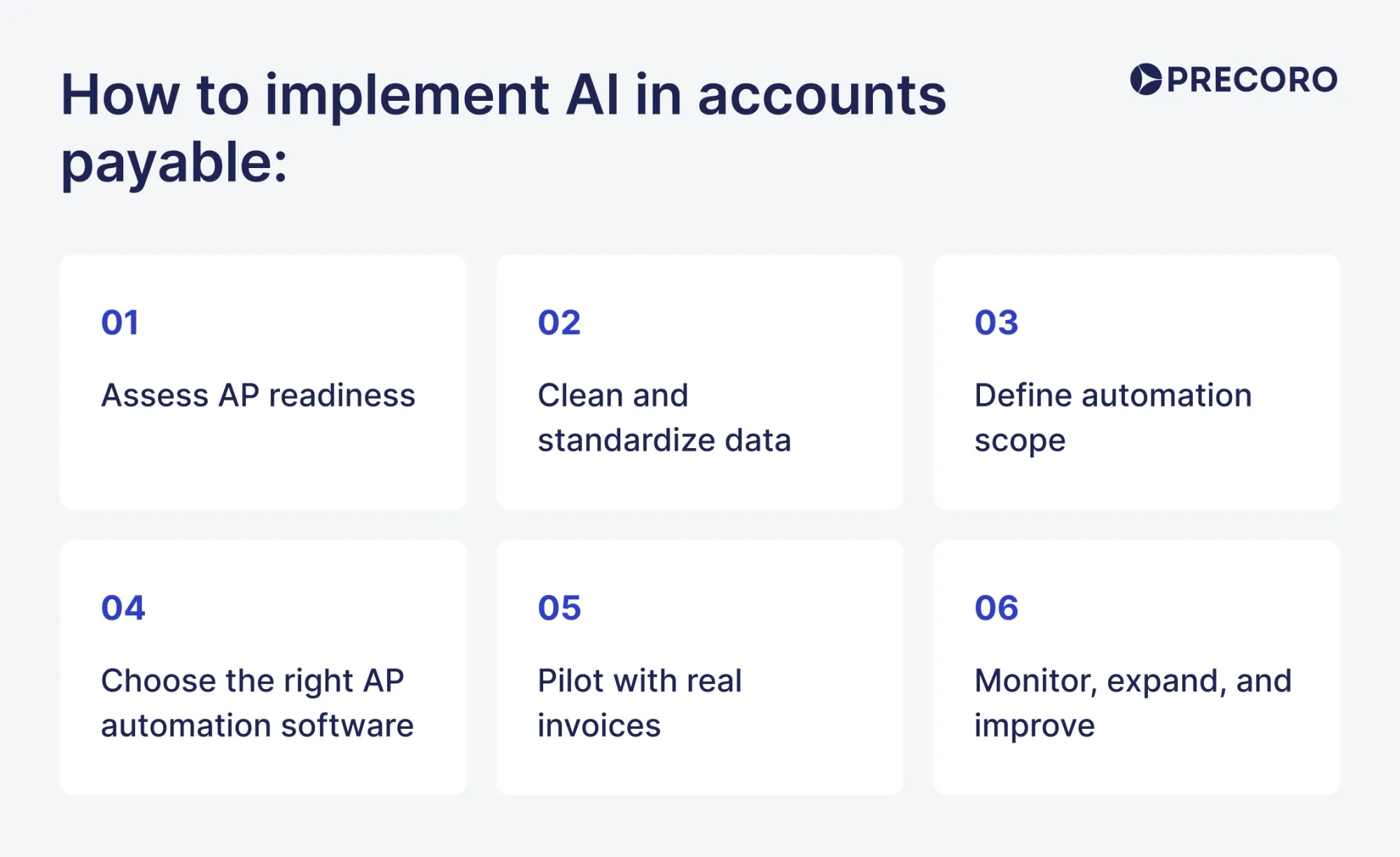
Step 1: Assess AP readiness
Begin with the basics and what you already have on hand. The key is not to scrap the existing processes but to identify the gaps where AI in accounts payable can help and the issues you can or should fix first. Review the invoice processing workflow from its receipt to payment, and note:
- How many invoices does the company process per day, per month, per year, and per Full-Time Equivalent (FTE)? The answer will help choose the suitable capabilities for your setup.
- Where do the invoices arrive? If intake is spread across email inboxes, EDI systems, and supplier portals, your AP team wastes time just looking for invoices.
- Which areas cause the most delays? For instance, approvers take too long to sign off, or several invoices regularly arrive with missing information.
- What are the most common exceptions? Examples include duplicates, incomplete invoices, fraudulent ones, and documents without matching POs or receipts.
- What’s the quality of current invoice data? Disorganized data with inconsistent GL codes and names immediately discredits the output of even the most trusted AI tool.
- How many approval steps does a typical invoice go through? Long approval workflows increase cycle time and reduce early-payment opportunities.
- Which KPIs does AP track, if any? Any metrics you have before the rollout can help measure its success.
- How much manual data entry happens per invoice? Look at the header fields, line items, tax, and coding that are entered by hand. All these manual touchpoints can be captured by AI.
Step 2: Clean and standardize data
AI has been in the headlines of most tech publications for more than a decade, but 92% of companies still aren’t ready for it, primarily due to a lack of structured data. Artificial intelligence in accounts payable only works as well as the information it relies on, so data organization isn’t optional and should be done before you even browse automation tools.
Here’s how to organize AP data before AI rollout:
Consolidate data sources
Include all sources that produce an invoice count, such as accounting systems, ERPs, shared inboxes, spreadsheets, and supplier portals. Pull everything into one working dataset so you can see gaps and give AI a single source of truth.
Normalize vendor records
Merge any duplicate vendor names to avoid confusion: one vendor, one legal name. Standardize tax IDs, payment methods, and bank details. Assign a unique vendor ID so the system can easily detect it across invoices.
Standardize invoice fields
Use consistent formats for dates, numbers, currencies, and totals. Communicate to suppliers and employees which fields are required (without which the process won’t move forward). Ensure header data is cleanly separated from line items to avoid calculation errors. Separate non-PO and PO invoices, as they’ll most likely follow a different approval process.
Clean GL coding
Review existing GL codes and remove unused, duplicate, or overlapping entries. Group similar codes under a single standard and define clear rules for coding common spend types, such as rent, software, and services.
Establish a structured approval process
Decide who needs to approve what, and lock those rules in place. Set clear spend limits, cut approval steps that don’t add value, and assign backups so invoices don’t sit idle when someone is out of the office.
Step 3: Define automation scope
Based on the information you’ve gathered in the previous steps, decide on the biggest pain points you’d like to target first. Focus on quick wins: it’s better to automate a single task that’s sure to deliver fast results than develop an entire strategy before you get any consistent output.
For instance, if teams spend hours typing invoice data, prioritize OCR and data extraction. If invoices stall during approval or 3-way matching, focus on routing, basic PO comparison, and duplicate checks. Target areas where rules already exist, and outcomes are predictable.
Next, define what artificial intelligence in accounts payable can handle on its own and where human review is necessary. Standard practice is to allow AI to process low-risk invoices that meet clear criteria, such as known vendors and matching amounts, and require review for high-value, non-PO, or exception-heavy cases. At the beginning, though, review all AI output to ensure it’s correct.
Step 4: Choose the right AI-powered AP automation software
Select a tool that aligns with the automation scope you defined and with how your AP team actually works. It’s better to focus on features your team will actually use, rather than flashy AI-powered AP automation capabilities. For instance, if you know your team isn’t likely to use advanced predictive analytics, focus on solutions that master invoice data capture and document matching.
Tool selection is standard: browse, compare, look for reviews, and book demos. If possible, ask for reference calls with customers of a similar size and sector. They’re likely to have similar pain points, which’ll help with further AI implementation.
Integrations are crucial, too. Lean towards tools that integrate seamlessly with your accounting system and ERPs. No need to replace the existing tech stack. Tools like Precoro sit on top of it, handle intake, approvals, and invoices, and sync data back to accounting, so teams avoid manual work without changing core systems.
When meeting with potential vendors, ask the following questions to evaluate AI-powered AP automation tools:
- How accurate is invoice extraction?
- What percentage of invoices can realistically be handled without human intervention?
- How are exceptions monitored and flagged?
- What steps remain completely human-controlled?
- How long does integration and rollout usually take for companies like us?
Below, we break down the must-have and nice-to-have features of AI-powered AP automation software.
Step 5: Pilot with real invoices
Run a pilot with real invoices and actual users, not sample data. Limit the scope to a small supplier group or a single type so teams can review results and fix issues early. Include invoices that you use daily, such as multi-page PDFs, line items, taxes, and common exceptions. A pilot that reflects day-to-day work gives AP automation machine learning models exposure to actual supplier formats and exception patterns.
Set clear success criteria before the pilot starts. Track extraction accuracy on key fields, PO match rates, exception volume, and approval turnaround time. Review each invoice to spot patterns where AI struggles, then refine vendor templates, validation rules, or approval logic.
Use real approvers and enforce approvals inside the tool. Measure where invoices stall, confirm audit trails and segregation of duties hold up, and validate exception ownership. Expand automation only after results stay consistent, and AP trusts the output enough to reduce manual checks.
Step 6: Monitor, expand, and improve
Once results are consistent, gradually expand automation. Add more suppliers, higher invoice volumes, or additional use cases. Expand only when accuracy, controls, and approval behavior remain stable.
Review performance metrics regularly. Track extraction accuracy, exception rate, cycle time, and touchless processing rate. Update rules, retrain models, and adjust thresholds as supplier formats, volumes, or policies change.
How to select AI-powered AP automation software: Must-haves vs. nice-to-haves
Not all features are necessary for every AP team. It’s a common misconception that the more features you have, the better and more effective the software, but there’s no guarantee of that. A narrow focus works best: separate which features must absolutely be present and which are nice to have but definitely not necessary.
Must-have features for AP automation tools
Reliable invoice capture and data extraction
That’s the basics of AI-powered AP automation. The tool should reliably extract invoice data from PDFs, scans, and email attachments, even when layouts vary. Smart contextual understanding (like in Precoro, for instance) ensures that even if the data slightly differs, it still fills the correct fields.
Support for PO and non-PO invoices
The system must handle both PO-based and non-PO invoices without workarounds. It should support matching invoices to POs when they exist and flexible approval workflows when they don’t.
Automated 3-way matching
Look for intelligent invoice matching against POs and receipts, with clear visibility into mismatches. The machine learning AP automation software should flag issues early and explain why the document failed to match.
Configurable approval workflows and audit trail
The tool must support approval thresholds, role-based routing, delegation, and a full audit trail. Every approval, rejection, and change should be traceable.
Duplicate detection and basic risk flags
At a minimum, AI-powered AP automation should detect likely duplicate invoices and flag unusual patterns.
Accounting or ERP integration
The tool must integrate cleanly with your accounting or ERP system. Approved invoices, coding, and payment status should sync reliably.
Nice-to-have features for AP automation tools
Generative AI for explanations and summaries
Some tools offer AI that explains exceptions, summarizes invoices, or answers questions in plain language. Such features help teams get quick insights without going through large datasets themselves.
Advanced agent-based actions
Agentic features can request missing data, follow up with vendors, or automatically escalate issues. Useful for mature teams, but risky if processes and data aren’t stable.
Predictive insights and recommendations
Some platforms offer forecasts, payment timing suggestions, or cash flow insights based on invoice data. They can be helpful, but only after you establish the basic automated invoice processing.
Extensive customization and scripting
Highly configurable tools allow custom logic, workflows, and integrations. Flexibility can be useful, but heavy customization increases implementation time and maintenance effort.
Built-in supplier portals
Supplier portals can let vendors upload invoices, check status, or update details. Improves supplier communication, but shouldn’t compensate for weak internal AP workflows.
Accounts payable automation: Case study with Precoro
Promising something will help is easy; proving it is much more difficult. Learn how Precoro’s AI-powered AP automation capabilities helped companies across different industries make their accounts payable more effective.
A mid-sized fintech company in England
Read the full accounts payable automation case study.
This finance team had a trust-first buying culture, but it created a problem: staff could buy what they wanted, and finance had no clear view of upcoming spend or whether it had approval. As the company grew, the month-end close also took too long.
Precoro helped the team:
- Use OCR to register invoices and move them forward through the approval workflow.
- Integrate with NetSuite for payment, with payment status synced back to Precoro for visibility.
- Add approval workflows at the right levels, so finance knows what spend was approved.
What they achieved: The month-end close went from two weeks to a couple of days with Precoro.
A biotech startup with entities in the US and Switzerland
Read the full accounts payable automation case study.
Like most startups, this company began without a robust procurement process. People ordered online, kept their own records, and invoices arrived with no clear owner. The admin team literally had to ask employees around the office to figure out who owned each document and whether it should be paid.
Precoro helped the team:
- Centralize purchase records so the team could see what was ordered, delivered, invoiced, and paid for from one place.
- Stop duplicate payments when someone tries to pay the same PO invoice twice.
- Create a simplified invoice approval workflow, which improved overall communication.
What they achieved: Complete transparency and control over purchasing operations with zero payment delays and duplicate invoices.

A fast-growing photo printing and e-commerce company in France
Read the full accounts payable automation case study.
This team dealt with two AP problems at once. First, invoices sometimes arrived months late, so finance couldn’t budget the incurred costs. Second, at month-end, matching was done in Excel, where anyone could edit sensitive data or erase values by mistake, with no way to approve or trace changes.
Precoro helped the team:
- Replace Excel with a centralized system that secures data and makes approvals more predictable.
- Support invoice-based purchases that need to be uploaded into the accounting system.
- Add an automatic 3-way match that doesn’t require additional approval.
What they achieved: More control over invoice processing, fewer approval delays, better reporting, and a clearer view of the purchasing process.

Where AI in accounts payable leaves AP teams
AI doesn’t replace accounts payable. Instead, it changes the direction of where teams spend their time and attention. Across invoice capture, matching, approvals, and reporting, AI-powered AP automation software takes over the repetitive, error-prone work that slows accounts payable, while people remain responsible for judgment, controls, and exceptions.
Don’t expect a complete fix after one click. The biggest gains come when teams treat AI as a structured assistant, roll it out in phases, and pair it with clean data and clear processes.
For AP teams, the end goal isn’t full automation but better control at scale. Faster cycle times, lower costs, fewer exceptions, and clearer visibility let finance plan with confidence and close without last-minute surprises. Teams that succeed focus on fundamentals first, choose tools that fit their reality, and expand automation only when accuracy and trust stay high.