Accounts Payable Automation Software: How to Choose the Best Software Solution for AP Automation
A hands-on guide to automated accounts payable software: what it is, what to expect, and how the best platforms stack up.

Accounts payable automation software has evolved from a back-office efficiency tool into a core part of modern finance operations. Traditional AP processes — paper invoices, email-based approvals, and spreadsheet-based matching — create bottlenecks that become harder to manage as companies grow. In response, AP automation platforms have become far more advanced over the past few years.
This comprehensive guide covers everything finance teams need to make a confident AP automation decision:
- How the technology works end-to-end
- What features and integrations to prioritize
- Which challenges should you plan for
- How eighteen different leading platforms compare across capability, fit, and approach
Whether you’re evaluating for the first time or replacing an existing solution, the sections below are structured to support the full decision process rather than just the shortlist stage.
Read to find out:
What is accounts payable (AP) automation software?
Why are accounts payable teams investing in AP automation software?
How does AP automation software work end-to-end?
How do you choose the right AP automation software?
Top AP automation software
Comparison table
The hidden costs of AP automation that vendors rarely mention
What are the best practices for implementing AP automation software?
What common challenges and risks should you expect?
What AP automation cannot fix
FAQ
What is accounts payable (AP) automation software?
Accounts payable automation software is changing the way finance teams approach vendor management and invoice workflows. Instead of time-consuming manual work, the software uses intelligent, rule-based workflows to manage the entire process from invoice capture to payment.
What is accounts payable automation software, and how does it work?
An AP automation software is a category of financial technology that digitizes the entire invoice management workflow, from receiving and validating to approving and paying. The software removes the need for manual data entry, paper-based routing, and disconnected approval chains — all of which are some of the most common sources of delay and error in finance operations.
The typical invoice handling process begins when the system receives an invoice, be it via email, electronic data interchange (EDI), or supplier portal. Starting from here, the AP automation software’s capabilities can be summarized into four distinct steps:
- Captures the invoice data
- Validates it against purchase orders and receipts
- Routes it through a configured approval workflow
- Initiates payment upon final sign-off
All of these steps are performed within the same system, helping finance departments always know exactly what the current invoice status is.
Which processes and tasks can AP automation software handle?
AP automation software encompasses a wide range of accounts payable tasks — far more than simple invoice scanning. The scope of automation that modern platforms are capable of includes both transactional processing and the exception-handling logic that usually requires human review.
Tasks that software for accounts payable commonly handles include:
- Invoice capture and digitization — extracting data from paper, PDF, and electronic invoices
- Invoice matching — automatically matching invoices to POs and receipts (two-way or three-way matching)
- Duplicate invoice detection — flagging invoices that have already been submitted or paid
- Approval workflow routing — directing invoices to the correct approvers based on amount, department, or vendor rules
- Exception management — isolating mismatches or incomplete invoices for human review
- Payment scheduling and execution — initiating ACH, wire, or virtual card payments on defined terms
- Audit trail creation — logging every action taken on an invoice for compliance purposes
How does AP automation software reduce manual data entry and manual work?
In a classic AP process, staff have to manually type in invoice information into the accounting systems, physically route documents for signatures, and follow up on approvals by either phone or email. Manual processing like this is slow, prone to errors, and does not scale very well, which is why companies are now seeing AP automation solutions as essential infrastructure instead of an optional addition.
Software for accounts payable reduces the total volume of manual data entry through the use of optical character recognition (OCR) and, in more complex applications, machine learning algorithms trained to extract fields like vendor name, invoice number, line items, tax amounts, and due dates with high accuracy.
These data fields are then validated and matched automatically, removing the need to cross-reference documents manually. As a result, the per-invoice processing time drops dramatically, and so do the overall error rates.
The reduction of manual processing extends beyond data entry, as well. Once invoice details are captured and verified, approval routing is managed automatically without the need for any manual handoff. This results in notifications running automatically, reminders being triggered on schedule, and escalations firing once deadlines are missed. Payments are also executed automatically according to configured terms instead of relying on manual batching and bank uploads.
The net effect here is that AP staff can move from processing transactions to reviewing exceptions, which is a completely different (and much more valuable) use of their time.
What features should an automated accounts payable platform include?
The feature set of an AP automation platform ultimately determines how much manual work it can remove and how effectively it fits into an existing finance tech stack. Since solutions vary significantly in depth and capability, it’s important to carefully assess features before choosing a platform.
Core features that a capable AP automation platform should include:
| Feature | What it does |
|---|---|
| OCR + data extraction | Captures invoice fields automatically from any format. |
| 2- and 3-way PO matching | Validates invoices against purchase orders and goods receipts. |
| Configurable approval workflows | Routes invoices based on custom rules, roles, and approval thresholds. |
| ERP and accounting integrations | Syncs data with systems such as QuickBooks, NetSuite, and SAP. |
| Exception handling and escalation | Flags and routes problematic invoices without stopping processing. |
| Audit trail and compliance logging | Records every action for internal controls, audits, and compliance reviews. |
| Supplier portal or communication tools | Gives vendors visibility into invoice and payment status. |
| Reporting and analytics dashboards | Tracks cycle times, approval bottlenecks, and spending patterns. |
Platforms that offer all these capabilities at once are typically considered full-cycle AP automation solutions, which is a stark contrast to point tools that only handle one or two specific steps in the process.
Why are accounts payable teams investing in AP automation software?
Finance teams face a growing pressure to do more with less, and the accounts payable function is one of the highest-friction areas in the back office. In this context, AP automation software quickly became the go-to investment for many such teams, as they deliver measurable returns without the need for a complete finance transformation.
Why is AP automation software considered one of the best accounts payable solutions?
AP automation software is consistently in the upper echelon of finance team investments when it comes to ROI, as it focuses on high-volume, repetitive activities in the AP department. Instead of attempting a costly organization-wide ERP implementation or hiring more people, AP automation pinpoints the primary bottleneck (manual invoice processing) and systematically removes it.
The long-term effect of such changes includes a decrease in processing costs per invoice, reduced payment cycles, and a finance team that isn’t constrained by paperwork anymore. Once applied in the context of hundreds or thousands of invoices being processed monthly, these benefits become quite substantial, which is why AP automation software is consistently viewed as foundational instead of optional.
How can automation improve accuracy and reduce errors?
Manual AP processes are inherently prone to errors. Whenever employees key invoice data by hand, match line items across spreadsheets, and route documents through email chains, mistakes happen, and they accumulate over time. Examples include duplicate payments, transposed figures, missed approvals, or invoices that fall through the cracks. The scale of these errors isn’t the result of carelessness, but the unfortunate outcome of manual work being performed for high invoice volumes — something that no amount of process discipline can eliminate completely.
Software for accounts payable improves the accuracy across the board by removing human handling from areas that are the cause of most errors:
- OCR and machine learning extract invoice data with a consistency that manual processes can never match.
- Matching logic validates invoices against purchase orders automatically, which means discrepancies are caught before approval rather than after payment.
- Duplicate detection runs on every submission, flagging invoices that share vendor, amount, or invoice number combinations with previously processed records.
The cumulative effect of all these efforts is an error rate that is significantly lower than the results of manual accounts payable operations with the same volume.
How can payment automation improve invoice processing and approval speed?
In manual AP processes, invoice cycle time is always determined by the slowest part of the process — be it a delayed email response, an approver who is traveling, or a batch payment run that only happens twice a week.
Payment automation gets rid of these fixed delays, making approvals asynchronous and payment execution continuous. Approvers are instantly notified using any device and can approve in just a single action, collapsing approval chains that used to run for multiple days into just a few hours. Payment runs execute automatically on configured schedules or immediately upon final approval instead of waiting for a staff member to initiate a payment run by hand.
The impact on invoice processing speed is significant across each stage:
| Stage | Manual process | With AP automation |
|---|---|---|
| Invoice capture | 1–3 days (manual data entry) | Minutes (automated extraction) |
| PO matching | Hours to days | Seconds (automated matching) |
| Approval routing | 3–7 days on average | Same day to 24 hours |
| Payment execution | Batch runs 1–2 times per week | Scheduled or immediate payment |
| Exception resolution | Days of email back-and-forth | Flagged and routed instantly |
How does automation affect supplier relationships and payment terms?
Suppliers always notice when payments are late — and also appreciate when they aren’t. Slow manual processing leading to late payments strains vendor relationships, reduces negotiating leverage, and, in some cases, even triggers late fees or supply disruptions.
AP automation solutions resolve this issue by making on-time payment the default outcome, not an exception. Many platforms also offer supplier portals that provide vendors with instant, real-time visibility of the invoice’s progress, minimizing the need for back-and-forth inquiries about invoice status that consume a significant portion of the AP staff time. The consistency of payment terms also opens the door toward early payment discount programs that can offset the cost of the software itself by generating direct cost savings.
How does AP automation software work end-to-end?
AP automation solutions don’t just cover a specific step in the AP process — they automate the entire manual chain, from the moment an invoice is received to the moment payment is confirmed. The interdependency of each step connecting with the rest is what helps finance teams evaluate platforms with realistic expectations in mind when it comes to implementation.
How does invoice capture improve the Accounts Payable process?
The accounts payable process begins the moment an invoice enters the organization, and even this first step can become a major bottleneck in manual setups. Invoices may arrive via email, post, fax, supplier portals, or e-invoicing networks, requiring teams to constantly monitor multiple channels. Once received, staff must locate each invoice, log it, and manually enter the relevant data.
Invoice capture automation removes this friction by consolidating all incoming invoices into a single processing pipeline. Whether the invoice comes through e-invoicing formats, as a scanned PDF, an EDI file, or a structured XML document, the system ingests it automatically and prepares it for data extraction in a consistent way.
What role do OCR and machine learning play in invoice data extraction?
Once an invoice has been captured, the data it contains has to be extracted and structured. Optical character recognition reads the document and extracts the key details like vendor name, invoice number, line items, tax amounts, and due dates, converting unstructured document content into usable data.
Machine learning acts as an extension of what OCR can already do. Traditional OCR relies on predictable invoice layouts to discern information, while ML models are trained on massive volumes of different invoice templates, which makes it possible for ML to extract data accurately from practically any vendor template. These models also improve over time, with each processed invoice making the capture process even more accurate.
How does automated matching and validation work within accounts payable software?
With invoice data extracted, accounts payable software cross-references it against existing records to confirm the invoice is legitimate and accurate before it moves to approval. This process is called matching, and it comes in two standard configurations:
- 2-way matching: compares the invoice against the purchase order
- 3-way matching: compares the invoice against the purchase order and the goods receipt
Three-way matching is the more rigorous option of the two, which is why it’s often used for inventory-heavy or high-volume procurement. Validation checks ensure the invoice is mathematically correct, with accurate totals, proper tax calculations, and vendor details that match the approved supplier record.
How are exceptions and discrepancies detected and handled?
Even well-configured AP automation systems will still encounter invoices that fail matching or validation. In these cases, the platform needs a structured way to flag, categorize, and resolve issues without blocking the rest of the invoice flow.
Common exception types, their causes, and how they are handled are outlined below:
| Exception type | What triggers it | How it is routed |
|---|---|---|
| Price variance | Invoice amount differs from the purchase order | Sent to purchasing or procurement for review |
| Missing PO reference | No matching purchase order found | Returned to the requester or vendor for correction |
| Quantity mismatch | Invoice quantity differs from the goods receipt | Routed to the receiving department |
| Duplicate invoice | Matching vendor, amount, or invoice number already exists | Flagged and held for manual review |
| Unapproved vendor | Supplier is not in the approved vendor master | Escalated to procurement or finance management |
Exceptions are handled in a separate queue, where the system highlights the issue and pulls up the relevant records, making it easier for the reviewer to quickly understand the discrepancy and take action.
How does the approval process work within an AP automation tool?
Approval workflow configuration is one of the most important decisions in any AP automation implementation. A poorly designed workflow reintroduces the bottlenecks and delays the system was designed to get rid of — only in a digital format instead of a physical one.
AP automation tools allow teams to define routing rules based on invoice value, department, cost center, vendor type, or any combination of these. Once configured, the approval flow runs as follows:
- Invoice is assigned to the correct approver based on routing rules.
- Approver receives an automated notification with invoice details attached.
- Approver reviews and approves, rejects, or raises a query.
- Multi-level approvals trigger sequentially or in parallel, depending on configuration.
- Final approval releases the invoice for payment scheduling.
Reminders and escalations can be automatically triggered when an approval isn’t completed within a defined timeframe. This prevents individual delays from holding up the entire invoice flow and removes the need for AP teams to manually chase approvals.
How does AP automation integrate with accounting software and accounting system platforms?
AP automation doesn’t work in isolation. In order for it to function effectively, the platform needs to be able to exchange information with the accounting systems and ERP platforms that the finance department is already working with. Otherwise, staff would have to re-enter the data manually from one system to another, reintroducing the exact type of manual work that automation was brought in to eliminate.
Most accounts payable automation platforms support integration with:
- ERP systems — SAP, Oracle, Microsoft Dynamics, NetSuite
- Accounting software — QuickBooks, Xero, Sage
- Procurement platforms — Coupa, Jaggaer, Ariba
- Banking and payment rails — ACH, SWIFT, virtual card networks
- Document management systems — SharePoint, Google Drive, proprietary DMS tools
Integration depth differs substantially from one vendor to another, as some offer native connectors while others rely on API access or middleware. Integration methods vary significantly, and these differences are another important factor to consider when evaluating a platform.
What types of AP automation solutions exist?
No two AP automation platforms are the same: the range of deployment options available, the overall feature scope, and the architecture of the platforms vary greatly. These characteristics must be well-understood before attempting to assess a specific vendor's product.
What are cloud-based vs on-premises AP automation options?
The deployment model of an AP automation solution determines how it’s hosted, maintained, and addressed. It also has significant implications in terms of implementation cost, IT involvement, and scalability. The table below highlights major differences between cloud-based and on-premises hosting models.
| Criteria | Cloud-based | On-premises |
|---|---|---|
| Hosting | Vendor-managed and accessed through a browser | Hosted on the company’s own infrastructure |
| Implementation time | Weeks to a few months | Several months to over a year |
| Upfront cost | Low (subscription-based) | High (licensing and hardware) |
| Ongoing maintenance | Handled by the vendor | Requires internal IT resources |
| Scalability | Elastic and scales with invoice volume | Limited by infrastructure capacity |
| Data control | Data stored and managed by the vendor | Full internal control and ownership |
| Best suited for | Small and mid-sized businesses, distributed teams | Organizations with strict data residency or sovereignty requirements |
Most AP automation solutions are now cloud-based, mainly because they require lower upfront investment and deliver faster time to value. On-premises deployments are far less common and are typically limited to highly regulated industries with strict data residency requirements, such as financial services, government, and defense.
What is the best-of-breed software for accounts payable compared to ERP-native modules?
Companies looking to implement AP automation typically face a fundamental decision to either acquire a new, dedicated AP automation platform or enable the AP module within the ERP system they already have.
The benefits of using an ERP-native AP module are clear: it's in the system the team is already using, no integration is necessary, and there is no extra vendor to manage. Depth is the primary drawback here. ERP vendors create AP modules that cover standard business processes and often lack the sophistication of standalone solutions when it comes to AI usage, complex approval structures, edge cases, or advanced analytics.
Standalone, best-of-breed AP automation solutions are the exact opposite of that. They offer a more robust feature set, a more refined user experience, and a better product development pace. The biggest drawback is the integration complexity, as standalone solutions have to be connected to the ERP in order to function within an interconnected business environment, which is not always a simple or straightforward process.
The right choice generally depends on:
- Invoice volume — higher volume favors best-of-breed depth
- Process complexity — multi-entity, multi-currency, or complex approval structures benefit from dedicated tooling
- IT capacity — ERP-native is simpler to maintain if internal IT resources are limited
- Budget — ERP-native avoids an additional software cost, though often at the expense of capability
How do single-vendor suites compare with integrated point solutions?
Closely related to this is the decision between using AP automation as part of an end-to-end solution or building a stack of specialized tools, where each solution covers only a specific part of the process. The differences between these two approaches are outlined below:
| Criteria | Single-vendor suite | Integrated point solutions |
|---|---|---|
| Scope | Covers AP, procurement, payments, and related processes in one platform | Separate tools handle specific functions such as capture, approvals, or payments |
| Integration complexity | Low — functionality is native and pre-connected | Higher — systems must be connected through APIs or middleware |
| Best-in-class capability | Varies by module | Each tool can be selected for a specific strength |
| Vendor risk | Concentrated with a single provider | Distributed across multiple vendors |
| Total cost | More predictable and often bundled | Can increase as additional tools are added |
| Best suited for | Organizations prioritizing simplicity and consolidation | Teams addressing specific process gaps with specialized tools |
There is no universally better option. Organizations with straightforward AP needs and limited IT capacity often benefit more from an all-in-one solution. In contrast, companies with complex or non-standard processes typically gain more value from integrating best-in-class tools around a core ERP platform..
What open source AP automation software options are available?
Open-source AP automation software occupies a small but distinct segment of the market. As these platforms make their source code publicly available, organizations with sufficient development resources are free to modify, extend, and self-host them without worrying about licensing fees.
The tradeoff is substantial, as well: with open-source tools demanding substantial technical resources to deploy, maintain, and support the newly chosen AP automation tool. Technical support for such solutions is also community-based instead of vendor-backed, making it a poor fit for finance teams that don’t have dedicated support from IT or development departments.
Notable open source options in the AP automation space include:
- Dolibarr — broad ERP with basic AP and invoice management functionality
- ERPNext — open source ERP that includes accounts payable workflows and supplier management
- Odoo (Community Edition) — a modular platform with AP capabilities, though advanced features require the paid tier
- Apache OFBiz — enterprise-grade open source ERP with financial management modules
Most mid-market and enterprise businesses are only going to consider open-source AP automation a viable option if they have high internal development capacity and strict budget constraints. Dedicated commercial systems generally have a shorter implementation time frame and a more consistent support experience.
How do you choose the right AP automation software?
Choosing accounts payable automation software comes down to finding a solution that fits your processes, systems, and scale. The sections below outline the key criteria that should guide this decision.
What business requirements should you define before evaluating vendors?
One of the most common and costly mistakes in software selection is starting vendor evaluations before clearly defining internal needs. Without a clear understanding of what the organization actually requires, teams are often drawn to impressive-looking demo features that don’t translate into real value in day-to-day use.
Before opening any vendor conversations, finance and procurement teams should align on:
- Invoice volume — average monthly invoice count, and expected growth over 12–24 months
- Invoice formats — proportion of paper, PDF, EDI, and electronic invoices currently received
- Current bottlenecks — where in the existing process time and accuracy are most frequently lost
- Approval complexity — number of approval tiers, departments involved, and exception frequency
- ERP and accounting systems in use — what the AP platform will need to connect to
- Compliance requirements — industry-specific regulations, data residency rules, or audit obligations
- Team size and technical capacity — how much internal resource is available for implementation and ongoing administration
A formal RFP isn’t always necessary after this exercise. Even a shared internal document covering these points can significantly improve vendor conversations by making evaluation criteria more objective and less subjective.
What integration capabilities should you look for?
Integration quality is often underestimated when selecting AP automation software, even though poor integration can create significant issues after implementation. If a platform doesn’t connect cleanly with existing systems, teams are forced back into manual data transfers, which undermines the entire purpose of automation.
When evaluating integration capabilities, the key questions to ask each vendor:
- Does the platform offer a native connector for the organization's ERP, or does integration rely on third-party middleware?
- What is the data sync frequency — real-time, scheduled batch, or manual trigger?
- How are integration failures surfaced and resolved — is there monitoring and alerting built in?
- Does the platform support bidirectional data flow, or does it only push data one way?
- What happens to in-flight invoices if the integration goes down temporarily?
- Is there an open API available for custom integrations with tools not on the vendor's standard connector list?
It’s important to mention that the depth of integration varies dramatically between vendors. For example, a platform with a native NetSuite connector might only offer a generic API connection for Sage, which could be a significant issue depending on which system the organization runs.
How important are configurability and workflow customization?
Configurability determines whether an AP automation platform adapts to the organization’s processes or forces the organization to adapt to the platform instead. The difference between the two goes far beyond what it may seem at first glance.
Out-of-the-box workflow templates are great for straightforward AP operations with standard approval hierarchies and predictable invoice types. That being said, as soon as an organization has multi-entity structures, currency-specific rules, department-level approval thresholds, or vendor-specific payment terms, these templates are going to start failing after reaching the limits of their customization.
When it comes to assessing configurability, the practical test isn’t whether a vendor claims flexibility, but whether the organization’s workflows can be replicated without custom development. This particular factor is worth checking using a hands-on demo and real process scenarios, not one of the vendor-supplied examples.
What security, compliance, and audit features are essential?
By its nature, accounts payable is positioned at the intersection of financial data and vendor relationships, which makes it a high-value target for both external threats and internal fraud. The goal of AP automation software should be not just to streamline the process, but also to make it more secure and auditable than its manual alternatives.
Essential security and compliance features that are recommended to verify during evaluation include:
| Feature | Why it matters |
|---|---|
| Role-based access controls | Limits who can view, edit, approve, or pay invoices. |
| Full audit trail | Records every action on each invoice with timestamps and user attribution. |
| Segregation of duties enforcement | Ensures the same person cannot both approve and execute payments. |
| Duplicate and fraud detection | Flags suspicious patterns before payments are executed. |
| Data encryption (in transit and at rest) | Protects financial data from interception or breach. |
| SSO and MFA support | Secures platform access against credential-based attacks. |
| Compliance certifications | Supports standards like SOC 2, ISO 27001, and GDPR readiness depending on jurisdiction. |
| Configurable retention policies | Meets legal requirements for invoice and payment record storage. |
Industry and geography can significantly shape an organization’s compliance requirements. It’s expected that businesses in sectors like financial services, healthcare, or government procurement will face stricter compliance standards than typical mid-market companies.
How should total cost of ownership and ROI be assessed?
The upfront price of AP automation solutions is rarely the true cost of the entire solution. Licensing fees are only one of several components of what an organization is actually going to spend, which is why focusing on that one value leads to poor purchasing decisions.
A realistic total cost of ownership assessment should account for:
| Cost component | What to include |
|---|---|
| Software licensing | Per-user, per-invoice, or flat subscription fees. |
| Implementation and setup | Professional services, data migration, and system configuration. |
| Integration development | Custom connector development or middleware licensing costs. |
| Training | Initial onboarding and ongoing staff training expenses. |
| Internal IT time | Internal resources required for implementation and ongoing maintenance. |
| Support tiers | Cost differences between standard and premium support levels. |
| Contract terms | Minimum commitments, renewal conditions, and price escalation clauses. |
Cost per invoice processed, reductions in approval cycle time, and avoided error-related costs are all important to include when modeling ROI. Issues like duplicate payments, late payment fees, and audit remediation all carry real financial impact that is often underestimated until fully quantified.
While many vendors provide benchmarks for these metrics, they typically reflect ideal conditions. A better approach is to calculate your own internal process costs first, and then use vendor benchmarks as a secondary validation rather than the primary input.
Top AP automation software
The platforms below represent a range of solutions in the AP automation space, from specialized invoice processing tools to broader financial operations suites. For each, we outline key strengths, known limitations, pricing transparency, and verified user feedback from credible sources.
The goal isn’t to identify a single “best” accounts payable solution for everyone, but to give finance teams enough context to choose the option that best fits their specific needs and circumstances.
Basware AP Automation
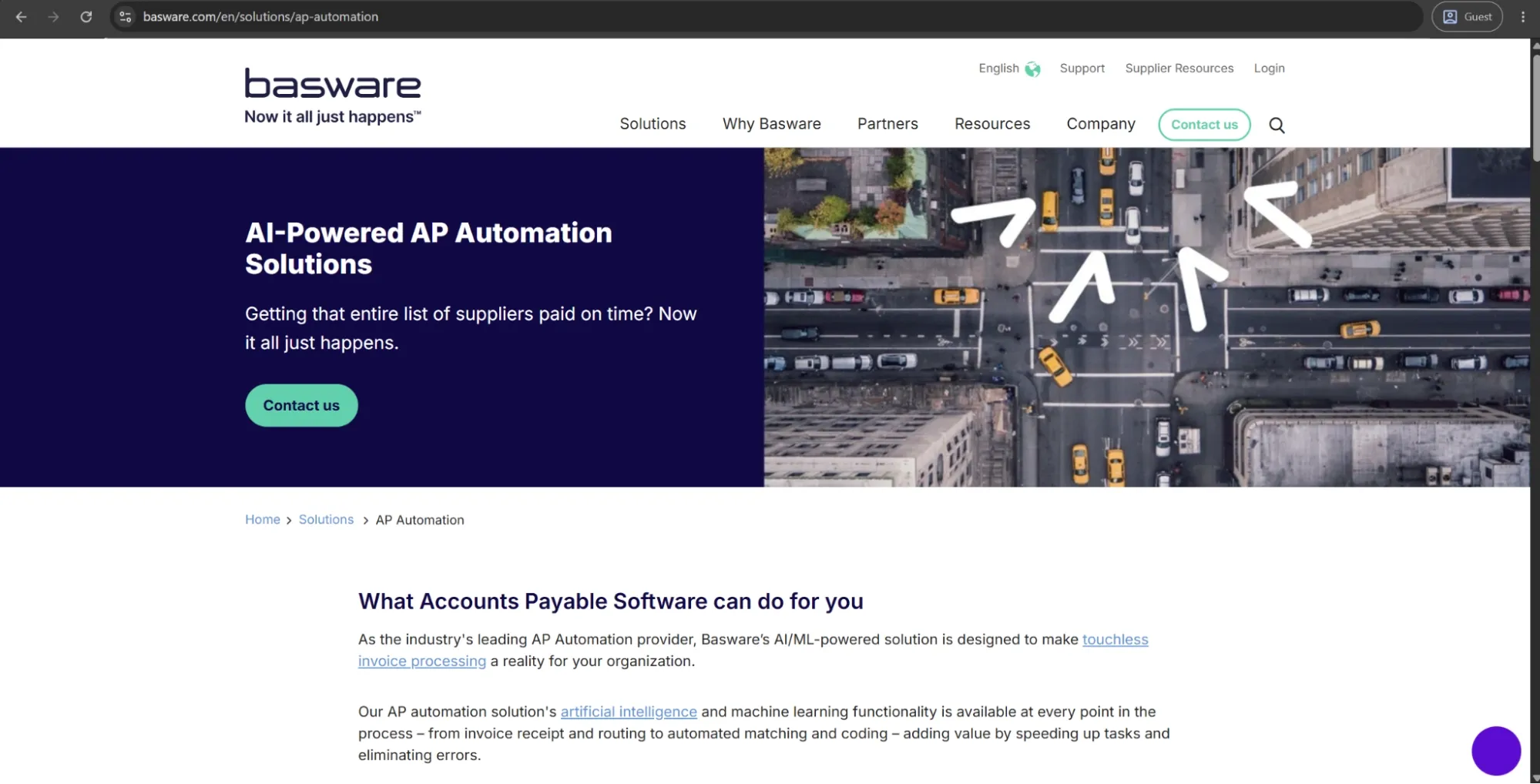
Basware is a Finland-based AP automation and procure-to-pay solution with more than 40 years in the business. The system is mainly aimed at upper mid-market and large enterprise organizations that need to handle a high volume of invoices from one or multiple companies in different geographies.
The AI model the platform uses was trained on over 2.2+ billion invoices, providing coverage for the complete invoice lifecycle from capture and matching to coding, approval, and compliance, with both PO-based and non-PO-based invoices.
What is unique to Basware is its e-invoicing compliance engine that manages the tax compliance regulations of 50+ countries and adapts to those rules. Additionally, the platform is ERP-agnostic, which allows organizations to avoid being locked into a single vendor's ecosystem.
Customer ratings:
Advantages:
- Basware's global e-invoicing compliance engine handles tax regulations across 50+ countries natively, without additional tooling.
- The AI matching and SmartCoding capabilities deliver high-touchless processing rates on both PO and non-PO invoices.
- ERP-agnostic architecture allows deployment across multi-ERP enterprise environments without forcing system consolidation.
Shortcomings:
- ERP integration setup is complex and time-consuming, often requiring significant IT involvement to complete correctly.
- The platform's search functionality is unintuitive, with case-sensitive constraints that slow down high-frequency users.
- Invoices occasionally get stuck in processing queues, with error messages that offer limited diagnostic guidance for resolution.
Customer reviews (original spelling):
- Oscar H. — G2 — “I like that Basware makes it possible to automatically read invoices, which saves a lot of time. Also, the options to export large amounts of data and the ability to import coding from Excel for previously booked invoices are convenient. This way, I don't have to create an extensive coding for invoices each time. Additionally, Basware has many features, which led us to switch from Exact.”
- Ahmet D. — Capterra — “Basware is one of the leading purchase-to-pay/invoice processing platforms. The workflow engine allows the implementation of kind of an approval process regardless of detail and exceptions. This power however comes with a price, the implementation can be challenging and the implementation learning curve can be sometimes steep. Consolidated reports are very useful and the ERP integration is sold, which is a must-have for any kind of P2P Platform.”
Pricing:
Basware doesn’t offer specific pricing information on its official website.
The author’s note:
Basware is a strong fit for organizations that have outgrown point-solution AP tools and need a platform capable of supporting global compliance, multi-ERP environments, and high invoice volumes without relying on multiple stitched-together systems. Its AI-driven matching and SmartCoding capabilities are also difficult to match at scale.
The platform integrates most seamlessly with SAP and Oracle, while companies using NetSuite or Dynamics may find the fit less straightforward. Implementation timelines tend to be longer than average, and pricing is not publicly available, requiring a sales-led engagement. Overall, Basware is best suited for organizations with the IT capacity and procurement maturity to support a full enterprise rollout.
Precoro
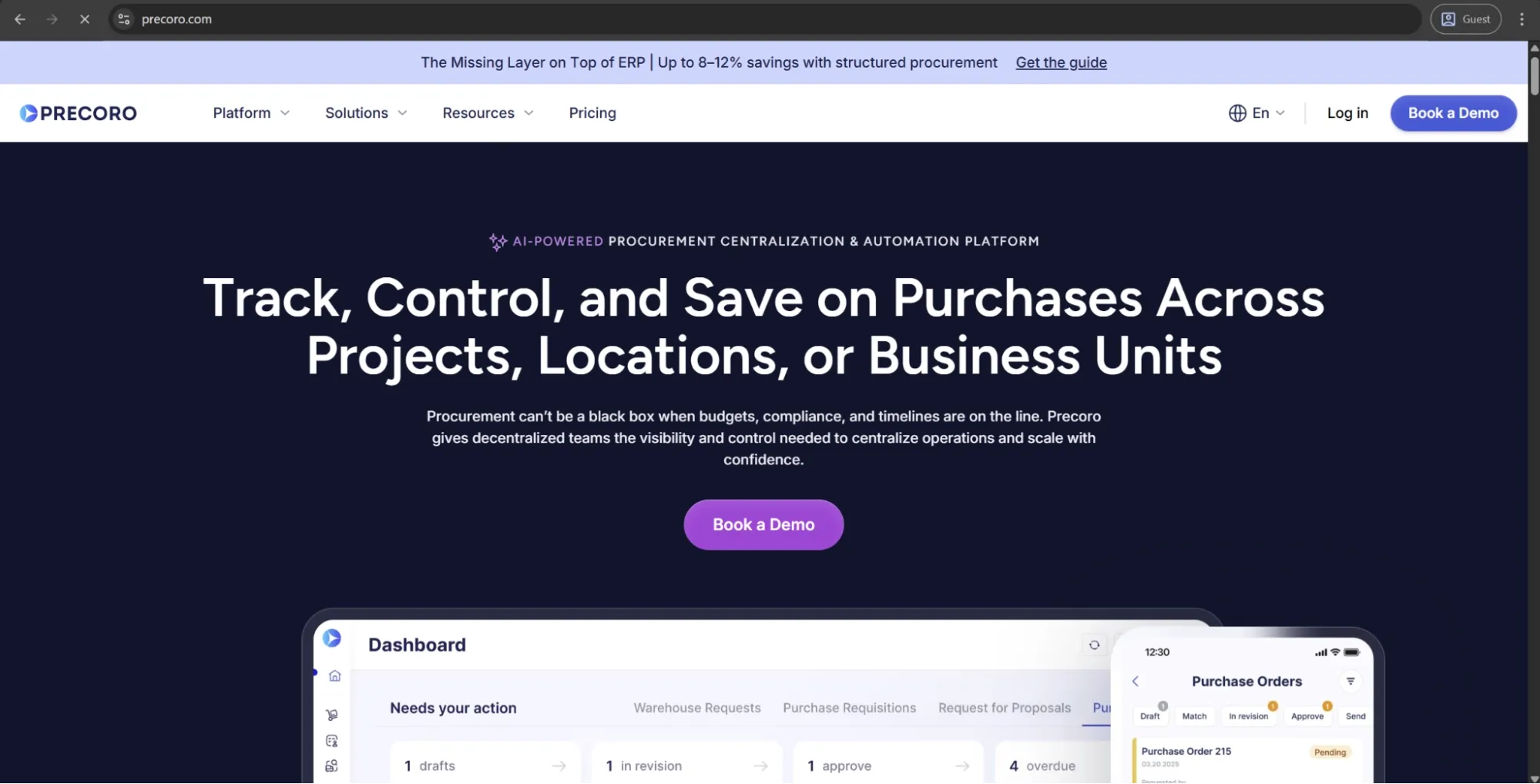
Precoro is the agentic procurement and spend centralization platform designed for mid-sized businesses looking to bring together purchasing, accounts payable, and spend control without the implementation burden of an enterprise-level system. It covers the full AP lifecycle, from an AI-driven invoice capture to automated three-way matching, custom approval workflows, and bi-directional sync with accounting systems.
One of Precoro’s key differentiators is how closely AP automation is tied to the broader procurement context. Budget controls, supplier management, purchase requisitions, and spend reporting are all native to a single system, giving AP teams not only invoice visibility but also insight into the purchasing decisions behind them.
While it delivers the most value as an end-to-end procurement and AP solution, it can also be used purely for accounts payable automation with features like AI-powered invoice capture, approval routing, accounting integrations, a mobile app, and more.
Customer ratings:
Advantages:
- Intuitive interface and strong onboarding support make it easier for procurement, finance, and non-procurement approvers to adopt the system.
- Flexible approval workflows let teams route invoices by department, location, amount, supplier, budget, or custom rules without relying on IT.
- Approval SLAs with automated reminders and escalations prevent invoices from stalling in the approval process.
- Built-in e-invoicing enables receipt and processing of structured formats like UBL 2.1, CFDI, XRechnung, and other local formats within the standard AP workflow.
- The Supplier Portal reduces back-and-forth with vendors by letting them submit invoices and update their own information directly.
- Multi-entity management allows organizations to handle procurement and AP processes across multiple business units within a single system.
Shortcomings:
- Initial setup requires defining approval rules, budgets, suppliers, and matching logic before the platform delivers full value. It’s not a complex rollout, but companies with unclear or undocumented approval processes may need to clean up workflows first.
- It complements ERPs rather than replacing them, so companies expecting full financial system consolidation may need to keep parallel systems in place.
- Precoro’s inventory capabilities are useful for light operational tracking, but it’s not a full warehouse management system.
Customer reviews (original spelling):
- Krasi A. — Capterra — “Navigating through the [accounts payable] software feels like second nature. The user interface is clean, intuitive, and beautifully designed. From requisition to approval to invoicing, every step flows seamlessly, saving us valuable time and resources. Post-implementation support has also been outstanding.”
- Michael C. — G2 — “The best thing about Precoro is that it allows us to track invoices in a centralized environment. The integration with NetSuite helps us streamline invoice approvals and removes the need for constant emailing between accounting and various departments regarding invoice questions and approvals.”
Pricing:
Precoro’s pricing model is relatively simple and consists of three pricing tiers:
- Core — starts at $499 per month billed annually, offers basic procurement features like automated approvals and three-way matching, along with spend & vendor management, a number of integrations (Xero, QuickBooks, Slack), and reporting analytics.
- Automation — starts at $999 per month billed annually, expanding upon the previous tier with AI-powered AP automation, intake management, PunchOut catalogs, real-time budget tracking, SSO support, and more.
- Enterprise tier comes with no public pricing information, but it does offer practically everything Precoro can offer, including additional integrations, advanced admin controls, no user number limitations, and enterprise-grade data protection.
There’s also a dedicated AP automation package starting at $499 per month when billed annually. It covers invoice processing needs, including invoice capture, approval workflows, budget checks, vendor management, and accounting integrations, without the procurement layer.
The author’s note:
Precoro is a strong fit for mid-market finance and procurement teams that have outgrown spreadsheets, email approvals, and disconnected purchasing records, but don’t want the cost or complexity of an enterprise procure-to-pay suite.
Its value is strongest when companies need to bring structure to purchasing fast: centralize requests, control approvals, track budgets before spend is committed, connect POs with invoices, and give finance a clearer view of what’s being bought across teams, departments, and locations. Implementation is also relatively fast, with many customers moving from a signed contract to go-live in under three weeks.

Concur Invoice
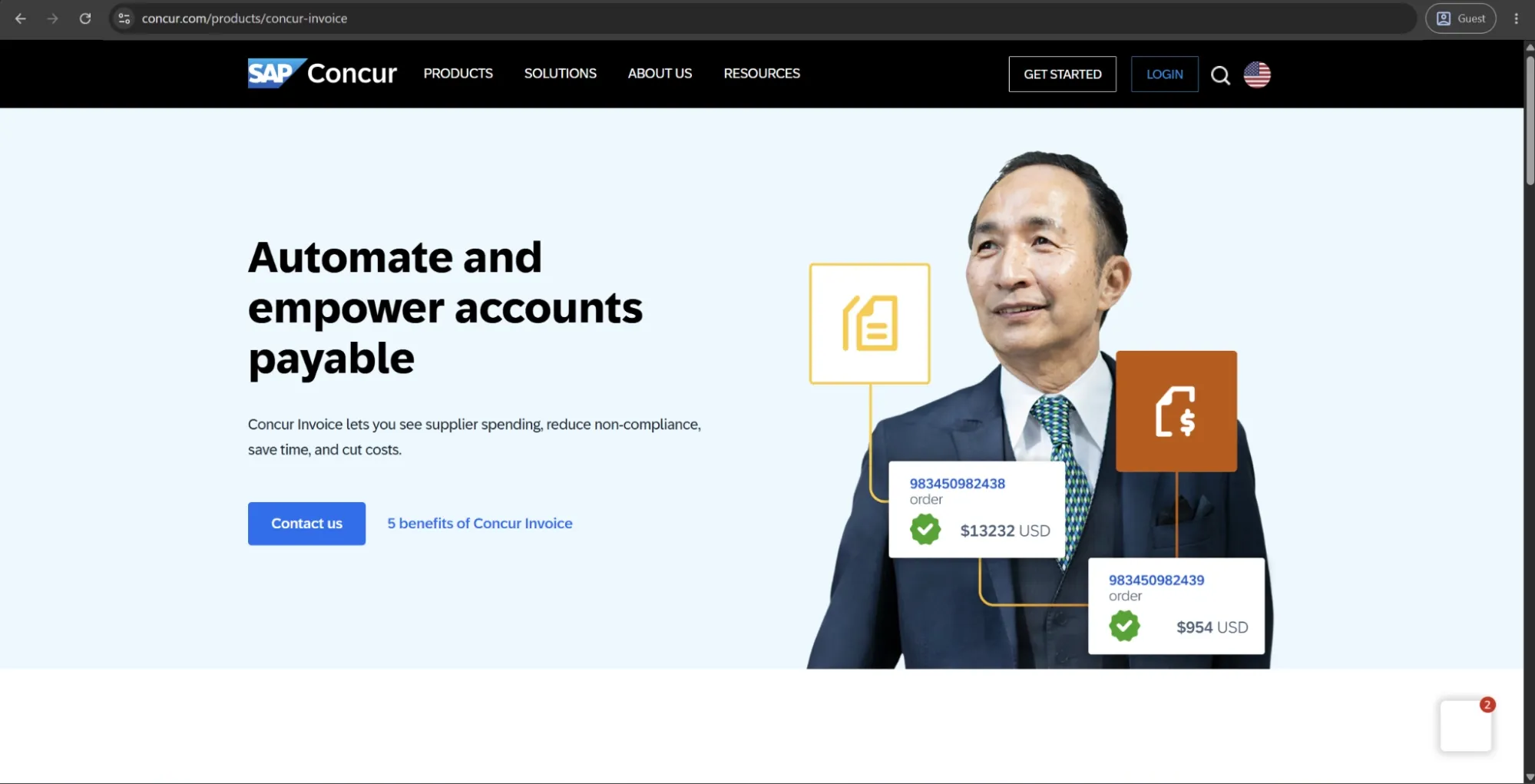
Concur Invoice is the accounts payable module within the broader SAP Concur spend management suite, which also includes travel booking and expense management. As part of the SAP ecosystem, it’s designed for upper mid-market to enterprise organizations that want invoicing, travel, and expenses managed within a single platform.
The AP module supports invoice capture, two- and three-way PO matching, configurable workflows, and ERP integrations, along with an open API and native connectivity to SAP financial systems. Its main differentiator isn’t a specific AP feature, but the unified spend visibility created when invoices, expenses, and travel data are consolidated into a single reporting layer.
Customer ratings:
Advantages:
- Unified visibility across invoices, expenses, and travel spend flows into a single reporting layer without manual consolidation.
- Built-in global compliance covers multiple currencies, tax rules, and local regulatory requirements across many countries.
- Deep native integration with SAP financial systems makes it the strongest option for organizations already in the SAP ecosystem.
Shortcomings:
- The desktop interface requires too many steps for routine actions, which slows down high-frequency AP users noticeably.
- Customer support during onboarding and post-implementation has proven inconsistent, particularly for complex configurations.
- Teams that only need AP automation will find the platform significantly broader — and more expensive — than necessary.
Customer reviews (original spelling):
- Nick C. — Capterra — “Overall it is an easy app to use with clear controls and I've encountered only one issue since I started using it.”
- DINESH S. — G2 — “While SAP Concur is a powerful tool for managing expenses and reimbursements, there are a few areas where the experience can be improved. At times, the system can feel slightly slow, especially when loading receipts or switching between different sections of the platform. Some workflows require navigating through multiple screens, which can make simple tasks feel more time‑consuming than expected. The mobile app, while useful, occasionally struggles with accurately scanning receipts or syncing updates immediately. Additionally, certain error messages are not very descriptive, making it difficult to understand what went wrong or how to fix it without contacting support. Although the interface is overall user‑friendly, new users may initially find it a bit overwhelming due to the number of features and menu options available. With some refinements, particularly around speed and user guidance, the experience could be even smoother.”
Pricing:
SAP Concur doesn’t have any public pricing information on the website, and neither does Concur Invoice. The only way to receive such information is to contact their sales department for a personalized quote or a demo.
The author’s note:
Concur Invoice is best suited for organizations that already use other SAP Concur tools or specifically want to manage invoices alongside travel and expense in a single platform. For existing SAP customers, its native integration within the SAP ecosystem is a major advantage and is difficult to replicate with third-party tools.
However, for teams that only need AP automation and have no use for travel or expense management, the platform can feel broader and more complex than necessary. Implementation is typically more complex than with AP-focused tools, and pricing is not publicly available, requiring a sales-led process.
Oracle Fusion Cloud ERP
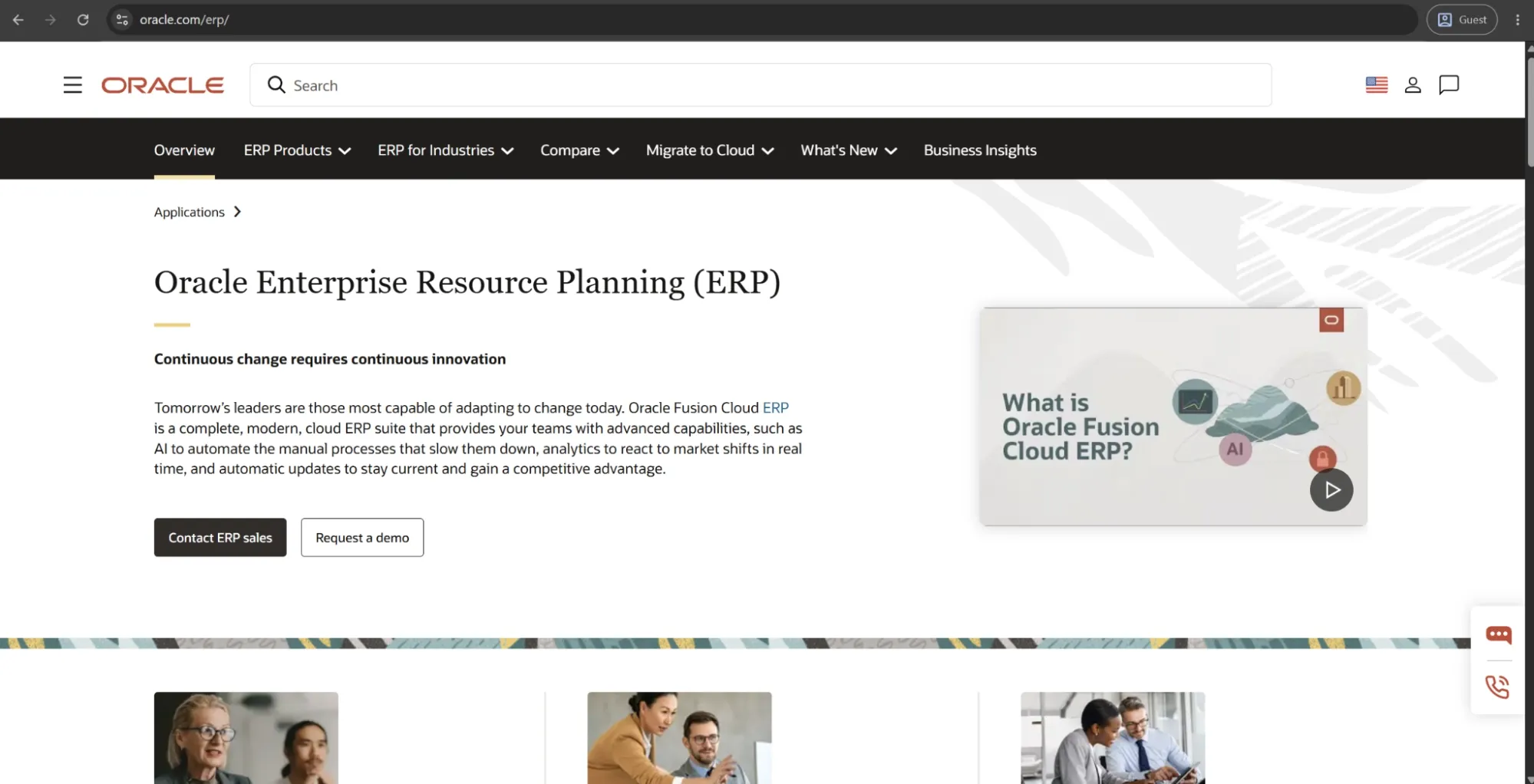
Oracle Fusion Cloud ERP is a full enterprise suite that covers financial management, procurement, supply chain, and project operations. AP automation is built into the platform as a native module rather than a standalone add-on. It supports invoice intake from multiple channels, intelligent document recognition, PO and receipt matching, tax compliance checks, and approval routing, all within the same system that powers Oracle’s broader financial applications.
AP capabilities have been further strengthened with AI agents. Oracle’s Payables Agent can ingest invoices from email, portals, EDI, and PDFs, extract and standardize data, run tax and fraud checks, and route approvals—reducing manual effort across the entire AP process.
Customer ratings:
- Capterra — 4.3/5 points based on 71 user reviews
Advantages:
- The AI Payables Agent handles multi-channel invoice ingestion, tax checks, and fraud detection with minimal manual touchpoints.
- Native integration across Oracle's full financial stack — procurement, treasury, and reporting — removes data silos entirely.
- Real-time analytics and configurable reporting give finance leaders deep, cross-functional visibility into AP performance and cash flow.
Shortcomings:
- The interface is widely reported as cluttered and unintuitive, with too many screens required for straightforward AP tasks.
- Implementation demands a dedicated internal team and significant planning time; underresourced rollouts consistently run into delays.
- Vendor lock-in is a genuine concern — extracting data or integrating non-Oracle tools requires Oracle expertise and adds ongoing cost.
Customer reviews (original spelling):
- Max D. — Capterra — “Overall, the experience has been positive. The platform delivers a comprehensive ERP solution that effectively handles financial operations, invoicing, and expense tracking whilesupporting risk management and operational processes. Once past the initial learning curve, it become a powerful tool forimproving efficiency and decision-making. It is especially well-suited for medium to large organizations looking for an all-in-one, scalable system.”
- Lettishia A. — Capterra — “Can be some challenges with its user interface, but the advanced features are great, and the cost can be a little pricey.”
Pricing:
There is no specific pricing information on Oracle’s website when it comes to Oracle ERP or similar offerings.
The author’s note:
Oracle Fusion is best suited for organizations that view AP automation as part of a broader enterprise transformation rather than a standalone process. The platform delivers the most value when AP, procurement, financials, and reporting are all managed within the same Oracle ecosystem.
For teams that only need invoice processing, Oracle Fusion may offer more than they require. Implementation is typically complex, pricing is geared toward enterprise organizations, and realizing the full benefits often requires Oracle-specific expertise or support from an implementation partner.
Brex
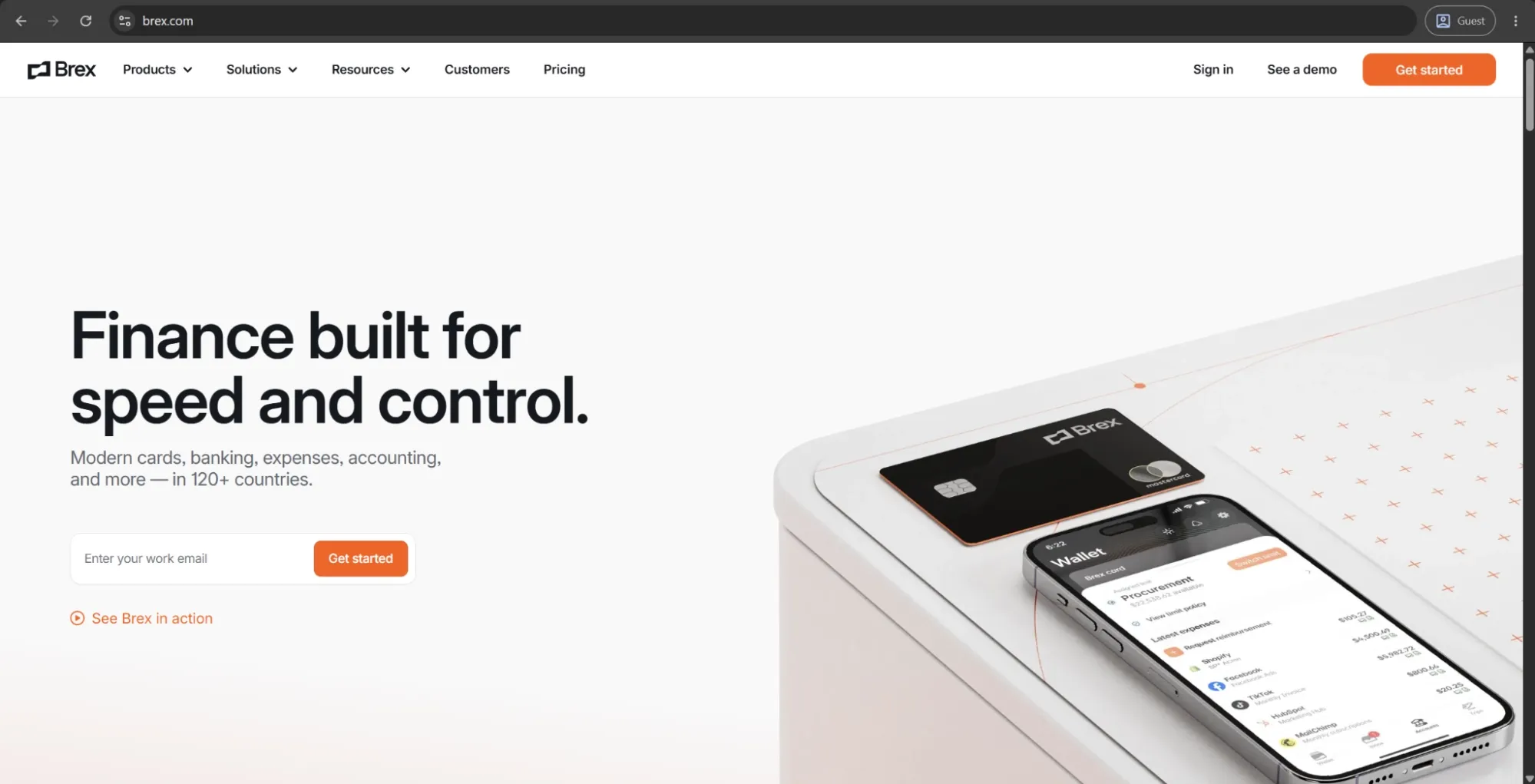
Brex is a US-based financial operations platform designed primarily for startups and growing businesses. It combines corporate cards, expense management, business banking, and AP automation in a single system. Its AP module, Brex Payables, uses AI to extract invoice details at the line-item level, match invoices to purchase orders, flag potential fraud, and auto-code transactions to the correct general ledger accounts.
A key differentiator is the tight integration between card spend and invoice payments. Both flow through the same approval processes, reporting dashboards, and ERP integrations, giving finance teams a unified view of all outgoing spend and removing the need to reconcile separate systems.
Customer ratings:
Advantages:
- Card spend, invoice payments, and expense reimbursements share a single approval layer and ERP sync, eliminating reconciliation overhead.
- AI automatically categorizes transactions, matches receipts to charges, and enforces spend policies without manual input from finance teams.
- Implementation is fast, and the interface is consistently rated as intuitive, making adoption straightforward for non-finance approvers.
Shortcomings:
- The platform requires a US-incorporated entity, which makes it unavailable to international-first or non-US businesses entirely.
- Advanced AP functionality — complex PO matching, multi-subsidiary management, high invoice volume — falls short of purpose-built AP tools.
- Capital One's 2026 acquisition introduces product roadmap uncertainty that organizations with longer procurement cycles should factor in.
Customer reviews (original spelling):
- Marc R. — Capterra — “There is a lot to set up to get it right but once you do, it has so many options and runs smoothly. But you need to be prepared to really spend time learning all features available to customize.”
- Tatiana Z. — G2 — “Brex is very easy and practical to use for the control and management of resources and users. The product allows having multiple virtual cards for different types of expenses, users, countries, etc., which facilitates traceability and costs.”
Pricing:
Brex offers a choice between three separate pricing plans:
- Essentials, available for free, and offers a minimal feature set for startups and growing companies (local currency wires, instantaneous reporting, API access, up to 2 entities, etc.).
- Premium starts at $12 per user per month and expands upon the previous offering with multiple customizable expense policies, dynamic expense review chains, advanced approvals with dynamic spend limit, and more.
- Enterprise is a custom-priced plan that builds on the Premium version, offering additional features such as tailored implementation services, support for unlimited entities, and a dedicated account manager.
The author’s note:
Brex is well-suited for growing companies that prioritize card-based spend control and want a quick, simple setup for AP automation. Its ability to unify card spend, expenses, and AP is a core strength, particularly for lean finance teams.
However, it is less suitable for businesses that need more advanced AP functionality. Requirements such as robust three-way matching, complex vendor onboarding, or multi-subsidiary structures are better served by more specialized AP solutions. In addition, the requirement for a US-incorporated entity can be a significant limitation for international-first companies.
Ramp
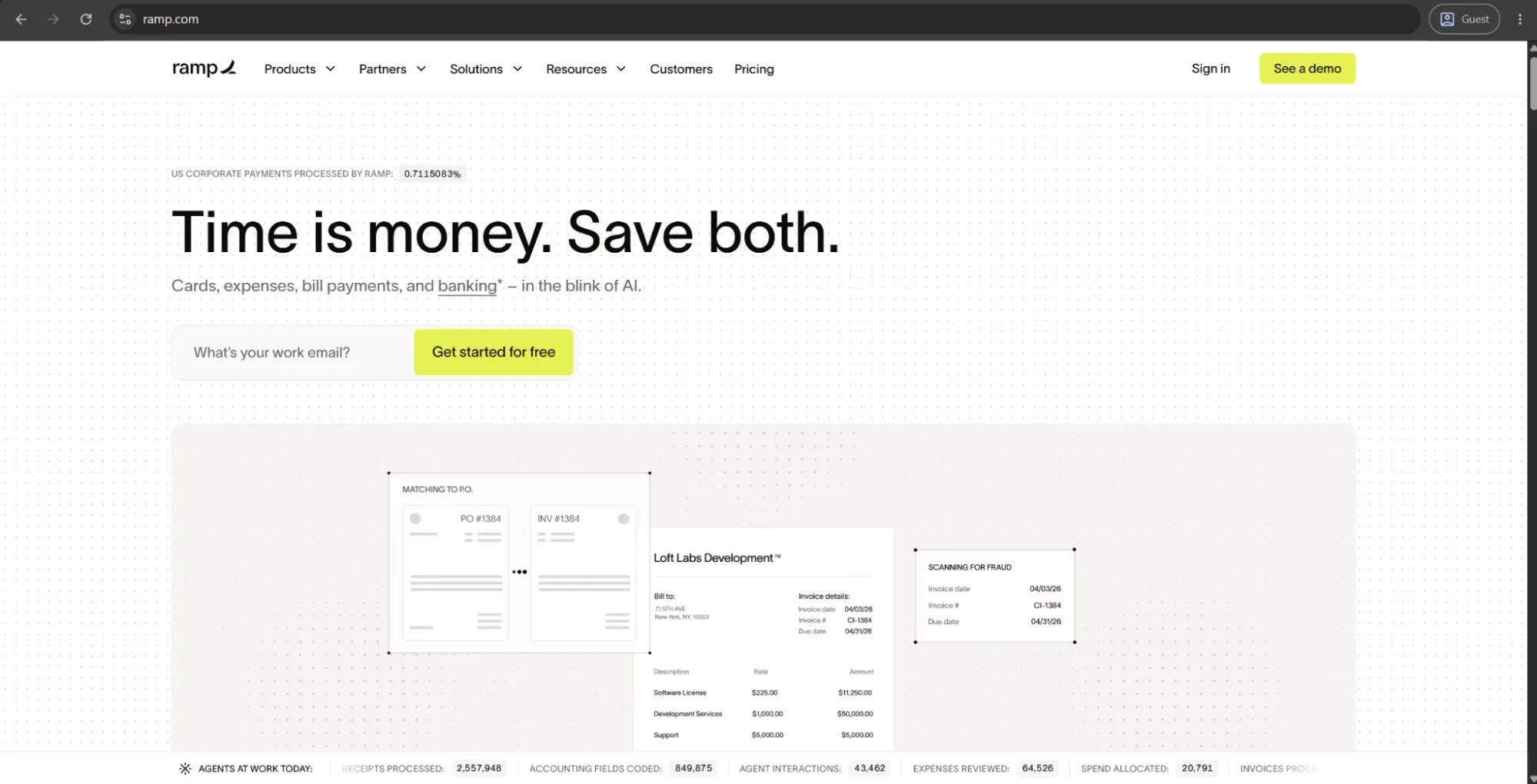
Ramp is a financial operations platform that aggregates corporate cards, expenses, travel booking, vendor management, and AP automation within one workspace. Ramp's primary goal is for companies to combine their entire spend stack rather than manage individual products for each operation.
Ramp's AP module, Ramp Bill Pay, automates invoice capture, approval workflows, and payments, while AI agents autonomously assist with coding, fraud checking, and suggesting approvers.
The key differentiators for the platform are speed and consolidation angle. Invoice processing, card transactions, and expense reimbursements all feed into the same reporting layer and ERP sync. That way, the month-end close is faster, and reconciliation is simpler.
Customer ratings:
Advantages:
- Card transactions, invoice payments, and expenses share one approval layer and ERP sync, removing reconciliation overhead entirely.
- AI coding and receipt matching handle categorization automatically, with no manual input required from finance teams.
- The free core tier includes real corporate cards, bill pay, and accounting integrations — a rare offering at no software cost.
Shortcomings:
- Advanced AP functionality — complex PO matching, multi-subsidiary management, high invoice volumes — falls short of purpose-built tools.
- Approval permission controls are limited, with users reporting missing manager approval options and inadequate limit-change notifications.
- Frequent platform updates occasionally disrupt established workflows, requiring teams to readapt to interface changes unexpectedly.
Customer reviews (original spelling):
- Ashley B. — Capterra — “I've had a good overall experience with Ramp. It's easy to use and saves a lot of time. Customer support isn't that great though. They are slow to respond.”
- Laura M. — G2 — “Ramp is very intuitive and easy to use. Submitting and tracking expenses is quick and straightforward, which makes it really convenient for day-to-day use. I also appreciate their help center, it’s well organized and makes it easy to find answers without needing to contact support.”
Pricing:
Ramp offers a free plan, though it comes with limitations in areas such as expense management, AP automation, accounting automation, and other advanced capabilities.
The only plan with publicly available pricing is Plus, which starts at $15 per user per month. It adds a range of features on top of the free plan, including advanced intake and approval workflows, auto-coded line items, AI-powered expense reviews, and support for multi-entity organizations.
Ramp also offers an Enterprise plan with custom pricing. This tier includes the platform’s full feature set, along with capabilities such as locally funded reimbursements, 24/7 priority support, ERP extensions and customizations, employee training, integration setup, and validation testing.
The author’s note:
Ramp is a strong fit for companies that want a fast, modern way to manage business spend, corporate cards, expenses, bill payments, and basic AP workflows in one place. Its clean interface and AI-supported invoice coding and approval tools can save lean finance teams a lot of manual work, especially when they don’t want to build a complex AP process from the ground up.
The platform is less suitable for organizations that need deeper AP operations, such as advanced PO matching, highly customized vendor workflows, or complex multi-entity invoice management at scale. Ramp handles spend management very well, but teams with more demanding AP requirements may eventually need a dedicated AP automation system.
Rillion
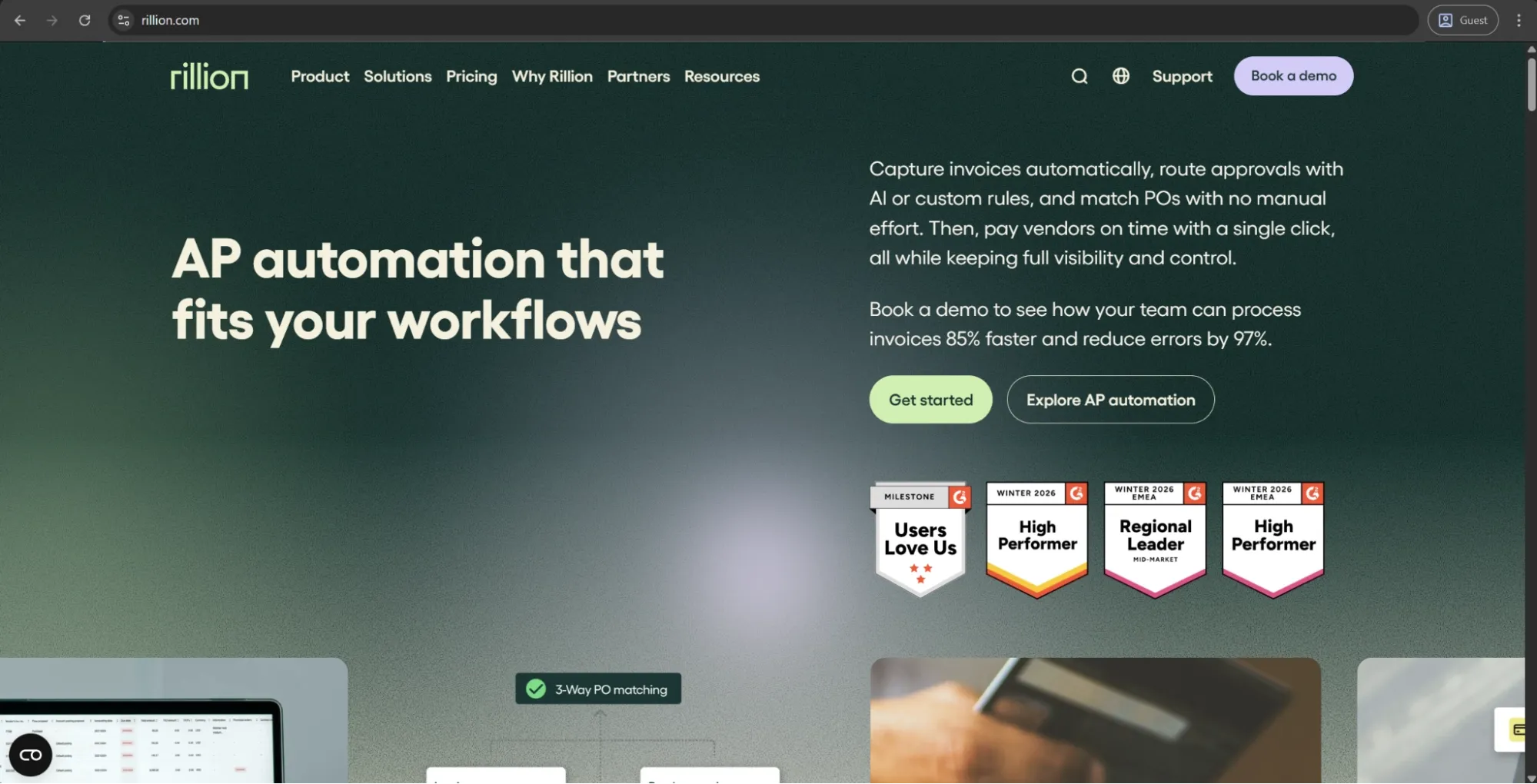
Rillion is a strong fit for upper mid-market and enterprise finance teams that need to process large invoice volumes across multiple entities, ERPs, and locations without adding more AP headcount. The platform is built around the invoice-to-pay process, with AI-powered invoice capture, automated PO matching, configurable approval workflows, payment processing, and real-time visibility into cash flow.
Its main strength is AP scale. Rillion connects with 50+ ERP systems, including Microsoft Dynamics, SAP Business One, Sage Intacct, and NetSuite, making it useful for companies with more complex finance environments. Its pricing is also not based on per-seat licensing, so organizations can add users without running into the same cost constraints as seat-based tools.
Customer ratings:
Advantages:
- Multi-ERP support allows each entity to maintain its own GL structure and workflows while feeding into centralized AP reporting.
- Unlimited user licensing eliminates per-seat costs that accumulate quickly in mid-market organizations with distributed approvers.
- Three-way PO matching handles complex, high-line-count scenarios and completes within minutes of invoice receipt.
Shortcomings:
- Internal collaboration tools are limited — the platform lacks the inline invoice communication features found in more AP-focused competitors.
- Data privacy management and cross-platform functionality have surfaced as concerns among enterprise users in regulated environments.
- Some users report that the interface feels dated and less intuitive compared to newer AP platforms, particularly for infrequent users.
Customer reviews (original spelling):
- Berith M. — Capterra — “You save a lot of time while you dont have to register all the invoices and I immediately can get a qiuck look how it was managed last time. The integration with other bookkeeping programs is perfect.”
- Jan S. — G2 — “Really like the way users and roles are setup. Creates great flexability. Really also like new features like AI and Analytics. The interface can sometimes look a little old fashioned but I do not min so much about that. It is the functions that counts.”
Pricing:
Rillion doesn’t publicly list detailed pricing on its website, but it outlines several plan levels with different feature sets. There are three primary plans to choose from:
- Essential — a basic feature plan that includes multi-entity management, no limitations when it comes to user numbers, invoice automation, approval workflow, KPI dashboard with reports, and Single Sign-On (SSO) support.
- Professional — combines all the features of the previous tier with recurring invoice automation and contract, AP analytics & industry benchmark, AI-powered Coding & Workflow, Riley AI assistant Pro, and more.
- Premium — expands upon the previous offering with an automation coach and a dedicated service delivery management.
It should be noted that users of all plans can also request add-ons such as AI-native invoice capture, purchase order matching, document management, requisitions & budget management, and payments (US only).
The author’s note:
Rillion is a strong fit for upper mid-market and enterprise finance teams that regularly manage multi-entity complexity and need a dedicated AP solution without broader spend management features.
However, it’s less well-suited for smaller organizations or companies with simple, single-entity AP needs, where the platform’s depth is often more than required. Its value becomes most apparent at higher invoice volumes. Pricing is quote-based, reflecting its positioning in the mid-market and enterprise segment.
Rillion is also not focused on pre-spend procurement or centralized purchasing. As an AP automation platform, its primary strength lies in the invoice-to-pay process rather than earlier stages such as requisitioning or spend approval.
Stampli
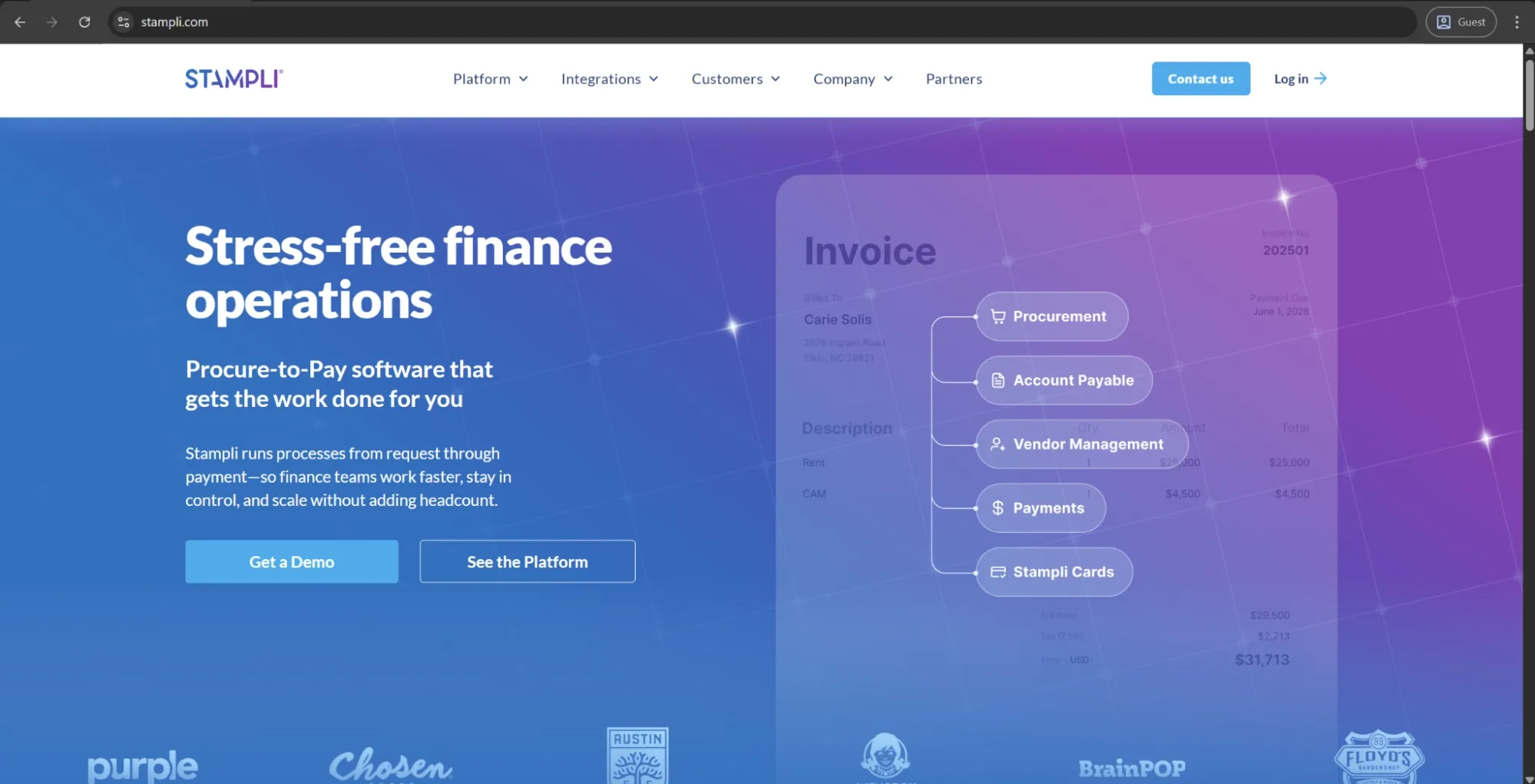
Stampli is a dedicated AP automation platform designed to provide advanced invoice workflows while integrating tightly with existing ERPs, without requiring significant changes to the underlying system. It supports invoice capture, AI-assisted GL coding, approval routing, PO matching, and payments. Its AI assistant, Billy the Bot, learns coding patterns over time to improve automation for recurring invoice types.
What differentiates Stampli in a crowded category is its built-in collaboration layer. All communication, approvals, and supporting documents are tied directly to the invoice record, allowing finance and non-finance teams to discuss invoices in context and avoid fragmented email threads or lost information.
Customer ratings:
Advantages:
- Invoice communication, approvals, and supporting documents all live on the invoice record itself, eliminating AP-related email chains entirely.
- Billy the Bot learns GL coding patterns over time, reducing manual coding input on recurring invoice types with each processed invoice.
- ERP integration is non-disruptive by design — the platform syncs with existing vendor lists and PO data without creating parallel records.
Shortcomings:
- Billy the Bot struggles with unusually formatted or handwritten invoices, requiring manual verification where extraction accuracy drops.
- Some customization options require support team involvement rather than self-service admin configuration, slowing down workflow adjustments.
- The interface can feel crowded for new users, with a notable learning curve before the layout becomes familiar.
Customer reviews (original spelling):
- Robert B. — Capterra — “Stampli has significantly improved the speed, accuracy, and transparency of our AP process. Our team can manage a high volume of invoices with less manual work and fewer errors. The workflow is smooth, collaboration is easy, and the audit trail is clean. It has become a core part of our monthly close process and overall financial operations.”
- Tony G. — G2 — “I like Stampli for its ability to review everything at a glance and approve items in batches rather than individually. Making payments with just a few clicks is a feature I find convenient. The advanced search is great to filter for almost anything, and I appreciate the automatic creation of invoices via email to our account.”
Pricing:
Stampli doesn’t have any public pricing data available on the official website. The only way to receive such information is to contact their sales department for a personalized quote.
The author’s note:
Stampli is one of the few platforms in the category built as AP-first and has stayed focused on that core ever since. While it has expanded into full procure-to-pay with Stampli Procurement, its AP functionality remains the strongest part of the platform.
Its ERP integration is designed to be non-disruptive, syncing vendor lists, GL codes, and PO data directly with existing systems rather than creating duplicate records. Implementation is typically faster than many competitors, making it a strong option for organizations that need robust AP capabilities without a lengthy rollout process.
SIMPL
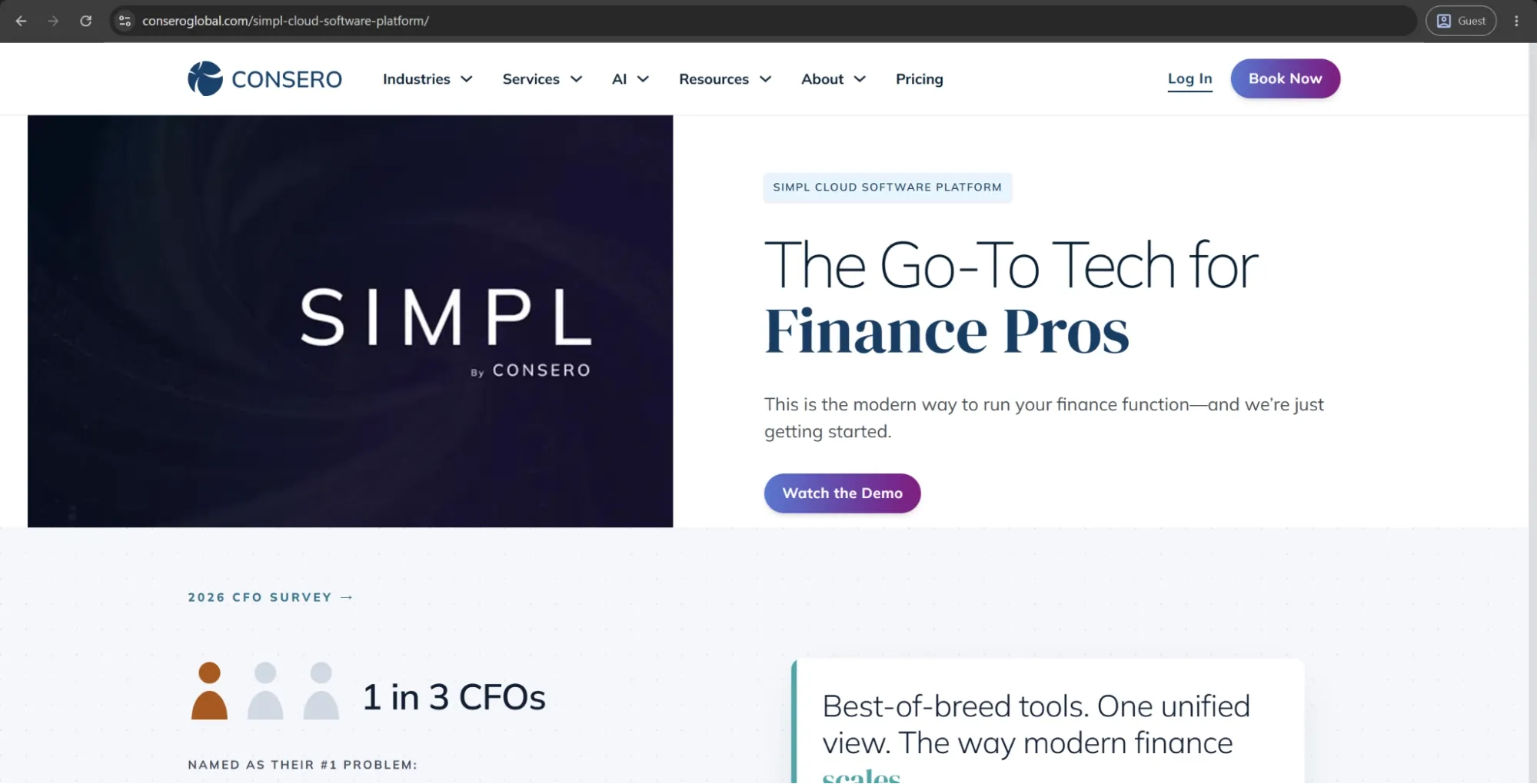
SIMPL is the software platform behind Consero’s Finance as a Service offering, which combines cloud-based financial software with an outsourced accounting team that operates the system on behalf of the client. It isn’t a self-operated AP automation tool used directly by internal finance teams; instead, it functions as a fully managed finance service where Consero handles processes such as invoice processing, approvals, payments, reconciliations, and month-end close.
The platform includes AP and AR automation, expense management, real-time financial dashboards, and investor-ready reporting within a single environment. Predictive modeling and generative AI capabilities are currently being developed as part of its next stage of evolution.
Advantages:
- The FaaS model delivers a complete, audit-ready finance function — software and staff — without recruiting or managing accounts payable teams in-house.
- Real-time dashboards and VP-level financial oversight are included in the package, giving leadership visibility without additional headcount.
- Implementation can go live in as little as 30 days, significantly faster than building an equivalent internal finance operation from scratch.
Shortcomings:
- Organizations that want to keep AP in-house retain no control over day-to-day operations — the model requires full function handoff.
- Pricing reflects a managed service rather than a software license, making it substantially more expensive than standalone AP automation tools.
- Customization is limited by Consero's standardized operating model — businesses with highly non-standard processes may find the fit constraining.
Pricing:
Finance as a Service (FaaS) is one of the three options found on Consero’s pricing page, none of which has any specific information about how much their services cost.
The author’s note:
SIMPL is fundamentally different from the other solutions in this list. Its value isn’t just the software, but a fully outsourced finance function that operates on top of it. This makes it especially relevant for early-stage or investor-backed companies that need a complete, audit-ready finance function without building it in-house.
It isn’t designed for organizations that want to keep AP internal or simply add an AP module to their existing tech stack. The primary purpose of the platform is to fully outsource the finance department, not to support it as a standalone software tool.
Tipalti
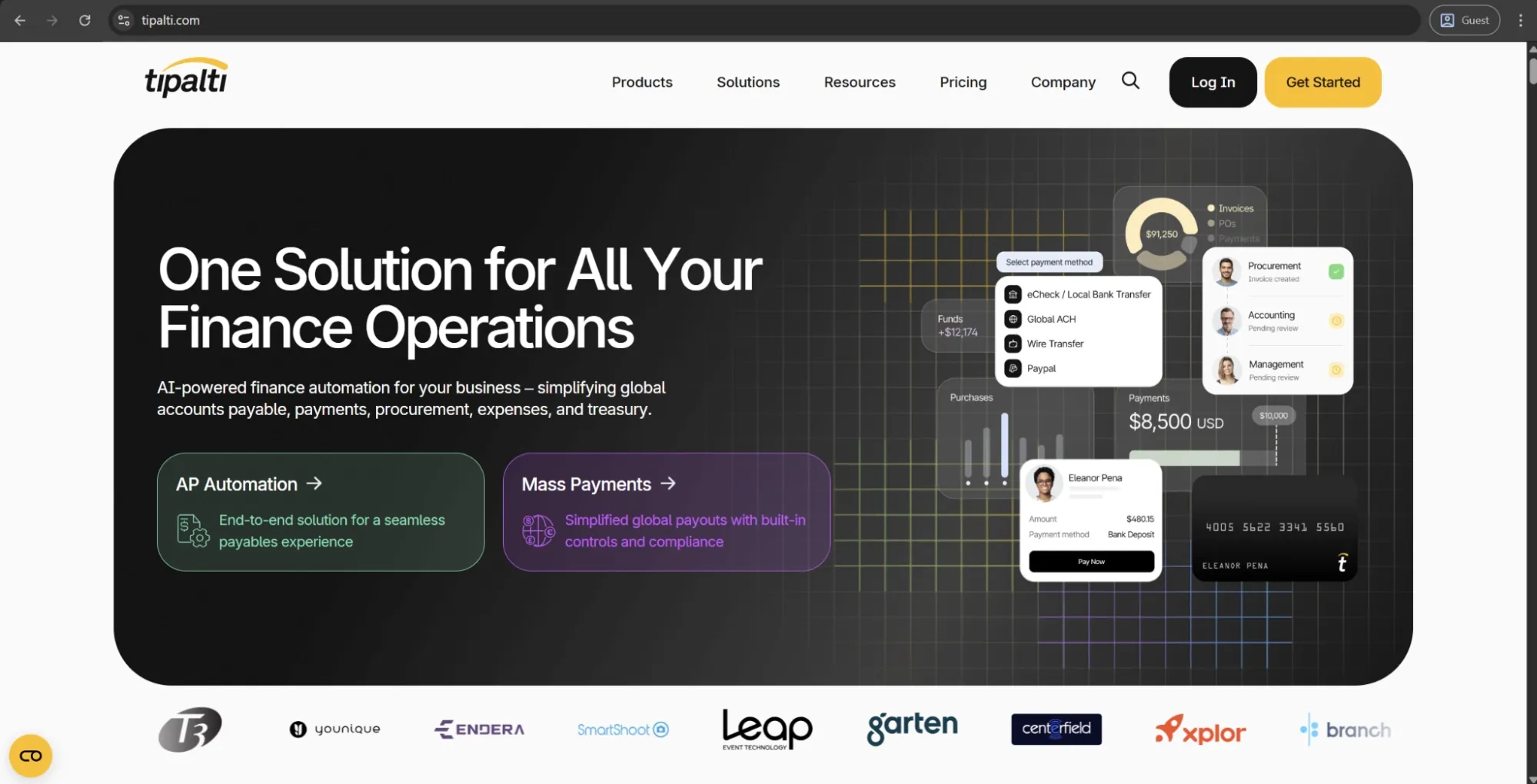
Tipalti is a global payables automation platform designed for large and high-growth companies that manage high volumes of international supplier payments, contractor payouts, or affiliate and partner payments across multiple currencies and jurisdictions.
It provides an end-to-end AP automation workflow, including supplier onboarding with multi-language support, tax form collection and compliance, invoice processing, PO matching, payment execution across multiple payment methods, and reconciliation.
Its key differentiator is global compliance. Built-in tax compliance automation, OFAC screening, and support for local payment rails across multiple countries help reduce the manual effort typically required to manage large-scale international payables.
Customer ratings:
Advantages:
- End-to-end global payables automation covers multi-currency payments, tax form collection, OFAC screening, and local compliance natively.
- The self-service supplier portal handles vendor onboarding at scale, significantly reducing AP team involvement per new supplier added.
- OCR extraction accuracy and mass one-click payment execution save considerable time on high-volume, cross-border payment runs.
Shortcomings:
- Reporting and analytics capabilities are notably limited compared to competing platforms, with insufficient customization for complex finance teams.
- Credit memo processing and payment delivery speed have proven inconsistent, drawing repeated mentions across user reviews.
- Pricing reflects the platform's enterprise and global-payments focus — smaller organizations frequently find the cost difficult to justify.
Customer reviews (original spelling):
- Erin B. — Capterra — “It has been generally positive in regards to accomplishing the goal of automating manual billing/collections and payment workflows and speeding up the invoice process especially. I'm not sure I would say it's the number one tool out there, but it is a workable solution. It is a little bit difficult to get up and running in regards to the user interface and getting comfortable with all the settings, capabilities, site itself, etc.”
- Michelle H. — G2 — “I really appreciated how Tipalti helped during the implementation process by holding our hand and walking us through configuring the program the way we wanted. The PO module is pretty easy to use, and we were able to train all of our employees on it. I like that their production team is always updating the program based on suggestions, which shows they listen to feedback. The support team is responsive and helps me when I need it. I also like the reporting options they provide since they make it easier for me to create an accrual. The initial setup was very easy with help from an implementation team and manager who were always available to us.”
Pricing:
Tipalti separates its pricing offerings into two large categories: Accounts Payable and Mass Payments.
The Accounts Payable page has three options:
- Select — $99 per month, grants unlimited user access, supplier portal for self-onboarding, seamless integrations with leading ERPs, automated W9 collection/TIN validation/compliance screening, and several other features.
- Advanced — $199 per month, expands upon Select’s features by providing support for 2- and 3-way matching, domestic multi-entry infrastructure, assigned customer support resource, flexible bill approval rules builder, and more.
- Elevate — covers all the previous features along with FX Hedging, priority customer support, global multi-entity infrastructure, professional services for custom ERP integrations, and more.
The author’s note:
Tipalti is the most suitable option on this list for companies processing high volumes of international vendor, creator, or affiliate payments, where the main challenge is scale and cross-border complexity rather than domestic invoicing. Its self-service supplier portal also helps reduce onboarding effort at scale.
However, it is likely overbuilt for teams focused mainly on domestic AP and standard invoice workflows. Pricing isn’t publicly available and reflects an enterprise, global-payments focus. Smaller organizations should carefully assess whether the breadth of capabilities justifies the cost.
Yooz
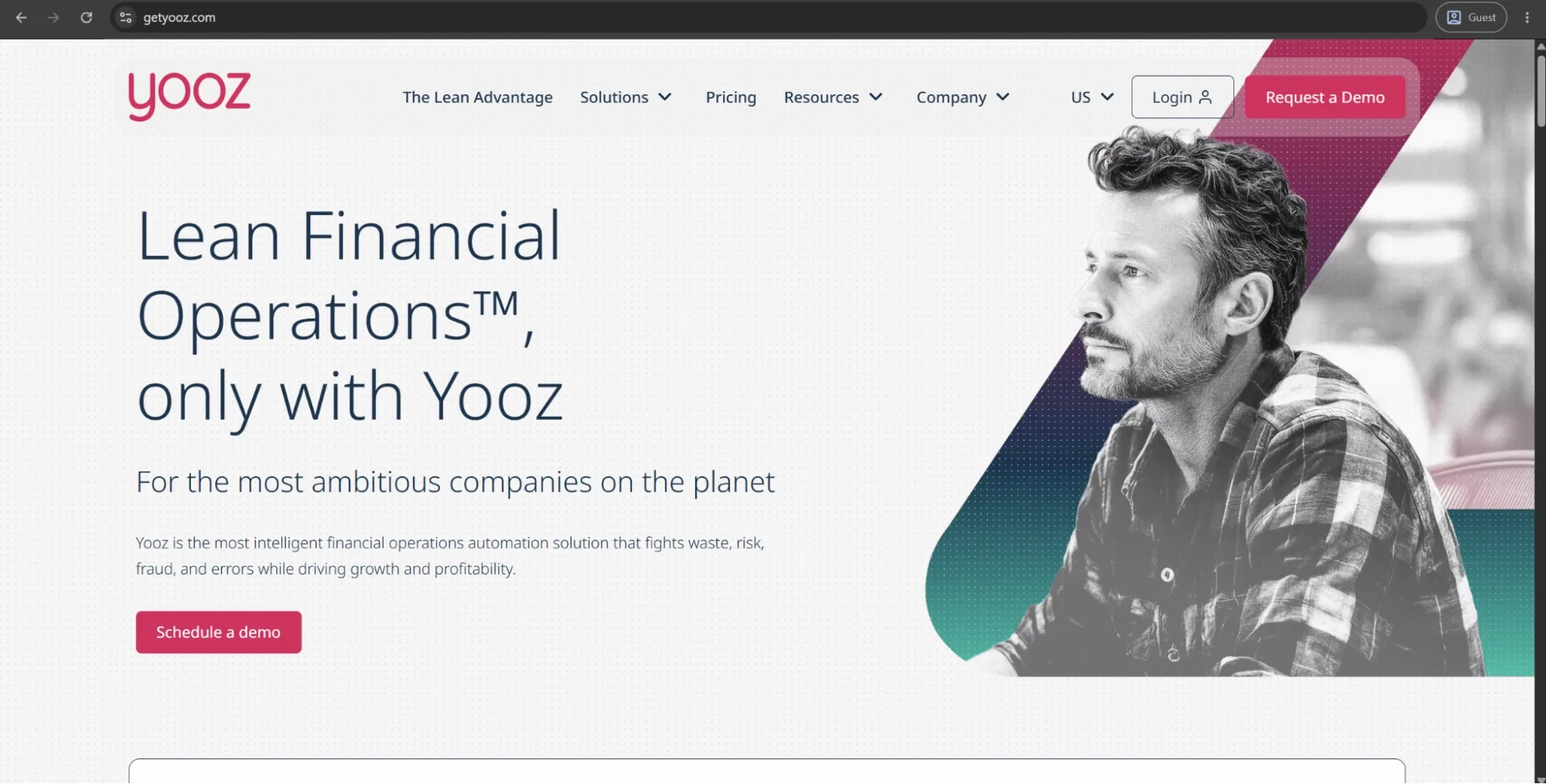
Yooz is a cloud-based AP and purchase-to-pay automation platform used by organizations across a wide range of industries and regions, particularly in Europe and North America. It supports multichannel invoice capture, AI-based data extraction, two- and three-way PO matching, configurable approval workflows, fraud detection, and payment automation — all within a single, unified audit trail.
One of its main technical strengths is ERP connectivity. Yooz offers native integrations with more than 250 financial systems and ERPs, which makes it easier to deploy.
Customer ratings:
Advantages:
- Native integration with over 250 ERP and accounting systems gives Yooz broader out-of-the-box connectivity than most competitors.
- AI-powered invoice capture and fraud detection work reliably across varied document formats, reducing manual review requirements noticeably.
- Once workflows are properly configured, the platform delivers consistent efficiency gains with minimal ongoing maintenance required.
Shortcomings:
- Reporting and analytics tools are limited in depth and customization, making spend visibility harder to achieve than invoice processing suggests.
- Initial workflow configuration carries a notable learning curve, and customer support response times have been slow when issues arise.
- Email notification reliability has shown inconsistency, with some users reporting missed or delayed alerts disrupting time-sensitive approval chains.
Customer reviews (original spelling):
- Saho D. — Capterra — “I really like it! E-mail notifications and e-documentation of invoices are important functions they should work always.”
- Abbas N. — G2 — “Yooz makes the whole invoice process clearer and faster with less chasing and confusion, reducing manual errors and giving better control over the finance process. Additionally, the initial setup of Yooz was very easy, which was a plus. One thing that could be better is the overall flexibility. Sometimes I would like a smoother interface and easier customization for certain approval flows or settings. It works well for automation, but a few parts could feel more intuitive and less rigid in day-to-day use.”
Pricing:
Yooz has an unconventional pricing page. It doesn’t disclose exact software pricing, but instead provides a calculator-style estimate of potential savings from improved cash flow management.
From the available information, we can see that a 15-day free trial is offered, and pricing afterward follows a subscription model based on document processing volume. Beyond this, users are required to contact the company directly to receive a customized quote.
The author’s note:
Yooz is a strong fit for companies that need broad ERP integration alongside detailed AP automation. Its document-centric workflow is particularly useful for finance teams dealing with a wide range of invoice formats and suppliers.
However, workflow configuration requires more upfront setup than some competing solutions. While this effort often pays off at scale, organizations with simpler AP needs may find lighter-weight tools easier to implement and operate.
BILL
BILL is a cloud-based financial operations solution that was built for small to medium-sized businesses looking to consolidate and automate their processes related to accounts payable, accounts receivable, and expenses management. It allows for the entire AP cycle to be automated and provides AI-based data extraction ability. It’s also capable of extracting any invoice field once it is brought into the platform.
One feature of BILL that sets it apart from many competitors is its private vendor network of 1 million+ companies, allowing for invoice submission and payment tracking directly between network participants. BILL synchronizes directly with QuickBooks, Xero, Sage Intacct, and NetSuite out of the box, and it can also accept payments via ACH, check, wire, and virtual card.
Customer ratings:
Advantages:
- Setup and implementation are fast and straightforward, with minimal training required for both finance staff and distributed approvers.
- Native integrations with QuickBooks, Xero, Sage Intacct, and NetSuite sync seamlessly, eliminating manual data transfer between systems.
- The proprietary vendor network connects over one million businesses, enabling invoice submission and payment tracking between network members directly.
Shortcomings:
- Syncing issues between BILL and connected accounting systems surface regularly, requiring manual intervention to resolve data mismatches.
- Partial payment recognition and vendor duplication create recurring complications that slow down payment processing and reconciliation.
- Multi-entity support and advanced approval structures hit capability limits quickly, making the platform insufficient for growing organizational complexity.
Customer reviews (original spelling):
- Patricia K. — Capterra — “Our experience has been wonderful. Transitioning our workflow from paper to electronic has been a true game changer for our leadership team!”
- Jordan Z. — G2 — “The navigation and features are easy to use. Vendor management is strong, and the transaction history is clear and helpful. I also like the secure approval features for bills, along with the ability to set up vendors for ePayment. On top of that, it offers extensive integration capabilities. I’ve run into periodic challenges when trying to add authorized users to bank accounts. On top of that, the sync between BILL and QuickBooks Online sometimes has issues, which can be frustrating at times.”
Pricing:
BILL’s offering is separated into four primary pricing plans with their own features, costs, and limitations:
- Essentials — $49 per user per month — provides approval workflow automation, centralized bill management, standard approval policy customization, 6 standard user roles, manual integration with accounting software, and an abundance of Accounts Receivable features.
- Team — $65 per user per month — can offer automatic 2-way sync with several different versions of QuickBooks and Xero, access to custom user roles, and more.
- Corporate — $89 per user per month — builds on the previous offering with custom approval policies, discounts for approver-only users, and a multitude of procurement-specific features.
- Enterprise doesn’t have a specific price attached to it, prompting potential clients to contact the sales team directly or request a demo instead. It expands upon the Corporate plan with features such as SSO support, API access, dual control, syncing purchasing orders with automating 2- and 3-way matching, and more.
The author’s note:
BILL is best suited for smaller finance teams with a manageable number of vendors that need to move away from spreadsheets and email-based processes without a long implementation cycle. Its strong ecosystem of US accounting firms is a real advantage, as many firms already use the platform, making collaboration easier.
As companies grow and introduce more complex requirements such as multiple approval layers, multi-entity structures, or international payments, BILL may become limiting. However, for straightforward domestic AP with solid accounting integrations, it remains one of the most practical solutions on this list.
HighRadius Accounts Payable Automation
HighRadius is an enterprise-grade finance automation platform that covers accounts payable alongside treasury, accounts receivable, and financial close — positioning AP as one component of a broader, interconnected finance operations suite. It leverages agentic AI to automate each aspect of the invoice life cycle: multi-channel ingestion via email, EDI, portal, and scanned documents; template-free data capture; PO and non-PO matching; automated exception routing; ERP posting. There are also out-of-the-box integrations available with SAP, Oracle, Microsoft Dynamics, NetSuite, and more than 30 other systems.
The ML models rely on an iterative learning engine retraining on user overrides, adapting continuously to supplier-specific invoice formats. Straight-through processing rates improve over time as the system learns from corrections. Exception volumes tend to decrease accordingly.
Customer ratings:
Advantages:
- The iterative learning engine retrains continuously on user corrections, improving straight-through processing rates over time without manual reconfiguration.
- Native integration across Oracle, SAP, Microsoft Dynamics, and NetSuite connects AP automation directly into existing enterprise financial infrastructure.
- AP, AR, treasury, and financial close all operate within the same platform, eliminating cross-functional data silos for large finance operations.
Shortcomings:
- Initial implementation carries significant hiccups and requires a dedicated internal team — underprepared rollouts consistently run into delays and gaps.
- Customer support ticketing is inefficient, with email replies unsupported and users required to open new portal tickets to update existing issues.
- The platform's depth is proportionate to enterprise scale — mid-market organizations frequently find it more complex and costly than their needs justify.
Customer reviews (original spelling):
- Antonio C. — Capterra — “Overall the implementation of the HighRadius credit and collection modules have been gamechangers that have allowed us to fully transform and address manual inefficient tasks, which have resulted in quantifiable and significant value being captured.”
- Brittany M. — G2 — “I love how HighRadius Accounts Receivables stores communications in the customer accounts, which helps us keep track of everything even if someone leaves the company, and I appreciate how user-friendly the system is because it's easy to navigate even without much experience. I also find the AI tools and automated communications incredibly helpful, as they allow us to manage smaller customers that we never had time to work on before.”
Pricing:
HighRadius doesn’t provide official pricing information publicly, making it necessary for every potential customer to request a personalized demo and pricing information on a case-by-case basis.
The author’s note:
HighRadius is built for enterprise finance teams that need AP automation at scale, including high invoice volumes, complex matching rules, multi-entity structures, and broad ERP integrations. Its additional AR and treasury modules also make it a strong option for organizations looking to consolidate wider finance automation within a single platform.
It isn’t designed for smaller companies or for teams seeking a quick, low-configuration deployment. Both implementation complexity and pricing reflect its enterprise focus. Organizations that only need basic AP automation may find more value in purpose-built, AP-focused tools.
Medius
Medius is an AP automation and spend management platform from Sweden that serves enterprise businesses with an emphasis on invoice automation, fraud detection, and straight-through processing. The platform provides a comprehensive solution across the entire invoice lifecycle, including multichannel capture, AI-driven GL coding via its SmartFlow model, PO matching, approval routing, and payment execution. The solution also features Medius Payments for embedded payment disbursement without ERP file transfers or middleware.
A key technical differentiator is its AI training approach. Medius has used over a decade of human-in-the-loop corrections to train its models, improving accuracy in non-PO invoice coding and exception handling. ERP integrations are pre-built and fully managed, which helps reduce deployment complexity.
Customer ratings:
Advantages:
- SmartFlow achieves high non-PO invoice coding precision after minimal training, reducing manual GL coding intervention significantly at volume.
- Pre-packaged, fully managed ERP connectors reduce integration complexity at deployment — no middleware or custom connector builds required.
- The fraud detection layer monitors continuously for anomalous patterns, including supplier bank detail changes and out-of-range invoice amounts.
Shortcomings:
- Initial setup carries a steep learning curve, particularly around integration configuration — IT department involvement at the right stage is critical.
- The platform tends to freeze or become sluggish under high invoice counts, which is a meaningful limitation for high-volume AP environments.
- Invoices already pushed to the payment system cannot be edited, forcing workarounds when corrections are needed post-approval.
Customer reviews (original spelling):
- Trevor G. — Capterra — “Medius has allowed us to take our invoicing processing time down from a few weeks to a few days. We have moved accountability of approvals to the business owners and this has allowed AP to focus on more value-added activities. We are constantly surprised at what the system can do and are learning new things on a weekly basis about functionality. At a base level this was a huge improvement in our processes. We are gaining even more efficiency as we become familiar with the product and all of the available tools.”
- Lukas D. — G2 — “There are occasional bugs in Medius which can be annoying however the biggest downside is the fact that invoices get locked by a user who is viewing it. This causes many delays for us and it seems like a very old-fashioned way for a system to work.”
Pricing:
Medius can be acquired using one of the two AP Automation packages that offer the benefits of AP automation for effective invoice and supplier relationship management. The packages themselves are:
- AP Essentials — a better fit for smaller teams, offers AP automation features, analytics, standard support, unlimited users, a single sandbox environment, and one entity.
- AP 360 — a bigger option that expands upon the previous one with 3 entities, Medius Copilot, Supplier Conversations, and more.
There is no official pricing information about either of the packages on Medius’s website.
The author’s note:
Medius is a convincing option for large finance teams seeking a platform that offers high straight-through processing rates and genuine AI depth. Its fraud detection layer, including anomaly detection and out-of-pattern invoice amounts, is developed better than what most competitors can offer.
The platform isn’t meant to be a lightweight, quick-start tool in any way. Its first-time configuration takes a substantial amount of time, and the only way for it to realize its full value is to operate in environments with consistent invoice volumes. Teams looking for a fast, minimal-setup deployment should evaluate whether the configuration investment fits their timeline.
Nanonets
Nanonets is an AI-driven document processing and workflow automation platform that approaches AP automation through intelligent document understanding. It combines OCR and machine learning to extract structured data from invoices, bills, receipts, and purchase orders. The extracted data is then routed through configurable approval workflows before being exported to accounting systems such as QuickBooks, Xero, NetSuite, and others.
Its key differentiator is extraction flexibility. Nanonets is designed to handle highly unstructured documents and can adapt to new formats with minimal configuration. Beyond AP, it can also be used for contracts, logistics documents, and other custom document types, making it useful for finance teams operating in document-heavy environments.
Customer ratings:
Advantages:
- AI-driven OCR extraction adapts to unstructured and non-standard invoice formats with minimal template setup, improving accuracy with each processed document.
- The platform is highly customizable through API integrations, allowing teams to connect existing workflows without adopting a new end-to-end system.
- Setup is relatively straightforward compared to enterprise AP tools, and users consistently describe the interface as intuitive and quick to learn.
Shortcomings:
- Pricing scales in a way that becomes expensive for smaller organizations or those with lower invoice volumes relative to the feature set.
- Payment execution capabilities are thinner than in dedicated AP platforms — Nanonets is stronger on capture and routing than on payment facilitation.
- Some customization options and advanced configuration require technical expertise, making self-service setup difficult without developer involvement.
Customer reviews (original spelling):
- Anoop N. — Capterra — “Nanonets is generally well-regarded for its AI-powered accuracy, automation capabilities, and user-friendly interface. It's considered a valuable tool for businesses looking to streamline document processing and reduce manual data entry.”
- Verified User in Sporting Goods — Capterra — “Nanonets' invoice processing and workflow automation features may require substantial initial setup and configuration. The platform's pricing model might be less transparent or more expensive than some competitors, especially for small to medium-sized businesses. Manual verification might still be necessary, potentially reducing the expected efficiency gains in some cases.”
Pricing:
Nanonets seems to be using a somewhat unconventional model for this field — a pay-as-you-go model. $200 in credits is given to all new users for free, and once those are used up, users can purchase additional credits to continue working.
There are also higher-tier options, including Credits Accelerate and Enterprise plans, designed for larger organizations. These include volume-based pricing and advanced features such as integrations with Salesforce, SAP, Oracle Fusion, NetSuite, and Microsoft Dynamics 365, as well as SSO support, region-specific AWS hosting, approval logs, file edit history, and more.
The author’s note:
Nanonets is best suited for enterprise and upper mid-market teams that need highly accurate invoice capture and workflow automation but are not looking to adopt a full finance suite. It’s especially useful for organizations handling custom invoice formats, high document variability, or document processing needs that extend beyond AP.
However, it isn’t a full AP automation platform in the traditional sense. Its payment execution, vendor management, and supplier portal capabilities are more limited compared to dedicated AP tools. Companies that need full procure-to-pay functionality may need to combine it with other systems to cover the entire process.
Xelix
Xelix, a London-based enterprise AP controls platform, uses a different approach to AP automation that focuses on layering onto existing ERP and finance systems to improve controls, audit, and risk functions that most AP platforms handle poorly. The five core modules of Xelix cover overpayment and fraud prevention, master vendor data management, supplier statement reconciliation, vendor query management, and AP reporting and analytics.
The platform stands out the most when it comes to fraud and overpayment detection capabilities. Xelix constantly monitors the patterns of transactions and looks for deviations like supplier bank detail modification, double payments, or abnormal invoice value — conducted across all invoices.
Customer ratings:
- G2 — 4.8/5 points based on 52 user review
Advantages:
- Continuous anomaly detection audits every transaction — not just sampled checks — catching overpayments, duplicates, and fraud before payment executes.
- The platform bolts onto existing ERP systems without disrupting core AP processing workflows, meaning deployment does not require system replacement.
- The Helpdesk module handles supplier query management autonomously, reducing inbox volume for AP teams at high-transaction-volume scale.
Shortcomings:
- Reporting functionality is limited in customization depth, a gap that users with varied internal reporting needs frequently flag as a disappointment.
- Workflow customization options are currently restricted, with some ERP connections relying on flat file transfers rather than robust API integrations.
- The platform's scope is deliberately narrow — organizations expecting full AP processing capabilities will need to source those elsewhere.
Customer reviews (original spelling):
- Bryan G. — G2 — “We have been able to not only find duplicate invoices and also the root cause.”
- Hester H. — G2 — “It is approachable and simple to use. The response time, should you be struggling, is always quick too. There's plenty of support to assist in using all features and it makes day to day and audit requests much more simple.”
Pricing:
There is no public pricing information available on Xelix’s website.
The author’s note:
Xelix is one of the most specialized platforms in this category. It wasn’t designed to replace an existing AP system, but to act as a control and assurance layer on top of it. As a result, it is most valuable in high-volume enterprise environments where fraud risk, reconciliation workload, and supplier query volumes are significant operational challenges.
The platform is best suited for organizations that already have AP processing in place but lack strong controls and visibility around it. It isn’t intended to handle core AP functions such as invoice processing, approval workflows, or payment execution.
Coupa
Coupa is a cloud business spend management system that supports procurement, AP automation, expenses, supplier risk, and treasury. It’s often used by enterprise companies seeking to consolidate all of their spend operations in the same system. The AP module of Coupa handles touchless invoice capture, two- and three-way matching, customizable approval workflows, global payments, and e-invoicing compliance.
Coupa was positioned highest for Ability to Execute in the inaugural Gartner Magic Quadrant for Accounts Payable Applications in March 2025 — indicating a strong level of functional depth along with a substantial enterprise customer base across industries like healthcare, financial services, manufacturing, and retail.
Customer ratings:
Advantages:
- Unified visibility across procurement, invoices, expenses, and supplier risk feeds into a single data layer — removing fragmented spend reporting entirely.
- The platform's stability is consistently praised, with no reported downtime or catastrophic failures disrupting critical payment runs.
- AI-driven invoice matching, fraud detection, and anomaly flagging are among the most developed capabilities in the enterprise AP automation market.
Shortcomings:
- The interface carries a steep learning curve — navigation is frequently described as unintuitive, with vague error messages that slow troubleshooting.
- Implementation takes longer than users typically expect, and getting non-technical staff to adopt it correctly has proven consistently challenging.
- Non-standard invoice scenarios — blanket POs, complex contract billing — fall short of what the platform handles cleanly out of the box.
Customer reviews (original spelling):
- Sergi F. — Capterra — “Honestly, my feelings on Coupa are a bit of a mixed bag, but mostly positive in the end. We moved from a messy system of emails and spreadsheets, so having everything in one place is a huge relief. I finally know who is spending what before the bill actually arrives, which makes my job way easier. That said, getting there wasn't fun. The implementation took longer than we expected, and getting our non-techy staff to actually use it correctly was a struggle. It’s not something you "pick up" in an afternoon. But now that we are over the hump, I can’t imagine going back to the old way. It works, but you have to be patient with it.”
- Griffin K. — G2 — “Coupa is able to handle both complex and simple tasks which provides a variety of uses depending on the size of your business. I primarily used this to track receipts and request payouts for business trips, purchases, and stipends. If I used my purchasing card, the purchase would auto populate which was great for visibility to my managers and for my own knowledge. Great product overall!”
Pricing:
Coupa doesn’t have public pricing information on its website, but it offers an abundance of partners via the Coupa Partner Xchange Program that can be used to acquire different products from Coupa depending on a company’s location and other factors.
The author’s note:
Coupa works best for organizations that require AP automation as part of a larger spend management initiative, not as a narrow solution for a specific use case. The platform is at its most powerful when procurement, supplier management, and AP processes all operate within the same platform. The resulting data visibility is exceptionally difficult to achieve when attempting to integrate several disparate point solutions.
However, such depth also comes at the cost of complexity. Implementation is complex and requires plenty of resources and planning. The overall interface also seems to be drawing a substantial number of complaints. Coupa is the most suitable for organizations that have to manage enterprise-wide spend, and using it purely for invoice automation is a significant waste of resources.
AvidXchange
AvidXchange is a US-native AP automation and payments platform designed primarily for upper mid-market organizations, with strong adoption in industries such as real estate, financial services, healthcare, and property management. It covers the full AP lifecycle, from invoice capture and approval routing to payment execution and supplier network connectivity.
In 2025, AvidXchange was acquired by TPG in partnership with Corpay for $2.2 billion and taken private in October of that year. The company has stated that the acquisition does not change its AP automation focus, while Corpay holds a minority stake with an option to fully acquire the business in 2028.
Customer ratings:
Advantages:
- Purpose-built workflows for real estate and property management reflect over 25 years of vertical-specific AP experience.
- Invoice capture, approval routing, and payment execution are accessible remotely, supporting hybrid and multi-property finance teams effectively.
- The supplier payment network and electronic payment options reduce paper check reliance significantly, cutting processing time and associated costs.
Shortcomings:
- Customer support response times are slow, with long waits and unresolved issues reported frequently — particularly following system changes or updates.
- Invoices occasionally get stuck in processing queues, requiring manual intervention that undermines the automation the platform is meant to provide.
- The 2025 TPG and Corpay acquisition introduces vendor evaluation considerations — buyers on longer contracts should verify roadmap and support continuity.
Customer reviews (original spelling):
- Stein T. — G2 — “Avid has increased production of our accounts payable team. We were able to decrease our AP team from 3 FT to 2 FT employees over the time of the conversion. The features are the right ones that help us pay invoices in a more timely manner. The AI that is used in the platform speeds up the process for processing daily invoices. Avid as integrated into our accounting platform smoothly and handles all necessary entries on the backend. The customer support has been excellent anytime that I needed their assistance.”
- Linda A. — Capterra — “AvidExchange provides a robust and highly secure platform that excels at creating a fully auditable and collaborative accounts payable workflow. The system’s foundational strengths lie in its transparency and fine-grained administrative control. Every business should have this software!”
Pricing:
There isn’t any pricing information available on AvidXchange’s official website. The only option available initially is to book a personalized demo.
The author’s note:
Vertical depth is AvidXchange’s main advantage. Its long-standing focus on the mid-market means its workflows, integrations, and supplier network are closely aligned with how industries like real estate and construction actually operate, rather than relying on generic AP processes.
The 2025 acquisition also introduces additional considerations for buyers. Companies with longer procurement cycles should review product roadmap direction and support commitments under the new ownership before making a decision. That said, AvidXchange’s industry-specific depth remains difficult to match for mid-market organizations in its core verticals.
Comparison table
With nearly twenty platforms covered in this guide, a single side-by-side comparison would be difficult to follow and less useful. Instead, the solutions are grouped into logical categories. The tables below are organized by product type rather than market segment, since a tool’s primary purpose is more important than its target audience or other factors.
Dedicated AP automation platforms
These platforms are designed around the entire invoice-to-pay cycle, with AP automation being the main purpose of them all. The comparison below addresses some of the distinguishing features that separate one AP tool from another.
| Platform | Invoice matching | Supplier portal | Global payments | ERP integration |
|---|---|---|---|---|
| Stampli | 2 & 3-way | No | Limited | Native (50+ ERPs) |
| Rillion | 3-way | Yes | Yes | Native (50+ ERPs) |
| Yooz | 2 & 3-way | Yes | Yes | Native (250+ ERPs) |
| Medius | 2 & 3-way | Yes | Yes | Native, managed connectors |
| Basware | 2 & 3-way | Yes | Yes (50+ countries) | ERP-agnostic |
| AvidXchange | 2 & 3-way | Yes | No (US only) | Industry-specific ERPs |
| Tipalti | 2 & 3-way | Yes | Yes (196 countries) | Native + API |
| BILL | 2-way | Yes | Limited (USD primary) | QuickBooks, Xero, NetSuite, Sage |
Spend management platforms with AP capabilities
Platforms in this category combine AP automation and corporate cards, expense management, or procurement — the AP component is treated as part of a larger whole in all these cases. The criteria chosen for this table reflect how each platform manages to balance these functions and who might benefit the most from such a combination.
| Platform | AP role | Cards | Expenses | Procurement |
|---|---|---|---|---|
| Precoro | Secondary P2P | Planned Q3 2026 | Yes | Yes |
| Ramp | Secondary | Yes | Yes | Yes |
| Brex | Secondary | Yes | Yes | Yes |
| Airbase | Secondary | Yes | Yes | Yes |
| Concur Invoice | Secondary | No | Yes (SAP) | No |
| Coupa | Secondary | No | Yes | Yes |
Enterprise suites and specialized tools
The platforms in this group aren’t directly comparable against each other or the abovementioned groups — they serve fundamentally different purposes, buyer profiles, and deployment contexts. As a result, instead of attempting to force them into a feature matrix, we have decided to summarize each one individually.
The hidden costs of AP automation that vendors rarely mention
Published pricing typically reflects only the software subscription cost and rarely captures the full total cost of ownership. As a result, finance teams that budget based solely on subscription fees often find their first-year costs are higher than expected, sometimes significantly so.
Costs that vendors rarely surface upfront:
- ERP connector consulting fees — native connectors exist, but complex environments often require paid professional services to configure them correctly
- Supplier onboarding labor — migrating an existing vendor base to electronic invoice submission takes more internal time than most implementations account for
- Vendor master data cleanup — duplicate records, missing fields, and inconsistent formatting need to be resolved before go-live, which is rarely a trivial exercise
- Internal workflow redesign — approval hierarchies and routing logic need to be documented and often restructured before they can be configured in the new system
- Change management and retraining — finance staff and distributed approvers need onboarding time that carries an indirect cost, even when no external training fees apply
- Historical PO reconciliation — open purchase orders from the legacy system need to be resolved or migrated, which adds effort that falls outside the standard implementation scope
- Premium support tiers — standard support packages often cover basic issues only; faster response times and dedicated account management carry additional cost
All discussions about the cost of ownership should take place before choosing a vendor, instead of only thinking about this after the contract is signed already.
What are the best practices for implementing AP automation software?
Even a properly-chosen AP automation solution is going to underdeliver if it was implemented too quickly or without proper planning. The following practices help differentiate between smooth rollouts and expensive ones.
What are the typical phases of an AP automation software implementation?
Regardless of an organization’s size or complexity, most AP automation implementations follow a similar sequence. Understanding these stages in advance helps finance and IT teams avoid common planning gaps and allocate resources more realistically.
A typical implementation runs through the following stages:
- Discovery and scoping — documenting current AP workflows, invoice volumes, approval structures, and system dependencies before any configuration begins
- System configuration — setting up approval workflows, routing rules, user roles, and matching logic to reflect the organization's actual processes
- Integration setup — connecting the AP platform to ERP, accounting software, and any other systems that need to exchange data
- Data migration — transferring vendor master data, open invoices, and historical records into the new system
- Testing — running real invoices through the configured system in a sandbox environment to validate matching, routing, and exception handling
- Pilot rollout — going live with a defined subset of invoice volume or user group before full deployment
- Full deployment and handoff — expanding to the full team with training completed and support channels established
Implementations tend to stall the most in the gap between phases 2 and 3. Decisions made during setup may need to be revisited once technical constraints become clear. For this reason, configuration and integration work are often run in parallel rather than strictly sequentially.
How should you plan AP data migration and system integrations?
Data migration is one of the most time-consuming yet critical parts of an AP automation implementation. If data is inaccurate, incomplete, duplicated, or poorly structured, it will immediately lead to matching errors and exceptions after go-live. These issues are much harder to correct once the system is live than during preparation.
For this reason, data migration should be treated as a project in its own right rather than a final implementation step. That means auditing vendor master data early, cleaning duplicates and missing fields before migration, and defining a clear cutover approach for open invoices — whether they are migrated or processed separately until closed.
Integration planning follows the same principle. Integrations should be properly scoped and tested before go-live, rather than being developed alongside live operations. A failed data sync after launch is not just a technical issue; it also undermines user trust in the system, which is significantly harder to rebuild.
What are the best practices for AP automation change management and user training?
Even the most technically suitable AP automation solution can fail if users don’t understand it, don’t trust it, or aren't involved in the implementation process. Change management isn’t a secondary consideration — it is a key factor in whether adoption actually succeeds.
Practices that consistently improve implementation outcomes include:
- Involve AP staff early — the team processing invoices daily knows where the edge cases are; their input during configuration prevents gaps that only surface post-launch
- Assign internal champions — one or two engaged users who learn the system deeply and support their colleagues informally are more effective than formal training sessions alone
- Train on real scenarios — use the organization's own invoice types and approval workflows in training, not vendor-supplied demo data
- Communicate the "why" — staff who understand what the system is replacing and what they stand to gain adopt it faster than those who receive instructions without context
- Plan for a parallel period — running old and new processes side by side briefly reduces risk and gives users confidence before the manual fallback is removed
We can use Ridgeline Discovery here as an actual example — a Basel-based biotech organization that attributes much of their smooth implementation to prioritizing speed and simplicity from the beginning. Within one month of going live with Precoro, Ridgeline reduced invoice processing time by 90%. Their COO, Andrew Jefferson, attributed the result to choosing a system that matched the size and complexity of their actual operation, rather than one with more features than they needed.
Which KPIs and pilot tests should you use before a full AP automation rollout?
Running a structured pilot before full deployment allows finance teams to collect real performance data and establish a solid basis for refining configurations before scaling the system. The table below outlines key KPIs that should be defined as baseline metrics before the pilot and tracked throughout its execution.
| KPI | What it measures |
|---|---|
| Invoice processing time | End-to-end cycle from invoice receipt to payment readiness. |
| Cost per invoice | Total accounts payable processing cost divided by invoice volume. |
| First-pass match rate | Percentage of invoices that pass 2-way or 3-way matching without exceptions. |
| Approval cycle time | Average time from approval request submission to final sign-off. |
| Exception rate | Percentage of invoices flagged for manual review or correction. |
| Duplicate detection rate | Number of duplicate invoices identified before payment execution. |
| On-time payment rate | Percentage of invoices paid within agreed payment terms. |
For the pilot, it’s better to narrow the scope rather than just reduce volume. Instead of processing a small percentage of all invoices, choose a specific segment — for example, one vendor category, one department, or one invoice type. A focused pilot makes configuration issues easier to spot and fix. In contrast, a broad but low-volume pilot often produces scattered, unclear results that are harder to interpret and act on.
What common challenges and risks should you expect?
Even well-planned AP automation projects tend to encounter some friction during implementation. Understanding where these challenges typically arise makes them easier to manage. The sections below outline the most common issues businesses face and how to address them.
What are the most frequent AP automation solutions implementation pitfalls?
Nearly all AP automation implementations run into obstacles that are both avoidable and predictable. The most successful organizations are those that identify these challenges before rollout, rather than discovering them during implementation.
The most frequent pitfalls include:
- Underestimating integration complexity — vendor timelines for ERP connectivity are often optimistic; the actual work frequently takes longer and requires more internal IT involvement than projected
- Skipping process documentation — configuring a system around workflows that have never been formally mapped leads to gaps that only surface once live invoice volume begins
- Insufficient stakeholder buy-in — finance staff who were not consulted during selection are more likely to distrust automated decisions and revert to manual workarounds
- Scope creep during configuration — expanding the implementation to cover additional modules or edge cases mid-stream is one of the most common reasons go-live dates slip
- Supplier readiness gaps — vendors who cannot submit invoices electronically create exceptions from day one, which is particularly damaging when the team is still learning the system
As an example, we have Capital City Public Charter School that already experienced the real cost of unmanaged manual processes before switching to an automated environment. Their procurement workflow was mostly paper-based, with staff filling out PO forms line by line, physically locating supervisors for signatures, and losing invoices on a regular basis — all of which made it difficult to track orders and payments without an electronic paper trail.
Digitizing that process required managing both a software implementation and a behavioral transition across every department at the same time — a scope that is extremely easy to underestimate.
Another example is Edenred, which went from 6% to 85% on-time payments with Precoro. A key to their success was the “No PO, no pay” policy paired with procurement centralization and automation. The shift required a mindset change across the business, and that only worked because the rollout had support from the top.
How can data quality and inconsistent supplier invoices be addressed?
Data quality issues inside the company and inconsistencies with external suppliers are two different problems that are often lumped together — even though they need different kinds of responses. AP automation software can’t fix either of those, but it can make them a lot more visible instead.
On the internal side, duplicates, missing payment terms, or inconsistent vendor naming create exceptions that cannot be resolved automatically. The practical approach to such an issue is to treat data clean-up as a pre-implementation workstream rather than a post-go-live task. This includes auditing vendor records, resolving duplicates, and standardizing field formats before the first invoice runs through the new system.
On the supplier side, inconsistencies in invoice formatting reduce the accuracy of OCR extractions and generate significantly more exceptions than a well-formatted invoice pool would. A proper long-term remedy to this issue is to create a structured supplier onboarding process to set clear invoice submission standards, provide electronic submission channels, and create a vendor portal to allow for invoice status checks to be conducted without contacting the AP staff directly.
What legal, regulatory, or fraud risks need mitigation?
Accounts payable is one of the highest-risk functions in terms of compliance and fraud, and AP automation software does not eliminate that risk on its own. The necessary controls must be intentionally configured rather than assumed to be in place by default.
Key risk areas and the mitigations that address them are presented below:
While there isn’t a single AP automation solution that can remove the fraud risk entirely, a well-configured environment does make any fraudulent activity significantly harder to execute and easier to detect.
How do you manage exceptions that require human judgment?
Every AP automation system has a certain “ceiling” — a point where the logic it operates on can no longer replace the need for human judgment. Designing for that ceiling isn’t a failure of automation; it’s a sign of a mature implementation.
The pragmatic approach is to treat exception management as a designed workflow, not a fallback. This includes defining certain things in advance, such as:
- Which exception types go to which roles
- What information is surfaced to the reviewer automatically
- What resolution timeframe is expected
- How unresolved exceptions escalate
An exception queue that dumps messages in a generic inbox without any ownership, context, or SLA would remain as efficient as the manual process it was supposed to replace.
Trend analysis for exception rates is also important. An increased exception rate is a common signal of a supplier whose invoice format has changed, a PO process that is generating mismatches, or a matching rule that is too strict for a legitimate invoice type. When viewed as a metric instead of a nuisance, exceptions can become one of the most useful diagnostic tools an AP department can have.
What AP automation cannot fix
AP automation software is a process tool — it speeds up and enforces whatever existing workflows and data structures have already been established. What it cannot do is fix the organizational and data issues lying underneath those workflows.
Poor procurement discipline and missing purchase orders
In organizations where purchases are made without being tied to prior purchase orders, AP automation often exposes a predictable issue. When invoices arrive without a corresponding PO, they are routed into exception queues, increasing manual review workload in proportion to how informal the purchasing process is.
AP automation doesn’t create this problem, but it makes it visible. Instead of reducing exceptions by default, it often surfaces every off-process purchase that previously went unnoticed or was handled inconsistently.
The solution isn’t software alone, but stronger procurement discipline — clear purchasing policies, enforced requisition workflows, and consistent organizational adoption. A platform can support these controls, but it cannot replace them.
Unclear approval ownership and decentralized spending culture
Reliable approval workflows in an AP automation system depend on having clear ownership in place. While the platform can route invoices to the right approver, it can only do so effectively if spend categories and ownership responsibilities are already clearly defined.
This becomes more difficult in decentralized spending environments. When departments operate with high autonomy, centralized AP workflows are often seen as restrictive rather than helpful. Common issues include:
- Approvers resisting structured approval flows in favor of informal sign-offs
- Urgent invoices being escalated outside the system
- Department heads approving spend beyond their assigned authority
- Finance teams reverting to email for exceptions, bypassing the workflow
In these cases, the system may function correctly, but user behavior undermines its effectiveness. This is fundamentally a governance issue, not a software limitation. AP automation enforces structure — it does not create it.
Inaccurate ERP and vendor master data
Some decisions made by an AP automation platform about automatically matching, coding, or routing a document can be dependent on the information it retrieves from other integrated systems. When that data is incorrect, the system doesn’t usually flag obvious errors; it produces confident but incorrect outputs, which is a much more serious issue.
A manual process produces visible confusion when the data is wrong. An automated process applies bad data at scale and at speed, which means errors propagate further before they are caught. The most common data problems and their downstream effects:
| Data problem | What it causes in automation |
|---|---|
| Duplicate vendor records | Misrouted invoices, split payment history, matching failures |
| Missing or incorrect payment terms | Late payments, missed early payment discounts |
| Outdated vendor bank details | Payment failures or misdirected funds |
| Inconsistent GL codes | Miscoded invoices that pass approval but break reconciliation |
| Stale or unresolved open POs | Exception queue inflation from invoices with no valid match |
Cleaning up vendor master data before deployment is standard advice, and it’s correct. However, data quality isn’t a one-time task but an ongoing governance process. New vendors are often added inconsistently, and general ledger structures can change without being reflected in the system. AP automation software cannot maintain this discipline on its own.
FAQ
AP automation software can detect duplicate invoices by cross-referencing each submission against existing records such as vendor name, invoice number, and amount. Any potential duplicates are flagged before they reach the payment stage.
More advanced platforms go further with fraud detection, using anomaly detection to identify unusual patterns such as invoices from newly added suppliers, amounts just below approval thresholds, or changes to bank details for established vendors.
Most enterprise AP automation platforms support multi-entity operations by enabling separate configuration of approval workflows, charts of accounts, and compliance rules for each legal entity within a single system. Multi-currency support manages exchange rate application at the invoice level, with advanced platforms allowing organizations to define rate sources and handle differences between invoice date and payment date. Precoro supports both multi-entity and multi-currency operations.
When an approver is unavailable, AP automation systems can prevent delays through delegation and escalation rules. If an invoice isn’t reviewed by the assigned approver, the system automatically routes it to a pre-defined backup approver without manual intervention. Escalation timers also ensure invoices don’t remain idle beyond a set period, preventing a single absence from blocking the entire approval workflow. For example, Precoro supports both a Vacation Mode to avoid bottlenecks caused by absent approvers and Approval SLAs that help ensure invoices are reviewed within defined timeframes.
Want to see whether Precoro is the right AP automation software for your team? Book a demo to explore how it helps you manage invoices, approvals, PO matching, and spend control in one place.