Purchase Order Automation Software: How to Choose the Best Automated Purchase Order System
A complete guide to purchase order automation software: a selection of 14 best tools, key features, and hidden costs you might face.

Businesses that still rely on paperwork, emails, and manual data entry for purchase ordering face a greater risk of delays, unapproved expenses, and human errors. A Boston Consulting Group study shows that purchasing expenses can be reduced by 10% through automation, and the procurement process can be accelerated by 30%.
In this post, we’ll take you through the advantages of automated purchase order processing, a list of some of the best purchase order processing software available in 2026, as well as some tips for setting up automated Purchase Orders (POs).
What is purchase order automation software?
Which business needs should guide your choice?
What problems do teams face before PO automation?
Which PO software features matter most?
What should teams know before buying PO software?
How to evaluate integrations and compatibility
Which PO automation software fits your business type?
Top automated purchase order system
How to implement purchase order automation
What mistakes do companies regret after buying PO software?
How usability affects adoption
What warning signs to watch for during demos
How to compare vendors and products effectively?
Common implementation pitfalls and how to avoid them
How to measure success after implementation
FAQ
What is purchase order automation software?
Purchase order automation software is an electronic system designed to create, route, approve, distribute, and track purchase orders with no manual input.
The system links purchase requisitions to approved vendors, generates purchase orders, routes them to the vendor, tracks delivery, and matches invoices. To keep financial data consistent across the organization, most modern purchase order automation systems integrate with Enterprise Resource Planning (ERP), accounting, and inventory platforms.
Key components of purchase order automation software
The effectiveness of purchase order automation software is based on these core components:
- Digital purchase requisitions: Structured online requests that enforce complete, accurate supplier/item/pricing data from the start.
- Automated approval workflows: Route requests to the right approvers based on predefined rules, with timestamps and a complete approval history.
- Vendor management integration: Maintain all supplier-related information, including prices and terms of the contract, in one place to eliminate off-contract purchases.
- Real-time tracking and visibility: Track the progress of purchase orders and their approvals, deliveries, invoices, and other activities from one central dashboard.
- Two-way and three-way matching: Compare purchase orders, deliveries, and invoices before making payments to verify details such as price, quantity, and others.
- Workflow automation engine: Configure approval and routing rules based on factors such as department, spending limits, or supplier.
- AI and machine learning features: Support tasks such as data entry, supplier suggestions, exception detection, and workflow improvements.
- Electronic Data Interchange (EDI): Exchange purchase orders, invoices, and other documents electronically with suppliers.
- OCR and intelligent document processing: Capture data from invoices and scanned documents and transfer it into the system for review and processing.
- ERP or accounting integration: Real-time syncing of ledgers, budgets, and inventory maintains accurate financial data.
- Cloud and mobile access: Remote access to approve purchase orders and speed up responses from any location.
What is the difference between Optical Character Recognition (OCR) and Intelligent Document Processing (IDP)?
While related, OCR and IDP represent two distinct levels of capability:
- OCR: A technology that converts printed or handwritten text in images (scans, photos, PDFs) into machine-readable characters (strings). It can read the text on a page, but it doesn’t understand what it means. It also struggles with different document layouts and can’t distinguish similar fields, such as two dates on an invoice.
- IDP: A more advanced solution that integrates OCR, machine learning, and business rules to process any document format without pre-built templates. It understands context to differentiate fields, perform data validation, and control the entire process.
How does purchase order automation software replace manual purchasing workflows?
Purchase order automation software replaces manual purchasing processes with structured digital workflows.
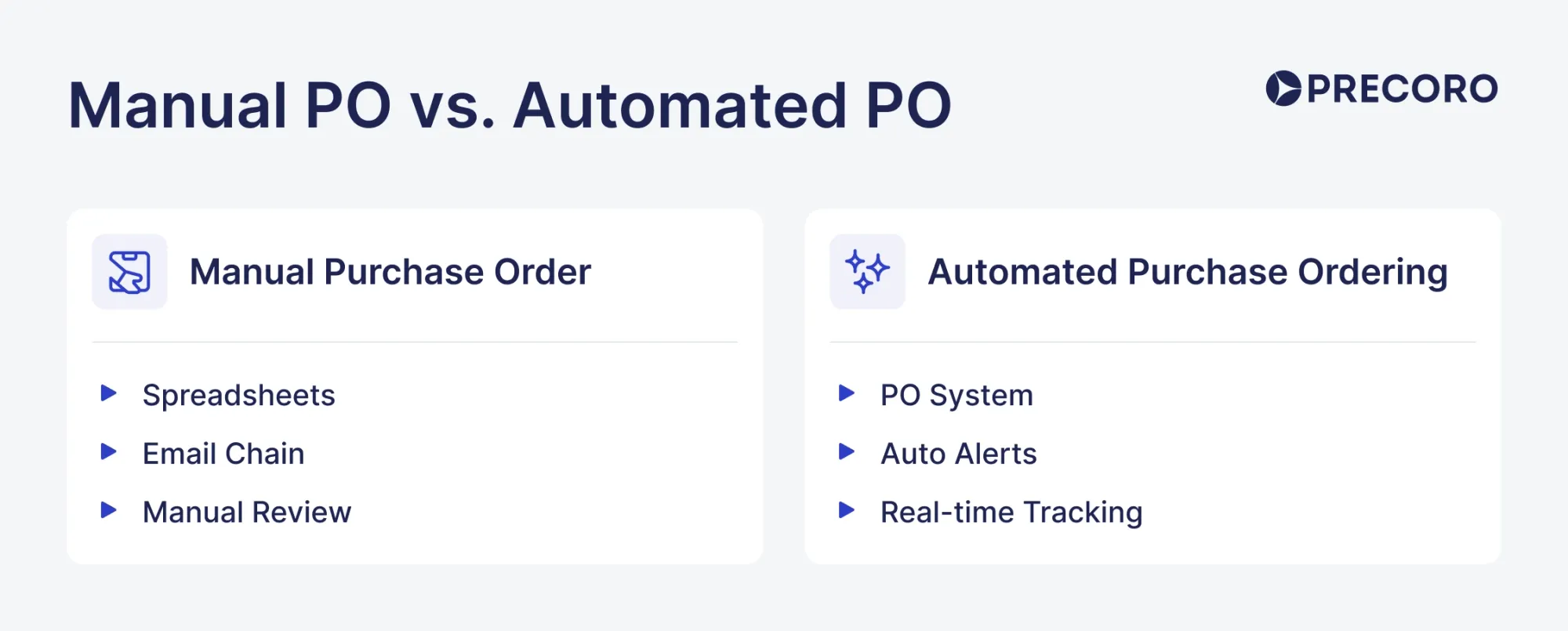
Buyers submit purchase requests online, ensuring all required information is captured from the start. Requests follow predefined approval routes, eliminating the need to chase approvals through emails or phone calls.
Once a purchase order is approved and sent to the supplier, the system tracks it through the rest of the process. After goods are received, the software automatically compares purchase orders, delivery records, and supplier invoices to verify that quantities, prices, and other details match before payment is approved.
Why are businesses of all sizes adopting PO automation software?
Businesses of all sizes adopt PO automation software to speed up purchase order creation and approvals, reduce manual errors, and improve procurement efficiency.
Small businesses use automation when informal purchasing becomes harder to control. As teams grow, spending requests increase, and visibility into committed spend decreases.
Mid-market companies adopt it as procurement becomes more complex. Multiple departments, locations, or business units often create fragmented purchasing that is difficult to manage manually.
Large enterprises use automation to enforce compliance, standardize procurement across regions, and integrate purchasing data with broader financial systems.
What purchase order management challenges can an automated purchase order system solve?
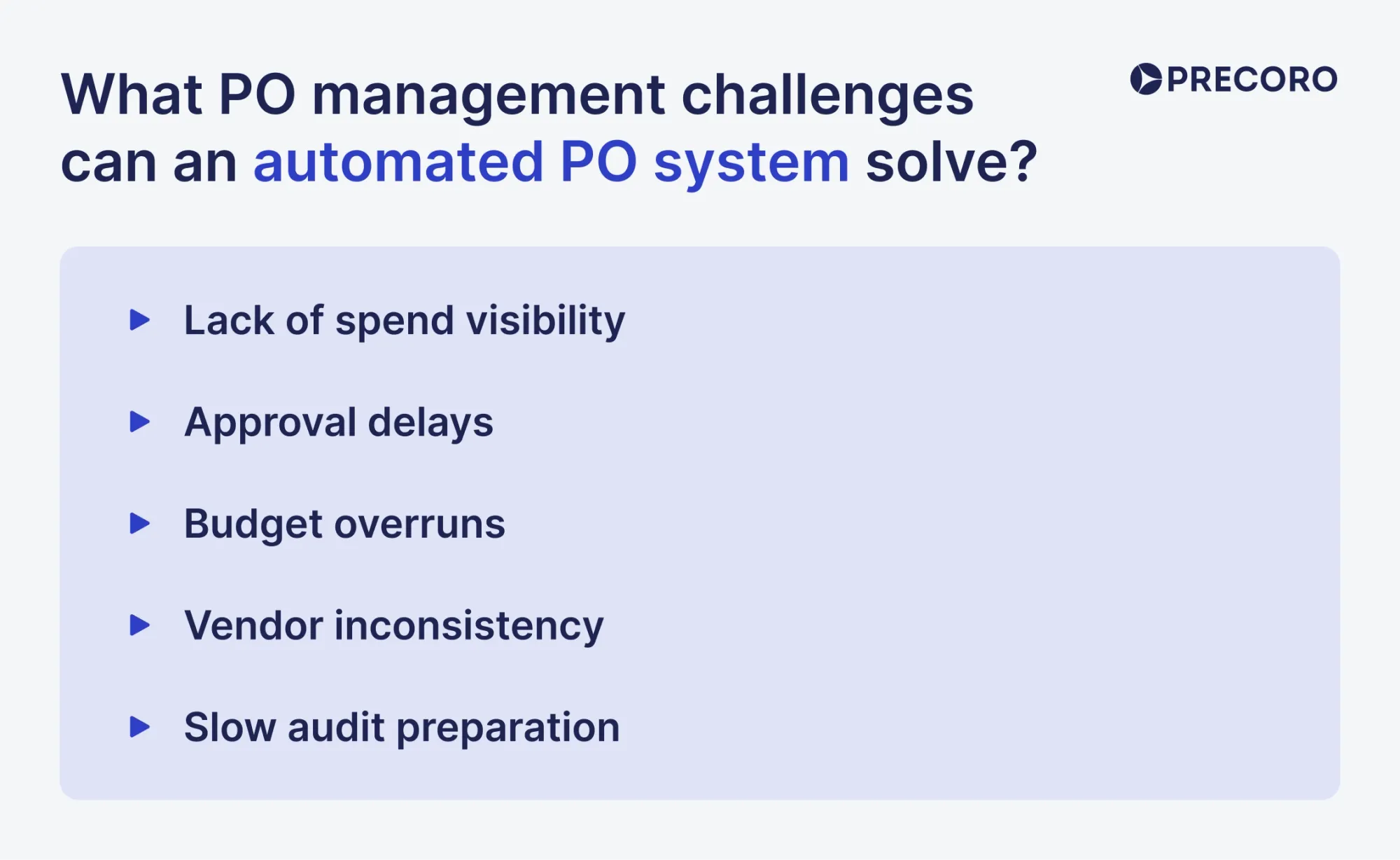
An automated purchase order system solves poor spend visibility, approval delays, budget overruns, vendor inconsistency, and difficult audit preparation. Here's how:
- Lack of spend visibility: Provides a centralized view of purchase requests, approvals, and orders, making spending easier to track.
- Approval delays: Routes requests through predefined approval workflows and sends reminders to keep the process moving.
- Budget overruns: Checks available budgets before purchases are approved, helping prevent overspending.
- Vendor inconsistency: Centralizes supplier information and approved vendor lists to improve purchasing control.
- Slow audit preparation: Stores purchase records, approvals, and related documents in one system, making audits easier and faster.
Procurement teams can consolidate purchasing activity into a single controlled system with structured workflows and consistent data capture using procurement automation platforms.
Which business needs and goals should drive your selection?
Before selecting a platform, assess how procurement currently works in your organization and where it consistently fails. If procurement is happening outside authorized channels, your priorities would be vendor management and contract compliance. In case of late approvals, prioritize the workflow and mobility. In case invoices are incorrect and often disputed, you would need automated matching and document management. And if your financial information varies across different systems, you need ERP integration. For enterprises with more than one business unit, region, or currency, they need the best PO automation solution with multi-entity functionality, role-based access control, and consolidation of data.
What purchase order process problems can automation address?
PO automation software can address recurring procurement inefficiencies. Common triggers include:
- Unauthorized purchasing — employees buy from unapproved vendors or make purchases without approval.
- Approval delays — requests sit waiting for approval because there is no clear approval process.
- Limited budget visibility — finance teams cannot see committed spending until invoices arrive.
- Manual invoice verification — teams manually compare purchase orders, receipts, and invoices, which becomes difficult as transaction volumes grow.
- Duplicate vendor records — the same supplier appears multiple times in different systems or spreadsheets.
If you check off more than one of these issues, it's time to invest in PO automation software.
How do company size, spend volume, and procurement complexity affect my choice?
They directly influence your choice of purchasing order automation software. Before choosing the tool, answer these:
- What is your annual expenditure on buying, and how many purchase orders do you generate per month?
- What accounting system or enterprise resource planning system do you use (SAP, Oracle, NetSuite, or QuickBooks)?
- How many approval steps does a purchase request go through before it is approved?
- Do you mainly purchase materials for production or goods and services for business operations?
- How many people are involved in procurement at your company?
- How quickly do you need the system up and running?
- What budget have you set aside for the software, including implementation, support, training, and maintenance?
- Do you need automation features such as automatic invoice matching or supplier recommendations?
Select a procurement solution according to your requirements and level of complexity. Overspending may result in wastage of time and money, whereas underspending could mean duplication of suppliers’ records, lack of visibility in spend data, purchasing off contract, late invoices, and fragmentation of data. Better consider solutions with balanced AI-enabled automations, integrations, and analytics.
Which stakeholders and departments should be involved in the selection process?
The key stakeholders are Procurement, Finance, AP, IT, Legal, Operations, Audit, and Executive Leadership. Each of these stakeholders uses the process, owns the data, approves, spends, or maintains the systems. Here's the detailed overview of each role:
Procurement and sourcing stakeholders define the logic of the procurement process, requisitions flow, approval rules, supplier management, purchasing processes and controls, and the thresholds of these rules. In other words, they define the basic procurement logic and flow of requests.
Finance and AP stakeholders define the financial logic, such as budgeting, invoicing, payments, GL codes, ERP, and accurate financial reports.
Legal and compliance stakeholders define the logic for the proper governance, including contracts, approval logic, and legal compliance associated with the procurement activities.
IT and security stakeholders assess the security and compatibility of the system with different ERP or accounting systems used by the company. Access control, authentication, SSO, data security, and system scalability are included in these stakeholders' requirements.
Operations and requesters define how purchasing is done daily and spot the user requirements and issues with workflows.
Audit and risk management stakeholders define how all approvals and procurement activities need to be reported.
Executive and leadership stakeholders define the KPIs of the system. The results achieved may include cost savings, process improvements, compliance, and procurement governance.
What problems did real procurement teams encounter before acquiring purchase order automation software?
Before adopting PO automation, key problems included manual data entry errors leading to incorrect orders and delayed payments, approval bottlenecks from lost or delayed sign-offs, poor spend visibility resulting in budget overruns, purchasing outside approved channels, supplier miscommunication causing shipment delays, and time-consuming audit preparation due to scattered, non-centralized records.
What manual purchasing bottlenecks created the biggest operational delays?
Approvals are the major sources of delay. Manual approval processes, lack of integration with the Request for Quotation (RFQs), and double-handling of information are some of the most significant bottlenecks.
- Stalled approval chains: The approvals are pending with the managers, who are unable to respond at all times. This process depends on the previous process and hence causes delays in the overall process itself.
- Inefficient RFQ management: Creating RFQs manually, chasing supplier responses, and comparing quotes in different formats adds unnecessary work. Teams often re-enter the same data multiple times, making it harder to compare offers fairly and quickly.
- Double data entry and typos: Entering purchase orders and invoices into spreadsheets or legacy systems leads to errors like missing or incorrect numbers, which can result in wrong deliveries or billing issues.
- Limited order visibility: When purchase orders and supplier updates are spread across emails and management tools, it’s difficult to track real-time status, which can lead to delays, stock shortages, or urgent last-minute orders.
Which approval workflow problems caused the most frustration internally?
Internal frustrations with purchase request approvals are typically due to inefficient manual approval procedures, limited visibility as to why or where a request is being held up, and the absence of defined approval criteria. If the approval process relies on emails instead of systems, time is spent chasing approval and correcting mismatches.
The most common workflow failure points include:
- Approval delays: Purchase orders get stuck waiting for managers who are unavailable, and without clear deadlines or escalation steps, the buying process slows down or stops entirely.
- Lack of process visibility: Employees can’t see where their request is in the approval chain, which often leads to duplicate requests or people bypassing approvals just to get work done.
- Unclear approval rules: Confusing or inconsistent approval requirements — like unclear manager approval rules or treating small and large purchases the same way — create delays and frustration.
- Poor coordination between teams: Finance and accounts payable are often left to sort out spending after decisions are made through informal channels, making it hard to track and control procurement properly.
How did spreadsheet-based PO tracking fail during company growth?
Spreadsheet-based PO tracking breaks down at scale because it can’t support collaboration, automation, or real-time control. As purchase volumes grow, version conflicts, duplicate or overwritten entries, and formatting errors become common. Spreadsheets also lack real-time alerts, so delays, budget overruns, and approval bottlenecks go unnoticed.
They also don’t integrate well with ERP or accounting systems, leading to manual double entry, while increasing data volume slows performance and makes errors harder to detect.
What purchasing mistakes became visible only after automation was implemented?
Automated purchase orders reveal off-contract spend that takes place outside of contracted vendors, as well as mismatches between invoices and purchase orders that were able to pass through the approval process. Moreover, automated purchasing helps identify over-ordering due to poor visibility into inventory and estimations. Automated purchase orders can also identify problems with supplier data, including duplicate or out-of-date vendor records, and missed contract management activities, including renewals, discount opportunities, and auto-renewal management.
What purchase order software features and capabilities matter most?
The most important capabilities of purchase order software are: automated purchase request workflows, a multi-level automated approval system, analytics and reporting with audit trails, and invoice integration with automated PO matching. Beyond basics, there are also core advanced capabilities. Let’s explore in detail:
Core features of PO automation
A robust procurement system should deliver several essential capabilities:
- Tailored approval routing: Automatically direct requests by department, cost threshold, or item type to enforce company policy seamlessly.
- On-the-go access: Enable stakeholders to review and authorize requests via mobile, preventing bottlenecks when leadership is away from their desks.
- Mobile spend visibility: Offer immediate insights into purchasing data, operational delays, and financial commitments to guide smarter business decisions.
- Supplier portals: Eliminate communication friction by letting vendors track orders, verify specifications, and upload invoices independently.
Advanced features of PO automation
For scaling businesses looking to transition from basic efficiency to strategic forecasting, next-tier tools provide deeper PO optimization:
- Intelligent diagnostics: With the use of machine learning to flag unusual transactions and uncover hidden cost-saving opportunities that standard filters miss.
- Predictive analytics: Analyze historical purchasing patterns to project future inventory demands and internal resource requirements.
- Integrated contract compliance: Automatically verify that right purchase orders match active vendor agreements to prevent overpayment and mitigate legal risk.
Do I need purchase request workflows and approval workflows?
Yes, you need both. A purchase request workflow replaces informal email requests with a structured process that captures key details such as item, quantity, vendor, and cost center. The approval workflow then routes that request based on rules you define: amount thresholds, department, category, or location.
If you skip these workflows, budgets, reporting, and matching won't have the full context they need to work correctly.
How important are vendor and supplier management capabilities?
Vendor management is a core requirement for most purchase order automation software. Supplier management capabilities help to achieve the software's primary goals: efficiency, accuracy, cost control, and strong supply chain relationships. Here’s how:
- End-to-end procurement efficiency
PO automation covers the full purchasing lifecycle — from vendor onboarding to payment. With strong supplier control, companies gain visibility into contracts, pricing, and payment terms, helping reduce errors and speed up decisions.
- Supplier performance, risk & spend control
It tracks supplier performance and compliance while improving real-time spend visibility. It also helps prevent maverick spending by enforcing purchasing rules and ensuring purchases go through approved suppliers.
- Stronger vendor relationships & operational improvements
Automation improves communication with suppliers, speeds up onboarding, and enables more consistent collaboration. It reduces onboarding time, lowers PO-to-invoice errors, and centralizes vendor data for easier access.
What analytics, reporting, and audit trail features should I expect?
PO automation software should provide end-to-end visibility through real-time spend dashboards, automated three-way matching (verifying that a purchase order, goods receipt, and supplier invoice agree before payment is approved), and audit trails to ensure compliance and reduce manual work.
What analytics, reporting, and audit trail features should I expect?
PO automation software should provide end-to-end visibility through real-time spend dashboards, automated three-way matching (verifying that a purchase order, goods receipt, and supplier invoice agree before payment is approved), and audit trails to ensure compliance and reduce manual work.
It typically includes analytics such as spend tracking, cycle times, touchless processing rates (automated transactions that require little or no manual intervention), and vendor performance metrics.
Reporting features should support custom reports, drill-down analysis, and visibility into commitments and exceptions. Strong systems also maintain a full audit trail with lifecycle tracking, tamper-proof logs, segregation of duties (separating key responsibilities among different individuals to reduce fraud and errors), and automated exception logging for discrepancies and overrides.
Do I need invoice integration and automated purchase order matching?
You need both. Invoice integration and automated, right PO matching remove manual entry, speed up processing, enforce spend rules, and help prevent incorrect or unauthorized payments.
When you need invoice integration and automated PO matching:
- High invoice volume: You process 50–100+ PO-based invoices per month, which takes significant accounts payable time.
- Frequent discrepancies: You often see price mismatches, incorrect quantities, or invoices for goods not yet received.
- Cash flow delays: Payments are slow, causing missed early-payment discounts and strain on supplier relationships.
- Compliance risks: Whether you've seen the first signs of fraud, or have mismatches in invoices, or want clear audit trails, and compliance.
What did teams wish they knew before buying purchase order automation software?
Based on the buyers’ feedback from Capterra and G2, many teams say that they wish they had known the following before buying the PO automation software:
- Hidden Total Cost of Ownership (TCO): Teams focus on the base subscription price and later realize they must also pay extra for onboarding, premium support, API access, and higher user-license tiers.
- Heavy integrations: Demos often make connecting to accounting or ERP systems look seamless. Buyers later wish they had verified how the software actually handles multi-system data synchronization without constant manual overrides.
- Supplier adoption roadblocks: Software is only as good as the partners using it. Only after implementation do teams often discover that suppliers refuse to adopt new vendor portals, which makes automated invoice-to-PO matching much harder to achieve in practice than the demo suggested.
- Formal and inflexible purchase approval process: Many organizations purchase “out-of-the-box” software only to discover it doesn’t have the flexibility to reflect their specific, and often complex, hierarchical approval structures and spending limits.
- Missing change-order functionality: Teams often wish they knew early on that some tools are primarily “PO generators.” And if an order changes (e.g., due to partial shipments or item substitutions), the software can’t adjust without disrupting the three-way match.
Which software limitations became visible only after rollout?
The most common post-deployment challenges of PO automation software are: inflexible approval hierarchies, supplier resistance, inflexible approval routing, and poor exception handling. Here’s a detailed overview:
- Non-flexible workflow systems: Although automation is supposed to automate business rules, in reality, users face inflexibility during approval processes. After implementation, it turns out that the process can’t handle any ad hoc, one-off purchases and out-of-policy approvals, which often causes an increase in POs made post-facto (POs are made after the purchase has been done).
- Inconsistent supplier document formats: Automated extraction tools (like OCR or AI) often struggle when suppliers send non-standard documents, varied PDF formats, or use different item descriptions than what lives in the buyer's system.
- Data synchronization issues: Although the main benefit of automation is synchronization, after implementation, many companies face problems of mismatch with ERPs or accounting systems. Even if master data (addresses of vendors, item codes, etc.) is not entirely consistent, it will be inherited by the new automated process.
- Increased volume of manual "exceptions": Automation is designed around a perfect three-way match, but in practice, it often breaks when real-world details don’t line up, such as partial deliveries, quantity mismatches, or sudden price changes. As a result, accounts payable teams end up manually handling a high number of exceptions.
What hidden implementation costs surprised procurement teams?
The three main surprises for the procurement team during the procurement process can be legacy ERP integration fees, data cleansing charges, change management and training fees, which may even cost more than the initial price. Some of the hidden costs, which most commonly disrupt procurement budgets, are:
- Supplier onboarding & enablement fees: Often, the software companies will also charge more when it comes to integrating or onboarding a certain company’s supply chain. The teams usually end up paying for the additional cost involved in getting vendors trained or obtaining software portals dedicated to small suppliers.
- ERP/MRP system integration: As much as a software demo might seem to show a flawless process of integration, linking new order automation software to old, highly customized legacy ERPs involves heavy expenses in the development of custom APIs or middleware (software that enables data exchange and communication between different systems or applications).
- Data cleansing: Automated systems fail if fed bad data. Teams spend thousands of hours and consulting fees auditing and manually cleaning up vendor master data, part numbers, and pricing catalogs.
- Approval workflow complexity: Initial quotes typically cover standard approval limits. Multi-level approvals, budget-based routing, and exception handling require additional configuration that takes more time and often costs more than the base estimate.
- Change management and training: Moving to a new system takes time. Staff need to learn new processes, and ongoing support is usually required — both of which can slow down day-to-day work during the transition.
- Compliance and security costs: If your organization has specific regulatory or security requirements, meeting them may require additional modules or audits that are not included in the standard pricing.
Which integrations caused the biggest delays?
Many implementations of PO automation extend beyond planned timelines because of integration and data-quality issues. Frequently extend from 60 days to beyond six months, with major delays arising from partial Electronic Data Interchange (EDI) and Business-to-Business (B2B) marketplace integrations, on-premise legacy ERPs, and multi-entity accounting environments.
The biggest bottlenecks of integrations are:
- Marketplace & partial-EDI gaps: Platforms like Amazon Business, Wayfair, and iTrade generate orders that often bypass native digital systems. When PO software cannot ingest them seamlessly, staff are forced to print and manually re-enter data, creating a major data-entry bottleneck.
- Legacy ERP integration: Older on-premise systems like early SAP or Oracle versions rarely connect out of the box. Middleware, custom connectors, and specialized integration work are usually required — adding both cost and implementation time.
- Inaccurate or inconsistent underlying data: Poor data quality often causes system sync failures, with inconsistent vendor naming, missing tax codes, and incomplete regional Stock Keeping Unit (SKU) registries leading to weeks of manual cleanup before automation can be deployed.
What internal resistance slowed adoption the most?
One of the main internal barriers to implementing PO automation is the fear of job losses and increased complexity. While some people may view automated processes as a threat to their positions, others simply do not wish to abandon tried-and-tested approaches for learning new systems.
Key drivers of resistance to PO automation software adoption:
- Fear of replacement
Staff often interpret automation as a signal of downsizing, which reduces buy-in. As a result, some employees hold back cooperation because they fear the system is designed to “automate them out of a job.”
How to overcome this barrier:
Present automation as augmentation, clearly demonstrating how it eliminates repetitive and low-value-added activities like data entry, freeing up employees to do more value-adding activities.
- Workflow disruption & complexity
Users will reject software that is too complex for what they are already using. If the implementation of the software requires extra work or appears to be a forced solution from above, then buyers and approvers will avoid it.
How to overcome this barrier:
Involve end users early by collecting feedback and running User Acceptance Testing (UAT), so employees can help shape the system around their real day-to-day work instead of having an unfamiliar tool imposed on them.
- Lack of digital readiness
Staff who have worked with paper forms, email approvals, or legacy systems for years often approach new automated tools with hesitation — not because they resist change, but because they worry about making mistakes in an unfamiliar environment.
How to overcome this barrier:
Use phased rollouts and start with a single department or one process instead of launching the system across the entire organization at once.
How should you evaluate purchase order software integration and compatibility?
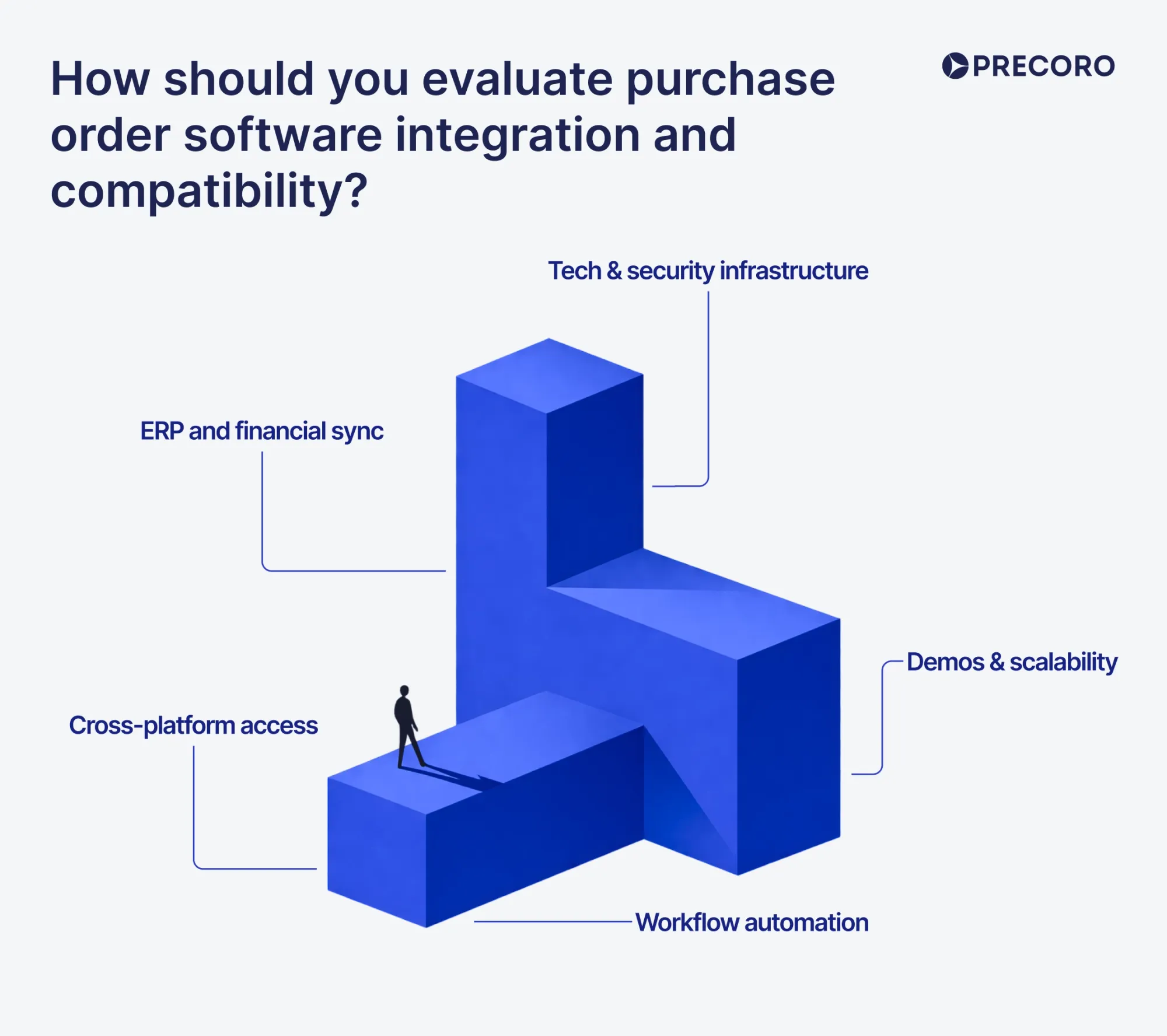
To evaluate purchase order software integration, check how easily it connects with your ERP or accounting system, whether it supports your workflow automation needs, and if it meets your security standards.
Key points to assess:
- ERP and financial sync: Look for direct two-way integration with systems like QuickBooks or NetSuite — data should flow both ways without manual entry. Three-way matching of purchase orders, receipts, and invoices should run automatically.
- Workflow automation: Flexible routing to match your company's approval hierarchies and spending limits, with the ability to process multiple document formats like PDFs.
- Cross-platform access: Reliable performance across web browsers, operating systems, and mobile devices for remote approvals.
- Tech & security infrastructure: Open APIs or webhooks for custom IT connections, backed by security compliance like SOC 2 certification and data encryption.
- Demos & scalability: A hands-on trial using your own real-world data to ensure the system can scale as your transaction volumes grow.
Will the purchase order software integrate with ERP, accounting, and inventory systems?
Yes, a modern purchase order automation solution typically integrates with core business systems such as ERP, accounting, and inventory systems. This connection helps to streamline workflows, eliminate duplicate data entry, and keep all departments aligned with real-time information.
These integrations usually come in two forms: native or out-of-the-box connections, where PO management tools directly link with commonly used systems like QuickBooks, NetSuite, SAP, or Microsoft Dynamics with minimal setup, and API or middleware-based integrations, where more custom or niche systems are connected through APIs or integration platforms like Zapier to ensure seamless data flow between applications.
Here’s how these integrations work across your systems:
- Accounting: Removes manual entry by syncing POs, supplier invoices, and payments directly to the ledger, enabling seamless 3-way matching (PO → Goods Receipt → Invoice).
- Inventory systems: Automatically update stock on receipt of goods, alert teams to incoming shipments and low stock, and trigger reorder points.
- ERP systems: Act as the central hub, consolidating procurement, supply chain, and financial data into one shared database for full cross-department visibility.
Does the software support standard file formats and APIs for data exchange?
Yes. Most modern PO automation platforms support standard file formats (CSV, XML, JSON, EDI X12) to exchange data with ERPs, accounting, inventory, supplier portals, and e-invoicing networks. This enables seamless synchronization of supplier master data, requisitions, POs, goods receipts, and invoices without manual export or import.
How does integration affect rollout complexity and total cost of ownership?
Integration drives both rollout complexity and total cost of ownership (TCO).
Implementation complexity
Pre-built integrations reduce rollout complexity by shortening implementation time and minimizing technical effort. Custom integrations increase complexity because they require additional development, testing, and maintenance.
Cost impact
Pre-built integrations lower the total cost of ownership (TCO), while custom integrations increase implementation and support costs. Effective integration can also reduce TCO by eliminating duplicate data entry, reducing errors, and accelerating approvals and three-way matching (the process of verifying that a purchase order, goods receipt, and supplier invoice agree before payment is approved).
Which purchase order automation software fits different business types?
The right fit depends on your ERP, industry compliance needs, inventory complexity, and supplier collaboration model. Below are tailored recommendations by business type.
Mid-sized manufacturing company
- Needs: Production planning integration, multi-level approvals, edible line-item tracking, EDI with suppliers, and tight ERP sync (SAP, Oracle, Microsoft Dynamics).
- Recommended: SAP Ariba (deep ERP alignment, strong supplier collaboration), Coupa (robust workflows + EDI), or Precoro (if you use ERPs like NetSuite and need fast setup).
Multi-location retail business
- Needs: Inventory-driven requisitions, store-level POs, real-time stock sync, and multi-entity budget controls.
- Recommended: Precoro (clear spend controls and ERP sync), or Order (if you prioritize speed and simplicity for SMB retail).
Fast-growing SaaS company
- Needs: Cloud-first, low-code workflows, quick accounting sync (NetSuite/QuickBooks/Xero), and minimal ops overhead.
- Recommended: Precoro (simple, cloud-native, intuitive UI), Tradogram (flexible workflows and budgeting), or Order (fast rollout, intuitive UI).
Healthcare procurement environment
- Needs: Clinical approval gates, regulatory compliance, vendor risk checks, and audit trails.
- Recommended: SAP Ariba (enterprise compliance + supplier risk) or Coupa (policy enforcement + auditability).
Construction or project-based procurement
- Needs: Project/Budget-centric POs, change-order tracking, multi-tier approvals, and optional EDI/vendor portals.
- Recommended: Coupa (strong project-based workflows and policy controls), SAP Ariba (enterprise-grade project alignment), or ProcureDesk (tailored for project-focused procurement with customizable workflows).
Top automated purchase order system
There are many automated purchase order systems on the market, but we've gathered the top 14 with Capterra and G2 ratings and real-user comments to help you easily choose the best one in 2026.
SAP Ariba
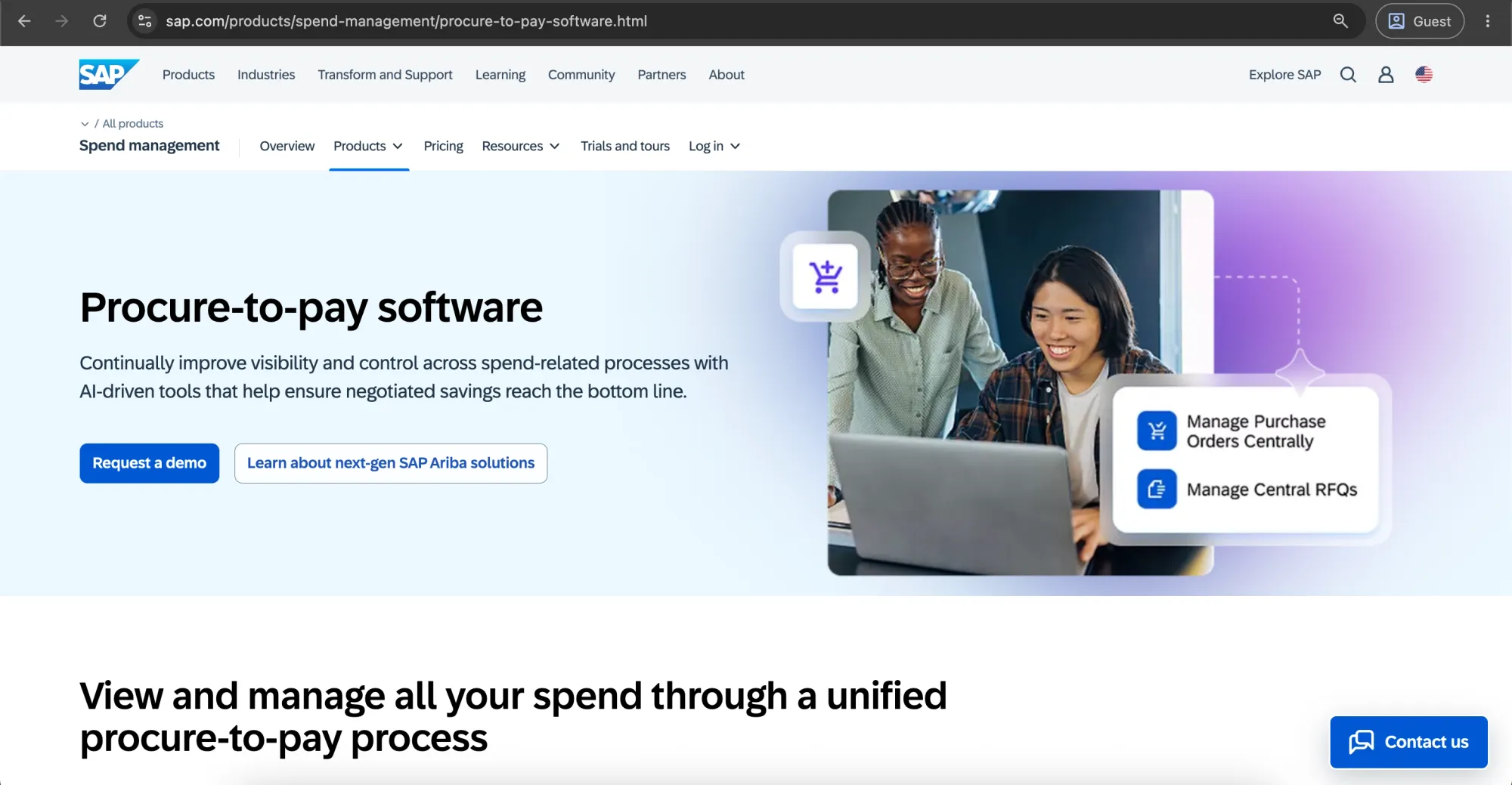
SAP Ariba Source-to-Pay is an enterprise-level SAP cloud solution used to manage the entire procurement process. It includes sourcing, contract management, purchase orders, invoices, and payment in one platform, thus providing greater control and transparency over expenses. This application works best for businesses within SAP-based ecosystems.
Customer ratings:
- Capterra — 3.8 out of 5 points based on 88 user reviews
- G2 — 4.1 out of 5 points based on 790 user reviews
Advantages:
- End-to-end procurement automation, from requisition to payment.
- Strong compliance, approval workflows, and audit trails make it reliable for enterprise governance.
- Works well for large enterprises, especially SAP-based ecosystems, with strong integration potential.
Shortcomings:
- It’s difficult to navigate and use, and it usually has a steep learning curve, so people often need a lot of training to get comfortable with it.
- Daily users describe the UI as clunky, outdated, and not intuitive.
- Long and resource-heavy implementation process, often requiring strong IT involvement.
- Integration outside the SAP ecosystem can be really difficult.
- Supplier-side onboarding and workflows can feel heavy and frustrating.
| Pros | Cons |
|---|---|
| ✅ End-to-end procurement automation (requisition to payment) | ❌ Steep learning curve and training requirements |
| ✅ Strong compliance, approvals & audit trails | ❌ Clunky, outdated UI |
| ✅ Excellent for large enterprise procurement | ❌ Long, resource-intensive implementation |
| ✅ Deep SAP ecosystem integration | ❌ Difficult integrations outside SAP |
| ✅ Strong governance and control capabilities | ❌ Supplier onboarding can be cumbersome |
Pricing:
SAP Ariba pricing is flexible and quote-based. The cost changes based on users, modules, and usage, starting near $50 per user per month for smaller setups and increasing for enterprise use.
Customer reviews (original spelling):
- Shivam A. — Capterra — “Overall experience has been good with Ariba. Its a good tool to manage procurement and purchasing/invoicing needs from suppliers and vendors.”
- Maria M. — G2 — “I like that I receive notifications for new orders, and that I can customize which notifications I get. I also appreciate how easy the system is to use—it’s very user-friendly.”
The author’s note:
SAP Ariba handles PO creation, approvals, and tracking with full visibility and a highly structured process. That structure, however, comes with real trade-offs — lengthy implementation, significant training requirements, and considerable overhead. For smaller or mid-sized teams, it often exceeds what is needed to manage everyday purchase orders. If the goal is straightforward PO automation, lighter tools typically deliver better results with far less effort.
Zapro
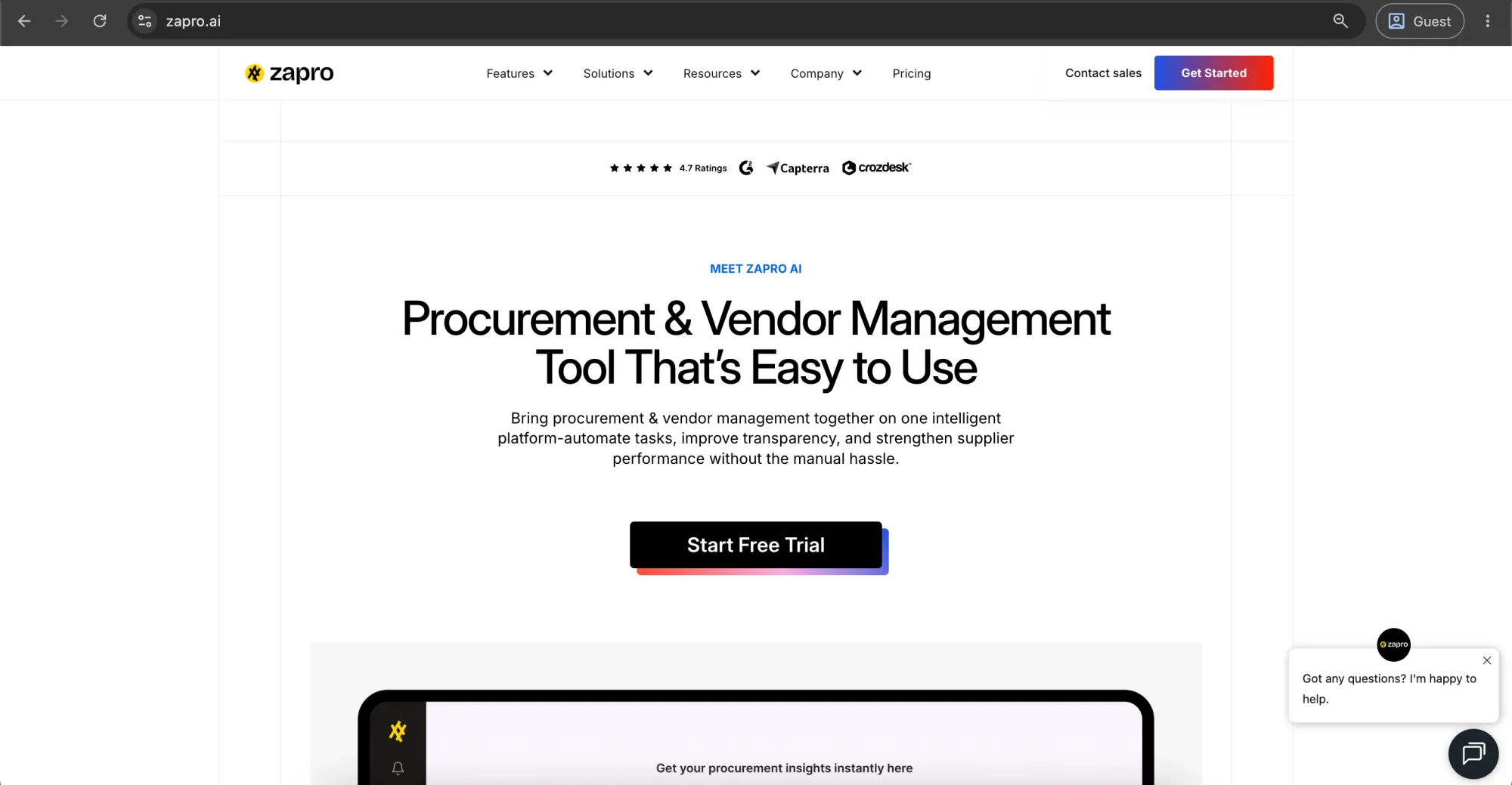
Zapro is an all-in-one platform that manages procurement, inventory, and sales processes in a single system. It combines procure-to-pay, the process from requisitioning and purchasing goods or services through supplier payment, and order-to-cash workflows to help fast-growing companies run operations more efficiently.
Customer ratings:
- Capterra — 5 out of 5 points based on 1 user review
- G2 — 4.7 out of 5 points based on 14 user reviews
Advantages:
- Generally cost-effective for mid-market companies.
- Intuitive, easy-to-use interface with quick onboarding.
- Integrates with 5 key platforms for accounting and finance: Core Banking, FreshBooks, QuickBooks, Xero, and Zoho Lens, covering core banking and major bookkeeping systems.
- Provides good customer support with responsive onboarding and issue resolution.
- Scales well for growing companies.
Shortcomings:
- Advanced features can feel less intuitive than core functions.
- Relatively few published reviews vs. competitors, so the real uses are questionable.
- Invoicing can slow down during peak loads.
- UI feels dated to some users.
| Pros | Cons |
|---|---|
| ✅ Cost-effective for mid-market companies | ❌ Advanced features less intuitive |
| ✅ Easy to use with quick onboarding | ❌ Limited user reviews vs competitors |
| ✅ Integrates with major accounting platforms | ❌ Invoicing can slow down during peak periods |
| ✅ Responsive customer support | ❌ UI may feel dated |
| ✅ Scales well as companies grow |
Pricing:
Zapro has three pricing plans:
- Spark – $699/month: For small teams, up to 10 vendors and 10 users, offering basic AI alerts, email support.
- Growth – $1,999/month: For growing businesses, up to 100 vendors and 50 users, offering smart AI features, priority support.
- Scale – Custom: For large enterprises, up to 1,000 vendors, offering unlimited users, advanced insights, and 24/7 dedicated support.
Customer reviews (original spelling):
- Sumesh G. — Capterra — “Simple yet smart solution. Customizable,scalable. Seamless integration.Reduces repetitive tasks.Affordable, easy to implement. Improved controls and visibility. Thrilled with results.”
- Nishanthan R. — G2 — “Zapro’s AP automation software has a user-friendly interface that makes it easy for users to navigate and leverage its functionalities. The software seamlessly integrates with existing accounting systems, ERPs, and financial management platforms, allowing for a smooth transition without disrupting the existing workflows. Zapro greatly improves the procurement efficiency. The automated purchase order generation and electronic approval features streamlines the accounts payable workflows.”
The author’s note:
Zapro keeps procurement and AP simple — invoices, approvals, and POs all in one place without much friction. It’s a good fit for teams that want to speed things up and reduce manual work without getting stuck in heavy enterprise tools. But if you need deep reporting, complex workflows, or full enterprise-level control, you’ll probably hit its limits fairly quickly.
Zoho Purchase Order
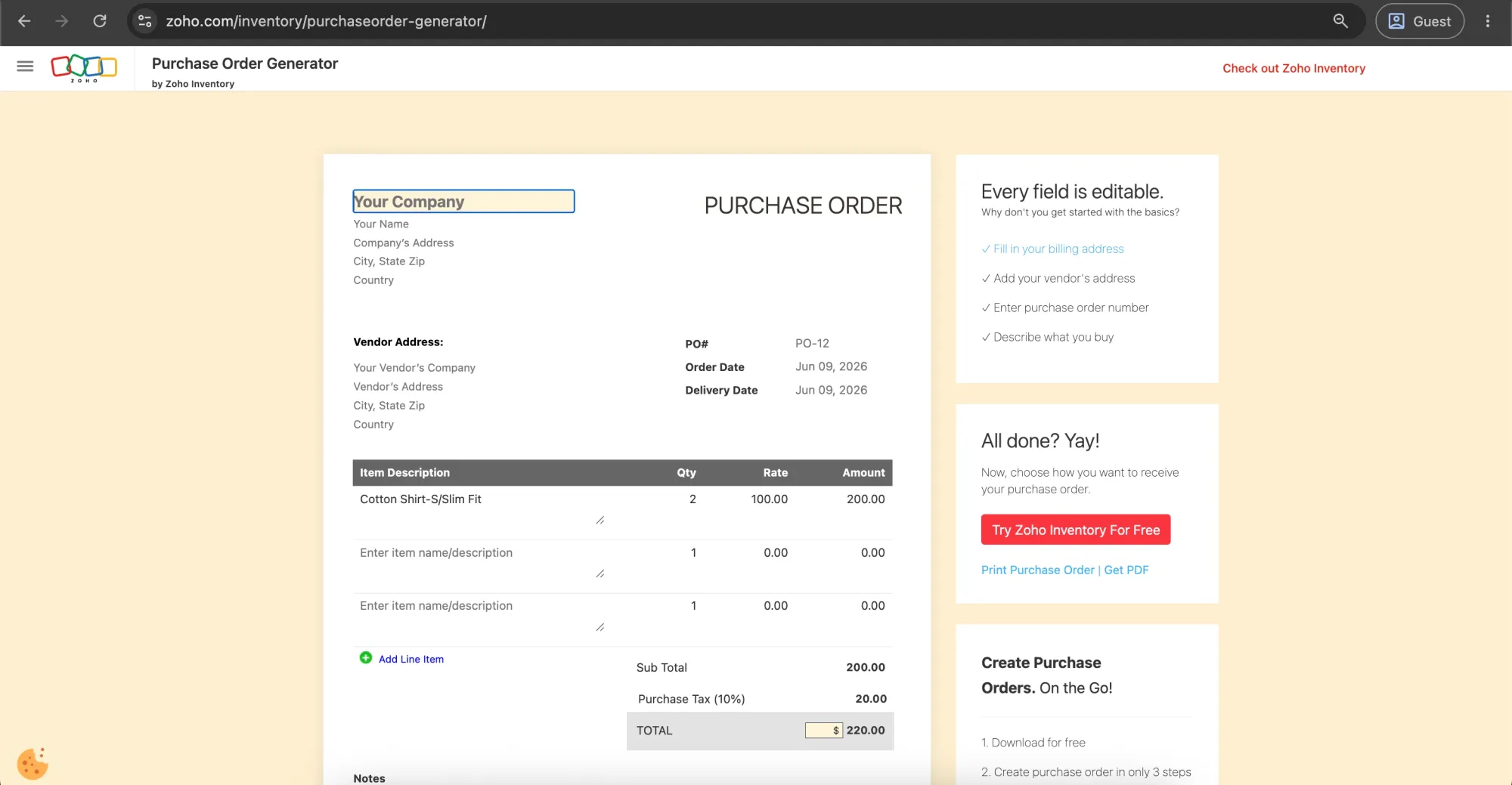
Zoho Purchase Orders is not a standalone product — it is part of Zoho Inventory and Zoho Books, allowing businesses to create, approve, and track purchase orders, link them to inventory, and convert them into bills once goods are received. It connects across Zoho's broader ecosystem, with integrations covering accounting, CRM, and e-commerce platforms, including Shopify and Amazon.
Customer ratings:
- Capterra — 4.4 out of 5 points based on 673 user reviews
- G2 — 4.4 out of 5 points based on 328 user reviews
Advantages:
- Reasonable pricing and free-tier services make it an economical choice for budget-conscious small businesses.
- Deeply integrated with Zoho products, especially Zoho Books, with API capabilities.
- Inbuilt approval process for purchase orders, bills, and inventory management.
- High level of connection with popular platforms such as Amazon and Shopify.
- Great cost-effectiveness with the ability to track inventory, barcodes, and generate reports.
Shortcomings:
- Purchase order limits per plan can restrict scalability.
- Limited integrations outside the Zoho ecosystem (beyond Zoho Books).
- Reporting lacks advanced customization options.
- The mobile app has limited offline functionality.
- Interfaces can feel complex and data-heavy compared to modern tools.
| Pros | Cons |
|---|---|
| ✅ Affordable pricing + free tier | ❌ PO limits restrict scalability |
| ✅ Strong Zoho ecosystem integration (Zoho Books, etc.) | ❌ Limited non-Zoho integrations |
| ✅ Built-in approval workflows | ❌ Limited advanced reporting customization |
| ✅ Integrates with Amazon, Shopify | ❌ Mobile app limited to offline use |
| ✅ Inventory, barcode & reporting features | ❌ UI can feel complex/data-heavy |
Pricing:
Zoho Purchase Order is part of the Zoho suite and included in Zoho One, which starts at $50/user/month; pricing varies with configuration, and custom quotes are recommended for specific business needs.
Customer reviews (original spelling):
- Karen T. — Capterra — “I started using Zoho for it's affordability and decided to keep it for it's simplicity. Zoho does what I need it to do. The feature I like most is the Estimating and Invoicing. I can keep track of all my clients on one place.”
- Muzammil M. — G2 — “Zoho Books has been helpful for managing invoices, expenses, and basic accounting tasks in a more organized way. I started using it a few months ago, and the feature I use the most is invoice and payment tracking because it makes it easier to keep records updated without much manual work. The interface is simple to understand, and it saves time when handling regular financial tasks.”
The author’s note:
The Zoho solution is suitable for small and medium businesses that have adopted or would like to adopt the Zoho suite of software applications. However, it should be noted that Zoho is mostly a stock management system with purchase order capabilities integrated into it, and not an actual purchasing module. Also, the limit on the number of purchase orders per package can make expenses grow as a company expands.
Precoro
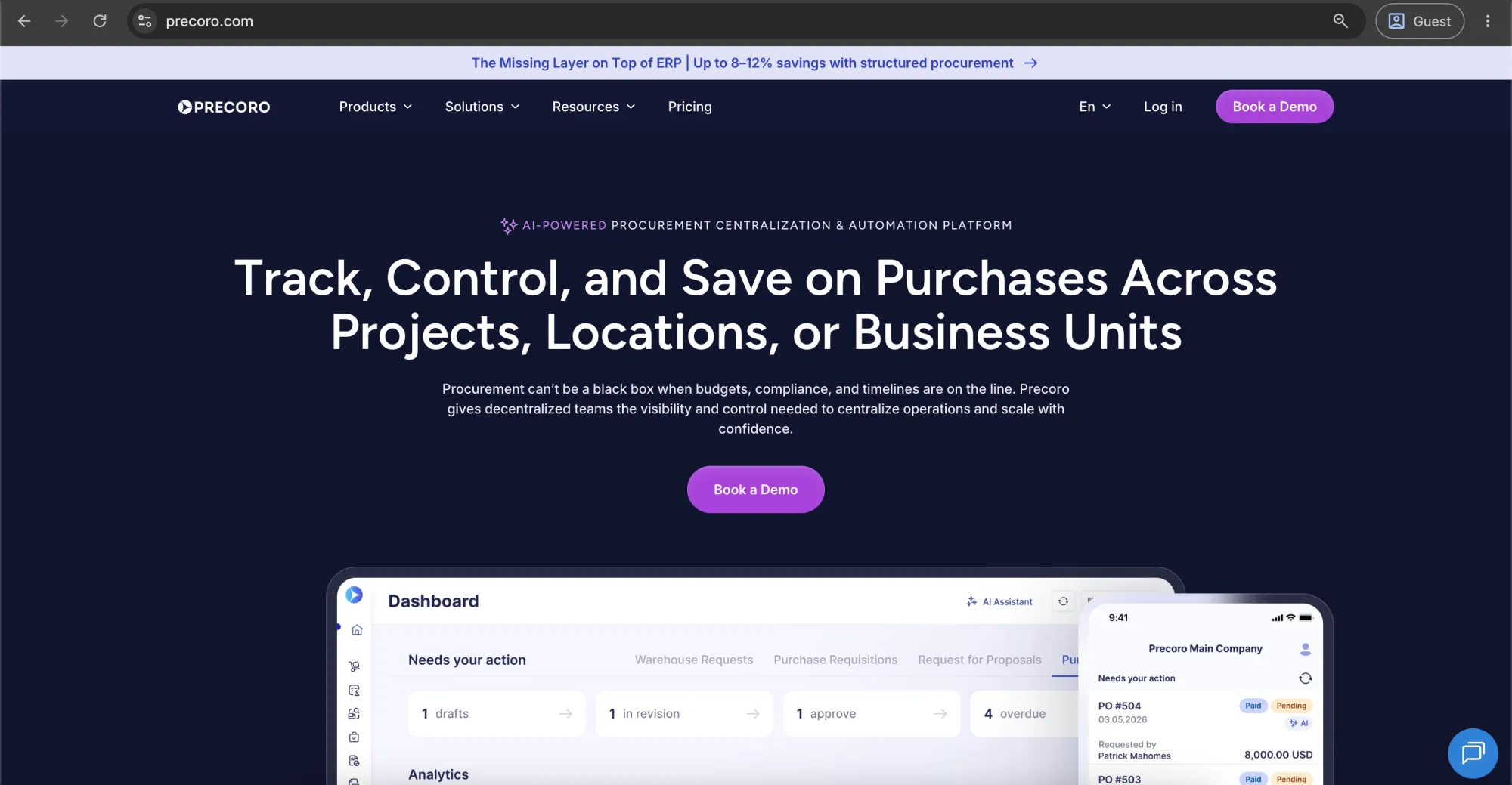
Precoro is a multi-agent procurement platform built to centralize and automate purchase order management for mid-market, multi-entity organizations dealing with fragmented purchasing processes. The platform handles the routine part of the procure-to-pay workflow with the Purchasing Crew, one of five AI Crews. It streamlines the entire purchase order lifecycle — from creation and approval to tracking, fulfillment, and payment — ensuring tighter control and visibility across all spend.
Customer ratings:
- Capterra — 4.8 out of 5 points based on 255 user reviews
- G2 — 4.7 out of 5 points based on 207 user reviews
Advantages:
- Very easy to use with minimal training needed and a clean, intuitive interface.
- Has fast, hassle-free PO creation and submission.
- Has built-in AI agents that help automate procurement and accounts payable work.
- Provide clear visibility into spending across the business through dashboards, custom reports, and an AI assistant.
Shortcomings:
- Precoro complements your ERP rather than replacing it — managing purchase controls and approvals on its side, then syncing the data across for accounting and compliance.
- Inventory management is less intuitive compared to other areas of the platform.
- Purchase orders cannot be exported or viewed in a visual image format yet.
- Initial setup of workflows, budgets, and approval rules takes time to configure. Once in place, the system runs the entire process automatically and consistently.
| Pros | Cons |
|---|---|
| ✅ Easy to use, fast onboarding | ❌ Not a full ERP replacement (complements ERP) |
| ✅ Fast, simple PO creation & submission | ❌ Inventory management less intuitive |
| ✅ AI agents for procurement & AP automation | ❌ No PO export/view in visual image format |
| ✅ Strong spend visibility via dashboards & reports | ❌ Setup can be time-consuming initially |
| ✅ Clean, intuitive UI | |
| ✅ Precoro covers full P2P cycle, from requests to payments |
Pricing:
Precoro has three pricing tiers:
- Core — starts at $499 per month billed annually, and covers basic procurement like automated approvals and three-way matching, plus spend and supplier control, integrations (Xero, QuickBooks Online, NetSuite), and reporting analytics.
- Automation — starts at $999 per month, billed annually, and builds on Core with AI-powered AP automation, intake management, PunchOut catalogs — supplier-hosted online catalogs that connect directly to a buyer’s procurement system, real-time budget tracking, SSO support, and more advanced procurement capabilities.
- Enterprise — no public pricing information, but adds advanced integrations, stronger admin controls, no user limits, and enterprise-grade data protection.
Customer reviews (original spelling):
- Krasi A. — Capterra — “Exceeded all expectations, intuitive interface, flexibility, purchase order process has become more efficient than ever”
- Mariela D. — G2 — “I use Precoro to order all the supplies for our site and I love their catalog because it makes things so much easier and faster to order. It's easier to click and order what is needed. Plus, I've not had any issues or problems using Precoro. We switched to Precoro because it's easier and more organized for the organization to use, and the initial setup was very easy.”
The author’s note:
It’s a strong fit for teams looking to automate purchase order creation, approvals, and tracking, moving away from manual or spreadsheet-based PO processes. It helps bring structure and control to the full PO workflow without adding unnecessary complexity. It also sits between basic tools and enterprise systems like SAP Ariba or Coupa, while still offering solid ongoing support and regular product improvements.

Fraxion
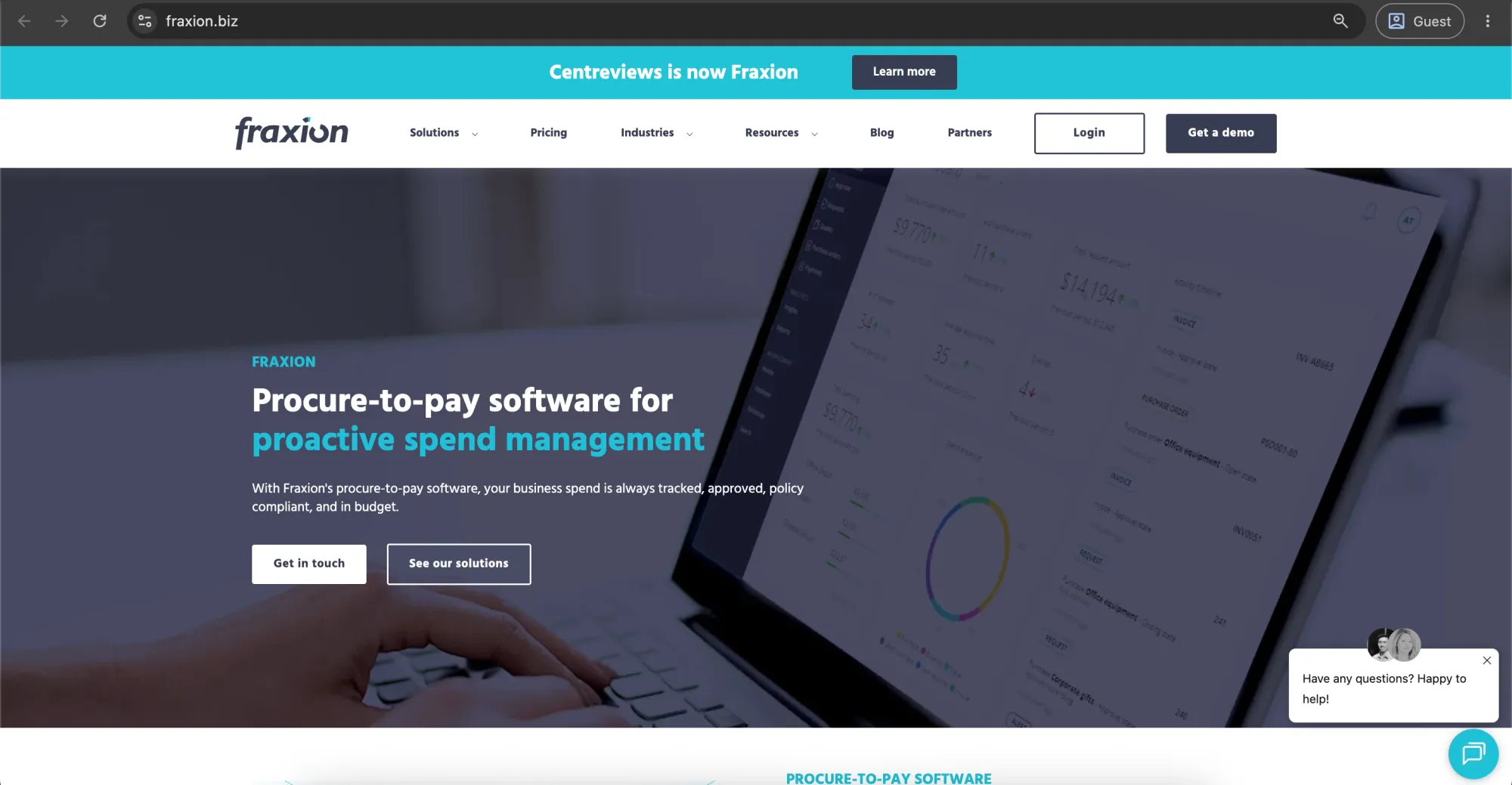
Fraxion is a cloud-based procure-to-pay platform that streamlines purchase order management and the broader purchasing workflow — from requisitions and approvals to PO creation and invoice matching. It provides mid-sized organizations with centralized control, visibility, and auditability across departmental spending and is often used in industries like education, agriculture, biotech, and nonprofits where purchases span multiple budgets and funding sources.
Customer ratings:
- Capterra — 4.4 out of 5 points based on 130 user reviews
- G2 — 4.3 out of 5 points based on 65 user reviews
Advantages:
- Structured purchase request-to-PO workflow for better control.
- Automated approvals based on policy rules.
- Full visibility into spending across departments and projects.
- Mobile access for requests, approvals, and invoice handling.
- Strong integrations with major ERPs (Sage, NetSuite, QuickBooks, etc.).
- Supports 50+ PunchOut catalogs and Microsoft Teams workflows.
Shortcomings:
- Less advanced automation depth compared to newer AI-driven procurement platforms.
- UI/UX can feel traditional, especially for users expecting modern, consumer-like experiences.
- Configuration complexity for organizations with highly custom approval hierarchies or workflows.
- Best fit is mid-market, so it may not scale as smoothly for very large enterprise procurement complexity.
| Pros | Cons |
|---|---|
| ✅ Structured PR-to-PO workflow | ❌ Less advanced automation vs AI-driven tools |
| ✅ Policy-based automated approvals | ❌ UI feels traditional |
| ✅ Full spend visibility across teams/projects | ❌ Complex configuration for custom hierarchies |
| ✅ Mobile access for approvals & invoices | ❌ Not ideal for a very large enterprise scale |
| ✅ Strong ERP + PunchOut + Teams integrations |
Pricing:
Undisclosed. Request a customized procurement software pricing estimate tailored to your business needs.
Customer reviews (original spelling):
- Tania B. — Capterra — “User friendly and enables the user the generate and process paper less purchase orders.”
- Lauren R. — G2 — “You can query and access all related documents for a supplier. The search button on the home screen is extremely helpful as you can search by order number, invoice number etc. You can see full approval flow & history on all entries.”
The author’s note:
The Fraxion platform does well in making the purchasing process simple and easy. This is because all the processes involved are kept systematic. For example, the requests have to be made systematically, and after that, once everything is approved, the purchase orders are created.
This software could be beneficial to those who are looking to have more control and insight into their spending while avoiding manual tracking. Despite the limited features available, it works efficiently.
Pipefy
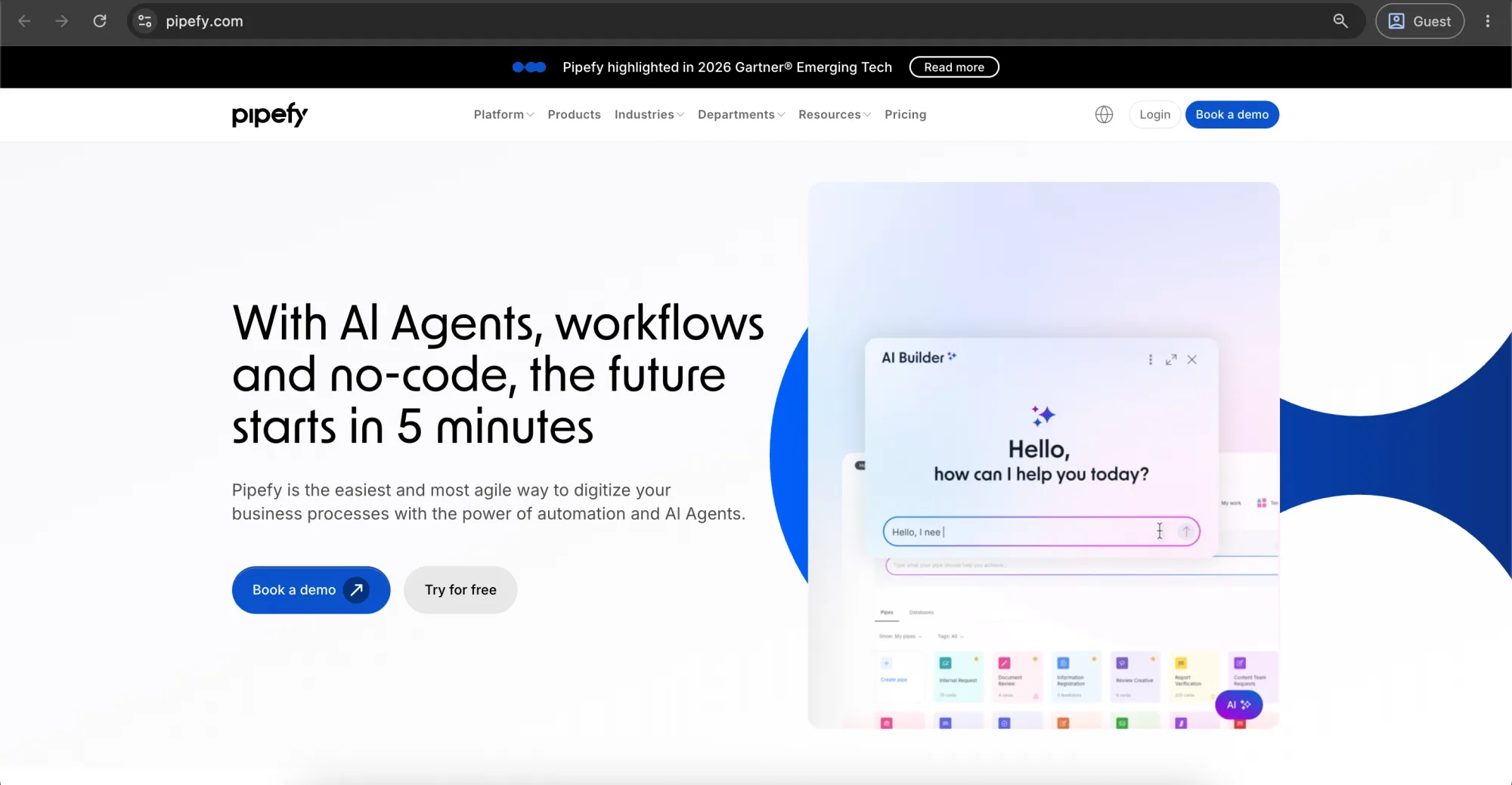
Pipefy is an AI-powered, no-code workflow automation platform that helps organizations digitize and manage business processes like HR, procurement, IT, and finance through visual workflows, automation, and integrations.
Customer ratings:
- Capterra — 4.6 out of 5 points based on 231 user reviews
- G2 — 4.6 out of 5 points based on 322 user reviews
Advantages:
- No-code workflow builder for creating custom PO request forms and approval chains.
- Conditional routing based on amount, department, or category.
- Visual pipeline view of where each PO request stands.
- Quick to set up and adjust as approval policies change.
- API and integration options to connect with accounting/ERP tools.
Shortcomings:
- No native vendor catalog or supplier-facing PO document generation.
- No built-in three-way matching against receipts and invoices.
- Procurement is a template on a general workflow platform, not a purpose-built module.
- Limited out-of-the-box spend analytics or vendor management features.
- Per-user pricing can scale up quickly for larger teams.
| Pros | Cons |
|---|---|
| ✅ No-code PO workflows & approval builder | ❌ No native vendor catalog |
| ✅ Conditional routing (dept, amount, category) | ❌ No 3-way matching |
| ✅ Visual tracking of PO status | ❌ Not purpose-built for procurement |
| ✅ Fast setup & easy workflow changes | ❌ Limited spend analytics/vendor mgmt |
| ✅ API + ERP/accounting integrations | ❌ Costs scale quickly per user |
Pricing:
Pipefy pricing starts at roughly $33 per user, per month, and scales up depending on your organization's need for advanced automation, integrations, and security. They also offer a free starter tier for individuals and small teams.
Customer reviews (original spelling):
- Ramgopal V. — Capterra — “Pipefy is highly user-friendly and has assisted us in tracking our inventory from the time it enters our firm to the time it reaches our sales representatives. It also includes financial operations like purchase order management, accounting, and invoicing, allowing us to maintain a better handle on all project expenditures. The ability to examine all processes from a Kanban perspective, including email automation, advice, and pipe connections. There are numerous fantastic tools in Pipefy that make work flow more smoothly.”
- Kalline F. — G2 — “Variety of customization, integrations, and automations. Ease of use and implementation, and the support is always comprehensive.”
The author’s note:
Pipefy provides customizable request forms with conditional approval routing by amount or department, visualized as a pipeline. It’s strong on routing logic but light on producing an actual vendor-facing PO document, which can make it feel more like an approval layer than a PO system.
FlowForma
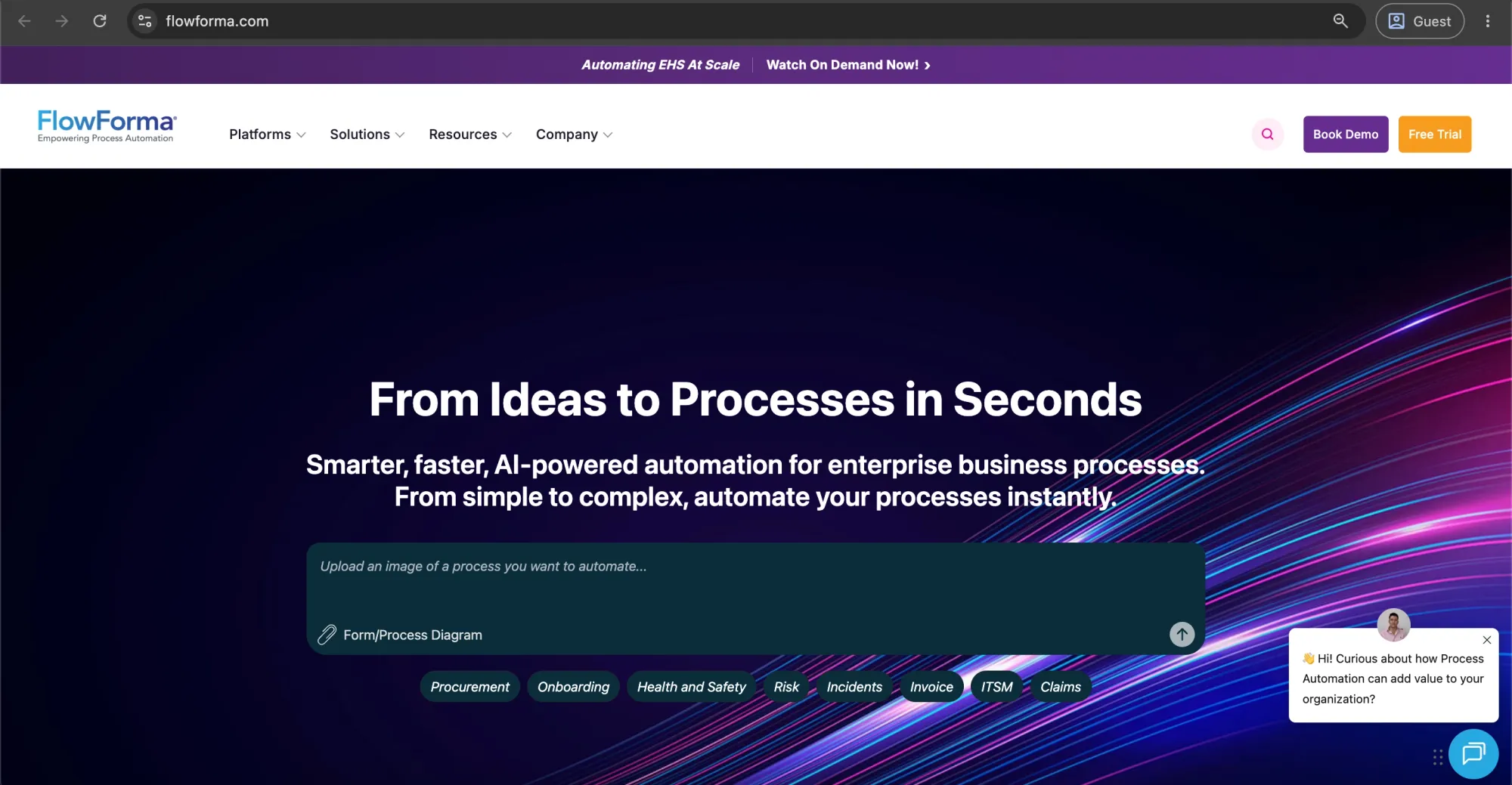
FlowForma is a no-code business process automation platform built on Microsoft 365 and SharePoint that helps mid-sized and large enterprises automate complex workflows using forms, conditional logic, approvals, and document generation. It is not dedicated procurement software, but can be used to build purchase request and PO approval workflows that move through structured stages like initiation, budget review, and procurement approval within a single connected process.
Customer ratings:
- Capterra — 4.5 out of 5 points based on 105 user reviews
- G2 — 4 out of 5 points based on 5 user reviews
Advantages:
- Strong for complex, multi-step approval and routing processes.
- Native Microsoft 365/SharePoint integration with Power BI reporting.
- Quick deployment with good customer support.
- Flexible for broader workflows beyond procurement.
Shortcomings:
- Best suited for the Microsoft ecosystem; weaker outside it.
- UI is functional but not highly modern.
- Not purpose-built for procurement (no native supplier tools or 3-way matching).
- Requires manual configuration for procurement logic.
- Enterprise-focused pricing with no low-cost tier.
| Pros | Cons |
|---|---|
| ✅ Strong multi-step approvals & routing | ❌ Best only within the Microsoft ecosystem |
| ✅ Native Microsoft 365 / SharePoint + Power BI | ❌ Not procurement-native (no supplier tools or 3-way matching) |
| ✅ Quick deployment + good support | ❌ Requires manual setup for procurement logic |
| ✅ Flexible for broader workflows | ❌ UI is functional but not modern |
| ❌ Enterprise pricing, no low-cost tier |
Pricing:
FlowForma offers transparent, process-based pricing starting from about $2,347/month (or €2,067), with flat-fee plans that include unlimited users and are tiered based on the number of automated processes.
Customer reviews (original spelling):
- Mark L. — Capterra — “We had too many paper based processes. Flowforma reduced a lot of them, saving us time and improving accuracy of data.”
- Dianne V. — G2 — “It eliminates manual follow-up for approval of invoices via email as reminders are built in and set to be sent to the end users automatically. The form is user friendly.”
The author’s note:
FlowForma is best suited for organizations with complex, multi-step approval processes in Microsoft 365 that need no-code workflow automation (including purchase orders), rather than a simple off-the-shelf PO tool, while UiPath takes a different approach focused on automating purchasing tasks across multiple digital systems through broader process automation.
UiPath
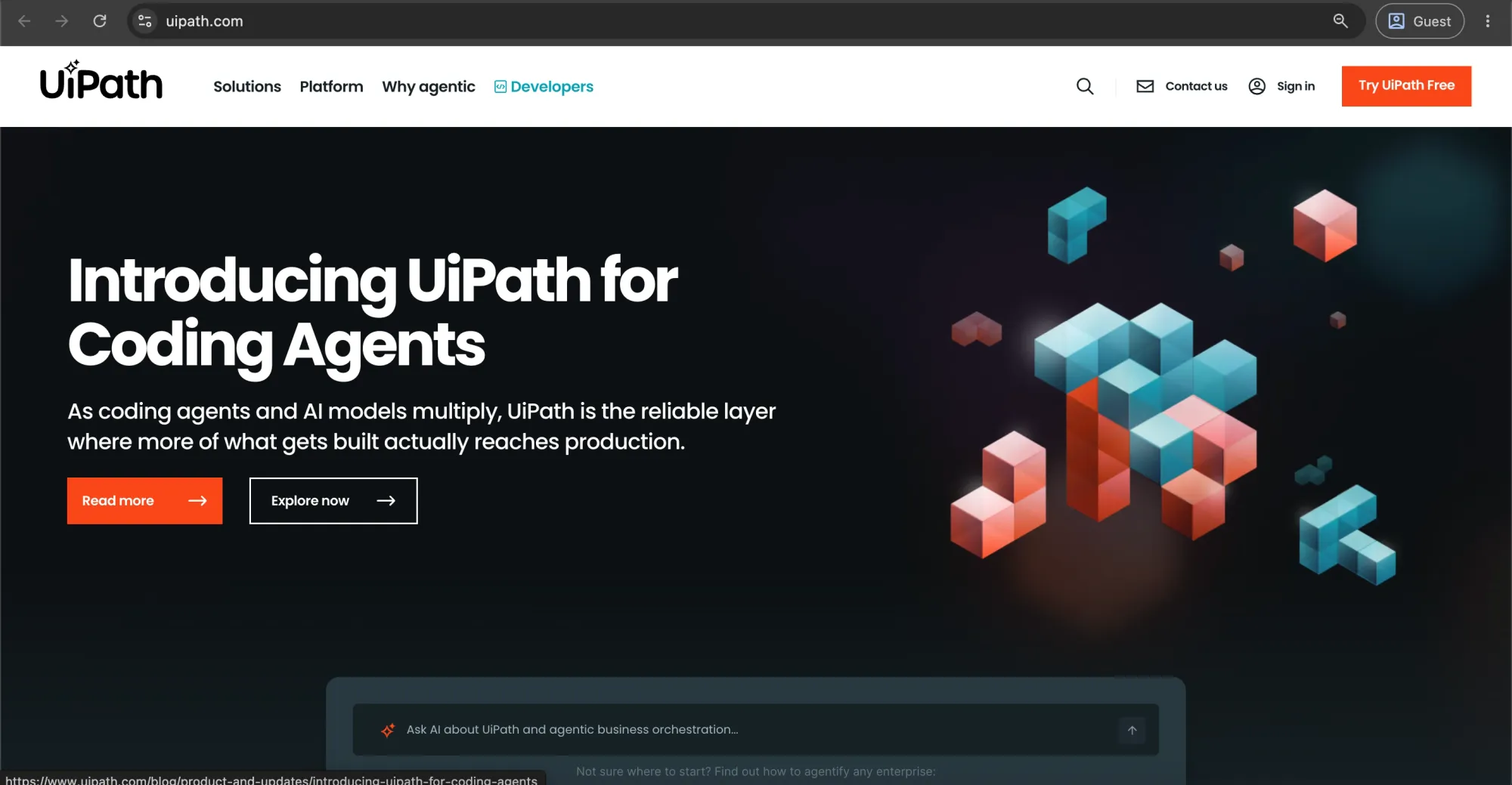
UiPath is an enterprise Robotic Process Automation (RPA) and agentic automation platform rather than traditional purchase order software. Its procure-to-pay solution uses AI agents and automation to connect ERP, CRM, and finance systems, helping organizations streamline purchasing, accounts payable, and invoice processing by reducing manual work, delays, and exceptions across disconnected workflows.
Customer ratings:
- Capterra — 4.6 out of 5 points based on 722 user reviews
- G2 — 4.6 out of 5 points based on 7,768 user reviews
Advantages:
- Automates end-to-end purchase order processes across disconnected systems (ERP, email, legacy apps) without requiring system replacement.
- Strong procure-to-pay capabilities, with proven impact at scale (e.g., large reductions in errors, faster processing, and cost savings).
- A developer-friendly platform with wide adoption, making skilled talent relatively easy to find.
- Free Community Edition enables prototyping and small-scale automation at no cost.
- Low-code/no-code tools (Automation Express) allow simpler workflows to be built by business users.
Shortcomings:
- Complex, sales-driven pricing model with limited transparency.
- High cost, making ROI most viable at enterprise scale rather than small or mid-sized use cases.
- Can be resource-heavy and occasionally slow in development environments.
- Requires building procurement workflows rather than offering ready-made PO functionality.
| Pros | Cons |
|---|---|
| ✅ Automates PO workflows across ERP/email/legacy systems | ❌ Complex, sales-led pricing |
| ✅ Strong procure-to-pay at enterprise scale | ❌ High cost (best for large enterprises) |
| ✅ Developer-friendly, large talent pool | ❌ Can be resource-heavy/slow in dev |
| ✅ Free Community Edition for prototyping | ❌ Requires building workflows (not out-of-the-box POs) |
| ✅ Low-code/no-code automation tools |
Pricing:
UiPath offers a free Community Edition for learning and small use. Paid plans are usage- and component-based, typically starting around $135 per robot/month for Pro tiers, while enterprise and unattended automation licenses are custom-priced and can range significantly higher depending on scale and deployment model.
Customer reviews (original spelling):
- Manish S. — Capterra — “My experience with UiPath was positive. I used it to automate invoice processing, extracting data, validating it and posting to an ERP. It reduced manual effort significantly, though it required careful handling during error scenarios.”
- VP p. — G2 — “I like UiPath Agentic Automation for its ability to combine AI agents, robots, and human decision-making to automate complex business processes. AI agents can understand and analyze data, robots can execute repetitive tasks quickly, and humans can handle exceptions and make critical decisions.”
The author’s note:
Unlike the other tools on this list, UiPath isn't a procurement application at all — it's an RPA platform that can be pointed at procurement tasks: reading invoices, keying POs into an ERP, and reconciling line items between systems. If you want a system your team logs into to create requisitions and track approvals, it doesn't provide the needed functionality. It may feel more like infrastructure that automates the edges of your procurement process than something that replaces the process itself.
Coupa
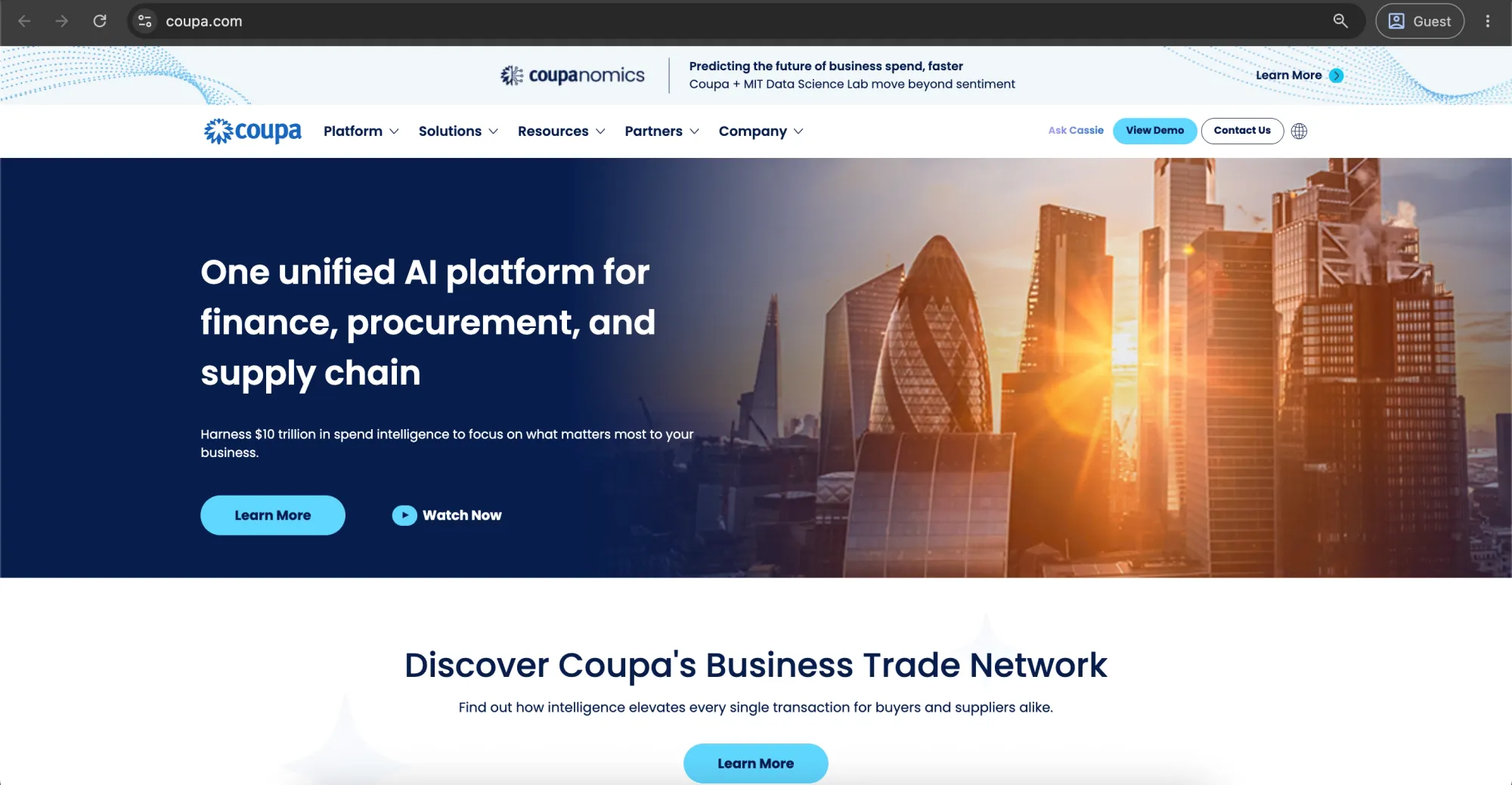
Coupa is an enterprise procurement platform for large organizations, offering end-to-end capabilities across procurement, supplier management, sourcing, expenses, and analytics, with AI-driven insights to manage complex, high-volume global purchasing environments.
Customer ratings:
- Capterra — 4.0 out of 5 points based on 128 user reviews
- G2 — 4.2 out of 5 points based on 569 user reviews
Advantages:
- Built for high-volume enterprise procurement (hundreds of thousands of POs annually).
- Strong end-to-end procurement flow with approvals and finance tracking.
- Deep ERP integrations (e.g., NetSuite) with reliable connectivity.
- User-friendly PO creation and automation for procurement and expense workflows.
- Strong reporting and audit trails with detailed oversight and visibility.
Shortcomings:
- Mixed usability feedback; some users find the UI complex and unintuitive.
- Difficulty tracking approvals and locating submitted requests.
- Painful initial setup despite smoother ongoing usage.
- The supplier portal can be difficult for vendors, creating adoption friction.
- Support limitations, including weak escalation paths and limited phone support.
| Pros | Cons |
|---|---|
| ✅ Built for high-volume enterprise procurement | ❌ UI can feel complex/unintuitive |
| ✅ Strong end-to-end PO & approval workflows | ❌ Hard to track approvals/requests |
| ✅ Deep ERP integrations (e.g., NetSuite) | ❌ Painful initial setup |
| ✅ Good automation for procurement & expenses | ❌ Supplier portal adoption issues |
| ✅ Strong reporting & audit visibility | ❌ Limited support escalation/phone support |
Pricing:
Coupa uses a subscription-based, quote-driven pricing model (often starting around $149/user/month), with final costs depending on modules, users, and customization, and is best suited for large enterprises given its complexity, long implementation cycles, and higher total cost compared to mid-market procurement alternatives.
Customer reviews (original spelling):
- Rajneet K. — Capterra — “I had a really good experience using Coupa as an accounts payable executive. I enjoyed totally. The way it integrates with everything even with AI”
- Felipe Z. — G2 — “I like the simple and intuitive management of purchase orders in Coupa and its history for performing specific searches. The integration with Slack and email for notifications is a great help to stay on top of updates. I also found that the initial setup was very simple.”
The author’s note:
Coupa is the enterprise benchmark for Business Spend Management, covering sourcing, procurement, invoicing, and vendor oversight under one roof. If you're a smaller or mid-market team looking for something quick to implement and light to maintain, Coupa doesn't provide the needed simplicity — the depth comes with real implementation time and cost. It may feel more like a long-term platform investment than a tool you stand up in a few weeks.
Spendwise
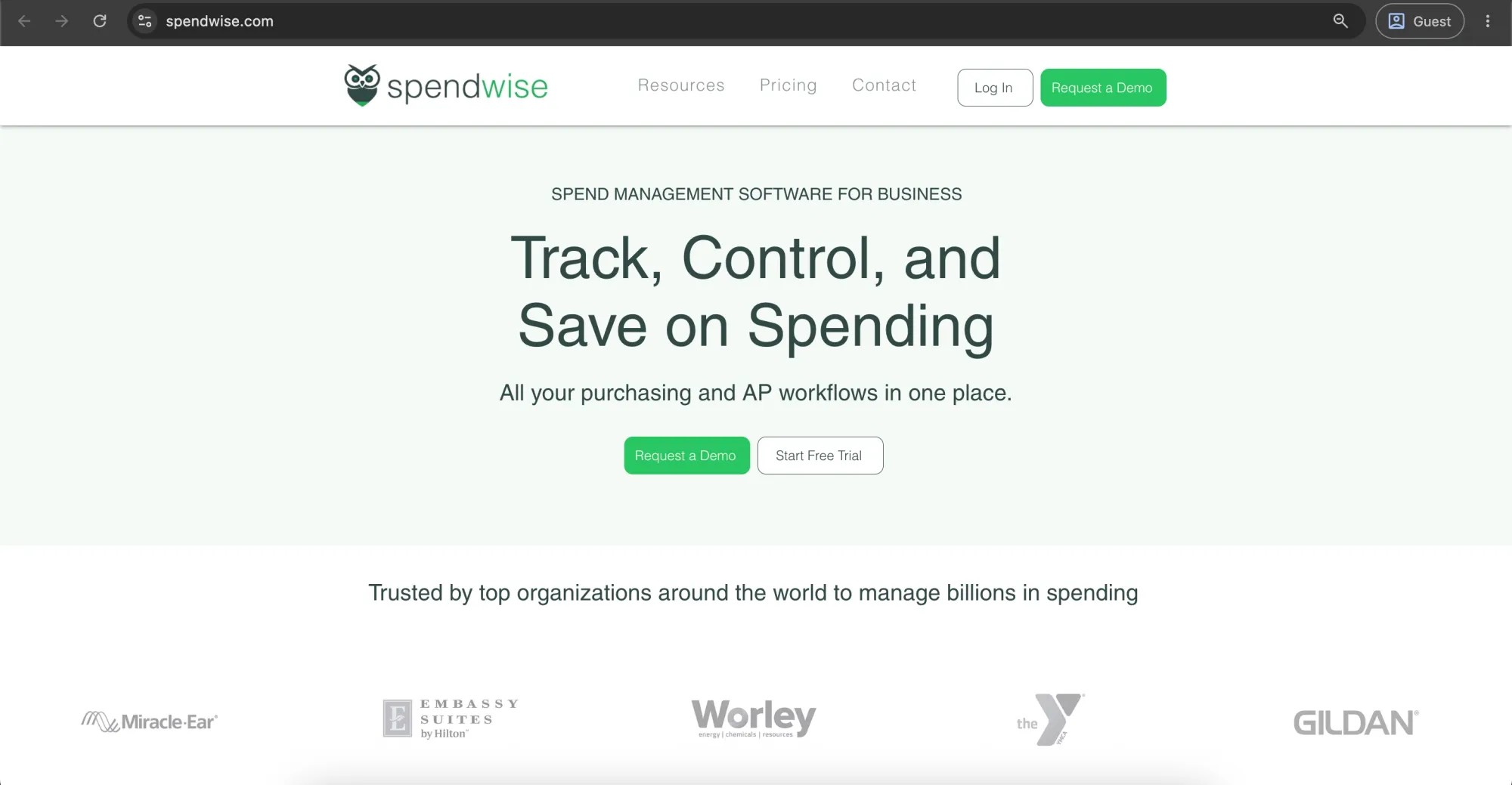
Spendwise is a lightweight purchase order platform designed for small businesses transitioning away from manual purchasing processes. It simplifies PO creation, approval routing, and basic budget tracking without unnecessary complexity. For organizations looking to replace spreadsheets with a straightforward system to manage and track purchase orders more reliably, Spendwise offers an easy-to-use solution.
Customer ratings:
- Capterra — 4.6 out of 5 points based on 236 user reviews
- G2 — 4.7 out of 5 points based on 69 user reviews
Advantages:
- Simple, easy-to-use purchase order platform for small teams.
- Supports core workflows like PO creation, approvals, and invoicing.
- Includes basic reporting and budget tracking.
- Affordable entry-level pricing.
Shortcomings:
- Limited scalability for growing or high-volume organizations.
- Not designed for multi-entity reporting or advanced policy controls.
- Advanced workflows and analytics not included in basic plans.
- Key features like inventory and ERP integrations may require add-ons (extra cost).
| Pros | Cons |
|---|---|
| ✅ Simple, easy PO tool for small teams | ❌ Limited scalability |
| ✅ Core PO, approval & invoicing workflows | ❌ Weak multi-entity support |
| ✅ Basic reporting & budget tracking | ❌ Limited advanced workflows/analytics |
| ✅ Affordable entry pricing | ❌ Key features often require paid add-ons |
Pricing:
Spendwise offers a Basic plan ($9/user/month) for up to 5 users with limited transactions, a Pro plan ($19/user/month) with full features and unlimited transactions (5–50 users), and custom enterprise pricing for larger teams, with costs varying by users, customization, and integrations.
Customer reviews (original spelling):
- William B. — Capterra — “I use Spendwise specifically for the purchasing functionality. What works best of us is the cloud based application allows us to have our team in multiple remote locations yet get POs requested, approved, and sent to vendors quickly which helps us stay on schedule with every project we are managing. Our experience with Spendwise has been great and I can recommend it without hesitation.”
- Verified User in Broadcast Media — G2 — “Spendwise is extremely user friendly and easy to use. It has completely streamlined the purchasing process of our company and eliminated unnecessary communication and hassle. Also, our rep, Ryan Belcher is extremely helpful and communicative. I feel that he always goes above and beyond when answering my questions.”
The author’s note:
Spendwise is best suited for small businesses seeking a simple, cost-effective purchase order system to replace manual or spreadsheet-based processes, but it is not intended for complex enterprise procurement needs, as it has limited scalability, advanced workflow and reporting capabilities, and may require paid add-ons for integrations and additional functionality.
Netfira
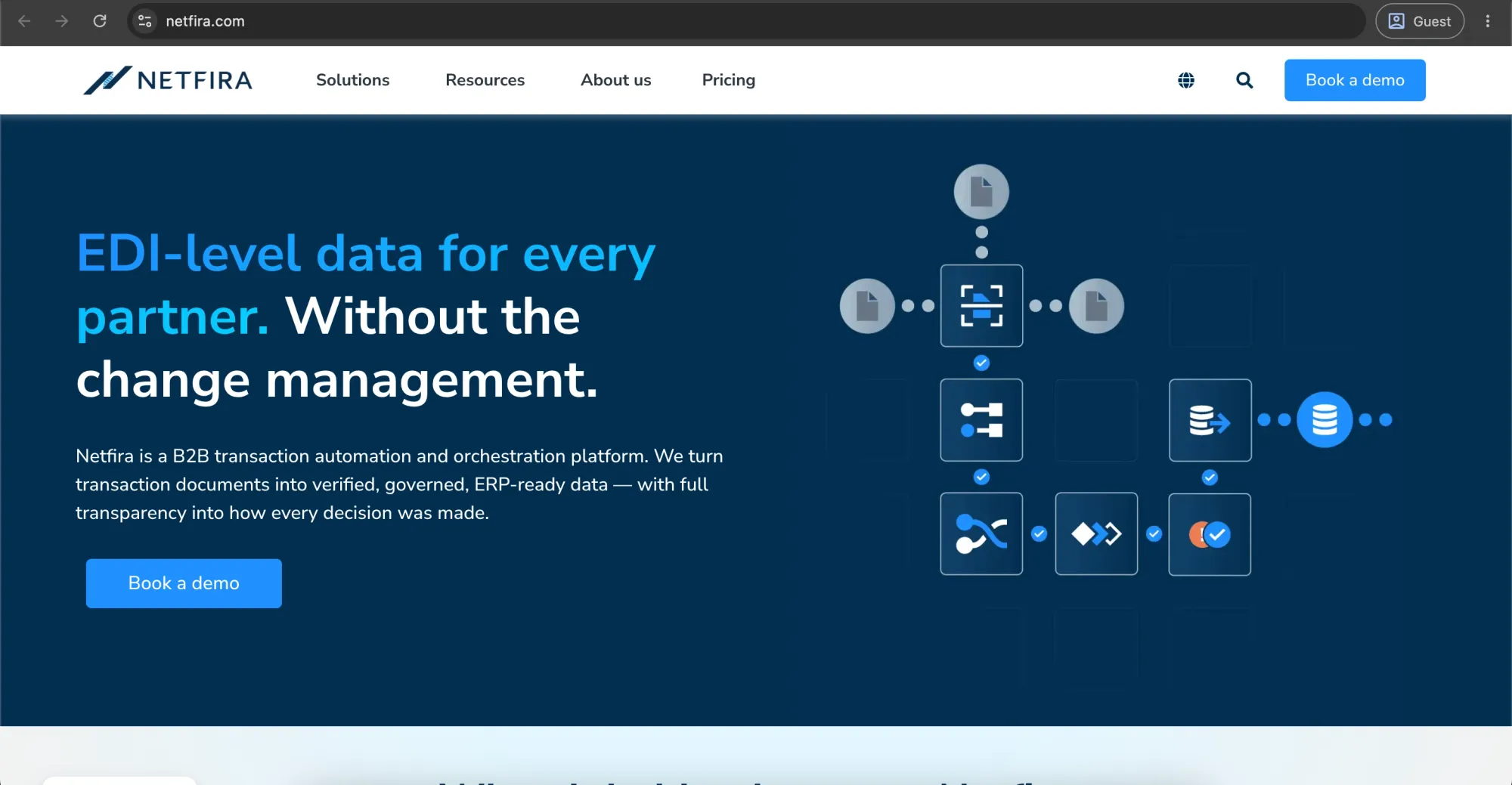
Netfira is a B2B transaction automation and intelligent document processing (IDP) platform that extracts, validates, and converts documents like invoices, purchase orders, and shipping notices into ERP-ready data, helping automate procurement and sales workflows and reduce manual processing.
Customer ratings:
G2 — 3.5 out of 5 points based on 1 user review
Advantages:
- Highly flexible, usage-based subscription model tailored to specific business needs.
- Strong customization options for procurement and supply chain workflows.
- Scales well by allowing organizations to activate only required modules.
- Suitable for companies with unique or evolving procurement requirements.
Shortcomings:
- No transparent public pricing, making cost evaluation difficult upfront.
- Requires sales consultation, which slows down comparison with alternatives.
- Limited clarity on bundled features until detailed scoping is done.
- Total cost can vary significantly depending on configuration and usage.
| Pros | Cons |
|---|---|
| ✅ Flexible, usage-based pricing | ❌ No public pricing |
| ✅ Strong workflow customization | ❌ Sales-led buying process |
| ✅ Modular, scalable setup | ❌ Limited upfront feature clarity |
| ✅ Fits evolving procurement needs | ❌ Cost varies significantly |
Pricing:
Netfira does not offer fixed-rate or publicly listed pricing plans; it still uses flexible, custom pricing based on your needs.
Customer review (original spelling):
Bunty C. — G2 — “Adaptable to specific business needs and existing workflow, also works well with the business software like ERP and CRM platforms.”
The author’s note:
Netfira is best suited for organizations that prioritize flexibility, customization, and tailored procurement workflows over standardized, off-the-shelf pricing. However, its lack of pricing transparency and upfront detail can make early-stage evaluation and vendor comparison more complex.
Yooz
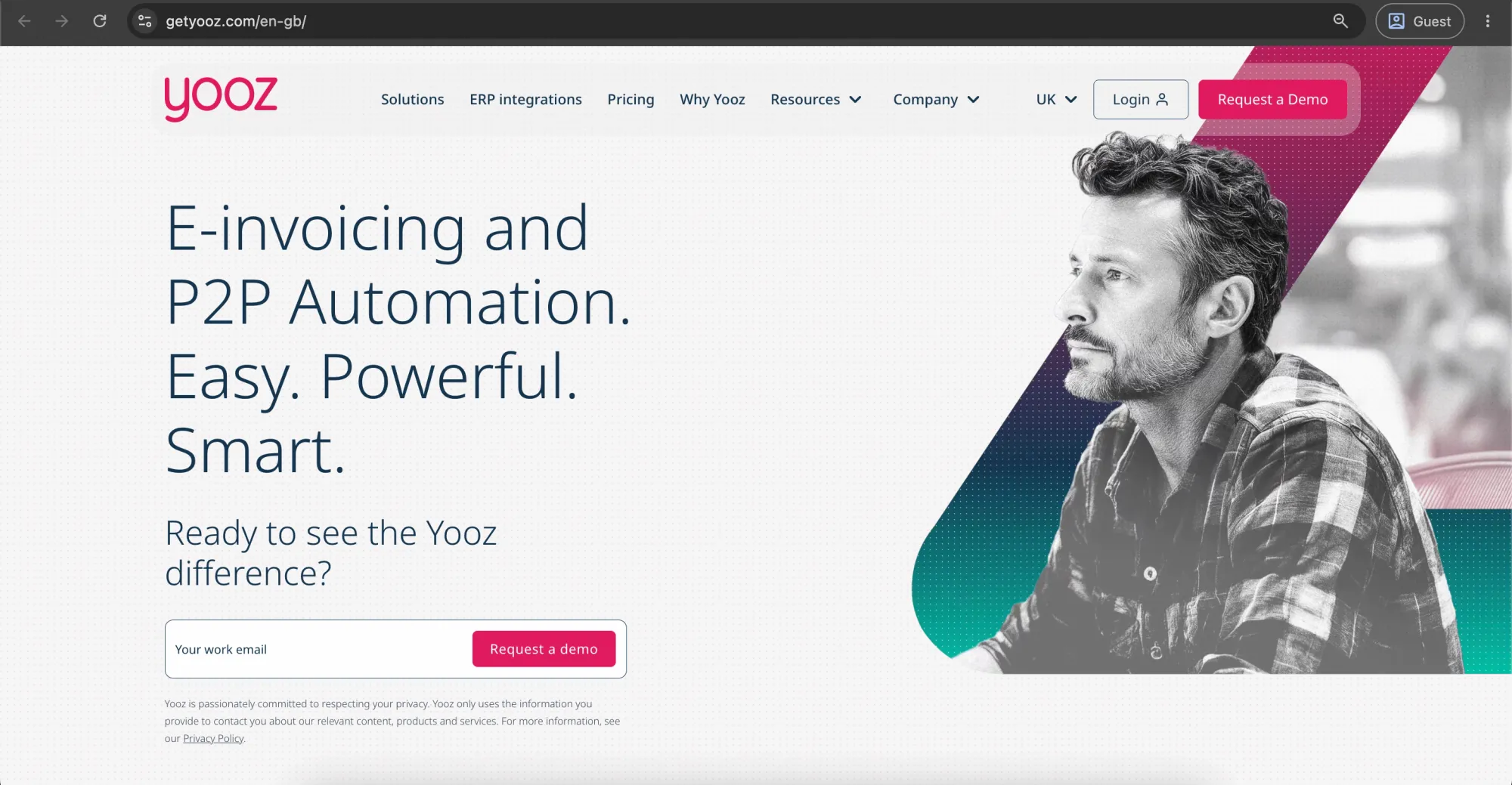
Yooz is a cloud-based purchase-to-pay (P2P) and accounts payable automation platform that uses AI-driven document capture to manage the full procurement cycle — from purchase requests and approvals to purchase orders, invoices, and credit notes — supporting multiple input channels and formats, automated approval system, PO matching, and budget tracking for organizations ranging from small businesses to mid-market and enterprise.
Customer ratings:
- Capterra — 4.2 out of 5 points based on 222 user reviews
- G2 — 4.4 out of 5 points based on 350 user reviews
Advantages:
- Intuitive, easy-to-use interface for invoice and PO processing.
- Strong OCR automation across multiple upload channels.
- Saves time with automated capture, routing, and data entry.
- Good ERP/accounting integrations with strong audit trails and dashboards.
- Flexible purchase approval process and strong PO matching (2-way/3-way).
- Positive customer support experience.
Shortcomings:
- OCR accuracy can drop on complex, multi-line invoices requiring manual review.
- Onboarding/setup can be complex and slow in some regions.
- UI changes have made some workflows less efficient for users.
- Higher-tier pricing can be expensive for SMBs and mid-market firms.
- Limited spend visibility without manual reporting in some cases.
| Pros | Cons |
|---|---|
| ✅ Easy-to-use invoice & PO processing | ❌ OCR errors on complex invoices |
| ✅ Strong OCR automation (multi-channel) | ❌ Slow and complex onboarding in some cases |
| ✅ Saves time via auto capture & routing | ❌ UI changes can disrupt workflows |
| ✅ Good ERP integrations + audit trails | ❌ Higher tiers can be expensive |
| ✅ Flexible approvals + 2/3-way matching | ❌ Limited spend visibility in some setups |
| ✅ Good customer support |
Pricing:
Yooz uses tiered subscription pricing based on document volume, includes unlimited users, and is billed monthly or annually, with costs increasing at higher usage tiers.
Customer reviews (original spelling):
- Kevin R. — Capterra — “Positive, I have found it an easier process to approve invoice s for payment. I like that if there are queries on the invoice they can be sent back to be looked at and the feature to put on hold whilst investigating queries is good too.”
- Rahul T. — G2 — “What I like best about Yooz is how it automates invoice processing and approvals, which saves a lot of manual work and reduces errors. The interface is simple, and it integrates smoothly with accounting systems.”
The author’s note:
Yooz leans heavily into AP automation, using AI-driven capture to process invoices and match them against POs with minimal manual touch. If you're after strong upstream procurement features — requisitioning, sourcing, vendor evaluation — it doesn't provide the needed functionality at the same depth. It may feel more like an invoice and AP automation tool with PO matching attached than a full procurement platform.
Kissflow Procurement
Kissflow Procurement Cloud is a comprehensive, low-code/no-code e-procurement platform that automates and manages the entire source-to-pay lifecycle, the process from supplier selection through payment. It unites purchase requisitions, vendor management, purchase orders, and invoice automation into a single, highly customizable workflow.
Customer ratings:
- Capterra — 4.2 out of 5 points based on 88 user reviews
- G2 — 4.3 out of 5 points based on 591 user reviews
Advantages:
- Covers the full PO lifecycle — request, approval, generation, matching — in one module.
- No-code workflow customization without needing developer support.
- Built-in vendor management and RFQ tools beyond just PO creation.
- Budget tracking and automated three-way matching reduce manual reconciliation.
- Faster implementation and lower overhead than enterprise procurement suites.
Shortcomings:
- Sourcing and supplier risk management features are less developed than enterprise-grade platforms.
- Smaller integration ecosystem compared to major ERPs (SAP, Oracle).
- Catalog and punch-out capabilities are more basic than dedicated e-procurement tools.
- Reporting and spend analytics may feel limited for large, multi-entity organizations.
- Customization flexibility, while a strength, can require setup time to get workflows right.
| Pros | Cons |
|---|---|
| ✅ Full PO lifecycle in one tool | ❌ Weak supplier risk & sourcing tools |
| ✅ No-code workflows | ❌ Limited ERP integrations |
| ✅ Built-in vendor & RFQ management | ❌ Basic catalog/punch-out features |
| ✅ Has budgeting + 3-way matching capabilities | ❌ Limited analytics for large orgs |
| ✅ Fast, lightweight implementation | ❌ Setup needed for customization |
Pricing:
Kissflow offers a Basic plan at $1,500/month for simple internal workflows, plus custom enterprise pricing with full platform access and external user support.
Customer reviews (original spelling):
- Babatunde O. — Capterra — “It is an easy to design, deploy and use Business Process Management with low code. We have been able to digitize most of our business process using kissflow and our approval process have been faster thereby reducing our cost of running business.”
- Cyril Audrey R. — G2 — “it enables us to automate the manual process of approval. Easy to use and if you encounter problem/errors you can contact their support online.”
The author’s note:
Kissflow provides requisition-to-PO automation, no-code approval routing, budget tracking, and built-in three-way matching with a lighter footprint than enterprise suites. It’s a solid full-lifecycle option for mid-market, but less suitable for enterprise-grade use cases.
Airbase by Paylocity
Airbase, now part of Paylocity Spend Management, is a unified spend management platform within Paylocity that combines payroll and non-payroll expense management, giving finance teams real-time visibility, stronger controls, and faster financial close processes.
Customer ratings:
Advantages:
- Known for ease of use and strong pre- and post-implementation customer support.
- Well-suited for SaaS companies (100–500 employees) managing vendor subscriptions.
- Strong accounts payable workflows for invoice approvals and bill processing.
- Built-in fraud prevention and payment controls, including tax, bank validation, and Office of Foreign Assets Control (OFAC) screening.
Shortcomings:
- No transparent pricing; requires custom quotes, making comparisons difficult.
- Some users report occasional technical issues and platform slowness.
- Procurement depth may evolve under Paylocity; the roadmap should be monitored.
- Not suited for large enterprises (5,000+ employees) with complex procurement needs.
- AP automation is seen as less specialized than dedicated AP solutions.
| Pros | Cons |
|---|---|
| ✅ Easy to use, quick setup | ❌ No public pricing, harder to decide on |
| ✅ Strong customer support | ❌ Occasional slowness and bugs |
| ✅ Good fit for mid-market SaaS (100–500 employees) | ❌ Limited enterprise scalability |
| ✅ Solid AP workflows | ❌ Procurement capabilities still evolving |
| ✅ Built-in fraud & compliance controls | ❌ Less advanced than dedicated AP tools |
Pricing:
No public pricing; quote-based and depends on selected modules.
Customer reviews (original spelling):
- Jenny B. — Capterra — “Outstanding product that makes life easy. Employees love it for tracking pay. Office loves the robust reporting capabilities.”
- Vyvyenne J. — G2 — “I find Paylocity generally very user-friendly and easy to learn. The customization is very similar to other systems I've used before, which is a positive for me. Coming from using ADP and other platforms, Paylocity is as easy as, if not easier than, any other I've used in my 30+ years of doing payroll.”
The author’s note:
Ties purchase requests to budget approvals, generates POs within that flow, and matches them against invoices for AP. Unified and finance-led. If you need vendor sourcing and evaluation as part of that process, it doesn't provide the needed functionality.
Here’s a side-by-side comparison of all 14 best purchase order automation software:
| Tool | Best for | Starting price | ERP integration | Mid-market fit |
|---|---|---|---|---|
| SAP Ariba | Large enterprises, SAP-centric procurement, full source-to-pay | ~$50/user/month (quote-based, scales high for enterprise) | Excellent (best within SAP ecosystem) | Low |
| Zapro | Mid-market companies needing all-in-one procure-to-pay + O2C | $699/month | Good (QuickBooks, Xero, FreshBooks, Core Banking) | High |
| Zoho Purchase Order | Small businesses in the Zoho ecosystem need simple PO + inventory | ~$50/user/month (Zoho One) | Strong within Zoho ecosystem, limited outside | Medium |
| Precoro | Mid-market teams needing modern PO automation + AI workflows | From $499/month | Strong (NetSuite, QuickBooks, Xero) | High |
| Fraxion | Mid-market orgs needing structured approvals & spend control | Undisclosed | Strong (NetSuite, Sage, QuickBooks) | High |
| Pipefy | Teams needing a no-code workflow-based procurement | ~$33/user/month | API-based, flexible integrations | High |
| FlowForma | Microsoft-based enterprises needing workflow automation | ~$2,347/month | Excellent (Microsoft 365/SharePoint) | Medium |
| UiPath | Enterprises automating procurement across systems (RPA layer) | ~$135/robot/month (enterprise higher) | Very strong (ERP-agnostic automation layer) | Medium (enterprise-heavy) |
| Coupa | Large enterprises needing a full spend management suite | ~$149/user/month (quote-based) | Excellent (NetSuite, SAP, Oracle, etc.) | Low–Medium |
| Spendwise | Small businesses replacing spreadsheets with simple PO tools | $9/user/month | Basic integrations | High (small business only) |
| Netfira | Enterprises needing flexible document automation + custom workflows | Quote-based | Strong, but depends on the setup | Medium |
| Yooz | SMB–mid-market AP + PO automation with OCR | Quote-based (volume-based) | Strong (ERP/accounting integrations) | High |
| Kissflow Procurement | Mid-market needing full no-code procure-to-pay workflows | ~$1,500/month | Good (API + ERP integrations) | High |
| Airbase (Paylocity) | SaaS & mid-market finance teams needing spend control + AP | Quote-based | Strong (ERP + accounting systems) | High |
How to implement purchase order automation
Step 1: Assess and map current processes
Map your existing procurement workflow from requisition to payment. Identify systems, approval steps, and bottlenecks to establish a baseline for time, cost, and inefficiency.
Step 2: Define goals and build the business case
Set clear targets (e.g., faster approval times, lower cost per PO, improved compliance). Use current process data to justify the investment and secure leadership buy-in.
Step 3: Select the right software
Choose a solution based on fit with your procurement needs, including ERP integration, workflow flexibility, reporting capabilities, and scalability.
Step 4: Configure, integrate, and test
Set up workflows, approval rules, and system integrations. Run a pilot in one department to validate performance before scaling across the organization.
Step 5: Train and roll out
Train users on new workflows and expand gradually across teams. Use internal champions to support adoption and ensure consistent usage.
What mistakes do companies regret after selecting purchase order automation software?
Companies often regret their choice of automated purchase order system when they digitize inefficient processes instead of improving them first, underestimate technical and implementation costs, or discover that the system doesn’t integrate well with their existing ERP. These issues can quickly lead to messy exceptions, supplier friction, and poor adoption.
Most post-implementation regrets tend to fall into a few key categories:
1. Automating broken workflows
Many organizations digitize existing procurement workflows without improving them first. As a result, inefficiencies like redundant approvals and unclear line-item rules get automated and accelerated. While standard POs may work, edge cases often fail, forcing teams to rely on both the new system and manual workarounds.
2. Integration and technical limitations
A common issue is choosing tools that don’t integrate cleanly with existing ERP or accounting systems, leading to data silos and manual reconciliation work. Some solutions also rely heavily on rigid OCR or RPA templates, so even small variations in invoice or PO formatting can cause failures.
3. Hidden costs and operational complexity
Many organizations overbuy complex procurement platforms they don’t fully need, making them harder for employees to use. Total cost often also exceeds expectations once implementation, maintenance, and per-user licensing fees are included.
4. Weak change management and adoption
When implementation is treated as an IT rollout instead of an organizational change, employees often revert to spreadsheets and email. Suppliers are also commonly overlooked, and without proper onboarding, they continue sending unstructured documents that undermine the system.
To avoid these issues, companies should standardize and simplify procurement rules, involve finance and operations early, and thoroughly test integrations before full deployment.
Why did some companies overbuy enterprise procurement platforms?
Many organizations overbuy because they chase “future scalability” or assume enterprise features will make them look more professional. They select platforms with advanced capabilities they never use, paying for modules, users, or integrations they don’t need. This often happens when buyers are influenced by flashy demos rather than real operational requirements.
In some cases, companies mistakenly believe that a bigger, more expensive platform is inherently safer or more reliable. They ignore the fact that mid-market or specialized PO automation tools can deliver the same core functionality with better usability and lower cost. The result is a bloated system that’s harder to manage, harder to train on, and harder to justify financially.
Which approval workflows became too rigid after implementation?
Many users report that after implementing PO automation software, some procurement workflows become too rigid and slow things down, such as multi-level approval chains, urgent or low-value purchases, exception handling cases, and cross-functional approvals that move too slowly when routed in sequence.
- Multi-level approval chains: Purchase requests that must pass through multiple layers of approval can stall when a key approver is unavailable, delaying procurement activities.
- Urgent and low-value purchases: Small or time-sensitive purchases are often forced through the same approval process as large strategic purchases, creating unnecessary delays and administrative effort.
- Exception handling: Situations such as partial deliveries, price changes, or supplier-specific terms may not fit standard workflows, forcing teams to manage them manually outside the system.
- Cross-functional approvals: Purchases requiring input from departments such as Finance, Legal, IT, or Security can be delayed when approvals are routed sequentially rather than reviewed in parallel.
To avoid these issues, modern procurement platforms increasingly use dynamic approval rules, automated escalations, and flexible exception management to maintain compliance while keeping purchasing processes efficient.
What hidden ERP integration problems appeared later?
There are four hidden ERP integration problems you may encounter after launch:
- Data format mismatches — vendor IDs, GL codes, and item categories don't line up between the procurement tool and the ERP, forcing manual reconciliation.
- "Native integration" that actually depends on middleware, adding a layer that breaks during ERP updates.
- Insufficient end-to-end testing before go-live, so you can find pricing errors and GL mismatches not during testing, but in production.
- Ongoing maintenance: ERP patches and upgrades change APIs, and the integration needs proactive upkeep that wasn't budgeted.
Why did some teams return to spreadsheets despite automation?
Teams often revert to spreadsheets when procurement systems are difficult to use or don’t fit the way they work. Common reasons include:
- Inflexible workflows: Procurement software may not accommodate unique purchasing requirements, supplier arrangements, or approval processes, making spreadsheets a more practical option.
- Faster analysis and reporting: Teams can quickly build calculations, compare suppliers, and create ad hoc reports in spreadsheets without relying on system administrators or predefined reports.
- Poor system integration: When procurement platforms don’t connect well with finance, ERP, or inventory systems, users are forced to enter the same data multiple times and maintain parallel tracking in spreadsheets.
- Low user adoption: If the system adds extra steps or feels slower than existing processes, employees often return to familiar spreadsheet-based workflows to get work done more efficiently.
- Limited visibility and usability: When users struggle to find information or generate insights within the system, spreadsheets become the preferred tool for managing and analyzing procurement data.
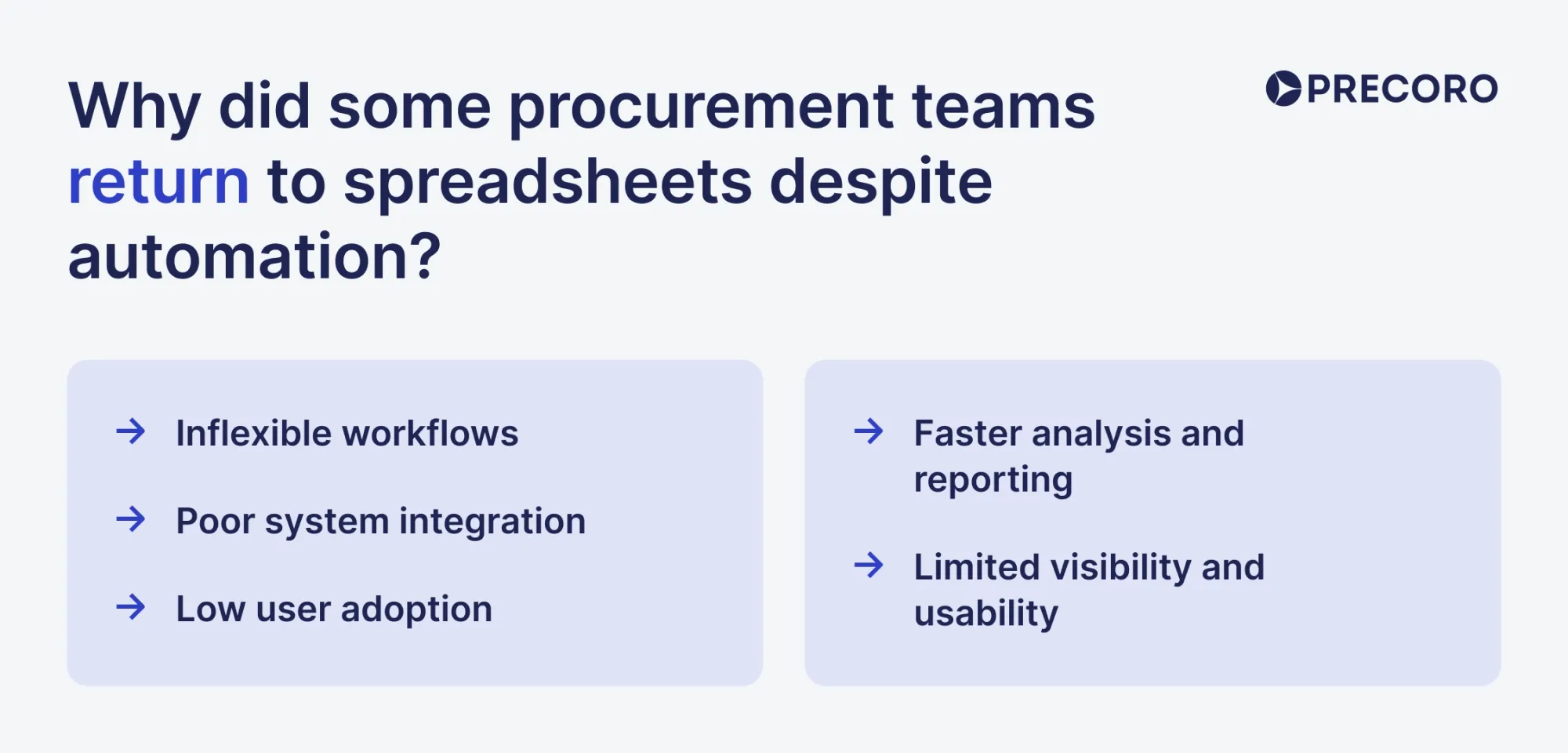
How do usability and change management impact adoption?
Usability makes the tool simple and intuitive for users, while change management determines why team members should switch to the tool. With adequate usability, users can complete tasks without friction, reducing learning time, avoiding workarounds like spreadsheets, and helping people become productive quickly. Change management focuses on the human side by explaining why the change is happening, providing training and support, and using internal champions to build trust and reduce resistance. Together, they ensure the software becomes part of daily work instead of just another unused system.
How can purchase order management software improve usability for procurement teams?
Four factors make the largest difference in daily use:
- A single entry point for requests, approvals, and order tracking, rather than separate tools for each step.
- Mobile approval, so approvers can act on requests while away from their workstation.
- Guided or catalog-based purchasing that validates against policy before submission, so requests are not rejected after the fact for policy violations.
- Role-based views, so a department manager sees only the information relevant to their approvals, rather than the full administrative configuration interface.
What training, documentation, and support will vendors provide?
PO automation vendors typically support successful adoption through training, documentation, and ongoing customer support.
- Training: Role-based training for requesters, approvers, procurement, and finance teams, along with onboarding support to configure workflows, approval processes, and system settings. Training is usually delivered through webinars, video tutorials, and workshops.
- Documentation: Access to knowledge bases, user guides, troubleshooting resources, and integration documentation that help users navigate the system and maintain connections with ERP or accounting platforms.
- Support: Technical assistance through help desks, chat, email, or phone support, often backed by service-level commitments. Many vendors also provide dedicated customer success resources to help organizations improve adoption, optimize processes, and maximize value from the platform.
- Supplier enablement: Resources and self-service guides that help suppliers receive purchase orders, confirm orders, and submit invoices through supplier portals.
How can I measure and encourage user adoption after implementation?
Track three figures from week one: the percentage of purchases routed through the system versus off-system (email, verbal, informal), active users by department, and the rejection or exception rate on requisitions.
A 30-60-90 day rollout plan tends to outperform a single training session: basic transactions in the first 30 days, exception handling in days 31-60, and advanced features after that. In parallel, assign one internal champion per department — a point of contact for day-to-day questions that do not require escalation to IT.
What warning signs should buyers watch for during procurement software demos?
During procurement software demos, watch out if vendors only show a perfect “happy path” and avoid real cases with errors or problems they’ve successfully dealt with — they’re hiding gaps. If pricing is vague, assume hidden costs. If “everything is customizable,” expect a heavily paid setup. If they can’t clearly explain approvals, reporting, audit trails, or integrations, it’s not ready. And if onboarding or training details are unclear or outsourced with no ownership, expect problems after signing. Here’s a detailed overview of red flags:
“Everything is customizable”
Customization is a spectrum. Some tools let your team change approval rules or forms easily, without coding. Others force you to hire their consultants and pay for every small change. You only feel the difference and the price of customization when it hits your cost and when you need to react fast to your business's changes.
So if a vendor keeps saying “it can be customized,” don’t accept that as an answer. Ask: who is responsible for customizations — your teams, or their consultants?, how long does it take?, and how much does it cost each time?.
Note!
Ask the vendor to demonstrate a live configuration change. If the demo requires a technical consultant to perform what should be a routine adjustment, that's your answer about what "customizable" actually means in practice.
No live reporting examples
Static screenshots can hide loading times, data latency, and the actual depth of available filters. If vendors can’t demonstrate scenarios live, you're buying the promise of reporting capability.
Note!
The reporting questions that matter most in practice are:
- How do I see real-time spend by department against budget?
- How do I identify purchase orders that are open but undelivered?
- How far back does the transaction history go, and can I export it in formats my ERP or BI tool accepts?
Unclear approval escalation logic
You need a real plan for approval escalation, in case someone doesn’t approve a PO on time, so the system has to decide what happens next, instead of everything just stopping.
Ask the vendor to walk you through a real case: an approver is on vacation, and a time-sensitive PO still has to go through. If they can’t clearly show how that gets handled, the process will break in real life. Here are the questions to ask:
- Does the system send a reminder, and after how long?
- Who gets notified then?
- If they still don’t respond, does it automatically send it to someone else?
- How is the backup approver defined?
- Is escalation automatic, or does someone have to manually intervene?
Note!
If the vendor struggles to walk through that scenario clearly, or if the answer involves someone from procurement manually overriding the system, the escalation logic is either underdeveloped or underdocumented. Both create compliance exposure and operational delays.
Weak audit trails
The audit trail is what protects you during an internal review, an external audit, or a dispute with a supplier. Ask the vendor to show you a complete audit log for a single transaction — from requisition submission through PO issuance and invoice matching. Every action should have a timestamp and a user ID. Anything that requires manual intervention outside the system should be logged.
Note!
If the vendor's audit trail export requires someone to compile it manually, or if it covers only the approval step but not the full transaction lifecycle, that's a serious gap.
Integrations “coming soon.”
"Coming soon" is so common and has no contractual weight. If it appears on roadmaps, in sales decks, and in verbal assurances during demos — it should trigger immediate follow-up. Especially, if the integration with your ERP, your accounting system, or your supplier network is a requirement for day one operations.
Note!
Ask specifically:
- Is the integration currently in production with other customers?
- What is the contractual commitment if the integration isn't delivered by your target go-live date?
Vendors with confident, mature integrations will answer those questions directly. Those with "coming soon" integrations will hedge.
Implementation outsourced entirely to partners
Some vendors don’t implement their own software. They sell it, then hand everything over to a third-party consulting firm — setup, data migration, system connections, training, and go-live. That can work, but the risk shows up after launch.
When something breaks — approvals don’t work, invoices don’t sync, reports are wrong — you don’t have one clear person responsible for fixing it. You end up stuck between three groups: your team, the software vendor, and the implementation partner. And in practice, each one can shift blame to the other. The vendor says it’s an implementation issue, the partner says it’s a product issue, and your team is left waiting while the problem “solves”. Even small issues take longer to resolve because nobody fully owns the system end-to-end.
Note!
Ask the vendor what direct support they provide during implementation, whether their own engineers are available for escalations, and what the handoff looks like when the implementation engagement ends. If the vendor has no post-implementation support capacity of their own, factor the partner relationship into your risk assessment, not just your cost model.
Why do some employees resist adopting purchase order automation software?
Employees resist PO automation mainly because it changes procurement behavior from informal, flexible purchasing to structured, policy-driven spend management. This shift affects autonomy, speed, and visibility across the organization. With 80% of companies having digitalized procurement processes, as cited by researchers at Procurement Tactics, we need to identify the reasons for resistance to automation that you can expect.
Loss of spending autonomy
Before automation, many managers could buy what they needed with a quick email, a corporate card, or a direct call to a supplier. With PO automation, every purchase goes through approvals, approved vendors, and a defined workflow. For sure, it improves control and visibility, yet it can feel like a loss of speed, spending autonomy, and trust.
The best way to prove that is through experience. If employees can submit requests faster, find approved vendors more easily, track status without sending emails, and spend less time chasing approvals, resistance usually fades. People accept automation when it makes their work easier.
Fear of visibility
Automation increases transparency. Every purchase request is logged, tracked, and visible to managers or finance teams. Employees who previously operated under the radar may worry about scrutiny or being judged for their spending choices.
Approval accountability
With automated systems, approvals are clearly documented. Managers can no longer claim ignorance or avoid responsibility for questionable purchases. This accountability can make some leaders uncomfortable, especially if they prefer informal or discretionary decision-making.
Procurement vs department tensions
Departments often feel procurement slows them down with rules and compliance checks. Automation centralizes control under procurement, which can heighten tensions. Teams may perceive it as bureaucracy interfering with their operational needs.
Executive bypass behavior
Senior leaders sometimes bypass procurement to expedite purchases. Automation makes this harder, forcing executives to follow the same rules as everyone else. Resistance can arise when leaders feel their authority is being undermined by rigid systems.
How to compare vendors and products effectively?
To compare PO automation vendors effectively, use a structured evaluation matrix based on your current procurement workflow. Start by identifying key bottlenecks (manual entry, approval delays, poor visibility), then assess each vendor against consistent criteria like integration depth, automation capability, usability, and total cost.
1. Core automation capabilities
Focus on how much manual work the system actually removes:
- Data capture: Can it extract data from PDFs, emails, and non-standard formats?
- 3-way matching: Does it automatically match PO, invoice, and goods receipt (including exceptions like partial deliveries)?
- Approval workflows: Can it support multi-level, rule-based approvals with budget checks?
2. ERP and accounting integration
This determines whether the system works in real operations or sits beside them:
- Native integration with ERP systems (SAP, Oracle, NetSuite, Dynamics, etc.)
- Real-time sync of vendor master data, GL codes, and budgets
- API or native connectors (avoid manual or brittle integrations)
3. Supplier and user usability
Adoption depends on how easy it is for both internal teams and suppliers:
- Supplier access (portal, email-based interaction, or external tools)
- Ease of submitting invoices and confirming POs
- Flexibility for handling exceptions without breaking workflows
4. Cost and implementation reality
Look beyond license pricing:
- Total cost of ownership (licenses, setup, support, training)
- Implementation timeline and complexity
- Ongoing maintenance or transaction fees
- Security and compliance standards (SOC 2, GDPR, SOX if relevant)
5. Standardize the comparison
Before demos, build a scoring matrix so all vendors are evaluated consistently across the same criteria. Use independent reviews (e.g., G2, Capterra) only as supporting signals, not decision drivers.
What questions should I ask during vendor demos and RFP responses?
Ask vendors questions that require quantifiable data (e.g., response times, error rates) rather than open-ended capability questions. Focus your RFP and vendor demos on four core pillars: Implementation & Support, Security & Compliance, Pricing & Total Cost of Ownership (TCO), and Product Roadmap & References.
Key vendor due diligence questions for PO automation software:
1. Implementation, training, and support
- What is your typical deployment timeline for a company of our size, and what is the longest implementation you’ve handled?
- How many hours does it take for users to become fully productive?
- Do you provide a dedicated Customer Success Manager or shared support, and what are your SLA response times for critical issues?
- What level of internal effort is required from procurement, IT, and finance during rollout?
2. Security, compliance, and architecture
- Which compliance standards do you meet (e.g., SOC 2, ISO 27001, GDPR)?
- How is procurement data encrypted, stored, and isolated across customers?
- What is your incident response process in case of a breach, and can you provide recent audit or penetration testing documentation?
3. Pricing and total cost of ownership
- What is your pricing model, and how does it scale with usage or users?
- What is included in the base price versus additional paid components such as implementation, integrations, or APIs?
- Are there any hidden or variable costs, and what are your contract terms and renewal price policies?
4. Product roadmap and references
- Can you share customer references from similar organizations in size and industry?
- What key features are planned for the next 12–18 months, and how is customer feedback incorporated into your product roadmap?
How important are customer reviews, case studies, and industry references?
Customer reviews, case studies, and industry references are critical because they provide real-world proof of performance, reduce implementation risk, and validate that the software works for businesses like yours.
Should I run a proof of concept or pilot, and what should it include?
Yes, for any system that connects to the ERP or processes significant spend volume. Three elements make a pilot useful:
- Real data: actual supplier records, cost center codes, and approval hierarchies, not vendor-supplied demo data.
- A representative user group: including users likely to resist the system, not only early adopters, since early adopters are less likely to reveal genuine resistance.
- Defined success metrics: reduced cycle times, exception rate, and adoption rate, established before the pilot begins, so results can be evaluated against a baseline.
Run the pilot for 4–8 weeks. This will be enough time to see real purchasing behavior, not just early-stage usage when users are closely supervised because the system is new.
What are common implementation pitfalls, and how can they be avoided?
Purchase order automation often fails when it is treated as a simple IT rollout instead of a procurement and finance transformation.
Key pitfalls and how to avoid them:
1. Automating broken processes
Legacy workflows with redundant approvals or unclear purchasing rules get amplified in software instead of being improved.
Fix: Redesign and simplify procurement workflows before implementation.
2. Poor master data quality
Duplicate vendors, inconsistent naming, or incomplete catalogs lead to failed matching and reconciliation errors.
Fix: Clean and standardize supplier, item, and pricing data before migration.
3. Supplier onboarding challenges
Mandatory portals can create friction for smaller or less digital-ready vendors.
Fix: Support flexible intake methods (e.g., email ingestion) alongside structured workflows.
4. System integration gaps
Weak connectivity with ERP or accounting tools creates data silos and manual reconciliation.
Fix: Prioritize strong API-based integration with core finance systems like SAP, Oracle, or QuickBooks.
5. Low user adoption
Overly complex systems often drive users back to email and spreadsheets.
Fix: Use role-based training and departmental champions to drive adoption.
What are typical technical and organizational challenges during rollout?
During the PO automation rollout, typical challenges fall into two categories:
Technical challenges:
| Challenge | Description |
|---|---|
| Integration with legacy systems | Outdated ERP/accounting systems make data transfer difficult and slow. |
| Poor process documentation | Unclear workflow maps lead to poorly automated processes and redundancies. |
| Inaccurate testing | Outdated data inputs and faulty test scripts produce incorrect outputs. |
| Insufficient technical infrastructure | Weak technical foundation undermines automation performance. |
Organizational challenges:
| Challenge | Description |
|---|---|
| Employee resistance to change | Fear of job losses and anxiety about new routines slow adoption. |
| Lack of expertise/knowledge | Teams unfamiliar with automation tools delay or complicate implementation. |
| Poor change management | Underestimating the importance of communication and training. |
| Unclear responsibility division | No clear ownership of automation tasks and decisions. |
| High initial costs | Budget constraints limit tool experimentation for SMEs. |
How can scope creep and customization requests be managed?
Define scope boundaries before implementation begins, and document them. When a customization request arises during testing, which is common, evaluate it against three questions:
- Is this required for go-live, or can it be deferred to a later phase?
- What is the cost and timeline impact?
- Does it introduce technical debt that complicates future upgrades?
A phased rollout supports this in practice. If requisitions and approvals constitute phase one, and contract management or analytics constitute phase two, it becomes easier to classify a request as out of scope for the current phase than to evaluate each request individually as it arises.
What contingency plans should I prepare for post-launch issues?
Prepare these critical contingency plans before launch:
- System failures: Maintain a manual PO fallback process using paper or Excel templates for 2–4 weeks, and keep backup ERP access available.
- Data migration errors: Run parallel validation for 30 days and keep pre-automation data accessible for audit trails.
- Supplier integration breaks: Create an email and phone escalation list for suppliers, and set up a temporary manual acknowledgement workflow.
- Approval bottlenecks: Define backup approvers for each role and implement auto-escalation after 48 hours.
- Exception spikes: Reserve 2–3 human reviewers for the first 60 days and create an exception handling playbook.
- User resistance: Offer 1:1 training sessions, create quick-reference guides, and establish a help desk channel.
Test each contingency during your pilot phase before full rollout.
How will you measure success after implementation?
Measure success using baseline comparison and target achievement:
- Establish baseline first: Pull 30–90 days of pre-automation data to calculate averages for your core metrics.
- Set realistic 1-year targets: Aim for 20% cycle time reduction, 40–60% touchless rate, and <10% exception rate.
- Track continuously: Monitor metrics weekly for adoption, monthly for operational impact, quarterly for ROI.
- Validate financially: Calculate cost per PO reduction and buyer hours saved to justify investment.
Success = hitting your predefined targets while maintaining supplier satisfaction and compliance.
What KPIs should I track to evaluate purchase order automation success?
Key KPIs include time spent per purchase order, number of manual errors, approval cycle time, percentage of POs created outside the system (maverick spending), and invoice processing time. These metrics directly reflect whether automation is delivering efficiency and control.
How often should performance be reviewed and optimizations applied?
Performance should be reviewed monthly during the first 3-6 months after implementation, then quarterly once the system stabilizes. Optimizations are typically applied quarterly or when significant process changes occur. Many implementation plans use 30/60/90-day checkpoints to assess early performance.
What operational metrics improved most after purchase order automation?
Purchase order automation drastically reduces manual bottlenecks and financial leaks. Based on Precoro case studies, the operational metrics that improve most are approval cycle times (up to 3.5x faster), spend control (reaching up to 98%), and invoice processing efficiency (reducing processing time by up to 90%).
- 3x faster order processing: Moving away from a paper-based purchase approval process allows procurement teams to issue orders much faster. Global textile testing and certification institute TESTEX documented a 3-fold increase in order processing speed alongside a 100% acceleration in its internal approval workflows within the first month of implementation.
- Paying the invoice and checks has been reduced from days to seconds: Tracking down physical files or waiting for manual email sign-offs causes a substantial project delay. Capital City Public Charter School reported that matching invoices, confirming delivery receipts, and locating correct purchase orders used to take anywhere from hours to a full week; with automated workflows within Precoro, this process takes under 30 seconds.
- Month-end close cut to a few days: When transaction details and line-item costs sync automatically between procurement tools and systems like QuickBooks or NetSuite, accounting errors drop. FinTech startup Tymit used to spend two weeks completing its month-end close process; after implementing automated tracking and OCR invoice processing, the team completes month-ends in a couple of days.
When should I consider scaling or enhancing the system?
Consider scaling when:
- Volume increases: Processing 20–30% more POs than initially configured for
- Payback achieved: After reaching positive payback (typically 6–12 months)
- New complexity: Manual workarounds reappear for new supplier types or complex scenarios
- Adoption exceeds expectations: At 30/60/90-day implementation checkpoints, if usage is higher than planned
- ROI justification: When automation ROI calculations show a clear value for expansion
FAQ
Purchase order automation software is a tool for digital PO handling. With a PO automation solution, procurement teams can submit purchase requests online, route them automatically through approval steps, and create purchase orders once approved. The PO automation system tracks orders through delivery and matches the purchase order, delivery note, and invoice before payment is made. The goal is to reduce manual work, avoid errors, improve spending control, and give visibility into what the company is buying and from whom.
The pricing varies and depends on the company's size. Most software tools are based on a monthly fee per person and cost anywhere from $33 (Pipefy) to $2,347 (FlowForma). More complex enterprise software requires individual pricing with a quote.
Yes, many purchase order software like Precoro, SAP Ariba, and Coupa integrate with QuickBooks Online and QuickBooks Desktop. Teams integrate them to sync supplier details, item lists, account codes, purchase orders, and bills directly into QuickBooks, so data doesn’t need to be entered twice.
Three-way matching is a verification step where the system compares the purchase order, delivery receipt, and supplier invoice against each other — confirming that quantities, prices, and terms align before a payment is approved.
Finance leaders focus on control, compliance, and financial accuracy. They want visibility into spend, strong approval controls, reliable audit trails, and better forecasting. Procurement teams focus on speed and usability. They care about how quickly purchase orders can be created, how easy the system is for employees, and how well it supports day-to-day purchasing workflows and supplier interactions.
Check that the software encrypts all financial and vendor data properly. Make sure access is controlled by roles, so only the right people can request, approve, or manage purchases, and that all actions are tracked. Review whether integrations with ERP systems are secure and limited in access. Ask for real security certifications like SOC 2 or ISO 27001. Find out where your data is stored and if it follows local data laws. Check how quickly the vendor reports security breaches and how they handle them. Finally, make sure it supports single sign-on so users log in through your company system.
Implementation time depends on complexity.
- Mid-market: 2–6 weeks (single ERP, clean data, minimal integrations)
- Enterprise: 6+ months (customization, multiple integrations, complex data)
Overall, the most common drivers of the timeline of implementation are: Number of integrations (more systems = more time) and the data quality (dirty vendor or master data requires cleanup first).
PO automation excels in routine tasks, such as approvals and data entry, but it cannot replace human judgment. It cannot negotiate contracts, manage supplier relationships, resolve internal conflicts, or make ethical and strategic trade-offs. It also struggles with supply chain disruptions and complex contract interpretation. In short, automation supports procurement routine tasks, but key decisions still require human touch.
Still comparing automated purchase order systems?
Book a Precoro demo to see how it can support your purchasing process from request to approved PO.