Best Spend Management Software: How to Choose a Business Spend Management Platform
Explore how spend management software works, what features to look for, and which platforms to consider.

As companies scale up, spend management can get chaotic. Those first few invoices and purchase requests that someone can easily reconcile become a growing volume dispersed across different departments, tools, spreadsheets, and approval workflows. Finance loses sight of how much money’s spent while budget approvals lag behind. Both lead to budget controls becoming purely reactive.
Spend management tools have control at the forefront of that process, not on its back end. Accounting systems tend to record what already happened, while spend management platforms are positioned higher in the workflow: enforcing policies, tracking budgets live, and standardizing the way people purchase — all before the money leaves the business to begin with.
In this document, we explain how spend management software operates, how it compares with accounting and ERP environments, which features to watch for, and how to choose the right platform for a specific organization.
Read on about:
What is spend management software?
Key features to look for in spend management tools
How to evaluate and shortlist spend management solutions
Best spend management platforms
What is Precoro, and how can it help?
How to assess cost and calculate ROI
How to implement spend management software successfully
Common pitfalls and risks to avoid
How to choose the right spend management software
FAQ
What is spend management software, and why does it matter?
Spend management software tools provide an all-in-one environment to control, track, and evaluate every single dollar that leaves the business. The spend management software category is very popular among finance teams who need visibility over total spending outside of simple bookkeeping and accounting processes.
What does "spend management" mean in practice?
In reality, spend management means pulling together all that’s currently residing in a disjointed manner across spreadsheets, email threads, Slack messages, and one-off approval tools. This includes:
- Supplier invoices
- Employee expenses
- Purchase orders (PO)
- Subscriptions
- Corporate card transactions
It affects practically every part of a business. Formally speaking, that’s what a system overseeing purchasing activity is supposed to do: look over the entire process that begins with the identification of a payment need and ends with payment and reconciliation.
How does spend management software differ from accounting or ERP systems?
Accounting and ERP systems are designed to capture transactions after they happen. Spend management software operates upstream, placing controls and capturing information at the time of spending. This is an important difference because it establishes whether your company is only reacting to overspending or strives to prevent it.
| System | Primary function | When it acts | Spend control |
|---|---|---|---|
| Accounting software | Bookkeeping, reporting, tax | Post-transaction | Minimal |
| ERP system | Broad business operations (finance, HR, inventory, procurement) | Post-transaction | Partial (via procurement modules) |
| Spend management platform | Purchasing control and spend visibility | Pre- and during transaction | Core function |
How does a spend management platform help control company-wide spending?
Instead of providing end-of-month results, a spend management platform enforces control at each step of the purchasing cycle. Since policy is part of the purchasing workflow — employees submit requests, managers approve within predefined thresholds, and exceptions are automatically identified — there is now a significant decrease in the back-and-forth that manual processes tend to create.
Key control mechanisms that spend management tools typically provide:
- Multi-level sign-off rules based on amount, category, or department.
- Pre-set budgets on corporate cards that cannot be exceeded.
- Live dashboards that show the remaining budget by team or cost center.
- Receipts, categories, and vendor eligibility validated at the point of submission.
Mechanisms like these help the finance teams obtain audit-ready records with accurate budget data before month-end, supporting quicker decision-making and significantly reducing the possibility of month-end surprises appearing too late to resolve effectively.
What business problems does spend management software solve?
You can usually trace most of those business issues back to the same fundamental problem: money moving before finance can see it. The inability to track real-time spend means that companies have no idea how much anything costs until after the invoice has landed or the statement is closed. At that point, a department has likely overspent its budget already, and there wasn’t any way to catch that beforehand.
The same gap creates an opportunity for policy non-compliance. If an order is never checked against an approved vendor list or acceptable spend categories at the point of purchase, then the policy itself might as well not exist at all. Without it, employees start making up rules on the fly. The lack of automated checking also tends to create opportunities for duplicate or fraudulent spend: nothing is flagged because nothing was pre-configured for flagging in the first place.
Then there’s the manual administrative work itself. Purchase requests and expense reports can live in email chains for days before someone notices them. Matching receipts with transactions manually takes many hours of work that could be easily replaced with an automated environment that’ll do it all in a moment. Both issues are derived from the same source, which is a process that relies on people remembering to do certain tasks instead of setting up software to do it for them.
Which teams and roles benefit most from spend management tools?
Spend management tools offer value throughout the entire business, but their impact is the most noticeable for the following roles:
| Role | Primary benefit |
|---|---|
| Finance managers | Real-time budget visibility and automated reconciliation |
| CFOs | Consolidated spend reporting and cost control across the organization |
| Procurement teams | Vendor management, PO tracking, and contract compliance |
| Department managers | Faster approvals and live budget tracking for their teams |
| Employees | Simpler expense submission and faster reimbursement |
| IT and legal | Subscription visibility and vendor contract oversight |
Which key features should you look for in spend management tools?
Not all spend management tools are equally equipped. Some only handle expense reporting, whereas others can handle a complete procure-to-pay cycle. The most important capabilities for your organization are going to depend heavily on its size, spend complexity, and current finance stack.
What core capabilities are essential (expense reporting, procurement, AP automation)?
Any valid modern-day spend management solution is built upon three core capabilities: expense reporting, procurement, and AP automation.
Expense reporting showcases the employee side of things, such as receipts submitted, travel costs recorded, reimbursements paid — all through an organized, policy-enforced workflow instead of random email strings.
Procurement management deals with the purchasing side, be it purchase requisitions, purchase orders, vendor selection, and approval routing, before money is committed.
Accounts payable automation closes this loop by handling supplier invoices, matching them against purchase orders, and routing payments. This way, manual data entry is removed from the spend process, helping AP departments avoid becoming the bottleneck of the entire workflow.
A spend management solution that covers all three of these provides finance teams with end-to-end visibility from purchase request through to final payment — separating genuine spend management tools from more narrow point solutions.
Which features separate basic spend management software from advanced spend management platforms?
The distinction between entry-level and comprehensive spend management software solutions is significant, and companies that fail to recognize this are frequently outgrowing their “new” solution within a year or two.
| Feature area | Basic software | Advanced platform |
|---|---|---|
| Expense reporting | Manual submission, basic approval | Automated receipt capture, OCR, policy enforcement |
| Procurement | Simple PO creation | Full requisition-to-PO workflows, vendor catalogs |
| AP automation | Invoice logging | 3-way matching, automated payment runs |
| Budget tracking | Static reports | Real-time dashboards by team, category, cost center |
| Integrations | Basic accounting sync | ERP, HR, banking, and custom API connections |
| Policy enforcement | Manual review | Rule-based automated flagging and blocking |
| Analytics | Export to spreadsheet | Built-in spend analytics and forecasting |
How do business spend management platforms support approvals, visibility, and policy control?
These three functions tend to be closely related in practice. What makes a spend management platform worthwhile is its ability to link these functions together in a single workflow instead of treating them as separate entities.
1. Approval workflows
Approval workflows make it possible for organizations to define who exactly must sign off on a purchase depending on its amount, category, vendor, or department. This approval chain is system-enforced instead of being coordinated manually, so requests can’t bypass the process (even when managers are not available) — they are queued or escalated automatically, but nothing else.
2. Spend visibility
Spend visibility is delivered using real-time dashboards that consolidate all the corporate cards, invoices, expense claims, and purchase orders into one holistic view. Finance teams can use it to track live budget spend of each cost center without the need to wait for a report to be generated.
3. Policy control
Policy control is the representation of how the spend management platform shifts from a reactive to a proactive stage. Rules are defined once and used on every subsequent transaction. As a result, all out-of-policy expenses are automatically flagged or blocked at the point of submission (instead of being flagged weeks later during reconciliation).
How important are real-time spend visibility and dashboards?
One of the most frequently provided benefits from implementing a spend management system is real-time spend visibility, replacing manual processing or basic accounting tools. Without it, departments manage spending based on figures that are already out of date (by days or even weeks), meaning that any breach identification is only going to happen after the fact.
Spend management systems that offer live dashboards allow finance and department managers to course-correct in the same budget period instead of simply reporting what went wrong once the issue already happened.
Does spend management software need built-in policy enforcement and approval workflows?
Built-in policy enforcement is invaluable for any organization that has more than a single person in charge of purchasing decisions, as it’s the only way to make spend management software functional instead of purely administrative.
Unless the policy is enforced automatically, it’s really nothing more than a suggestion. In that case, compliance depends entirely on whether each individual employee remembers their responsibilities every day.
Approval workflows resolve that issue by reviewing anything above a certain threshold before committing it; unauthorized spend can be caught at the point of purchase this way, instead of only doing so after the fact.
Should spend management software include vendor management and contract tracking?
Vendor management’s relevance depends entirely on the level of your existing procurement system. Any company can feel the absence of vendor management software almost immediately when it’s juggling dozens of suppliers at once, renegotiating contracts quarterly, operating under strict compliance requirements, or managing supplier relationships across multiple regions. This is where pricing becomes inconsistent across departments, and contract renewal dates get missed more and more as time goes on.
Instead of manifesting during the day-to-day business functioning, vendor management deficiencies can take weeks or even months to become apparent when someone discovers the company paying three different rates for the same service, or a contract that was automatically renewed on unfavorable terms, with none the wiser.
However, it’s not a deal-breaker for organizations with a smaller, more stable number of suppliers (even if it can still be a useful feature in itself). The most important thing to consider is whether your organization is currently losing value due to expired contracts, unapproved suppliers, or varied pricing. If so, vendor management capability should be given significant weight in your software evaluation.
How critical are integrations with ERP, accounting, HR, and banks?
Vendor demos aren’t where integration gaps usually end up being discovered — rather, they’re found three months into implementation once one of your team members realizes that the “supported” integration isn’t synchronizing a specific field your company needs. Before signing, make sure to request an in-depth integration map from the vendor to check it against your current stack, with a particular focus on:
- Accounting (QuickBooks, Xero, Sage): automatic transaction sync, reconciliation.
- ERP (SAP, Oracle, NetSuite): budget data, cost center mapping, alignment of financial reports.
- HR systems: onboarding, offboarding, and approval hierarchy updates when staff changes.
- Banking and card providers: real-time transaction feeds, card controls.
- Procurement and vendor databases: approved vendor lists, contract terms.
A common example here would be to have a platform’s ERP integration that only syncs at the vendor level but not at the cost-center level. It’ll still be considered “supported”, but not at the level your team would probably need. The purchase itself would show up correctly in the ERP, but it’ll appear under the wrong category every single time until someone actually notices that the numbers don’t match at all.
What security and compliance features should be non-negotiable?
Financial data is as sensitive as it gets, so security can’t be an optional feature here. There must be a baseline security level that a vendor either can clear, or they’re not suitable for your company. Some features should also be treated as mandatory instead of optional here, such as:
- Role-based access that allows each employee to only see and do anything based on their role, without assigning system-wide capabilities to all accounts by default.
- Each approval, edit, and transaction should create a footprint in the audit trail that can’t be quietly modified later on.
- SOC 2 Type II certification is the closest thing to objective proof that a vendor’s security claims will hold up.
- Encryption should be applied to data both in transit and at rest.
- Both SSO and MFA must integrate with an identity provider that your company already works with.
- GDPR and regional compliance laws stop being optional for any company working across multiple jurisdictions.
How do you evaluate spend management solutions and shortlist candidates?
Choosing a spend management solution isn’t as simple as going through product demonstrations. It requires a methodical approach that measures vendors against the particular workflows, restrictions, and growth plans of your organization. Competent organizations only begin shortlisting against pre-defined criteria that were chosen before looking at any vendor.
What evaluation criteria should guide your vendor selection?
The systematic evaluation of business spend management software vendors should include a series of uniform analysis categories to ensure an objective evaluation that isn’t colored by any single sales representative's presentation.
| Criterion | What to check? |
|---|---|
| Functional fit | Does the platform cover your required capabilities without significant gaps? |
| Integration depth | How completely does it connect with your ERP, accounting, HR, and banking systems? |
| Usability | Is the software operable by employees with no extensive training? |
| Scalability | Will it support your headcount and transaction volume 2–3 years from now? |
| Implementation timeline | How long does a realistic deployment take? What internal resources does it require? |
| Total cost of ownership | How significant are the licensing fees, implementation costs, training prices, and ongoing support? |
| Vendor support model | What’s included day-to-day? What’s the escalation path for when something breaks? |
| Security and compliance posture | What certifications and audit capabilities are available? |
Don’t be blinded by a product performing better than others in a demo environment. All these factors should be considered with regard to your organization’s real needs.
How can you validate vendor claims with references and case studies?
Case studies published by vendors themselves are selective by definition, as no one would publish a customer experience with a failed implementation. The truly useful validation takes place in a reference call instead of a case study library.
What you should ask before anything else is to provide a reference of roughly your size, industry, and technical proficiency. A glowing review from a company three times larger than yours isn’t really telling you much about what your own rollout experience will be like.
The first point of discussion on the call should be implementation. Does your timeline and resourcing match what was sold, or did it slip and go over budget? Once that information is revealed, start talking about integration reliability: recurring sync failures and data discrepancies are both great examples of issues that would never come up in a demo but are easy to recreate during one of the vendor calls.
Onboarding usually follows these topics, asking how the vendor would behave six months later, when something breaks, and there’s no dedicated salesperson checking in every once in a while. Don’t forget to inquire about adoption in practice, either: what percentage of employees actually use the software the way it was meant to be used, and what kind of friction still exists?
Funnily enough, the last question might be the most revealing one of them all — a platform can be easily considered successful when it’s barely used.
How do you compare spend management applications based on usability, integrations, and scalability?
There’s no singular demo that would help you determine how well the platform stands up against all three fronts at once; each factor requires its own type of test:
- Usability — Test with real users. Don’t just stick to finance; include at least one non-finance person in the pilot, as a feature that feels intuitive for a finance manager could still confuse a regular field employee who files the reimbursement using their phone.
- Integration depth — Get past the sales team. Ask for a sandbox and instruct your own IT or finance team members to attempt a connection to your ERP or accounting environment; it’ll be a much more constructive example than taking a feature list at face value.
- Scalability — More difficult to test directly. Request references that operate at a transaction volume that’s closer to your company’s. Get Service Level Agreement (SLA) commitments in writing: a modern-day cloud-based spend management platform with a real SLA tends to hold up better in the long term than a legacy infrastructure that offers more features right now.
Is it better to choose a best-of-breed tool or a suite from your ERP provider?
The single biggest advantage of ERP-native spend modules reveals itself when you realize it’s a part of a system you already pay for anyway; there’s no middleware to support, and reporting capabilities live in one place from day one. What is typically sacrificed in exchange is usability and feature depth: automated receipt capture, real-time budget dashboards, corporate card controls, or a mobile experience that employees can work easily with are all features that lag behind dedicated solutions.
Best-of-breed tools reverse that deal, offering better user experience with a faster feature roadmap in exchange for integration work you’ll actually notice during implementation. A lot of organizations are fine with that kind of compromise, as adoption alone outweighs what you pay for an integration effort.
That said, there are exceptions to this rule, such as companies that have customized their ERPs past the point of easy integration.
For example, let’s take a mid-market manufacturer that uses a heavily customized NetSuite instance. They might try to layer in a best-of-breed spend tool into this environment multiple times, but they would all break over custom chart-of-accounts fields that the internal finance team spent more than a decade building up.
In this case, the ERP module would be the undisputed winner, even with its clunkier UI and other disadvantages; after all, it doesn’t have to survive contact with ten years’ worth of custom configurations.
Best spend management platforms
Spend management platforms help businesses manage multiple categories of company spending in one system, often featuring some combination of procurement, AP, expense management, corporate cards, approval workflows, and real-time budget visibility.
These four solutions below demonstrate distinct parts of the market: enterprise suite, mid-market general option, expense-first solution, and a card-led tool. They’re all worth knowing about before learning how a newer, more focused platform like Precoro fits into that same market.
Spendesk
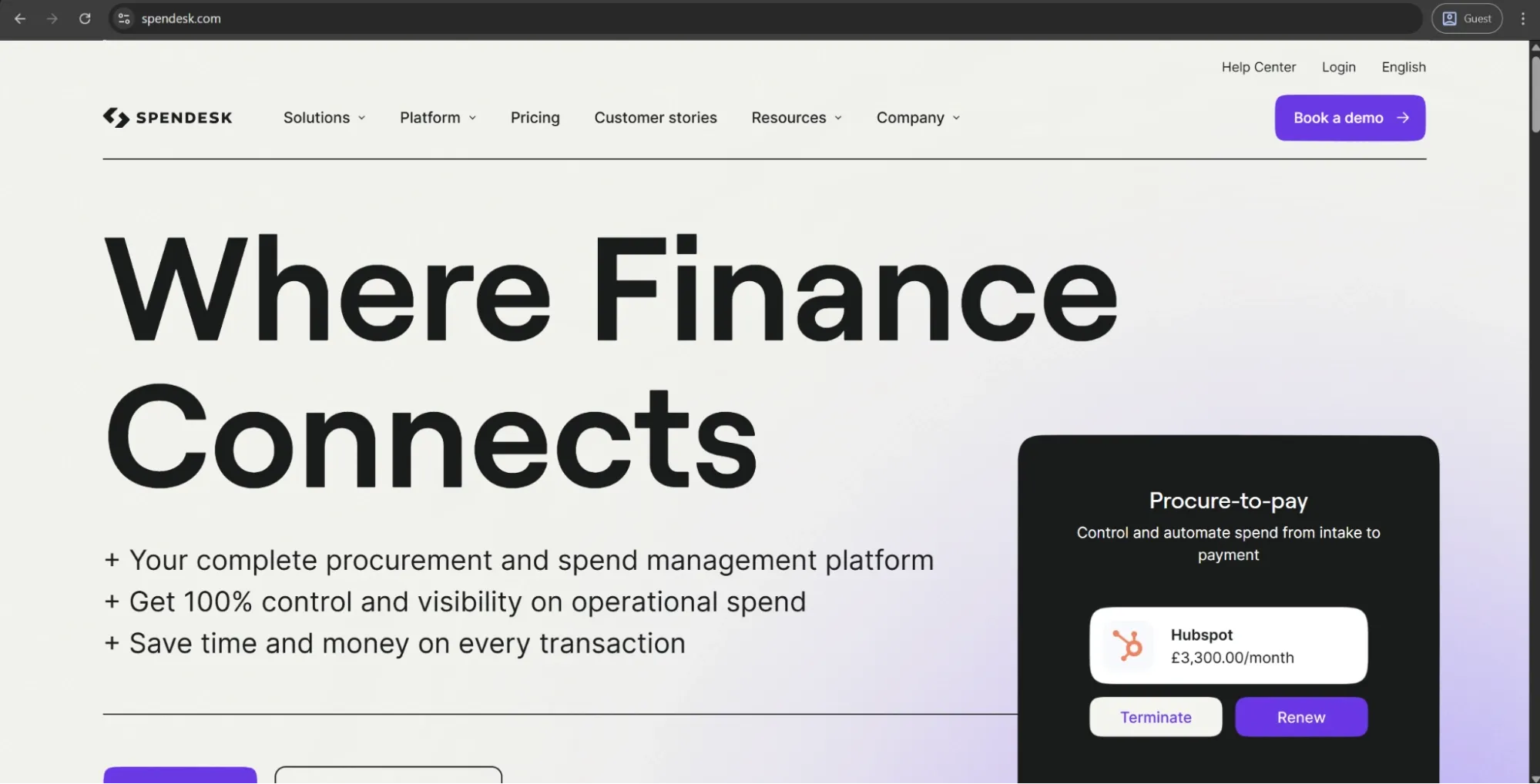
Spendesk is an AI-enabled spend management platform that combines procurement, accounts payable, corporate cards, and expense management tools in one system. It allows companies to issue virtual and physical cards to employees, set up approval workflows, automate invoice processing, and manage suppliers in a single centralized platform.
Customer ratings:
Advantages:
- Has an intuitive and easy-to-use interface.
- Provides managers with direct visibility into company expenditures, approving or denying purchases in real time.
- Offers robust card controls with the ability to create specific spend limits for each employee, combined with restricting purchases by categories and issuing cards on demand.
Shortcomings:
- Not all vendors work with Spendesk cards, causing friction during travel or with particular vendors.
- The customization depth of reporting capability is lacking.
- Spend-by-category visibility is often considered insufficient according to user reviews.
- Located at the premium part of the mid-market segment pricing-wise, making it difficult to justify for smaller teams.
Pricing:
According to Spendesk’s official website, they only operate with “tailored plans” that cannot be acquired in any other way aside from contacting Spendesk directly for a custom quote.
The author’s note:
Spendesk is one of the stronger players in the European spend management space: the usability is significantly higher than average, and the addition of procurement made it a much more comprehensive offering than just a couple of years ago. Additionally, Spendesk recently became the first European spend management platform to reach profitability, which is a valuable sign of vendor stability to any business committing to an implementation on the scale of multiple years.
Coupa
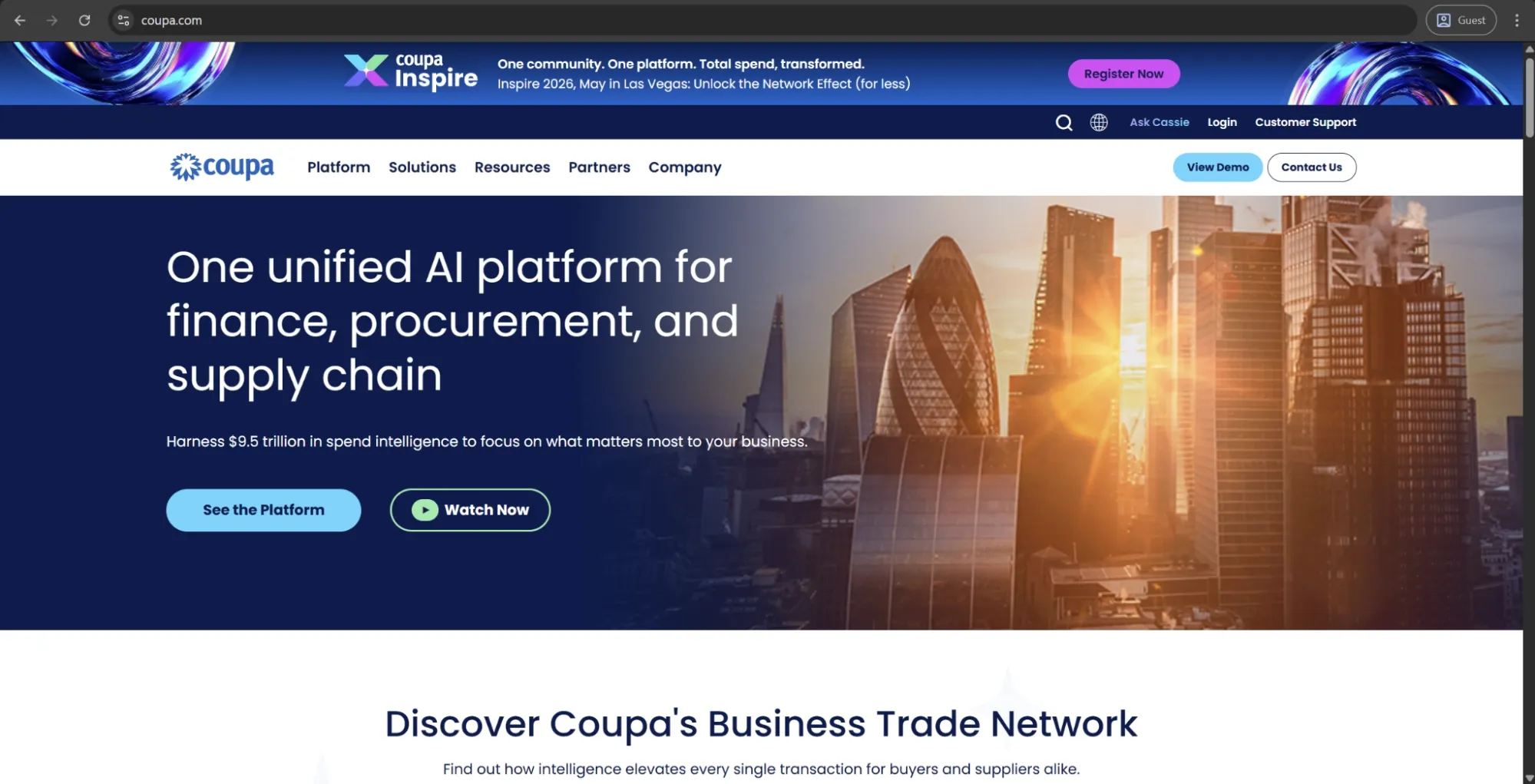
Coupa is an AI-powered platform for spend management that allows businesses to manage all spend during the full source-to-pay cycle, including sourcing, procurement, AP, invoicing, expenses, supply chain, and treasury. It has a robust network of buyers and suppliers, as well as an AI model trained on worldwide spend data that finds opportunities for savings and drives smarter decision-making and automation. Coupa went public in 2016 and was subsequently taken private by Thoma Bravo in 2023.
Customer ratings:
Advantages:
- One of the broadest spend management platforms available on the market, with in-depth coverage of a complete source-to-pay cycle in one centralized system.
- Features for real-time spend visibility and approval workflows are consistently rated well among reviewers.
- The ERP integration depth and the buyer-supplier network benefit organizations conducting complicated, international supplier relationships.
Shortcomings:
- Polarizing user interface, with some describing it as intuitive while others call it clunky and unresponsive, with unclear icons and frustrating navigation.
- No phone-based customer support, while the chat-based support is slow and offers minimal escalation paths.
- Any modification outside of standard capabilities isn’t possible without the help of consultants or extensive IT assistance.
Pricing:
Coupa doesn’t offer any specific pricing data on its official website.
The author’s note:
Coupa is among the most comprehensive spend management solutions on the market, with its end-to-end coverage of everything from sourcing to AP automation. That said, its implementation is quite complex, and the enterprise-grade price tag leaves most smaller businesses out of the picture from the beginning. This leaves Coupa as a great option for large enterprises with complex supply chains and enough resources for complete implementation.
SAP Concur
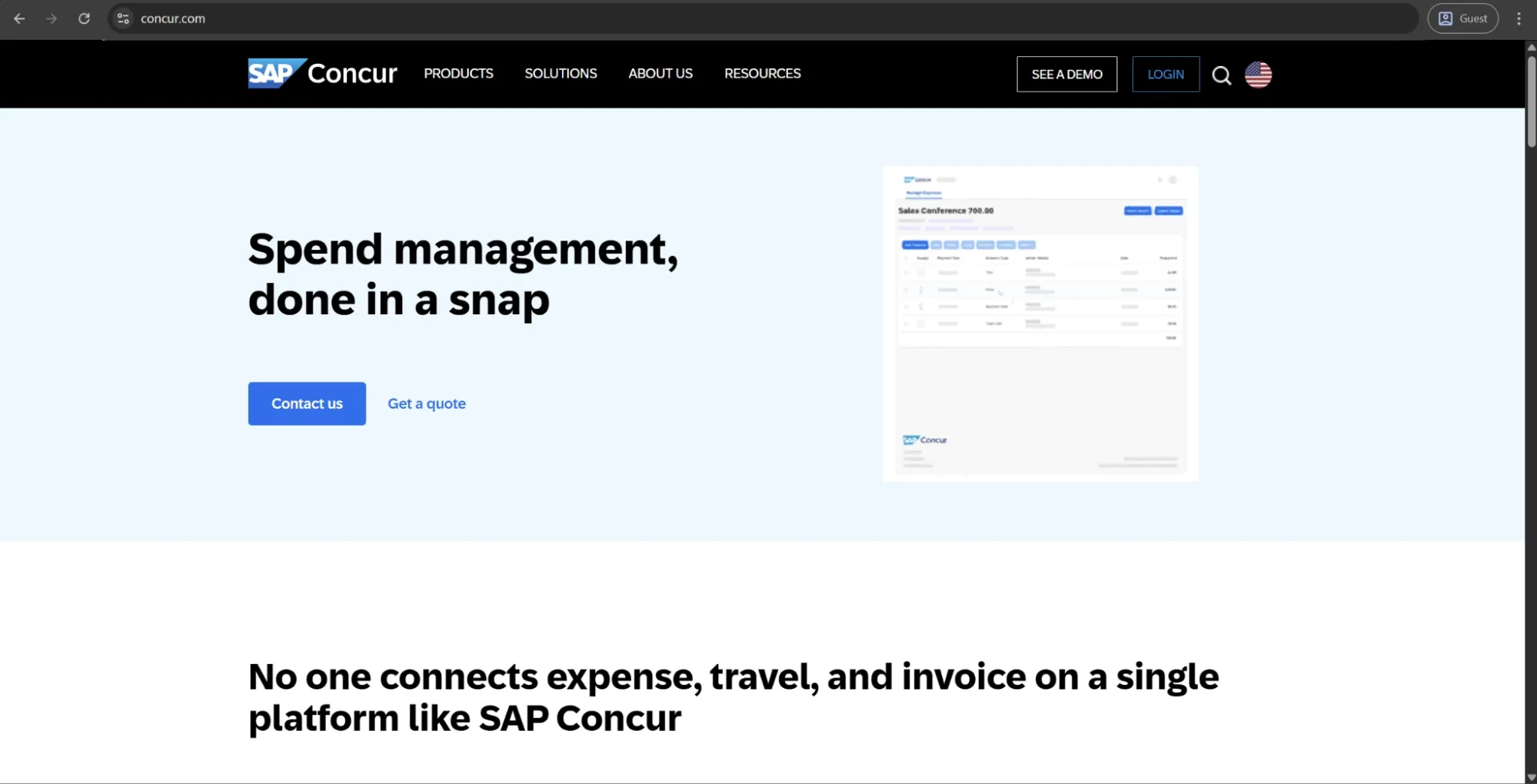
SAP Concur is an end-to-end, enterprise-level travel and expense management platform that automates the end-to-end T&E lifecycle, from pre-trip approval and travel booking to expense submission, policy enforcement, AP processing, and reimbursements. Concur Travel, Concur Expense, and Concur Invoice all serve as modular and integrated solutions, powered by AI-fueled receipt scanning, automated auditing, and real-time employee spending visibility across the entire product. SAP Concur is built for upper mid-market and large enterprise organizations and integrates well with a variety of ERP, HR, and accounting software — including SAP, Oracle, Microsoft Dynamics, and NetSuite.
Customer ratings:
Advantages:
- Robust travel & expense management that combines booking, receipt capture, corporate cards, and reimbursement at once.
- Unmatched global reach, with 140+ currencies, 30+ languages, and support for regulatory compliance in 170+ countries.
- In-depth SAP integration with dedicated connectors for NetSuite and Microsoft Dynamics.
Shortcomings:
- UI draws a lot of criticism for being outdated and unintuitive, with slow navigation and various performance issues.
- Setup and configuration require deep knowledge of how the system is designed, necessitating seasoned system administrators or external consultants for proper implementation.
- Invoice management capabilities are consistently improving as time goes on, but are still considered secondary compared with the expense and travel modules, failing to match the depth of dedicated AP automation solutions.
Pricing:
The prices of SAP Concur are not publicly posted on their website. In order to get the pricing structure, you must contact their sales department for a custom quote and/or ask for a demo.
The author’s note:
SAP Concur is a well-known leader in the T&E market, with many businesses using it for years purely due to the sense of familiarity combined with its in-depth SAP integration, making most switching efforts extremely expensive. The platform offers many features and capabilities, but its user reviews also highlight a problematic experience with many of its aspects, with the desktop app interface being one of the more noticeable complaints.
When it comes to those already inside the SAP infrastructure, using Concur makes perfect sense. Those outside the ecosystem, on the other hand, should carefully compare it with alternatives before committing to this solution, even if it is a known market leader.
Brex
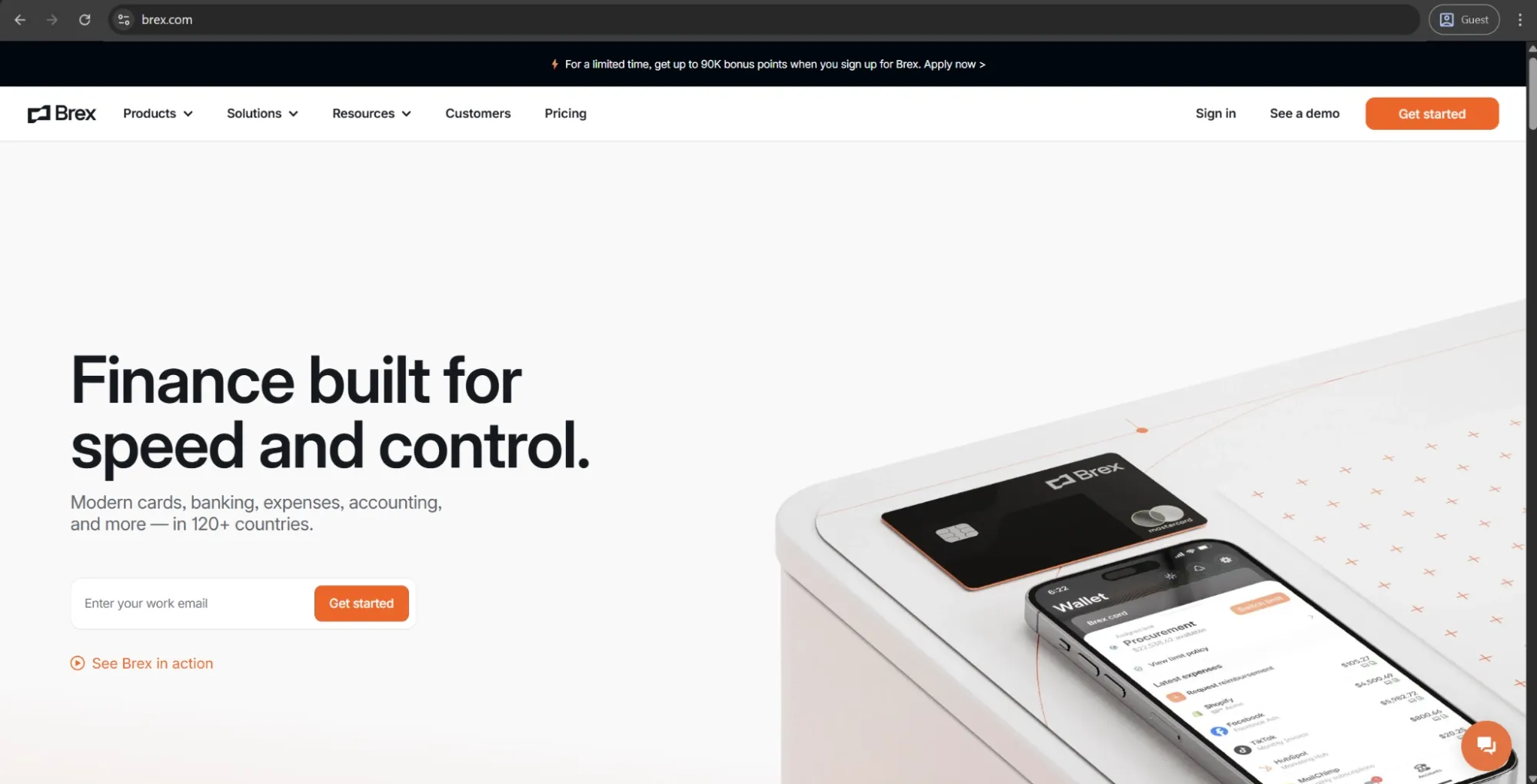
Brex is a spend management platform centered around corporate cards, expense management, bill pay, travel, and business accounts — all in one place. It focuses on startups and growing companies. Brex gives credit limits based on your business's financial profile and not your personal credit history, allowing for both physical and virtual cards with granular spend controls, automated expense categorization, and real-time budget management. It can also be integrated with other business management systems like ERP, HRIS, and accounting systems.
Customer ratings:
Advantages:
- All the credit limits are granted based on a business financial profile, making it immensely useful for startups and emerging companies that wouldn’t qualify for traditional corporate card programs otherwise.
- Comprehensive AI-powered expense automation capabilities log transactions and categorize them in real time, while the memo-capture workflow reduces the manual effort of expense reconciliation.
- In-depth ERP and HRIS integrations in combination with automatic field mapping decrease month-end accounting workloads.
Shortcomings:
- A narrow customer profile leads to the platform being used primarily by venture-backed startups and large enterprises.
- Advanced ERP features are only found in higher-tier pricing plans, making full accounting automation more expensive than the baseline software cost.
- Some account management complaints are reported, focusing on card closure processes and international wire limitations.
Pricing:
Brex offers a choice between three separate pricing plans:
- Essentials, available for free and offers a minimal feature set for startups and growing companies (local currency wires, real-time reporting, API access, up to 2 entities, etc.).
- Premium starts at $12 per user per month and expands upon the previous offering with multiple customizable expense policies, dynamic expense review chains, advanced approvals with dynamic spend limits, and more.
- Enterprise is a custom-priced plan that builds on the Premium version, offering additional features such as tailored implementation services, support for unlimited entities, and a dedicated account manager.
The author’s note:
Brex is the primary spend management solution for venture-backed startups and high-growth companies. They're an attractive option for earlier-stage companies that can't qualify for traditional corporate card programs thanks to their lack of personal guarantee and revenue-based credit lines. The AI-powered expense automation features are genuinely useful, and the platform itself scales well into the enterprise territory. With that being said, companies that don't fit the profile of an early-stage startup or tech company might find a better fit in one of Brex’s competitors.
What is Precoro, and how can it help?
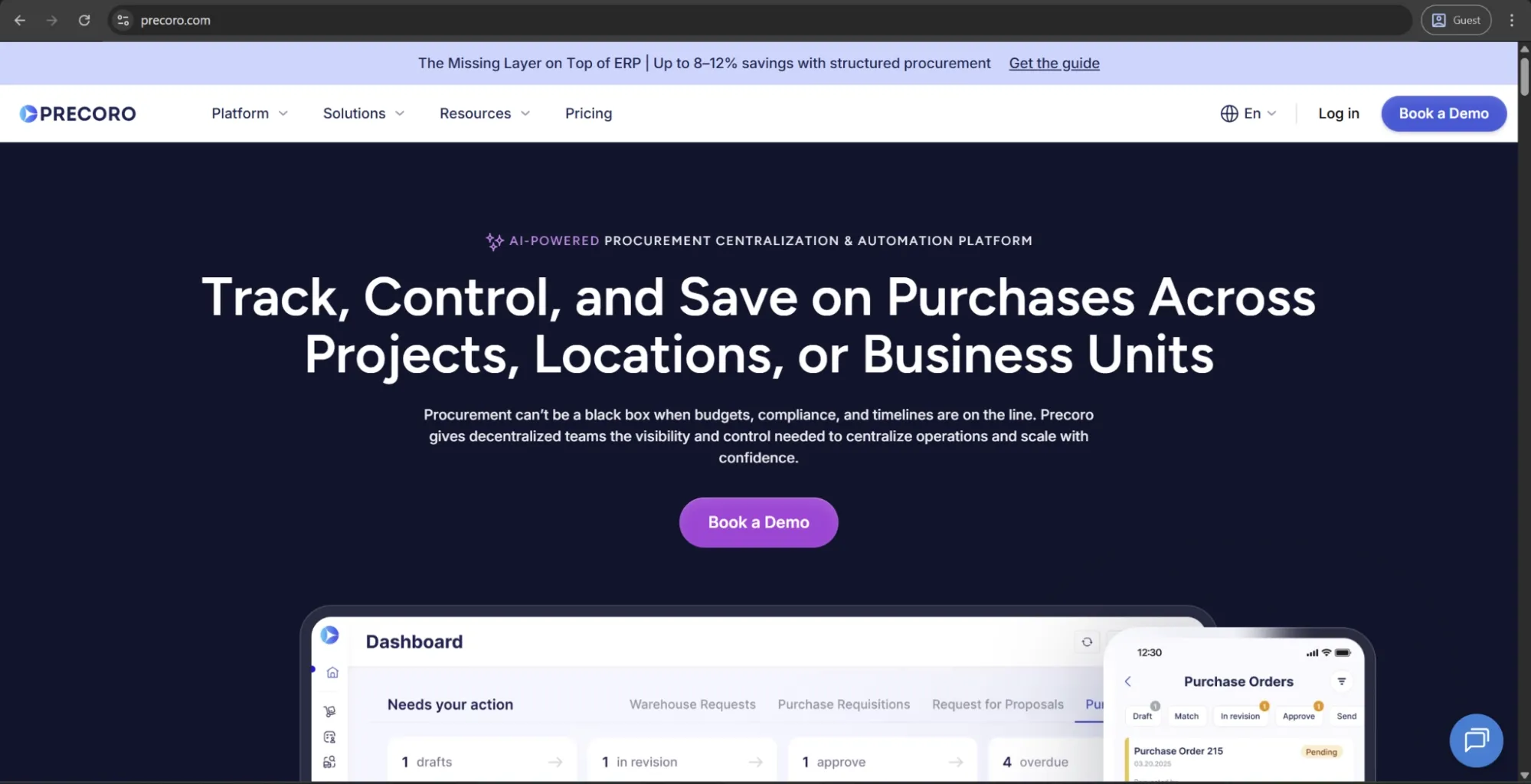
Precoro is the agentic procurement and AP centralization platform designed for medium-sized companies. It helps companies manage purchase requests, approvals, purchase orders, budgets, suppliers, receipts, invoices, inventory, and payments.
Like many modern tools, Precoro offers advanced AI features. They cover document processing, AI agents, and AI Assistant capabilities. What makes Precoro’s AI different is that it offers five AI Crews that simplify processes across the whole intake-to-pay cycle. Because AI is implemented on top of a centralized context and on clean data, it actually produces accurate and helpful results.
Other aspects that make Precoro stand out include:
- Multi-entity support provides centralization for subsidiaries and locations in a single account.
- Built-in payments with built-in guardrails against paying unapproved invoices.
- A dedicated mobile app for document submission, PunchOut shopping, and approvals.
Precoro doesn’t try to replace other tools; rather, it integrates with accounts and other ERP systems like QuickBooks, Xero, Sage, and NetSuite so that purchasing data will flow into the solutions that finance teams already use for reporting or reconciliation.
Compared to some of the solutions above that are more enterprise-focused, this one tends to stand out for the swift pace at which organizations can integrate it, along with the general ease of non-finance staff using the solution.

How should you assess cost and calculate ROI using spend management software?
The Total Cost of Ownership (TCO) for a spend management platform far exceeds the listed price on the vendor's page, and Return on Investment (ROI) only appears when it is tracked against specific, quantifiable business metrics.
Companies that are serious about their cost assessments are far more likely to build a solid internal business case while preventing budget-related surprises in the future.
What pricing models are common (per user, per transaction, tiered)?
Spending management software vendors tend to use one of a few different pricing models, and it’s not that uncommon for the model that was the cheapest initially on assessment to turn out to be the most expensive when data usage grows.
There are four primary models we’ll be covering here:
- Per-user
- Per-transaction
- Tiered
- Flat rate
| Pricing model | How it works | Best suited for | Watch out for |
|---|---|---|---|
| Per user (seat-based) | Fixed fee/active user/month | Organizations with a stable user base | Costs scale linearly with headcount |
| Per transaction | Fee charged per expense, invoice, or PO processed | Low-volume organizations with variable spend | Becomes expensive at large transaction volumes |
| Tiered / module-based | Base platform fee with add-ons per feature module | Organizations that want to start lean and expand | Feature creep and add-on costs can inflate total spend |
| Flat rate | Single fee regardless of users or transactions | Larger organizations with high and predictable usage patterns | Uncommon, reserved for enterprise contracts |
In order to prevent the unfortunate budgeting surprises down the line, analyze your projected user count and transaction volume at 12, 24, and 36 months after the solution is implemented. It’s a great way to reveal whether the current pricing structure is going to remain favorable as your business grows.
What hidden costs should you look out for (implementation, integrations, training)?
The license cost is often the most easily identified (and almost always the smallest) portion of total costs across the span of a three-year contract. The spend management software selection process should consider the following cost categories, which vendors often don’t easily offer by themselves:
- Implementation and configuration
- Integration development
- Data migration
- Training
- Support tier upgrades
- Contract renewal pricing
Here’s how a common pattern might look with these costs unaccounted for: a company budgets $40,000 for implementation using the data the sales team originally quoted. As time goes on, migrating the data requires three extra months just for cleanup, while the SLA-backed support is implemented to replace the community-tier support after the first outage. Year two of the contract also renews at 30% higher than the original discounted price for new customers.
As a result of all this unaccounted spending, the three-year total lands closer to $150,000, which is significantly higher than expected. Those budget lines weren’t even hidden in the original contract; they were simply not included in the evaluation everyone was told to expect.
How do you estimate time-to-value and ROI for spend controls and savings?
Let’s imagine a medium-sized business running the numbers before purchasing:
- The finance team is currently wasting an estimated 40 hours per month on manual reconciliation at a fully-loaded rate of $45 per hour,
- An unmonitored over-budget spend is estimated at 3% of an annual budget of $2M,
- Late-payment penalties from slow AP cycles cost a few thousand dollars more each year.
Once all pain points have a real number attached to them like this, the case for ROI becomes much more specific by simply replacing vague approximations. There’s a simple logic behind it all: calculate what the current mess costs, compare it with the platform’s cost, and see which number is higher.
The most justifiable portion of those numbers relates to what the practitioners refer to as hard savings, like reduced processing errors and more early-payment discounts captured — all the costs that were already identified but not corrected.
Soft savings are the ones that are also legitimate but require time to show up. For example, finance time spent on pure analysis because there’s no need to chase receipts, or audit preparation activities that are completed in a day instead of a week.
The toughest metric to quantify here (and also the most impactful one) is risk avoidance, like the fraud that was stopped before compounding or the policy violation that’s intercepted in time.
Even the most conservative take on this equation would have most average-sized companies be able to pay for the platform’s costs within 12 to 18 months.
What KPIs should you track to measure the success of spend management software?
By monitoring appropriate metrics post implementation you can assess whether the spend management platform is delivering the value it’s intended to, as well as where you may need to optimize your configuration or adoption methods.
Finance and cost metrics:
- Cost per invoice processed
- Percentage of spend under management vs. total company spend
- Budget variance by department and cost center
- Duplicate payment rate
Procurement and compliance metrics:
- Percentage of purchases from approved vendors
- Policy compliance rate in expense reports
- Purchase order cycle time (requisition to approval)
- Contract utilization rate
Operational metrics:
- Expense report processing time (submission to reimbursement)
- AP invoice processing time
- User adoption rate by department
- Support ticket volume related to spend management workflows
How do you implement and drive spend management software adoption successfully?
If a spend management tool isn’t implemented properly (or barely touched once it’s live), it will provide just a fraction of what it’s built to do, no matter how competent the software itself is. The best course of action for such cases is to treat implementation as a cross-departmental project with genuine accountability and a plan for how the business processes across the organization have to evolve.
What implementation approaches work best for different company sizes?
The “right” way to approach implementation differs depending on how complex the organization already is. It’s okay for a 50-person org to use a lightweight setup, but that same setup would immediately create a dozen bottlenecks when applied to a 2,000-person org.
| Organization size | The best approach | Typical timeline | Key considerations |
|---|---|---|---|
| Small business (under 100 employees) | Self-guided onboarding using vendor resources | 2–6 weeks | Configure core workflows first, refine later |
| Mid-market (100–1,000 employees) | Guided implementation with vendor support | 6–16 weeks | Map existing approval hierarchies and integrate an accounting system before going live |
| Large enterprise (1,000+ employees) | Phased rollout with dedicated project management | 4–12 months | Pilot with one department or region first before company-wide deployment |
| Multi-entity or global organizations | Phased by entity with a centralized governance layer | 6–18 months | Currency, tax, and compliance requirements vary by jurisdiction |
How do you plan for data migration and system integrations?
The thing that probably creates the most implementation delays is the planning of data migration and integration processes, mainly because it needs to occur sooner than almost anyone expects. At the end of the day, a platform is only as good as the data it has.
Begin with a full audit of all spend data, vendor records, cost centers, and the chart of accounts. Make sure to get rid of duplicates, old records, and anything improperly classified before moving anything. Then, map how the fields in your current ERP/legacy system correspond to the new platform, marking any potential gaps that might require custom transformation logic.
Establish your integration sequence by prioritizing the criticality of tasks: something like accounting sync has to be ready at go-live, while less urgent tasks can be performed later. Finally, run the old and the new system in parallel for 2-4 weeks before fully committing to a new environment so that you have the time to fix discrepancies that don’t show up immediately.
Experts recommend establishing what would trigger a rollback in advance, making sure that a failed iteration won’t result in a scramble to fix everything.
What change management tactics increase user adoption?
The thing that makes spend management implementations underdeliver the most is user adoption. The most competent software in the world won’t be able to help you if your team members still email expense approvals and make off-book purchases; it’s a behavior shift that needs to happen, and that won’t be solved by any amount of clever engineering.
At the end of the day, what really tips the scales tends to be obvious: users pick up new systems faster when they get why the changes are needed, when they see their own colleagues using the software, and when the new way is significantly easier to work with than the existing one — in practice, not just in theory.
When you see resistance showing up, take a look at whether the workflow itself is the problem and not the users. Most of the time, a process that feels slower or more bureaucratic than what it replaced is a configuration issue that’s resolved by trimming the approval flow down.
A few other things that help in this field:
- Include actual end users from various functions in the configuration phase; these users’ workflows are how people really work.
- Use role-based training as opposed to a universal company-wide demo, as a field employee and a finance controller need to learn completely different information from that kind of briefing.
- Ensure that every department has someone who could serve as the go-to person when something’s confusing. Don’t route every question to the IT department by default.
- Set actual end dates for the old process. Running both systems infinitely will only give people permission to not engage with the new software.
What ongoing governance and support structures should you establish?
Go-live can’t be considered the finish line since it’s where the governance becomes real. Unless there’s clear ownership established for where the platform sits, policies quietly start going stale while integrations drift, with no one the wiser until the system looks nothing like the actual business.
In practice, you need to assign someone to manage configuration and policy updates, review spend rules, and set up alerts for integration failures, among other tasks. The goal is to have a person actually watching the adoption by department and following up on issues, including the ones brought up by employee feedback: there’s nothing more discouraging than a complaint inbox nobody checks.
What common pitfalls and risks should you avoid?
Despite how it might look at first, choosing the wrong spend management solution for your tasks rarely results in a rollout failure. Most of these solutions fail due to the accumulated impact of numerous tiny day-to-day organizational behaviors that pile up after the go-live, like a data issue nobody caught in time or a champion who changed teams and was never replaced. Getting a grip on these problems before they become pervasive saves companies a lot of money and hassle.
How can overly complex workflows undermine value?
The single biggest self-inflicted wound in any spend management rollout appears from unchecked overcomplication. Modern spend management platforms can create highly granular approval chains with multiple review stages, so finance departments attempt to recreate all the existing nuances in a new environment. The result is, more often than not, a slow and cumbersome process that employees find more bureaucratic than ever before.
The best setups are typically simpler than their original drafts. Around 20% of policy rules tend to cover roughly 80% of transactions, while the rest are manual exceptions that people would’ve avoided dealing with either way.
What are the risks of poor integration or data quality?
Poor integration or data quality regularly shows up in three specific areas, and these areas inevitably start compounding as time goes on.
A simple sync failure is the first area. When there’s no reliable reconciliation between the spend platform and the accounting system, the same transaction appears in both — creating an entirely new reconciliation project just to untangle the duplicate. Stale budget data is a related version of this issue: a single day’s difference between systems results in dashboards displaying positions that are already out of date, undermining the benefit of real-time visibility.
The second area represents accuracy instead of timing. Misclassified spend, represented by cost centers or categories that were incorrect in the old environment, carries directly into the new system, making reports look clean even though they’re still inherently wrong. Over time, these issues turn into compliance exposure: the audit trail with holes in it is a regulatory problem in any industry that has formal spend reporting requirements.
The third area reveals itself once the first two are left unaddressed for long enough. Trust erodes extremely quickly when employees start noticing that the platform’s numbers don’t match the accounting system’s. No matter how good the actual software is, adoption will go down once the trust in the software falls.
How do you avoid vendor lock-in or inflexible contracts?
For the most part, vendor lock-in for spend management includes three elements: poor data portability formats, intrusive integrations, and exit clauses no one asked for. Luckily, all three can be resolved if addressed before entering an agreement using the following sequence:
- Make sure to get data portability in writing, with full export in a standard format, available at any time and not just at contract end.
- Verify the exit clauses as if you’re planning to use them. Be aware of all the fees and notice periods beforehand.
- Avoid capitalizing heavily on deep customization tied to vendor-specific features so that the switching process isn’t extraordinarily expensive later on.
- Push for an annual break clause, especially in the context of first deployment, as fit hasn’t been validated in the long run yet.
- Keep all integration documentation in-house. Once your own team understands the inner workings of the architecture, switching platforms won’t mean that you have to start completely from scratch.
How do you choose the right spend management software for your organization?
What questions reveal your organization's readiness and priorities?
Before you speak to any vendor at all, it would be wise to have an internal meeting and answer some questions about whether the company itself is ready for the software to be implemented. Common questions on this topic include:
Readiness questions:
- Do we have a named internal owner for this implementation with sufficient capacity to lead it?
- Is our current spend data clean enough to migrate?
- Do we need a data preparation phase before initiating migration?
- Have we secured executive sponsorship from finance leadership?
- Which integrations are required at go-live, and which can follow later?
Priority questions:
- What is the single most painful problem in our current spend process?
- Does our shortlisted platform solve that primary problem directly?
- Are we optimizing for speed of implementation, depth of functionality, or ease of adoption?
- What does success look like at 6 months and 12 months?
- Have we defined the KPIs to measure the implementation success?
Organizational questions:
- Do we need a platform built for company-wide adoption or primarily for the finance team?
- What is our tolerance for change management investment?
- Does our chosen approach reflect our tolerance for change management investment?
How do company size, industry, and spend profile influence the spend management software decision?
None of the feature comparison lists is as important for software selection as factors like company size, industry, and spend profile. Ignore these factors, and you risk ending up with a shortlist of solutions that work well on paper but fall apart in practice. Here’s how each of these factors influences the final decision:
| Factor | How it influences platform selection |
|---|---|
| Company size — small (under 100) | Emphasis should be placed on ease of use for onboarding, low integration complexity, and transparent pricing. Significant amounts of customization are rarely a requirement during this phase. |
| Company size — mid-market (100–1,000) | A good balance between functionality and ease of use needs to be established. Seamless integration with accounting or ERP is essential. Scalability should be established for the next 2-3 years. |
| Company size — enterprise (1,000+) | Emphasize support for multiple entities, sophisticated approval workflows, extensibility to ERP, and security certifications. Scalability and vendor financial health are critical factors to consider. |
| Industry — regulated (healthcare, financial services, public sector) | Compliance features, audit trail security, and data residency options must be non-negotiable. Certifications should always be confirmed through direct verification. |
| Industry — project-based (construction, professional services) | Project-level spend allocation and client billable spend tracking are essential. Make sure these features are native. |
| High transaction volume | Be mindful of per-transaction pricing structures. Return on investment is proportional to how deep into the automation of AP and expense processing you go at scale. |
| Geographically-distributed spend | Multi-currency support, local tax compliance, and entity-level reporting are required and cannot be optional post-signature additions. |
When should you pilot versus roll out company-wide?
Most of the time, a phased pilot implementation is the lowest-risk option. It matters most when there’s a potential for a failed company-wide rollout to disrupt the entire business or when your team’s change management capacity is too small to learn everything on the fly during a full rollout.
An immediate, company-wide rollout is only realistic in organizations where the business in question is small enough that a pilot in parallel would be more expensive than a live implementation. Either way, the decision should be based on the realistic risk appraisal above everything else.
What checklist can help finalize the decision?
Walk through these topics before signing a contract. Any category that can't be answered without certainty should be clarified explicitly before signing a contract.
Functional fit
- Platform covers all required capabilities with no critical gaps
- Workflow configuration matches approval hierarchy and policy requirements
- Mobile experience supports field or remote employees submitting expenses
Integration and data
- All go-live integrations are technically validated (not just confirmed as available)
- Data migration plan is documented with testing and rollback procedures
- Data export and portability terms are confirmed in writing
Commercial and legal
- Total three-year cost is modeled (including implementation, integrations, support)
- Exit clause and data portability rights are acceptable
- Pricing increase terms at renewal are defined and acceptable
Vendor
- Reference checks completed with similar organizations
- Vendor financial stability and product roadmap reviewed
- Security certifications verified independently (SOC 2 Type II minimum)
Internal readiness
- Implementation owner assigned with sufficient capacity
- Executive sponsorship confirmed
- Go-live KPIs defined and baseline metrics captured
FAQ
Most businesses compare about 3-5 vendors at once, creating a real comparison without overcomplicating the process. Choosing fewer than three options makes it much more likely for you to commit to a vendor before seeing enough of its capabilities and nuances. Choosing more than five options often results in stalled comparison processes with little value.
Smaller businesses also have solutions to choose from now, as certain vendors build lighter, cheaper software versions to target specifically businesses with 100 employees or fewer. A spend management solution is usually worth an investment for a smaller company if they already see manual expense and purchasing approaching their feasible limits and eating into real finance-team time. Situations where spreadsheets can’t keep compliance and visibility issues in check are also an indication of a company that needs a spend management tool.
Expense reporting, basic procurement, and manual AP workflows should all be covered by a competent spend management platform. The accounting system or ERP would stay exactly where it was before — this will only cut down the number of disconnected tools finance teams have to deal with for spend processes.
Want fewer surprises in your spend? Book a demo and see how Precoro gives you full control upfront.