Nonprofit Accounting Software: Best Accounting Tools for Nonprofits
Explore the best accounting software for nonprofits. Learn which accounting tools help nonprofits manage finances, reporting, compliance, and grants.

Over 1.9 million nonprofit organizations in the U.S. receive more than $3.7 trillion in program revenue and donations each year. To follow regulations and ensure transparency of funds, nonprofits need accounting software.
We've compiled a list of the top 10 accounting tools for nonprofits so you can discover the one that will work for your nonprofit's mission and your budget.
Keep reading about:
What nonprofit accounting software is
Feature checklist
Comparing leading nonprofit accounting software platforms
Best nonprofit accounting software for churches
Best nonprofit accounting software for foundations
Best nonprofit accounting software for grant-funded nonprofits
Top 5 best accounting software for volunteer organizations
Best accounting software for small nonprofits
When to upgrade: a timing guide for nonprofit finance systems
Mistakes that lead to costly migrations
Top accounting systems for nonprofits
How Precoro helps nonprofits
Step-by-step: migrating from spreadsheets
Security, compliance, and audit considerations
How to choose the right accounting system for your nonprofit
FAQ
What is nonprofit accounting software?
Nonprofit accounting software is a financial solution designed to assist the accounting team in charities, foundations, non-governmental organizations (NGOs), churches, and other nonprofit organizations to manage finances and serve the mission. The software automates regular accountancy tasks, tracks expenses and costs, and oversees restricted and unrestricted funds. The nonprofit accounting software prepares financial reports for donors, regulators, and boards to prove that the funds and grants used are consistent with the organization's mission, requirements, and federal regulations.
What are the core functions of nonprofit accounting software?
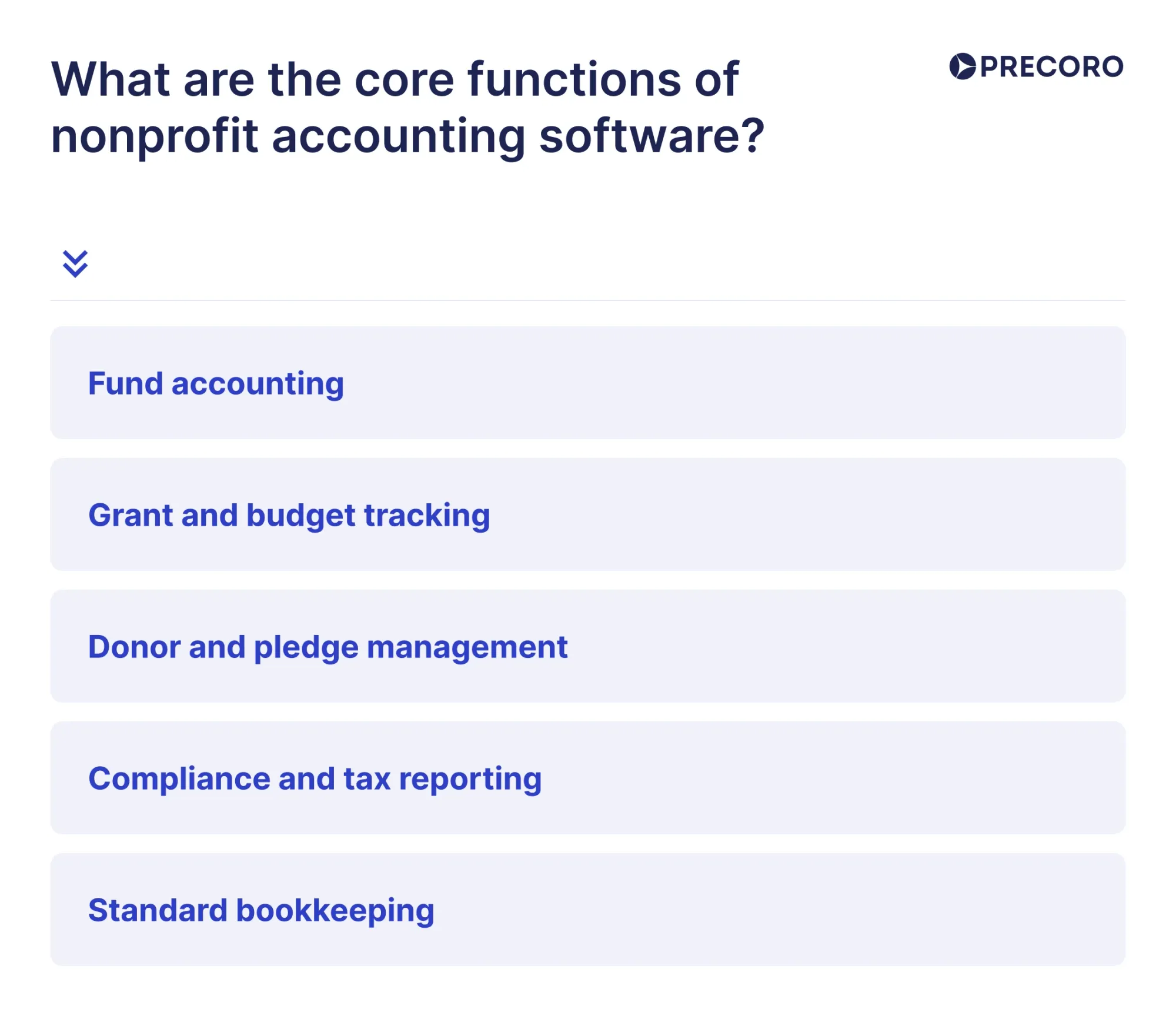
The core functions of nonprofit accounting software are fund accounting (tracking restricted vs. unrestricted funds), grant and budget tracking (allocating costs to specific programs), donor and pledge management (tracking donor commitments and future promised donations), compliance and tax reporting (Financial Accounting Standards Board (FASB) standards and Form 990), and the standard bookkeeping every organization needs — a General Ledger (GL), Accounts Payable (AP), and Accounts Receivable (AR).
How can nonprofit accounting software improve financial management?
To improve financial management, nonprofit accounting software automates fund and grant tracking along with the daily, routine accounting work of nonprofits. Software provides accurate, up-to-date financial insights with fund balance reports, grant expenditure reports, budget-versus-actual analyses, and customizable reports for boards of directors, grantors, auditors, and regulatory agencies. Accounting software for nonprofits also strengthens transparency and accountability by accurately tracking both restricted and unrestricted funds.
In order to centralize financial and donor data and reduce duplicate records, many nonprofit accounting solutions integrate with Constituent Relationship Management (CRM) systems that finance teams already use, plus donor management tools and payment gateways. This way, nonprofit financial teams can speed up their operations, get valuable insights into financial performance and sustainability, and make informed decisions that drive their mission.
Key improvements include:
- Reduced errors and manual work – automated journal entries, imports from donor systems, and rules‑based allocation of expenses.
- Clearer visibility into funds – dashboards that show available balances by fund, grant, program, or department.
- Better budget control – budget vs. actual views for each fund and program, alerts for overspend risks.
- Stronger donor and grant accountability – easier creation of donor reports, grant financial statements, and compliance documentation.
- Faster audits – centralized data, approvals, and documentation reduce audit preparation time and stress.
How is nonprofit accounting different from traditional accounting?
Nonprofit accounting and traditional accounting differ in their financial objectives, reporting requirements, and fund management practices. Nonprofit accounting focuses on tracking restricted funds (money that donors or grantmakers require to be used for specific purposes) and unrestricted funds (money that can be used for any mission-related operating or program expenses). It demonstrates financial stewardship and complies with donor, grant, and regulatory requirements, while traditional accounting primarily measures profitability and business performance.
The difference between nonprofit accounting vs. traditional accounting is determined by:
- Accountability over profitability: Nonprofits exist to fulfill a mission, not to generate profit for owners. Therefore, their primary focus is proving stewardship — demonstrating to donors and grantors that funds were spent on their intended purpose.
- Fund accounting: Nonprofits use a special method known as fund accounting. This categorizes funds into distinct "buckets" (restricted grants versus unrestricted general funds) and monitors each dollar by its source and use.
- Donation management: Donations often come from different sources: credit cards, debit cards, bank transfers, cash, or checks. To constantly monitor bank accounts and transactions, volunteers use Fundly or DonorPerfect apps, whereas traditional accounting tracks finances in ledgers.
- Compliance with specialized regulations: Nonprofits are strictly regulated. They have to comply with FASB and the Internal Revenue Service (IRS). For instance, some of these standards are FAS 116 (Accounting for Contributions Received and Contributions Made) and FAS 117 (Financial Statements of Not-for-Profit Organizations). Another key consideration for nonprofits is Form 990, the tax return document that tax-exempt organizations complete each year and file with the IRS.
- Nonprofit budget and expenses: Donations and grants can't be freely spent; they always need to be justified. Therefore, when budgeting, nonprofits allocate money to administrative expenses (like rent and utilities) and fundraising expenses (such as marketing, events, and donor outreach). If there's any overhead spending, for example, purchasing software, which might not directly support their mission, they still need to justify it.
- Planning and reporting for grants: Nonprofit organizations have to follow the requirements and reporting obligations from grantors to be able to manage grant funds properly. They must develop a detailed plan that illustrates objectives and goals, activities, schedules, budgets, and outcomes. The organization also has to follow the grant's terms and conditions, such as suitable expense categories, timelines, and performance metrics, and report on its financial activities in a transparent way, both to its donors and board.
| Aspect | Nonprofit accounting | Traditional accounting |
|---|---|---|
| Primary objective | Supports the organization's mission and demonstrates financial stewardship. | Measures profitability and business performance. |
| Accounting method | Uses fund accounting to track restricted and unrestricted funds. | Uses standard accounting without fund restrictions. |
| Revenue sources | Donations, grants, and fundraising income. | Sales of products or services. |
| Budgeting | Allocates funds by program, grant, or donor restrictions. | Allocates budgets by departments or business operations. |
| Financial reporting | Reports to donors, grantors, boards, and regulators. | Reports to owners, investors, lenders, and tax authorities. |
| Compliance | Must meet grant, donor, and nonprofit reporting requirements. | Must comply with general business accounting and tax regulations. |
| Success measure | Mission impact, accountability, and compliance. | Revenue growth, profitability, and financial performance. |
Why traditional accounting software fails nonprofits
Traditional accounting software often fails nonprofits because it is designed for profit-driven organizations and typically lacks the fund accounting, grant tracking, donor reporting, and compliance features nonprofits need to manage restricted funds and demonstrate financial accountability.
How does fund accounting differ from commercial business accounting?
Fund accounting is an accounting method that tracks financial resources by purpose or restriction rather than by overall business profitability. Unlike commercial business accounting, which focuses on measuring profits and returns for owners or shareholders, fund accounting separates assets, liabilities, revenues, and expenses into individual funds to ensure money is used according to donor, grant, or legal requirements.
Commercial business accounting uses one general ledger to measure profit, whereas fund accounting divides the ledger into multiple mini-ledgers, each with its own assets, liabilities, income, and expenses.
Commercial accounting asks, "Did the business make a profit?" Fund accounting asks, "Was the money spent exactly as the donor or regulatory body intended?"
Commercial revenues are generally unrestricted and reallocatable, whereas fund accounting can’t easily move funds between restricted or designated pools.
For-profit entities report to shareholders and investors, whereas fund accounting reports to donors, grantors, and Limited Partners (LPs).
| Feature | Commercial business accounting | Nonprofit fund accounting |
|---|---|---|
| Primary objective | Maximize and measure profitability. | Demonstrate stewardship and compliance with donor intent. |
| Core ledger unit | A single general ledger representing the entire business. | Multiple, self-balancing funds, each acting as their own mini-ledgers. |
| Equity vs. Net Assets | Retained earnings (owner's equity). | Net assets classified by donor restrictions. |
| Core report | Income statement (Profit & Loss). | Statement of activities and statement of functional expenses. |
Nonprofit accounting software feature checklist
First and foremost, accounting software for nonprofits should be easy to set up and use. The interface and usability are important features for nonprofit staff, who may not be tech-savvy. The software should not waste time; it should save it.
Cost-effectiveness is another important factor that matters more to nonprofit organizations than to profit-making organizations. Fortunately, some software vendors give special prices or discounts to nonprofit organizations. It is equally important to select a vendor who has properly informed you about all of the other charges and costs that may occur.
Responsive and efficient customer support also shouldn't be underestimated. To fully benefit from the system and harness all of its useful features, the nonprofit org will need the software’s customer success team on its side. They should be easily available and ready to answer any questions, tweak the system’s settings, and provide personalized training sessions.
Security is another key consideration. To protect sensitive financial information, software should conform to major regional compliance standards, such as the General Data Protection Regulation (GDPR), System and Organization Controls 2 (SOC 2), and/or the California Consumer Privacy Act (CCPA). Additionally, a system should allow role-based access to control who can view and edit financial data.
One less obvious factor to consider is the software’s ability to scale. A system may seem fine now, but it’s important to think a few steps ahead. What happens when the organization hires more staff, incurs more expenses, and increases the number of donors and projects? It makes sense to select a program that comes with upgrades that will allow the organization to continue using the same software, rather than uprooting all its data and inputting it into a new program later.
As for the exact features, the needs of a nonprofit organization depend on its size and scope of work. Smaller nonprofits may not need as many advanced features as larger ones. However, there are some capabilities that will be extremely useful for all nonprofits.
- Fund accounting, which provides companies with complete visibility into expenses by fund or program.
- Invoice management that helps nonprofits track vendor invoices, stay on top of deadlines, and verify invoices before issuing payments.
- Budgeting with the ability to create separate budgets for different projects and track budget availability in real time.
- Financial reporting with the ability to generate clear and accurate financial statements for public disclosure, along with specialized reports for different stakeholders, such as donors and board members.
- Donation management that provides transparency into donations to each project, ideally with bank reconciliations.
- Integrations with important tools like CRM systems, payroll tools, procurement software, and donation apps.
Grant tracking and management features in nonprofit accounting software
Useful grant management capabilities include:
- Creating separate grant records with budgets, start/end dates, and conditions.
- Tagging all expenses and time entries to specific grants and programs.
- Tracking “spent vs. awarded” and remaining balances in real time.
- Managing multi‑year grant schedules and deferred revenue recognition.
- Generating grants‑specific financial reports and supporting documentation.
Integrating donor management software with accounting systems
Donor management software integrates with the accounting system through native integrations, Application Programming Interfaces (APIs), or third-party connectors. It automatically transfers details on donations and grants, helps you track them, reconcile accounts, and prepare monthly or annual financial reports. So you don’t need to enter the same data twice. By integrating systems, you can manage donor records and financial data accurately, reduce manual work, minimize the risk of errors, and get a clearer view of your organization's finances, all in one place.
Strong integrations allow nonprofits to:
- Sync donations, pledges, and campaign results directly into the GL and fund ledgers.
- Connect donor profiles with the funds and programs they support.
- Consolidate fundraising performance and financial outcomes.
- Provide more personalized reporting to major donors and grantors.
Do you need fund accounting and multi-fund support?
You need fund accounting and multi-fund support when your organization manages restricted funding, multiple funds, or separate budgets that must be tracked independently.
Signs you need fund accounting and multi-fund support:
- You manage restricted funds, government grants, or specific endowments.
- You must prepare for independent financial audits or file Form 990.
- You have a growing donor base that expects strict financial transparency.
- You operate multi-vehicle structures like parallel funds, feeder funds, or Special Purpose Vehicles (SPVs).
- You handle complex capital calls, distributions, and carry interest calculations across multiple entities.
- You need to allocate shared expenses across several fund ledgers to remain compliant.
How important are donor management and donor tracking features?
Donor management and donor tracking features help nonprofits record donor information, track contributions and giving history, manage donor relationships, support fundraising efforts, and generate reports for stewardship, campaigns, and compliance.
These features become more important as the number of donations and donor commitments grows. If your organization relies heavily on individual donors, look for software that can track recurring and scheduled donations, record donor acknowledgments, and link restricted donations directly to the appropriate funds. If most of your funding comes from grants, donor management is less important than strong grant tracking and reporting features.With donor management and tracking integrated in accounting software, you categorize donors (e.g., occasional givers, high-value supporters), optimize donor retention so each donor receives only relevant campaign updates, easily measure how fundraising performs, identify trends, and make informed decisions with analytics dashboards.
You can support this level of transparent donor management by integrating a CRM system. Don’t rely on donor management in spreadsheets, as it often leads to duplicate records and missed follow-ups.
Should your software include grant tracking and compliance reporting?
Yes. Organizations that receive government funds, grants from private foundations, or funds from corporations (donors) should look for an accounting solution that features grant tracking and compliance reporting. Grants are often subject to a Single Audit, an independent audit that evaluates an organization's financial statements and compliance with federal grant requirements, and incorrect tracking methods increase the risk of errors, documentation issues, and compliance findings.
How useful are budgeting, forecasting, and financial reporting tools?
Budgeting, forecasting, and financial reporting tools help nonprofits plan spending, predict future cash flow, compare actual results with budgets, and create financial reports for boards, donors, and regulators.
Nonprofit revenue often changes throughout the year due to seasonal donations or delays in grant funding. Advanced forecasting helps finance teams test different funding scenarios and understand how changes in revenue could affect each program. Then, easy-to-read dashboards turn financial data into clear visuals, which makes it easier for board members without a finance background to make informed decisions.
What role do integrations, workflow automation, and payment processing play?
Integrations, workflow automation, and payment processing help nonprofits connect their software, automate routine tasks, and securely accept, track, and reconcile payments.
Integrations unify donor data and general ledgers by connecting fundraising platforms with financial records. They automate the categorization of incoming public donations according to specific restricted funds or programs, feed real-time banking transactions into accounting software like QuickBooks Online Advanced for Nonprofits, and link external grant tracking tools to monitor complex government funding requirements.
Workflow automation supports compliance and efficiency. It routes revenue to specific restrictions automatically based on donor intent, forwards expense reports over set dollar amounts to board members for digital sign-off, and records every transaction adjustment to satisfy IRS and auditor requirements. It also schedules and populates standard financial statements, including the Statement of Functional Expenses.
Payment processing helps to secure restricted and unrestricted revenue while keeping transaction costs low.
- Offers donors the option to cover processing fees during the checkout process.
- Automates monthly debit retries and credit card updates to sustain predictable income.
- Connects mobile card readers at charity events directly to back-end accounting modules.
- Generates compliant charitable tax receipts instantly upon successful transaction clearing.
How do the leading nonprofit accounting software platforms compare?
Leading nonprofit accounting software platforms differ in their features, pricing, ease of use, scalability, reporting capabilities, integrations, and suitability for organizations of different sizes and financial management needs.
Basically, leading nonprofit accounting platforms split into two groups: general business accounting software that approximates fund tracking with classes and tags, and purpose-built fund accounting systems that separate restricted and unrestricted money natively.
General accounting platforms with nonprofit workarounds
QuickBooks Online is a popular choice for U.S. nonprofits because it's affordable, familiar to accountants, and integrates with many other applications. It tracks funds using classes and locations instead of native fund accounting, making it a good fit for nonprofits with simple funding needs, but it’s harder to manage as grants and restricted funds increase. Nonprofit-specific reports typically require customization or a third-party reporting tool.
Similar to QuickBooks, Xero doesn’t have fund accounting built in. However, its expanding library of nonprofit-focused applications can help bridge some of this gap. This software is ideal for smaller teams with few restricted funds but might not be the best choice for groups running multiple grants at once.
Wave is a genuinely free, cloud-based double-entry accounting tool with no fund accounting, grant management, or Form 990 support. This solution is quite a reasonable option for nonprofit organizations or volunteer-based organizations with an annual income of about $50,000 to $100,000. Nonetheless, most organizations tend to leave this tool once they exceed that range.
Zoho Books covers core accounting fundamentals — expense tracking, bank reconciliation, invoicing, reporting — at a low price point, including a free tier for organizations under $50,000 in annual revenue. It isn't a purpose-built accounting system for nonprofits and lacks native fund accounting, but it integrates natively with the broader Zoho suite and suits lean organizations without complex restricted-fund reporting.
Purpose-built fund accounting platforms
Aplos is a cloud-based financial software system for charities and churches, which provides integrated fund accounting, donor management, and online donations. Aplos can produce special reports for charities, such as fund reports and donor summaries, without any hacks. Aplos will suit small and medium charities that require proper fund accounting at an affordable price point.
Sage Intacct is a cloud accounting platform, a preferred solution for large nonprofits with complex grant portfolios or multi-entity structures, managing federal grants. Its dimensional chart of accounts lets finance teams report by fund, grant, program, department, or location without maintaining separate account structures for each.
Blackbaud Financial Edge NXT is an accounting software designed specifically for nonprofit organizations, offering general ledger, grant accounting, endowment accounting, accounts payable, and fixed asset accounting capabilities, along with real-time reports and drill-down capabilities. The key benefit of Financial Edge NXT over other products is the seamless integration with the entire fundraising suite by Blackbaud, especially Raiser's Edge NXT.
The MIP Fund Accounting software can manage an unlimited number of funds, grants, and payroll, all within one program. It’s considered to be one of the better-known products in the field. It caters to nonprofits that have grown beyond small organizations but are not yet able to afford an Enterprise Resource Planning (ERP) product.
Comparison table:
| Platform | Best for | Native fund accounting | Typical starting cost | Main limitation |
|---|---|---|---|---|
| Wave | All-volunteer or pre-revenue organizations | No | Free | No fund accounting, grant tracking, or Form 990 support. |
| Zoho Books | Lean organizations under $50K annual revenue | No | Free (under $50K revenue) | Not nonprofit-specific and lacks native fund accounting. |
| QuickBooks Online | Most small-to-mid nonprofits | No (Classes & Locations) | ~$80–$170/year through TechSoup | Workarounds become increasingly complex as restricted funds grow. |
| MoneyMinder | Volunteer-led organizations | Yes | ~$299/year | Limited donor management and reporting compared with purpose-built nonprofit platforms. |
| Xero | Small teams without restricted funds | No | ~$29–$78/month | No native fund accounting capabilities. |
| Aplos | Small-to-mid nonprofits and churches | Yes | Under $100/month | Less advanced reporting and functionality than enterprise nonprofit platforms. |
| MIP Fund Accounting | Growing mid-sized nonprofits | Yes | Custom quote | Requires more implementation and setup than lightweight accounting software. |
| Sage Intacct | Large, grant-heavy, or multi-entity nonprofits | Yes | ~$15,000–$50,000/year | Higher cost and implementation complexity. |
| Blackbaud Financial Edge NXT | Large nonprofits using Blackbaud fundraising solutions | Yes | Custom enterprise quote | Higher cost, steeper learning curve, and enterprise-level implementation. |
Which software offers the strongest fund accounting capabilities?
The strongest fund accounting capabilities for enterprise-level or highly complex environments are provided by MIP Fund Accounting and Blackbaud Financial Edge NXT. They’re designed for large nonprofits, healthcare networks, and academic institutions. Finally, Aplos provides the strongest fund accounting capabilities for mid-market and growing organizations.
MIP Fund Accounting has the strongest fund accounting capabilities at the enterprise level because it supports multi-tier funding structures and offers absolute precision when tracking strict revenue streams like federal grants across different departments.
With Blackbaud Financial Edge NXT, academic institutions get exceptional tools to track endowments, projects, and multi-year grants, together with rigorous audit compliance and a unified ecosystem for strong accounting. And Aplos stands out as a user-friendly option designed specifically for churches and mid-sized nonprofits, providing true fund accounting with a lower learning curve.
For organizations that are looking for advanced cloud automation and real-time dashboard analytics, Sage Intacct for Nonprofits is typically favored, as it features a powerful, dimensional general ledger that eliminates the need for thousands of separate account codes.
Who has the best donor management integration?
It all depends on your preference, whether it’s a native integration into one system or a multi-system flexible solution.
In terms of seamless native integration, Blackbaud Financial Edge NXT provides the strongest integration capabilities for donors. For a flexible option to select your own CRM, Sage Intacct is the one. And for mid-size organizations working on tighter budgets who need an integrated solution, Aplos is the best.
Blackbaud Financial Edge NXT provides the best integration available through Raiser’s Edge NXT (Blackbaud's top donor management system). Since the systems belong to the same family, any gifts or pledges made via the fundraising team are directly put into financial journal entries with proper fund and restriction codes, with no third-party APIs involved.If you want flexible integration, where you can pick your own CRM, Sage Intacct for Nonprofits provides the highest-quality open integration. It has a robust open API and marketplace integrations, so you can sync it automatically with major external donor platforms like Salesforce Nonprofit Cloud, Virtuous, and Bloomerang, instantly creating general ledger entries the moment a donation is processed.
Finally, Aplos combines a robust donor database and fund accounting engine in a single integrated platform, allowing nonprofits to manage donations and finances in one place. It is a strong option for mid-sized organizations with smaller budgets that still want a unified system for accounting and donor management.
Which tools provide the most effective financial reporting and dashboards?
Sage Intacct for Nonprofits and Blackbaud Financial Edge NXT have the most effective financial reporting and dashboards for nonprofits and fund-driven organizations.
Both outperform standard business tools because, with them, you don't need to create thousands of separate account strings to track combinations of a department, a grant, and a location. Flag transactions with tags (dimensions), and instantly manage financial data from any angle without exporting it to Excel.
Sage Intacct has the most effective financial reporting with real-time visual dashboards and role-based data tracking, featuring prominent "Performance Cards" for at-a-glance KPI callouts, color-coded trend alerts, and automated compliance reporting for FASB 958 and IRS Form 990 preparation. Furthermore, Sage Intacct allows you to combine traditional financial data with operational, non-financial metrics — such as tracking the "cost per meal served”.
For large foundations, healthcare networks, and academic institutions, Blackbaud Financial Edge NXT provides highly structured, audit-ready reporting panels for Statements of Cash Flows, Balance Sheets, and multi-year project tracking, alongside an "Insight Designer" tool built specifically to analyze endowments and fundraising alignment. Additionally, Financial Edge NXT natively integrates with Microsoft Power BI, allowing teams to embed high-level data visualizations, donor lifecycle trends, and fund rankings directly on users' workspaces or distribute them into Microsoft Teams for enhanced audit controls.
Which nonprofit accounting software is the best for churches?
For an all-in-one platform built specifically for ministries, Aplos is the overall top choice for mid-sized churches because it natively combines FASB-compliant fund tracking with donor management. If your church employs a professional bookkeeper or accountant, QuickBooks Online Nonprofit is the most flexible and scalable option, especially when heavily discounted via TechSoup, though it requires using "Classes" to mimic fund accounting.
For small or newly planted churches on a tight budget, ChurchTrac offers excellent value by combining basic fund accounting with attendance and member directories starting under $10 a month, while Grain Ledger provides a completely free, modern cloud accounting solution for ministries with low monthly expenses.
For large, multi-campus megachurches with massive budgets, enterprise ERPs like Sage Intacct provide the deep multi-entity reporting and AI automation required. When deciding, ensure the platform integrates directly with your existing digital tithing tools (like Pushpay or Tithe.ly) and matches the technical skill level of whoever manages your books, whether that is a trained CPA or a volunteer deacon.
What is the best nonprofit accounting software for foundations?
The best nonprofit accounting software for foundations is Blackbaud Financial Edge NXT, Foundant CommunitySuite, Sage Intacct, MIP Fund Accounting, and Aplos. These foundation-focused accounting platforms help private, family, community, and operating foundations manage endowments, donor restrictions, grantmaking activities, investment allocations, fund accounting, compliance reporting, and IRS Form 990-PF requirements.
- Blackbaud Financial Edge NXT — Best overall for mid-to-large private and family foundations because it provides specialized nonprofit accounting workflows, endowment management, compliance tracking, and donor-restriction controls.
- Foundant CommunitySuite — Best for community foundations managing donor-advised funds (DAFs), combining fund accounting, grant management, fee calculations, and online grant applications in one platform.
- Sage Intacct — Best for large, global, or multi-entity foundations needing nonprofit financial management software with dimensional reporting, automation, and integrations with external grant management systems.
- MIP Fund Accounting — Best for operating foundations handling government or public grants because it supports strict compliance tracking, audit trails, and regulatory reporting requirements.
- Aplos — Best for smaller family foundations seeking an affordable and user-friendly solution for tracking restricted funds, multi-year grants, budgets, and basic nonprofit reporting.
The right foundation accounting software depends on the foundation’s asset size, grantmaking model, endowment complexity, number of funds managed, compliance requirements, and need for integrations with investment, donor, and grant management systems.
What is the best nonprofit accounting software for grant-funded nonprofits?
The best nonprofit accounting software for grant-funded nonprofits is MIP Fund Accounting, Sage Intacct, Aplos, QuickBooks Online, and FastFund. These nonprofit accounting platforms help grant-funded organizations track restricted funds, manage grant budgets, maintain audit-ready financial records, allocate expenses, comply with reporting requirements, and prepare accurate financial statements for funders and regulators.
- MIP Fund Accounting — Best for mid-sized nonprofits managing complex federal or state grants because it provides detailed audit trails, grant compliance tracking, and advanced multidimensional budgeting.
- Sage Intacct — Best for large nonprofits with complex grant portfolios, offering enterprise-level financial management, grant billing automation, indirect cost allocation, and integration capabilities.
- Aplos — Best for growing nonprofits that need affordable fund accounting, donor-restricted fund tracking, and nonprofit financial reports without requiring advanced accounting expertise.
- QuickBooks Online — Best for smaller nonprofits with simpler private foundation grants, providing flexible expense tracking through classes and tags, though it may require workarounds as grant complexity increases.
- FastFund — Best for nonprofits needing nonprofit-specific accounting features, including functional expense reporting and support for IRS Form 990 preparation.
Choosing the right grant-funded nonprofit accounting software depends on grant complexity, annual budget size, compliance requirements, reporting needs, and whether the organization needs advanced fund accounting, restricted fund tracking, or government grant management features.
Top 5 best accounting software for volunteer organizations
The best accounting software for volunteer organizations is MoneyMinder, Aplos, ChurchTrac, Wave Accounting, and QuickBooks Online. These accounting tools help volunteer-led organizations such as civic groups, parent teacher organizations (PTOs), homeowner associations (HOAs), booster clubs, and nonprofits manage budgets, track donations, organize expenses, maintain fund records, prepare financial reports, and simplify volunteer treasurer transitions.
| Software | Best for | Key strengths | Ideal organization size / Type |
|---|---|---|---|
| MoneyMinder | Small local civic groups, PTOs, HOAs, and booster clubs | Simplified interface with no corporate jargon, built-in Treasurer Transition feature, and easy board-ready reports. | Small, volunteer-run organizations with basic bookkeeping needs. |
| Aplos | Larger volunteer groups needing fund accounting | True FASB-compliant fund tracking, native fund accounting, automated tax receipt emails, and donor management. | Mid-sized nonprofits, churches, and mission-driven organizations managing restricted funds. |
| ChurchTrac | Tiny faith-based initiatives on tight budgets | Simplified fund tracking and budgeting, member rosters, and very affordable pricing starting under $10/month. | Small churches, ministries, and faith-based volunteer organizations. |
| Wave Accounting | Micro-organizations or new clubs with little or no budget | 100% free cloud accounting, automated Plaid bank feeds, and tag-based workarounds for restricted funds. | Startups, fiscally sponsored projects, and very small volunteer organizations. |
| QuickBooks Online Nonprofit | Large volunteer operations with bookkeeping support | Highly scalable, extensive third-party integrations, and significant nonprofit discounts through TechSoup. | Larger nonprofits with experienced bookkeepers, finance staff, or CPA oversight. |
Best accounting software for small nonprofits
For small but steadily growing organizations, Aplos is the top overall choice because it features native, FASB-compliant fund accounting alongside built-in donor management (CRM) and online giving tools to auto-generate annual tax receipts from a single dashboard. If your small nonprofit operates on a micro-budget or is run entirely by volunteers, MoneyMinder offers the simplest learning curve by stripping away confusing financial jargon and providing an easy hand-off feature when a new treasurer takes over.
For organizations that employ a part-time professional bookkeeper or anticipate rapid expansion, QuickBooks Online Nonprofit is the most scalable option; while it requires using "Classes" or "Tags" to mimic fund accounting, qualified 501(c)(3) organizations can secure massive subscription discounts by registering through TechSoup. Brand-new startups with absolutely zero budget can utilize Wave Accounting, which provides a 100% free cloud platform featuring automated bank feeds to minimize manual entry, though you must use manual transaction tags to keep restricted funds separated.
For small faith-based initiatives and church plants, ChurchTrac delivers exceptional value by combining simplified fund accounting with membership rosters and attendance tracking for under $10 a month. Whichever system you choose, ensure it supports automated bank syncing to save your team hours of data entry and matches the exact technical skill level of the person managing your ledger.
When should you…? Timing guide for nonprofit finance systems
Use these rules of thumb to decide when to change tools, processes, or staffing.
When should you move from spreadsheets?
Move from spreadsheets to accounting software when manual processes become time-consuming, error-prone, or difficult to manage. Common signs include handling a growing number of transactions, needing multi-user access, requiring automated financial reports, tracking grants or funds, or preparing for audits. Accounting software improves accuracy, saves time, and provides better visibility into your organization's finances.
Consider moving from spreadsheets to accounting software when you reach one or more of these thresholds:
- More than 100–200 financial transactions per month, making manual entry and reconciliation time-consuming.
- More than 2 people need to access or update financial records.
- Monthly bookkeeping takes over 10–15 hours.
- More than 2–3 bank or payment accounts need regular reconciliation.
- Annual revenue exceeds $100,000–$250,000, or your budget continues to grow.
- You manage 3 or more grants, programs, or restricted funds that require separate tracking.
- You need monthly financial statements (e.g., balance sheet, income statement, cash flow statement) for your board or donors.
- You're preparing for an audit or must comply with donor or regulatory reporting requirements.
When should a nonprofit replace QuickBooks?
Consider moving away from QuickBooks (including QBO Nonprofit) when:
- You need true fund accounting and are relying on fragile workarounds (classes, tags, memorized reports) to track restricted funds, grants, or programs.
- Audit findings keep pointing to coding errors or misallocated expenses that your current setup can’t prevent.
- You manage multiple entities or locations and struggle with consolidations, inter-entity transactions, or multi-currency.
- Your board or funders require specialized reports (e.g., FASB ASC 958 statements, single-audit schedules) that are painful or impossible to produce cleanly.
- You’ve outgrown integrations: your fundraising, grant management, and program data no longer sync cleanly with QuickBooks.
Typical next steps: Aplos or MIP for mid-sized fund-accounting needs; Sage Intacct or NetSuite for larger, multi-entity organizations.
When should you adopt fund accounting?
Adopt native fund accounting when:
- You receive restricted donations or grants that must be tracked separately from general operating funds.
- You have multiple programs with separate budgets and reporting requirements (e.g., “Youth Program Fund,” “Building Fund,” “Scholarship Fund”).
- Your auditors or board ask for fund-level statements (statement of financial position and activities by fund) on a regular basis.
- You must comply with grantor or regulatory requirements (e.g., government grants, foundations with specific reporting templates).
- You’re starting to mix operational, capital, and endowment funds and need clear boundaries to avoid unintentional misuse.
If you answer “yes” to two or more of these, it’s time to choose a system built for fund accounting rather than retrofitting a general-purpose tool.
When should you hire an accountant (or bookkeeper)?
Bring in professional help when:
- You’re spending more than 5–10 hours/month on bookkeeping, reconciliations, and report prep, and that time is coming from program staff or overburdened volunteers.
- You’re approaching an audit or your first Form 990 and don’t have someone confident in nonprofit GAAP and compliance.
- Your financial statements are consistently late, incomplete, or disputed by the board.
- You’ve received restricted funds or grants and aren’t sure how to record, spend, and report them correctly.
- You’re growing (new programs, new funding streams, new locations) and need proper chart-of-accounts design, internal controls, and policies.
Many small nonprofits start with a part-time bookkeeper plus a CPA for annual review or audit prep, then add more capacity as complexity grows.
When should you use ERP software?
Consider an ERP (e.g., Sage Intacct, NetSuite, MIP, Blackbaud Financial Edge NXT with broader modules) when:
- You operate multiple programs, locations, or legal entities and need consolidated reporting with drill-down by fund, department, and entity.
- You manage significant federal, state, or international grants requiring detailed compliance tracking, indirect cost allocation, and audit trails.
- Your finance needs span beyond accounting: HR/payroll, grants management, project accounting, time & expenses, and advanced reporting in one system.
- You have dedicated finance staff or a strong bookkeeper/CPA who can manage a more complex system and train others.
- Your annual budget is typically in the high six figures to millions, and the cost of an ERP is justified by risk reduction, efficiency, and reporting capabilities.
ERPs are powerful but heavy; they make the most sense when your operational complexity and compliance burden have clearly outgrown “simple” nonprofit accounting tools.
Nonprofit accounting software mistakes that create costly migrations later include choosing software with limited scalability, weak fund accounting, inadequate reporting, poor integration capabilities, or insufficient support for an organization's growing financial and compliance needs.
Common mistakes include:
- Choosing general business accounting software instead of true fund accounting software. Basic workarounds may be enough for a few funds but become difficult to manage as the organization grows.
- Waiting too long to prepare for audit requirements. Nonprofits that expect to spend more than $1,000,000 per year with the federal government should make sure their accounting system is set up to comply with Single Audit requirements, rather than waiting until they reach the $1,000,000 annual federal expenditure cutoff.
- Keeping donor management and accounting systems separate. Staff sometimes have to input the same data more than once without integration, which can lead to errors and cause financial reconciliation to be more difficult.
- Poor planning of data migration. Historical records, particularly restricted fund balances, should be properly transferred to ensure financial history and compliance with future audits.
- Providing limited staff training. Even the best software can’t deliver its full value if employees are not properly trained to use its features.
- Overlooking future needs. Organizations expecting to manage multi-year grants, endowments (long-term investment funds that generate ongoing income), or multiple programs should choose software that can support these requirements from the beginning instead of upgrading later.
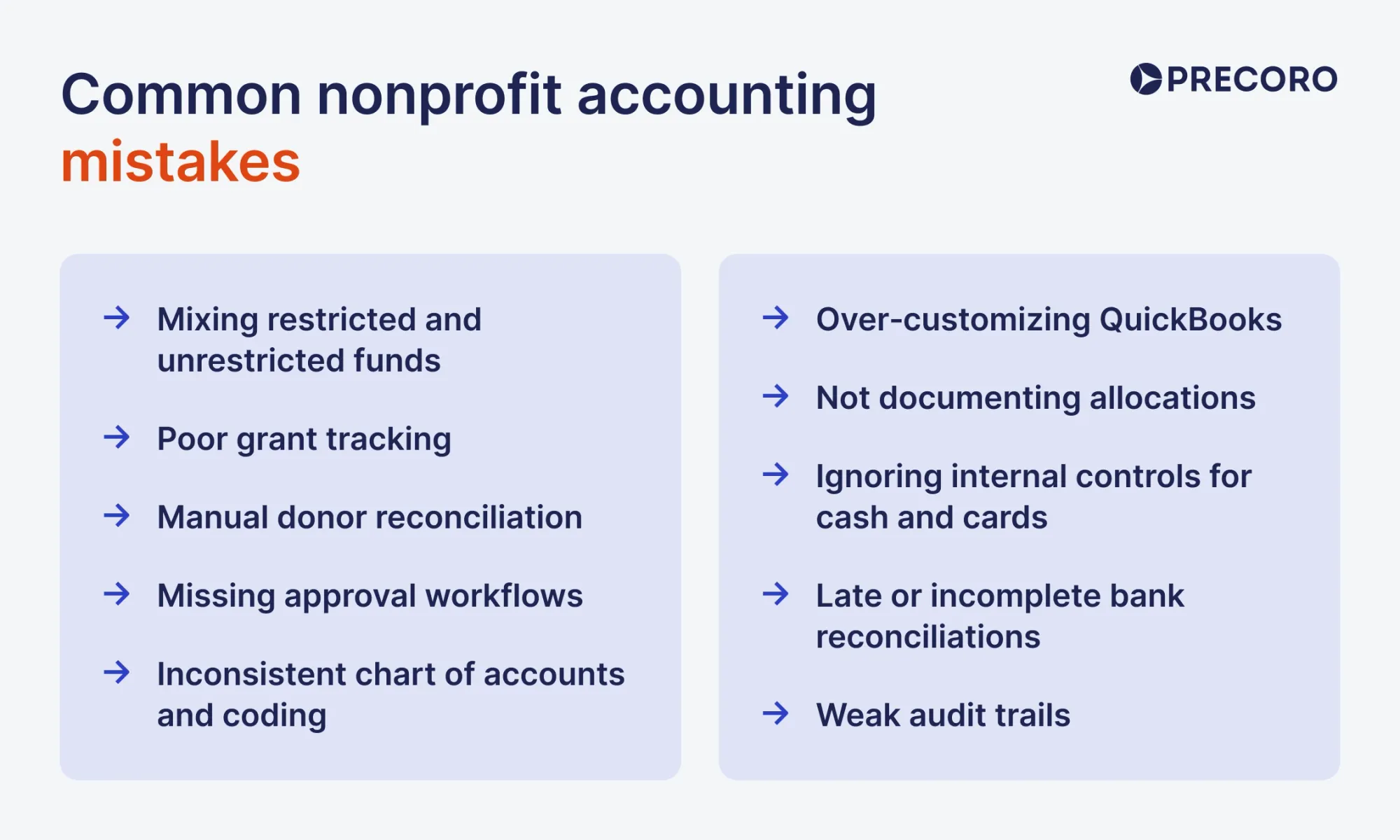
Common nonprofit accounting mistakes
Nonprofits often run into the same accounting pitfalls, especially when they rely on volunteers, spreadsheets, or tools not designed for fund accounting. These recurring errors can lead to compliance issues, audit findings, and loss of donor trust.
1. Mixing restricted and unrestricted funds
Using a single pool for all money makes it easy to accidentally spend restricted donations on general expenses. Without clear fund or class tracking, you can’t reliably show donors or auditors that restricted money was used as intended.
2. Poor grant tracking
Failing to track each grant by period, purpose, and remaining balance leads to overspending, missed reports, and audit problems. Grants should have their own budgets, expense codes, and schedules for financial and narrative reporting.
3. Manual donor reconciliation
Reconciling donations by hand between your fundraising platform, bank statements, and ledger is slow and error‑prone. This often causes missed gifts, duplicate entries, and incorrect donor balances that are hard to explain to the board or auditors.
4. Missing approval workflows
Allowing anyone to create vendors, approve expenses, or run payments without checks increases the risk of errors and fraud. Even small nonprofits should define who can approve spending, at what thresholds, and require dual review for larger transactions.
5. Weak audit trails
Not preserving who created, edited, or deleted transactions — and when — makes it hard to investigate discrepancies or satisfy auditors. Systems with role‑based access and clear logs, plus documented internal policies, are essential for a strong audit trail.
6. Over‑customizing QuickBooks
Stacking classes, locations, custom fields, and memorized reports to mimic fund accounting often creates a fragile setup that breaks with staff changes or software updates. When you truly need fund accounting, it’s usually better to adopt a purpose‑built system than to over‑engineer QuickBooks.
7. Not documenting allocations
Sharing costs across programs or funds without a written allocation methodology (e.g., headcount, square footage, time studies) leads to arbitrary, inconsistent numbers that won’t hold up in an audit or funder review. Your basis for allocation should be documented and applied consistently each period.
8. Ignoring internal controls for cash and cards
Letting one person both receive cash/donations and record them, or hold and reconcile the organization’s credit card, concentrates risk. Simple controls like segregation of duties, periodic cash counts, and board review of statements significantly reduce exposure.
9. Late or incomplete bank reconciliations
Reconciling only occasionally, or leaving old unreconciled transactions, means errors go undetected for months. Reconciling all bank and credit card accounts monthly—and having a second person review reconciliations — catches issues early.
10. Inconsistent chart of accounts and coding
Allowing each volunteer or staff member to code expenses differently creates messy data that can’t support reliable program or fund reports. A clear, documented chart of accounts, basic coding guidelines, and occasional training keep your financial data usable over time.
Top accounting systems for nonprofits
No two nonprofits have the same accounting needs. Here is a list of the 10 best accounting software solutions to match your needs, size, funding, and mission.
Intuit QuickBooks
QuickBooks is an accounting software package that offers versions well-suited for nonprofits — QuickBooks Enterprise and QuickBooks Online (QBO). One of the main benefits of QuickBooks is that it combines ease of use for those new to accounting with a wide array of features for technically savvy users.
Customer ratings:
- Capterra — 4.3 out of 5 points based on 8,476 user reviews
- G2 — 4 out of 5 points based on 3,852 user reviews
Advantages:
- Plugs seamlessly into almost any major donor database, fundraising platform, or payroll system through thousands of pre-built integrations.
- Supports simple compliance workarounds, so teams can generate basic Statements of Activities and functional expense reports.
- Verified 501(c)(3) organizations can skip retail pricing by purchasing QBO through TechSoup for a small annual fee.
Shortcomings:
- Lacks true fund accounting.
- It can’t handle the multi-tier reporting, matching requirements, or strict auditing controls required by complex government or state grants.
- No internal donor CRM to track donor relationships, communication histories, or giving lifecycles.
Pricing:
Nonprofits pay one annual administrative fee (usually $80-$170 per year) listed on TechSoup, rather than monthly retail fees.
Customer review (original spelling):
- Kaitlyn S. — Capterra — “QuickBooks Online made it easy to track income and expenses, manage restricted funds, and generate clear financial reports for board members and stakeholders. The cloud-based access allowed multiple team members to work in the system, which was especially helpful for collaboration with bookkeepers and accountants. We also appreciated the ability to categorize donations, track grants, and quickly pull year-end reports for audits and budgeting. Overall, it simplified our financial management and improved transparency.”
- David H. — G2 — “It's an all in one accounting software. It manages all aspects of my accounting needs and provides the necessary reports that our organization can use to make important financial decisions.”
The author’s note:
QuickBooks Online is a good option for small to medium-sized nonprofits that operate simply and have only a few restricted grants. However, because it isn't built specifically for fund accounting, it might be hard for your team to manage a scaling donor portfolio (starting at +5 restricted grants).
Aplos
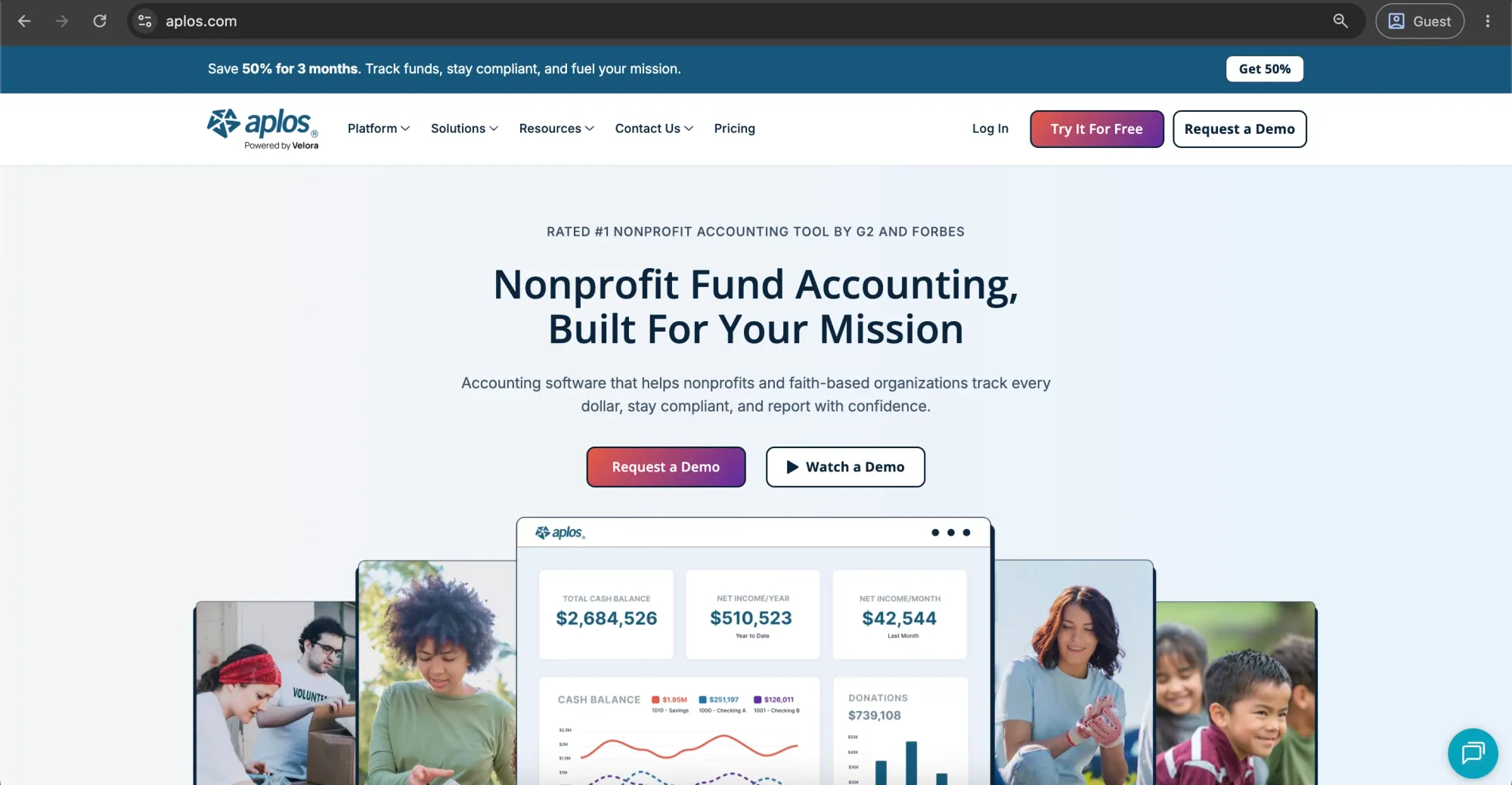
Aplos is a cloud-based fund accounting software that is designed for churches and nonprofit organizations of various sizes. It offers basic accounting capabilities, a built-in donor database, and online giving features.
Customer ratings:
- Capterra — 4.5 out of 5 points based on 187 user reviews
- G2 — 4.7 out of 5 points based on 97 user reviews
Advantages:
- Native fund accounting with automatic fund balancing.
- Built for non-accountants, with a plain interface and intuitive dashboards, which makes it easy for volunteers, pastors, or founders to run reports accurately.
- Automatic tax receipting.
Shortcomings:
- Not built for enterprise scale, lacks deep, multi-tier grant tracking, indirect cost allocation tools, and advanced inventory features.
- Higher starting price.
- Limited third-party integrations.
Pricing:
Aplos has three pricing tiers: Base tier starts around $49 to $79 per month (billed annually), Growth tier ranges from $99 to $139+ per month, and advanced, enterprise features are available for a custom price.Note!Aplos occasionally offers promotional discounts and bundle deals for churches and small nonprofits.
Customer reviews (original spelling):
- Roslyn C. — Capterra — “What I like most about the Aplos software are the many features it offers that make the business aspect of our ministry so much easier to handle than it was before. Within Aplos, we get the extremely beneficial multi-level fund accounting, donor management, event registration, website building, etc. As we are growing, we are also applying other features of the software. It just keeps getting better!”
- Verified User in Non-Profit Organization Management — G2 — “Aplos provides fund accounting for non-profit organizations. We are able to produce financial statements by fund providing greater control over designated donations. Controls in place to ensure that funds remain in balance. Aplos also integrates with our payroll provider and our debit card spend making reconciliations quick.”
The author’s note:
Aplos provides an effective integration of donor CRM and fund accounting in one system for churches and mid-sized nonprofits. Though it is simple to use, nonprofits will still need more advanced technology as they scale.
Xero
Xero is a cloud-based accounting platform that, while not designed specifically for nonprofits, is widely used by them due to its intuitive interface and simple setup process. It provides complete customization options and robust reporting capabilities across different projects, allowing you to compare actual reports with alternative scenarios to enhance planning and strategy.
Customer ratings:
- Capterra — 4.4 out of 5 points based on 3,308 user reviews
- G2 — 4.4 out of 5 points based on 1,754 user reviews
Advantages:
- Unlimited user seats across all standard plan options, allowing broad team access without added costs.
- Modern, intuitive dashboard with automated bank feed reconciliations.
- Clean, well-documented API that integrates with specialized nonprofit apps.
Shortcomings:
- Requires disciplined use of tracking categories to mimic fund accounting, leaving room for manual user error.
- Standard reports require significant customization to meet nonprofit presentation rules.
- Lacks native donor management features out of the box.
Pricing:
Xero has three pricing tiers for retail, ranging from standard $25 to $90+ per month. Also, all verified 501(c)(3) nonprofits and charities can get a permanent 25% discount by purchasing through their website.
Customer reviews (original spelling):
- Ben D. — Capterra — “It loads quickly, information is set out in an easy to access manner. It integrates very well with other platforms and makes reconciliation very quick and easy.”
- Carlos H. — G2 — “I really love the clean, intuitive UI/UX of the dashboard; it makes navigating daily accounting tasks incredibly straightforward. Getting started was painless thanks to their highly structured onboarding guides and helpful customer support team. Additionally, its seamless integrations with our bank feeds and third-party payment gateways save us hours of manual data entry every single week.”
The author’s note:
For smaller nonprofits with multiple team members who require collaborative access, Xero is a great budget-friendly alternative to QuickBooks. Yet, it will need an accountant or consultant to set up the basic tracking categories correctly to meet the requirements.
Accounts by Software4Nonprofits
Accounts by Software4Nonprofits is a desktop accounting solution designed for nonprofits that need a simple, offline system. It includes double-entry bookkeeping, fund tracking, and customizable nonprofit reports without unnecessary complexity. With optional integration to the Donations module, it's an affordable choice for small teams, rural organizations, and nonprofits with limited internet access.
Customer ratings:
- Capterra — 4.7 out of 5 points based on 22 user reviews
- G2 — 4.7 out of 5 points based on 5 user reviews
Advantages:
- Extremely low, predictable cost model with no recurring monthly cloud subscription fees.
- Explicitly built for fund accounting; enforces double-entry rules across funds natively.
- Simple backup systems that operate reliably without requiring active internet connectivity.
Shortcomings:
- Lacks modern cloud features; remote teamwork requires complex manual database sharing or remote desktop setups.
- The interface looks dated and lacks real-time graphical Key Performance Indicator (KPI) dashboards.
- Minimal automated integrations with modern bank feeds or web-based payment processors.
Pricing:
Pricing ranges from $129–$199 per year, with the optional Donations add-on starting at $17/month for 100 donors.
Customer reviews (original spelling):
- Rebekah P. — Capterra — “Easy to track different funds in one checking account, easy to print reports and track expenses.”
- Ania Z. — G2 — “Accounts is very easy to navigate and helps me run my business smoothly, easy to enter information for processing and keep trucking of all the budgeting”
The author’s note:
Accounts by Software4Nonprofits is a strong fit for small nonprofits, charities, and churches with lean finance teams, typically supporting organizations with around 1,000 donors or fewer. It requires minimal implementation and training, yet provides true fund accounting, budgeting, and nonprofit financial reporting without the complexity of enterprise systems.
Sage Intacct
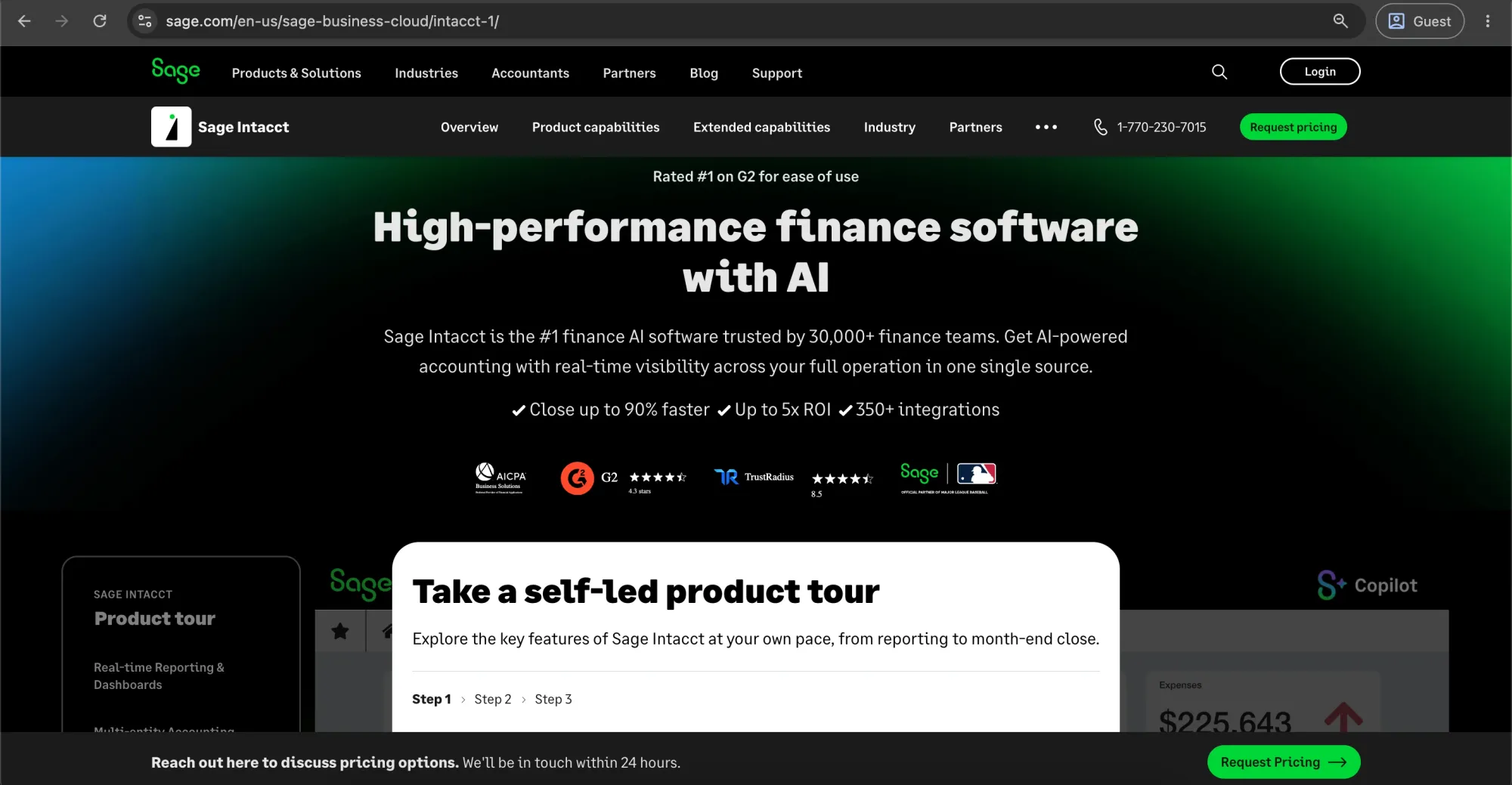
Sage Intacct is a cloud-based accounting software ideal for nonprofit organizations with complex accounting requirements. Some features include fund accounting, grant management, revenue recognition, flexible reporting, multiple-entity accounting, and integration with third-party platforms like Givebutter and Salesforce.
Customer ratings:
- Capterra — 4.3 out of 5 points based on 711 user reviews
- G2 — 4.3 out of 5 points based on 4,272 user reviews
Advantages:
- Multi-dimensional fund, grant, and program tracking.
- Automated, audit-ready financial reporting.
- Advanced purchase order and approval management.
Shortcomings:
- Setup can be expensive and usually requires expert help.
- It can take time for non-accounting staff to learn.
- The annual cost may be too high for smaller nonprofits.
Pricing:
Offers a custom quote, depending on organizational modules, entity counts, and transaction volumes. Contact sales for pricing.
Customer reviews (original spelling):
- John M. — Capterra — “Solid accounting system with good controls, to efficiently process transactions and month-end. excellent learning tools.”
- Verified User in Accounting — G2 — “Intuitive layout of the modules. Like the way data can be sorted and the details in which expenses can be set up, as well as investments.”
The author’s note:
Sage Intacct is a strong fit for mature nonprofits, with annual revenue above approximately $5 million, multiple legal entities, or complex grant portfolios. It needs a heavy investment in implementation and training, yet provides institutional-level control.
Blackbaud Financial Edge NXT
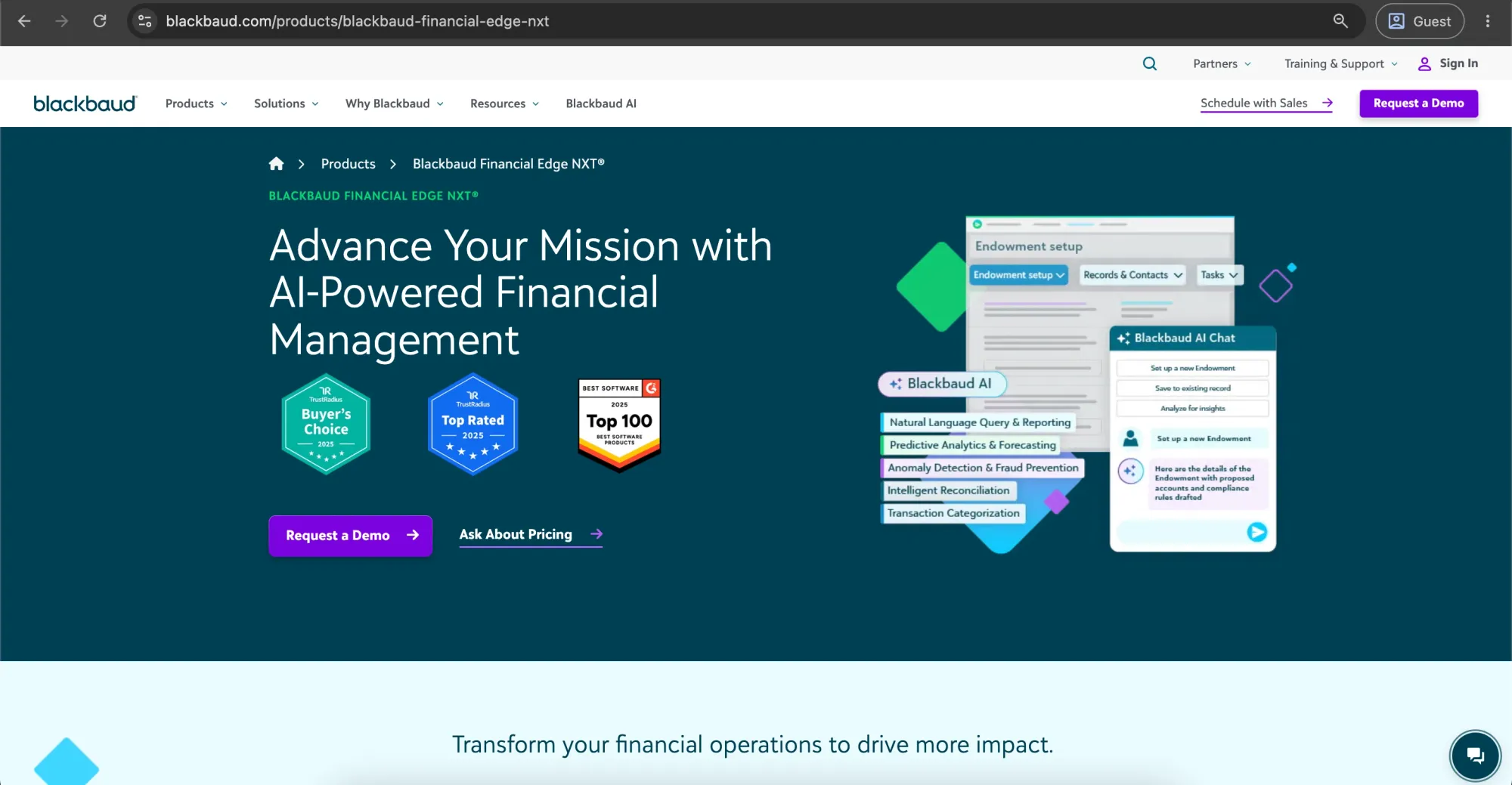
Blackbaud’s Financial Edge NXT is a cloud accounting software designed for big companies that have various funding sources and reporting requirements. The software allows managing grants, multistream accounting, financial report creation, and integration with other Blackbaud products, including donor management tools.
Customer ratings:
- Capterra — 4.2 out of 5 points based on 164 user reviews
- G2 — 4 out of 5 points based on 125 user reviews
Advantages:
- Integration of Native with Raiser's Edge NXT, linking fundraising and accounting.
- Grant Management at an advanced level with reimbursement tracking through fiscal years.
- Excellent internal controls that prevent any modification of past accounting periods.
Shortcomings:
- The user interface is complex for straightforward accounting purposes.
- Customer service might respond slowly during busy times.
- Contracts involve long commitments over several years.
Pricing:
Custom pricing based on your organization's size and selected features.
Customer reviews (original spelling):
- Tyson H. — Capterra — “The software is great for allocating to multiple funding sources. We are a grant funded non-profit and need to separate shared costs, which Financial Edge does very well.”
- Vilma B. — G2 — “Effectively manage financial reporting, monitor and track program success wich can help in fundraising process easily. It can be easily integrated.”
The author’s note:
Financial Edge NXT is a strong fit for large businesses that are already integrated with Blackbaud software, typically with annual revenue above $10 million, multiple departments or legal entities, and complex grant, fund, or endowment accounting requirements. It combines development activities with the general ledger's compliance, making it easier to handle large donor portfolios.
Zoho Books
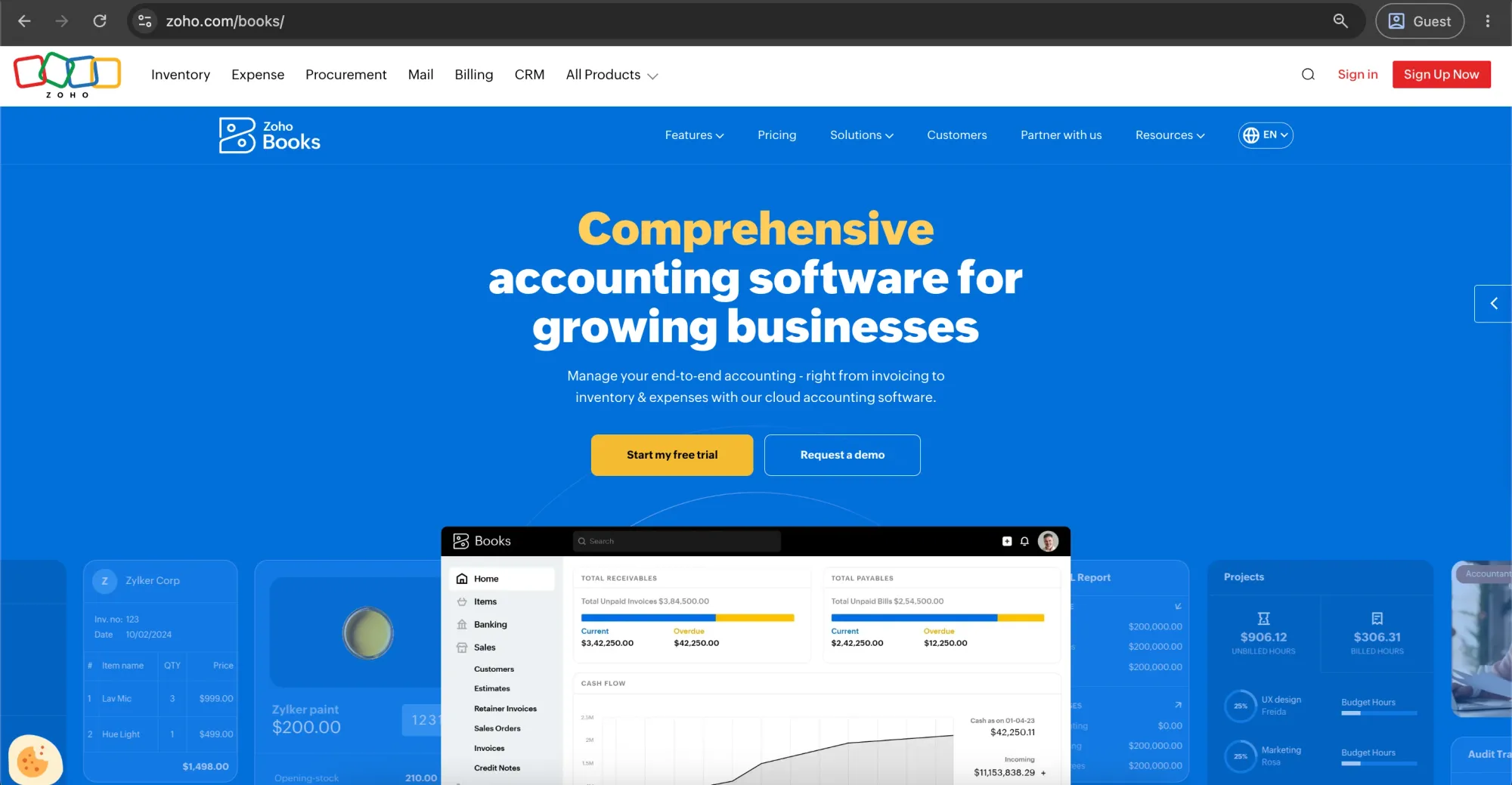
Zoho Books is cloud-based accounting software designed for small and medium-sized businesses. It provides invoicing, expense management, bank reconciliation, as well as standard financial statements like the balance sheet, income statement, and cash flow.
Customer ratings:
- Capterra — 4.4 out of 5 points based on 674 user reviews
- G2 — 4.4 out of 5 points based on 327 user reviews
Advantages:
- Easy-to-use invoice, expense tracking, and reconciliation application.
- Excellent accounting capabilities for smaller companies, projects, inventory, and customer portals.
- Smooth integration with other Zoho applications, such as CRM and project management.
Shortcomings:
- Might lack advanced features for complicated inventory, budget, and multi-entity accounting requirements.
- The cost can rise as the number of users increases and the plan improves.
Pricing:
Zoho Books has a free trial that doesn't require a credit card. Paid plans start at $20/month and increase with more features and users. Also, Zoho Books offers nonprofit credits that can cover up to 50% of subscription costs.
Customer reviews (original spelling):
- judith U. — Capterra — “I've had a very good overall experience with Zoho Books. It helps me keep my finances organized and makes my accounting tasks easier. It is dependable, easy to use, and meets most of my business requirements.”
- Muzammil M. — G2 — “Zoho Books has been helpful for managing invoices, expenses, and basic accounting tasks in a more organized way. I started using it a few months ago, and the feature I use the most is invoice and payment tracking because it makes it easier to keep records updated without much manual work. The interface is simple to understand, and it saves time when handling regular financial tasks.”
The author’s note:
Zoho Books is the right choice for small and mid-sized nonprofits with annual revenue up to approximately $5 million, which doesn't require a large-scale system but rather seeks a solution for automating basic accounting activities. Zoho Books would be particularly handy if one is already using some of the Zoho solutions. On the other hand, there are situations where Zoho Books might not be sufficient. These include managing complicated inventories, running a business in various legal entities, and having complicated integrations with other platforms.
MIP Fund Accounting
MIP Fund Accounting is a cloud-based accounting system designed for nonprofits, governmental bodies, schools, and organizations managing various programs, grants, and restricted funds. The solution offers fund accounting software that allows for budget management, audit documentation, and compliance reporting.
Customer ratings:
- Capterra — 4.1 out of 5 points based on 69 user reviews
- G2 — 3.8 out of 5 points based on 38 user reviews
Advantages:
- Purpose-built fund accounting for managing multiple funds, programs, grants, and restricted revenues.
- Strong audit controls with detailed transaction histories and user permissions.
- Advanced payroll and HR tools for complex grant allocation calculations.
- Highly customizable reporting for complex government requirements.
Shortcomings:
- Old UI, which needs more training than cloud solutions.
- Less integration with fundraising, CRM, and other systems, which means doing everything manually.
- Higher licensing, set-up, and maintenance costs – not suitable for small nonprofits.
Pricing:
Custom pricing based on deployment type and required modules.
Customer reviews (original spelling):
- Jeanette R. — Capterra — “MIP is a great fund accounting software. It has been very valuable for our organization and makes it easy to keep everything in order and organized.”
- Felicia P. — G2 — “The system makes it easy to track funds across multiple programs, manage grants with precision, and generate detailed reports that keep everything compliant and organized. It saves time while giving me confidence that the numbers are accurate.”
The author’s note:
If your organization manages multiple funds, grants, or government awards — typically with annual revenue between $1 million and $50 million — MIP is an excellent fit. It's especially well suited for organizations with complex compliance and reporting requirements, such as community health centers and housing authorities. While the interface feels somewhat dated, it excels at fund accounting, regulatory compliance, and the strong financial controls larger nonprofits depend on.
MoneyMinder
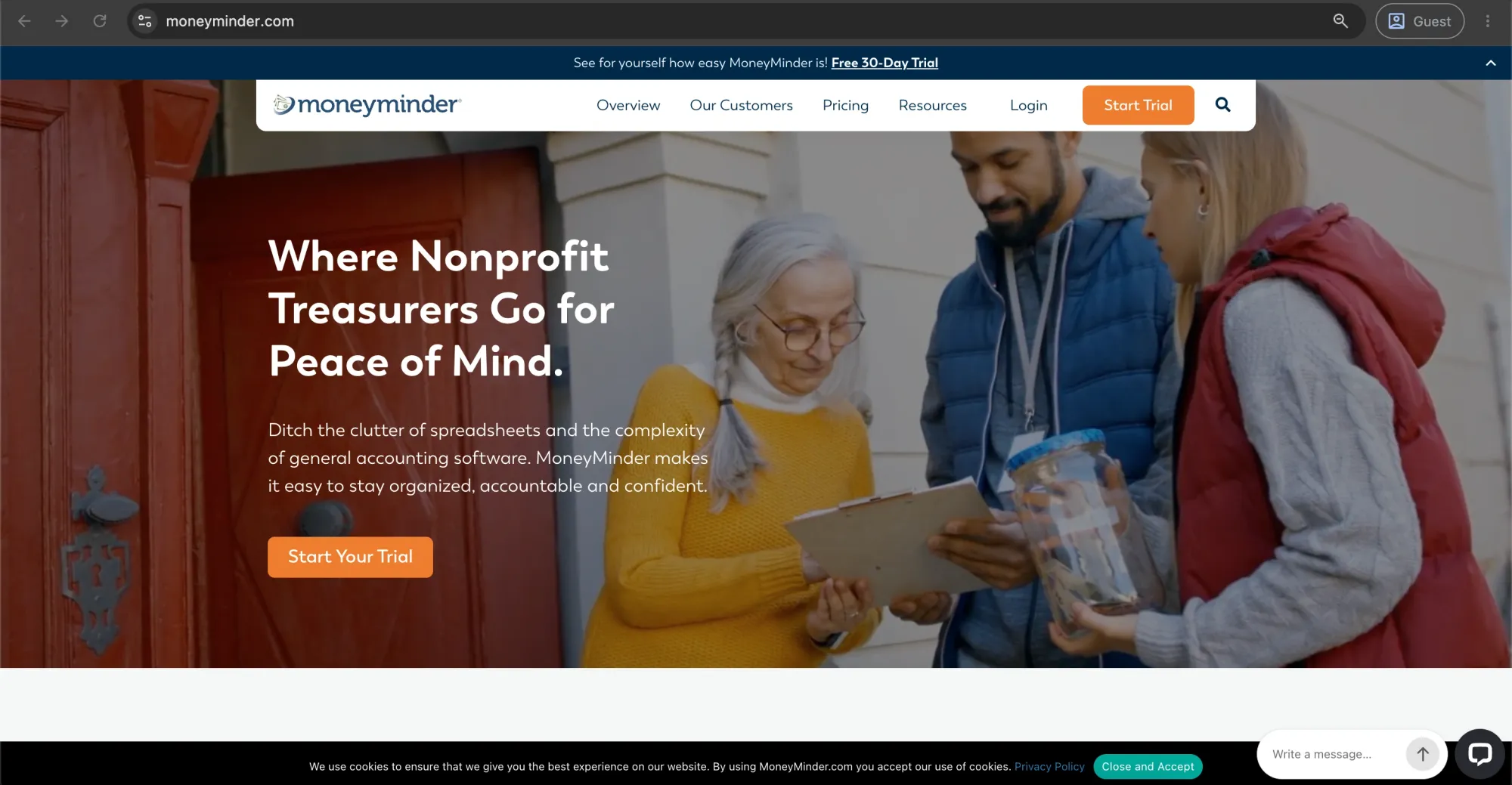
MoneyMinder is a web-based nonprofit bookkeeping software made to help nonprofits, volunteer-based organizations, clubs, and communities with their budgeting needs. The features include an easy-to-navigate user interface, tools for treasurers, and basic accounting functionality.
Customer ratings:
- Capterra — 4.9 out of 5 points based on 122 user reviews
- G2 — 4.6 out of 5 points based on 13 user reviews
Advantages:
- Intuitive language and checkbook-style workflows; designed for non-accountants.
- Built-in features for bank reconciliation tracking, quick basic financial reports, and annual budget management.
- Low, flat annual fee.
Shortcomings:
- Has no sophisticated features like double-entry bookkeeping, payroll management, or grant management.
- Doesn't fit well for businesses that have a formal Certified Public Accountant (CPA) audit.
- Limited automated integrations with third-party applications.
Pricing:
Pricing is $299 annually for all users, with a free plan available.
Customer reviews (original spelling):
- Amy S. — Capterra — “Our organization was able to quickly work out an annual budget and follow it accordingly. I am easily able to run monthly and quarterly reports and tax filing has been made easy! The customer support is by far the best I have ever experienced with any accounting program and has gone above and beyond in order to make our departmental transitions very seamless.”
- Mohindar K. — G2 — “It is very helpful to manage the accounting of company and it is easy to use. Reporting and budgeting options are also very helpful.”
The author’s note:
If you're running a small nonprofit, PTA, booster club, or other volunteer-led organization with annual revenue under $250,000, MoneyMinder is a great fit. It's easy to learn, requires almost no setup, and covers the essentials like fund tracking, budgeting, board-ready reports, and IRS 990 support — without the complexity of full-scale nonprofit accounting software.
Wave Accounting
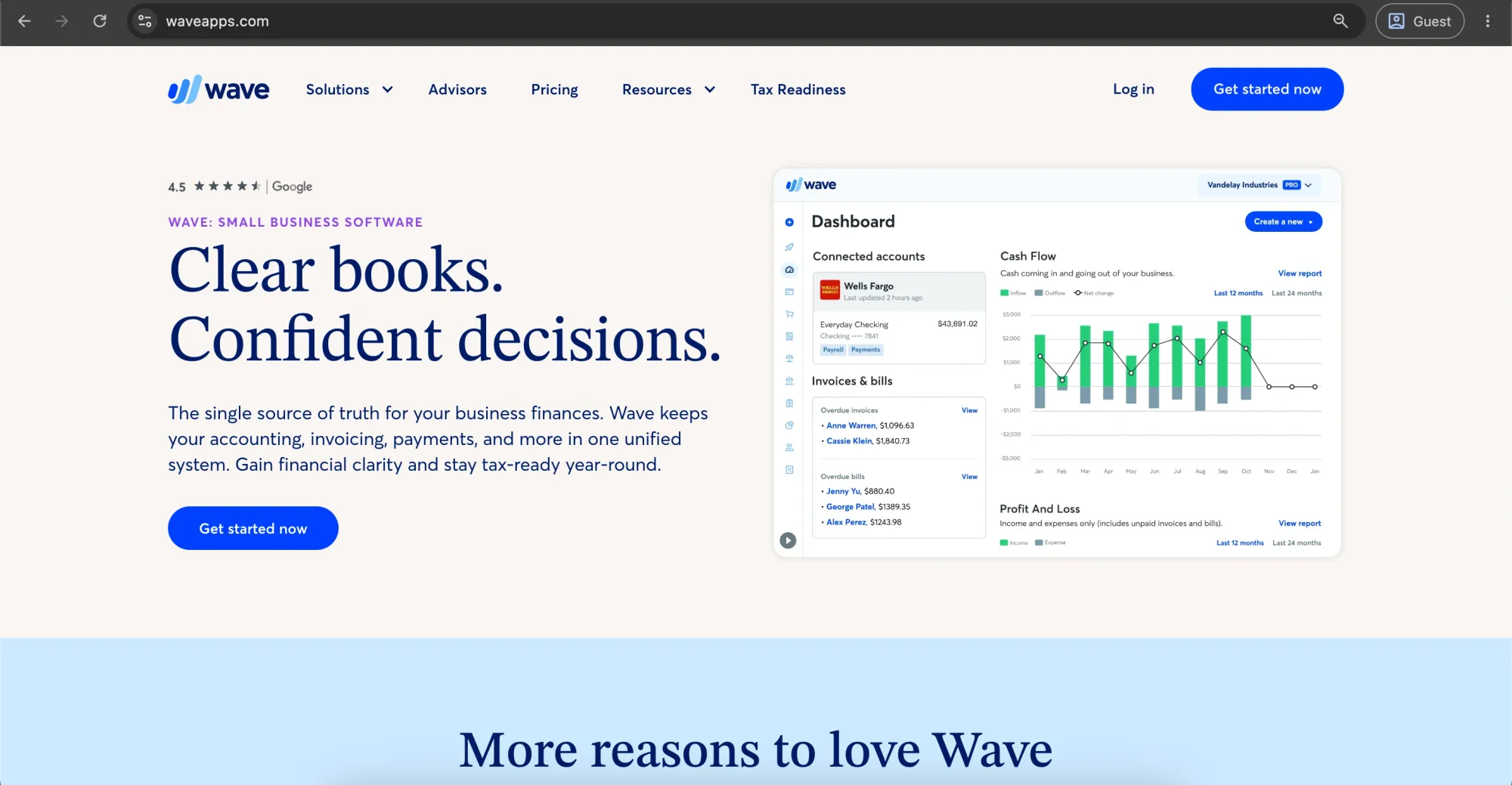
Wave is free accounting software for small nonprofits who have basic bookkeeping needs. It offers the essential features such as income and expenditure tracking, invoicing, and reporting, making it ideal for lean teams and newer businesses seeking a straightforward solution to their financial management without additional expenses.
Customer ratings:
- Capterra — 4.4 out of 5 points based on 1,726 user reviews
- G2 — 4.3 out of 5 points based on 326 user reviews
Advantages:
- No monthly fee for core accounting, billing, and receipt scanning services.
- Easy installation with an advanced, intuitive digital interface.
- Effective receipt capture software through a mobile app.
Shortcomings:
- Doesn't have native fund accounting support; tracking requires careful manual grouping of accounts.
- Users of the free tier have no customer support options.
- Payment processing and payroll require paid add-ons and get more expensive with volume.
Pricing:
The Pro plan will cost you $19 per month, and core accounting features are free. You can add on payroll and bookkeeping services for a fee.
Customer reviews (original spelling):
- Pauline M. — Capterra — “Been very pleased with the services as a well rounded provider. Would recommend for any and all new businesses just starting out that need assistance with Payroll, Bookkeeping, Accounting, Invoicing. This platform has enabled me to grow my business without the huge additional costs that other providers charge for features you're not ready for.”
- Brittany C. — G2 — “Wave makes bookkeeping and accounting easy for me as a business owner. It also allows me to include payment links in traditional PDF invoices, which makes it extra easy for clients in smaller businesses or nonprofits to pay me on time without having to initiate their own ACH transfer or write a check.”
The author’s note:
Wave can work well for small nonprofits that are just starting out and need basic accounting without added costs. However, as soon as the organization secures formal grants or restricted donations, it should transition to a proper fund accounting system to maintain audit compliance.
Nonprofit accounting systems comparison matrix
| Platform | Best for | Native fund accounting | User learning curve | Pricing model |
|---|---|---|---|---|
| QuickBooks Online | Mid-sized organizations with standard accounting needs | No (uses workarounds) | Moderate | Monthly subscription |
| Aplos | Churches and mid-sized nonprofit organizations | Yes | Low | Monthly subscription |
| Xero | Collaborative finance teams | No (uses tags) | Low | Monthly subscription |
| Accounts by S4N | Budget-conscious desktop users | Yes | Moderate | One-time purchase |
| Sage Intacct | Enterprise and multi-entity nonprofits | Yes | High | Custom annual quote |
| Blackbaud FE NXT | Large nonprofit institutions | Yes | High | Custom annual quote |
| Zoho Books | Small organizations focused on automation | No (uses tags) | Moderate | Monthly subscription |
| MIP Fund Accounting | Government grant recipients and growing nonprofits | Yes | High | Custom annual quote |
| MoneyMinder | Volunteer organizations, PTAs, and community clubs | No (simplified cash accounting) | Low | Annual subscription |
| Wave Accounting | Early-stage nonprofits with micro budgets | No | Low | Free base tier |
How does Precoro help nonprofits in the accounting sphere?
With an agentic procurement and spend centralization platform such as Precoro, the purchasing environment for nonprofit teams is finally centralized and transparent, with all supplier data, purchase requests, invoices, contracts, and approvals in one place. With automated workflows, real-time budget tracking across programs and grants, and a detailed audit trail of each transaction, organizations can refine supplier evaluations, improve internal control, and make sure every purchase decision aligns with compliance and mission goals.
Precoro simplifies administrative processes and consolidates procurement records, so nonprofits save hours on paperwork and focus their time on delivering value to the communities they serve.
- Custom reporting: Get comprehensive reports as well as track all the transactions for audits and donor compliance requirements.
- Approval workflows: Configure approvals to adhere to procurement and spending policies.
- Vendor portal: Allow vendors to upload necessary documents, invoices, and respond to Requests for Proposals (RFPs) from a single portal.
- Self-registration of vendors: Self-register vendors with standardized data.
- RFP creation: Create and evaluate vendor proposals within a single system.
- Dynamic intake forms: Automatically collect all required information regarding grant ID numbers and funding.
- Contract module with Contract Agent: Automatically capture critical contract terms and potential risk areas of the contract.
- Multi-entity workflow: Conduct independent procurement and budget management for different entities or programs.
Also, eligible nonprofit organizations with more than 100 employees can get 25% off all Precoro plans available on TechSoup.
The offer also includes a free spend control process audit to identify opportunities for procurement improvement, plus five hours of free consulting with practical recommendations tailored to your organization's needs.

Step-by-step: How successful nonprofits migrate from spreadsheets to accounting software
- Audit the current data. Inventory every spreadsheet, fund, grant, and donor record currently in use, and flag inconsistencies before they get carried into the new system.
- Map funds and accounts to the new chart of accounts. Decide how existing categories translate into the new software's fund and account structure before importing anything.
- Run a parallel test period. Enter a month of transactions in both the old and new systems side by side to confirm the new one produces matching, correct totals.
- Migrate historical data in phases. Import the current fiscal year first, then prior years as needed for audit history — trying to migrate everything at once is where most errors happen.
- Train staff on new workflows, not just new software. A tool switch that doesn't change how staff actually enter and approve transactions rarely delivers the expected efficiency gains.
- Reconcile and validate before go-live. Confirm fund balances, bank reconciliations, and grant totals match between systems before retiring the old one.
How do you migrate donor, ledger, and financial data from legacy systems?
Migrate donor, ledger, and financial data from legacy systems by exporting clean, current data first and importing it in stages — starting with the chart of accounts and fund structure, then open transactions, then historical detail. Most accounting software can import a chart of accounts directly but can’t cleanly import past transactions from a general-purpose tool like a basic spreadsheet or a non-fund-accounting platform, because those systems don't tag transactions by fund in the first place. In practice, that means the cleanest migrations rebuild historical fund detail manually for at least the current fiscal year, rather than trying to auto-import years of improperly tagged data.
Nonprofit accounting software implementation checklist
Data cleanup – Review and organize existing financial data by removing duplicates, correcting errors, and ensuring records are accurate before migration.
Chart of accounts – Create or update the chart of accounts, a structured list of accounts used to categorize financial transactions, to support nonprofit reporting, fund tracking, and compliance requirements.
Historical imports – Transfer prior financial records, including account balances, transactions, donor data, and grant information, into the new accounting system for continuity and reporting.
Training – Provide staff training on system workflows, reporting tools, fund accounting processes, and daily accounting tasks to ensure successful adoption.
Parallel runs – Run the old and new accounting systems at the same time for a period to compare results, identify discrepancies, and confirm data accuracy before switching.
Go-live – Complete the transition to the new accounting software by activating the system for daily operations and moving away from the previous platform.
Audit validation – Review financial records, reports, and controls after implementation to confirm accuracy, compliance, and readiness for future audits.
Why most nonprofit software implementations fail to gain staff adoption
Nonprofit organizations have difficulty with the adoption of software because most of them don't consider proper user training, fail to communicate benefits adequately, and opt for overly complicated platforms for non-accounting personnel.
The program managers and field directors perceive the implementation of the system as just another burden that takes away from their essential work. If the software requires multiple steps in order to record mileage costs or see the budget for the program, people will simply look for other ways around it.
To make the adoption process successful, the management needs to involve various employees in the selection of software and conduct proper training that fits particular positions and shows all the advantages.
What are the security, compliance, and audit considerations?
To manage a nonprofit accounting organization’s security, compliance, and audit trails, there is RBAC, data encryption, MFA, IRS and tax filing, and automatic reconciliations.
- Role-based access control (RBAC): Control permissions according to roles.
- Encryption of data: Financial data should be encrypted at rest and in transit.
- Multi-factor authentication (MFA): MFA should be used for protecting access to financial information and donor data.
- IRS and tax filing: Support for IRS Form 990 and Unrelated Business Income Tax (UBIT) filing.
- Custom reporting: Create reports that comply with the requirements of grants and government funding programs.
- Immutable audit trails: Log all transactions and activities performed by users.
- Segregation of duties: There must be segregation of duties for vendor creation, invoice approval, and payment.
- Automatic reconciliation: Automatic reconciliation of bank and credit card payments.
FASB compliance requirements for nonprofit financial statements
Nonprofit organizations must follow financial reporting standards set by the Financial Accounting Standards Board (FASB) under ASC Topic 958 to ensure consistent and transparent reporting for donors, grantors, and regulators.
There are four primary financial statements:
- Statement of Financial Position — the nonprofit equivalent of a balance sheet, showing assets, liabilities, and the two net asset classes.
- Statement of Activities — the equivalent of an income statement, showing revenue, expenses, and the change in each net asset class over the period.
- Statement of Cash Flows — prepared using either the direct or indirect method; ASU 2016-14 removed the requirement to also present the indirect reconciliation when an organization uses the direct method.
- Statement of Functional Expenses — a breakdown of expenses by both their natural classification (salaries, occupancy, supplies) and their functional classification (program services, management and general, fundraising). Before ASU 2016-14, this statement was only mandatory for voluntary health and welfare organizations; the update extended the requirement to all nonprofits.
Compliance with these standards demands a two-class net asset framework where funds must be clearly separated into net assets with donor restrictions and net assets without donor restrictions.
Additionally, organizations must provide detailed quantitative and qualitative disclosures detailing their liquidity management, the specific methodologies used to allocate functional expenses (separating program delivery from general management and fundraising), and clear tracking of conditional versus restricted contributions to prevent premature revenue recognition.
How can software help nonprofits meet accounting standards and compliance requirements?
To help nonprofits meet FASB requirements, accounting software generates the required statements directly from the chart of accounts, so finance teams don’t need to rebuild them manually in spreadsheets every reporting period.
A platform with native fund accounting tags every transaction with its fund, program, and donor-restriction status at the point of entry, so the two net asset classifications, the functional expense allocation, and the liquidity disclosure can all be pulled from the same underlying data instead of reconciled after the fact. This matters most for functional expense allocation, which auditors and donors both scrutinize closely.
Platforms like Aplos, Sage Intacct, MIP Fund Accounting, and Blackbaud Financial Edge NXT have built-in fund classifications. QuickBooks Online and Xero use tags, classes, or locations to track funds, but they may not work well for organizations managing many restricted funds.
Instead of relying on manual adjustments at the end of the year, the software applies accounting rules as transactions are recorded, which helps maintain accurate financial records.
For example, when expenses are paid using a restricted grant, the software can automatically record the appropriate accounting entries and update the related fund balances. This ongoing tracking helps keep financial statements accurate, supports compliance with accounting standards, and makes it easier to prepare for audits throughout the year.
What security features should you require?
Nonprofit financial platforms must include role-based access permissions, as well as multi-factor authentication, data encryption, and non-tamperable audit logs.
Since nonprofits are managing confidential information like donor banking details, employee personal income details, and grant contract details, security settings should give administrators the ability to limit access to system data so that only employees can view it. Plus, all logins should require multi-factor authentication to prevent the possibility of unauthorized access to any account.
How does software support financial audits, grant compliance, and donor accountability?
Nonprofit accounting software helps with financial auditing, grant management, and donor accountability by providing fund accounting, audit trail generation, and customized reports. By using financial management software that separates all your funding sources, you will stay clear and reduce the chances of fraud due to role-based access controls while making it easier to file your IRS Form 990.
How much does nonprofit accounting software cost?
Nonprofit accounting software costs range from $129 per year (for Accounts by Software4Nonprofits) to $229 per month (for Aplos’s Advanced plan). There are also free options at the core level, such as Wave Accounting and Zoho Books, along with discount programs — Xero offers a 25% nonprofit discount, and Zoho Books can cover up to 50% of subscription costs through nonprofit credits.
What pricing structures do vendors commonly use?
In general, there are three price models charged by vendors:
- Fixed monthly or yearly charges according to tier-based pricing (Aplos, Xero, Zoho Books, MoneyMinder);
- User-based pricing with users in excess of basic packages (QuickBooks Online Advanced, MIP);
- Quotation pricing model according to the organization’s requirements (Sage Intacct, Blackbaud Financial Edge NXT). In most cases, quotation pricing is usually based on user numbers, modules selected, and the number of entities consolidated.
How do you calculate the total cost of ownership (TCO)?
To determine the Total Cost of Ownership (TCO) for nonprofit accounting software, sum up all direct and indirect costs in a 3- to 5-year time frame by applying the following formula:
TCO = Initial Costs + (Annual Operating Costs x Years) + Hidden Costs.
The initial cost would consist of the licensing cost (software purchase), software installation, integration, and other customization expenses required for fund accounting, grants tracking, and other nonprofit-related activities. Annual operating costs would include subscription costs, additional fees for integration (e.g., donor management system or online payments processing software), and ongoing technical support services.
In addition to this, hidden costs include such things as employee training, overhead costs, and lost productivity while switching to a new system. Additional factors that should be taken into account when calculating the TCO are related to the specifics of nonprofit accounting (native fund accounting, FASB compliance, grants tracking, fund allocations, etc.). Absence of one or several of these features is likely to lead to additional work on the part of employees and, therefore, additional cost of ownership.
Are there nonprofit discounts and nonprofit organization pricing programs available?
Yes, for example, QuickBooks offers up to 50% off via TechSoup, Xero — 25% off, Aplos 25% off, and free tools like Wave Accounting and Zoho Books help nonprofits reduce accounting software costs overall.Key nonprofit accounting software discounting offers:
- QuickBooks: Offers nonprofits up to 50% off QuickBooks Online subscriptions through the TechSoup Accounting and Finance Tools marketplace.
- Xero: Provides a 25% discount on business plans for registered nonprofits that verify their charitable status.
- Aplos: Offers a 25% discount on its cloud-based nonprofit accounting platform with built-in fund accounting and donor management.
- Wave Accounting & Zoho Books: Provide free or low-cost accounting software, with Wave offering free core features and Zoho Books including a free plan for eligible small organizations.
Hidden costs nonprofits often miss when budgeting for accounting software
The hidden costs nonprofits most often miss are data migration cleanup, implementation and configuration, add-on module pricing tiers, and the ongoing cost of retraining volunteer or part-time bookkeepers. Here’s a detailed overview:
| Cost area | What gets missed | Why it's easy to overlook |
|---|---|---|
| Data migration | Cleaning up years of historical transactions and mapping an old chart of accounts to a new fund structure. | Vendors often advertise that migration is included, but the manual cleanup work behind it usually is not. |
| Implementation and configuration | Setting up fund and grant dimensions, approval workflows, and a nonprofit-specific chart of accounts. | Implementation services are frequently billed separately from the software license, especially for enterprise platforms. |
| Training | Onboarding staff beyond the initial administrator and providing refresher training as volunteer treasurers change. | Organizations often budget for training only at launch, even though it becomes an ongoing need. |
| Integrations | Connecting the accounting system with donor management, payroll, grant management, and other applications. | Each additional integration may require its own implementation fee and recurring subscription cost. |
| Add-on modules | Grant management, budgeting, advanced reporting, and multi-entity consolidation features. | Entry-level plans appear affordable, but many nonprofit-specific capabilities are only available in higher pricing tiers. |
| Ongoing support | Premium support plans or access to a dedicated customer success representative. | Standard support packages may not provide the expertise needed for complex fund accounting or grant reporting issues. |
| Staff and volunteer turnover | Retraining new bookkeepers, finance staff, or volunteer treasurers on fund structures and accounting workflows. | Nonprofits often experience higher turnover among volunteer and part-time finance roles, making repeated training unavoidable. |
When does upgrading to enterprise nonprofit accounting software make financial sense?
Consider upgrading to enterprise-level nonprofit accounting software when your nonprofit deals with more than ten different grants, works in several entities, or works internationally. The same applies when you and your staff spend a lot of time re-entering information about funds and grants manually. As a general guideline, when nonprofits have at least $5 million in annual income, work in multiple entities, or deal with several grants, they use Sage Intacct or Blackbaud Financial Edge NXT.
How can small nonprofit organizations afford essential accounting software features?
Small nonprofits can take advantage of nonprofit technology marketplaces like TechSoup to receive free or heavily discounted software. Organizations with basic accounting needs can also use free or low-cost solutions such as Wave Accounting or Zoho Books. Another cost-effective approach is to customize standard business accounting software like QuickBooks or Xero by using classes or tags to track grants, funds, and programs.
How to choose the right accounting system for your nonprofit
With nonprofit accounting software in hand, nonprofit finance teams can ensure proper handling of donations, expense management, performance monitoring, and reporting most easily. Yet, don't commit too quickly to nonprofit accounting software. Ask yourself the following questions beforehand:
- Is the software user-friendly?
- How many users should the software be configured for?
- What's the budget for this software?
- What additional features are required? (Donation management, Form 990 creation, customization of reports, asset management, etc.)
- Is there any customer support available?
- Can the software work with your other tools?
- How safe is the software?
It’s always recommended to read customer reviews about software on popular software websites. Moreover, you may ask software vendors to provide trial versions and demos before buying.
It’s also necessary to think about the further development of your nonprofit organization and evaluate whether that tool will still be suitable for your needs in the future.
FAQs
Nonprofit bookkeeping accounts for funds to accomplish their mission, while for-profit accounting tracks profit and owners' equity. For-profits have sales revenue, expenses, profits, and owners' equity accounts. Nonprofits have accounts such as donations, grants, donor restrictions, program expenses, administrative expenses, and fundraising expenses. Their financial statements are different as well, since for-profits prepare a balance sheet and income statement, and nonprofits prepare statements of financial position, activities, and functional expenses.
For nonprofit organizations, accrual accounting is deemed to be the most effective method of reporting because it gives a true representation of their finances. In this type of accounting, transactions are recorded as they happen, even if there is no cash transaction.
The Generally Accepted Accounting Principles (GAAP) are accounting standards and rules that help to enhance the accuracy and clarity of financial reports. The GAAP requirements for nonprofit organizations involve compliance with donor restrictions concerning financial support, application of the revenue recognition rule, functional allocation of costs, and preparation of financial statements.
Nonprofit accounting software is designed to meet the accounting requirements of nonprofit organizations. Some common features that are included in nonprofit accounting software are donation tracking, grant and expense management, meticulous budgeting, and the preparation of financial statements.
There is no standard accounting software that fits all nonprofit organizations. It all depends on the size of the nonprofit organization, its business activity, and the particular requirements of the organization. Smaller nonprofit organizations could consider Accounts by Software4Nonprofits and Zoho Books, while mid-size firms could opt for Aplos or Xero. Large firms prefer Intuit QuickBooks.
Excel is enough for small nonprofits with simple transactions, but it is usually not sufficient for organizations that need automated reports, fund tracking, audit trails, and stronger financial controls.
Accounting software can manage anywhere from a few funds to hundreds or thousands of funds, depending on the system's fund accounting capabilities, reporting structure, and organizational needs.
Yes, churches can use standard accounting software like QuickBooks, but it often requires manual workarounds using classes or tags. Dedicated church accounting solutions, like Aplos, better support fund accounting by separating restricted funds, tracking donations, managing contribution statements, and providing church-specific reports.
Fund tracking is only half the story. Book a demo to see where the spend comes from.