Invoice Automation Software and Invoice Automation Solutions: A Complete Guide for AP Teams
Discover how invoice automation software cuts processing costs, minimizes errors, and speeds up approvals for AP teams. Compare the 10 top invoice automation solutions and learn how to choose the right fit for your organization.

Every invoice that requires manual data entry, matching, or approval follow-ups costs AP teams time, money, and accuracy. As invoice volumes increase, those inefficiencies add up, leading to late payment penalties, duplicate payments, and hours of staff time that could be spent on higher-value work.
This is where automated invoice processing software comes in to help manage capture, validation, matching, and approval routing without the need for manual intervention. This guide takes a look at how invoice automation works, what are its benefits, and what are some of the best invoice automation solutions on the market in 2026.
Read to find out:
What is invoice automation software?
How accounts payable invoice automation software reduces processing costs
How AP invoice automation software reduces errors and improves data accuracy
How the invoice automation system speeds up approvals and cuts delays
Benefits and KPIs to track for invoice automation solutions
How integration and implementation affect outcomes
Risks and limitations to consider
How to choose an invoice automation solution
Best invoice automation software
Invoice automation software comparison table
Conclusion
FAQ
What is invoice automation software?
Invoice automation software simplifies the entire process of handling supplier invoices (from initial capture to approval and payment) by digitizing and streamlining it. Invoice workflow automation reduces the time spent on manually entering data, routing documents, and performing reconciliation.
How does the invoice automation software transform the accounts payable process from invoice capture to payment processing?
Invoice automation software replaces all the manual steps that used to slow down accounts payable (AP) teams in every stage of the invoice lifecycle. There is no need to spend time sorting paper documents, re-keying data, and chasing approvers by email anymore.
With invoice automation, AP teams operate from within a centralized queue where invoices are captured, validated, matched, and routed without any human involvement.
The transformation begins as early as the point of capturing the invoice. The inherent invoice automation software design allows it to digest information from any location, including:
- Supplier portals
- EDI (electronic data interchange)
- Scanned bill, etc.
No human intervention is necessary for this process. The data captured here is then compared with existing purchase orders and contracts before being routed to an appropriate approver and cleared for payment once all the necessary conditions are met.
And the result? An accounts payable process capable of scaling with invoice amount instead of just headcount.
How does invoice automation system differ from broader accounts payable automation solutions?
The terms “invoice automation system” and “accounts payable automation solution” are used interchangeably on a regular basis, even though they have a number of important differences, with the biggest one being their scope.
Invoice management systems focus specifically on the lifecycle of a single invoice. This includes the capture, validation, approval, and payment for said invoice. In the meantime, accounts payable automation software is broader in scope, tackling every stage of the AP workflow, such as vendor setup, payment method management, cash flow forecasting, and supplier interactions.
| Aspect | Invoice automation | AP automation |
|---|---|---|
| Primary focus | Automates invoice capture, processing, and payment workflows | Automates and optimizes the full accounts payable function |
| Key capabilities | OCR, invoice data extraction, matching, and approval routing | Invoice automation plus vendor management, payments, reporting, and AP controls |
| Typical buyer | Teams looking to process high invoice volumes faster | Finance teams seeking end-to-end AP visibility and control |
| Integration depth | Typically connects with ERP and procurement systems | Connects with ERP, banking, procurement, and treasury systems |
An invoice automation solution can also be a component of a larger AP automation platform (or a standalone tool capable of integrating into such a platform).
Why should finance teams care about automation now?
Typically, invoice volumes increase at a much quicker rate than the number of people on your AP team. The compounding pressure affects the teams that are still paying invoices manually, with the effects of this being higher invoice cycle times, an increased number of exceptions, and a higher potential for duplicate invoices or fraud.
There are also many elements in a manual invoice process that users barely notice at a smaller scale. Yet, those same issues could become massively disruptive as the business grows.
The expectation shift is also worth mentioning here. Many ERPs, procurement systems, and banking environments already have the capability to integrate with invoice automation software on an impressively deep level, making potential technical barriers lower than they ever were.
With that in mind, it’s fair to say that delaying automation puts your business at a disadvantage. Companies that have already automated their AP processes benefit from lower processing costs, better supplier payment terms, and other operational advantages.
Step-by-step invoice automation process
The invoice automation process has the same overall logic behind it, but is often configured differently in different companies, so the exact steps might differ:
- Invoice capture: Invoices arrive through email, supplier portals, EDI feeds, and scanned mail, all ingested into a single processing queue.
- Data extraction: OCR or AI pulls key fields automatically.
- Validation: Extracted data is checked against vendor records, contract terms, and configured business rules before moving forward.
- Three-way matching: The invoice is compared against the originating purchase order and the goods or services receipt to surface discrepancies early.
- Exception handling: Flagged invoices are routed to the right reviewer.
- Approval routing: Clean invoices travel through a pre-configured workflow, with approvers notified and able to act from any device.
- Payment posting: Once approved, the invoice is posted to the ERP and scheduled for payment.
- Archiving: The complete invoice record, including all approvals and activity, is stored and indexed for audit retrieval.
How does accounts payable invoice automation software reduce processing costs?
Manual invoice processing is the leader on the list of costly administrative functions in accounts payable. That cost is targeted at every stage, from data entry to final payment posting.
Which manual steps in invoice processing are the most expensive?
The cost of manual invoice processing isn’t located in a single area. It’s distributed across multiple steps that all consume staff time, introduce delays, and create opportunities for errors. The most expensive examples of such are:
- Manual transcription of the invoice data from its source into an ERP system not only takes a lot of time but is also error-prone and often necessitates outsider validation to complete.
- Comparing an invoice to a purchase order and a receipt manually is the most labor-intensive task in AP, especially if any mismatches are found and have to be resolved during a lengthy back-and-forth with vendors or procurement.
- Another inefficient and time-intensive part of the AP process is emailing or calling approvers in order to track them down and secure their participation; this process alone leads to many late payment issues.
- Invoices that are unable to match cleanly necessitate a manual investigation that takes multiple days and may involve multiple departments.
- Every single error caught downstream needs an invoice to be pulled, corrected, and re-entered into the workflow, greatly expanding the original cost.
Invoice processing automation software helps by either eliminating or reducing the influence of all these steps with the proper application of capture automation, automated matching, and configured approval workflows.
How much time can automated capture and data entry save per invoice?
Manual invoice processing tends to cost businesses an average of $18–26 per invoice (as of 2025). Factors such as staff time, error correction, and overhead are usually included in this evaluation. Meanwhile, the usage of best-in-class AP solutions can reduce that cost to an average of $2.36, creating a massive difference between the two approaches.
Capture and data extraction are the two stages where the time savings are at their most noticeable. An invoice that would usually take several minutes to key manually can be processed by an OCR or AI-based extraction engine in a matter of seconds. Total savings from this alone compound quickly at higher volumes. Businesses that have to process thousands of invoices per month tend to see the most immediate return.
Can automation reduce headcount or reassign resources to higher-value tasks?
The nature of this specific topic makes it one of the most politically sensitive questions in any conversation about automation. Yet, the answer is relatively straightforward. It’s rare for invoice automation software to result in a direct headcount reduction in the short term. However, it can absorb volume growth without the need for additional hires, which is where a lot of the labor cost savings tend to accumulate over time.
Redeployment is a much more common outcome in such cases. AP staff who no longer have to perform data entry or chase approvals can now redirect their efforts toward vendor relationship management, exception analysis, and financial reporting. All this work requires human judgment while delivering more strategic value than any element of the manual invoice processing workflow.
What other cost categories (paper, storage, postage) are eliminated or reduced?
Physical labor reduction notwithstanding, manual invoice processing also carries certain indirect costs that the automation software can successfully address, including:
- Physical invoice handling requires printing, sorting, and physical storage infrastructure.
- Organizations that send or receive paper invoices incur ongoing mailing costs that disappear with electronic invoicing.
- Physical document storage requires space, filing systems, and retrieval time; digital archiving eliminates all three.
- Slow approval cycles cause missed payment terms, which result in penalty fees and lost early-payment discounts.
- Manual retrieval of invoice records for audits is time-consuming; automated systems make records instantly searchable.
How do subscription and implementation costs compare to ongoing manual processing costs?
All the upfront investments into invoice automation software (licensing, implementation, training) are often recovered within the first year for businesses with substantial invoice volumes. The comparison between the two approaches becomes more apparent when showcased side-by-side like this:
| Cost category | Manual processing | Invoice automation software |
|---|---|---|
| Per-invoice cost | $18–$26 | $2.36 |
| Staff time per invoice | 10–15 minutes of manual work | 1–2 minutes with automated processing |
| Error correction | Frequent and costly due to manual mistakes | Rare and lower-cost due to automated validation |
| Late payment fees | Common due to slower processing cycles | Significantly reduced through faster workflows |
| Implementation cost | No upfront implementation required | One-time cost that varies by vendor and setup complexity |
| Ongoing licensing | No software subscription costs | Monthly or annual subscription |
The break-even point for specific businesses is going to vary depending on the vendor’s pricing model and the invoice volume of an organization. That said, most mid-sized companies tend to reach this point within the first 12 months after deployment.
How does AP invoice automation software reduce errors and improve data accuracy?
Manual data entry is often considered one of the most common sources of error in AP. Invoice automation software attempts to resolve this as early as the point of capture, reducing the number of potential conditions in which mistakes can occur (instead of merely reacting to issues appearing afterward).
What kinds of invoice errors are most common with manual processing?
The unfortunate reality is that manual invoice processing generates errors at practically every stage of the invoice processing workflow. Here are some of the most prominent examples:
- Transposition and keying errors: Incorrect figures entered during manual data entry, often caught only after payment has been issued.
- Duplicate invoices: The same invoice is processed more than once due to resubmission by vendors or poor tracking across AP staff.
- Mismatched purchase orders: Invoices approved without verifying alignment with the related PO, leading to overpayments or disputed charges.
- Missing or incorrect vendor data: Wrong bank details, tax IDs, or addresses entered from outdated records.
- Unapproved invoices processed for payment: Invoices that bypass the approval workflow due to manual routing failures.
Every single one of these error types brings a correction cost that tends to compound quickly at scale, with the average cost of fixing a single invoice error being around $53 (according to the Institute of Finance & Management).
How does OCR, AI, and validation reduce data-entry mistakes?
Optical character recognition (OCR) bypasses the need for manual keying by pulling structured data from invoice documents automatically. Modern-day invoice automation software uses a combination of OCR and AI to allow it to read variable invoice layouts, interpret ambiguous fields, and improve the accuracy of extraction over time. Invoices automated with OCR and AI are also referred to as Intelligent Documents, with the process itself being Intelligent Document Processing (IDP).
Validation rules are usually the very next step after data extraction, verifying information against predefined criteria before allowing the invoice to move forward in the workflow. Any field that did not pass the validation process is flagged for further review without being passed downstream, so the errors are caught as early as possible.
Intelligent Document Processing (IDP) goes beyond standard OCR by handling invoices in non-typical formats that traditional systems often struggle with. Instead of relying on fixed templates, it interprets the structure and context of each document, accurately captures the relevant data, and ensures it’s correctly mapped before moving into validation and approval workflows.
For example, Precoro introduced Intelligent AP Automation to reliably handle complex invoice formats, reducing manual corrections and improving straight-through processing rates.
How does OCR-based invoice capture compare to Intelligent Document Processing?
While OCR and IDP might seem similar, they have their own distinct purposes that invoice automation software uses at the capture stage. Organizations with inconsistent invoice formats or diverse supplier bases tend to benefit more from IDP, which adapts without manual template maintenance.
| Aspect | OCR-based capture | IDP |
|---|---|---|
| How it works | Reads text from structured documents | Combines OCR with AI to understand document context and layout |
| Layout flexibility | Requires consistent invoice templates | Handles variable and unstructured invoice formats |
| Accuracy | 85–95% accuracy on clean documents | Around 99% accuracy with machine learning models |
| Improvement over time | Static performance without learning from corrections | Learns from corrections and new document layouts |
| Best suited for | High-volume, standardized invoices | Complex invoice environments with multiple formats and layouts |
How does automated three-way matching improve invoice accuracy and control?
Three-way matching is a process of comparing an invoice with a related PO and the receipt. It verifies what was ordered, received, and billed. Performing this process manually can be very laborious and difficult to get right, especially when there are lots of invoices or when each new invoice has many line items.
Invoice automation software performs this step automatically during validation, flagging issues before invoices reach an approver. Not only does this reduce costly downstream corrections and speed up approval cycles, but it also creates a full audit trail of every matching decision made by the system.
How does invoice capture quality affect downstream invoice data accuracy?
The accuracy of practically every downstream step is directly reliant on the quality of data extracted at capture, influencing the following elements:
- Matching
- Approval routing
- Payment posting
- Reporting
A dependent logic like this ensures that a misread vendor ID or invoice total at the extraction stage is also going to be spread through every subsequent step of the workflow (unless validation can catch it). As such, investing in high-quality capture capabilities is the most effective way of improving data accuracy in AP.
Can invoice automation software detect duplicate invoices or fraudulent activity?
Being able to detect fraudulent activity and duplicate invoices can be considered one of the most tangible control benefits of invoice automation solutions.
Duplicate detection compares incoming invoices against existing records across certain key fields:
- Vendor ID
- Invoice number
- Amount
- Date
Invoices that match existing records are flagged automatically without being queued for payment. Meanwhile, fraud detection goes a step further by using pattern analysis to look for anomalies (invoices from unrecognized vendors, amounts just below approval thresholds, or unusual payment destination changes), and flagging the invoice accordingly if even one such anomaly is found.
How does standardized data improve downstream reporting and audits?
Invoice data that was captured and validated consistently becomes a reliable input for spend analysis, financial reporting, and audit trails. Invoice data standardization means that no manual cleanup is needed before using said data for other purposes, cutting out another substantial cost segment compared to manual processing.
Audits specifically benefit from invoice automation due to the existence of a complete, timestamped record of every action with every invoice in the system. Such a large structured data pool substantially reduces the time spent on audit preparation. The risk of compliance findings related to missing or inconsistent documentation is also lower this way.
How does the invoice automation system speed up approvals and cut delays?
The most common (and avoidable) cause of late payments in AP are approval bottlenecks. Luckily, invoice automation software is capable of addressing this issue, improving the structural conditions that create delays instead of merely treating the symptoms.
Why do approval workflows break down as invoice volume increases?
Manual approval processes are always structured around human availability, which doesn’t scale.
Of course, routing an invoice by email and waiting for a response is manageable when the invoice volume is low. However, as the number of invoices increases, a backlog of sorts is created when approvers receive more requests than they can process in time. This way, invoices are left unread, and AP staff spend an ever-increasing amount of time waiting for responses instead of processing payments.
The severity of this issue grows further when approval authority is concentrated in the hands of just a few people. A single approver stuck in back-to-back meetings or taking a leave can easily stall dozens of invoices at the same time. AP teams have no reliable way to intervene before the deadline if they have no visibility into where each invoice is positioned in the workflow.
How can organizations redesign approval workflows instead of simply automating them?
Attempting to automate a poorly designed workflow is only going to produce a faster version of the same faulty workflow. Before committing to invoice automation, organizations should review the approval logic itself: which invoices require human sign-off, at what thresholds, and from whom.
Known elements of an effective workflow redesign include:
- Low-value, PO-matched invoices are approved automatically; higher-value or exception invoices route to human approvers.
- Invoices that require sign-off from multiple parties are sent simultaneously rather than sequentially.
- Backup approvers are designated in advance so that absence doesn’t stall the queue.
- Unnecessary sign-off steps are eliminated before automation is applied.
The invoice automation system can enforce all these rules in a consistent manner without the need to rely on habit or individual memory.
What does touchless invoice processing look like in a mature AP organization?
Touchless invoice processing refers to an invoice taken from capture to payment with little-to-no human intervention — it includes keying, route approvals, and follow-ups. Realistically speaking, only perfectly matched invoices can be called “touchless”, as well as those within approval thresholds and from vendors with a good history.
In the AP space, best-in-class accounts payable teams tend to achieve touchless rates of ~70–80% for suitable invoice types, but the average across all businesses is noticeably lower. The remaining 20–30% are either exceptions, high-value invoices, or non-PO transactions that actually need human judgment.
How can invoice approval automation eliminate hidden approval delays?
Not all approval delays are visible and obvious. There are many reasons why invoices may stall, such as:
- Invoices are sent to the wrong person.
- Approver didn’t realize an action was required.
- An invoice was buried in a general inbox.
Invoice approval automation gets rid of all these potential delays due to its ability to:
- Route each invoice to the correct approver automatically.
- Send notifications at configurable intervals.
- Maintain a real-time record of where every invoice sits in the workflow.
- Enforce approval SLAs to ensure invoices are reviewed within defined timeframes.
Can mobile approvals and role-based dashboards shorten approval cycles?
Not only do the mobile approvals and role-based dashboards shorten approval cycles, but the impact of these capabilities is significant enough to be measurable.
If an approver can review and act on invoices from their mobile device, no approval cycle is restricted by desktop availability anymore. Role-based dashboards, on the other hand, provide each approver with a focused view of only the invoices that are relevant to their position, reducing the time spent navigating the system while lowering the chance of an invoice being simply overlooked.
Together, these two functionalities remove some of the biggest reasons for invoices being stuck at the approval stage.
How does SLA tracking and escalation reduce overdue approvals?
When it comes to Service License Agreement tracking, a response time is defined for each invoice based on its payment terms, total invoice value, or vendor category. So, if a vendor hasn’t responded in the specified time frame, the escalation is triggered instead of allowing said invoice to remain in place indefinitely.
The practical effect of such capabilities results in overdue approvals becoming visible before they can turn into late payments. AP teams have access to SLA compliance monitoring capabilities across the entire invoice queue, being able to identify chronic bottlenecks and adjust approval rules if necessary.
The absence of any escalation logic means that the burden of chasing approvals is left entirely in the hands of AP staff. This is a time cost — one of many time costs that automation aims to eliminate at its core.
What are the measurable benefits and KPIs to track for invoice automation solutions?
It’s important to qualify the impact of invoice automation in order to justify the investment while looking for potential improvements in terms of process performance. Being able to choose proper KPIs for this purpose makes this case clear both before and after implementation.
Which KPIs best capture cost savings from automation?
Key performance indicators related to cost should include information about both direct processing expenses and the indirect value of automation accumulated over time:
| KPI | What it measures | Target benchmark |
|---|---|---|
| Cost per invoice | Total AP processing spend divided by the number of invoices processed | $2–$5 with automation vs. $10–$22 with manual processing |
| Cost per payment | Total cost of processing and executing each payment transaction | Under $3 for fully automated processes |
| Exception rate | Percentage of invoices requiring manual intervention before approval or payment | Under 10% for best-in-class AP teams |
| Duplicate payment rate | Percentage of invoices paid more than once compared with total invoices processed | Near zero with effective automation controls |
| Early payment discount capture rate | Percentage of available supplier discounts successfully captured | Improves significantly as invoice cycle times decrease |
These KPIs can be used as a baseline when tracked before implementation. Having this information beforehand would make post-automation improvements more noticeable and defensible.
How does invoice automation reduce average processing time across the AP workflow?
Significant improvements to processing time might be one of the most noticeable and immediate advantages of invoice automation.
A single invoice takes an average of 10–15 minutes of hands-on staff time per invoice when processed manually. This leads to a total cycle time averaging at 8–10 days for legacy workflows like these.
Automated processing, on the other hand, manages to reduce the time spent on hands-on processing to less than 2 minutes, while straight-through processing speed is measured in mere seconds (for clean invoices).
Businesses tend to see an average of 70–80% cycle time reductions when moving from manual to automated workflows. Best-in-class AP teams with properly implemented automation measures can reduce cycle times down to three days of end-to-end work or less.
How should teams measure error reduction and data quality improvements?
The best way to track error reduction is to do so at the point where errors are at their most common, which is the data capture. From there, the same performance can be tracked through downstream indicators that reflect overall data quality across the workflow, such as:
- First-time match rate is the percentage of invoices that match their PO and receipt without manual correction; a strong indicator of both capture quality and supplier data hygiene.
- The exception rate calculates the number of invoices that were flagged for manual review in proportion to total invoices processed. Declining exception rates are a signal of data quality improving over time.
- Rework rate signifies the percentage of invoices that would have to be corrected after initial processing (should approach zero in a well-configured automated environment).
A lot of improvements to data quality tend to be gradual at first, while validation rules are refined and the system learns invoice formats. As such, tracking these metrics on a monthly basis should offer a better picture of the overall process trajectory.
What metrics demonstrate faster approval times and reduced cycle time?
Two of the most direct measures of approval performance are:
- Average approval cycle time
- Approval SLA compliance rate
The former tracks the time between an invoice entering the approval queue and receiving final sign-off. The latter is a measure of how many invoices were approved within their pre-defined deadline in relation to the total number of invoices.
Another metric that is worth monitoring in this context is the percentage of invoices approved on first submission against those returned for classification. High return rates are a common signal of unclear approval criteria (not a workflow problem).
How can AP teams calculate payback period and ROI?
ROI and payback period are distinct calculations that are also related, so AP teams should use both for evaluating the results of invoice automation efforts.
Payback period is a measure of how quickly the investment is recovered:
- Payback period = Total implementation cost / Annual savings
ROI tracks the return relative to the investment over a given time frame:
- ROI = (Total savings over period − Total cost of investment) / Total cost of investment X 100
For an organization processing 2,000 invoices per month at $15 manually, moving to a $4 automated cost per invoice generates roughly $264,000 in annual savings. Against a $100,000 implementation cost, payback is achieved in under five months, and first-year ROI comes in at approximately 164%.
Of course, the actual values are going to differ depending on factors such as vendor pricing model and invoice complexity, but the overall structure of both calculations remains consistent. Running these calculations with conservative estimates before contract sign-off is one of the best ways to create realistic expectations for the business case.
How do integration and implementation affect outcomes?
Even a company with well-configured invoice automation software is going to see it underperform whenever it’s integrated poorly with the rest of the business environment. Integration depth and implementation quality are widely considered two of the top predictors of long-term outcomes.
What systems (ERP, procurement, banking) should invoice automation software integrate with?
The total value of invoice automation software depends heavily on its level of integration into the broader technology stack. The most notable integration points are listed below:
- ERP systems. ERPs are the primary destination for invoice data. Integration with platforms such as SAP, Oracle, NetSuite, or Microsoft Dynamics ensures that validated invoice data posts directly without manual re-entry.
- Procurement and purchase order systems. Required for automated three-way matching. The invoice automation system needs access to open PO data in real time.
- Vendor portals and supplier networks. Allow suppliers to submit invoices electronically in structured formats, reducing capture errors at the source.
- Banking and payment platforms. Enable straight-through payment processing once an invoice is approved, eliminating a separate manual step.
- Document management systems. Support compliant archiving and retrieval of invoice records for audit purposes.
The depth of these integrations (not just their existence) determines how much manual intervention remains after implementation.
Why does accounting software integration determine the success of invoice automation projects?
An ERP or accounting system acts as the system of record for every invoice. A significant portion of the efficiency improvements is going to be lost as early as the handoff point if the integration between invoice automation software and the ERP is shallow or non-existent. Data that is prevented from flowing cleanly into the ERP would still require human intervention to fix — something that the automation was meant to reduce or eliminate.
Furthermore, deep and bidirectional ERP integration would also enable real-time visibility into:
- Payment status
- Open POs
- Vendor balances
Invoice automation software requires all this information in order to make accurate decisions in terms of matching and routing. Lower automation rates and higher exception volumes after deployment are inevitable for businesses that treat ERP integration as an afterthought.
How long does a typical implementation take, and what are common roadblocks?
The exact timelines of deployment differ substantially depending on organization size, ERP complexity, and the total scope of automation being introduced.
The majority of mid-market deployments tend to range from 8 to 16 weeks from the moment a contract is signed to the go-live. As for enterprise deployments with multiple ERPs, legal entities, or geographies, these can range from six months to a year or even more.
Common roadblocks that extend timelines include:
- Incomplete or inconsistent vendor records cause matching failures and require cleanup before automation can function reliably.
- Organizations that have not documented their approval rules before implementation spend significant time during configuration resolving internal disagreements about process design.
- Heavily customized ERP environments require additional mapping and testing work that standard implementation packages don’t account for.
- Implementation requires consistent input from AP, IT, and finance leadership, but competing priorities tend to cause delays when key stakeholders are not allocated appropriately.
- Migrating suppliers to electronic invoice submission takes longer than expected, particularly for vendors with limited technical capability.
What change management and training practices improve adoption?
Most of the time, technology adoption fails because of the people and processes around the software, not the software itself. There are many practices that consistently improve adoption in different ways, such as:
- Early AP staff involvement
- Role-specific training
- Clear communication of the automation benefits and goals
- A named internal champion
- Post-go-live support period for multiple weeks after launch
How can vendors support data migration, mapping, and testing?
Vendor support quality is massively inconsistent from one vendor to another, which is why it should be evaluated before signing a contract. Strong vendor support at the stage of data migration and testing implies:
- Structured templates for vendor master data import
- Dedicated mapping sessions to align invoice fields with ERP data structures
- A defined user acceptance testing process to cover the organization's most common invoice types and exception scenarios
Implementations that only use self-service onboarding and documentation are consistently taking more time to achieve stable automation rates compared to those with dedicated implementation support.
There are also certain important questions that are worth asking at the vendor evaluation stage: learning how a solution handles ERP mapping for non-standard configurations and asking what escalation paths exist during testing. Both options are great at evaluating implementation maturity.
What risks and limitations should organizations consider?
Invoice automation provides numerous advantages, but these improvements also come with their own risks. Organizations should be aware of situations where automation falls short (and where implementation decisions create their own problems) in order to deploy such systems more effectively.
Are there error types automation can’t eliminate?
Automation helps avoid errors originating from manual data entry and routing. It cannot eliminate the errors that originate upstream of the invoice itself.
Invoice automation software wouldn’t be able to catch situations where a vendor was onboarded with incorrect banking details, or when a purchase order was raised for the wrong amount. It’s not a magical solution for every issue. It only checks information that has something to check against, and cannot compensate for bad data in the records it uses for verification.
Invoices for services without a corresponding PO are also a persistent issue to consider. Non-PO invoices always need human judgment to validate them, and the majority of invoice automation systems cannot handle them as cleanly as PO-backed ones.
What security and compliance risks must be addressed?
Invoice data centralization in the context of an automated environment creates a number of security and compliance considerations that would have to be addressed proactively by organizations, such as:
- Access controls: Role-based permissions must ensure that users can only view and act on invoices relevant to their function; overly broad access increases fraud exposure.
- Vendor master change controls: Changes to vendor banking details are a primary vector for accounts payable fraud; automated systems need strict change authorization workflows for vendor master updates.
- Data residency and privacy: Organizations operating across jurisdictions must verify that invoice data storage and processing comply with applicable data protection regulations.
- Audit trail integrity: The system must maintain a complete, tamper-evident record of every action taken on each invoice to satisfy audit and compliance requirements.
- Integration security: API connections between invoice automation software and ERPs or banking platforms must be secured and monitored for unauthorized access.
Compliance requirements tend to differ significantly based on factors like industry and geography. Organizations in highly-regulated markets should explicitly involve their compliance and legal teams in the vendor evaluation process to avoid potential issues down the line.
How should companies mitigate resistance from stakeholders?
Resistance to invoice automation tends to come from two primary directions:
- AP staff concerned about job security
- Business unit managers are uncomfortable with ceding control over approval workflows
While both these resistance forms are predictable and addressable, they cannot be responded to in the same manner whatsoever.
The most effective way to address AP staff concerns is to show how automation will change their role rather than replace it, shifting work from data entry to exception handling and vendor relationship management. For business unit managers, resistance is best reduced by involving them early in workflow design, so approval rules reflect their needs instead of being imposed on them later.
When does an automation tool create complexity instead of efficiency?
Invoice automation software is bound to create more complexity when implemented on top of processes that are poorly optimized themselves. Attempting to automate a fragmented, inconsistently followed approval workflow is only going to encode its fragmentation into software (making it harder to modify later) instead of simplifying it as intended.
The same logic is applied to businesses that attempt to implement automation measures before standardizing invoice intake channels or cleaning up vendor master data. This technology is great at surfacing problems that have already existed but were previously ignored due to the usage of manual workarounds.
When might a hybrid (manual + automated) approach be preferable?
An invoice processing environment is not always the best option to strive for from the get-go.
A hybrid approach, which includes automated capture and routing but manual review at key validation points, might be a better fit in terms of exception rates and accuracy for certain organizations, including businesses with:
- Very low invoice volumes
- Highly variable invoice formats
- Significant portion of non-PO invoices
When a hybrid model is treated as a legitimate operational state rather than a failure to achieve full automation, new opportunities emerge. One of them is using a hybrid approach during the early stages of implementation, while extraction models are still learning and approval rules are being refined.
Which accounts payable automation failures are caused by poor process automation decisions?
The most common reasons for failure in invoice automation implementation can be traced back to process decisions, including:
- Deploying the system before invoice intake channels, vendor data, and approval rules are consistent produces high exception rates that negate the efficiency gain.
- Configuring touchless processing for invoice types that genuinely require human review increases payment errors and erodes stakeholder trust in the system.
- Failing to migrate key suppliers to electronic submission means a significant portion of invoices still arrive as paper or unstructured PDFs, limiting capture accuracy.
- Going live without testing against the organization's actual invoice mix (including edge cases and high-value transactions) results in configuration gaps that surface at the worst possible time.
- Neglecting ongoing maintenance as suppliers change, ERP configurations evolve, and business rules are updated leads to a gradual decline in automation rates over time, reducing overall system effectiveness.
How should you choose an invoice automation solution?
The fact is, the invoice automation market is overpopulated and highly competitive. A lot of the vendor marketing approaches also tend to look similar to one another. In this field, a structured evaluation process that prioritizes business outcomes is a necessity, not a nice-to-have.
Which invoice processing software capabilities create measurable business value after implementation?
If we remember the fact that not all capabilities deliver the same value, it becomes easy to understand why we would recommend prioritizing certain capabilities over others in most cases. This includes the following options:
| Capability | Why it matters | Value indicator |
|---|---|---|
| AI-based data extraction | Reduces manual data entry and improves capture accuracy across variable invoice formats | Lower cost per invoice and fewer exceptions |
| Automated three-way matching | Simplifies one of the most labor-intensive AP validation steps | Higher first-time match rate |
| Configurable approval workflows | Ensures consistent invoice routing without requiring IT involvement to update rules | Shorter approval cycle time |
| ERP integration depth | Determines how much manual intervention remains when transferring data to the system of record | Higher automation rate and lower exception volume |
| Duplicate and fraud detection | Prevents payments that would otherwise require costly recovery efforts | Lower duplicate payment rate |
| SLA tracking and escalation | Keeps approvals moving without AP teams manually chasing stakeholders | Higher SLA compliance rate |
| Reporting and analytics | Makes AP performance visible and supports continuous process improvement | Ability to track KPIs after implementation |
How should you evaluate vendor reputation, support, and roadmap?
Feature lists are usually easy to access, but evaluating vendor reliability is significantly more difficult. Notable areas worth investigating in this context include:
- Vendors with a strong track record in organizations of similar size, industry, and ERP environment are at a lower implementation risk than those whose references do not match your profile.
- Understand what support is included in the contract versus what is billable. Post-go-live support quality is one of the most consistent differentiators between vendors in practice.
- Ask for a documented implementation approach and references specifically from customers who went through implementation, not just steady-state users.
- Vendors who can speak specifically about where AI and automation capabilities are heading in the next 12–18 months demonstrate product investment. Vague roadmap answers are a signal worth taking seriously.
- For a system that will sit at the center of your AP function, vendor longevity matters, so check funding status, customer retention rates, and market presence.
What pricing models exist, and which align with your goals?
There are several ways to price invoice automation software, and practically every existing payment model has its fair share of caveats that are worth remembering. For example:
| Pricing model | How it works | Best suited for |
|---|---|---|
| Per invoice processed | Charged based on the actual number of invoices processed | Organizations with variable or seasonal invoice volumes |
| Flat monthly subscription | Fixed recurring fee regardless of invoice volume | Organizations with stable and predictable invoice volumes |
| Per user | Pricing depends on the number of users accessing the system | Smaller AP teams with moderate invoice volumes |
| Module-based | Core platform with additional modules available for specific capabilities | Organizations that want to start with specific needs and expand over time |
| Enterprise licensing | Negotiated annual contract, typically based on company size and usage tiers | Large organizations with complex, multi-entity requirements |
The biggest question worth asking here is whether the pricing model would be able to scale in value proportionally to its cost increase. For example, a per-invoice model could become extraordinarily expensive as volume grows, undermining the ROI calculation that was used to justify the investment originally.
How can you run a pilot or proof of concept effectively?
A properly structured pilot can remove the majority of questions that could’ve been left in the vendor selection process. It should reflect real operational conditions instead of curated, clean invoices. All the success criteria have to be defined before the pilot begins so that the results can be evaluated objectively.
A pilot should be run against a representative sample of invoices your business is dealing with on a regular basis, with all the different:
- Vendors
- Formats
- Invoice types (especially problematic ones)
One of the biggest goals of a pilot is to uncover limitations before the contract is signed. A vendor that performs well on straightforward invoices but struggles with your edge cases is telling you something important about how the system will perform at scale.
Best invoice automation software
The sections above describe what invoice automation software should do and how it should be evaluated. What follows is a practical use of all that information by analyzing a variety of invoice automation tools using a range of important factors.
AvidXchange
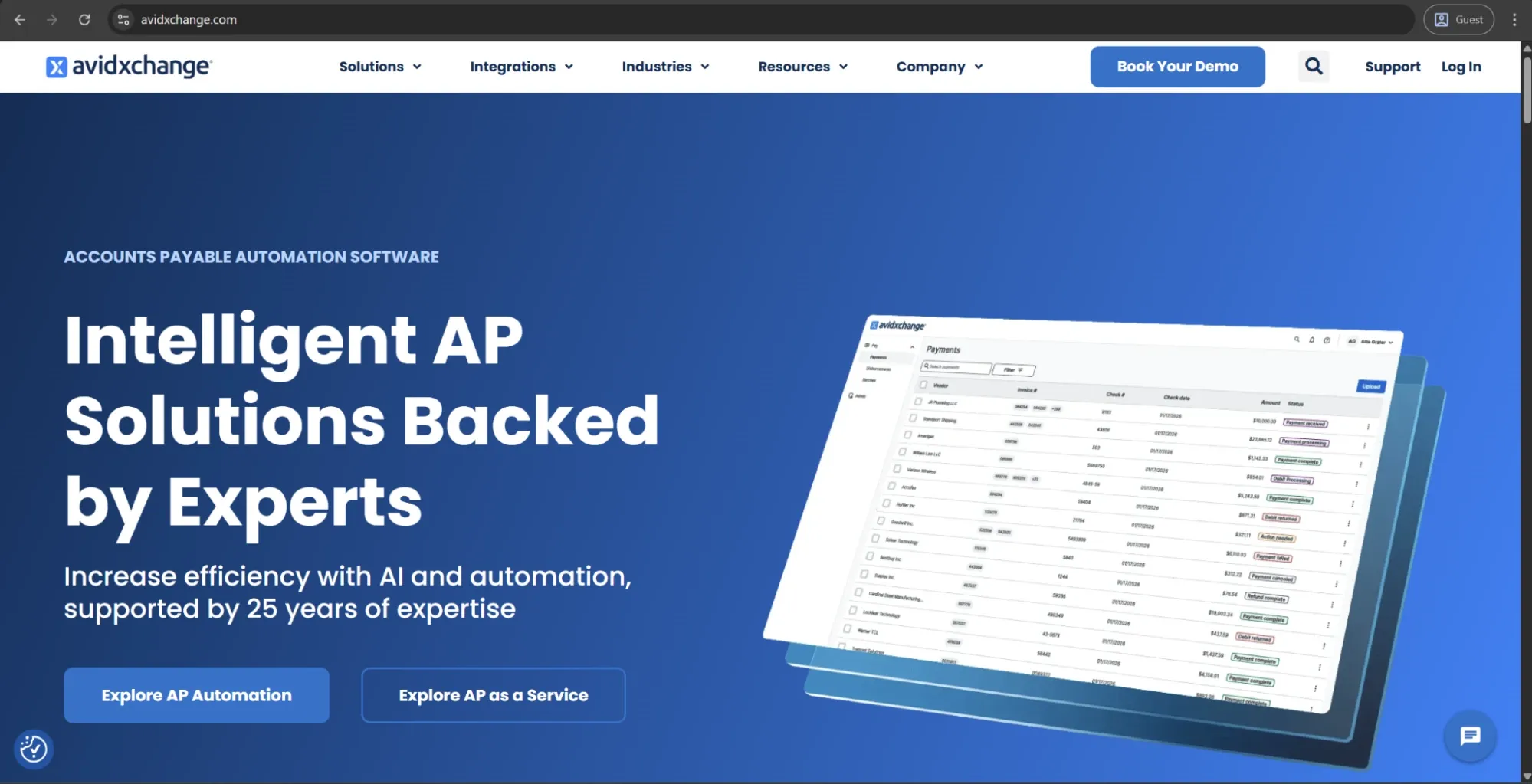
AvidXchange is an AP automation platform with support for middle-market businesses. It offers enough functionality to cover the full invoice lifecycle from AI-enabled capture and PO matching to approval routing and payment execution. It was founded in 2000 and built a solid reputation over the years, with access to one of the biggest mid-market supplier networks available.
AvidXchange supports over 265 ERP and accounting integrations, which is one of its more practical advantages it can offer. Businesses that require automation to work alongside an existing system of record instead of replacing it can also find that the overall setup process is fairly straightforward.
Customer ratings:
Advantages:
- AvidXchange connects buyers to one of the largest mid-market supplier networks available, the AvidPay Network.
- Over 265 out-of-the-box ERP and accounting integrations make it compatible with most existing mid-market tech stacks.
- The platform handles the full invoice lifecycle from capture through payment execution in a single environment.
Shortcomings:
- Customer support response times are slow and a consistent point of frustration across review platforms.
- The user interface feels dated compared to newer competitors at the same market tier.
- Onboarding and implementation take longer than vendors of comparable scope typically require.
Pricing:
There doesn’t seem to be any pricing information on AvidXchange’s official website. The only option available initially is to book a personalized demo.
Customer reviews (original spelling):
- Stein T. — G2 — “Avid has increased production of our accounts payable team. We were able to decrease our AP team from 3 FT to 2 FT employees over the time of the conversion. The features are the right ones that help us pay invoices in a more timely manner. The AI that is used in the platform speeds up the process for processing daily invoices. Avid as integrated into our accounting platform smoothly and handles all necessary entries on the backend. The customer support has been excellent anytime that I needed their assistance.”
- Linda A. — Capterra — “AvidExchange provides a robust and highly secure platform that excels at creating a fully auditable and collaborative accounts payable workflow. The system’s foundational strengths lie in its transparency and fine-grained administrative control. Every business should have this software!”
The author’s take:
AvidXchange is a legitimate, established player that is best suited for AP teams with meaningful invoice volumes and a demand for solid automation without adding the enterprise-tier complexity. The supplier network and payment aspects are particularly noteworthy compared with any other option in the mid-market.
Support and user experience are where it tends to fall short. Customer feedback for both issues is consistent enough to treat them as a structural limitation and not simply as isolated complaints with no connection to each other.
Stampli
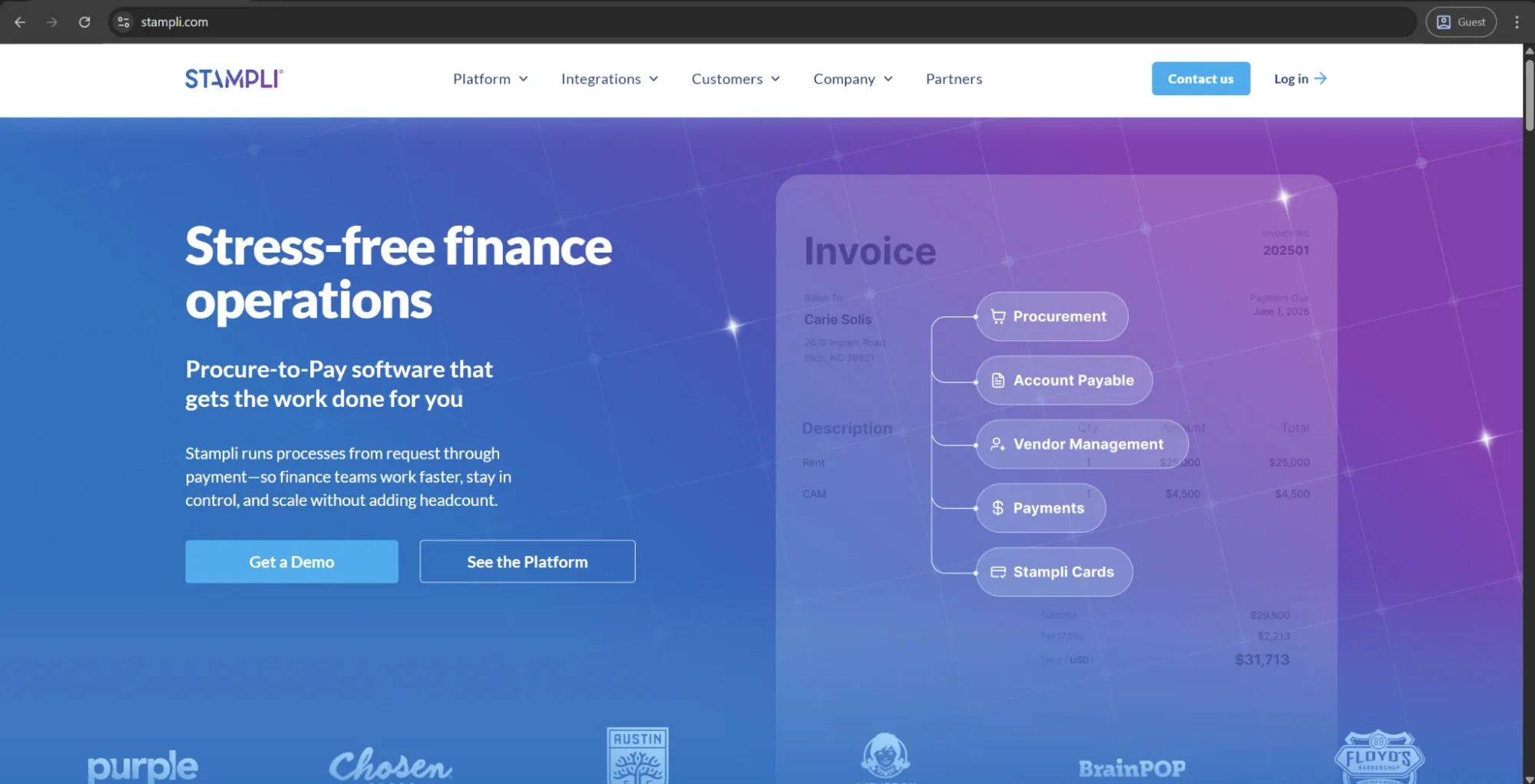
Stampli is a cloud-based AP automation software at its core. It was built with the idea of collaborative invoice processing in mind, with an AI assistant called Billy the Bot being responsible for capture, coding, duplicate detection, and approval routing. The platform connects natively with dozens of ERP and accounting systems, aiming to streamline the workflows of mid-market and enterprise AP teams.
Stampli stands out the most among its competitors when it comes to user experience. Implementation seems to be measured in weeks instead of months, and the approval interface is so intuitive that non-AP employees rarely need formal training to start working with it in the first place.
Customer ratings:
Advantages:
- Billy the Bot learns each organization's coding and approval patterns, improving accuracy and reducing exceptions over time.
- Native ERP integrations cover over 70 systems and require minimal modification to existing configurations.
- Implementation is measured in weeks, and the approval interface rarely requires formal training for non-AP users.
Shortcomings:
- Outbound payment capabilities are limited and often require a separate tool or add-on to cover the gap.
- Reporting functionality is less developed than that of competitors at a comparable price point.
- Customer support quality becomes inconsistent at scale, particularly for complex configuration issues.
Pricing:
Stampli doesn’t have any public pricing data available on the official website. The only way to receive such information is to contact their sales department for a personalized quote.
Customer reviews (original spelling):
- Robert B. — Capterra — “Stampli has significantly improved the speed, accuracy, and transparency of our AP process. Our team can manage a high volume of invoices with less manual work and fewer errors. The workflow is smooth, collaboration is easy, and the audit trail is clean. It has become a core part of our monthly close process and overall financial operations.”
- Tony G. — G2 — “I like Stampli for its ability to review everything at a glance and approve items in batches rather than individually. Making payments with just a few clicks is a feature I find convenient. The advanced search is great to filter for almost anything, and I appreciate the automatic creation of invoices via email to our account.”
The author’s take:
Stampli is one of the strongest options available if speed of deployment and ease of use are your priorities. The automation capabilities are extensive, and the ERP integrations are genuinely well-executed and are constantly praised in user reviews.
Payment execution seems to be the only major limitation worth noting. Organizations in need of a robust payment feature set would have to find a separate tool or add-on to cover what Stampli itself cannot provide.
Precoro
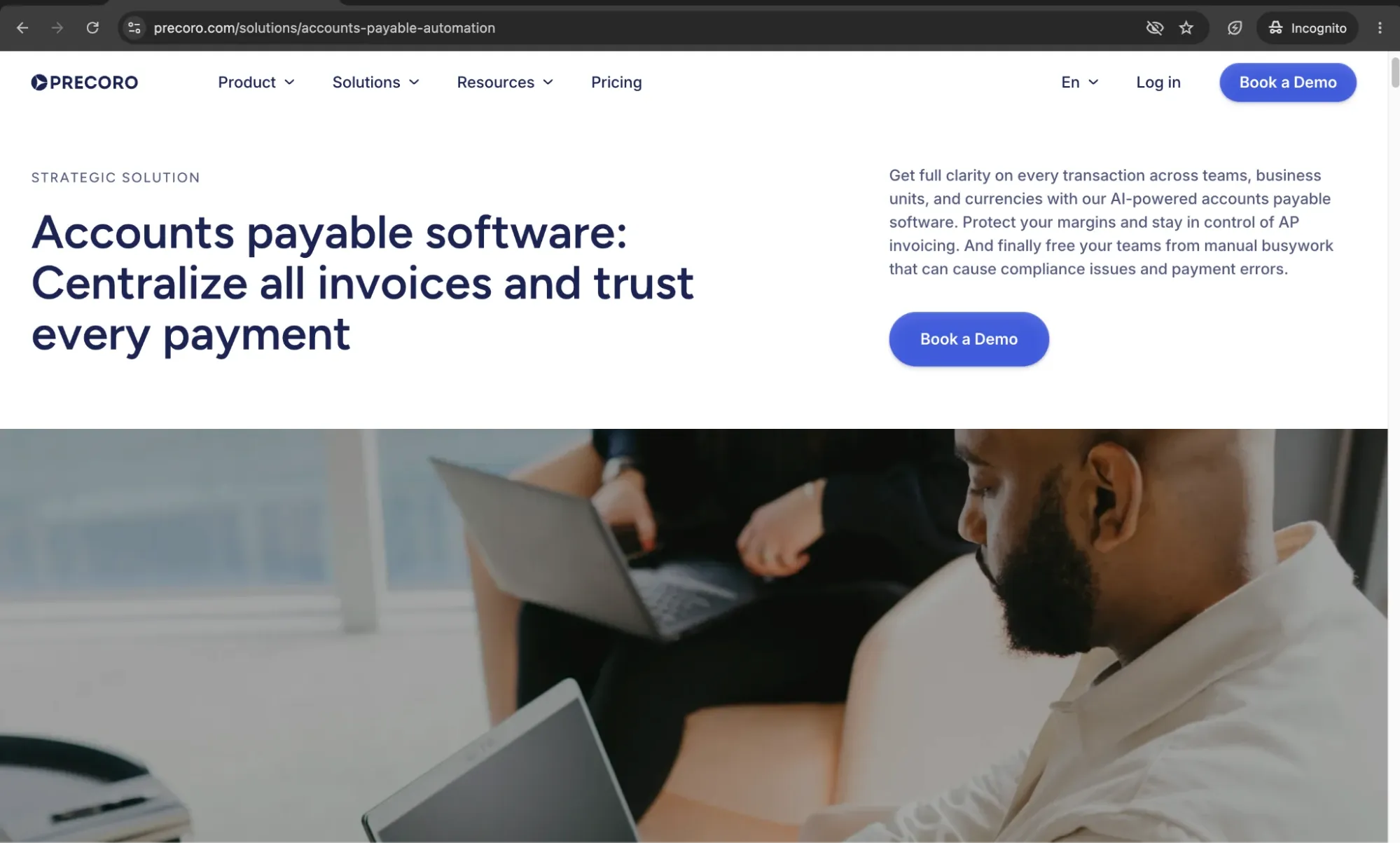
Precoro is the agentic procurement and spend centralization platform that combines purchasing, invoice processing, and payments in the same environment. It covers purchase requests, PO management, three-way matching, invoice approval, and budget tracking. Precoro positions itself as a mid-market solution above all else, and it’s also recognized as a Major Player in IDC MarketScape for AI-Enabled Procure-to-Pay in 2025.
Customer support as a whole seems to be a consistently praised quality for Precoro across different review platforms. Both the onboarding experience and the responsiveness of the customer success team are regularly praised in user feedback, regardless of company size or industry.
Customer ratings:
Advantages:
- Intuitive interface and strong onboarding support make it easier for procurement, finance, and non-procurement approvers to adopt the system.
- Flexible approval workflows let teams route invoices by department, location, amount, supplier, budget, or custom rules without relying on IT.
- Approval SLAs with automated reminders and escalations prevent invoices from stalling in the approval process.
- Built-in e-invoicing enables receipt and processing of structured formats like UBL 2.1, CFDI, XRechnung, and other local formats within the standard AP workflow.
- Precoro uses the advanced technology called Intelligent AP Automation that accurately processes complex formats, for example, multi-page invoices or invoices with complex tables.
- Approved invoices can be paid directly in the system.
- Multi-entity support allows organizations to manage procurement and AP across subsidiaries or locations with separate budgets and currencies.
Shortcomings:
- Initial setup requires defining approval rules, budgets, suppliers, and matching logic before the platform delivers full value. It’s not a complex rollout, but companies with unclear or undocumented approval processes need to clean up workflows first.
- It complements ERPs rather than replacing them, so companies expecting full financial system consolidation may need to keep parallel systems in place.
- Precoro’s inventory capabilities are useful for light operational tracking, but it’s not a full warehouse management system.
Pricing:
Precoro’s pricing model is relatively simple and consists of three pricing tiers:
- Core — starts at $499 per month billed annually, offers basic procurement features like automated approvals and three-way matching, along with spend & vendor management, a number of integrations (Xero, QuickBooks, Slack), and reporting analytics.
- Automation — starts at $999 per month billed annually, expanding upon the previous tier with AI-powered AP automation, intake management, PunchOut catalogs, real-time budget tracking, SSO support, and more.
- Enterprise tier comes with no public pricing information, but it does offer practically everything Precoro can offer, including additional integrations, advanced admin controls, no user number limitations, and enterprise-grade data protection.
There’s also a dedicated AP automation package starting at $499 per month when billed annually. It covers invoice processing needs, including invoice capture, approval workflows, budget checks, vendor management, and accounting integrations, without the procurement layer.
Customer reviews (original spelling):
- Krasi A. — Capterra — “Navigating through the [accounts payable] software feels like second nature. The user interface is clean, intuitive, and beautifully designed. From requisition to approval to invoicing, every step flows seamlessly, saving us valuable time and resources. Post-implementation support has also been outstanding.”
- Michael C. — G2 — “The best thing about Precoro is that it allows us to track invoices in a centralized environment. The integration with NetSuite helps us streamline invoice approvals and removes the need for constant emailing between accounting and various departments regarding invoice questions and approvals.”
The author’s take:
Precoro is a strong fit for mid-sized and multi-entity organizations that want to manage procurement and accounts payable in one connected platform. Unlike standalone AP tools, it gives teams control over spend before invoices arrive by connecting requests, approvals, purchase orders, receipts, invoices, budgets, and suppliers in a single P2P workflow.
Its Intelligent AP Automation accurately processes invoices across multiple languages and complex document layouts. Features like guided intake, budget tracking, and multi-entity management make it a comprehensive solution for organizations looking to standardize processes and scale procurement together with AP.

BILL
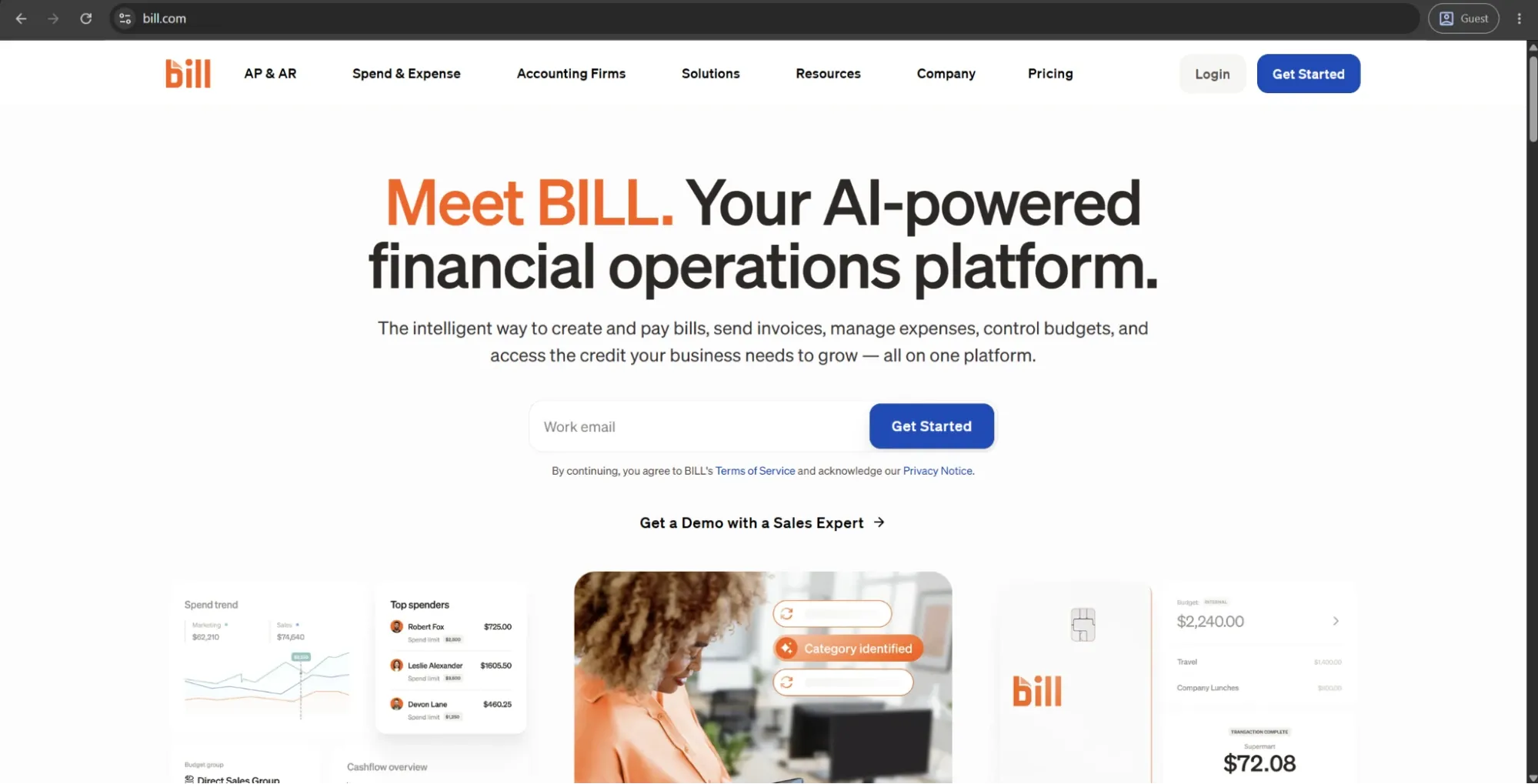
BILL is a financial operations platform created primarily for working with small and mid-sized businesses. It covers AP and AR automation, approval workflows, and payment executions in a centralized manner. BILL also has a status of one of the most widely adopted tools in its segment, and it even has AI-powered invoice capture capable of learning vendor patterns and General Ledger coding preferences as time goes on.
The approval workflows configuration with support for multi-tier routing is a genuine advantage of BILL, making it an exceptional solution for a wide range of businesses — especially SMB teams that aim to replace their email-based approval chains with a centralized multifunctional platform.
Customer ratings:
Advantages:
- Bill.com automates invoice capture and learns vendor patterns over time, reducing manual coding effort significantly.
- Approval workflows support multi-tier routing based on amount thresholds, vendor categories, and department.
- Native integrations with QuickBooks, Xero, NetSuite, and Sage make it a practical fit for most SMB accounting stacks.
Shortcomings:
- Customer support response times are slow and inconsistent, particularly for billing and account-level issues.
- Transaction fees add up at higher payment volumes, undermining the ROI calculation for growing organizations.
- Reporting and ERP integration depth fall short for organizations that scale beyond the SMB tier.
Pricing:
BILL’s offering is separated into four primary pricing plans with their own features, costs, and limitations:
- Essentials — $49 per user per month — provides approval workflow automation, centralized bill management, standard approval policy customization, 6 standard user roles, manual integration with accounting software, and an abundance of Accounts Receivable features.
- Team — $65 per user per month — can offer automatic 2-way sync with several different versions of QuickBooks and Xero, access to custom user roles, and more.
- Corporate — $89 per user per month — builds on the previous offering with custom approval policies, discounts for approver-only users, and a multitude of procurement-specific features.
- Enterprise doesn’t have a specific price attached to it, prompting potential clients to contact the sales team directly or request a demo instead. It expands upon the Corporate plan with features such as SSO support, API access, dual control, syncing purchasing orders with automating 2- and 3-way matching, and more.
Customer reviews (original spelling):
- Patricia K. — Capterra — “Our experience has been wonderful. Transitioning our workflow from paper to electronic has been a true game changer for our leadership team!”
- Jordan Z. — G2 — “The navigation and features are easy to use. Vendor management is strong, and the transaction history is clear and helpful. I also like the secure approval features for bills, along with the ability to set up vendors for ePayment. On top of that, it offers extensive integration capabilities. I’ve run into periodic challenges when trying to add authorized users to bank accounts. On top of that, the sync between BILL and QuickBooks Online sometimes has issues, which can be frustrating at times.”
The author’s take:
BILL is a practical, accessible entry point into AP automation for smaller teams that require structured workflows and payment execution but are not willing to deal with enterprise complexity. Its learning curve is low, and the abundance of accounting software integrations is a reliable addition to a platform many businesses already use as-is.
That being said, the recurring criticisms around customer support and transaction fees are worth factoring into the total cost calculation before committing. Additionally, companies that aim to scale as time goes on may find the platform’s reporting and ERP integration depth capabilities as limitations over time.
SAP Concur Invoice
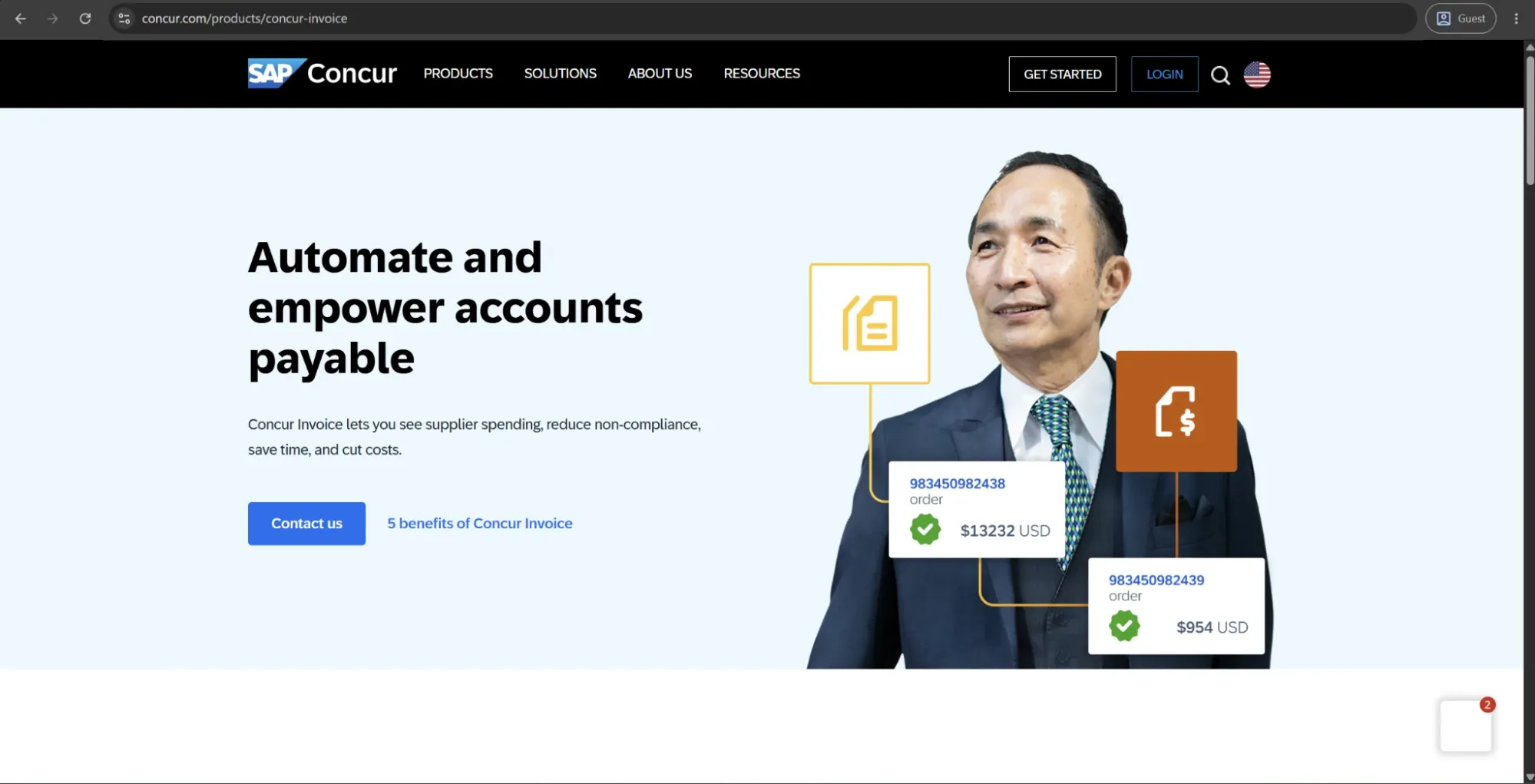
SAP Concur Invoice is the AP automation component of a broader SAP spend management suite that’s designed for enterprise companies aiming to also manage T&E (travel and expenses) using the same platform. The solution covers invoice capture, approval routing, three-way matching, and ERP integration; it is also a completely logical option for businesses that are already invested in the SAP ecosystem.
Unified spend visibility across invoices, expenses, and travel is the biggest differentiator of the platform. The same level of integration is very difficult to replicate with case-specific solutions, giving Concur Invoice an undeniable advantage.
Customer ratings:
Advantages:
- Unified spend visibility across invoices, expenses, and travel makes it uniquely valuable for organizations managing all three.
- Compliance and audit capabilities are enterprise-grade and consistently well-regarded across review platforms.
- Native SAP integration gives organizations already running SAP environments a cleaner, lower-friction deployment path.
Shortcomings:
- The interface is complex and carries a steep learning curve, particularly for non-AP staff who interact with it occasionally.
- Implementation requires significant resources and dedicated internal support to reach stable automation rates.
- Pricing is opaque and tends to run high relative to platforms with comparable AP-specific functionality.
Pricing:
SAP Concur doesn’t have any public pricing information on the website, and neither does Concur Invoice. The only way to receive such information is to contact their sales department for a personalized quote or a demo.
Customer reviews (original spelling):
- Nick C. — Capterra — “Overall it is an easy app to use with clear controls and I've encountered only one issue since I started using it.”
- DINESH S. — G2 — “While SAP Concur is a powerful tool for managing expenses and reimbursements, there are a few areas where the experience can be improved. At times, the system can feel slightly slow, especially when loading receipts or switching between different sections of the platform. Some workflows require navigating through multiple screens, which can make simple tasks feel more time‑consuming than expected. The mobile app, while useful, occasionally struggles with accurately scanning receipts or syncing updates immediately. Additionally, certain error messages are not very descriptive, making it difficult to understand what went wrong or how to fix it without contacting support. Although the interface is overall user‑friendly, new users may initially find it a bit overwhelming due to the number of features and menu options available. With some refinements, particularly around speed and user guidance, the experience could be even smoother.”
The author’s take:
As mentioned before, SAP Concur Invoice makes the most sense for large businesses that are already invested in the SAP ecosystem and need invoice automation capabilities alongside expense and travel management features. Its compliance and auditing capabilities alone are enterprise-grade and are consistently praised by the client base.
The platform does draw persistent criticism for the complexity of its interface and the overall steepness of the learning curve (especially for non-AP users who don’t need to interact with it regularly). It’s important for organizations without dedicated implementation resources to factor this information in before committing to this specific platform.
Coupa
Coupa is an enterprise business spend management platform providing AP automation, procurement, supplier management, and payments in the same environment. Its invoice automation capabilities are particularly extensive, with AI-driven capture, configurable three-way matching, and a Compliance-as-a-Service feature capable of adapting automatically to changing e-invoicing regulations in different jurisdictions.
The primary audience for Coupa is large organizations with complex spend management environments. It’s capable of integrating with major ERP systems, including SAP, Oracle, NetSuite, and Microsoft Dynamics.
Customer ratings:
Advantages:
- Unified procurement, invoicing, and payment management gives enterprise finance teams consolidated spend visibility in one platform.
- Compliance-as-a-Service automatically adapts to changing e-invoicing regulations across jurisdictions without manual intervention.
- Top-performing Coupa customers report first-time invoice match rates above 97%, among the highest in the market.
Shortcomings:
- Implementation is lengthy and resource-intensive, with ERP integration complexity frequently extending timelines beyond initial estimates.
- The user interface draws persistent criticism for confusing navigation and poor design across review platforms.
- Customer support responsiveness is a recurring complaint, with resolution times that create downstream delays for AP teams.
Pricing:
Coupa doesn’t have public pricing information on its website, but it offers an abundance of partners via the Coupa Partner Xchange Program that can be used to acquire different products from Coupa depending on a company’s location and other factors.
Customer reviews (original spelling):
- Sergi F. — Capterra — “Honestly, my feelings on Coupa are a bit of a mixed bag, but mostly positive in the end. We moved from a messy system of emails and spreadsheets, so having everything in one place is a huge relief. I finally know who is spending what before the bill actually arrives, which makes my job way easier. That said, getting there wasn't fun. The implementation took longer than we expected, and getting our non-techy staff to actually use it correctly was a struggle. It’s not something you "pick up" in an afternoon. But now that we are over the hump, I can’t imagine going back to the old way. It works, but you have to be patient with it.”
- Griffin K. — G2 — “Coupa is able to handle both complex and simple tasks which provides a variety of uses depending on the size of your business. I primarily used this to track receipts and request payouts for business trips, purchases, and stipends. If I used my purchasing card, the purchase would auto populate which was great for visibility to my managers and for my own knowledge. Great product overall!”
The author’s take:
Coupa is a complex platform for large-scale enterprises in need of a unified spend visibility across procurement, invoicing, and payments (and are prepared to invest in proper implementation). The depth of functionality that Coupa provides across the board is genuinely enterprise-grade.
At the same time, there are plenty of complaints about the platform’s capabilities, be it about UI complexity or lengthy implementations. Customer support responsiveness seems to be unsatisfactory for many users, and businesses without dedicated implementation and change management resources tend to struggle with managing it as a whole.
Rossum
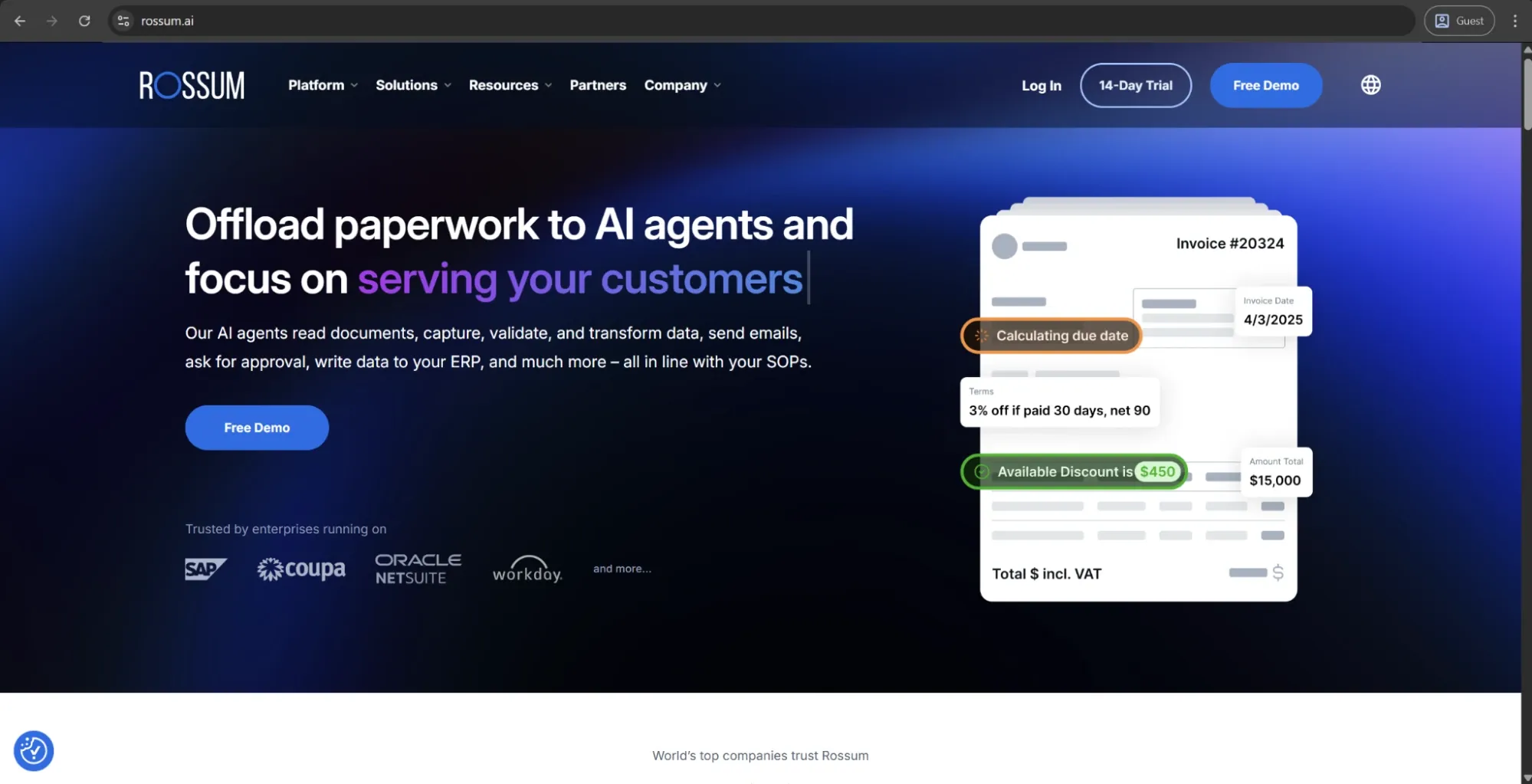
Rossum is an AI-native intelligent document processing solution created to work in enterprise document workflows. Its primary use case is invoice automation, and a proprietary AI engine called Rossum Aurora helps it handle data extraction across 276 languages and different invoice formats without the need to pre-define templates.
The platform is recognized as a Leader in Everest Group's 2026 IDP PEAK Matrix and a Strong Performer in Gartner's 2025 Voice of the Customer report. The platform overwhelmingly prioritizes enterprise deployments — organizations that process hundreds of thousands of invoices every year across dozens of countries.
Customer ratings:
Advantages:
- Rossum Aurora handles extraction across 276 languages and variable invoice formats without requiring template setup or manual configuration.
- The platform is recognized as a Leader in Everest Group's 2026 IDP PEAK Matrix, validating its position among enterprise document processing tools.
- Customer support and implementation teams receive consistently strong feedback across G2 and Gartner review platforms.
Shortcomings:
- Rossum doesn’t cover the full AP lifecycle, requiring additional tools or integrations to handle approvals, payments, and ERP posting.
- Pricing reflects its enterprise positioning and requires careful ROI analysis for organizations with moderate invoice volumes.
- The absence of a mobile app limits accessibility for approvers who need to act on invoices away from their desks.
Pricing:
Rossum relies a lot on custom pricing, and there is only one specific pricing point available on the official website — “starting at $18,000 per year” for the smallest feature package. Fortunately, that same pricing page also offers an insight into the overall situation with the licensing approach that is separated into four tiers:
- Starter — supports document ingestion via email, API, or manual upload, as well as an ergonomic validation screen, document archive & search (for the last 12 months), API access, and more.
- Business — combines all of the previous features with a custom business logic, master data matching capabilities, duplicate detection & handling, custom functions & webhooks, etc.
- Enterprise — expands upon the Business tier with SSO support, sandbox environment, document translation, extended master data matching, preferred cloud location, custom branding, and some other features.
- Ultimate — the most expansive offering by far, combines everything in Enterprise with multi-document transactions, a custom domain for email ingestion, an embeddable user interface, an additional sandbox environment, document archive/search being extended to the last 3 years, and a number of other features.
Customer reviews (original spelling):
- Emil L. — Capterra — “As a user of Rossum, I have both positive and negative experiences to share. On the positive side, the software is user-friendly, offers automation features that save time and effort on data entry, is able to extract data accurately, flexible and can be integrated with other systems. It also has helpful customer support. However, it can be complex to set up, struggles with extracting data accurately from certain types of documents, and does not handle different languages well. Additionally, it is quite costly, especially for small businesses. It's important to evaluate if it fits the specific needs of your business and weigh the pros and cons before making any decisions.”
- Emma R. — G2 — “The system is very simple to use. I love how the system 'learns' how to read the orders so the more you process the more it knows how to pull the information for ease of placing. If there is an issue with the order you can email either the account manager or customer direct from the system. I like to see how accurate Rossum thinks the order is so it gives me peace of mind when i see Rossum thinks an order is 99% accurate to be able to process”
The author’s take:
Rossum has its own unusual position on this list, being less of a full AP automation suite and more of a best-in-class document intelligence layer feeding into the existing AP and ERP workflows. Organizations with complex invoice environments (multi-format, multi-country) tend to find that very few tools can match Rossum’s range of capabilities at the extraction stage.
The biggest tradeoff of this solution is scope. Rossum is incapable of covering the entire AP lifecycle the same way a solution like Coupa or Stampli can, but its pricing already reflects the enterprise-grade positioning. No one should expect a plug-and-play AP solution from Rossum, as there’s always going to be a need to factor in integration work and the absence of a mobile app, at the very least.
HighRadius
HighRadius is an enterprise finance automation platform that also has a dedicated AP automation suite created with Agentic AI. It can cover invoice capture, three-way matching, exception handling, approval routing, and ERP posting. It provides integrations with over 50 ERP systems and prioritizes large businesses in need of a high-volume touchless processing with little to no IT involvement.
This platform is in the top 15 AP solutions in the Hackett Group’s 2025 report, positioning itself on measurable outcomes, including 90% touchless automation rates, 2x faster processing cycle times, and 40% productivity gains that are cited across the customer base.
Customer ratings:
Advantages:
- Agentic AI coordinates multiple automation tasks simultaneously, handling capture, matching, exception routing, and ERP posting without manual hand-offs.
- Integration with over 50 ERP systems uses an API-first architecture that minimizes IT involvement during and after deployment.
- The platform achieves up to 90% touchless processing rates across its enterprise customer base, among the highest reported in the market.
Shortcomings:
- Implementation is complex and demands significant data readiness and internal resources before stable automation rates are achievable.
- The platform is built for enterprise scale and is likely overbuilt for organizations processing fewer than several thousand invoices monthly.
- Configuration changes after go-live require meaningful effort, limiting flexibility for teams whose approval rules evolve frequently.
Pricing:
HighRadius doesn’t provide official pricing information publicly, making it necessary for every potential customer to request a personalized demo and pricing information on a case-by-case basis.
Customer reviews (original spelling):
- Antonio C. — Capterra — “Overall the implementation of the HighRadius credit and collection modules have been gamechangers that have allowed us to fully transform and address manual inefficient tasks, which have resulted in quantifiable and significant value being captured.”
- Brittany M. — G2 — “I love how HighRadius Accounts Receivables stores communications in the customer accounts, which helps us keep track of everything even if someone leaves the company, and I appreciate how user-friendly the system is because it's easy to navigate even without much experience. I also find the AI tools and automated communications incredibly helpful, as they allow us to manage smaller customers that we never had time to work on before.”
The author’s take:
HighRadius is a compelling solution for enterprise AP teams that are looking for genuine depth at the stages of matching and exception handling. The breadth of ERP integration and the Agentic AI capabilities are what put it ahead of most competitors due to the sheer sophistication of its automation capabilities.
That being said, HighRadius cannot be considered a lightweight or a fast-to-deploy solution whatsoever. A longer path to implementation and full automation is expected for businesses without dedicated resources for implementation and a clear data readiness baseline.
Rillion
Rillion is an AI-powered AP automation solution that works for a mid-market and enterprise client base. Multi-entity and multi-ERP environments are its biggest advantages by far. The LLM-based invoice capture offers over 95% extraction accuracy from day one without the need to set up templates, and there is also the ability to connect with over 50 ERP systems, such as Microsoft Dynamics, SAP, NetSuite, and Sage.
Its pricing is structured without per-user licensing fees, making it a cost-effective option for bigger teams and organizations that manage AP across multiple subsidiaries or locations using the same centralized dashboard.
Customer ratings:
Advantages:
- LLM-based invoice capture delivers over 95% extraction accuracy from day one, with no template setup or training period required.
- The platform manages AP across multiple entities, currencies, and ERP systems from a single centralized dashboard.
- Unlimited user licensing means large or distributed AP teams can scale access without accumulating additional per-seat costs.
Shortcomings:
- Spend management capabilities are narrower than full procure-to-pay platforms, making it a poor fit for teams that need procurement coverage.
- The absence of a standalone mobile app limits on-the-go accessibility, though invoice approvals remain available via mobile browser.
- Advanced reporting features lack the depth that larger enterprise finance teams typically require for cross-entity analytics.
Pricing:
Rillion doesn’t publicly list detailed pricing on its website, but it outlines several plan levels with different feature sets. There are three primary plans to choose from:
- Essential — a basic feature plan that includes multi-entity management, no limitations when it comes to user numbers, invoice automation, approval workflow, KPI dashboard with reports, and Single Sign-On (SSO) support.
- Professional — combines all the features of the previous tier with recurring invoice automation and contract, AP analytics & industry benchmark, AI-powered Coding & Workflow, Riley AI assistant Pro, and more.
- Premium — expands upon the previous offering with an automation coach and a dedicated service delivery management.
It should be noted that users of all plans can also request add-ons such as AI-native invoice capture, purchase order matching, document management, requisitions & budget management, and payments (US only).
Customer reviews (original spelling):
- Berith M. — Capterra — “You save a lot of time while you dont have to register all the invoices and I immediately can get a qiuck look how it was managed last time. The integration with other bookkeeping programs is perfect.”
- Jan S. — G2 — “Really like the way users and roles are setup. Creates great flexability. Really also like new features like AI and Analytics. The interface can sometimes look a little old fashioned but I do not min so much about that. It is the functions that counts.”
The author’s take:
Rillion manages to hit a delicate balance between enterprise-grade capabilities with multi-entity management and a platform that does not require heavy IT involvement or exorbitant amounts of time for proper implementation. Ease of adoption and the core automation capabilities of the platform are consistently highlighted by numerous customer reviews on different resources.
It does lack some of the broader spend management capabilities found in solutions such as Coupa, and there is no standalone mobile app to work with, either. As such, it remains a solution primarily for teams that need invoice automation above all else (without the full procure-to-pay coverage).
Basware
Basware is a particularly well-known name in the field of enterprise AP automation, with over 40 years of experience and an AI model trained on over 2.5 billion invoices. The Invoice Lifecycle Management platform covers the entire end-to-end process and is particularly powerful when it comes to global compliance, supporting e-invoicing mandates in multiple jurisdictions using a built-in Compliance-as-a-Service layer.
The platform is a Leader in both the 2026 Gartner Magic Quadrant and the Forrester Wave for AP Invoice Automation Software, with customers including DHL, Heineken, and Sony.
Customer ratings:
Advantages:
- AI trained on over 2.5 billion invoices delivers matching and coding accuracy that outperforms most competitors at enterprise scale.
- Built-in global e-invoicing compliance covers mandates across multiple jurisdictions without requiring separate tools or manual regulatory tracking.
- The platform supports over 90% touchless processing rates even for non-PO invoices through AI-driven coding and smart matching.
Shortcomings:
- Pricing is significant and positions Basware firmly out of reach for smaller organizations or teams with limited automation budgets.
- Implementation is complex and carries a steep learning curve that demands dedicated internal resources and a long runway to go-live.
- User support receives mixed feedback, particularly around resolution times for configuration and integration issues post-deployment.
Pricing:
Basware doesn’t offer specific pricing information on its official website.
Customer reviews (original spelling):
- Oscar H. — G2 — “I like that Basware makes it possible to automatically read invoices, which saves a lot of time. Also, the options to export large amounts of data and the ability to import coding from Excel for previously booked invoices are convenient. This way, I don't have to create an extensive coding for invoices each time. Additionally, Basware has many features, which led us to switch from Exact.”
- Ahmet D. — Capterra — “Basware is one of the leading purchase-to-pay/invoice processing platforms. The workflow engine allows the implementation of kind of an approval process regardless of detail and exceptions. This power however comes with a price, the implementation can be challenging and the implementation learning curve can be sometimes steep. Consolidated reports are very useful and the ERP integration is sold, which is a must-have for any kind of P2P Platform.”
The author’s take:
Basware comes in as arguably the most enterprise-ready solution here due to its genuine capabilities centered around regulatory compliance, AI-based matching, and extensive global e-invoicing. It has very few competitors when it comes to the audience of large, globally operating organizations with complex regulatory requirements.
The compromises are common on a platform at this scale: price is considerable, the implementation is not trivial and reviews for user support are decidedly mixed. Smaller organizations or those without dedicated AP transformation resources will likely find it more than they need.
Invoice automation software comparison table
All the tools mentioned above differ from each other in many ways: scope, scale, approach, and sometimes even marketing language. The table below was created to summarize the practical distinctions that would matter the most for a quick search-through:
| Software | Best for | Core strength | ERP integration depth | Standout feature |
|---|---|---|---|---|
| AvidXchange | Mid-market | Supplier network and payment reach | Extensive (265+) | AvidPay Network |
| Stampli | Mid-market, enterprise | Fast deployment and ease of use | Extensive (70+) | Billy the Bot AI assistant |
| Precoro | Mid-market | Combined procurement and AP in one platform | Moderate | Multi-entity management and Intelligent AP Automation |
| Bill.com | SMB | Accessible entry point with low learning curve | Moderate | AI-driven GL coding memory |
| SAP Concur Invoice | Enterprise (SAP users) | Unified spend visibility across invoice, expense, and travel | Extensive (SAP-native) | Unified T&E and invoice reporting |
| Coupa | Enterprise | Unified spend management at scale | Extensive | Compliance-as-a-Service |
| Rossum | Enterprise | Best-in-class AI extraction across formats and languages | Moderate (capture-layer focus) | Rossum Aurora (276-language extraction) |
| HighRadius | Enterprise | Agentic AI across capture, matching, and exceptions | Extensive (50+) | Multi-agent Agentic AI orchestration |
| Rillion | Mid-market, enterprise | Multi-entity management without per-user fees | Extensive (50+) | No per-user licensing fees |
| Basware | Large enterprise | Global e-invoicing compliance at scale | Extensive | AI trained on 2.5B+ invoices |
Conclusion
Invoice automation software addresses a problem that often goes unnoticed but becomes increasingly costly over time. Manual AP processing requires significant resources when you account for labor costs, time spent correcting errors, and penalties from delayed payments. The benefits of automated invoice processing outlined in this guide are the direct result of reducing this manual workload and creating a faster, more reliable AP process.
When it comes to the software itself, the most fitting option would always be context-based instead of having a single solution that suits everybody’s goals. SMBs that want to replace email-based approvals tend to gravitate toward BILL, mid-market teams with ERPs tend to prefer solutions like Stampli or Precoro, while large and complex enterprises with global compliance requirements are looking toward solutions like Basware or Coupa.
Invoice automation software is at its most valuable when it’s matched with a problem it can actually solve instead of being selected purely based on its marketing breadth or name recognition. In this case, the best bet for most businesses would be to run a focused pilot against real invoice data. The information acquired this way is going to be a lot more valuable and case-specific than any guide or software comparison.
FAQ
Whenever the number of processed volumes becomes at least 500 or 1,000 invoices per month, this is where the labor cost savings should already be enough to offset the cost of subscription and implementation for an invoice automation software. Solutions that have fewer invoices to deal with regularly are going to be a lot less certain in whether they are going to benefit from invoice automation financially in the first place.
- Rising exception rate
- Touchless processing rate falling well below 60%
- AP staff manually chasing approvals
These are some of the clearest signs that an automated system is not doing its job properly. They often point to unresolved data quality issues or approval workflows that were automated before being redesigned correctly.
Mergers and acquisitions tend to introduce new ERPs, vendor masters, and approval structures that the current automation environment wasn’t configured to work with originally. It’s critically important for businesses going through a rapid growth phase or an M&A to reassess their integration scope and vendor master data early on to avoid mismatched configurations that could create a lot more problems later on.
Want to stop losing AP time to manual invoice checks?
Book a demo with Precoro to see how invoice automation can work for your team.