
Tipalti competitors in 2026 | Best Tipalti alternatives for AP Automation
Tipalti is a capable AP automation platform, but it’s not the right fit for every organization. This guide covers 14 Tipalti competitors in 2026, with ratings, pricing, pros, cons, and a clear breakdown of the best alternative for each type of buyer.

Tipalti is best known for addressing a specific use case: managing high-volume, cross-border payments for mid-market tech companies and marketplaces. Companies that fit this profile find tremendous value in Tipalti’s offering. Companies that don’t (or if their needs have evolved beyond Tipalti’s capabilities) are starting the search for a better alternative, and are completely right to do so.
We've compiled a list of 14 leading Tipalti alternatives and competitors in 2026, including various types of solutions — ranging from standalone AP automation tools to integrated spend management systems, as well as options designed for specific buyer types.
Keep on reading about:
What is Tipalti?
Tipalti's advantages
Why look for a different solution if you already have Tipalti?
The methodology for evaluating potential competitors and alternatives to Tipalti
Tipalti user review
Alternatives to Tipalti
A comparison table
How do you choose the best Tipalti alternative?
What is Tipalti?
Tipalti is a cloud-based accounts payable automation software designed to automate high-volume cross-border payments for mid-market and enterprise teams without the need to expand the AP headcount in the process. Tipalti handles the entire payables lifecycle, including supplier onboarding, invoice capture, tax compliance, payments, and ERP reconciliation.
What differentiates Tipalti the most from standard AP tools is its global payment infrastructure depth. With the ability to send payments to 200+ countries in 120+ currencies via 50+ payment methods, it’s a clear fit for tech companies, marketplaces, or any business dealing with high-volume, multi-country AP.
Tipalti also provides strong compliance coverage, including a KPMG-approved tax engine, automated W-9/W-8 collection, and built-in fraud detection embedded directly into the payment workflow. As a result, the platform positions itself not just as an invoice processing tool, but as an end-to-end finance automation system for businesses that have outgrown basic AP solutions.
Tipalti's advantages
It’s easy to see how Tipalti managed to earn its position in the mid-market AP software landscape. Rather than trying to be an all-in-one AP tool, it focuses on handling complex, high-volume payables, and its core strengths make that positioning very clear.
Global payment infrastructure at scale
The global payments functionality is Tipalti's most unique differentiator and the area where it differs most significantly from general AP platforms. The solution can process payments to 200+ countries in 120 currencies via over 50 payment methods, including ACH, wires, PayPal, pre-paid debit, and local bank transfers.
For technology businesses, marketplaces, and other companies with a global network of suppliers or contractors, this feature alone is not something that is "nice to have" — it’s the single biggest reason that organizations select Tipalti. The ability to manage multi-entity payables from a single unified platform is also very useful for companies that operate across multiple business entities or countries.
End-to-end AP automation in one platform
Unlike tools that focus only on invoicing or payments, Tipalti covers the full accounts payable lifecycle in one platform, from invoice capture and approvals to PO matching, payment execution, and ERP reconciliation. Its automated invoice processing and AI-driven capabilities speed up review cycles, while two- and three-way matching strengthens audit readiness and helps reduce overpayments.
Best suited for finance teams that have outgrown spreadsheets and email-based workflows, this shift delivers a significant boost in operational efficiency.
Built-in tax compliance
The tax compliance capabilities are built directly into the payment workflow instead of operating as a separate module or manual process.
Tipalti uses a KPMG-approved tax engine that can define the appropriate tax form automatically (W-9, W-8, or international equivalents), and it can also validate the data against 26,000+ global rules before any payment can be approved. Year-end reporting for 1099 and 1042-S filings is also generated automatically, and VAT handling is included for international transactions.
The built-in compliance automation is especially valuable for businesses operating across multiple jurisdictions, as it reduces regulatory risk and removes much of the manual effort required to manage compliance tasks.
Self-service supplier onboarding
One of the lesser-known advantages of Tipalti is the amount of administrative work it manages to lift from the shoulders of the AP team during supplier onboarding. Instead of requesting internal staff to collect banking details, tax documentation, and compliance information by hand, Tipalti offers a self-service portal to suppliers (available in 27 languages) where they can submit and manage their own data.
Suppliers can also use the portal to check invoice status, review payment history, and receive proactive payment updates — drastically reducing the number of inbound payment inquiries. As a result, AP teams spend less time on data collection and focus on tasks that require active human judgment.
Deep ERP and system integrations
Tipalti includes pre-built integrations for the most common mid-market ERPs and accounting systems, including:
- NetSuite
- Sage Intacct
- Microsoft Dynamics 365
- QuickBooks Online
- Xero
- Acumatica
These integrations synchronize data in real-time, meaning that payable information, supplier records, and reconciliations all pass between the systems with no manual re-entry or export.
This approach allows organizations to use Tipalti’s AP automation features without the need to replace the broader financial infrastructure many businesses already have. It’s a meaningful, practical advantage for mid-market clients that cannot afford a full system migration or are unwilling to do so.
Why look for a different solution if you already have Tipalti?
Tipalti is a strong and capable platform, but it isn’t the right fit for every business that needs this type of solution. Even for some existing customers, evolving requirements can make it less suitable over time. In practice, finance teams evaluating alternatives to platforms like Tipalti tend to fall into a few common categories, which can be grouped into three main segments:
- Price
- Complexity
- Scale
Pricing is a common topic in such cases, especially for smaller and mid-sized businesses that don’t use Tipalti’s capabilities to their fullest. The platform offers a customized subscription model with modular add-on costs. Additionally, clients are required to pre-fund a payment account before executing payment runs, which is a substantial cash flow consideration that certain organizations might find difficult to accept.
Implementation and ongoing complexity is another common friction point. The initial setup has a steep learning curve and often requires a significant time investment, sometimes more than what is suggested during the sales process. After implementation, support responsiveness can also be an issue. For anything beyond basic questions, users often need to schedule a meeting instead of getting quick, on-the-spot answers.
There is also the fact that Tipalti was originally built to manage high-volume, global payment scenarios. Businesses that don’t operate at that scale often end up paying for capabilities they don’t fully use, while finding less depth in the areas that matter most to them.
A problematic track record of limited accounts payable depth and finance workflow flexibility
The greatest criticism leveled against Tipalti is its discrepancy between claiming to be an end-to-end AP platform and its true capacity to address the edge cases within an AP workflow.
The credit memo application comes up regularly, with users reporting that Tipalti doesn’t support credit memos for vendors paid via auto-withdrawal, which forces manual workarounds through the company’s bank, even though this is typically a standard AP function. Similarly, the PO module, which is still under active development, is often described as cumbersome, with some teams choosing to stop using it altogether.
Approval workflow flexibility is another area where Tipalti appears to fall short in more complex finance environments. While standard routing works well, teams that need highly customized, rule-based approval logic often run into configuration limits and end up relying on extensive back-and-forth with support to make adjustments.
For a platform positioned as enterprise-grade, this rigidity can be a notable drawback for finance teams with non-standard, more complex processes.
The methodology for evaluating potential competitors and alternatives to Tipalti
Comparative articles often involve implicit editorial choices, such as which products to include and how to evaluate them. In this guide, we’ve made those choices explicit so readers can better understand the context and assess the results based on their own organizational needs, rather than accepting the recommendations at face value.
The competitors included in this analysis were selected based on their functional overlap with Tipalti’s core use cases:
- AP automation
- Global payments
- Invoice processing
- Procure-to-pay
The list includes both direct alternatives and complementary solutions. The target buyer is a mid-market business looking for an AP or finance solution that doesn't necessarily overlap directly with Tipalti's offering.
This evaluation framework applied to each tool covers the following areas:
- User ratings — Aggregate scores from Capterra and G2, reflecting the breadth and sentiment of verified user feedback across each platform.
- Advantages — The functional strengths and differentiators that make each tool a credible alternative, based on product capabilities and user-reported experience.
- Shortcomings — Documented limitations, recurring complaints, and use cases that each tool handles poorly or doesn’t support.
- Customer reviews — Direct quotes from verified users on Capterra and G2, reproduced in their original wording to preserve the authentic voice of real-world experience.
- Pricing — Available pricing information, including plan structures, starting costs, and any notable constraints, such as minimum commitments or transaction-based fees.
- The author's note — A summary assessment of which buyer profile each tool is best suited for, and under what circumstances it represents a stronger choice than Tipalti.
Tipalti user reviews
- Louise S. — Capterra — “For the the strategy I use in the company, Tipalti has been the best investment without a doubt. It streamlined all the processes from the first moment, and it has become an essential tool for the company and my work team. The overall experience is magnificent.”
- Tyler S. — G2 — “Tipalti does leverage some AI in its reporting area, but I think the tool would improve a lot with more saved report options that are easy to adjust and modify as needed.”
Alternatives to Tipalti
The tools listed below represent some of the most relevant Tipalti alternatives available in 2026, ranging from AP automation competitors, broader procure-to-pay platforms, and tools that are better suited for specific use cases. Each entry on the list follows the same evaluation framework outlined above.
BILL
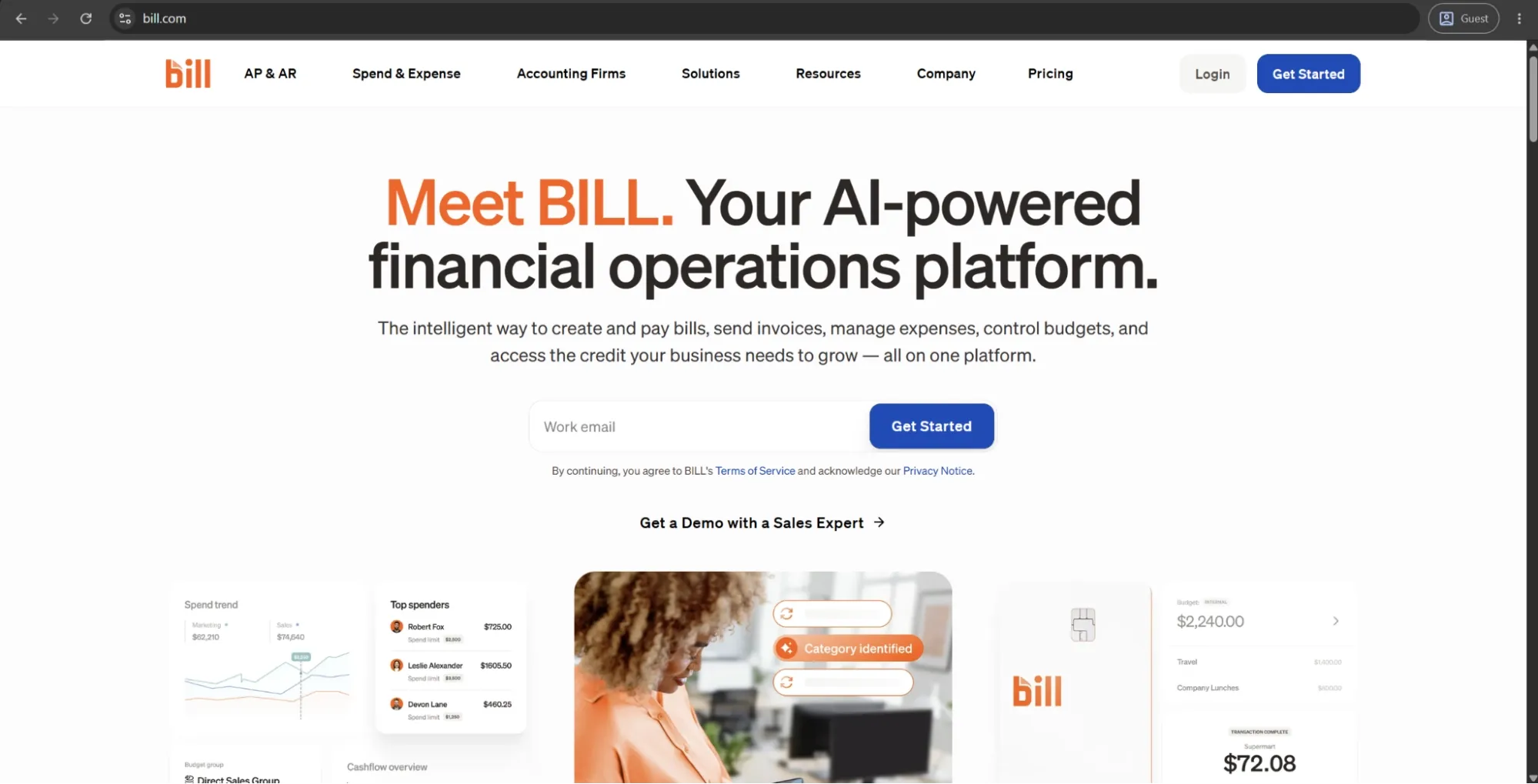
BILL is a cloud-based financial operations platform created primarily for small to mid-sized businesses that want to automate their AP, accounts receivable, and expense management processes. The platform supports the entire AP cycle combined with AI-powered data extraction capable of processing invoice fields on intake.
One feature that sets BILL apart from many competitors is its proprietary vendor network, which connects over 500,000 businesses and enables direct invoice submission and payment tracking between members. The platform also offers out-of-the-box integrations with QuickBooks, Xero, Sage Intacct, and NetSuite, and supports payments via ACH, check, wire, and virtual card.
Customer ratings:
Advantages:
- The accounting firm ecosystem is extensive, making BILL a natural fit for businesses already working with an external accountant.
- Duplicate invoice detection and AI-assisted capture reduce manual entry errors from the start of the workflow.
- The free Spend and Expense module, with unlimited virtual cards, adds genuine value without increasing subscription costs.
Shortcomings:
- Per-user pricing combined with per-transaction fees scales poorly as team size or payment volume grows.
- QuickBooks sync issues surface regularly in user reviews, occasionally disrupting reconciliation workflows.
- Approval workflow customization hits a ceiling quickly, limiting usefulness for teams with non-standard routing needs.
- Reporting is also a common pain point, with users noting that the built-in reports don’t always provide the level of detail needed to easily find or analyze specific information.
Customer reviews (original spelling):
- Stacie B. — G2 — “The tool is a great way to view all invoices and send payments when desired. The ease of paying bills is the best feature of the device. I also appreciate that if their is a delay in payment, the system sends out alerts.”
- Hallye N. — Capterra — “Bill is a great software to keep track of bill payments, AR, AP, customer invoicing and payments, running reports and has great customer support. Bill can be costly as it has many additional software's and features that work with it but all are worth the money, Bill is better for larger scale businesses.”
Pricing:
BILL’s offering is separated into four primary pricing plans with their own features, costs, and limitations:
- Essentials — $49 per user per month — provides approval workflow automation, centralized bill management, standard approval policy customization, 6 standard user roles, manual integration with accounting software, and an abundance of Accounts Receivable features.
- Team — $65 per user per month — can offer automatic 2-way sync with several different versions of QuickBooks and Xero, access to custom user roles, and more.
- Corporate — $89 per user per month — builds on the previous offering with custom approval policies, discounts for approver-only users, and a multitude of procurement-specific features.
- Enterprise doesn’t have a specific price attached to it, prompting potential clients to contact the sales team directly or request a demo instead. It expands upon the Corporate plan with features such as SSO support, API access, dual control, syncing purchasing orders with automating 2- and 3-way matching, and more.
The author’s note:
BILL shines the most with high-volume SMBs, manageable vendor lists, and the primary goal of getting away from spreadsheets and email strings without a long implementation process. The accounting firm ecosystem around the platform is a genuine advantage, as a tool that many US accounting firms already use to begin with, simplifying collaboration.
When companies expand into multiple levels of approvals, multiple entities, and international payments, they may begin to find BILL’s capabilities insufficient. Yet, for a simple domestic AP with a smooth accounting integration, BILL is still one of the most practical options on the list.
Coupa
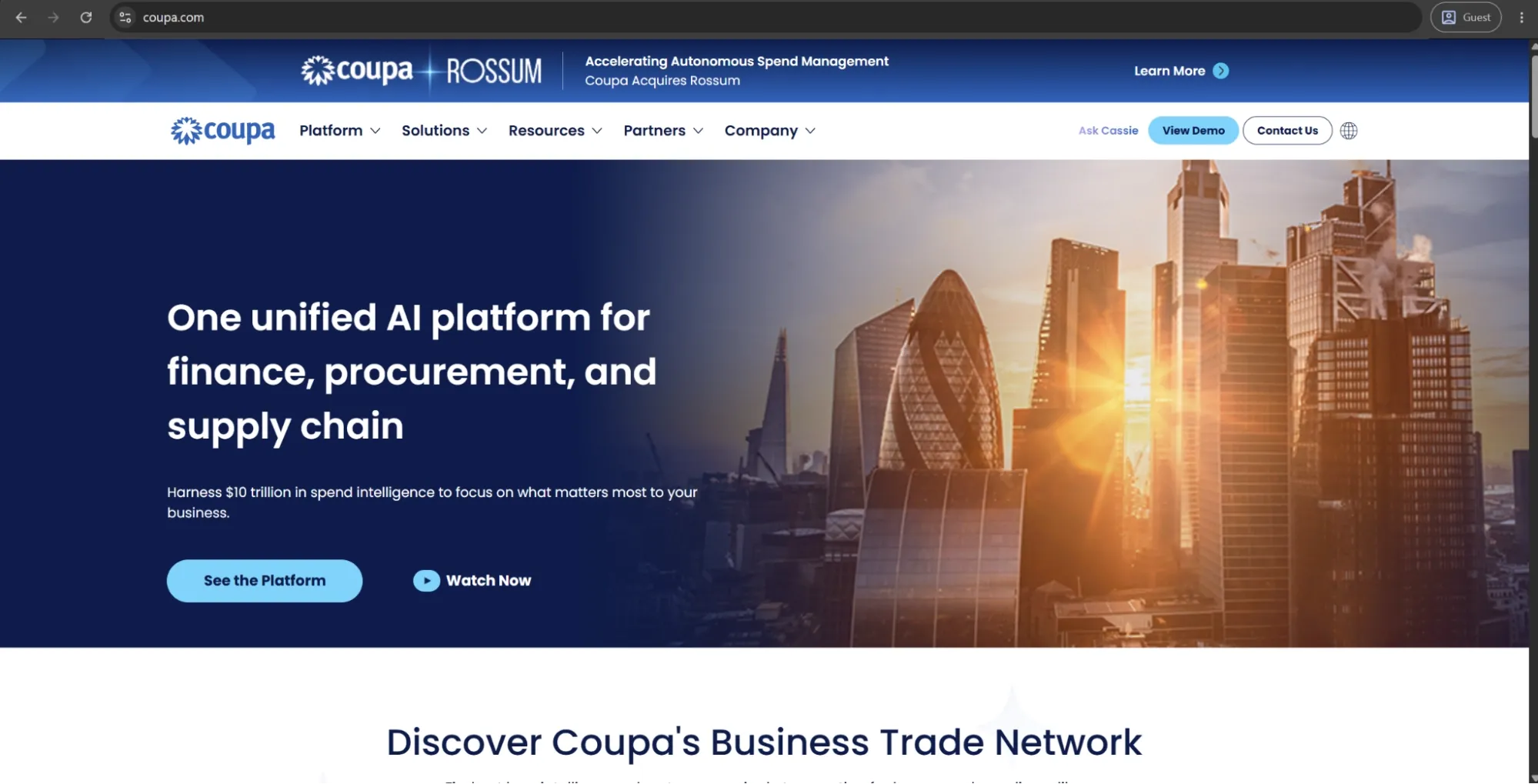
Coupa is an enterprise spend management platform that integrates procurement, invoicing, expense management, contract management, and supplier risk in one singular system. It targets large companies that need full control and visibility over all of their corporate spending across every spend category.
Coupa’s community intelligence is a standout feature that few competitors can match, enabling easy benchmarking of a company’s spend and supplier data against aggregated, anonymized data from its customer base. It also offers an ERP integration layer that connects with major enterprise systems, although users often note that these integrations require significant effort to implement and configure properly.
Customer ratings:
Advantages:
- Community intelligence benchmarks spending against anonymized peer data, giving finance teams a genuinely useful external reference point.
- Supplier self-service onboarding reduces AP team workload while keeping vendor data accurate and consistently up to date.
- The breadth of the platform — sourcing, contracts, invoicing, expenses — prevents the fragmentation of managing multiple spend tools.
Shortcomings:
- Implementation complexity is significant; configuration typically requires dedicated resources and extended timelines.
- Pricing is enterprise-tier and non-transparent, making cost evaluation difficult without direct vendor engagement.
- Workflow customization has real limits in practice, despite the platform's otherwise wide feature scope.
Customer reviews (original spelling):
- Mai M. — Capterra — “Overall, it has been a true asset and a helpful tool with very specific clients who are incredibly important to my small business!”
- Jacup J. — G2 — “the system can feel slow and clunky at times especially when navigating between modules or uploading receipts through the mobile app It’s powerful but not always the most seamless experience Also some suppliers find the portal confusing which sometimes delays transactions on their end.”
Pricing:
Coupa doesn’t have public pricing information on its official website, but it offers an abundance of partners via the Coupa Partner Xchange Program that can be used to acquire different products from Coupa depending on a company’s location and other factors.
The author’s note:
Built for enterprise procurement teams that need more than basic AP automation, Coupa is an end-to-end spend management platform, reflected in both its scope and pricing. For organizations using Tipalti and looking for deeper sourcing, contract management, and supplier risk capabilities, Coupa can be a strong upgrade.
However, it’s not well-suited for mid-market companies seeking a fast, low-friction deployment. Its implementation complexity and custom pricing place it firmly in the enterprise segment.
Precoro
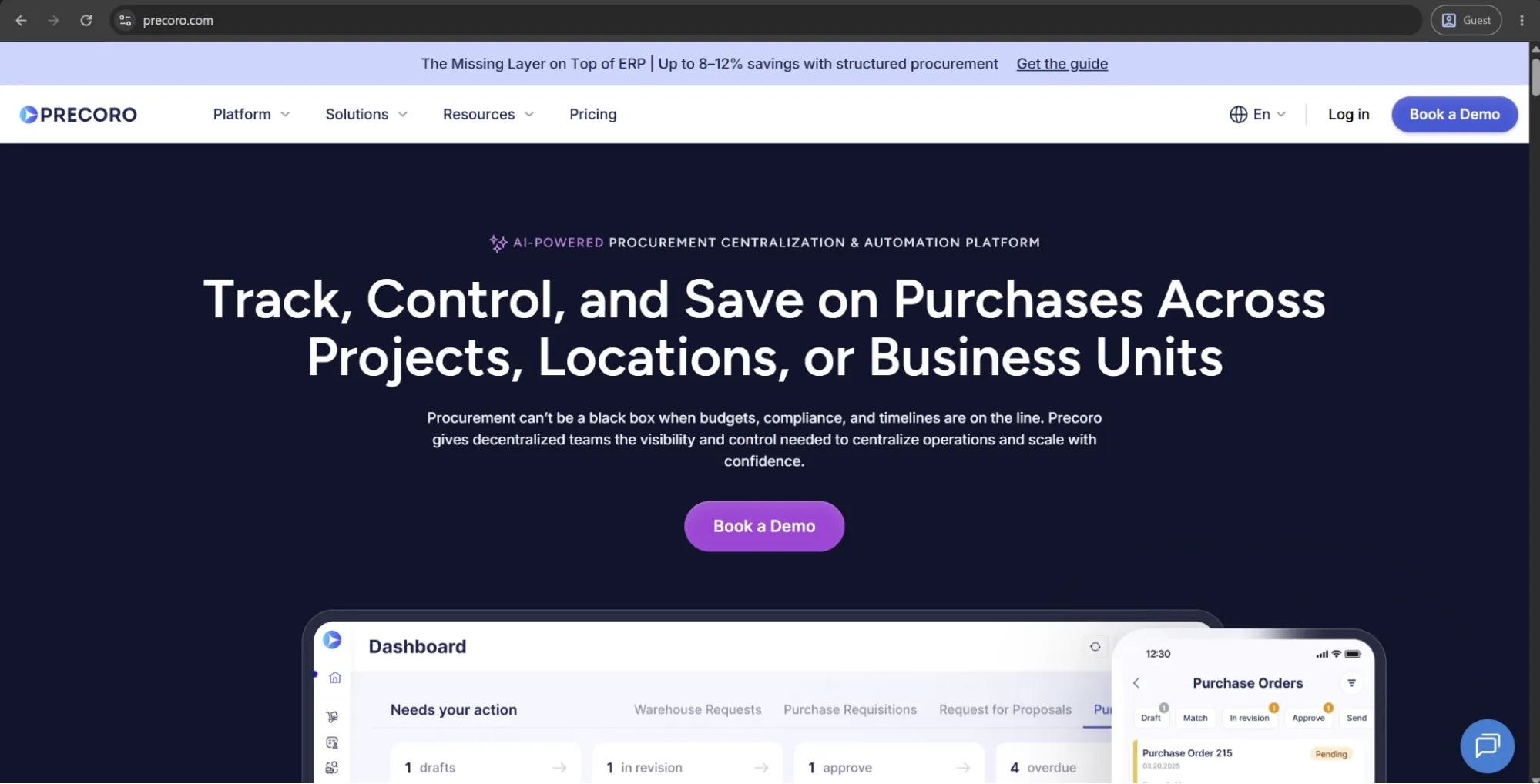
Precoro is the agentic procurement and spend centralization platform designed for mid-market companies that need more structure and control over purchasing without the complexity of a full ERP implementation.
It brings the procure-to-pay process into one configurable system, covering purchase requests, approval routing, purchase orders, three-way matching, accounts payable, and payments. Teams can standardize how purchases are requested, approved, ordered, and matched before they reach finance.
Precoro integrates with NetSuite, QuickBooks Online, Xero, Sage Intacct, Microsoft Dynamics 365 Business Central, and other ERP and accounting systems. It’s also built for non-technical users, with customizable forms and approval workflows that teams can configure without IT involvement.
Customer ratings:
Advantages:
- AI-powered invoice scanning and invoice-to-PO matching reduce manual invoice entry and help finance teams catch mismatches before payment approval.
- Flexible approval workflows let teams route invoices by department, location, amount, supplier, budget, or custom rules without relying on IT.
- The Supplier Portal reduces back-and-forth with vendors by letting them submit invoices and update their own information directly.
- Intuitive interface and strong onboarding support make it easier for procurement, finance, and non-procurement approvers to adopt the system.
Shortcomings:
- Precoro may be more than very small teams need if they only want basic PO creation or simple approval tracking.
- Initial setup also requires defining approval rules, budgets, suppliers, and matching logic before the platform delivers full value. It’s not overly complex, but companies with unclear or inconsistent processes may need to standardize their workflows first.
- Its inventory functionality works well for procurement-related stock visibility, receiving, and internal transfers, but it isn’t designed to replace a dedicated warehouse management system.
Customer reviews (original spelling):
- Anthony S. — Capterra — “Previously, we were a ControlHub customer and with CH abruptly getting shut down, we moved over to Precoro. Overall, the experience was fairly smooth. We went from signing the contract to go-live in 15 days. Integrations are easy to setup, the implementation consultant [sensitive content hidden] helped us get bulk data imported into our account in time for go-live and made sure our go-live was a success.”
- Blaine L. — G2 — “I really appreciate the simplicity and user-friendliness of Precoro's interface. Everything is in predictable places, which makes navigating the software straightforward and intuitive. It's impressive how organized the process of sending purchase orders to suppliers has become with Precoro, streamlining the procurement workflow significantly. I also found the initial setup to be very easy, which made the transition smooth and hassle-free. Furthermore, I've found extracting order reports for internal replenishment to be quite efficient with Precoro. Overall, these aspects contribute to a positive and effective user experience with the platform.”
Pricing:
Precoro’s pricing model is relatively simple and consists of three pricing tiers:
- Core — starts at $499 per month billed annually, offers basic procurement features like automated approvals and three-way matching, along with spend & vendor management, a number of integrations (Xero, QuickBooks, Slack), and reporting analytics.
- Automation — starts at $999 per month billed annually, expanding upon the previous tier with AI-powered AP automation, intake management, PunchOut catalogs, real-time budget tracking, AI Assistant, SSO support, and more.
- Enterprise tier comes with no public pricing information, but it offers additional integrations, advanced admin controls, no user number limitations, and enterprise-grade data protection.
There’s also a dedicated AP automation package starting at $499 per month when billed annually. It covers invoice automation needs, including invoice capture, approval workflows, budget checks, vendor management, and accounting integrations, without the procurement layer.
The author’s note:
Precoro sits in a practical middle ground for mid-market teams: more structured than basic AP or bill payment tools like BILL, but easier to implement and manage than enterprise-heavy platforms like Coupa or SAP Concur.
It’s a strong fit for organizations that need to centralize purchasing, enforce approval rules, control budgets, and connect procurement with AP without turning implementation into a months-long IT project. Its guided onboarding and responsive customer support also make it a good option for teams that have struggled with complex rollouts in the past.

Brex
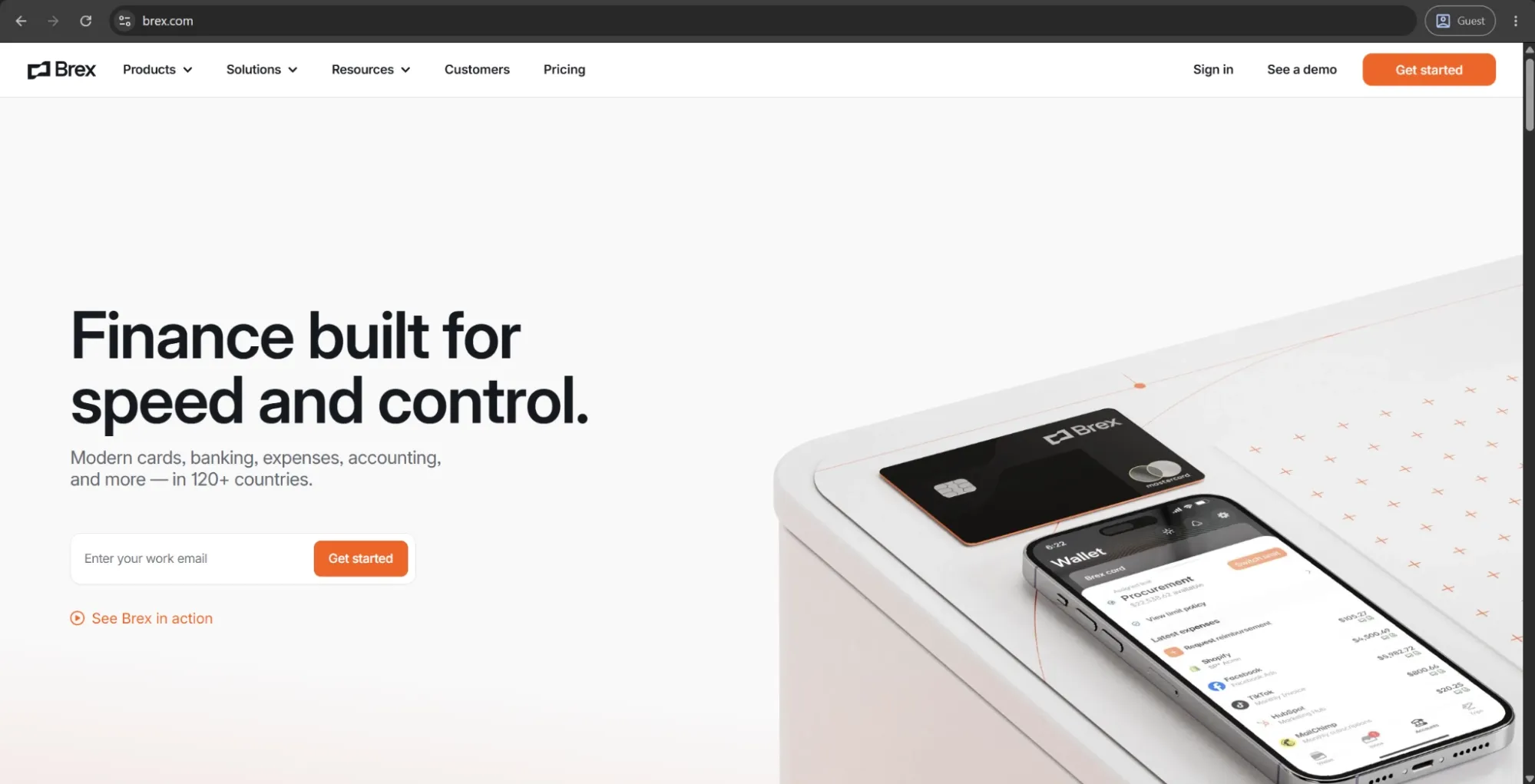
Brex is a spend management solution that integrates corporate cards, expense management, bill pay, travel, business banking, and accounting automation into a single platform. Brex, which was initially founded to serve venture-backed startups that didn't qualify for traditional corporate credit, has grown substantially to offer solutions for mid-market and enterprise teams.
Its AI-powered expense automation, real-time budget controls, and a global card program with over 200+ markets should be ideal for fast-growing businesses with distributed, international teams. That being said, Brex was also recently acquired by Capital One in an acquisition that was formalized in April 2026, which could affect the platform’s roadmap and positioning in the future.
Customer ratings:
Advantages:
- Underwriting based on company financials rather than personal credit removes a real barrier for founders of early-stage businesses.
- Virtual cards with custom limits and merchant controls give finance teams proactive spend control, rather than relying on after-the-fact reviews.
- The global card program spans 200+ markets, making it well-suited for distributed teams managing cross-border expenses.
Shortcomings:
- The bill pay module is less mature than dedicated AP tools and has drawn recurring criticism for unreliable behavior.
- Premium tier pricing at $12 per user per month accumulates quickly as team size grows.
- The Capital One acquisition introduces strategic uncertainty that prospective buyers should factor into long-term platform decisions.
Customer reviews (original spelling):
- Marc R. — Capterra — “There is a lot to set up to get it right but once you do, it has so many options and runs smoothly. But you need to be prepared to really spend time learning all features available to customize.”
- Tatiana Z. — G2 — “Brex is very easy and practical to use for the control and management of resources and users. The product allows having multiple virtual cards for different types of expenses, users, countries, etc., which facilitates traceability and costs.”
Pricing:
Brex offers a choice between three separate pricing plans:
- Essentials, available for free, offers a minimal feature set for startups and growing companies (local currency wires, instantaneous reporting, API access, up to 2 entities, etc.).
- Premium starts at $12 per user per month and expands upon the previous offering with multiple customizable expense policies, dynamic expense review chains, advanced approvals with dynamic spend limit, and more.
- Enterprise is a custom-priced plan that builds on the Premium version, offering additional features such as tailored implementation services, support for unlimited entities, and a dedicated account manager.
The author’s note:
Brex functions primarily as a financial control layer that sits in front of your accounting system, helping teams manage and control spend before it reaches the bookkeeping stage. It’s particularly valuable for companies where employee expenses, travel, and vendor payments are closely connected and need to be managed in one place.
That said, Brex isn’t a purpose-built accounts payable platform. Its core strength lies in spend management rather than end-to-end AP workflows. In addition, the Capital One acquisition introduces some uncertainty around its long-term product direction. Overall, it remains a strong spend control solution, but not a full AP system replacement.
Yooz
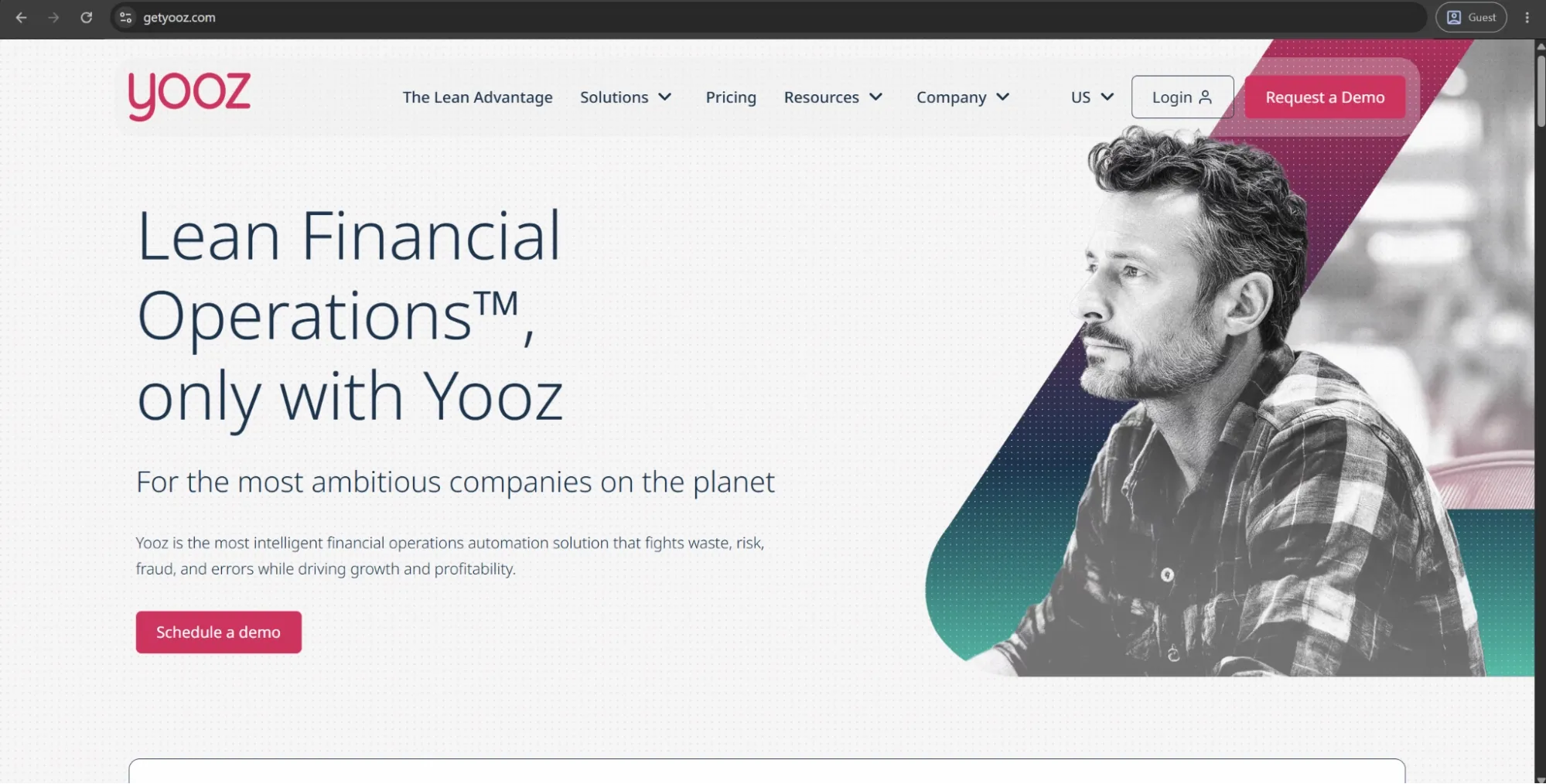
Yooz is a cloud-based AP automation platform centered on invoice processing, with AI-driven OCR and document capture as its core capabilities. It supports the full purchase-to-pay cycle, including purchase requisitions, PO matching, invoice approvals, payment execution, and vendor statement reconciliation.
It also offers native integrations with more than 250 ERP and accounting systems, the broadest integration coverage in this comparison. Its YoozProtect suite adds layers of fraud detection, including duplicate and fake document identification, unusual amount flagging, and vendor authentication, which goes beyond what many AP solutions typically provide.
Customer ratings:
Advantages:
- The fraud prevention suite — covering fake documents, duplicate detection, and vendor authentication — goes meaningfully deeper than most AP platforms at this price point.
- Unlimited-user pricing based on invoice volume makes the total cost predictable as teams and entities scale.
- Native integrations with 250+ ERP and accounting systems cover more existing infrastructure than virtually any competitor on this list.
Shortcomings:
- Reporting and analytics are consistently flagged as thin, with cash flow forecasting and trend analysis notably absent from the dashboard.
- The initial setup carries a steep learning curve, and workflow configuration requires significant upfront time investment.
- Platform updates have occasionally broken existing ERP integrations, requiring support intervention to restore normal operation.
Customer reviews (original spelling):
- Saho D. — Capterra — “I really like it! E-mail notifications and e-documentation of invoices are important functions they should work always.”
- Faith K. — G2 — “The fact that it links with our accounting software and uses AI to learn and adapt. It is easy to use and was easy to train employees who use it every day.”
Pricing:
Yooz uses an unusual pricing approach. Instead of listing clear software costs, its pricing page focuses on estimating potential savings from improved cash flow management.
From the available information, we can see that a 15-day free trial is offered, and pricing follows a subscription model based on the volume of documents processed. Beyond that, no specific pricing details are provided, and users are directed to contact the company for a custom quote.
The author’s note:
Yooz is a focused AP automation tool that handles invoice capture and approval routing efficiently. Its fraud detection features are a notable advantage, especially for finance teams operating in higher-risk environments. The pricing model, based on invoice volume rather than per user, also makes costs more predictable as usage scales.
Its main limitation is reporting and advanced analytics, which users often describe as limited. Overall, Yooz is best suited for mid-market finance teams that are primarily looking to manage invoice volume and control, rather than implement a broader procure-to-pay transformation.
Melio
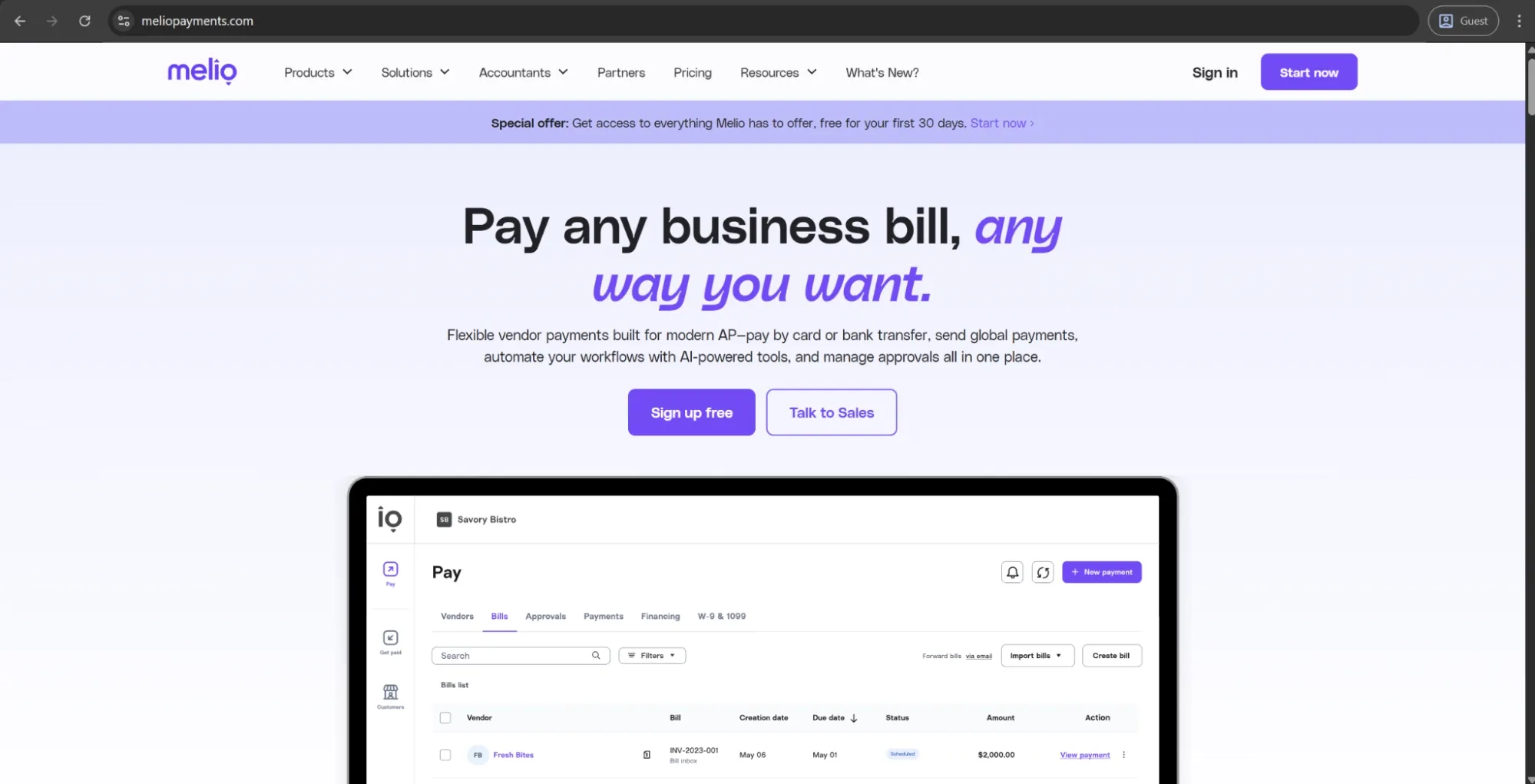
Melio is a B2B payments platform designed for small businesses that aims to remove the friction associated with vendor payments. It enables businesses to pay via ACH, credit card, or by paper check — even if they only have the ability to receive via bank transfer, as Melio can convert the payment and send it to the vendor on their behalf.
The platform offers two-way integration with QuickBooks Online, QuickBooks Desktop, and Xero. It also supports W-9 collection and 1099 filing directly within the workflow. Melio follows a tiered pricing model, starting with a free plan. Paid tiers add features such as batch payments, approval workflows, and more advanced accounting integrations.
Customer ratings:
Advantages:
- Free ACH transfers with no subscription requirement make it one of the lowest-cost entry points in the AP automation market.
- The credit card payment conversion feature — paying vendors who only accept bank transfer via card — provides genuine cash flow flexibility.
- Two-way QuickBooks and Xero sync prevent manual reconciliation for the accounting workflows most small businesses already use.
Shortcomings:
- Payment processing reliability has proven inconsistent, with failed transactions and unexplained holds surfacing regularly in user reviews.
- Customer support is slow and largely limited to chat and email, with no meaningful phone access for urgent payment issues.
- International payments process in USD only, making the platform unsuitable for businesses with multi-currency vendor relationships.
Customer reviews (original spelling):
- Lindsay B. — Capterra — “It is a real pal when you are launching a business. You can send an invoice to clients and they pay how they want. No hidden service fees, you will receive 100% in your bank account.”
- Melissa M. — G2 — “Melio is easy to use and integrates seamlessly with QBO so that I can streamline my workflow for my clients. Vendors are able to choose how they receive their payments, and we can choose to pay with a credit card (even if the vendor doesn't accept credit cards!). It's cost-effective with fantastic customer support. If we ever have a problem with USPS delivering a paper check, we contact support and request to void and reissue the check - easy-peasy. I use Melio every day for all of my bill pay clients and I'm very happy with it.”
Pricing:
Melio’s pricing model is subscription-based and consists of five possible tiers:
- Go — possibly the only option on the list that offers certain features for free without being some sort of demo or trial. There is a limit of 5 free ACH payments per month, and there is also support for international payments, auto-pay, AI bill capture, and more.
- Core — $25 per month (+$10 per month for each additional user), offers 20 free ACH/month, synchronization with QuickBooks and Xero, AI assistant, dedicated bills inbox, approval workflows, batch payments, W-9 collection, etc.
- Boost — $55 per month (+$10 per month for each additional user), combines the previous offering with advanced user roles, custom approval workflows, premium phone support, and several other features.
- Unlimited — $80 per month with no limitations on the user count whatsoever.
- Platinum is the only option without a specific pricing point; it’s sold as the “preferred pricing and terms for high-volume businesses.”
The author’s note:
Melio serves a clear niche: small businesses looking to move away from spreadsheets and manual payments without adopting the complexity or cost of a full AP platform. Its credit card flexibility and QuickBooks integration are strong advantages, and for certain use cases, this combination is hard to match at its price point.
However, it has clear scaling limitations. As companies grow into multi-entity structures, they often run into constraints around approval workflows and international payments in local currencies, which can push them to look for more advanced alternatives.
SAP Concur
SAP Concur is an enterprise travel and expense management platform that combines corporate travel booking, expense reporting, invoice processing, and policy compliance. What sets it apart from typical AP tools is its strong travel management layer, including pre-trip approvals, itinerary management, and real-time policy enforcement built directly into the booking process.
It’s also tightly integrated into the broader SAP ecosystem, making it a natural fit for organizations already using SAP ERP. As of Q2 2026, administrators can upload policy documents and use AI to automatically generate enforcement rules, reducing configuration effort for large enterprises.
Customer ratings:
Advantages:
- Travel and expense management are tightly unified — pre-trip approvals, booking, policy enforcement, and reimbursement all run through one system.
- The SAP ecosystem integration is deep and reliable, making it a natural fit for organizations already running SAP ERP infrastructure.
- Policy compliance enforcement happens at the point of booking rather than after the fact, which meaningfully reduces out-of-policy spend.
Shortcomings:
- The desktop interface draws consistent criticism for feeling dated, clunky, and unintuitive — particularly for infrequent users.
- Licensing costs sit firmly at the enterprise tier and scale poorly for smaller organizations or those with modest travel programs.
- Configuration complexity is high, and poorly set-up instances shift the usability burden onto end users rather than the platform itself.
Customer reviews (original spelling):
- Nick C. — Capterra — “Overall it is an easy app to use with clear controls and I've encountered only one issue since I started using it.”
- Chandan T. — G2 — “One of the key challenges with SAP Concur is the limited flexibility in expense categories and user input options. It often lacks sufficient customization for real-world expense scenarios, leading to manual workarounds. The user interface can also feel complex, with multiple steps required for simple submissions. Additionally, receipt scanning accuracy is inconsistent, and the overall experience could be improved with better automation, smarter suggestions, and more intuitive navigation. Performance lags and limited visibility into approval workflows further impact user efficiency.”
Pricing:
SAP Concur doesn’t have any public pricing information available on the official website. The only way to receive such information is to contact their sales department for a personalized quote or a demo.
The author’s note:
SAP Concur is a leading choice for enterprises where employee travel spend is a major financial control priority. Its tight integration of travel, expense, and invoice workflows is particularly valuable, and few solutions match its level of audit detail or policy enforcement at scale.
However, it’s highly dependent on fit. In the right environment, it’s powerful; in the wrong one, it can be costly and complex to run. Organizations without significant travel volume or those outside the SAP ecosystem often find that the implementation effort and ongoing cost outweigh the benefits.
MineralTree
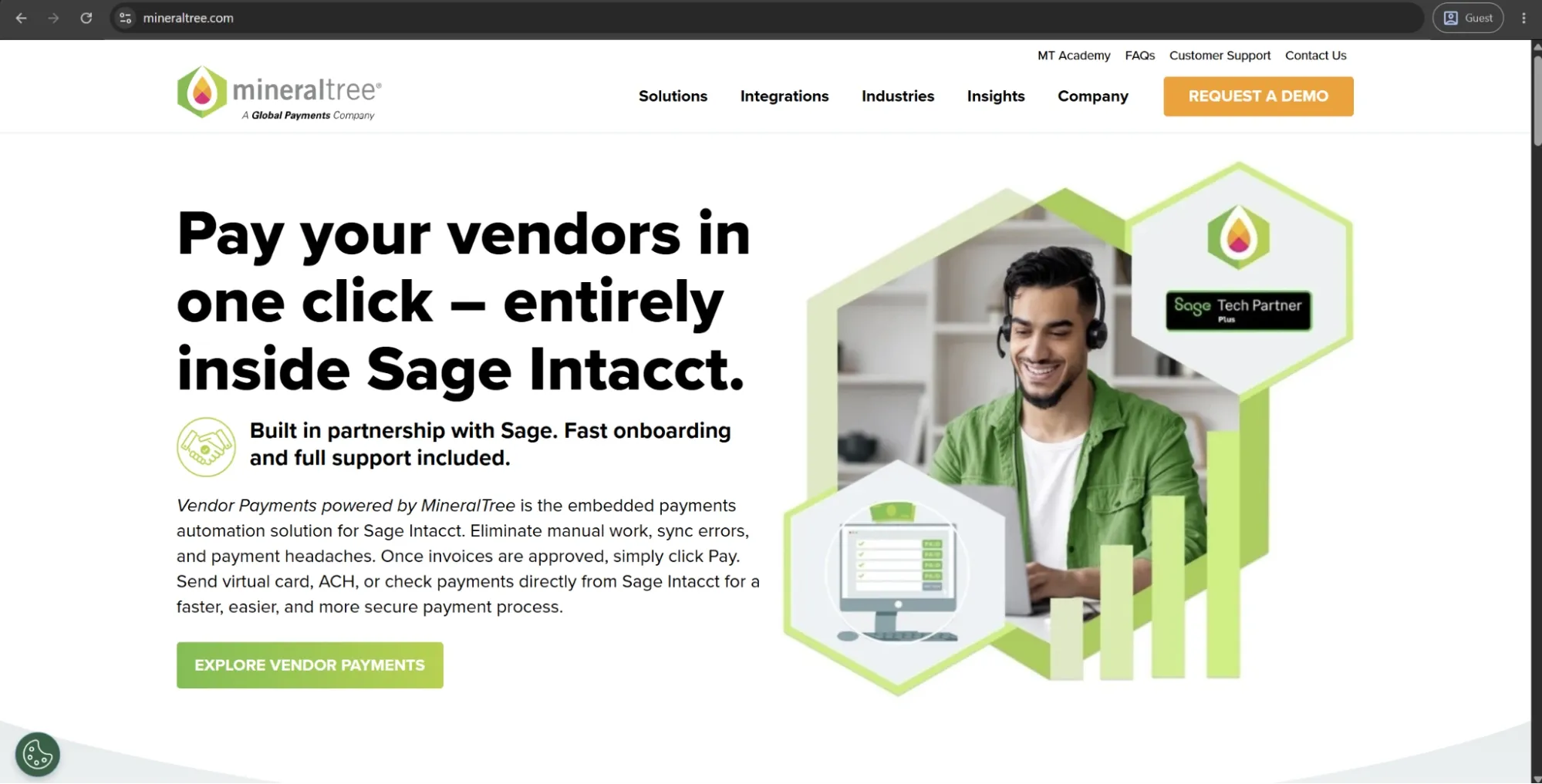
MineralTree is a mid-market AP automation platform focused on the finance side of the invoice lifecycle. Its core value is helping teams capture invoices, route them for approval, and complete payments without disrupting the ERP or accounting workflows they already use.
Rather than replacing existing financial systems, MineralTree works as an AP layer on top of them. It keeps invoice, approval, and payment data connected to platforms like NetSuite, QuickBooks, Sage Intacct, and Microsoft Dynamics GP, reducing manual reconciliation and duplicate data entry.
A notable part of its value proposition is payments. MineralTree includes virtual card payment options and a rebate program, which can help some customers offset part of the platform cost depending on payment volume and supplier acceptance.
Customer ratings:
Advantages:
- The virtual card rebate program can, in some cases, fully offset platform fees, making the commercial model effectively self-funding.
- Two-way ERP synchronization helps keep AP data and accounting records aligned, reducing the need for manual reconciliation after payment runs.
- Implementation is also relatively fast, with teams reporting go-live in as little as a few hours for standard ERP setups, rather than days or weeks.
Shortcomings:
- Credit memo syncing with QuickBooks is unsupported, forcing manual workarounds for a routine AP function.
- Navigation requires more clicks than it should for common tasks, which slows down high-volume daily workflows noticeably.
- Reporting capabilities are limited and frequently require data exports to external tools for meaningful spend analysis.
Customer reviews (original spelling):
- Laura R. — Capterra — “During the recent pandemic, it was a huge plus that I could still pay anyone virtually, even if the vendor required a paper check. With everyone working remotely I am able to move everything through in a timely manner without seeing a single soul.”
- Ifeoma E. — G2 — “MineralTree successfully covers all the workflow through invoice processing and payment. The software work in hand with multiple accounting systems and ERP, helping us in invoice approvals. We monitor and evaluate all the payments made in our company and this gives the firm’s stakeholders a clear financial view. MineralTree is a stronger approach in managing fraud, ensuring that we significantly reduce risks and this is through two factor authentication, OTP, among others. The program is global in its performance, supporting global currencies and international markets.”
Pricing:
MineralTree doesn’t provide its pricing data on the official website. The only option available there is to request a personalized demo.
The author’s note:
MineralTree works best for finance teams that already know exactly what they need: cleaner invoice processing and payment execution with nothing else on top of that. The solution is easy to implement and has a responsive support team, both of which are major considerations for evaluating tools in this market.
The most obvious limitations of MineralTree are global payment capabilities and the reporting depth. Organizations that have to operate across multiple countries or need advanced spend analytics are going to find this solution’s scope insufficient for their needs.
Corpay
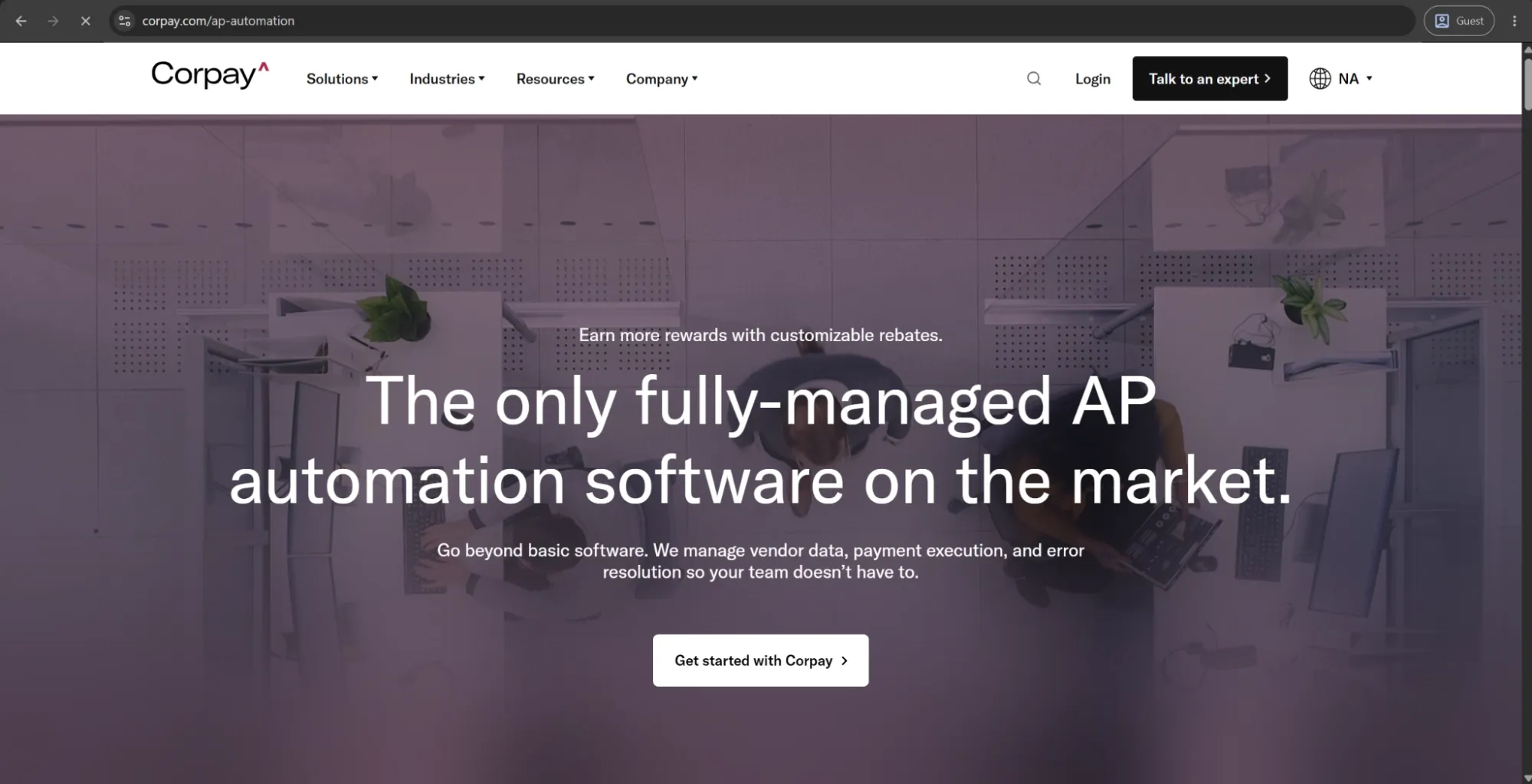
Corpay is an S&P 500 corporate payments company whose AP automation product, Corpay Complete, covers the full procure-to-pay cycle, along with commercial card management and cross-border payment infrastructure.
Its “fully managed AP” positioning is a key differentiator, as it can handle vendor enrollment and onboarding into its payment network on behalf of customers, reducing the operational workload for finance teams.
Virtual card payments are a core part of its model, with rebates helping offset platform costs over time. In April 2026, Corpay Complete also introduced new AI capabilities focused on invoice processing, spend analytics, and approval workflows.
Customer ratings:
Advantages:
- Virtual card rebates provide a direct financial return that can meaningfully offset or exceed platform costs over time.
- Cross-border payment infrastructure supports payments in 200+ countries, giving the platform genuine international reach.
Shortcomings:
- The ACH enrollment process has drawn serious criticism for opacity, inconsistent requirements, and unexplained denials.
- Customer support is slow to respond and largely limited to email, which frustrates users dealing with urgent payment issues.
- Workflow customization is constrained for teams that need detailed, criteria-based AP controls beyond standard approval routing.
Customer reviews (original spelling):
- MD Abu K. — Capterra — “Overall, I am very satisfied with the payment method. It saves our time & helps us to get payment from any platform efficiently.”
- Tony C. — G2 — “Corpay Complete is software that I use regularly to account for my expenses and manage the performance of all my finances, allowing me to record my financial transactions and view the use of all my cards and electronic payments. In addition, Corpay Complete allows for interactive and accessible recording, adapts to the needs and technical requirements of each user and offers professional and efficient customer service.”
Pricing:
Corpay doesn’t offer any pricing information on its official website. The only way to obtain details is to schedule a call with a company representative for a personalized quote.
The author’s note:
Corpay occupies a somewhat unique position, combining financial software with a payment network. Its value increases as more vendors accept virtual card payments, and in some cases, the rebate structure can significantly offset or even cover platform costs.
However, like some other solutions in this category, it offers limited depth in AP workflow customization and complex procurement controls. Its managed-service approach also reduces configurability, which may not suit finance teams that prefer more control over system setup and processes.
Rillion
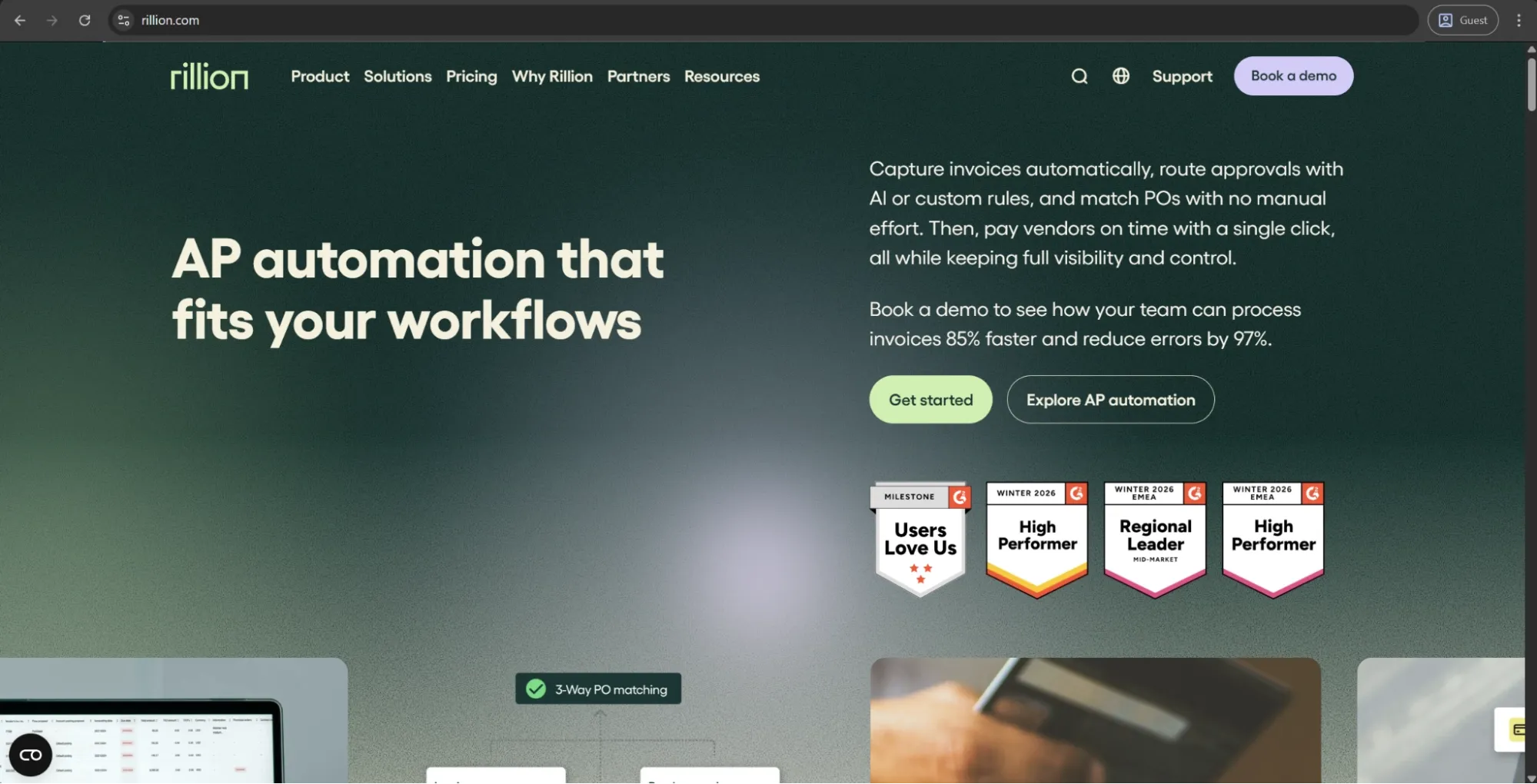
Rillion is an AI-powered AP automation solution geared toward upper mid-market and large businesses that operate a high number of invoices across many entities or ERP environments. The invoice capture layer of the solution is template-free, with artificial intelligence reading and interpreting invoices contextually. That way, Rillion manages to remove the ongoing maintenance burden that still plagues a lot of the older OCR-based systems.
In early 2026, Rillion launched its fully AI-native capture module called Rillion Capture, eliminating the configuration requirements from day one. The solution’s overall pricing is based on invoice volumes instead of user count, making it easier to scale for growing businesses due to unlimited users, approvers, and entities across all plans.
Customer ratings:
Advantages:
- The AI capture model learns from historical transactions over time, improving coding accuracy and routing suggestions without manual reconfiguration.
- Unlimited users, approvers, and entities are included across all plans, keeping costs predictable as organizations scale.
- Three-way PO matching handles complex, high-volume scenarios — including multi-line invoices across multiple entities — with minimal manual intervention.
Shortcomings:
- The interface draws consistent criticism for feeling dated, with limited UI customization available to individual users.
- Internal collaboration tooling is thin, with no native commenting or discussion layer on invoices beyond basic approval routing.
- Cross-platform functionality and data privacy management have been flagged as weak points by users operating across multiple regions.
Customer reviews (original spelling):
- Berith M. — Capterra — “You save a lot of time while you dont have to register all the invoices and I immediately can get a qiuck look how it was managed last time. The integration with other bookkeeping programs is perfect.”
- Jan S. — G2 — “Really like the way users and roles are setup. Creates great flexability. Really also like new features like AI and Analytics. The interface can sometimes look a little old fashioned but I do not min so much about that. It is the functions that counts.”
Pricing:
Rillion doesn’t publicly list detailed pricing on its website, but it outlines several plan levels with different feature sets:
- Essential — a basic feature plan that includes multi-entity management, no limitations when it comes to user numbers, invoice automation, approval workflow, KPI dashboard with reports, and Single Sign-On (SSO) support.
- Professional — combines all the features of the previous tier with recurring invoice automation and contract, AP analytics & industry benchmark, AI-powered Coding & Workflow, Riley AI assistant Pro, and more.
- Premium — expands upon the previous offering with an automation coach and a dedicated service delivery management.
It should be noted that users of all plans can also request add-ons such as AI-native invoice capture, purchase order matching, document management, requisitions & budget management, and payments (US only).
The author’s note:
Rillion is suitable for finance departments that deal with significant invoice volumes across complex, multi-entity setups and want an AP tool that requires no further configuration once set up. The platform’s AI capabilities learn from historical transactions over time, creating a genuine differentiator in the form of certain capabilities getting meaningfully more accurate the more they’re used.
That being said, Rillion’s interface does get occasional complaints about its overall look and feel, while its internal collaboration tools are somewhat basic to this day. Nevertheless, it still holds up extremely well for teams who value invoice automation depth more than UX polish.
Basware
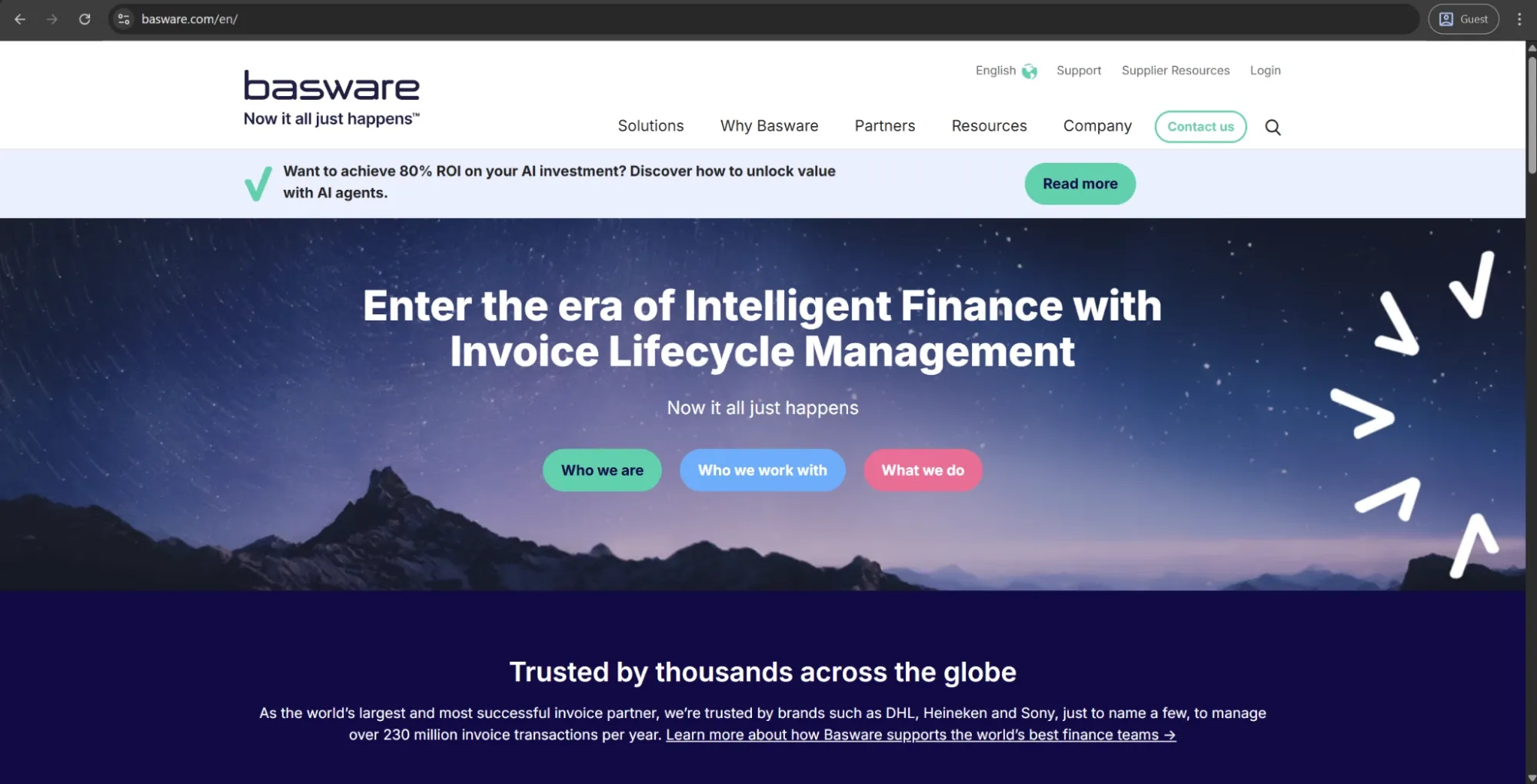
Basware is a fully-fledged enterprise-grade AP automation and e-invoicing platform with over 40 years of experience when it comes to dealing with invoice lifecycle management. Basware’s AI model is trained on over 2.5 billion invoices and can help with everything from data capture and GL coding to fraud detection and compliance enforcement across more than 60 countries.
One of Basware’s key differentiators is its strong global compliance coverage. It supports e-invoicing mandates, VAT requirements, and cross-border regulations in many markets where other tools often leave compliance work to the customer.
Customer ratings:
Advantages:
- The AI model — trained on over 2.5 billion invoices — delivers automation accuracy and compliance depth that newer platforms cannot replicate at scale.
- Global e-invoicing compliance coverage spans 60+ countries, making it one of the few platforms that handles cross-border regulatory complexity natively.
- Three-way matching and invoice lifecycle tracking are deeply integrated, giving enterprise AP teams a reliable audit trail without supplementary tools.
Shortcomings:
- The user interface lags behind modern UX standards, creating a steeper learning curve particularly for occasional or non-technical users.
- Pricing involves complex add-on modules, and total cost of ownership frequently exceeds initial estimates once full feature requirements are scoped.
- Only one session can run simultaneously per user, and vendor data changes can take up to 24 hours to reflect — both friction points in high-volume environments.
Customer reviews (original spelling):
- Ahmet D. — Capterra — “Basware is one of the leading purchase-to-pay/invoice processing platforms. The workflow engine allows the implementation of kind of an approval process regardless of detail and exceptions. This power however comes with a price, the implementation can be challenging and the implementation learning curve can be sometimes steep. Consolidated reports are very useful and the ERP integration is sold, which is a must-have for any kind of P2P Platform.”
- Oscar H. — G2 — “I find Basware user-friendly in multiple areas. It offers convenient features such as exporting Excel files, and the filters often work well. It is also easy to modify large numbers of invoices with the function to update selected rows of selected header data.”
Pricing:
Basware doesn’t offer specific pricing information on its official website.
The author’s note:
Basware is the correct choice for organizations working across multiple countries where invoice compliance is not a mere checkbox but a genuinely complex and business-critical process. Very few solutions can match the extent of its regulatory coverage and the complexity of its AI model at scale.
Basware is also not built with speed of deployment or easy configuration in mind. That makes it a less optimal choice for finance departments without dedicated implementation resources and a clear process improvement mandate — as they’re simply not going to use the solution to its full extent.
HighRadius AP Suite
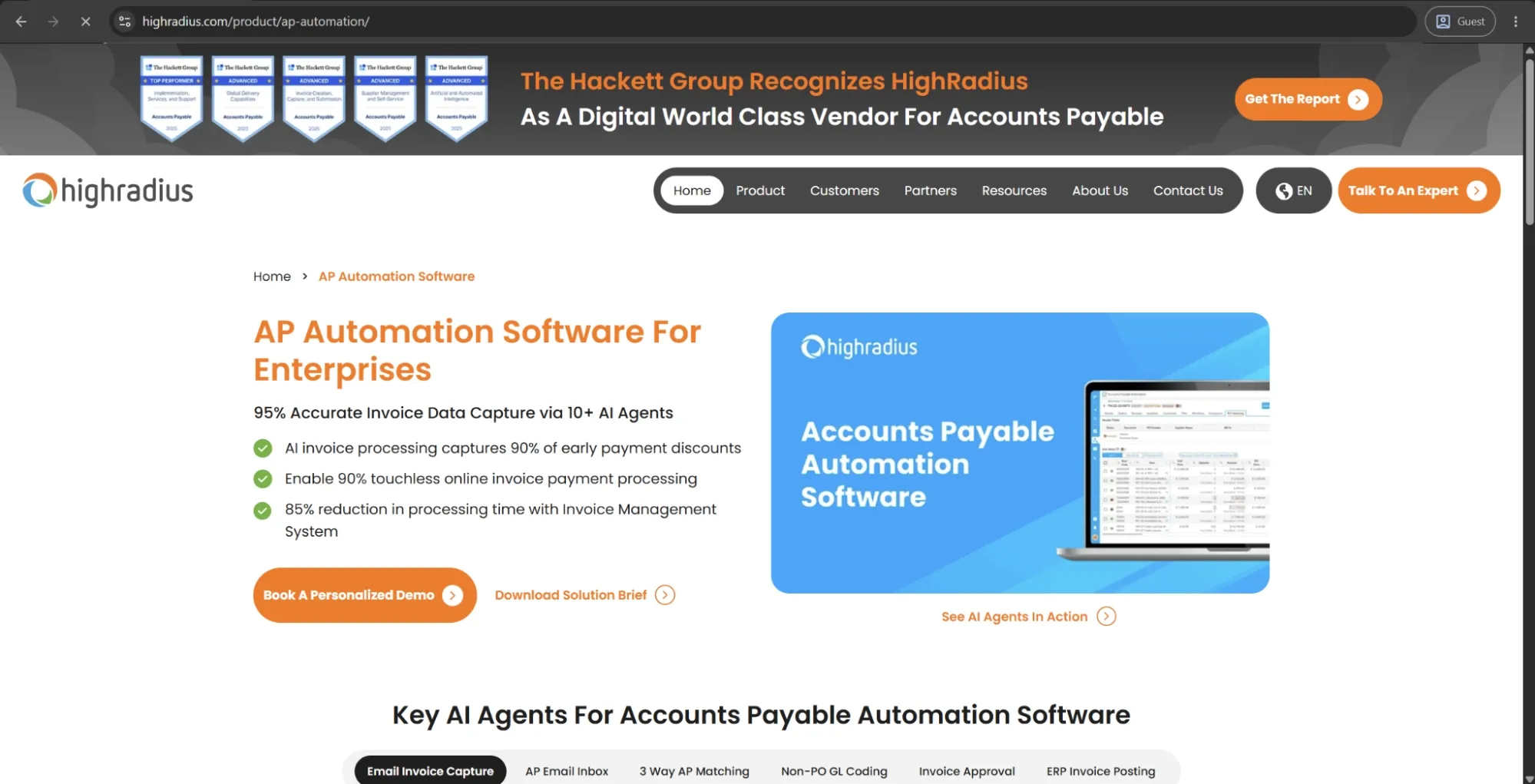
HighRadius is an enterprise finance automation platform whose AP Suite is a part of a broader product covering order-to-cash, treasury, and record-to-report. It’s one of the few tools in this article that can automate both sides of the balance sheet. The AP product supports template-free invoice capture, touchless three-way matching, automated GL coding, and payment execution across ACH, SEPA, cross-border transfers, and virtual cards.
The platform’s agentic AI layer that uses 180+ specialized agents to orchestrate AP workflows is considered one of the most technically advanced automation architectures in the modern enterprise space. Additionally, HighRadius’s native ERP integrations with SAP, Oracle, Microsoft Dynamics, and NetSuite are pre-built and not file-based, which helps reduce implementation complexity to a certain degree.
Customer ratings:
Advantages:
- The unified platform covers AP, AR, treasury, and financial close — giving finance teams cross-cycle visibility that standalone AP tools cannot provide.
- Agentic AI handles over 90% of routine AP tasks autonomously, with 180+ specialized agents orchestrating workflows across invoice capture, matching, and payment.
- Pre-built ERP integrations with SAP, Oracle, Dynamics, and NetSuite eliminate custom development work and reduce implementation risk significantly.
Shortcomings:
- Implementation runs three to six months, making it unsuitable for organizations that need rapid deployment or have limited internal IT resources.
- Customization requests after go-live carry additional costs, which surprises teams that didn’t lock in requirements precisely during the design phase.
- Customer support responsiveness through the ticketing system draws consistent criticism, with users reporting slow resolution times for complex issues.
Customer reviews (original spelling):
- Antonio C. — Capterra — “Overall the implementation of the HighRadius credit and collection modules have been gamechangers that have allowed us to fully transform and address manual inefficient tasks, which have resulted in quantifiable and significant value being captured.”
- Rahul A. — G2 — “HighRadius Accounts Receivables could improve by making the user interface more intuitive and beginner-friendly. While the platform is powerful, some features and workflows can feel complex during the initial setup and onboarding process. Improving customization options, simplifying navigation, and providing more guided in-app support or tutorials would help new users adapt more quickly and enhance the overall user experience.”
Pricing:
HighRadius doesn’t publicly disclose pricing information. Businesses interested in the platform need to request a personalized demo and receive custom pricing based on their specific requirements.
The author’s note:
HighRadius is a strong fit for large enterprises that view AP automation as part of a broader finance transformation rather than a standalone process improvement. By combining AP, AR, and treasury functions within a single platform, it provides visibility across the entire cash cycle, offering a fundamentally different value proposition from most other solutions in this comparison.
The main tradeoffs are scope, complexity, and cost. Implementations typically take between three and six months, pricing is firmly enterprise-level, and organizations looking only for simpler invoice processing may find the platform far more extensive than they actually need.
AvidXchange
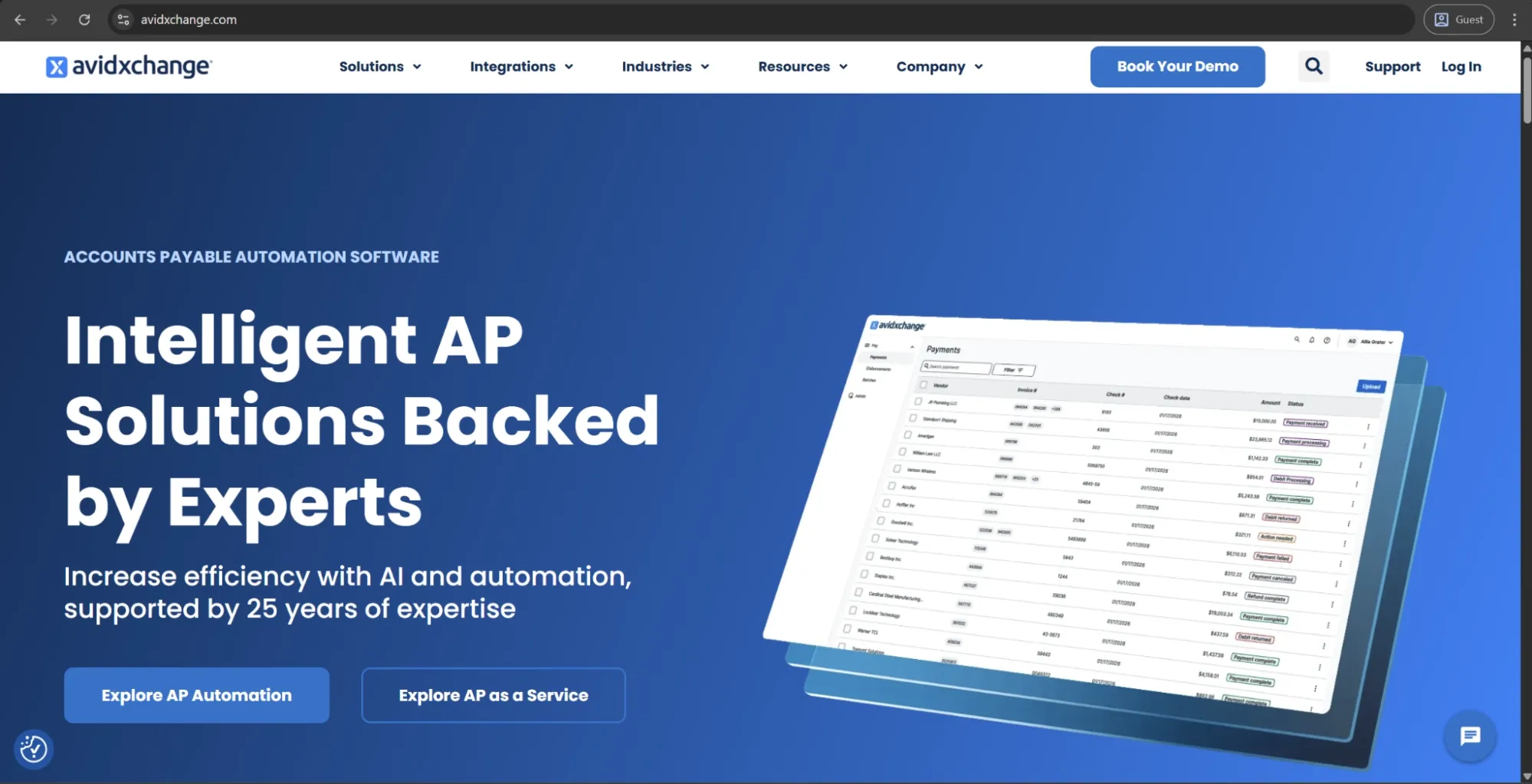
AvidXchange is a mid-market AP automation platform with strong adoption in industries where high invoice volumes are standard, including real estate, healthcare, and non-profit organizations. It supports invoice capture, approval routing, and payment execution through a fully paperless workflow, powered by a proprietary supplier network of over 1.3 million vendors.
A key differentiator is this network, which enables payments through the AvidPay Network without requiring vendors to be onboarded from scratch. The platform also offers an “AP as a Service” model, allowing ERP and accounting providers to embed AvidXchange’s payment infrastructure directly into their own systems.
Customer ratings:
Advantages:
- The AvidPay Network — with over 1.3 million enrolled suppliers — removes the manual vendor enrollment burden that slows down payment adoption elsewhere.
- Granular user permission controls allow finance teams to set highly specific access and approval restrictions at the individual staff level.
- Industry-specific depth in real estate, construction, and healthcare makes it a stronger fit for those verticals than most generalist AP tools.
Shortcomings:
- Payment batching and invoice image uploads are sometimes affected by recurring system issues, with incident notifications occasionally disrupting workflows more than users expect.
- Reporting is consistently flagged as inflexible, with limited export formats and no meaningful spend analytics available natively within the platform.
- Check payment statuses use vague, non-descriptive labels that obscure whether a payment is delayed, lost, or still in process.
Customer reviews (original spelling):
- Linda A. — Capterra — “AvidExchange provides a robust and highly secure platform that excels at creating a fully auditable and collaborative accounts payable workflow. The system’s foundational strengths lie in its transparency and fine-grained administrative control. Every business should have this software!”
- Stein T. — G2 — “Only knowing our previous AP platform which was very manual, I don't have much that I dislike in Avid. There are two things that probably stand out for me which include the following: in my opinion, I feel like there are some features that require too many extra clicks to access, their menus should be more hover and also some features should be linked together as opposed as getting out of one section to goto another. Another issue I have is the speed, with this being hosted by Avid, there are times that the system might show some latency which can lead to frustration as it is something that we cannot control.”
Pricing:
There doesn’t seem to be any pricing information on AvidXchange’s official website. The only option available initially is to book a personalized demo.
The author’s note:
AvidXchange is a safe option for mid-market, particularly strong in its core industries, where the supplier network delivers immediate practical value. It has a proven track record of consistent implementations, and finance teams generally report smooth day-to-day usability.
However, it has notable limitations in reporting and analytics, which are often described as weak. Meaningful spend analysis typically requires exporting data to external tools. As a result, AvidXchange is strong as an AP execution platform, but less effective as an AP analytics or insights solution.
Sage Intacct
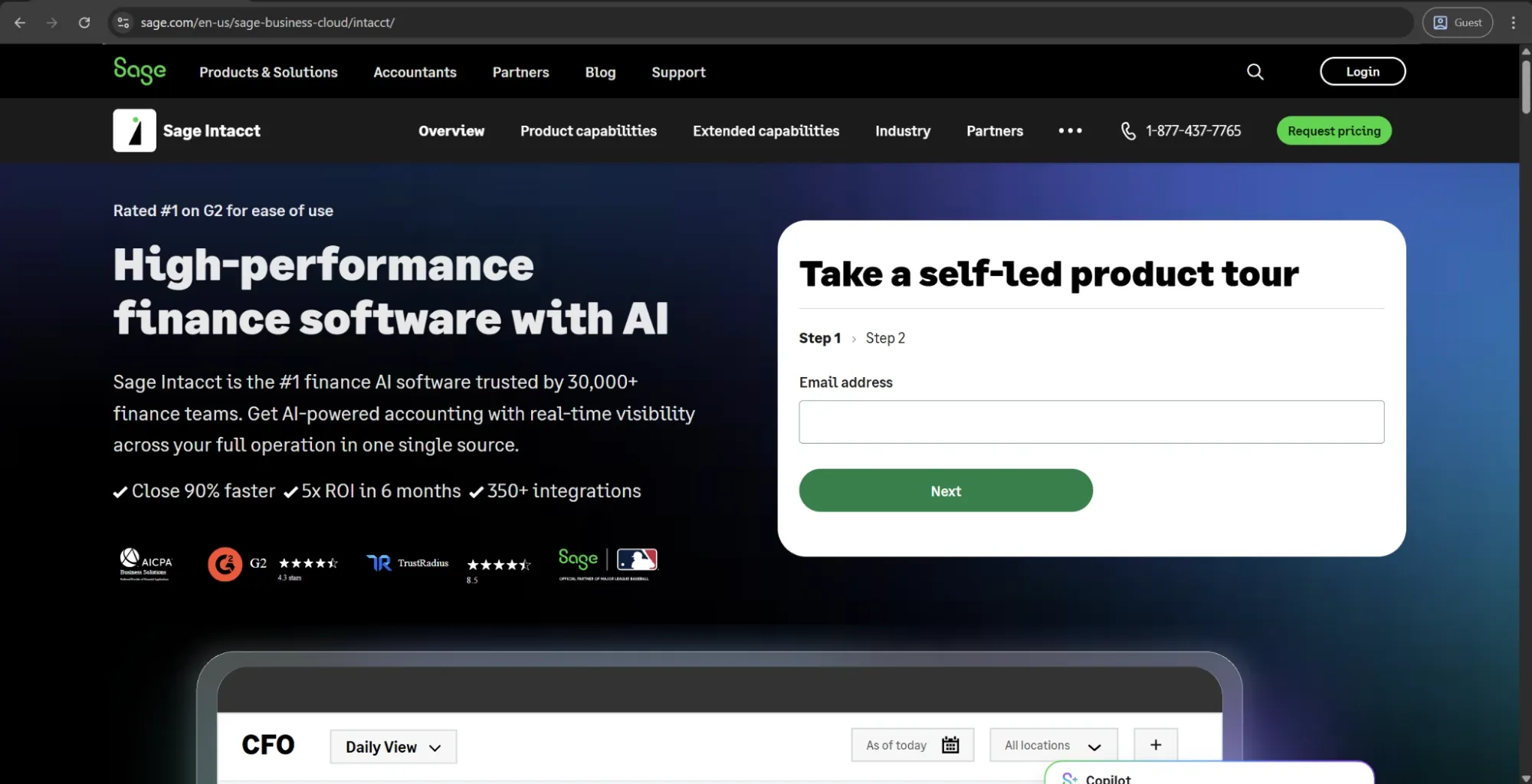
Sage Intacct is a cloud-based financial management platform that has its AP capabilities embedded into a broader accounting system instead of being provided as a standalone AP tool. The AP module of the solution covers invoice capture, multi-entity bill management, AI-powered three-way matching, and approval routing — all of which are connected natively to the general ledge without the need for a separate integration layer.
Sage’s dimensional reporting framework is one of the most flexible reporting architectures in this space, enabling finance teams to break down financial data by departments, locations, projects, and entities simultaneously. Its recent updates also introduce AI-driven tax predictions on invoices and line-level PO matching, reflecting a steady pattern of incremental enhancements to built-in AP automation capabilities within the core platform.
Customer ratings:
Advantages:
- Dimensional reporting across departments, entities, locations, and projects delivers financial analysis depth that most mid-market accounting platforms don’t match.
- Multi-entity AP management is natively supported, allowing finance teams to consolidate payables across subsidiaries without additional integrations.
- Native AP-to-GL connectivity minimizes the reconciliation layer required when pairing a standalone AP tool with a separate accounting system.
Shortcomings:
- Vendor payment execution relies on third-party integrations rather than a native payment layer, adding dependency and potential friction to payment runs.
- Pricing carries frequent fee increases and module-based add-on costs that make total ownership expenses difficult to predict over time.
- The platform tends to overcomplicate straightforward tasks, creating friction for users who are not deeply familiar with its configuration logic.
Customer reviews (original spelling):
- Alex S. — Capterra — “Our overall experience with Sage Intacct has been very positive. It provides a strong financial infrastructure with the flexibility and depth needed to support a growing organization. The system has significantly improved our reporting capabilities and internal visibility, which has been valuable for both management and audit purposes. While implementation and onboarding require some upfront effort, the long-term benefits outweigh the initial investment. In terms of value for money, Sage Intacct delivers a high-quality solution that scales well as organizational needs evolve.”
- Levi S. — G2 — “Being able to keep multiple tabs open for different entities within the same login is a game-changer. I also really appreciate how quickly I can move between modules. The custom reports are extremely helpful once you know how to use them. The CSV uploads for checking accounts, 1099 transaction updates, adding bills, adding invoices, adding GLs, adding vendors, and adding customers are amazing and make those updates much easier to manage.”
Pricing:
Sage Intacct doesn’t have any public pricing information available on the official website. The only way to receive such information is to request their pricing from the company’s sales department.
The author’s note:
If an organization is primarily looking for a strong accounting system that integrates well with AP, Sage Intacct is one of the strongest options available. Its combination of dimensional reporting and multi-entity capabilities is very helpful.
However, its main limitation is payment execution. Sage relies on third-party integrations for vendor payments rather than handling this natively. As a result, teams that need full control over the payment process often need to pair it with a separate payment tool.
A comparison table
The best AP solution depends on the specific problem you’re trying to solve. The tools in this guide fall into two broad categories, and comparing them directly isn’t always meaningful, so they are grouped accordingly.
Dedicated AP and payment automation tools
Tools like BILL, Melio, MineralTree, Yooz, Rillion, AvidXchange, and Corpay are purpose-built to work with account payable workflows and payment execution. They are the best fit for finance teams that are mostly driven by faster invoice processing, cleaner approval routing, and more reliable vendor payments. The table below compares these solutions based on the dimensions that matter the most here: standout feature, primary use case, pricing model, and global payment support.
| Tool | Best for | Pricing model | Global payments | Standout feature |
|---|---|---|---|---|
| BILL | SMB AP & AR automation | Per user/month + transaction fees | Limited | Free Spend & Expense module with unlimited virtual cards |
| Melio | Small business bill pay | Freemium; from $25/mo | USD only | Pay via credit card even when vendors only accept bank transfer |
| MineralTree | Mid-market invoice-to-pay | Quote-based; from ~$5,000/yr | Limited | Virtual card rebates that can offset platform costs |
| Yooz | Mid-market AP automation | Volume-based; unlimited users | Limited | 250+ ERP integrations and AI fraud prevention suite |
| Rillion | High-volume multi-entity AP | Volume-based; unlimited users | 35+ countries | Template-free AI capture that learns from historical transactions |
| AvidXchange | Mid-market real estate & construction AP | Monthly subscription + transaction fees | US only | Largest proprietary supplier network in the mid-market |
| Corpay | AP automation with managed payments | Quote-based; rebate model | 200+ countries | Vendor enrollment handled by Corpay's team on your behalf |
Broader finance and spend management platforms
Coupa, Brex, SAP Concur, Precoro, Basware, HighRadius, and Sage Intacct all treat AP as part of a broader financial or operational platform. These solutions are typically evaluated by buyers focused on spend management, procurement, or enterprise finance transformation, not just invoice automation.
The table below reflects this broader scope, comparing factors such as procurement depth, native ERP integrations, implementation complexity, and overall platform breadth.
| Tool | Best for | AP depth | Implementation length | Standout feature |
|---|---|---|---|---|
| Coupa | Enterprise spend management | Strong | High | Peer benchmarking via community intelligence data |
| Brex | Startups & global spend control | Moderate | Low | Card underwriting based on company financials, not personal credit |
| SAP Concur | Enterprise T&E management | Moderate | High | Policy enforcement at point of booking, not after the fact |
| Precoro | Mid-market procure-to-pay | Strong | Moderate | No-code workflow configuration without IT involvement |
| Basware | Enterprise global AP & e-invoicing | Strong | High | AI trained on 2.5B+ invoices; compliance in 60+ countries |
| HighRadius | Large enterprise finance automation | Strong | 3–6 months | Unified AP, AR, and treasury with 180+ agentic AI workflows |
| Sage Intacct | Mid-market multi-entity accounting | Good | Moderate | Dimensional reporting across entities, departments, and projects |
How do you choose the best Tipalti alternative?
The most fitting alternative for a specific use case depends on an honest assessment of where your AP process actually fails. A company processing 50 domestic invoices a month faces a vastly different challenge than the one managing payables in 8 different countries across 3 ERP systems — and the tool to solve each of these companies’ issues is going to be different.
- If your primary need is global payments at scale — Basware and HighRadius are the strongest alternatives for organizations that also need deep compliance infrastructure or cross-cycle finance visibility.
- If you need full procure-to-pay coverage — Coupa is the enterprise-grade answer, while Precoro offers a faster, more accessible path for mid-market teams that don’t need Coupa's full scope or pricing.
- If AP automation is the goal but budget or implementation timeline is constrained — MineralTree, Rillion, and Yooz all deliver solid invoice-to-pay automation, each with a different strength in ERP breadth, fraud prevention, and multi-entity management. Precoro also offers a dedicated AP-focused pricing plan for teams looking specifically for accounts payable functionality.
- If employee spend and travel are the dominant financial control problem — SAP Concur is the established enterprise choice, while Brex offers a faster alternative for growth-stage companies that need global card infrastructure without a lengthy deployment.
- If the organization is small and the priority is getting off manual processes affordably — BILL suits teams that need structured approval workflows, and Melio those whose primary need is flexible, low-friction vendor payments.
Book a demo to explore how Precoro can address the gaps in your current AP process.