Invoice Approval Software for Seamless AP Control: Tips and Solutions
Wrong invoice approval software costs you time, control, and cash flow. Here’s how to choose bill approval software that works.

Invoices are a distraction from the more strategic side of business, but the majority of finance teams still have their approvals scattered across emails, spreadsheets, and manual follow-ups. This inevitably leads to delays creeping in, visibility dropping, and cash flow becoming that much more challenging.
This guide offers a breakdown of the best invoice approval software available today and who they’re best for, in the context of many finance and accounts payable (AP) teams looking to move off manual routing or a smaller tool they’ve already outgrown.
In short, if you want to link invoice approval to purchase requests, purchase orders (POs), receipts, suppliers, and budgets natively instead of treating it as an isolated AP step, Precoro would be one of the best options for mid-market teams. Other tools on the market, such as HighRadius or Basware, are much more fitting for large organizations with more extensive compliance obligations.
Below, we offer head-to-head comparisons of the top 15 platforms in the field while explaining what to look for in a solution and how to select the best option for your use case.
Read on about:
What is invoice approval software?
How to choose invoice approval software
The best invoice approval software
Key features of invoice approval software?
How much time and money can invoice approval software save?
How to choose invoice approval software
Cloud-based vs. on-premise software
Open-source invoice approval alternatives
Best practices for invoice approval automation
FAQ
What is invoice approval software, and how does it improve invoice processing & accounts payable?
Invoice approval software automates the process of routing, review, and sign-off of vendor invoices within accounts payable. The following section describes what bill approval software is, why it’s important to automate it, and who benefits the most from such modernization.
What is an invoice approval workflow, and how does it differ from traditional invoice processing systems?
An invoice approval workflow is a methodical step-by-step process governed by business rules, moving each invoice from receipt through validation up to final payment authorization — defining who reviews each invoice, in what order, and under what conditions.
Manual processes involve paper invoices, email trails, and spreadsheet logs managed by hand from start to finish. It’s the main reason invoices get lost or delayed, as each invoice depends on employees manually checking each item’s status.
An automated workflow removes this dependency: the data from each invoice is parsed, matched with a PO, and then assigned to the right approver, all of which is done automatically. Both instant visibility into approvals and automatic escalations for overdue items are built into these processes, and there’s even a complete audit trail to work with, too.
In practice, the invoice approval process is broken down into five major steps:
- Invoice capture
- Validation and duplicate checking
- PO and receipt matching
- Approval routing
- Export or payment authorization
Why automate invoice approval instead of manual invoice processing workflows?
Automating invoice approval removes the bottlenecks that make manual invoice approval expensive and prone to issues, like chasing approvers or re-keying data from scanned documents. Businesses report that automation cuts transaction cycle times, reduces manual data-entry errors, provides AP managers with instant visibility into every invoice, and ensures strict adherence to spending thresholds and approval hierarchies. As invoice volume grows, these savings also grow in value.
What invoice approval process challenges and AP bottlenecks does automation solve?
AP departments deal with a consistent set of process challenges that manual processing can’t resolve on its own. In the meantime, invoice approval automation helps address all of these issues directly:
| Challenge | Manual workflow impact | How automation solves it |
|---|---|---|
| Lost or misfiled invoices | Delayed payments, duplicate submissions | Centralized digital repository with full tracking |
| Slow approver response | Late payment fees, strained supplier relations | Automatic reminders and escalation rules |
| Manual data entry errors | Discrepancies, rework, reconciliation delays | Optical Character Recognition (OCR) and AI capture with validation checks |
| Lack of visibility | No real-time status, difficult audits | Live dashboards and complete audit trails |
| Inconsistent routing | Wrong approvers, policy violations | Rule-based workflows enforced automatically |
| High cost per invoice | Excessive staff time on low-value tasks | Touchless processing for clean invoices |
Late payment penalties and fraud exposure are both byproducts of poor controls and a lack of transparency. Automated invoice approval software helps resolve both of these by enforcing approval workflows and keeping a clear, traceable record of every action taken on each invoice.
Who benefits most from electronic invoice approval software in accounts payable?
All organizations can benefit from invoice approval software, but the impact is strongest for mid-sized and enterprise finance teams that rely on multi-level workflows, ERP (Enterprise Resource Planning) integrations, and compliance controls that are hard to maintain manually at scale.
Smaller companies use automation to handle growing invoice volumes without adding headcount, while distributed teams rely on mobile and email-based approvals to keep the process moving regardless of where approvers actually are.
The accounts payable roles that see the most direct improvement include:
- AP managers, who gain real-time visibility into approval status and cycle times
- Controllers and CFOs, who benefit from stronger spend controls and audit-ready records
- Business unit approvers, who can review and approve invoices from any device without logging into a dedicated system
- Procurement teams, who gain tighter alignment between purchase orders and the invoice approval workflow
An electronic invoice approval system is well-suited for any company that currently uses email threads, shared inboxes, or manual reminders.
Methodology of choosing the best invoice approval software
Each solution is assessed using its customer ratings on G2 and Capterra (verified reviews only), as well as factors like core features and capabilities, advantages and disadvantages from repeatedly observed patterns in user feedback, pricing availability, integration depth, and best-fit customer profile. If public reviews are too limited to draw a reliable conclusion from, functionality and best fit are assessed against the provided vendor specifications and third-party comparison instead.
Rather than creating a blanket “best overall” ranking, each vendor’s best-fit recommendation in its category comes as a weighted conclusion based on its ratings, feature depth, and pricing transparency in relation to the needs of a particular team type.
Best tools at a glance
This guide covers 15 different solutions in the field, and here’s how they stack up against each other before we dive deep into understanding who each platform is built for and what their core strengths are.
| Software | Best for | Key strength | Starting cost |
|---|---|---|---|
| Precoro | Mid-market procurement and finance teams | Connected procurement and AP with AI Crews across the full process | $499/month |
| HighRadius | Large enterprises with complex approval matrices | Agentic AI automating the full AP lifecycle | Custom pricing |
| BILL | Small and mid-sized businesses | Simple, combined AP/AR management | $49/user/month |
| Basware | Large, global enterprises | Enterprise-scale AP automation and e-invoicing network | Custom pricing |
| Medius | Mid-market to enterprise teams | Clean UI with real-time invoice visibility | Custom pricing |
| Tipalti | International, high-volume payment operations | Global payments across countries and currencies | $99/month |
| Rossum | High-volume, highly varied invoice streams | AI-powered document data extraction | $18,000/year |
| ApprovalMax | Xero, QuickBooks Online, or NetSuite users | Lightweight approval layer with budget visibility | $49.50/month |
| Coupa | Large enterprises needing full spend management | Procurement, AP, and invoicing in one suite | Custom pricing |
| Docsumo | Technical teams with document-heavy workflows | Developer-friendly, volume-based OCR pricing | Free tier available |
| Melio | Small businesses and sole proprietors | Low-cost, easy-to-set-up vendor payments | Free (limited) |
| Oracle NetSuite | Companies wanting AP inside a full ERP | Unified ERP with native AP automation | Custom pricing |
| SAP Concur | Multinational orgs needing travel, expenses, and invoice coverage | Global compliance and multi-currency support | Custom pricing |
| Stampli | AP teams whose main pain point is collaboration | Invoice-centered collaboration and an AI assistant | Custom pricing |
| AvidXChange | Mid-sized businesses (real estate, healthcare, finance) | Full invoice-to-payment via the AvidPay network | Custom pricing |
We rank Precoro first because it connects invoice approval more closely with the rest of the purchasing cycle, which sets it apart from many of the competitors below.
The best invoice approval software
Precoro
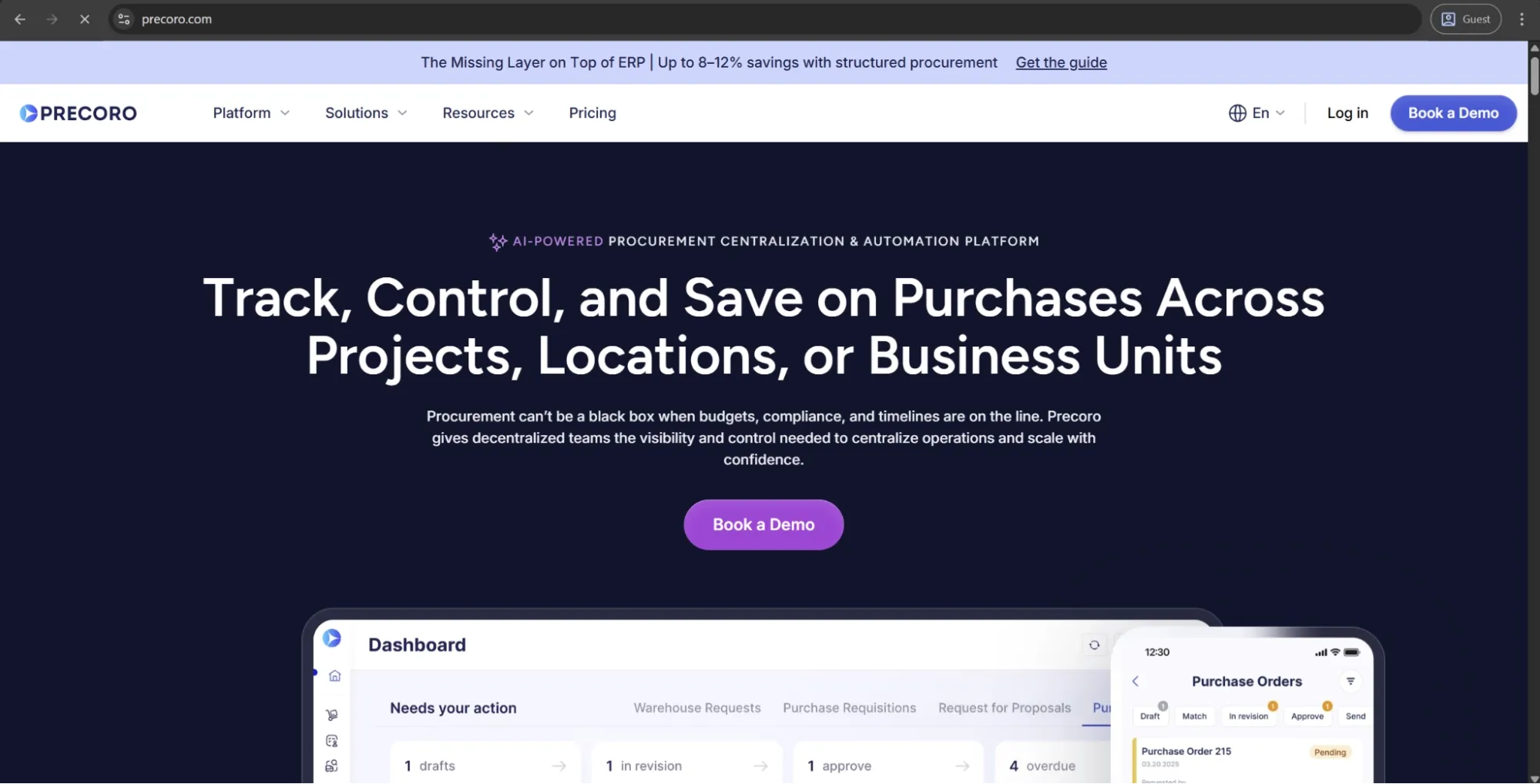
Precoro connects invoice approval to the full procurement process, including purchase requests, POs, receipts, supplier data, and budgets. Instead of asking approvers to evaluate an invoice as a standalone document, it gives them the purchasing context behind it: what was requested and approved, what was ordered, what was received, and what budget the purchase belongs to. This makes it easier to catch discrepancies before payment, enforce purchasing policies, and keep finance and procurement working from the same record.
Customer ratings:
Advantages:
- AP Automation Crew reads and extracts data automatically from every kind of AP document (invoices, expenses, and credit notes in even non-standard formats like raw text, external links, or spreadsheets), then performs highly accurate invoice matching.
- AP Automation Crew is part of Precoro’s AI Crews that take over repetitive tasks across the full intake-to-pay cycle and share the context of one centralized system.
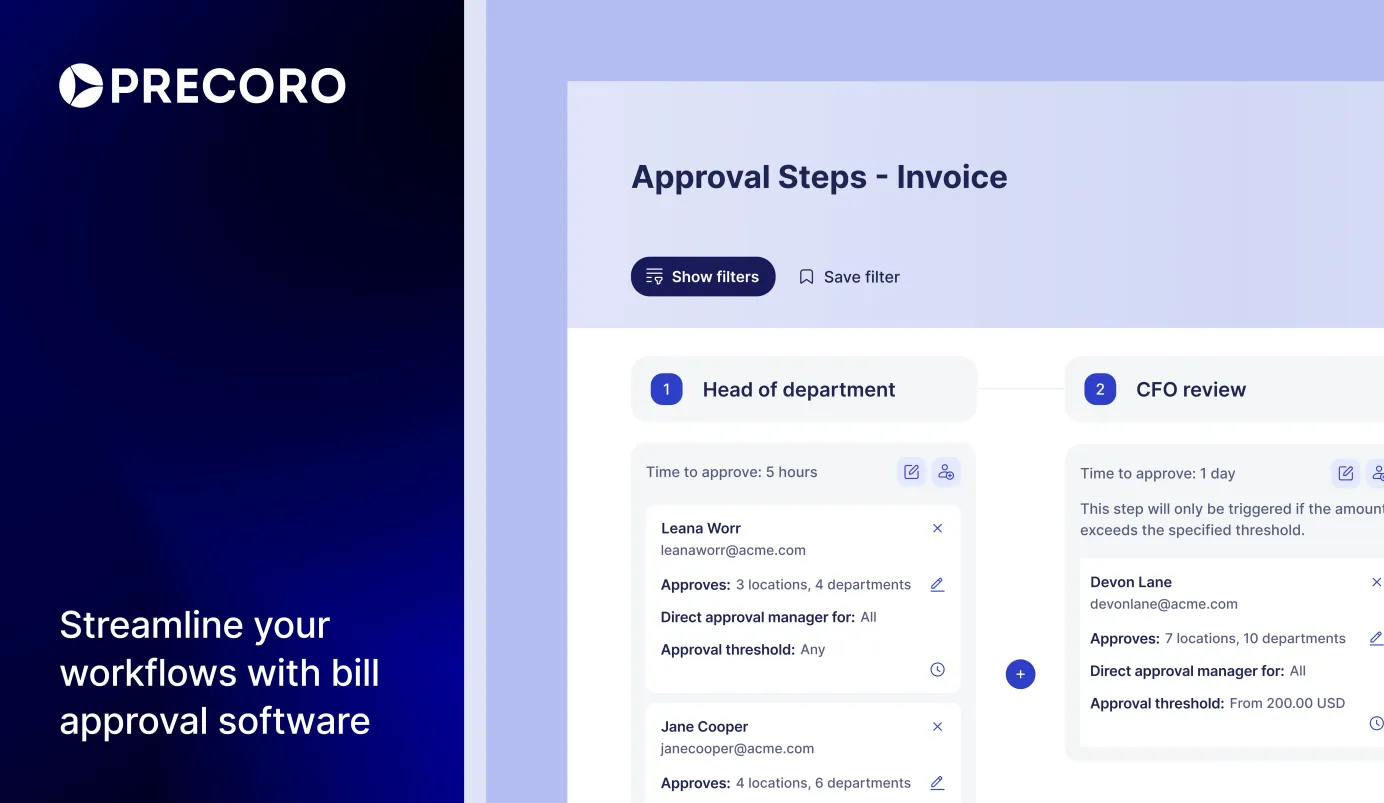
- Flexible approval workflows let teams route invoices by department, location, amount, supplier, budget, or custom rules.
- The Supplier Portal lets vendors submit invoices and update their own information directly.
- Built-in payment automation lets teams pay approved invoices via ACH, same-day ACH, or wire without leaving Precoro.
- Integrations with leading ERP and accounting systems automatically sync data and prevent manual re-entry.
Shortcomings:
- Initial setup requires teams to define approval rules, budgets, suppliers, and matching logic before they get the full value.
Pricing:
Precoro’s pricing model is relatively simple and consists of three pricing tiers:
- Core — starts at $499 per month billed annually
- Automation — starts at $999 per month billed annually
- Enterprise tier comes with no public pricing information
There’s also a dedicated AP automation package starting at $499 per month that covers invoice automation needs without the procurement layer.
Best for:
Precoro is a strong fit for mid-market companies that want invoice approval to be tied to the purchasing process instead of as a separate AP task (although, it’s possible to just handle accounts payable in Precoro). Its approach to AI follows the same logic: first centralize the data in one system, then use that shared context to automate the repetitive work where AI can make the biggest difference, from document processing and matching to other intake-to-pay tasks.
It’s also easier to roll out than heavy enterprise suites, with a user-friendly interface and strong support that make adoption less complicated. For teams that need better control over invoice approvals and upstream spend in one place, Precoro is one of the more practical options on the market.

HighRadius
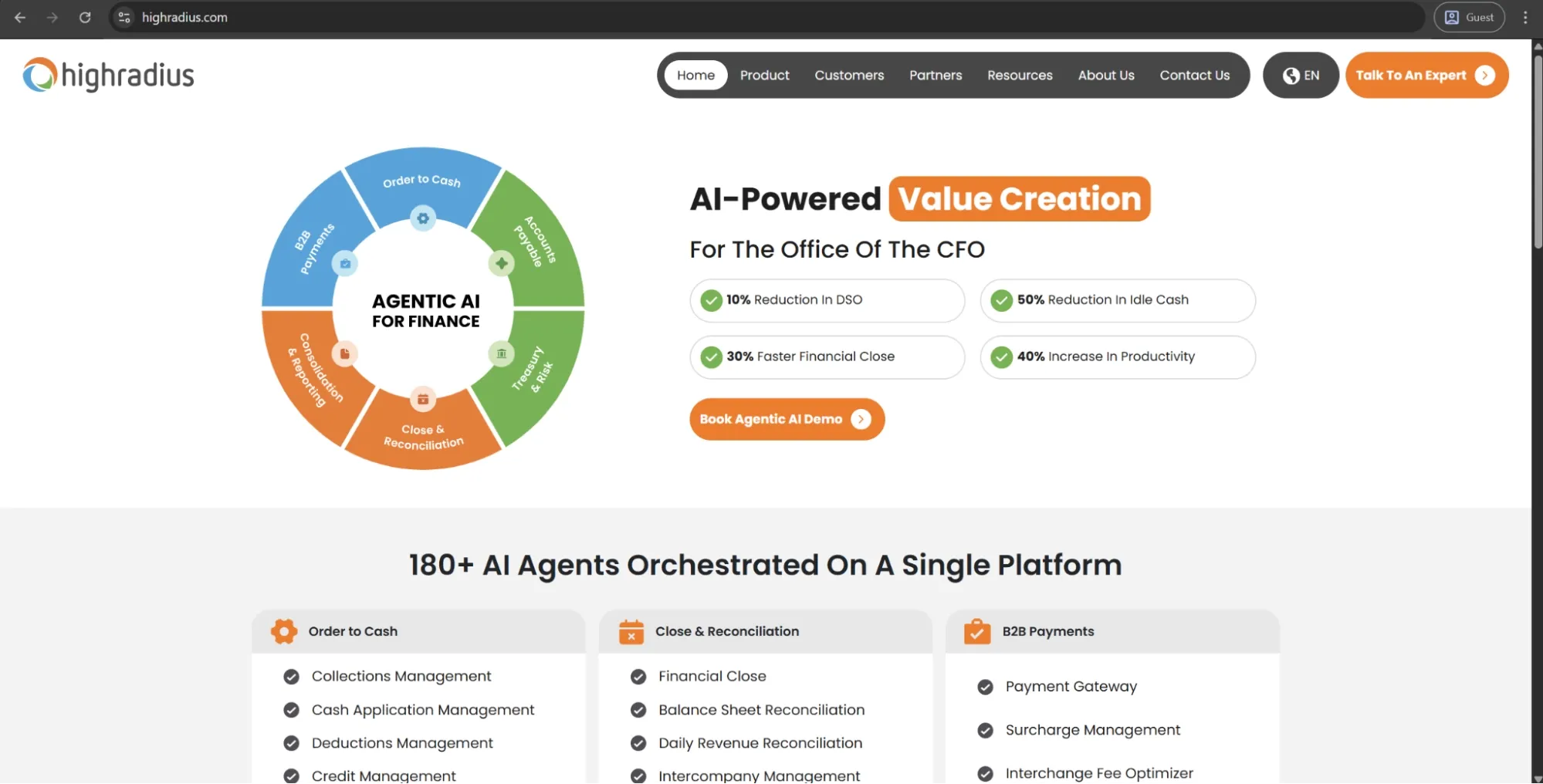
HighRadius is an agentic AI-based, enterprise-grade AP automation platform designed for larger corporations with substantial invoice volumes and sophisticated, multi-level approval rules. The platform addresses all aspects of the AP lifecycle and expands into a broader Office of the CFO suite that also includes order-to-cash and treasury. It’s designed for seamless integration with major ERP systems, aiming for mid-market and enterprise finance teams.
Customer ratings:
Advantages:
- Enterprise-grade agentic AI that automates the full AP lifecycle: capture, matching, GL coding, approval routing.
- Native connectivity with major ERPs, with bidirectional sync keeping data aligned automatically.
- Platform coverage extends into order-to-cash, treasury, and financial close for consolidating the finance tech stack.
Shortcomings:
- Implementation routinely requires dedicated project management and several months of lead time.
- Post-go-live configuration changes frequently require vendor involvement and carry additional cost.
Pricing:
HighRadius doesn’t provide official pricing information publicly, making it necessary for every potential customer to request a personalized demo and pricing information on a case-by-case basis.
Best for:
HighRadius is a capable solution for enterprises that can invest significant time and resources into implementation. Its agentic AI delivers strong automation depth, especially for non-PO invoice coding and exception handling, and its ERP connectivity is hard to match at this level.
BILL
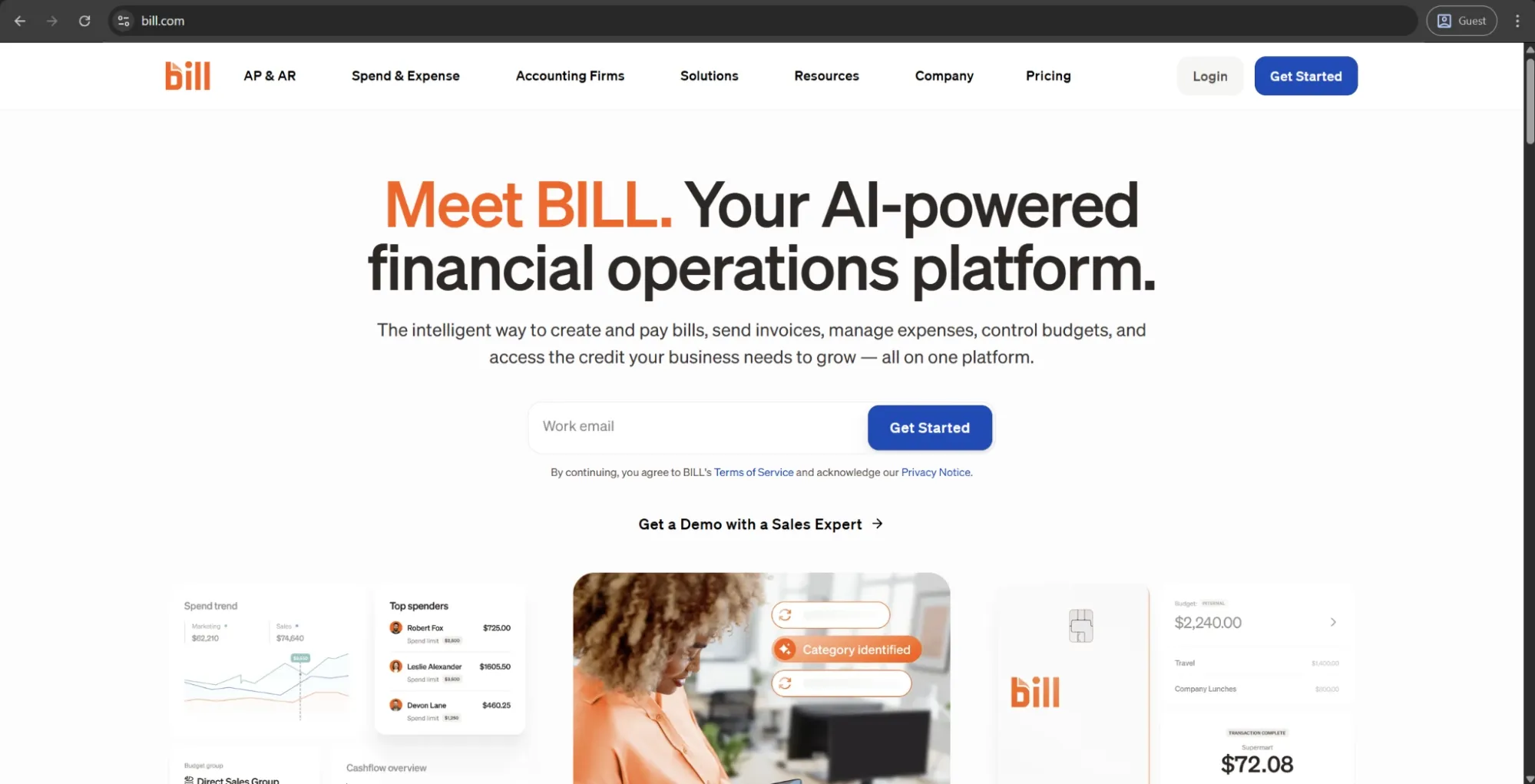
BILL is a cloud financial operations system designed to work with small and mid-sized businesses, combining AP and AR automation into one solution, supporting invoice capture, approval, and payment execution. BILL integrates with QuickBooks and Xero, and it also supports ACH, checks, and virtual cards as payment methods. Accounting firms commonly use BILL to handle their clients’ payables, as well as their own operations.
Customer ratings:
Advantages:
- Simple, low-friction interface suited to SMBs and accounting firms without complex approval hierarchies.
- Combined AP and AR management in a single platform, useful for smaller finance teams handling both functions.
- Broad payment method support includes ACH, check, and virtual card is paired with solid accounting software integrations.
Shortcomings:
- Sync reliability issues with platforms like Sage Intacct and NetSuite are a common complaint.
- Customer support is often criticized for slow response times, especially during payment issues.
Pricing:
BILL’s offering is separated into four primary pricing plans: Essentials ($49/user/month) provides approval workflow automation and standard AR features, Team ($65/user/month) adds two-way sync with QuickBooks/Xero, Corporate ($89/user/month) adds custom approval policies and procurement features, while Enterprise is custom-priced with SSO, API access, and automated matching.
Best for:
BILL is a reliable, low-implementation-cost solution for smaller finance teams that prefer simplicity and accounting integration over deep workflow control. Those who outgrow basic approval structures or need reliable ERP synchronization at scale will soon exceed its capacity, but for simple SMB payables, it's a solution that very few competitors can keep up with.
Basware
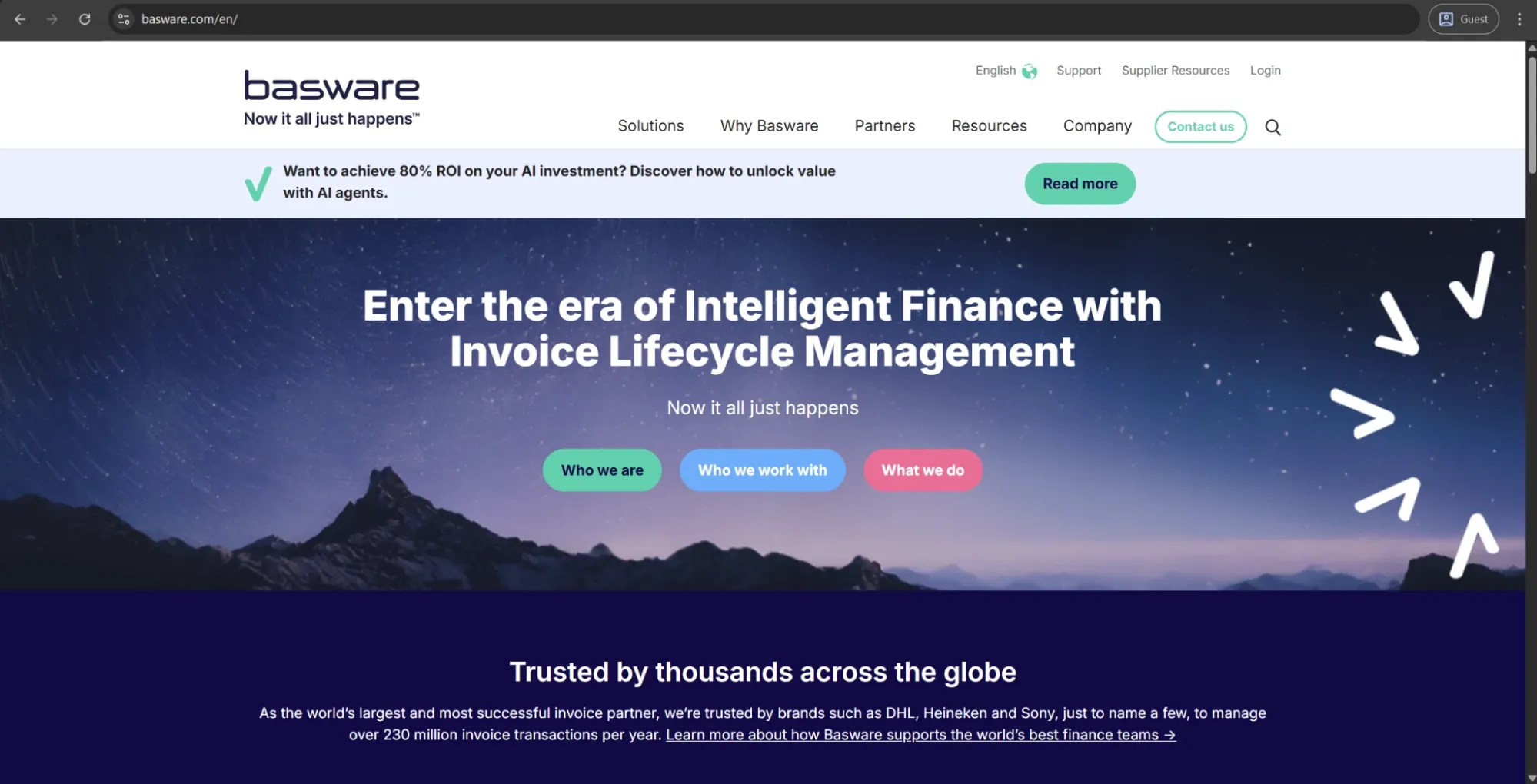
Basware is an enterprise-level AP automation and invoice lifecycle management solution that has been in business for over forty years. Its AI is trained on the tremendous number of invoices it receives annually, covering the entire AP cycle ( capture, matching, approval, compliance, payment) with deep ERP integration and e-invoicing network capabilities. Basware prioritizes large enterprises in the logistics, FMCG, and professional services sectors.
Customer ratings:
Advantages:
- Highly capable workflow engine that supports complex, exception-rich approval processes at enterprise scale.
- Strong ERP integration, particularly with Oracle and SAP environments, with solid bidirectional data sync.
- AI trained on a large volume of invoices powers reliable automatic three-way matching and invoice data extraction.
Shortcomings:
- Implementation is demanding, requires significant time and specialized expertise to complete properly.
- Pricing is among the higher tiers in the market and isn’t publicly disclosed, complicating early budget evaluation.
Pricing:
Basware doesn’t offer specific pricing information on its official website.
Best for:
Basware suits large enterprises with complex, global AP requirements; its workflow engine handles exception-heavy processes well, and its compliance features are valuable across multiple jurisdictions. Its overall feature set makes it suitable primarily for companies that have already outgrown mid-market AP tools.
Medius
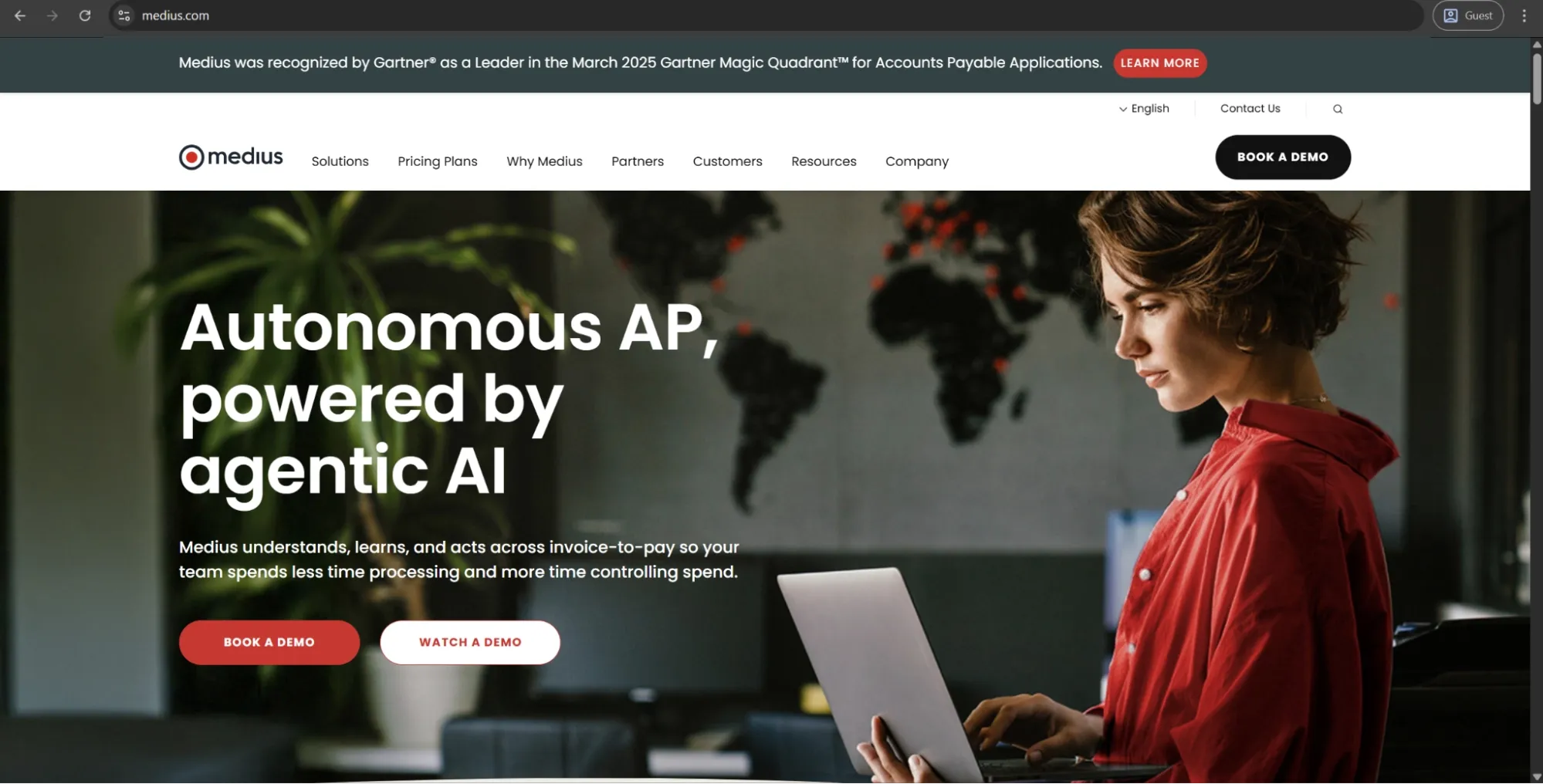
Medius is a cloud-based AP automation platform that covers the entire invoice lifecycle, including capture, coding, approval, payment, and everything in between. It’s designed for mid-market to enterprise companies looking to cut down on manual AP work. The AI-powered features of Medius automate manual approval work and show real-time status across all invoices in the workflow, positioning itself as a more accessible option compared to full-blown enterprise implementations.
Customer ratings:
Advantages:
- Clean, intuitive interface that users can learn with minimal training.
- Strong real-time visibility into invoice status across the approval chain, reducing the need for manual follow-up.
Shortcomings:
- Performance can degrade under high invoice volumes, with occasional freezing reported.
- Invoice locking prevents multiple users from viewing the same invoice simultaneously, creating collaboration bottlenecks.
- Pricing is not publicly listed, and some users have flagged hidden fees surfacing after contract signing, making the total cost of ownership difficult to evaluate upfront.
Pricing:
Medius can be acquired using one of the two AP Automation packages that offer the benefits of AP automation for effective invoice and supplier relationship management. The packages themselves are AP Essentials (smaller teams, unlimited users, one entity) and AP 360 (three entities, Medius Copilot, Supplier Conversations). There is no official pricing information about either of the packages on Medius’s website.
Best for:
Medius sits comfortably between basic SMB solutions and robust enterprise options. It has a clean interface; it’s relatively easy to get started with, but its performance under heavy volumes and invoice locking behavior are both worth testing before committing. It’s a solid choice for mid-market finance teams wanting automation without enterprise-level implementation.
Tipalti
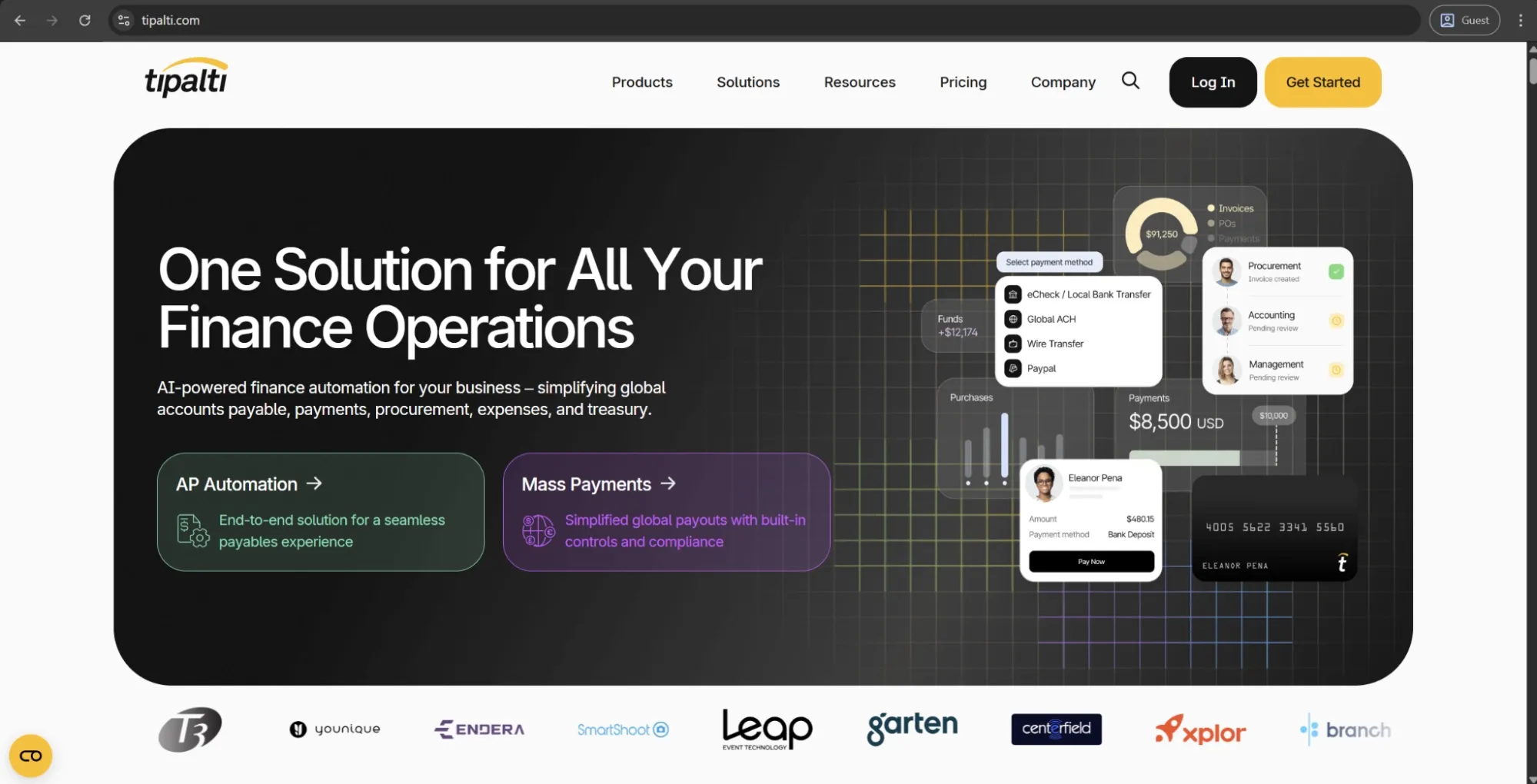
Tipalti is an integrated global payment automation suite that spans AP automation, mass payments, procurement, and expenses. Tipalti’s key advantage is enabling global payments across numerous countries and currencies, with built-in tax compliance and fraud detection. Originally built for high-volume partner payouts, Tipalti has grown into a full procure-to-pay platform and has a strong following among rapid-growth companies.
Customer ratings:
Advantages:
- Exceptionally strong global payment capabilities across a large number of countries and currencies from a single platform.
- Self-service supplier portal that allows vendors to manage their own payment details and track invoice status directly.
Shortcomings:
- Implementation is consistently described as complex and time-consuming, often exceeding the sales timeline.
- ERP integration reliability — particularly with NetSuite — is a recurring complaint requiring manual intervention.
Pricing:
Tipalti separates its pricing offerings into two large categories, which are Accounts Payable and Mass Payments. The Accounts Payable page has three options: Select ($99/month) for core automation and supplier onboarding, Advanced ($199/month) providing 2- and 3-way matching and an assigned customer support resource, and Elevate (no public price) adding Foreign Exchange Hedging and global multi-entity infrastructure.
Best for:
Tipalti is a strong choice if your main challenge is managing complex global payments, such as high-volume payouts to international vendors, affiliates, or partners. Smaller teams with simple or mostly domestic AP workflows may find it to be more than they need.
Rossum
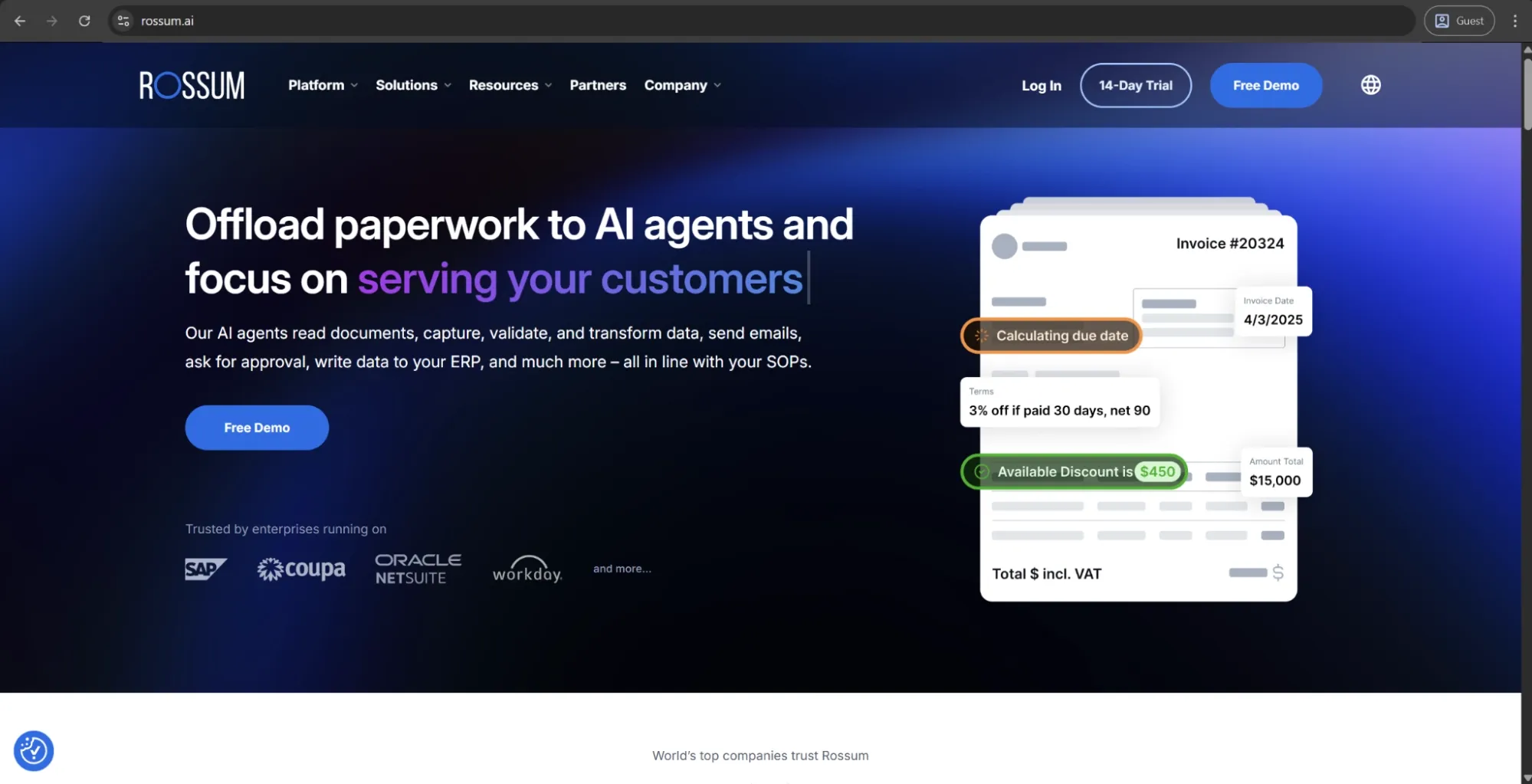
Rossum is an AI-first business process automation tool built upon an in-house transactional language model to automate data capture from business documents with zero setup required. Rossum's primary use is invoice capture, validation, and downstream ERP integration within AP and procurement processes across many formats and languages. Instead of a full AP automation solution, Rossum is a precise document intelligence layer integrating with existing enterprise systems.
Customer ratings:
Advantages:
- AI-powered data extraction that handles a wide variety of document formats without manual template setup.
- Flexible API and integration capabilities allow Rossum to connect with existing workflows and downstream systems.
- User-friendly validation interface that makes reviewing and correcting extracted data straightforward.
Shortcomings:
- Extraction accuracy drops on non-standard document layouts, complex formatting, or non-English documents.
- Extension and configuration pages are widely described as unintuitive, requiring technical expertise to customize.
- Pricing has increased significantly for some existing customers and is difficult to justify for smaller orgs.
Pricing:
Rossum relies a lot on custom pricing, and there is only one specific pricing point available on the official website — “starting at $18,000 per year” for the smallest feature package. The three higher tiers (Business, Enterprise, Ultimate) add custom business logic, SSO, and multi-document transactions, respectively, although all these options require a private sales conversation.
Best for:
Rossum is an excellent fit for any company whose main problem is to accurately extract data from a high-volume and highly varied invoice stream, especially if supplier document formats differ widely and template-based OCR has already become insufficient. That said, it’s not a full approval-workflow or payment solution, so it would need pairing with other systems for comprehensive functionality.
ApprovalMax
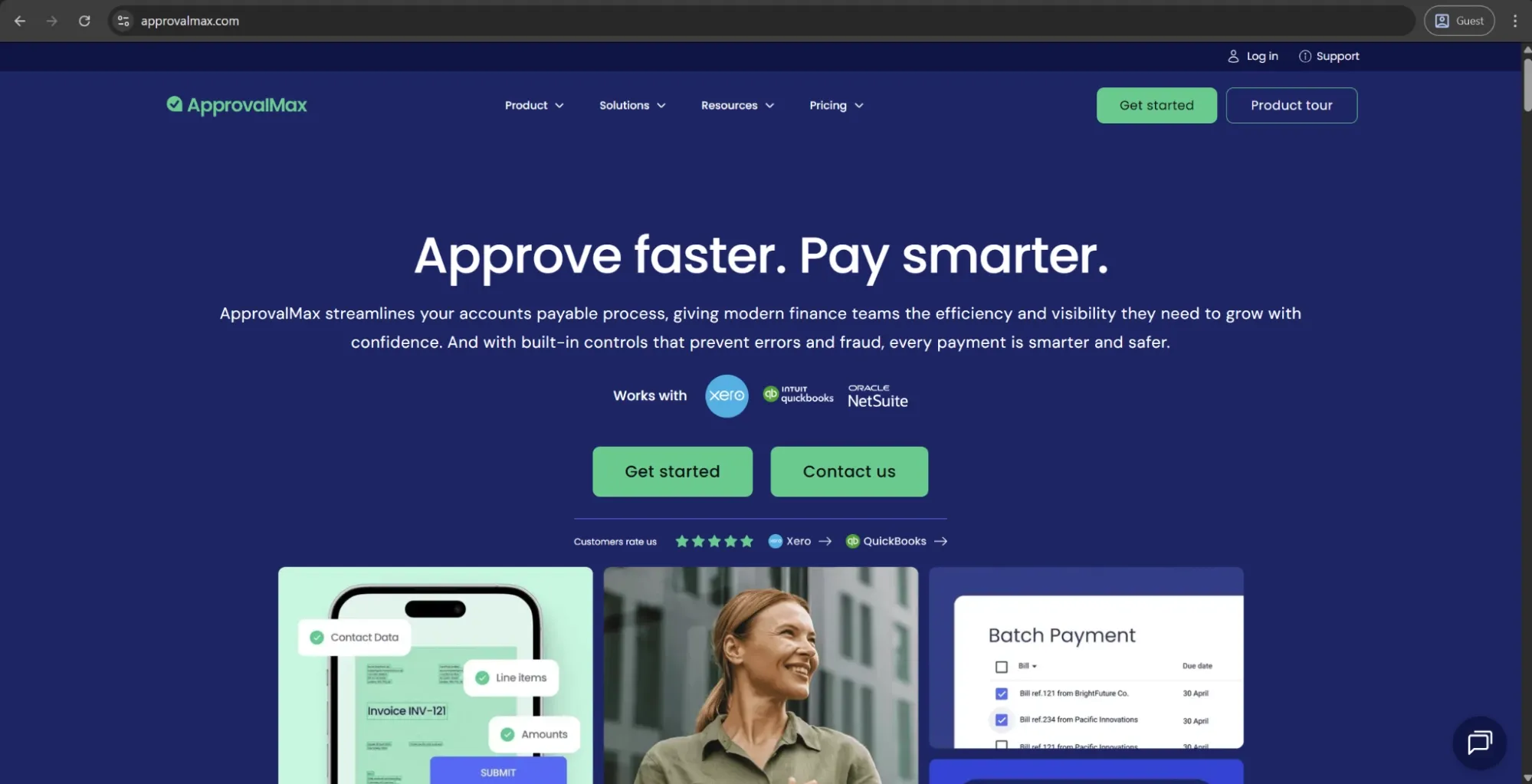
ApprovalMax is a cloud-based approval workflow platform designed to extend the capabilities of accounting software like Xero, QuickBooks Online, or NetSuite: routing bills, purchase orders, invoices, credit notes, and batch payments based on user-defined rules without the need for the approver to have access to the accounting system. It’s particularly popular with accounting firms managing clients’ AP workflows on their behalf.
Customer ratings:
Advantages:
- Exceptionally clean, intuitive interface that approvers adopt with little-to-no training.
- Tight integration with Xero, QuickBooks Online, and NetSuite syncs approval data and audit trails automatically.
- Real-time budget visibility at the point of approval grants decision-makers immediate context of the spend impact.
Shortcomings:
- The platform operates as a workflow layer, not a standalone AP system; invoice capture, three-way matching, or payment execution require pairing ApprovalMax with additional tools.
Pricing:
Pricing differs by integration: the NetSuite version has a single custom-priced plan, while Xero and QuickBooks Online each offer three identical tiers — Standard ($49.50), Advanced ($79.17), and Premium ($110.92), with features like budget checks and batch payment prep added at higher tiers.
Best for:
ApprovalMax isn’t built to be a full AP automation platform, and that focus is its strength: it exists to route invoices and POs to the right approvers with clear audit trails and budget visibility, without forcing users into the accounting system. For teams using Xero or QuickBooks Online needing a structured approval layer, it’s a practical and cost-effective choice.
Coupa
Coupa is an enterprise spend management solution that bundles procurement, AP automation, invoicing, and expense management in one suite. It’s tailored for upper mid-sized companies and large enterprises that require global spend visibility and enforce policy over each category with automated invoice matching, approval workflows, and supplier management integration into ERPs.
Customer ratings:
Advantages:
- A comprehensive spend management platform that brings procurement, AP automation, invoicing, and expense management into one system, giving finance teams centralized visibility across all spending.
Shortcomings:
- The user interface is inconsistent: AP teams adapt over time, but vendors and occasional users often find the supplier portal and invoice submission process confusing.
- Customer support is a common concern, with users noting slow response times and unclear answers for an inherently complex platform.
Pricing:
Coupa doesn’t have public pricing information on its official website, but it offers an abundance of partners via the Coupa Partner Xchange Program, with costs depending on a company’s location and other factors.
Best for:
Coupa delivers strong value for enterprise teams that need more than AP, combining procurement and invoicing into a single platform. It’s useful for organizations moving away from disconnected point solutions, and those that have the resources to implement it properly would benefit the most from implementation.
Docsumo
Docsumo is an AI-powered document processing platform focused on extracting data from business documents, especially financial ones. While it started as an invoice processing tool, it has expanded into a broader data extraction solution for financial services, lending, insurance, and real estate. Its machine learning models handle a wide range of document types, and its API-based integrations make it a strong fit for technical teams managing high volumes of varied documents.
Customer ratings:
Advantages:
- Accurate AI-powered OCR, particularly for structured invoices, with strong field recognition and data validation against master records.
- Developer-friendly setup, including a well-documented API, webhook support, and a test environment.
- Flexible, volume-based pricing that avoids rigid per-user or per-seat models.
Shortcomings:
- Extraction accuracy drops on invoices with complex or non-standard layouts, often requiring manual corrections.
- The configuration interface is often described as unintuitive, requiring technical expertise for advanced setup.
- Customer support can be inconsistent, with some users reporting slow responses and missed calls.
Pricing:
Docsumo’s basic Free plan offers 10 user licenses, pre-built integrations, and an AI document reviewer. There’s also a Business plan with unlimited user licenses and custom document pipelines, and an Enterprise plan with AI-powered automated workflows, AI-led case management, and cross-document validations — none with public pricing.
Best for:
Like Rossum, Docsumo is primarily a document extraction tool and not a complete AP automation platform. It excels at pulling structured data out of large volumes of mixed document types and feeding that into a pre-established process. Its volume-based pricing and developer-focused API make it a more affordable entry point than some competitors, but teams that need full AP workflow management will need to look elsewhere.
Melio
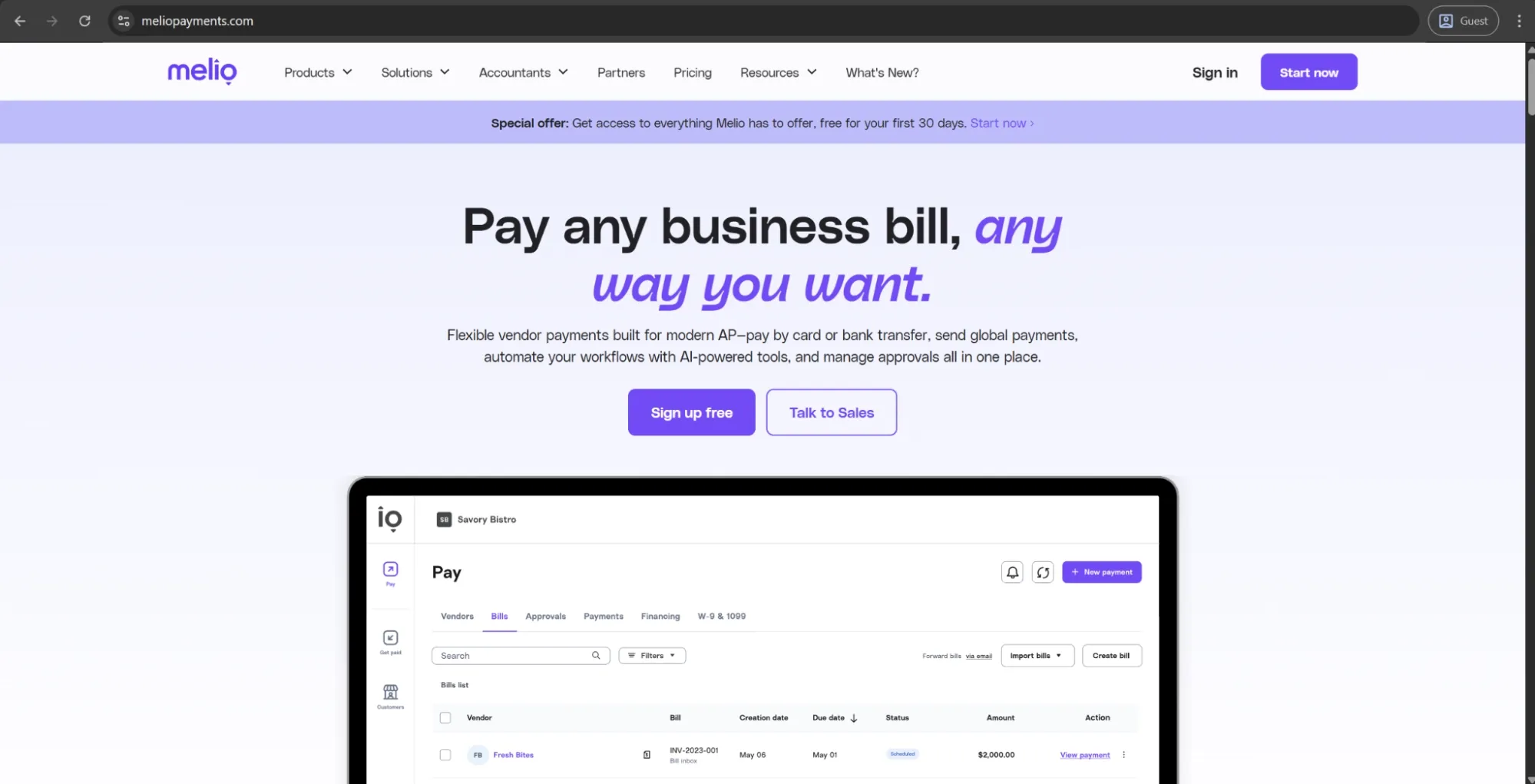
Melio is a payments and accounts payable/receivable platform tailored for small and mid-size businesses. It is primarily a B2B service letting businesses pay their vendors by ACH, check, or credit card, and accept payments from its customers through a unified interface, with QuickBooks and Xero integrations for accounts sync. Approval workflows and invoice tracking are basic, and the company itself was acquired by Xero in 2025, indicating further integration into the ecosystem in the future.
Customer ratings:
Advantages:
- Exceptionally easy to set up and use, with a clean interface and minimal learning curve for non-finance users.
- Flexible payment method support combined with tight QuickBooks and Xero integrations.
- Transparent, usage-based pricing with a free tier available makes it one of the more accessible entry points into AP automation.
Shortcomings:
- Payment delays and processing inconsistencies are frequently cited, including ACH transfers failing or funds going unaccounted for without clear communication from support.
- Customer support is widely described as slow and difficult to reach for any payment issues.
Pricing:
Melio’s pricing model consists of five possible tiers:
- Go (free, 5 ACH payments per month)
- Core ($25 per month)
- Boost ($55 per month)
- Unlimited ($80 per month, no user cap)
- Platinum (custom pricing for high-volume business)
Each tier adds its own features like AI bill capture, custom approval workflows, and premium support at higher levels.
Best for:
Melio focuses on simplicity and accessibility over depth. For small teams managing straightforward vendor payments, it removes the friction of paper checks at a low or no-cost entry point. Its limitations show up quickly for organizations that need reliable ACH processing or responsive support. Best for businesses that need a quick, low-overhead way to digitize basic AP.
Oracle NetSuite
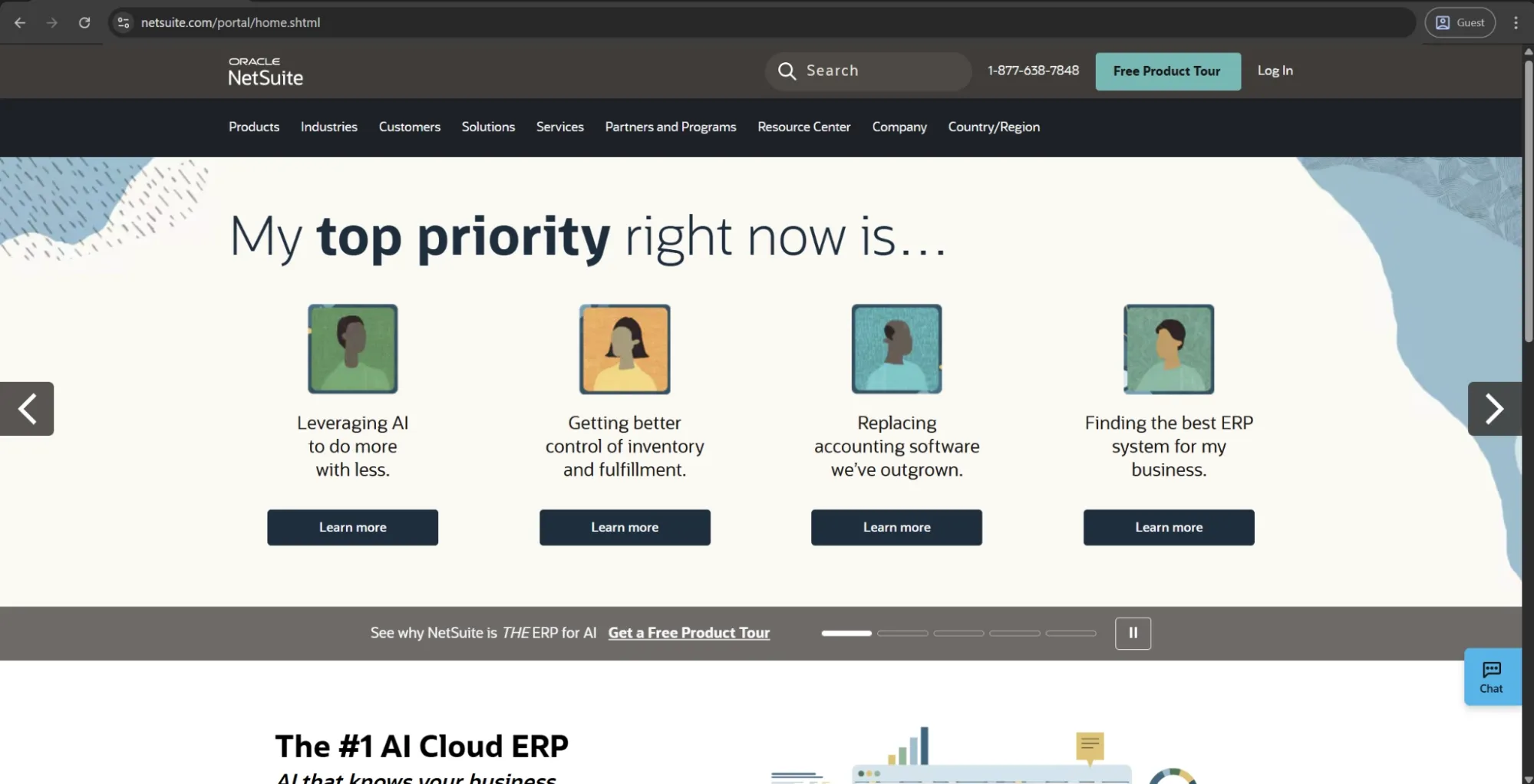
Oracle NetSuite is a cloud-based ERP with a native AP automation module covering invoice management, approval workflows, PO matching, and financial reporting. This isn’t just an AP automation tool, but a system of record for the entire finance function, integrating procurement, AP, inventory, and revenue management in a single platform. NetSuite is widely used by mid-market and enterprise companies across various industries.
Customer ratings:
Advantages:
- Unified ERP platform that brings AP automation, invoicing, procurement, and financial reporting into a single system, removing the data silos from multiple point solutions.
- Highly customizable workflows and approval hierarchies adaptable to complex organizational structures without a separate AP tool.
Shortcomings:
- The interface is widely described as complex and unintuitive, often requiring dedicated admin support before new users become productive.
- Implementation is demanding and frequently takes longer than initially projected, particularly when migrating from other systems.
- Pricing isn’t publicly disclosed and scales significantly with modules and user count, complicating cost evaluation upfront.
Pricing:
No pricing is publicly available on the Oracle NetSuite website, so you’ll need to contact a company representative to get licensing details.
Best for:
NetSuite’s AP functionality is solid, but it’s an ERP-first platform, not a dedicated invoice approval tool. It’s best suited for growing businesses that need a full ERP, with AP included as part of the broader system.
SAP Concur
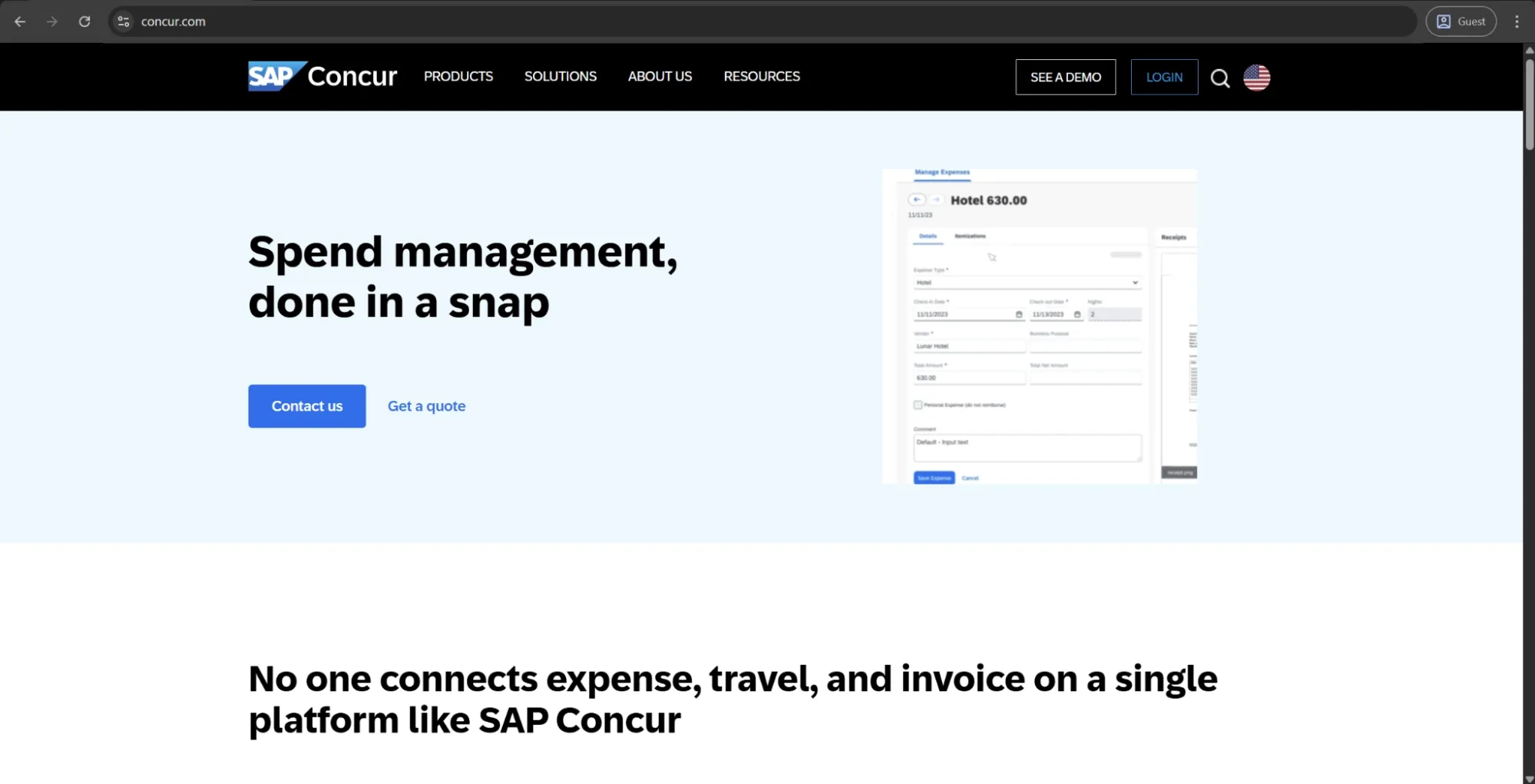
SAP Concur is a cloud-based spend management platform that combines travel booking, expense management, and invoice processing. Its Concur Invoice module automates supplier invoice capture, approval routing, PO matching, and payments. It integrates well with the broader SAP ecosystem and is designed for mid-market and enterprise organizations with global operations, supporting multiple currencies and regional tax regulations.
Customer ratings:
Advantages:
- Strong global compliance capabilities, including multi-currency support and regional tax compliance, making it well-suited for multinational organizations.
Shortcomings:
- The desktop interface is widely described as unintuitive and cumbersome, generating frequent user errors, particularly among infrequent users.
- Integration with accounting systems, including NetSuite and QuickBooks, has been a persistent pain point, with recurring sync delays and failed connections.
- Implementation timelines and support responsiveness are recurring complaints, often exceeding vendor estimates.
Pricing:
SAP Concur doesn’t have any public pricing information available on the official website: contacting sales and getting a quote is the only way to get it.
Best for:
SAP Concur’s main strength is unified coverage of travel, expense, and invoice management, giving enterprise teams consolidated spend visibility. Concur Invoice works well within that ecosystem, but it isn’t a dedicated AP automation tool, which is worth taking into account.
Stampli
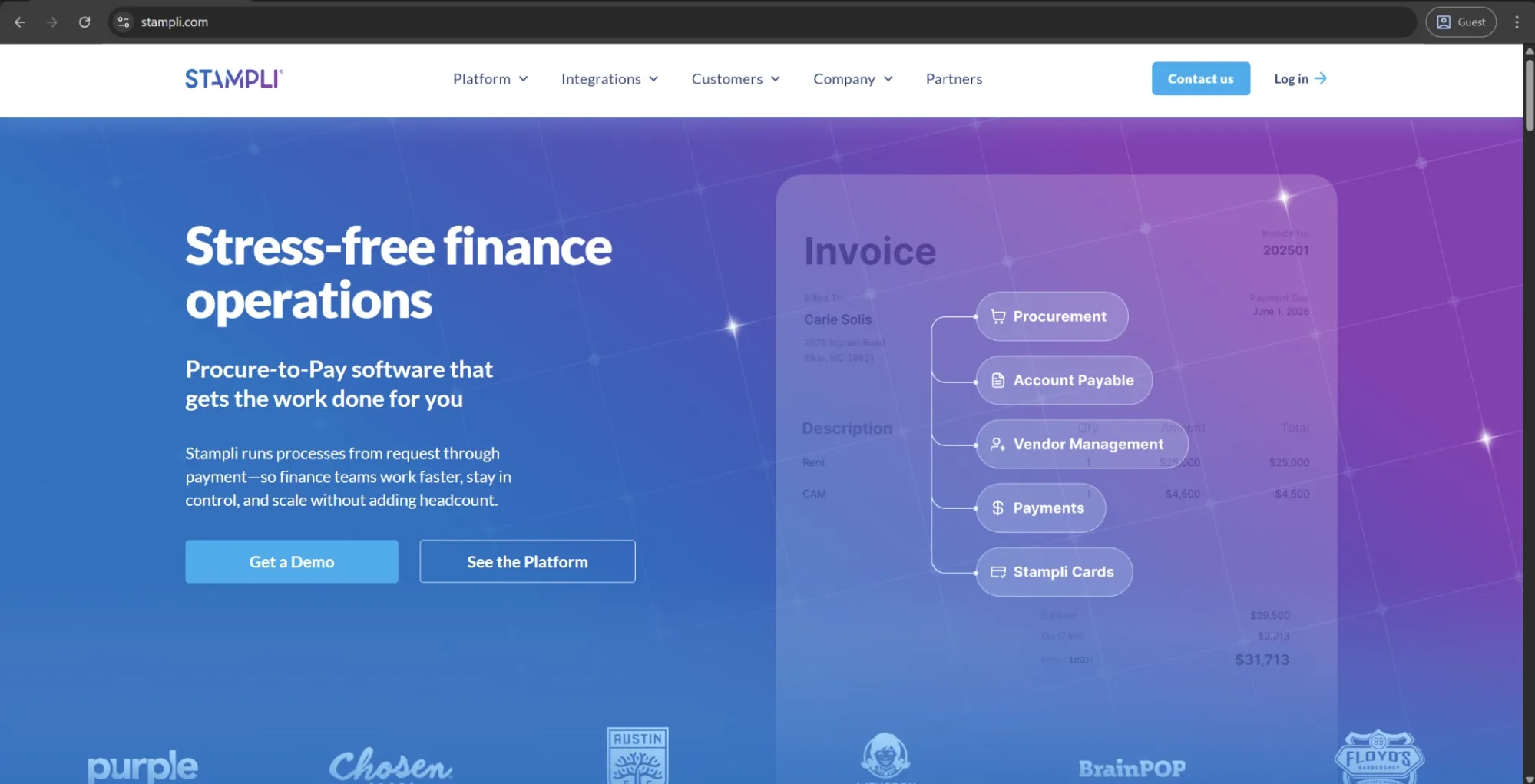
Stampli is an AP automation platform built for finance teams that want to process invoices faster without rebuilding their ERP setup. Its main differentiator is invoice-centered collaboration: AP teams, approvers, and other stakeholders can discuss, review, code, and approve invoices in one shared workspace instead of chasing answers through email. Stampli is best suited for mid-market companies in industries such as real estate, healthcare, and non-profits.
Customer ratings:
Advantages:
- Strong invoice collaboration features help AP teams keep questions, comments, approvals, and supporting documents attached to the invoice instead of scattered across email threads.
- Billy the Bot, Stampli's AI assistant, supports invoice coding, approval routing, and duplicate detection, and learns from historical transactions over time.
Shortcomings:
- AI data extraction can struggle with unusually formatted invoices, requiring manual correction.
- GL account access controls are limited, letting approvers see accounts they shouldn’t have visibility into.
- Some customizations require vendor involvement rather than self-service configuration.
- Invoice search and ad hoc reporting could be easier or more flexible, according to some users.
Pricing:
Stampli doesn’t have any public pricing data available on the official website. The only way to receive such information is to contact their sales department for a personalized quote.
Best for:
Stampli is a strong choice for finance teams whose biggest invoice approval problem is communication. Its AI capabilities are also a major part of the product’s appeal, especially for teams that process a high volume of recurring invoices and want help with coding, routing, matching, and duplicate detection.
AvidXchange
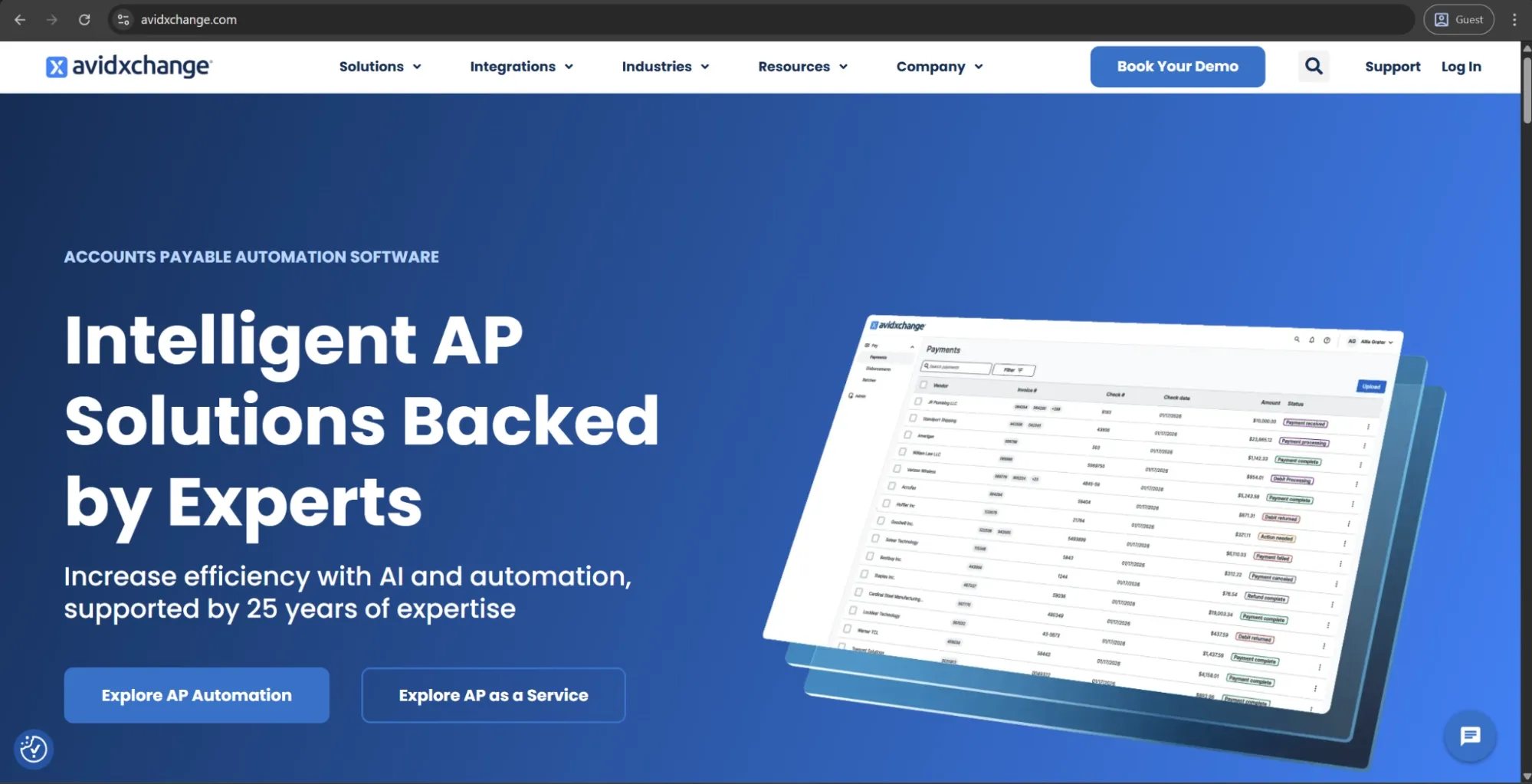
AvidXchange is an end-to-end AP automation and payments platform that covers invoice capture, approval routing, and payment execution through the AvidPay network, which connects to a large supplier base. The platform integrates with most major ERP and accounting systems and has strong adoption in industries such as real estate, healthcare, and financial services. In early 2025, AvidXchange agreed to be acquired by TPG together with its partner Corpay.
Customer ratings:
Advantages:
- Full-cycle AP automation, from invoice capture to approval routing and payment execution, powered by the AvidPay network’s large supplier base.
- Detailed audit trails and approval visibility make invoice history easy to track, especially for companies with audit requirements or multiple entities.
Shortcomings:
- AvidXchange's approach to vendor payment method enrollment has drawn criticism from multiple reviewers, who describe supplier outreach practices as aggressive or misleading — a reputational concern for organizations that value transparent vendor relationships.
Pricing:
There doesn’t seem to be any pricing information on AvidXchange’s official website. The only option available initially is to book a personalized demo.
Best for:
AvidXchange is a solid, purpose-built AP platform that handles the core invoice-to-payment workflow reliably, with particular strength in its ERP integrations and workflow depth.
What features should you look for in invoice approval systems and AP automation software?
Picking the right invoice approval software goes beyond routing documents from one inbox to the next; smart data capture, flexible workflow, and solid integrations operate as one auditable process. See the table below to learn what features to look for, followed by a more in-depth explanation of some of those options.
| Feature | Why it matters | What to check |
|---|---|---|
| OCR or AI capture | Reduces manual data entry | Supported formats, accuracy, and validation process |
| PO and non-PO invoice support | Covers different invoice types | Whether separate workflows can be configured |
| Two- and three-way matching | Identifies invoice discrepancies | Matching rules and exception handling |
| Multi-level workflows | Routes invoices correctly | Sequential, parallel, and conditional approvals |
| Budget checks | Prevents unplanned spending | Real-time budget visibility during approval |
| Delegation and escalation | Prevents approval delays | Automatic reminders and out-of-office delegation |
| Supplier self-service portal | Reduces inbound vendor inquiries | Whether vendors can submit invoices and update info directly |
| ERP and accounting integrations | Avoids duplicate data entry | Bidirectional sync and field mapping |
| Audit trail | Supports compliance and accountability | Timestamped actions and approval history |
| Mobile and email approvals | Makes approval easier | Whether users can approve without opening the platform |
| Reporting | Reveals workflow bottlenecks | Cycle time, exception rate, approval-time reports |
| Multi-entity support | Supports growing organizations | Entities, currencies, and different approval structures |
Where implementation quality matters most
It’s also important that the approver sees whether or not the departmental/project budget can absorb the costs of what's being bought. Real-time budget checks address that by presenting spend vs. budget when it’s time to approve.
Viewing an invoice in isolation doesn’t answer the question of whether it’s accurate to what was originally ordered and approved upstream. Linking the approval to the corresponding purchase order allows approvers to view the whole chain simultaneously, which is a big help for teams with meaningful discretionary spend (where missing context can turn approval into a rubber stamp).
Although two-way matching finds mismatches between the invoice and PO in quantity or pricing, it doesn’t verify whether the goods or services actually arrived. Three-way matching incorporates the receipt into this comparison, making it a more reliable protection measure against paying for something that never showed up.
A notably significant part of AP workload isn’t even about invoice processing itself, but about answering questions like “where is my payment?”. Setting up a supplier portal where vendors can upload invoices, see the payment status, and update their information directly leads to a significant reduction in these inquiries. Even data quality improves here, thanks to structured data input with a lower chance of formatting errors.
Approval routing focused exclusively on amount thresholds stops working when departments or vendor categories become involved. Enabling configurable approval conditions without engineering involvement helps make it easier to adapt to the needs of each organization.
From the vendors covered in this guide, Precoro is the one that has been designed around all five of these at once; budget checks, PO context, matching, supplier self-service, and configurable routing are all core to how it works.
How much time and money can you save with online invoice approval software?
Processing invoices manually takes longer, produces more errors, and causes more lost savings than most financial departments realize. The table below compares the two methods directly; numbers are derived from industry benchmarks and will vary depending on factors like company size and invoice volume, among others.
| Manual processing | Automated processing | |
|---|---|---|
| Cost per invoice | $18-$26 | $2-$4 |
| Processing time | 5-15 business days | 1-3 business days |
| Error rate | ~2% | ~0.3% |
| Documentation completeness | 70-85% | 95-100% |
We can use a simple example to illustrate this further: a company processing 1,000 invoices each month with the average $22 processing cost per invoice (manually) can get this cost down as low as $3, saving roughly $19,000 per month or $228,000 a year — and that’s before factoring in early payment discounts or avoided late fees.
Payback also depends on invoice volume. Higher-volume AP teams generally have more transactions over which to spread implementation costs and more opportunities to save on manual processing. However, volume alone doesn't determine ROI: current processing costs, exception rates, data quality, integration complexity, and the level of automation achieved all affect how quickly an investment pays back.
As a general benchmark, AP automation projects can reach payback within 6–18 months when underlying data and processes are in good shape.
Those savings appear from multiple sources simultaneously, such as:
- Lower cost per invoice after removing manual data entry and exception-chasing.
- AP staff hours redirected from menial tasks to higher-value work like reporting or supplier management.
- Early payment discounts available due to faster, more predictable approval timeframe.
- Fewer duplicate payments or overpayments, thanks to automated validation.
Reduced fraud exposure also adds to this value in a less visible but still meaningful way: in 2024, 79% of U.S. organizations reported experiencing attempted payment fraud, which is a risk that better approval controls and audit trails reduce directly.
How do you choose the right invoice approval software solution?
Choosing invoice approval workflow software isn’t just about picking the tool with the longest feature list, but also about matching software capabilities with the way your AP processes work now and even the way they should evolve in the future. Vendor evaluation should be preceded by assessing your invoice volumes, learning the split between PO and non-PO invoices, analyzing your approval rules and exception patterns, figuring out what ERP integration measures you’ll need and whether invoice approval has to connect with procurement or budgets.
What questions should you ask vendors during evaluations and demos?
Try to get beyond the scripted demo, probing for potential exceptions instead of being satisfied with the existing path only. Ask about what happens when there’s a non-PO invoice, about the error handling and exceptions process, and about escalation procedures when an approver is on vacation.
Learn if the finance department can adjust approvers without IT intervention, too. Don’t rely on presented screenshots only; make sure you’re seeing a live audit trail and a demonstration of compliance reporting if possible.
How do you assess ease of implementation, user adoption, and change management?
Try to get realistic implementation timelines from vendors using similar-sized companies with comparable ERP setups. Take this information and try to validate it against reviews on resources like G2 or Capterra instead of taking them as a fact.
Ease of use should be evaluated for two types of clients simultaneously:
- AP staff that need configurable dashboards with efficient exception handling
- Occasional approvers that have to act on an invoice with barely any prior training
A competent change management plan builds upon clear user notification, role-specific training, and active post-go-live support.
What should you look for in pricing models — per invoice, per user, or subscription?
Invoice approval software is most often priced on a per-invoice or per-user basis, as well as a fixed subscription fee. Your model of choice will vary depending on how your invoice volume and approver count are likely to change (see the table below).
| Pricing model | Best suited for | Watch out for |
|---|---|---|
| Per invoice | High-volume, variable AP teams | Costs can escalate unpredictably as volume grows |
| Per user | Smaller teams with stable headcount | Costs increase as approver network expands |
| Flat subscription | Organizations wanting predictable spend | May include invoice or user caps in fine print |
Whichever model you’re thinking of using, try to push for a complete breakdown of what the base price is: implementation, onboarding, ERP connector fees, storage limits, and support level are all very common factors contributing to the total software cost in 2026.
How do you evaluate vendor support, SLAs, and roadmap transparency?
Analyze vendor responsiveness before signing anything. Your best bet would be to send a hard technical question during the sales process and then analyze both the speed and the thoroughness of their response. Examine the SLAs closely for uptime guarantees, response times by severity, escalation procedures, and a product roadmap. In most cases, scalability issues take their time to appear and rarely show up all at once, so we recommend watching out for a few warning signs:
- Workflow rules necessitating vendor or development access to change
- Volume caps triggering steep price jumps at common growth thresholds
- Shallow ERP integrations
- Weak multi-entity support
Cloud-based vs. on-premise invoice approval workflow software
The architecture your invoice approval system runs on affects everything, from implementation time to long-term total cost of ownership. Both cloud-based and on-premise solutions are valid; the right choice depends on the IT and finance team structure and data governance requirements, among other factors. The table below outlines the key differences between the two options.
| Cloud-based | On-premise | |
|---|---|---|
| Deployment | Hosted by vendor, accessed via browser | Installed on internal servers |
| Upfront cost | Low — subscription-based | High — licenses, hardware, setup |
| Ongoing cost | Predictable monthly or annual fee | IT maintenance, upgrades, staffing |
| Implementation time | Days to weeks | Weeks to months |
| Scalability | Elastic — scales with invoice volume | Limited by internal infrastructure |
| Updates | Automatic, managed by vendor | Manual, managed by internal IT |
| Remote access | Accessible from any device, anywhere | Requires VPN or on-site access |
| Data control | Managed by vendor (with SLAs) | Full control within own infrastructure |
| Customization | Configurable within platform limits | Deep customization possible |
| Best suited for | Most SMBs and mid-market teams | Regulated industries, complex IT environments |
The cloud approach is a good bet for most small and mid-market teams: it’s less expensive upfront, faster to implement, and doesn’t require an IT department to support and maintain it.
On-premises remains the better option for financial institutions, government contractors, businesses with strict data residency requirements, or teams that explicitly require deeper workflow customization than what’s available in most cloud platforms.
Some organizations might also benefit more from a hybrid setup where sensitive financial data stays on private servers while the approval mechanism remains cloud-based. It’s the best fit for companies that want better control over their data but also aren’t willing to sacrifice cloud accessibility for it.
Open-source invoice approval software alternatives
Although there are a few open-source options for straightforward invoicing, very few are actually designed for a full, enterprise-ready workflow out of the box. Most options don’t have OCR data capture, three-way matching, multi-level workflow, native ERP integration, or compliance controls that mid-market and enterprise AP teams require. Even the open-source projects that come close still need self-hosting and significant developer investment just to fall short of what a dedicated commercial platform provides.
The basic needs of very small businesses with simple single-approver workflows can be covered by an open-source invoicing tool, if there are enough technical resources for self-hosting. However, any company managing multi-level approvals, conducting PO matching, and managing compliance requirements should know that creating any of that functionality in-house would be far more expensive than simply picking a commercial solution.
Best practices to implement invoice approval automation successfully
Selecting the right invoice approval software is only half of the work. The success of a software investment depends wholly on how it’s rolled out and adopted. There are five practices that invariably distinguish a live software installation from a stalled rollout:
- Map the existing process
- Clean supplier, PO, and accounting data
- Configure approval rules and exceptions
- Pilot with one business unit or invoice type
- Train users and monitor performance after launch
Map the existing process
Document current invoice flow before building a system: define current pathways, workflows for approval processes, budget thresholds, and exceptions. Before you begin, clearly set how you will measure success (cycle time, touchless rate, cost per invoice) and make sure to get sponsorship at go-live.
Clean supplier, PO, and accounting data
The most unappreciated variable in these implementations is data quality; the workflow is only as good as the vendors and transaction data below it. Prior to go-live, be sure to deduplicate vendor master records, reconcile and normalize payment terms of all suppliers, verify and standardize banking and remittance details, and ensure that both GL codes and cost centers are up-to-date.
A firm that prepares data pre-deployment will have stable touchless processing in significantly less time than a company struggling to clean up data post go-live.
Configure approval rules and exceptions
Put the mapped process into practice: configure routing rules, tolerances, delegation, and exception handling for non-PO invoices or mismatches. Ensuring this configuration is accurate from the start addresses the single biggest cause of rollouts grinding to a halt: a system that does technically function, but doesn’t match how the organization actually approves spend.
Pilot with one business unit or invoice type
Don’t attempt to move the entire AP volume at once. Start with a defined subset that has real volume, be it one vendor category, one business unit, or one invoice type. Conduct a pilot run over a period long enough to bring up genuine edge cases (4-6 weeks in most cases), documenting every exception that needs manual intervention — each mistake would help point to a workflow rule that can still be built before a full-scale launch. Expand to complete rollout only once all the exception rates are normalized.
Train users and monitor performance after launch
Users who engage with the system every day need functional training for exception handling, workflow setup, and reporting. Occasional approvers, on the other hand, require the opposite: a simple approval process they can perform from an email or mobile notification as quickly as possible. That first interaction is usually the biggest driver for adoption resistance, after all.
Develop baseline metrics before going live, and review them on a weekly basis for the first three months before switching to monthly reviews. These metrics might include:
| Metric | What it measures |
|---|---|
| Invoice cycle time | Average days from receipt to payment authorization |
| Touchless processing rate | % of invoices processed without manual intervention |
| Cost per invoice | Total AP processing cost divided by invoice volume |
| Exception rate | % of invoices flagged for manual review or correction |
| On-time payment rate | % of invoices paid within agreed terms |
| Approver response time | Average time from routing to approval decision |
Persistent exceptions are an indicator of a configuration problem being the issue instead of the process itself being faulty.
Conclusion
Ultimately, choosing the most fitting invoice approval software comes down to where your organization is today and where it’s moving — invoice volume, workflow complexity, ERP environment, and implementation capacity are the factors that matter most during selection.
Mid-market teams willing to tie invoice approval to the broader purchasing process might find Precoro more suitable for their purposes than most alternatives on the list, connecting invoice approvals directly to purchase requests, budgets, POs, and receipts instead of only having the invoice as a standalone document.
See how that connected approach would work for your invoice volume: book a demo with Precoro today.
FAQ
There isn’t really an option that is “right” for everyone. The choice mostly depends on company size and business needs. Mid-market teams who require invoice approvals linked to purchasing, budgets, and receipts might consider Precoro as one of the better options out there. Enterprise-level companies with demanding compliance needs, on the other hand, might find HighRadius or Basware more fitting.
Invoice approval software extracts data from invoices automatically before matching it to a purchase order or a budget rule, routing it to the right approver afterwards based on pre-set thresholds. It’s a great way to eliminate email-based and paper-based routing with a structured and auditable workflow.
Invoice approval is a part of a broader AP process, covering who reviews and signs off an invoice. The entire AP automation pipeline includes all that, as well as capture, matching, GL coding, and payment execution — the entire invoice lifecycle from beginning to end.
Pricing differs wildly depending on vendor and company sizes. Tools focused on small businesses might start around $50-$100 per user per month, while enterprise platforms with an abundance of capabilities often involve custom quotes or even per-invoice pricing for high-volume operations.
Most well-established platforms sync natively with popular ERP and accounting solutions like NetSuite, QuickBooks, Zero, and SAP. That said, their integration depth varies substantially from one option to another, making it logical to double-check whether the synchronization capabilities of your chosen option are bidirectional or just one-way during the evaluation procedure.
Experience seamless invoice approvals with full visibility and control. Book your Precoro demo today.