Best Spend Management Software: How to Choose Business Spend Management Platform
Explore how spend management software works, what features to look for, and which platforms to consider.

Managing company spend becomes increasingly complex as organizations grow. What starts as a manageable flow of invoices, expenses, and purchase requests quickly turns into fragmented processes across departments, tools, and approval chains. As a result, finance teams lose real-time visibility, approvals slow down, and budget control becomes reactive instead of proactive.
Spend management software addresses this shift by introducing control at every stage of the spend lifecycle — from request and approval to payment and reconciliation. Instead of relying on accounting systems that record transactions after the fact, spend management platforms help companies enforce policies, track budgets in real time, and standardize purchasing across teams.
In this guide, we’ll break down how spend management software works, how it differs from accounting and ERP systems, which features define a complete platform, and how to choose the right one for your organization.
Read on about:
What spending management software, and why it matters
Key features to look for in a spend management platform
How to evaluate solutions and shortlist candidates
Best specialist and adjacent tools
Best spend management platforms
Cloud tools vs. all-in-one finance suites
ERP systems vs. specialized spend management tools
The role of APIs and open-source tools
How to assess cost and calculate ROI
How to implement and drive adoption successfully
Common pitfalls and risks to avoid
How to choose the right spend management software
FAQ
What is spending management software, and why does it matter?
Spend management software provides an all-in-one environment to control, track, and evaluate every single dollar that leaves the business. The spend management software category is very popular among finance teams who need visibility over total spending outside of simple bookkeeping and accounting processes.
What does "spend management" mean in practice?
Spend management is the system or process used by organizations to oversee purchasing activities, from the moment a payment need is identified up to the payment and reconciliation steps.
In practical terms, spend management software helps bring together all of the pieces of information that would have been fragmented otherwise — be it across spreadsheets, email approvals, or individual tools. Spend management as a process typically covers supplier invoices, employee expenses, purchase orders, subscriptions, and corporate card transactions. It touches practically every department an average business has.
How does spend management software differ from accounting or ERP systems?
Accounting and ERP systems are designed to capture transactions after they happen. Spend management software operates upstream, placing controls and capturing information at the time of spending. This is an important difference because it establishes whether your company is only reacting to overspending or strives to prevent it.
| System | Primary function | When it acts | Spend control |
|---|---|---|---|
| Accounting software | Bookkeeping, reporting, tax compliance | Post-transaction | Minimal |
| ERP system | Broad business operations (finance, HR, inventory, procurement) | Post-transaction | Partial (via procurement modules) |
| Spend management platform | Purchasing control and spend visibility | Pre- and during transaction | Core function |
How does a spend management platform help control company-wide spending?
Instead of providing end-of-month results, a spend management platform enforces control at each step of the purchasing cycle. Since policy is part of the purchasing workflow — employees submit requests, managers approve within predefined thresholds, exceptions are automatically identified — there is now a significant decrease in the back-and-forth that manual processes tend to create.
Key control mechanisms that spend management tools typically provide:
- Approval workflows — multi-level sign-off rules based on amount, category, or department.
- Spend limits and card controls — pre-set budgets on corporate cards that cannot be exceeded.
- Real-time budget tracking — live dashboards that show the remaining budget by team or cost center.
- Automated policy checks — receipts, categories, and vendor eligibility validated at the point of submission.
These mechanisms allow the finance teams to gain audit-ready records and accurate budget data before month-end — directly supporting faster decision-making while reducing the risk of unexpected overruns appearing way too late to act on.
What is the difference between business spend management software and traditional finance tools?
Traditional finance tools were created in a world in which spending could be managed from a single, controlled channel, such as the finance department that manually processes every single purchase request.
Business spend management software commonly used in modern environments, on the other hand, is designed for decentralized companies. As a result, employees across departments make purchasing decisions independently from each other (while the finance department still needs visibility without becoming a bottleneck).
The base idea shifted from control-by-restriction to control-by-design, allowing businesses to move faster without losing oversight in the process.
What business problems does spend management software solve?
Companies choose to invest in spending management software because of how manual processing creates a variety of problems for the entire environment, including:
- Lack of visibility — finance cannot see what is being spent until invoices arrive or statements close.
- Policy non-compliance — employees purchase outside approved vendors or categories with no system to prevent it.
- Slow approval cycles — expense reimbursements and purchase requests sit in email chains for days.
- Reconciliation burden — matching receipts to transactions manually consumes significant finance team time.
- Budget overruns — departments exceed their limits because there is no real-time tracking in place.
- Duplicate or fraudulent spend — without automated checks, duplicate invoices and unauthorized purchases go undetected.
Which teams and roles benefit most from spend management tools?
Spend management tools offer value throughout the entire business, but their impact is the most noticeable for the following roles:
| Role | Primary benefit |
|---|---|
| Finance managers | Real-time budget visibility and automated reconciliation |
| CFOs | Consolidated spend reporting and cost control across the organization |
| Procurement teams | Vendor management, PO tracking, and contract compliance |
| Department managers | Faster approvals and live budget tracking for their teams |
| Employees | Simpler expense submission and faster reimbursement |
| IT and legal | Subscription visibility and vendor contract oversight |
When do organizations need spend management applications instead of manual processes?
Manual processes seem fitting up until the overall company growth makes them genuinely unsustainable. The spend management applications category becomes mandatory once an organization recognizes several of the following signals:
- Headcount has grown beyond 50–100 employees and expense volume has scaled with it.
- Month-end close regularly requires significant time to reconcile transactions.
- Finance lacks confidence in budget figures between reporting periods.
- Policy violations are discovered after the fact rather than prevented.
- The business operates across multiple departments, locations, or entities with different budgets.
At that point, the cost of manual processing (in staff time, errors, and missed savings) starts to exceed the cost of a dedicated business spend management platform.
Organizations that delay the transition tend to find that the issues they have to deal with start becoming ever-increasing: reconciliation backlogs grow, policy exceptions become normalized. And once the leadership decides to act, a significant cleanup effort is necessary before the new system can be set up properly.
Which key features should you look for in spend management tools?
Not all spend management tools are equally equipped. Some only handle expense reporting, whereas others can handle a complete procure-to-pay cycle. The most important capabilities for your organization are going to depend heavily on its size, spend complexity, and current finance stack.
What core capabilities are essential (expense reporting, procurement, AP automation)?
Any valid modern-day spend management solution is built upon three core capabilities: expense reporting, procurement, and AP automation.
Expense reporting showcases the employee side of things, such as receipts submitted, travel costs recorded, reimbursements paid — all through an organized, policy-enforced workflow instead of random email strings.
Procurement management deals with the purchasing side, be it purchase requisitions, purchase orders, vendor selection, and approval routing before money is committed.
Accounts payable automation closes this loop by handling supplier invoices, matching them against purchase orders, and routing payments. This way, the manual data entry is removed from the spend process, helping AP departments avoid becoming the bottleneck of the entire workflow.
A spend management solution that covers all three of these provides finance teams with end-to-end visibility from purchase request through to final payment — separating genuine spend management tools from more narrow point solutions.
Which features separate basic spend management software from advanced spend management platforms?
The distinction between entry-level and comprehensive spend management software is significant, and companies that fail to recognize this are frequently outgrowing their “new” solution within a year or two.
| Feature area | Basic software | Advanced platform |
|---|---|---|
| Expense reporting | Manual submission, basic approval | Automated receipt capture, OCR, policy enforcement |
| Procurement | Simple PO creation | Full requisition-to-PO workflows, vendor catalogs |
| AP automation | Invoice logging | 3-way matching, automated payment runs |
| Budget tracking | Static reports | Real-time dashboards by team, category, cost center |
| Integrations | Basic accounting sync | ERP, HR, banking, and custom API connections |
| Policy enforcement | Manual review | Rule-based automated flagging and blocking |
| Analytics | Export to spreadsheet | Built-in spend analytics and forecasting |
How do business spend management platforms support approvals, visibility, and policy control?
These three functions tend to be closely related in practice. What makes a spend management platform worthwhile is its ability to link these functions together in a single workflow instead of treating them as separate entities.
1. Approval workflows
Approval workflows make it possible for organizations to define who exactly must sign off on a purchase depending on its amount, category, vendor, or department. This approval chain is system-enforced instead of being coordinated manually, so requests can’t bypass the process (even when managers are not available) — they are queued or escalated automatically, but nothing else.
2. Spend visibility
Spend visibility is delivered using real-time dashboards that consolidate all the corporate cards, invoices, expense claims, and purchase orders into one holistic view. Finance teams can use it to track live budget spend of each cost center without the need to wait for a report to be generated.
3. Policy control
Policy control is the representation of how the spend management platform shifts from reactive to proactive stage. Rules are defined once and used on every subsequent transaction. As a result, all out-of-policy expenses are automatically flagged or blocked at the point of submission (instead of being flagged weeks later during reconciliation).
How important are real-time spend visibility and dashboards?
One of the most frequently provided benefits from implementing a spend management system is the real-time spend visibility, replacing manual processing or basic accounting tools. Without it, departments are managing spending based on figures that are already out of date (by days or even weeks), meaning that any breach identification is only going to happen after the fact.
Spend management systems that offer live dashboards allow finance and department managers to course-correct in the same budget period instead of simply reporting what went wrong once the issue already happened.
Do you need built-in policy enforcement and approval workflows?
Built-in policy enforcement is mandatory for any organization that has more than a single person in charge of purchasing decisions — as it’s the only way to make spend management software functional instead of purely administrative.
Policies only exist on paper if they aren’t enforced automatically, while compliance depends entirely on individual employees remembering to follow the rules. Approval workflows help ensure that every purchase above a specific threshold is reviewed before being committed, protecting the business from unauthorized spend.
Should you require vendor management and contract tracking?
The need for vendor management depends entirely on how mature your company’s procurement capability is. Organizations with many suppliers (or strict compliance and contract requirements) run into trouble when their spend management tools lack vendor management. It creates a major blind spot in controlling risk and performance.
However, it’s not a deal-breaker for organizations with a smaller, more stable number of suppliers (even if it can still be a useful feature in itself). The most important thing to consider is whether your organization is currently losing value due to expired contracts, unapproved suppliers, or varied pricing. If so, vendor management capability should be given significant weight in your software evaluation.
How critical are integrations with ERP, accounting, HR, and banks?
Integration capability is often underestimated during selection, but it becomes one of the biggest regrets after implementation. If the spend management platform doesn’t integrate well with your existing systems, it creates ongoing friction and forces a lot of manual work.
The integrations that matter most for most organizations:
- Accounting software (QuickBooks, Xero, Sage) — for automatic transaction sync and reconciliation.
- ERP systems (SAP, Oracle, NetSuite) — for budget data, cost center mapping, and financial reporting alignment.
- HR systems — for employee onboarding, offboarding, and role-based approval hierarchy management.
- Banking and card providers — for real-time transaction feeds and corporate card controls.
- Procurement and vendor databases — for approved vendor lists and contract terms.
Before choosing a spend management platform, ask the vendor for a detailed integration map and compare it with your current tech stack. Don’t just check that an integration exists — make sure it supports the specific data fields your workflows depend on.
What security and compliance features should be non-negotiable?
Financial information is among the most sensitive data a company can possess, and so the spend management software housing it should meet certain security standards. The following features should be considered an absolute must-have when deciding on a spend management package:
- Role-based access controls — ensuring employees can only see and action data relevant to their role.
- Audit trails — a complete, tamper-evident log of every approval, edit, and transaction.
- SOC 2 Type II certification — the standard indicator that the vendor's security controls have been independently verified.
- Data encryption — in transit and at rest, for all financial records and personally identifiable information.
- SSO and MFA support — for secure, centralized authentication that integrates with your identity provider.
- GDPR and regional compliance — particularly relevant for organizations operating across multiple jurisdictions.
How do you evaluate spend management solutions and shortlist candidates?
Choosing a spend management solution isn’t as simple as going through product demonstrations. It requires a methodical approach that measures vendors against the particular workflows, restrictions, and growth plans of your organization. The organizations that make the best decisions treat shortlisting as a process with defined criteria, not a gut-feel comparison of feature lists.
What evaluation criteria should guide your vendor selection?
The systematic evaluation of business spend management software vendors should include a series of uniform analysis categories to ensure an objective evaluation that isn’t colored by any single sales representative's presentation.
Core evaluation criteria to define before you begin outreach:
- Functional fit — does the platform cover your required capabilities without significant gaps or workarounds.
- Integration depth — how completely does it connect with your existing ERP, accounting, HR, and banking systems.
- Usability — can finance teams, managers, and employees operate it without extensive training.
- Scalability — will the spend management platform support your headcount and transaction volume two to three years from now.
- Implementation timeline — how long does a realistic deployment take, and what internal resources does it require.
- Total cost of ownership — licensing fees plus implementation, training, and ongoing support costs.
- Vendor support model — what level of ongoing support is included, and what is the escalation path for critical issues.
- Security and compliance posture — certifications, data residency options, and audit capabilities.
Defining these criteria and weighting them by your organization’s priorities helps a cross-functional team make an objective, defensible decision instead of defaulting to the most recently demonstrated product.
Which questions should you ask during demos and vendor calls?
It’s important to remember that product demos are intended to showcase the product at its absolute best. The evaluation process for the spend management software should always have questions that are designed to uncover any shortcomings of the product, as well as issues related to implementation and commercial terms that a typical product demo won’t expose by itself.
Functional and technical questions:
- How does the platform handle exceptions — purchases that fall outside standard approval workflows?
- What happens when an integration with our ERP fails — is data lost, queued, or flagged?
- How are policy rules configured, and can we modify them without vendor involvement?
- What is the data export format, and do we retain full ownership of our data if we leave?
Implementation and onboarding questions:
- What does a typical implementation timeline look like for an organization of our size?
- Which integrations are native versus built on third-party middleware?
- What internal resources are required from our side during implementation?
Commercial and support questions:
- What is included in the base contract versus charged as an add-on?
- How are pricing increases handled at renewal?
- What is the average response time for support tickets, and is there a dedicated account manager at our contract tier?
How can you validate vendor claims with references and case studies?
Vendor-published case studies, by their nature, are carefully curated to present the best possible result, which is why independent reference checks are a much more reliable validation option. When requesting references, ask explicitly for information on customers of roughly the same size, industry, and technical sophistication as your own organization — such a customer will be a much better source of meaningful insight than a reference from a much larger or less sophisticated environment.
As for reference calls, the most useful areas to probe should be the following:
- Implementation accuracy — did the actual timeline and resource requirement match what was sold.
- Integration reliability — have there been recurring sync failures or data discrepancies.
- Support responsiveness — how does the vendor behave when something goes wrong, not just during onboarding.
- Adoption — what percentage of employees actually use the platform as intended, and what friction remains.
How do you compare spend management applications based on usability, integrations, and scalability?
Usability, integration, and scalability all require different evaluation approaches — which is why a single demo session is rarely enough to assess all three factors to a sufficient level.
It’s better to test usability in a structured trial or pilot with actual finance users, operations users, and users from at least one other department that is not in finance. A system that seems intuitive to the finance manager may frustrate the mobile field employee filing a reimbursement — but both viewpoints are equally important.
A technical conversation beyond the sales team is necessary to properly assess integration depth. Request a sandbox environment and get your IT or finance department to attempt to configure a connection to your underlying accounting/ERP system. That level of scrutiny is the baseline for being able to see the difference between a listed integration and a reliable, field-accurate one.
Scalability is more difficult to test directly, but it can still be done via customer reference at increased transaction levels, clear SLA commitments, and examining both the vendor's infrastructure and their data architecture. A modern cloud-based platform with explicit SLA assurances is significantly more sustainable than the one running on legacy architecture, regardless of whether it has feature parity today or not.
What evaluation criteria matter most when choosing a business spend management platform?
The evaluation criteria should be tied to your organization's biggest current headaches, not necessarily the cool new bells and whistles a demo seems to offer.
An organization with an AP reconciliation issue will give higher priority to AP automation functionality, with depth of integration as a top-ranked criteria. Usability and policy adherence will be primary drivers for businesses with employee expense compliance issues.
It isn’t that uncommon for business spend management platform evaluations to attempt to procure a comprehensive feature set without tying it to existing problems. This approach leads to an over-engineered solution with little-to-no user adoption.
What role do product roadmaps and vendor stability play?
A spend management platform isn’t a short-term purchase — most organizations commit for three to five years once implementation and integration work is complete. As such, the financial health of the vendor, as well as their future roadmap and the ability to continue investing in the product, all become critically important in this decision.
A company whose product is feature-rich but has limited investment in development and a company that has recently undergone a dramatic ownership change both present a major risk that cannot really be priced when signing the agreement, but is sure to cause chaos if and when it occurs.
Asking for a review of the roadmap during the evaluation process and researching funding/customer retention/management team stability are all reasonable steps when it comes to considering such a long-term commitment.
Is it better to choose a best-of-breed tool or a suite from your ERP provider?
With ERP-native spend management modules, you save money due to a pre-built integration with your current financial system — you don’t have a middleware to support, and reporting can usually be aggregated in a single system.
But there is a cost to this — ERP spend modules are rarely the most capable option on the market. These modules tend to lag behind specialized platforms when it comes to usability, mobile experience, and even feature depth, like automated receipt capture, corporate card controls, or real-time budget dashboards.
Best-of-breed spend management software, on the other hand, is purpose-built for spend management and, therefore, usually has a significantly superior user experience and a more rapid feature development roadmap. While the effort to integrate this solution with the ERP system is a genuine cost (in terms of implementation and maintenance) — the expense is outweighed by greater adoption and more robust feature coverage for most organizations.
Businesses with significantly customized ERP solutions, where integration truly becomes an insurmountable task, are an exception — the ERP suite alternative is often the more reasonable selection in this case.
Best specialist and adjacent tools
The solutions in this group are built around a specific function (procurement, automated bookkeeping, document capture, accounting) and are designed to be the best at their specific task.
For most companies, a specialist tool designed to do exactly what is needed is preferable to introducing a large and complex environment full of functionalities that aren’t going to be used to begin with. Each of these solutions easily connects with a wider finance and accounting stack without aiming to replace it entirely.
Dext
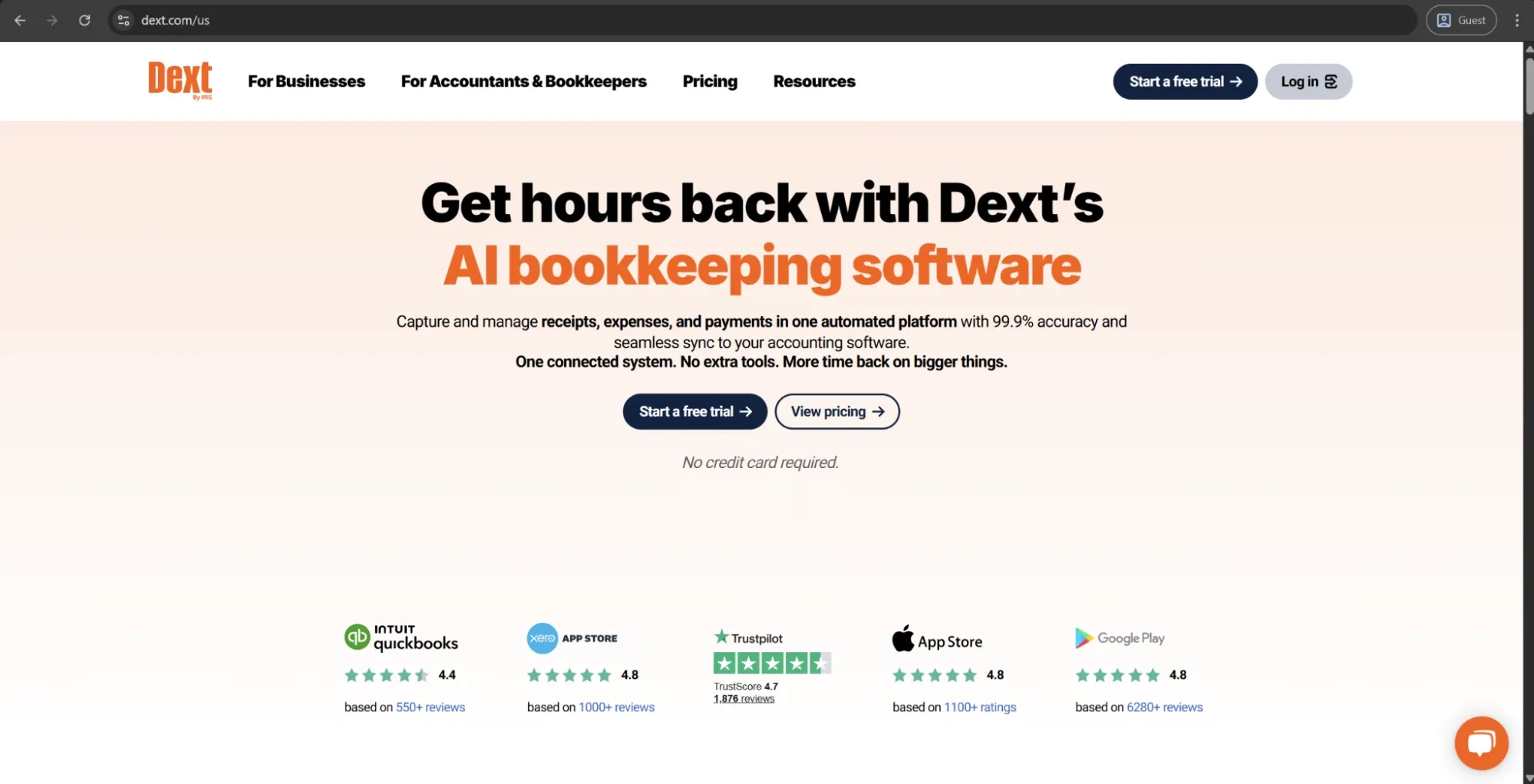
Dext is an accounting automation platform designed to capture documents, extract data, and integrate with accounting software for small businesses, accountants, and bookkeeping firms. Their AI-powered OCR technology extracts data with a high degree of accuracy from receipts, invoices, and bank statements — and then, the records are automatically categorised and sent to their connected accounting software (Xero, QuickBooks, Sage, etc.).
Dext can accept submissions via a mobile app, email, WhatsApp, Dropbox, or even direct bank feeds. As for more recent features, they have now launched a payments feature in their platform, enabling supplier invoice and expense payments directly within the platform.
Customer ratings:
Advantages:
- OCR and AI data extraction accuracy is best-in-class — users consistently report that the system correctly reads receipts, including handwritten ones, and learns vendor patterns over time to reduce correction work.
- Seamless integration with Xero, QuickBooks, Sage, and a large number of banks and platforms make it the preferred bookkeeping automation layer for accountants managing multiple client accounts.
- Multiple receipt submission methods — mobile app, email, WhatsApp, Dropbox, and bank feeds — give both businesses and their accountants flexibility in how data enters the system.
Shortcomings:
- OCR processing speed can be slow compared to alternatives, and some users report delays between submission and data appearing in their accounting software, which creates friction at month-end.
- Pricing has increased in recent years and is now considered expensive relative to its feature scope, particularly for solo practitioners or small bookkeeping firms managing a limited number of clients.
- The platform doesn’t offer broader spend management functionality: no approval workflows for purchasing, no procurement controls, no budget dashboards. As a result, it needs to be paired with other tools for anything beyond bookkeeping automation.
Pricing:
Dext has a dedicated pricing page that explains its pricing approach. It offers a single plan, with pricing based on the number of users. The starting price is $31.50 per month, which includes 250 document scans, 10 bank statement extractions, 5 documents with line item extraction, and 5 supplier statement extractions. Additional features are available through optional add-ons.
Customer reviews (original spelling):
- Tas B. — Capterra — “I think it's a really high quality app, I'd recommend it to people a lot as it's well-priced. Max Whitely is super helpful and approachable on any questions to do with it, it's clear he loves the product and is proud to represent it.”
- Nikita D. — G2 — “Dext software allows us to electronically capture the invoice image and store all the receipts and other supporting documents that a business requires for smooth process of book keeping. It helps us to complete our work easily and saves our time.”
The author’s note:
Dext focuses on a specific use case: helping accountants and bookkeepers capture and process financial data. It stands out for its document capture accuracy and strong integrations with accounting software. However, Dext isn’t a full spend management tool. It doesn’t offer approval workflows, procurement controls, or budget visibility — features most finance teams expect from dedicated spend management solutions. That said, it’s a strong fit for organizations that mainly need clean, automated data flowing into their accounting system.
Wave
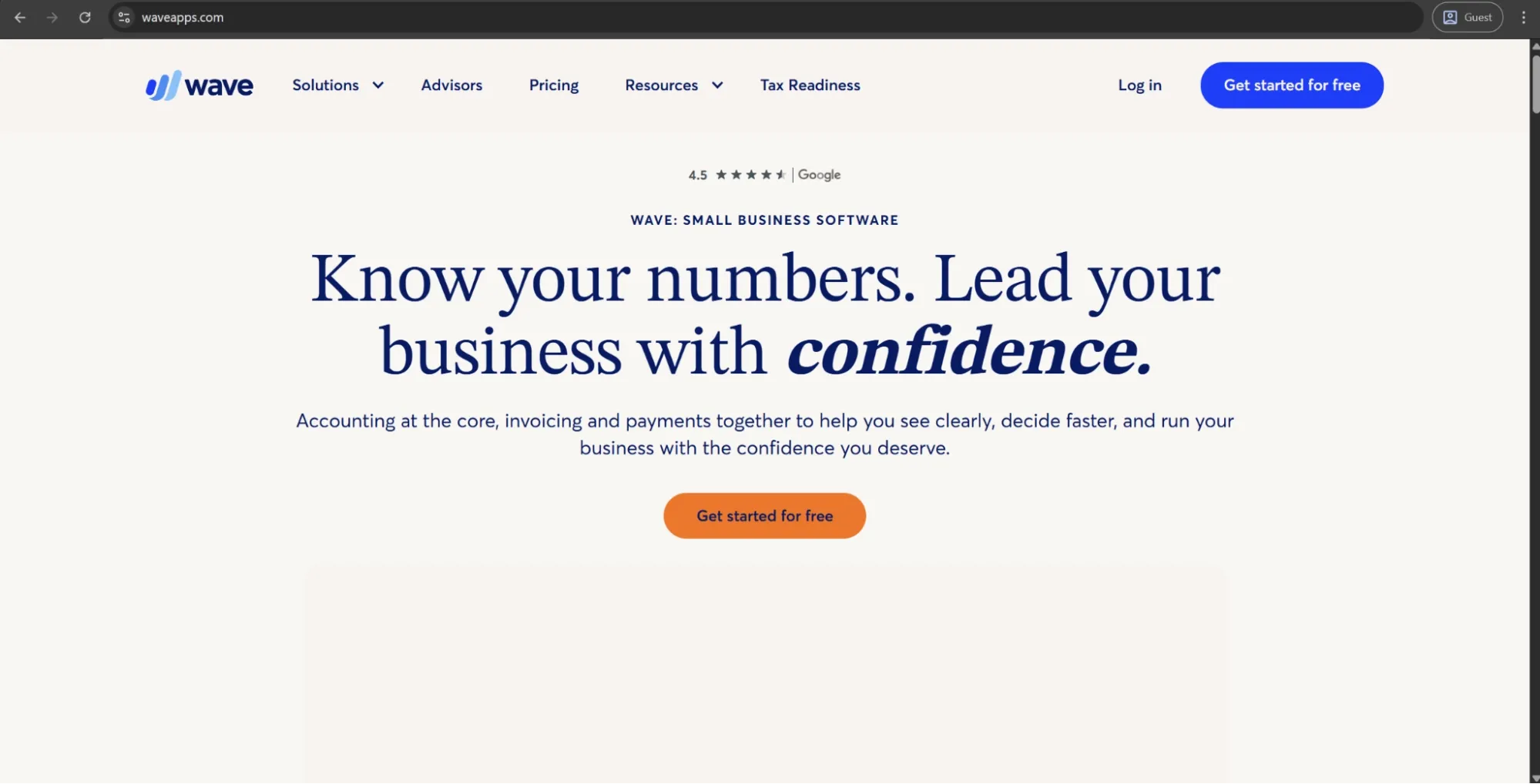
Wave is cloud-based accounting software designed for freelancers, small businesses, and self-employed individuals. It lets users manage invoices, expenses, bank transactions, and standard financial reports at no cost. While core accounting features are free, additional services like payroll and receipt scanning come with extra fees because they require more processing.
Customer ratings:
Advantages:
- The free plan is genuinely useful, with core accounting features like invoicing, expense tracking, and bank reconciliation available at no cost, which is rare at this level of functionality.
- Clean, simple interface that non-accountants can navigate without training, makes it accessible for solo operators and very small teams.
- Multi-currency invoicing is included in the free tier, which is a meaningful differentiator among free accounting tools.
Shortcomings:
- Customer support is effectively unavailable on the free plan — users are directed to a chatbot and help center, which many find inadequate for resolving real issues.
- Platform performance is a recurring complaint, with users reporting slow load times, unresponsive navigation, and occasional freezing.
- Many features have progressively moved behind the paid plan, and bank account connection now requires an upgrade, narrowing the free tier's practical usefulness over time.
Pricing:
As mentioned before, Wave has a free pricing plan, which is one of its biggest selling points, even if it’s limited to a certain degree.
The alternative is the Pro plan, which costs $190 per year and offers a variety of advanced options, such as auto-import bank transactions, auto-merge and categorize bank transactions, automated late payment reminders, and many others.
Customer reviews (original spelling):
- Amber M. — Capterra — “It's been a great software to get me started in my business and it's easy for my clients to navigate invoices and payments. That is a win! I am able to track my spending with categories, as well, and that makes it easier to do my taxes at the end of each year.”
- Connie S. — G2 — “I appreciate Wave for its ease of use and that it's not complicated, which makes it perfect for small businesses. I love that I can connect multiple accounts, and the account is inexpensive. I find uploading receipts easy as I can just forward emails to a dedicated email linked to my account. It helps me see my cash flow and makes report preparation easy. I like that it can identify duplicate transactions and has a merge option, so I can easily reconcile. The initial setup was super easy, taking less than 5 minutes to connect all my bank accounts.”
The author’s note:
Wave is the most entry-level tool on this list by a considerable margin, and that’s not a criticism. If you’re a one-person operation or very small team who wants well-presented invoices, expense tracking, and basic accounting without paying a monthly fee, this one does exactly what it claims to do. However, it’s extremely easy to grow out of this solution quickly if you have more than a couple of employees or any need for approval workflows.
FreshBooks
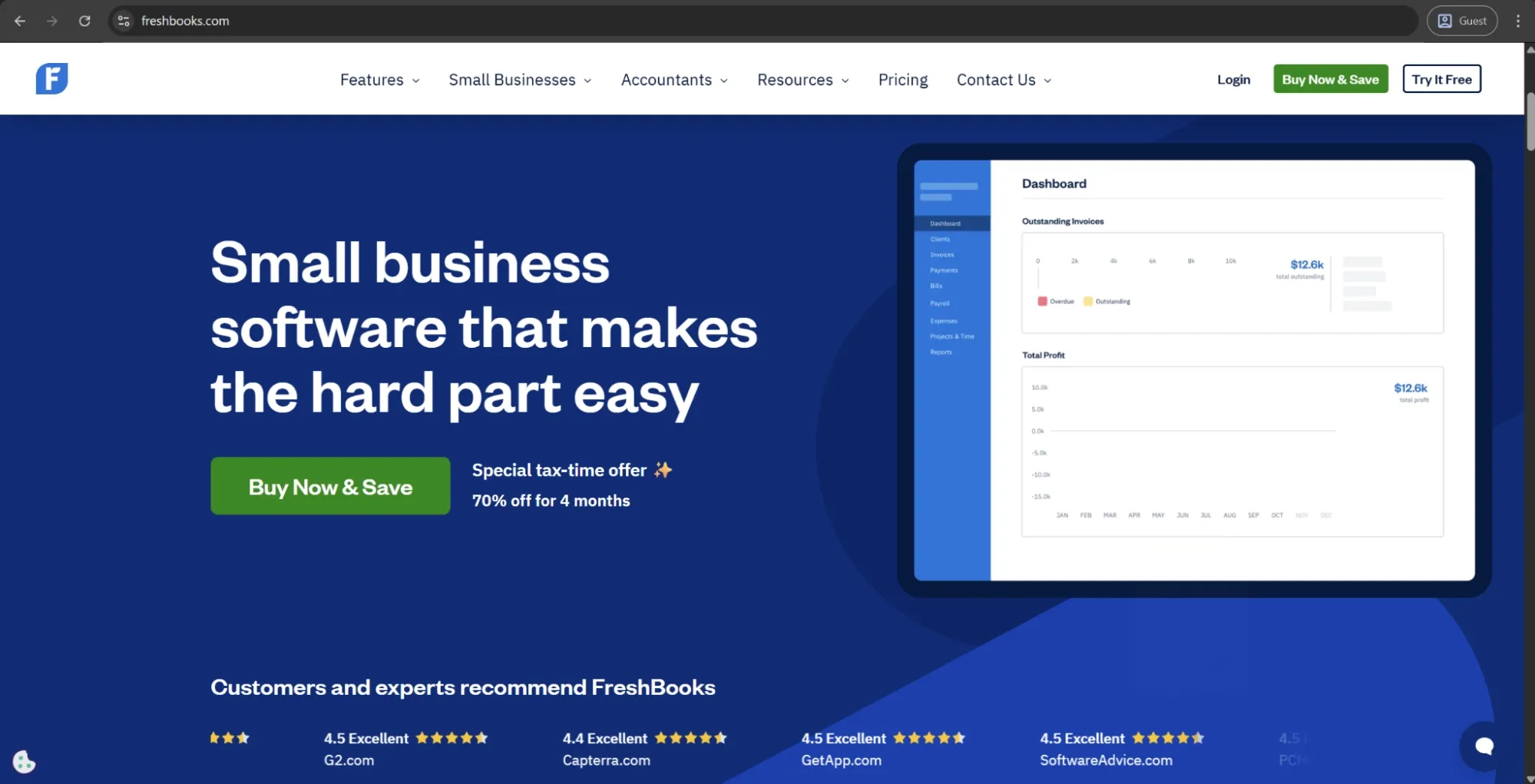
FreshBooks is a cloud-based accounting solution for small businesses and self-employed individuals. It offers accounting features like invoicing, time tracking, expense tracking, and financial reporting.
The expense management features within FreshBooks include the ability to link bank accounts and credit cards for automated transaction import, mobile receipt capture, and expense categorization for tax deductions and billable status. FreshBooks focuses on delivering a simple, easy-to-set-up accounting tool rather than a full-scale spend management platform.
Customer ratings:
Advantages:
- Exceptional ease of use, even for users with no accounting background — consistently the most praised aspect across review platforms.
- Invoicing and time tracking are best-in-class for the small business segment, with automated reminders, recurring invoices, and direct client billing built in.
- Strong mobile app that allows users to manage invoices, track expenses, and log time from any device without losing functionality.
Shortcomings:
- Most plans are limited to a single user, with additional seats charged per month — a meaningful cost constraint for growing teams.
- Lacks the advanced accounting features that businesses need as they scale, including more complex reporting and multi-entity support.
- Bank connection can be unreliable, with users reporting that automatic transaction syncing occasionally drops and requires manual reconnection.
Pricing:
FreshBooks operates using four different pricing plans:
- Lite — $23 per month, offers the ability to send invoices to 5 clients, real-time expense tracking, estimate creation/sending capabilities, and tax-time report generation
- Plus — $43 per month, sends invoices to up to 50 clients, makes it possible to create not only estimates but also proposals and client retainers, scans expense receipts, offers accountant access, and more.
- Premium — $70 per month, removes the limitation on how many clients you can send invoices to, while also offering features like project profitability check, email template customization, and several other features.
- Select doesn’t have any public pricing data, but it does offer the list of features it provides, including lower credit card transaction fees, capped ACH fees, automatic capture of multi-line items during bill receipt scanning, and many others.
Customer reviews (original spelling):
- Sarthak B. — Capterra — “My overall experience with FreshBooks has been positive. The platform is easy to use and simplifies invoicing, expense tracking, and transaction management. The clean user interface and automation features save time, while reports provide clear visibility into finances. Customer support is responsive, and although there are some limitations in advanced features, it works well for small businesses and freelancers.”
- Mendel R. — G2 — “FreshBooks is extremely easy to use, even for someone without an accounting background. The interface is clean, intuitive, and saves me time when creating invoices, tracking expenses, or managing projects. Despite being user-friendly, it still offers a strong set of features like time tracking, recurring invoices, and payment reminders. It strikes the perfect balance between simplicity and functionality, which makes it a great tool for small businesses.”
The author’s note:
FreshBooks is arguably the most accounting-focused option on the list. It’s not a spend management tool in a traditional sense, but an accounting program for small businesses with solid expense features to help keep invoices, expenses, and reports all in one place. The learning curve is low and the cost is good for small companies and individual workers. With that being said, larger organizations and those expecting approval workflows, organizational hierarchy-based spending, or department-wide spend management may find this platform a little too restrictive.
Perk
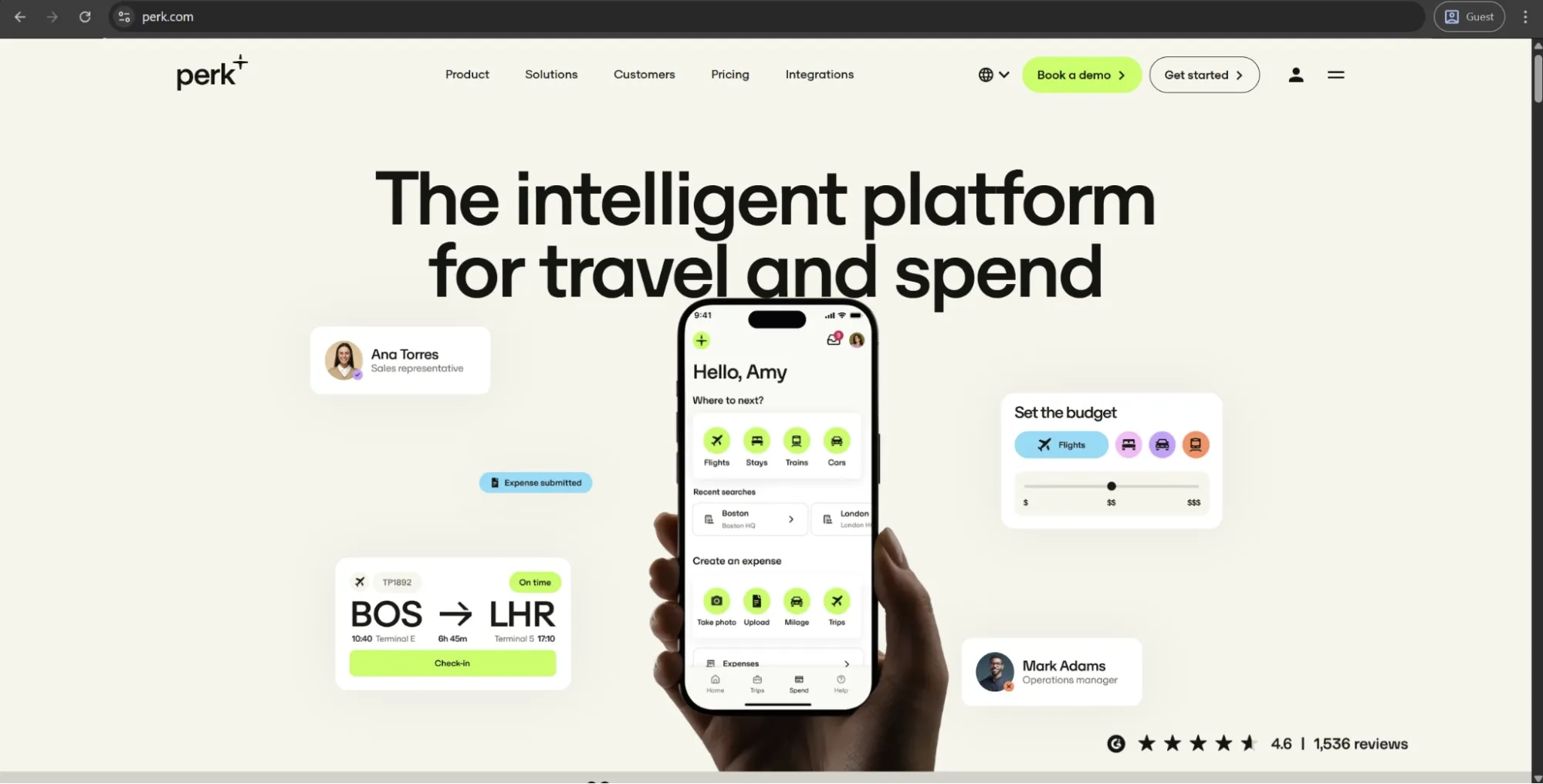
Perk (formerly known as TravelPerk) is a business travel management system, offering a single point of access for flights, hotels, train travel, and car rentals — combined with built-in policy control, approval workflows, and real-time spend tracking. It integrates with many expense management systems, HR systems, and accounting systems to ensure that travel information seamlessly flows downstream into financial workflows without the need for manual input. Perk can support organizations of any size and has a free entry-level plan, with other tiered payment plans offering more advanced features and reporting capabilities.
Customer ratings:
Advantages:
- Centralized booking across flights, hotels, trains, and car rentals in a single interface, with policy enforcement built directly into the booking flow rather than applied after the fact.
- Customer support quality is widely praised for responsiveness, with many users citing it as a key differentiator versus competitors.
- Clean, intuitive interface that requires minimal training, with strong policy and approval workflow controls that finance and travel managers can configure without technical help.
Shortcomings:
- Prices on the platform aren’t always competitive with direct booking — multiple users note that fares can be higher than booking directly with the airline or hotel, undermining the entire cost-saving argument.
- Organizations need a separate expense platform to cover non-travel spend, which adds integration complexity.
- Booking issues and confirmation delays are a recurring theme in recent reviews, with some users experiencing third-party sync problems and inadequate support for complex or last-minute itineraries.
Pricing:
Perk has three main pricing tiers:
- Starter, which is free and has a basic feature set.
- Premium, for $99 per month and a variety of advanced features (standard HR integrations, 5 custom fields, a dedicated account manager, SSO support, all payment methods).
- Pro, for $299 per month includes all available features (developer tools, unlimited budgeting options, advanced HR integrations, 15 custom fields).
Customer reviews (original spelling):
- Verified Reviewer — Capterra — “I've used TravelPerk for at least 4 or more international business trips. The whole experience was completely seamless and there was no worries about connecting flights, trains or any ticketing issues, it was all sorted within the platform.”
- Caitlin J. — G2 — “Having a dedicated account manager has been incredibly valuable, particularly for overall travel program management, industry insight, and vendor connections. The Perk support team has also been fantastic to work with: consistently prompt, professional, and thoughtful in their approach. Every agent I’ve interacted with has taken the time to prioritize requests and follow through until each issue is fully resolved. I truly appreciate the level of care and responsiveness they bring, especially knowing the volume of requests they handle daily.”
The author’s note:
Perk stands out as the strongest dedicated travel management tool on this list. It offers a large booking inventory, built-in policy enforcement directly within the booking flow, and solid integrations with external expense platforms. That said, Perk isn’t a full expense management solution. While it handles travel-related expenses well, it still relies on other tools for broader expense management. For companies with high business travel volume looking to streamline their travel processes, Perk is a compelling option.
Scanbot
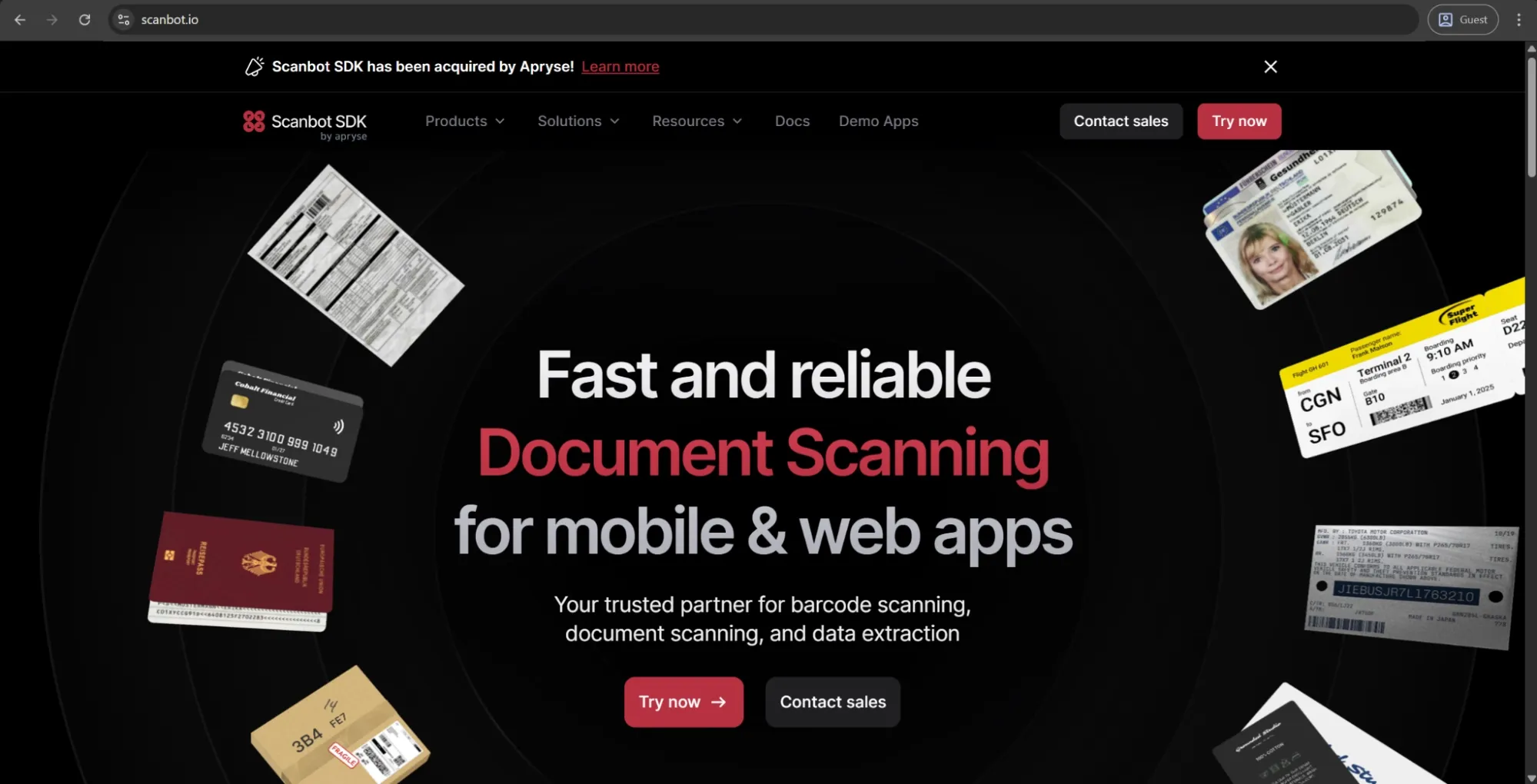
Scanbot is a mobile document scanning SDK designed for enterprise applications that need advanced, on-device capture of documents and receipts within their own mobile apps. It works entirely offline, so no data leaves the application.
The SDK includes features like automatic edge detection, perspective correction, blur detection, and structured data extraction for receipts, IDs, and invoices. It supports iOS, Android, and major cross-platform frameworks, and is offered with a fixed annual license—without per-user or per-scan fees.
Advantages:
- 100% on-device processing with no data sent to external servers makes it one of the strongest options in the market for organizations with strict data privacy or compliance requirements.
- Flat annual license with no per-user or per-scan fees — predictable cost structure that scales well as usage grows without adding cost.
- Fast integration timeline and broad cross-platform compatibility, with support for iOS, Android, and most major frameworks including Flutter, React Native, and .NET MAUI.
Shortcomings:
- Requires in-house development capability to integrate and maintain — organizations without dedicated engineering resources cannot use it as a standalone product.
- No publicly available API, which limits extensibility for teams that want to build custom pipelines around the scanning functionality.
- Support and documentation are primarily in English and German, which may create friction for global teams working with other languages.
Pricing:
There is no official pricing data on the Scanbot website, but there is an option to request a free trial or contact the sales department.
The author’s note:
Scanbot is quite different from the other tools on this list: it isn’t a spend management platform, but a document scanning infrastructure layer that can be embedded into other apps or custom solutions.
If your company is building its own expense or document management product, high-quality mobile capture is critical, and privacy is a key concern, Scanbot is a strong option to consider. However, if you’re looking for a ready-made, end-to-end spend management solution, you’ll need to look elsewhere.
Best spend management platforms
Spend management platforms are designed to address multiple categories of company spending in a single tool, typically covering some combination of procurement, AP, expense management, corporate cards, approval workflows, and real-time budget visibility.
The capabilities and target customers vary widely, from mid-market all-in-one tools to enterprise-grade source-to-pay suites, but they share the same goal: to consolidate spend processes and replace scattered point solutions with a single layer of control.
When evaluating these platforms, organizations should consider not only which features they need most, but also how well each solution integrates with their existing finance systems.
Precoro
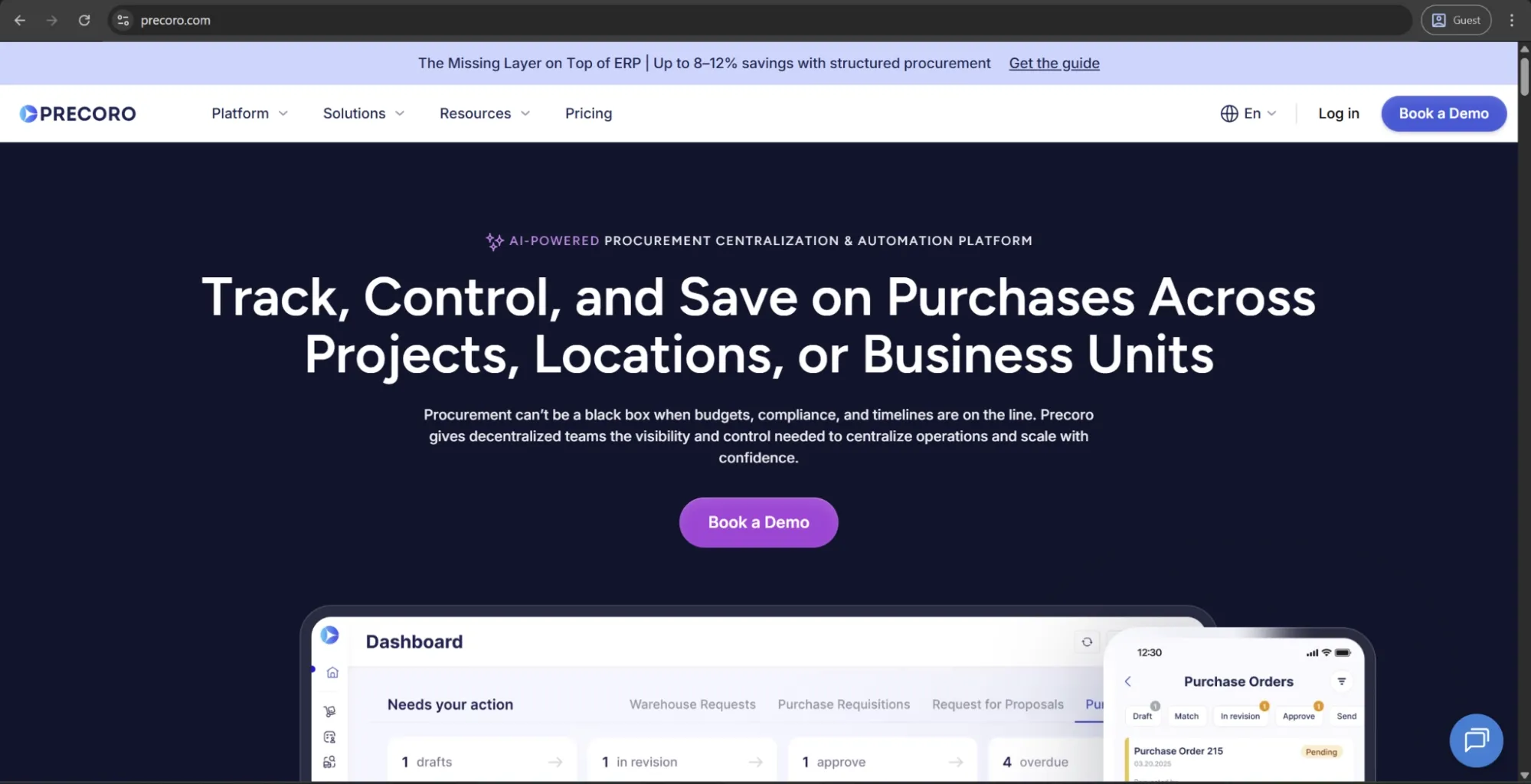
Precoro is an AI-powered procurement automation and centralization platform built for mid-sized businesses that need control over fragmented spending. It routes every purchase through a clear, structured process, so employees can submit requests quickly, while finance and procurement teams have full visibility into what’s being bought, from whom, and at what cost before any money is spent.
The platform brings together requests, approvals, purchase orders, budgets, supplier management, purchasing, AP automation, and payments in one place. As a result, teams gain control over spending upfront and can manage the entire procure-to-pay process end to end.
Customer ratings:
Advantages:
- A clean, intuitive interface that’s often recognized as easy to adopt.
- Quick implementation with no IT involvement, supported by hands-on onboarding and a responsive customer success team.
- Detailed spend visibility across the organization, with insights from custom reports, clear dashboards, and an AI Assistant.
- Multi-entity support for centralized control across subsidiaries, locations, and business units.
- AI capabilities for invoice capture, expenses, and quotations, plus an assistant that answers natural-language questions about spend, trends, and anomalies.
Shortcomings:
- Built to complement, not replace, your ERP. Precoro structures and controls purchasing before it reaches the ERP, which remains the system of record for accounting.
- Offers inventory and receiving features for simple tracking, but doesn’t replace dedicated inventory or warehouse systems.
- Requires upfront setup of workflows, budgets, and rules, which can take time, especially for teams moving away from spreadsheets or ad hoc processes. Once configured, however, processes run consistently.
Pricing:
Precoro’s pricing model is relatively simple and consists of three pricing tiers:
- Core — starts at $499 per month billed annually, offers basic procurement features like automated approvals and three-way matching, along with spend & vendor management, a number of integrations (Xero, QuickBooks, Slack), and reporting analytics.
- Automation — starts at $499 per month billed annually, expanding upon the previous tier with AI-powered AP automation, several procurement operations (intake management, PunchOut catalogs), real-time budget tracking, SSO support, and more.
- The Enterprise tier comes with no public pricing information, but it does offer practically everything Precoro can offer, including additional integrations, advanced admin controls, no user limits, and enterprise-grade data protection.
There is also a separate pricing option for companies interested only in AP automation, starting at $499 per month (billed annually). It includes advanced features for invoice processing, budget and vendor management, approval workflows, accounting integrations, and more.
Customer reviews (original spelling):
- Joni T. — Capterra — “Precoro has been a huge improvement for our organization! It was easy to customize to fit our needs and has been a game-changer for our approval and purchasing process. The support folks at Precoro are so responsive and super helpful, they are dedicated and genuinely care about our success in using the product.”
- Blaine L. — G2 — “I really appreciate the simplicity and user-friendliness of Precoro's interface. Everything is in predictable places, which makes navigating the software straightforward and intuitive. It's impressive how organized the process of sending purchase orders to suppliers has become with Precoro, streamlining the procurement workflow significantly. I also found the initial setup to be very easy, which made the transition smooth and hassle-free. Furthermore, I've found extracting order reports for internal replenishment to be quite efficient with Precoro. Overall, these aspects contribute to a positive and effective user experience with the platform.”
The author’s note:
Precoro is a strong choice for mid-sized companies struggling with fragmented purchasing across teams, locations, or subsidiaries. It works particularly well for organizations that need to bring order and visibility to spending quickly, without overhauling their existing systems. With a fast rollout and a unified procurement and AP layer on top of your ERP, it helps you move from scattered, reactive purchasing to a controlled, structured process.

Spendesk
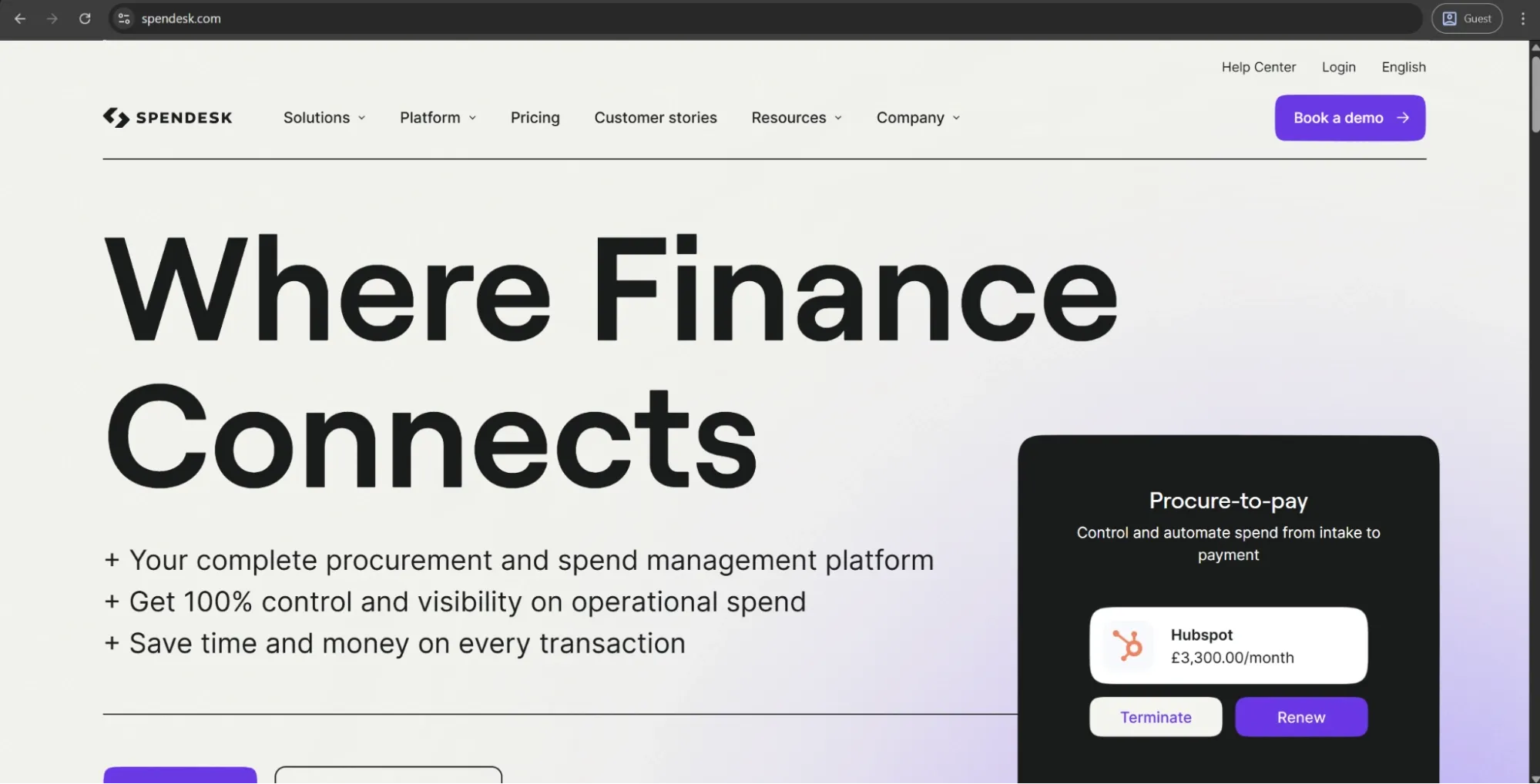
Spendesk is an AI-enabled spend management platform that combines procurement, accounts payable, expense management, and corporate cards in one system. It allows companies to issue virtual and physical cards to employees, set up approval workflows, automate invoice processing, and manage suppliers in a single centralized platform.
Customer ratings:
Advantages:
- Intuitive and easy to set up, with consistent praise across both desktop and mobile.
- Real-time spend visibility lets managers monitor, approve, and reject requests as they happen.
- Granular card controls with per-employee spend limits, category restrictions, and instant card issuance.
Shortcomings:
- Some vendors don’t accept Spendesk cards, creating friction during travel or with certain suppliers.
- Reporting lacks customization depth; spend-by-category visibility flagged as insufficient by multiple users.
- Positioned at the higher end of mid-market pricing, harder to justify for smaller teams.
Pricing:
Spendesk doesn’t offer any specific pricing data on its official website, only mentioning “tailored plans” and a suggestion to contact the company directly for a free quote in its dedicated pricing page.
Customer reviews (original spelling):
- Julien G. — Capterra — “My experience with Spendesk is very satisfying. I save time and the mobile app is intuitive and highly practical.”
- Maddy B. — G2 — “I cannot fault Spendesk - it's easily the best expenses tool I've used. So user friednly, real B2C UX/UI which makes staying up to date on expenses realy easy”
The author’s note:
Spendesk is one of the stronger players in the European spend management space: the usability is significantly higher than average, and the addition of procurement made it a much more comprehensive offering than just a couple of years ago. Additionally, Spendesk recently became the first European spend management platform to reach profitability, which is a valuable sign of vendor stability to any business committing to an implementation on the scale of multiple years.
Avaza
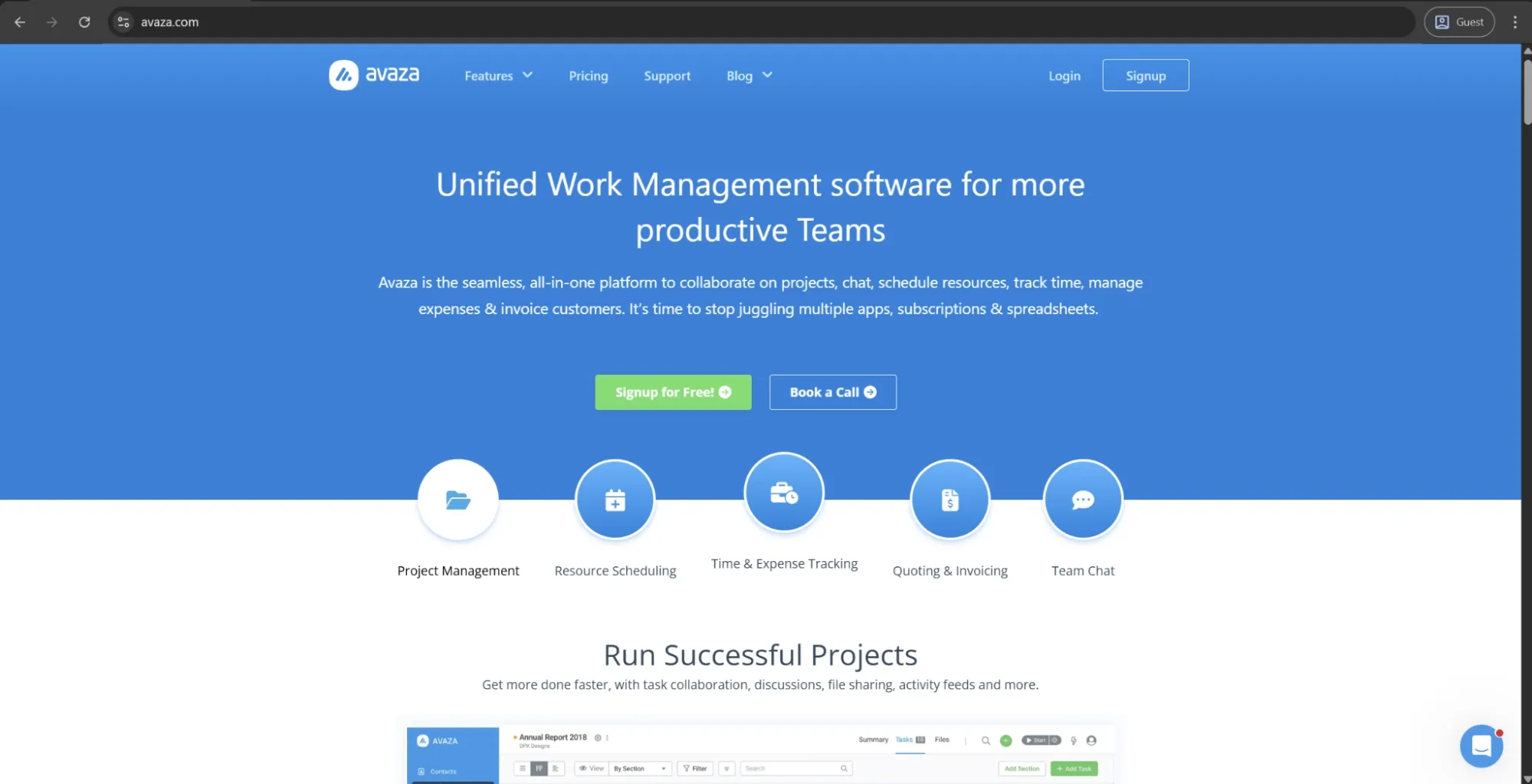
Avaza is a cloud-based business management solution with integrated all-in-one project management, time tracking, expense management, invoicing, and resource scheduling capabilities. It’s designed for professional services and client-facing teams that want to manage projects end-to-end without relying on separate tools, from task assignment through to expense tracking and client billing. The platform offers multiple views, including Kanban boards, Gantt charts, and list views, and integrates with third-party accounting software.
Customer ratings:
Advantages:
- Strong all-in-one value for professional services teams — project management, time tracking, expenses, and invoicing in a single platform at a competitive price.
- Clean, intuitive interface that requires minimal onboarding, even for non-technical users.
- Responsive customer support team, frequently praised for quick turnaround and willingness to act on user feedback.
Shortcomings:
- Reporting lacks customization depth and has produced inaccurate figures (according to some users), particularly with multi-currency expense reports.
- Tasks cannot be assigned to multiple users simultaneously, which creates friction for collaborative workflows.
- The mobile app is slower than the desktop experience and has limited functionality compared to what users expect from a full platform.
Pricing:
Avaza has a relatively simple pricing approach with four licensing tiers:
- Free, a self-explanatory option with limited capabilities balanced with a complete absence of a licensing cost.
- Startup, a basic feature set for $11.95 per month, slightly expands upon the free offering in terms of supported users, active projects, external contacts, etc.
- Basic, an extended offering for $23.95 per month, further increasing capacity of the solution to make it easier for bigger teams to work efficiently.
- Business, the biggest feature set Avaza can offer, at $47.95 per month, offers as few limitations as it can for active projects, customers, users with different access levels, and more.
Customer reviews (original spelling):
- Lauryn A. — Capterra — “Powerful tracking and reporting tool which helps track team performance and project delivery. Improvement needed for team management functionality at a high level such as output recording and live view of team time tracking.”
- Shourya A. — G2 — “I use Avaza for project management, managing lots of projects and tasks assigned by different team members. It helps me solve workflow problems and allocate resources within the design team when I get projects from various people in the marketing team. The initial setup is pretty easy and not a problem at all.”
The author’s note:
Avaza differs from the other tools in this list: it’s primarily a broader business management platform rather than a dedicated spend management solution, although it does include solid expense tracking and invoicing features.
It’s a strong fit for small professional services firms or agencies that want project management and client billing combined with expense tracking in a single system. However, organizations focused mainly on procurement controls, accounts payable automation, or company-wide spend visibility are likely to find its capabilities limited.
Tipalti Procurement
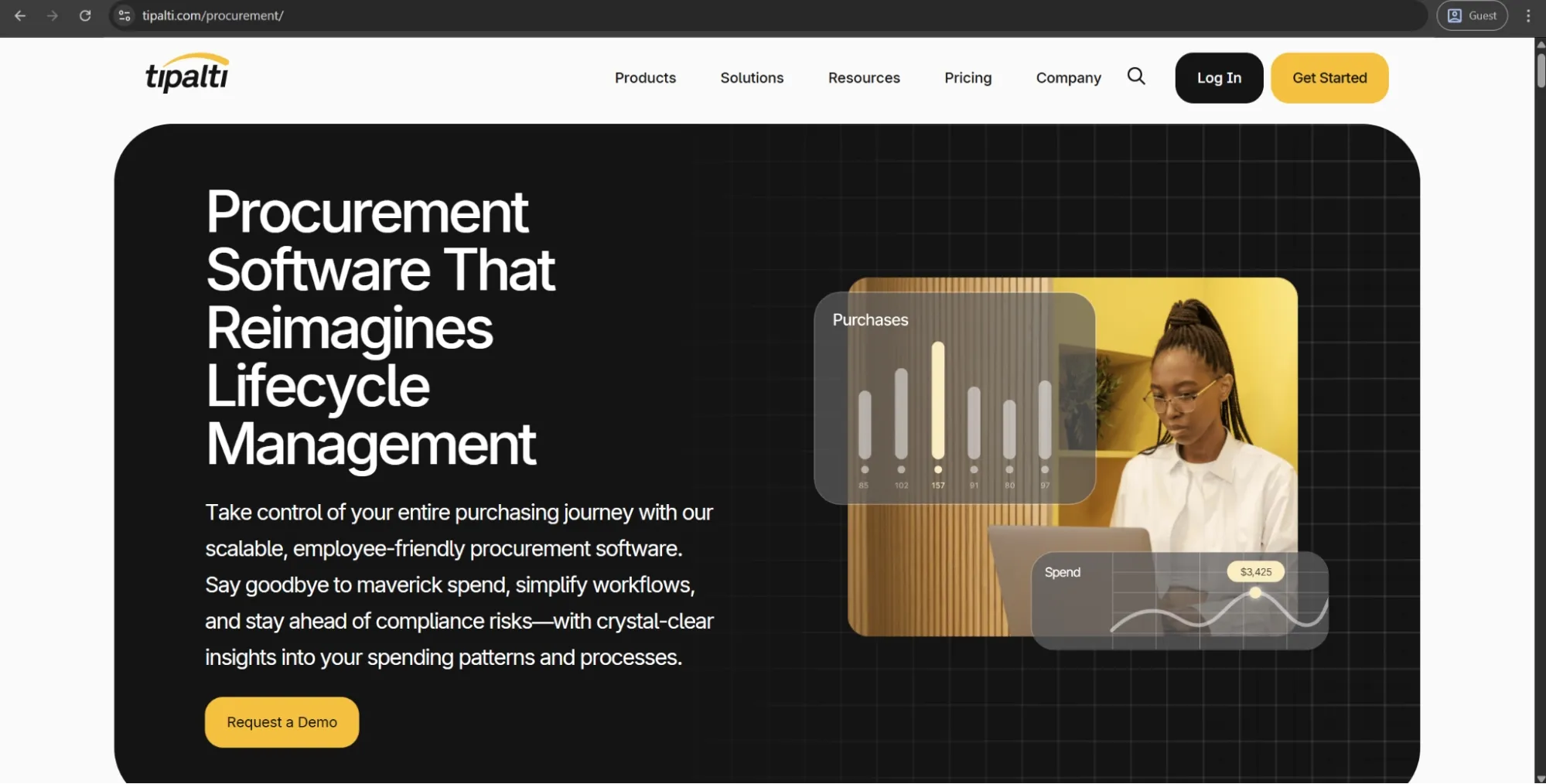
Tipalti is a finance automation platform that offers a variety of capabilities in accounts payable, procurement, expense management, and global payments. Its procurement module covers purchase requisitions, rule-based approval processes, automatic purchase order creation, supplier onboarding, three-way PO matching, and pre-built integrations into all major ERPs, HRISs, and accounting systems. Tipalti mostly targets upper mid-market companies and enterprises with large transaction volumes and regular cross-border payments alongside the core spend processes.
Customer ratings:
Advantages:
- Exceptionally strong global payments infrastructure that supports a large number of countries and currencies across multiple payment methods including ACH, wire, and PayPal.
- AP automation is genuinely time-saving at scale; users consistently report significant reductions in invoice processing time and manual reconciliation work.
- Self-service supplier onboarding portal reduces the burden on finance teams by letting vendors manage their own payment details, tax forms, and preferences.
Shortcomings:
- Steep initial learning curve, particularly around configuring custom approval workflows and setting up vendor onboarding for the first time.
- Reporting is limited to a small set of standard reports, with little flexibility for custom views or deeper spend analysis.
- Some integration setups — particularly with ERPs and third-party procurement tools — require significant back-and-forth and do not always behave as sold.
Pricing:
Tipalti provides several different pricing plans, but the Procurement module can only be added in two of them:
- Advanced, costs $199 per month and offers a flexible bill approval rules builder, two- and three-way PO matching, support for many different payment methods and currencies, etc.
- Elevate, doesn’t have a public cost attached to it, offers global multi-entity infrastructure, professional services for custom ERP integrations, priority customer support, and FX hedging.
Customer reviews (original spelling):
- Denise M. — Capterra — “Happy with Tipalti AP and Procurement. Some minor bugs, but all in all, I am satisfied. I would like to give Procurement some more attention as there are some internal update I need to review. Hopefully I can improve my own process.”
- Nicholas B. — G2 — “The platform lets me pay all five of my entities in a single workflow across multiple currencies, which has been a major efficiency gain. It’s also very easy to use, with a clear, intuitive interface that makes day-to-day payment processing simpler and more streamlined.”
The author’s note:
Tipalti was originally designed for payments and AP automation, and its procurement module builds on that foundation. This makes it one of the more complete finance automation platforms for enterprises working with global suppliers. Its main strength is global payments. However, companies with limited international payment needs may end up paying for capabilities they don’t fully use.
Emburse Expense Professional
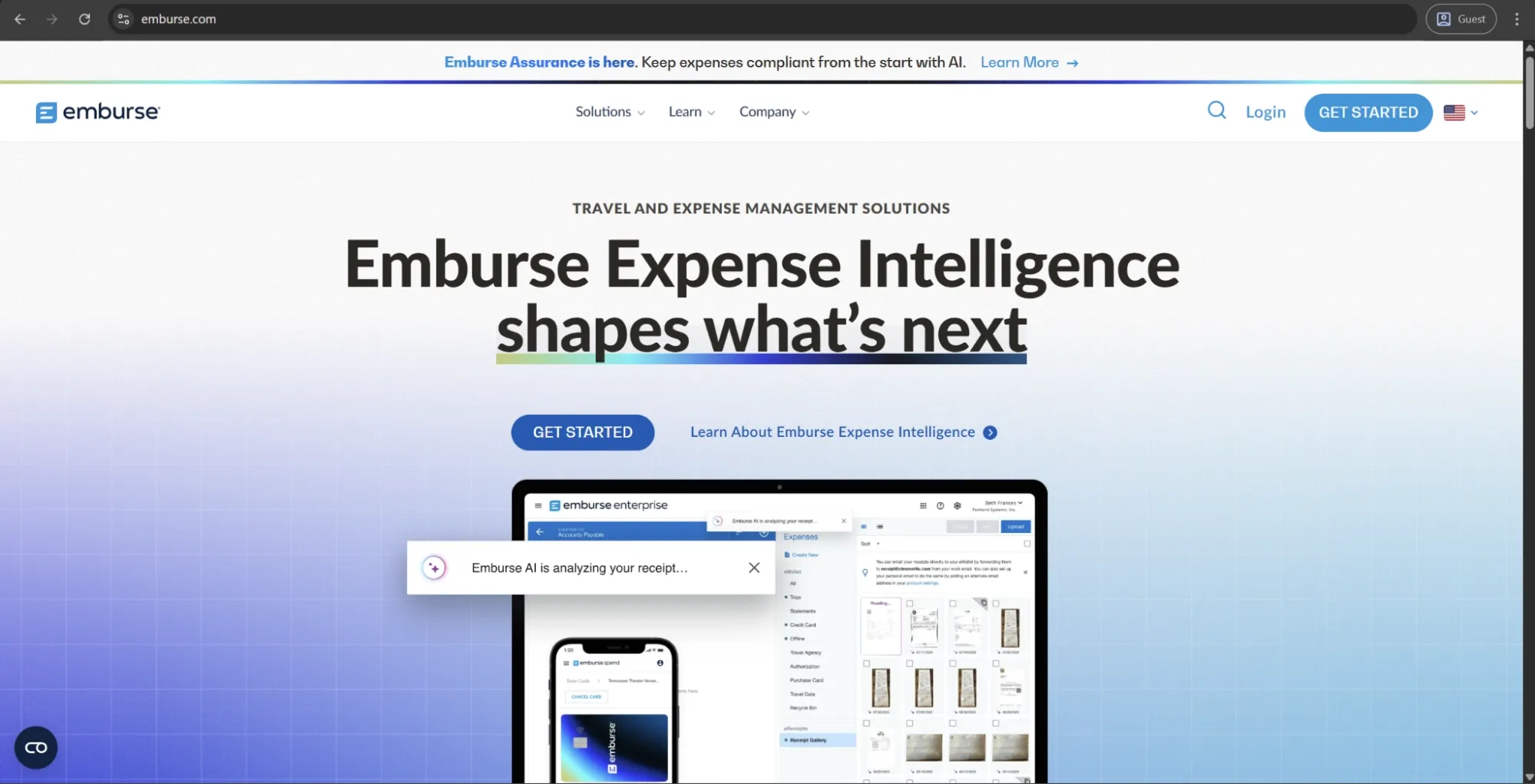
Certify, recently renamed to Emburse Expense Professional, is a travel and expense management software. It automates expense report creation, receipt capture, mileage tracking, and multi-level expense approval processes in one system. Emburse also offers an accounts payable automation feature with invoice capture, PO management, as well as two- and three-way matching with integrations to many large accounting systems and ERPs.
Customer ratings:
Advantages:
- Core expense workflow is reliable and well-suited to SMBs — receipt submission, multi-level approvals, and policy flagging all work as expected.
- Executive auto-generates expense reports on a schedule, significantly reducing the burden on employees who frequently forget to submit.
- Mobile receipt capture via OCR is praised for speed, making it easy for traveling employees to log expenses on the go without paperwork.
Shortcomings:
- The interface feels dated and takes time to learn, with several users describing it as clunky — particularly on mobile, where completing or correcting a report is more difficult than on desktop.
- OCR extraction is inconsistent, with incorrect dates and amounts on uploaded receipts requiring manual correction more often than users expect.
- Implementation can be painful when customization is needed — the implementation team is reported to push out-of-the-box configurations, sometimes at the expense of promised features.
Pricing:
Emburse doesn’t offer specific pricing data on its official website.
Customer reviews (original spelling):
- Jacob K. — Capterra — “Overall, Emburse Expense Professional is a reliable and effective expense management tool for organizations that need structure and control. While there is a learning curve and room for improvement in usability, it performs well once configured and significantly reduces the administrative burden of expense tracking and approvals.”
- Alex B. — G2 — “I like that Emburse Expense Professional connects to our company purchase card and automatically migrates credit card transactions and receipts. It automates expense reports so individuals don't have to manually enter expense report lines, making it much more efficient. The initial setup was easy, which was a big plus.”
The author’s note:
Emburse is a stable, straightforward T&E tool that covers its fundamentals well. It’s far from the most modern-looking platform on the market, and its mobile app has a problematic track record (according to its reviews), but the core workflow of the solution is reliable and the policy enforcement tools are truly useful for organizations that require structured approval workflows. It’s a tool worth considering for SMBs with straightforward travel & expenses needs but without the requirements of broader procurement coverage.
Certinia
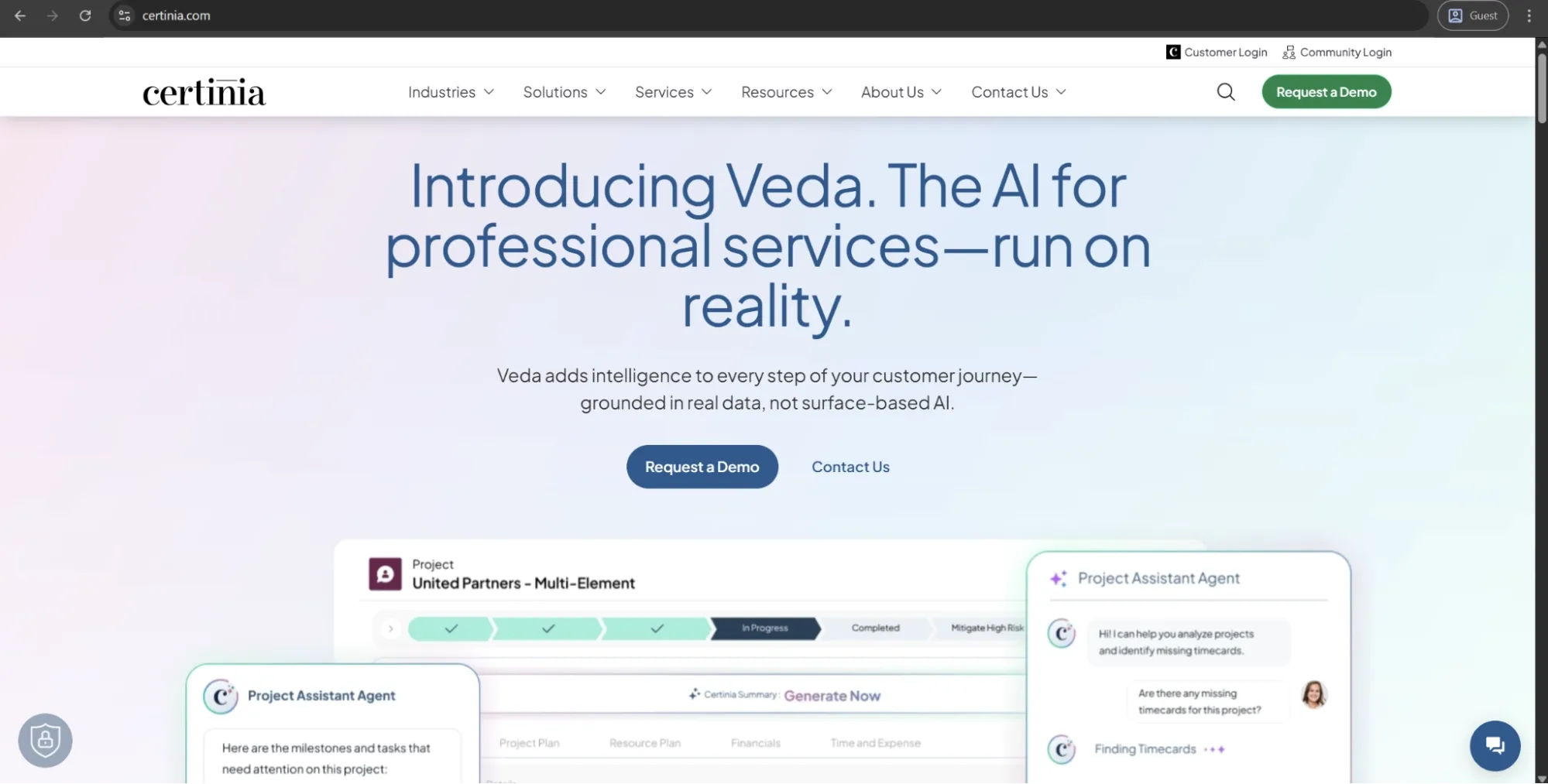
Certinia (previously known as FinancialForce) is a cloud ERP platform natively developed on the Salesforce platform. It provides an integrated environment for professional services automation, financials, procurement, billing, and project accounting. Its procurement module manages requisitions, spend policy rules, approval processes, and suppliers. Certinia is built for service-oriented businesses and lives exclusively within the Salesforce ecosystem.
Customer ratings:
Advantages:
- Native Salesforce integration is the platform's defining strength — financial data, project records, and customer data share a single data model, preventing the sync issues that plague multi-system architectures.
- Highly customizable within the Salesforce ecosystem, with a low-code threshold that allows finance and ops teams to tailor workflows without heavy developer involvement.
- Strong fit for professional services businesses that need project accounting, resource management, billing, and financials connected in a single system.
Shortcomings:
- Steep learning curve, particularly for users new to the Salesforce environment — teams consistently report that it takes significant time before the platform feels intuitive.
- Customer support response times are a recurring complaint, with some users reporting waits well beyond what the support SLA implies for non-critical issues.
- Entirely dependent on Salesforce — organizations not already on the platform face a substantial additional cost and onboarding burden before Certinia delivers any value.
Pricing:
Certinia doesn’t disclose its official pricing data, strongly urging all interested parties to contact the company directly for a personalized quote.
Customer reviews (original spelling):
- Shiv S. — G2 — “its intuitive user interface, which easily simplifies difficult procedures. Its straightforward feature navigation improves usability overall. Its extensive feature set makes it stand out, providing a full suite of options to meet a wide range of corporate requirements. A comprehensive experience is guaranteed by Certinia, from smooth integration to sophisticated modules. we frequently use it and customer support is good.”
- Gurumoorthy M. — G2 — “It is one of the Salesforce application, it has centralized Accounting and financial reporting system. Built on Salesforce, making lot of customization, app extensions from AppExchange, and mobile access. Real time Dashboard and Reporting”
The author’s note:
For organizations already on the Salesforce platform that require their ERP, project management, and finances to work together as one connected system, Certinia is a highly flexible solution. This Salesforce dependency is its greatest asset and also its most limiting factor: if you aren't already on Salesforce, there will be significant onboarding costs to even bring spend management into the conversation. That being said, few platforms have a comparable level of service-specific financial controls for its specific customer profile.
Coupa
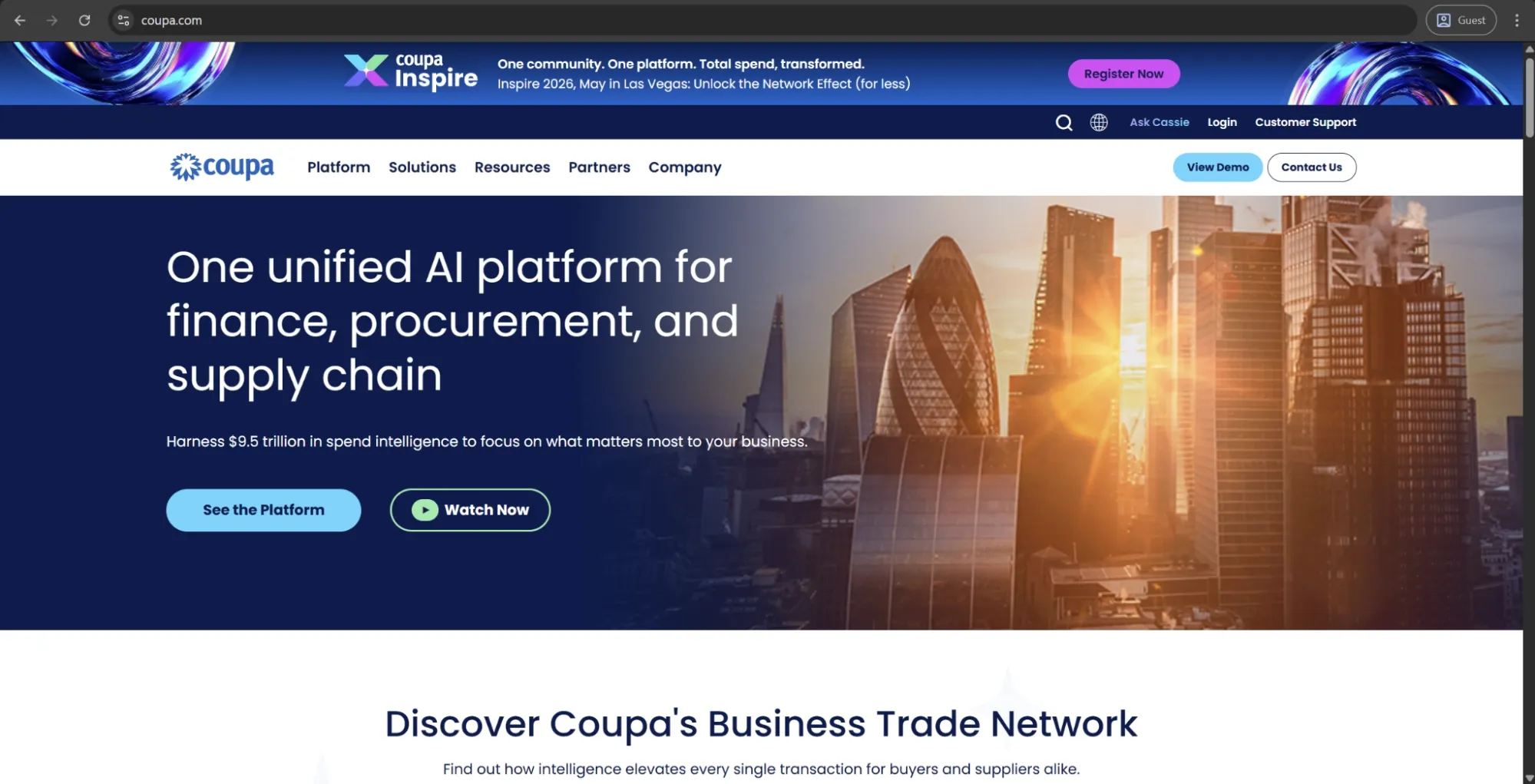
Coupa is an AI-powered platform for managing total company spend across the full source-to-pay cycle. It covers sourcing, procurement, accounts payable, invoicing, expenses, supply chain, and treasury in one system. The platform also includes a large network of buyers and suppliers, along with AI trained on global spend data to identify savings opportunities, automate processes, and support better decision-making. Coupa is designed for upper mid-market and enterprise companies. It went public in 2016 and was taken private by Thoma Bravo in 2023.
Customer ratings:
Advantages:
- One of the most comprehensive spend management platforms available, covering procurement, AP automation, invoicing, expenses, supplier management, and supply chain in a single unified system.
- Real-time spend visibility and approval workflow capabilities are consistently well-rated, giving finance and procurement teams genuine control over purchasing before money is committed.
- Strong ERP integration depth and a large buyer-supplier network that adds meaningful value for organizations managing complex, global supplier relationships.
Shortcomings:
- The interface divides users sharply: while some find it intuitive after onboarding, a significant portion of reviewers describe it as clunky, with unclear icons, repetitive steps, and frustrating navigation.
- Customer support is a consistent pain point — no phone access, slow chat response times, and limited escalation paths are frequently cited in negative reviews.
- Customization beyond standard configurations is complex and often requires external consulting or significant IT involvement, which adds cost and implementation time.
Pricing:
Coupa doesn’t offer any pricing data on its official website.
Customer reviews (original spelling):
- Sergi F. — Capterra — “Honestly, my feelings on Coupa are a bit of a mixed bag, but mostly positive in the end. We moved from a messy system of emails and spreadsheets, so having everything in one place is a huge relief. I finally know who is spending what before the bill actually arrives, which makes my job way easier. That said, getting there wasn't fun. The implementation took longer than we expected, and getting our non-techy staff to actually use it correctly was a struggle. It’s not something you "pick up" in an afternoon. But now that we are over the hump, I can’t imagine going back to the old way. It works, but you have to be patient with it.”
- Ellice H. — G2 — “I love how user-friendly Coupa is; it makes buying things for work feel easy. Everything from creating a purchase request to submitting an expense report is straightforward and all in one system.”
The author’s note:
Coupa is one of the most comprehensive spend management solutions on the market — if your organization requires end-to-end coverage from sourcing and supplier management to AP automation and treasury. However, the solution has a high implementation complexity and an enterprise-level price point, putting it out of reach of most organizations below a certain size. Coupa’s platform is the best long-term pick for large enterprises with complex, global supply chains, and enough resources for proper implementation.
SAP Concur
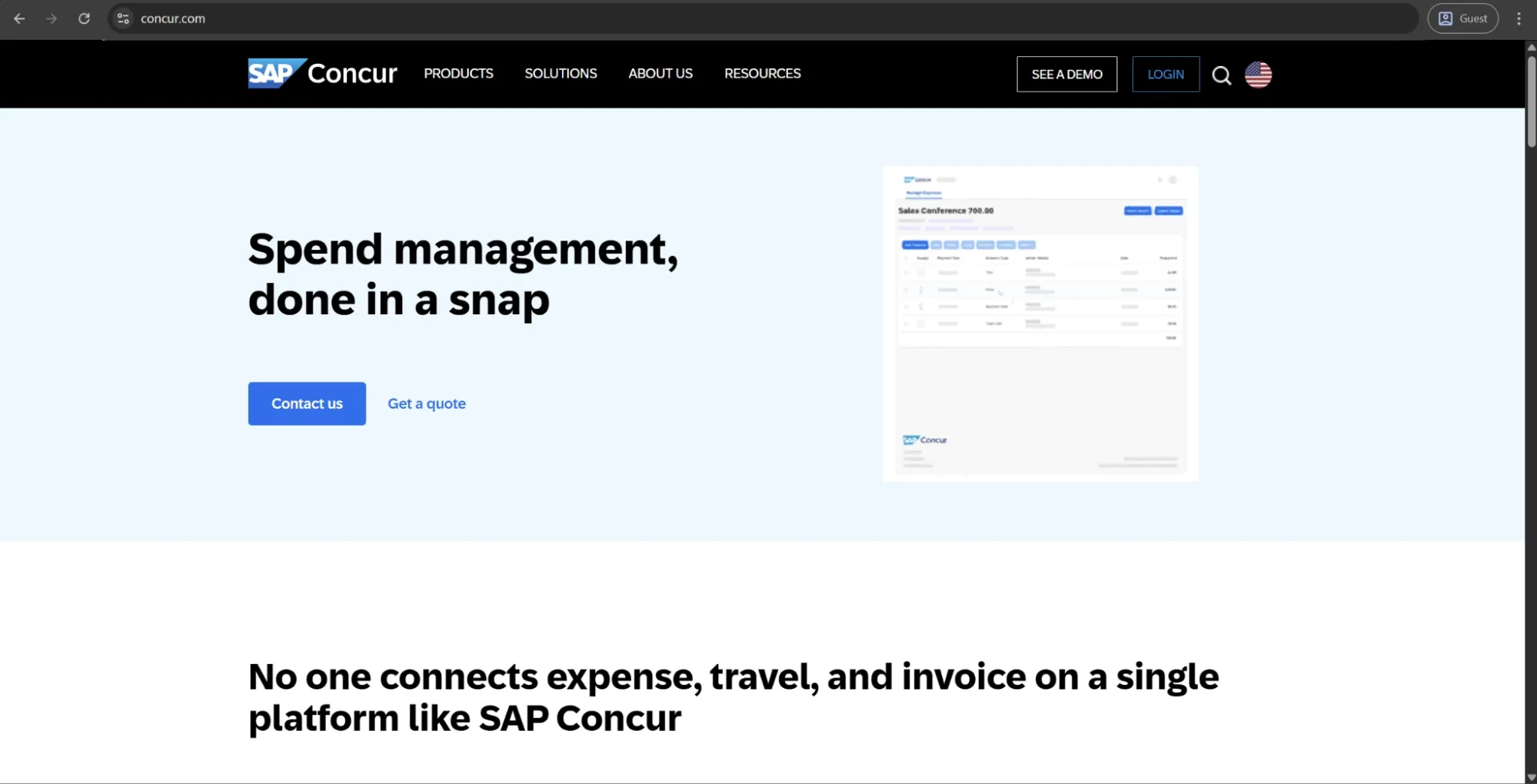
SAP Concur is an end-to-end, enterprise-level travel and expense management platform that automates the end-to-end T&E lifecycle, from pre-trip approval and travel booking to expense submission, policy enforcement, AP processing, and reimbursements. Concur Travel, Concur Expense, and Concur Invoice all serve as modular and integrated solutions, powered by AI-fueled receipt scanning, automated auditing, and real-time spending visibility across the entire product. SAP Concur is built for upper mid-market and large enterprise organizations and integrates well with a variety of ERP, HR, and accounting software — including SAP Oracle, Microsoft Dynamics, and NetSuite.
Customer ratings:
Advantages:
- Strong travel and expense management, combining booking, receipt capture, corporate cards, and reimbursements in one mobile platform.
- Extensive global coverage with 140+ currencies, 30+ languages, and compliance support in 170+ countries.
- Deep SAP integration, with additional connectors for NetSuite and Microsoft Dynamics.
Shortcomings:
- Interface is often described as outdated and unintuitive, with slow navigation and performance issues.
- Setup and configuration are complex, typically requiring experienced administrators or external consultants.
- Invoice management functionality, while improving, remains secondary to the expense and travel modules and doesn’t match the depth of dedicated AP automation platforms.
Pricing:
SAP Concur doesn’t publish its pricing on the website. To get pricing details, you need to contact their sales team for a custom quote or request a demo.
Customer reviews (original spelling):
- Stefan B. — Capterra — “Still really good for travel expense management and i still like using it whenever submitting for reimbursements”
- Tim G. — G2 — “I use SAP Concur every week. I travel a lot for my job, and the Concur mobile application is how I book all my flights and hotels, as well as track my mileage to customer meetings. The ability to take a picture of a receipt and upload it for expenses is the biggest time-saver for me.”
The author’s note:
SAP Concur is a long-standing leader in the T&E market. Many enterprise organizations continue using it out of familiarity, and its deep integration with the SAP ecosystem makes switching costly. The platform is feature-rich and capable, but user reviews often highlight a poor overall experience, especially the desktop interface, which is frequently described as outdated and difficult to use compared to newer tools. For SAP customers, staying with Concur often makes practical sense. For others, it’s worth carefully comparing modern alternatives before defaulting to the market leader.
Brex
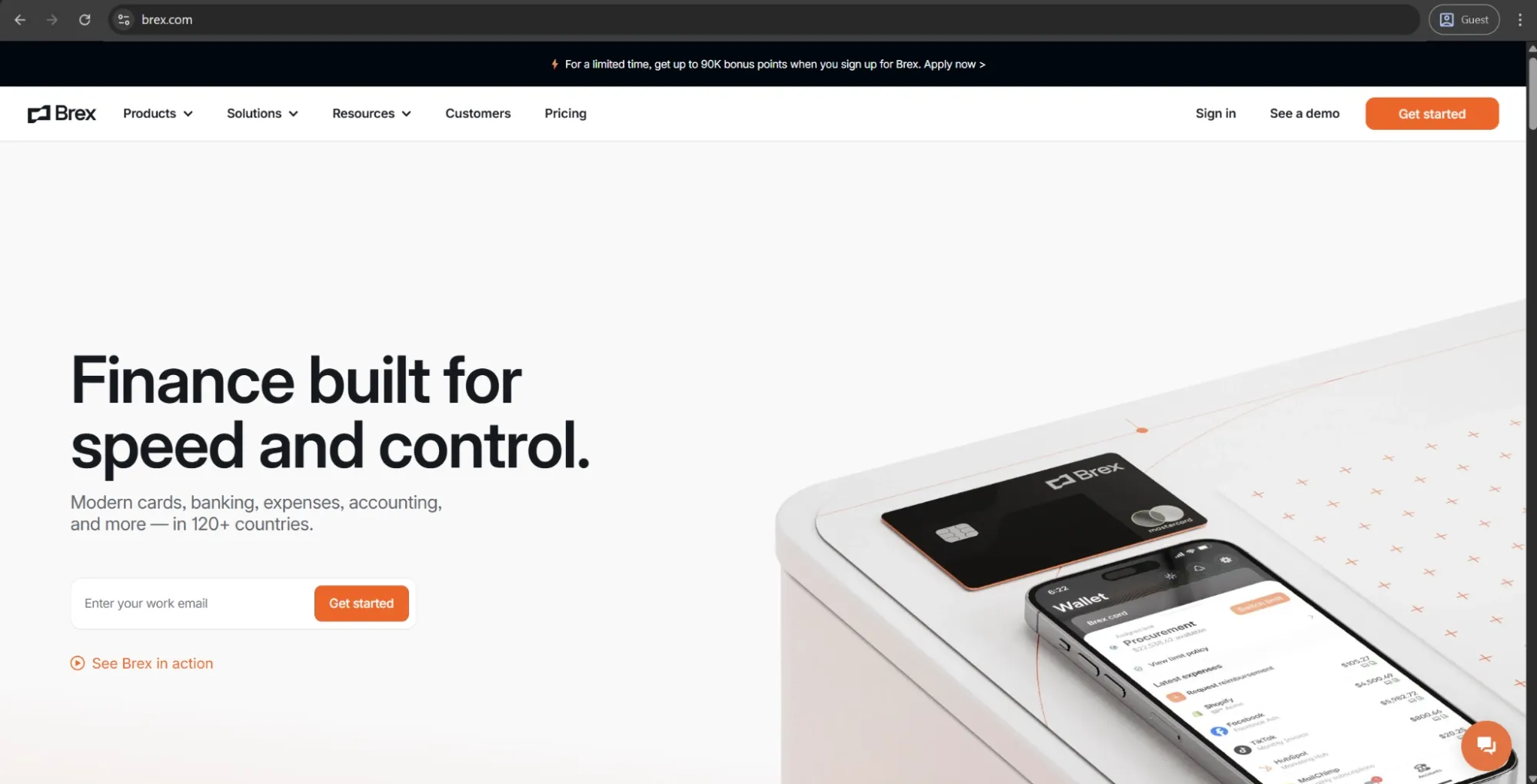
Brex is a spend management platform centered around corporate cards, expense management, bill pay, travel, and business accounts — all in one place. It focuses on startups and growing companies. Brex gives credit limits based on your business's financial profile and not your personal credit history, allowing for both physical and virtual cards with granular spend controls, automated expense categorization, and real-time budget management. It can also be integrated with other business management systems like ERP, HRIS, and accounting systems.
Customer ratings:
Advantages:
- No personal guarantee required for corporate cards — credit limits are based on business financial profile, making it genuinely accessible for startups and early-stage companies that cannot access traditional corporate card programs.
- AI-powered expense automation is strong: transactions are logged and categorized in real time, and the memo-capture workflow via text or app significantly reduces the manual effort typically involved in expense reconciliation.
- Deep ERP and HRIS integrations with automatic field mapping reduce accounting workload at month-end, with users consistently reporting faster close processes after adoption.
Shortcomings:
- Brex has narrowed its target customer profile significantly — the platform is now primarily suited to venture-backed startups and larger enterprises, and smaller businesses or those without VC backing may find themselves excluded or de-prioritized.
- Advanced ERP integration features are paywalled behind higher-tier plans, which means the total cost of getting full accounting automation is higher than the headline pricing suggests.
- Account management complaints exist around card closure processes and international wire limitations, which can create friction for teams operating outside the US.
Pricing:
Brex offers a choice between three separate pricing plans:
- Essentials, available for free and offers a minimal feature set for startups and growing companies (local currency wires, real-time reporting, API access, up to 2 entities, etc.).
- Premium, starts at $12 per user per month and expands upon the previous offering with multiple customizable expense policies, dynamic expense review chains, advanced approvals with dynamic spend limit, and more.
- Enterprise is a custom-priced plan that builds on the Premium version, offering additional features such as tailored implementation services, support for unlimited entities, and a dedicated account manager.
Customer reviews (original spelling):
- James L. — Capterra — “Overall, the experience has been very positive, and lures to other platforms have been unsuccessful due to Brex's strong performance”
- Robert G. — G2 — “I use Brex for company travel expenses, and I really appreciate how the automatic receipt loading saves me so much time instead of having to manually load receipts. Filing an expense report with Brex is super easy; I simply add a few comments, and the process is complete. The automatic receipt loading makes it really convenient, as it is already there when I log in. Overall, Brex helps eliminate the headache of expense reporting, and I think you all are awesome.”
The author’s note:
Brex is the primary spend management solution for venture-backed startups and high-growth companies. They're an attractive option for earlier-stage companies that can't qualify for traditional corporate card programs thanks to their lack of personal guarantee and revenue-based credit lines. The AI-powered expense automation features are genuinely useful, and the platform itself scales well into the enterprise territory. With that being said, companies that don't fit the profile of an early-stage startup or tech company profile might find a better fit in one of Brex’s competitors.
Expensify
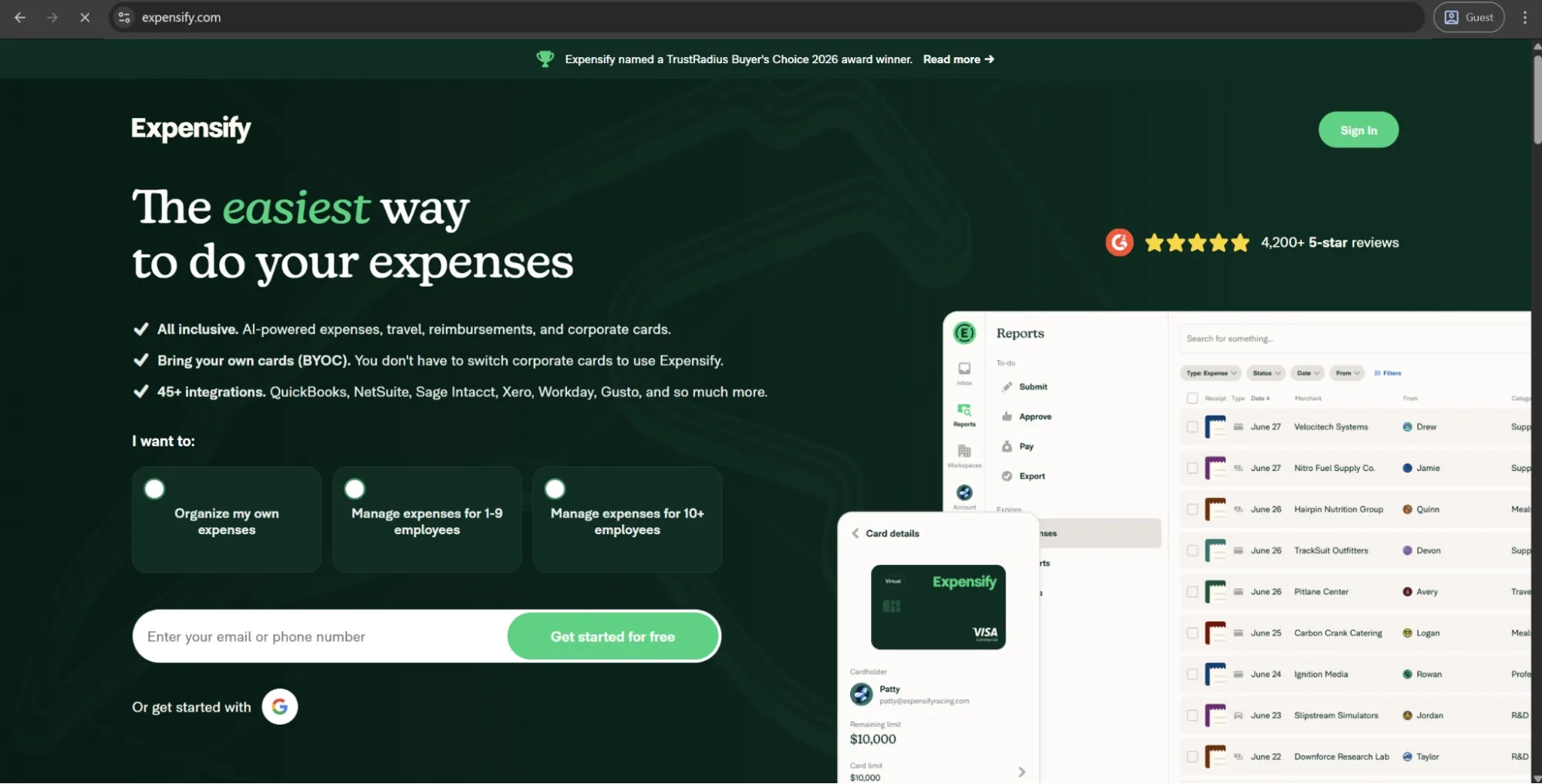
Expensify is an expense management app that encompasses receipt scanning, expense reports, corporate cards, bill payments, travel booking, and reimbursements. Expensify's SmartScan technology uses OCR to scan and capture details of the transaction from a photograph of the receipt (such as the merchant, date, amount, and currency), thus removing most cases of manual data entry from a typical expense submission. The app integrates well with popular accounting software such as QuickBooks, Xero, NetSuite, and Sage; there are both mobile and desktop versions of the solution, with a free entry-level plan for individuals.
Customer ratings:
Advantages:
- SmartScan receipt technology is one of the most reliable in the category — OCR captures merchant, amount, date, and currency quickly and accurately, reducing manual entry to near zero for most common receipts.
- The mobile app is consistently praised for ease of use, making it genuinely simple for non-finance employees to submit expenses correctly without training.
- Broad integration coverage with major accounting platforms including QuickBooks, Xero, NetSuite, and Sage, with automated report export reducing reconciliation effort significantly.
Shortcomings:
- Customer support quality is a recurring criticism — response times are slow and resolutions inconsistent, which is particularly problematic for finance teams with time-sensitive reconciliation issues.
- Pricing can feel opaque and adds up quickly for teams that need full policy enforcement and approval workflows, as these features require the higher-tier plan.
- The platform is less suited to organizations with complex multi-entity structures or advanced GL coding requirements, where competitors offer more configurability.
Pricing:
Expensify doesn’t have its pricing data available to the public on the official website.
Customer reviews (original spelling):
- Cliff L. — Capterra — “I’ve used multiple expense platforms, and Expensify strikes the best balance between functionality and ease of use. It’s not trying to be everything, which is exactly why it works so well.”
- David B. — G2 — “They are the only app/s software on the market that does exactly what they do. Clean integrations with credit cards, they now have AI tools that help Auto categorize your your receipts. You have the ability to email, and upload receipts which are then smart scanned in. Over time, expensify has gotten more accurate in the user experience easier. For the price, no one can match it”
The author’s note:
Being one of the most popular expense management tools out there, Expensify has a well-deserved reputation for effective receipt scanning and automatic report creation. Its mobile interface is solid, and it's a great fit for small and medium-sized teams that need an effective, quick-to-deploy expense tool that doesn't involve extensive procurement or AP automation. That said, organizations with multi-entity requirements or highly complex approval hierarchies might find it less flexible than purpose-built enterprise platforms.
How do cloud-based spend management tools compare with all-in-one finance suites?
Both cloud-based spend management tools and all-in-one finance suites try to bring order to business expenditure, but they use two completely different points of view. So, the decision as to which option to pick depends entirely on how much breadth and/or depth your business needs.
In the table below we’ve compared several primary factors between cloud-based spend management tools and all-in-one finance suites:
| Factor | Cloud-based tools | All-in-one finance suites |
|---|---|---|
| Core focus | Spend control, purchasing, and expense workflows | Broad financial operations (accounting, payroll, FP&A, spend) |
| Implementation speed | Faster — purpose-built with guided onboarding | Slower — broader scope requires more configuration |
| Usability | Generally higher for non-finance users | Can be complex; designed primarily for finance teams |
| Integration requirements | Requires connection to existing accounting or ERP | Often self-contained, fewer external integrations needed |
| Feature depth (spend-specific) | Stronger — spend management is the core product | Variable — spend module is one of many components |
| Scalability | Strong within spend management scope | Strong across finance functions broadly |
| Cost | Typically lower entry cost | Higher total cost, but consolidates multiple tools |
Cloud-based spend management software would be a better choice for an organization that already has accounting or an ERP and requires a dedicated layer for spend control, purchasing workflows, and employee expenses. In most cases, a solution built to solve the problem of spend management would fare better than a spend module from a software suite.
All-in-one finance suites, on the other hand, make sense for organizations that are building their finance stack from scratch or are looking to unite disparate finance tools under a single vendor. That way, they sacrifice a degree of functionality in exchange for reducing integration complexity and moving to a unified data model.
How do established ERP vendors compare to newer, specialized spend management tools?
Major ERP vendors include spend management as part of a broader platform that many large companies already use. This makes integration easier, but it isn’t always the best option. Newer, specialized spend management tools are built specifically to improve spend control. As a result, they often offer faster implementation, better usability, and quicker feature development.
| Factor | Established ERP vendors | Specialized tools |
|---|---|---|
| Spend module depth | Moderate — one of many modules | High — core product focus |
| Implementation complexity | High — requires significant configuration | Lower — purpose-built onboarding |
| Usability for non-finance users | Often poor — designed for finance professionals | Generally strong — built for company-wide adoption |
| Innovation pace | Slow — large product surface area to maintain | Fast — concentrated roadmap investment |
| Integration with existing ERP | Native if same vendor | Requires integration work |
| Total cost | High licensing and implementation costs | Variable — often lower entry cost |
| Best suited for | Large enterprises already standardized on the ERP | Mid-market and enterprises seeking best-of-breed |
The spend management market has evolved to the point where specialized vendors can match or even outperform ERP providers across most functions. The main exception is companies that are tightly standardized on a single ERP system, where native integration often matters more than added functionality.
What niche or industry-specific solutions should you consider?
Most spend management tools are built for general business use, but some industries have specific compliance requirements, purchasing structures, or approval workflows that generic platforms struggle to support. Industry-specific solutions address this by offering pre-built configurations, compliance frameworks, and integrations tailored to those needs — capabilities that would otherwise require significant customization in more general tools.
Some of the most common examples of such industries (as well as their spend management considerations) are:
- Healthcare — Regulatory compliance (HIPAA), controlled purchasing for medical supplies, vendor credentialing.
- Construction and Real Estate — Project-based cost tracking, subcontractor payments, multi-site budget management.
- Professional Services — Client billable expense tracking, project-level spend allocation, timesheet integration.
- Public Sector and Non-profits — Grant compliance, fund accounting, multi-approval structures for public accountability.
- Manufacturing — Direct and indirect procurement separation, inventory-linked purchasing, supplier performance tracking.
- Financial Services — Strict audit trail requirements, regulatory spend reporting, segregation of duties enforcement.
If your company operates in one of these industries, it’s worth checking whether a specialized vendor is available before choosing a general-purpose spend management platform. If a specialist solution isn’t the right fit, make sure the platform you select can support your industry’s compliance and structural requirements.
How do open APIs and open-source tools affect your spending management software choice?
Open APIs and open-source spend management applications push the boundary of what is technically possible, but also introduce tradeoffs that need to be evaluated realistically against the current engineering capacity. The question for most organizations isn’t about whether open-source technology is better conceptually, but whether the company has enough resources to realize those advantages in practice.
In order to simplify the explanation of both options, we have prepared a comparison table showcasing how both options operate in terms of certain factors:
| Factor | Open API platforms | Open-source tools |
|---|---|---|
| Customization potential | High — connect and extend via documented APIs | Very high — full access to source code |
| Engineering resource required | Moderate — integration and maintenance work | High — deployment, security, and updates are self-managed |
| Implementation speed | Moderate — API work adds timeline | Slow — significant configuration before production-ready |
| Ongoing maintenance burden | Low to moderate | High — no vendor managing updates or security patches |
| Total cost | Licensing plus integration development | Low licensing cost, high internal labor cost |
| Best suited for | Organizations with integration-heavy tech stacks | Engineering-led organizations with dedicated finance tech capacity |
| Support availability | Vendor-backed | Community-based — variable quality and response time |
Open APIs are quickly becoming a standard feature rather than an optional one. Most modern spend management tools provide API access to their core functions. The key question is not whether APIs exist, but how reliable and well-documented they are, and whether the vendor can maintain them as the product evolves.
Open-source tools are a different case. They are only a good fit if your company has the engineering resources to handle deployment, security, and ongoing maintenance, which can often outweigh any initial cost savings.
How should you assess cost and calculate ROI?
The Total Cost of Ownership (TCO) for a spend management platform far exceeds the listed price on the vendor's page, and Return on Investment (ROI) only appears when it is tracked against specific, quantifiable business metrics.
Companies that are serious about their cost assessments are far more likely to build a solid internal business case while preventing budget-related surprises in the future.
What pricing models are common (per user, per transaction, tiered)?
Spending management software vendors tend to use one of a few different pricing models, and it’s not that uncommon for the model that was the cheapest initially on assessment to turn out the most expensive when data usage grows.
There are four primary models we’ll be covering here:
- Per-user
- Per-transaction
- Tiered
- Flat rate
| Pricing model | How it works | Best suited for | Watch out for |
|---|---|---|---|
| Per user (seat-based) | Fixed fee per active user per month | Organizations with a defined, stable user base | Costs scale linearly with headcount growth |
| Per transaction | Fee charged per expense, invoice, or PO processed | Low-volume organizations with variable spend activity | Can become expensive at high transaction volumes |
| Tiered / module-based | Base platform fee plus add-ons per feature module | Organizations that want to start lean and expand | Feature creep and add-on costs can inflate total spend quickly |
| Flat rate | Single fee regardless of users or transactions | Larger organizations with predictable, high usage | Less common — often reserved for enterprise contracts |
In order to prevent the unfortunate budgeting surprises down the line, analyze your projected user count and transaction volume at 12, 24, and 36 months after the solution is implemented. It’s a great way to reveal whether the current pricing structure is going to remain favorable as your business grows.
What hidden costs should you look out for (implementation, integrations, training)?
The license cost is often the most easily identified (and almost always the smallest) portion of total costs across the span of a three year contract. Spend management software selection process should consider the following cost categories which vendors often don’t easily offer by themselves:
- Implementation and configuration — professional services fees for initial setup, which can range from a few thousand to six figures depending on platform complexity and customization requirements.
- Integration development — connecting the spend management platform to your ERP, accounting system, HR platform, and banking providers often involves either vendor professional services fees or internal engineering time.
- Data migration — transferring historical spend data, vendor records, and chart of accounts from legacy systems is frequently underestimated in both time and cost.
- Training — initial onboarding training for finance teams and ongoing training as new employees join or features are added.
- Support tier upgrades — base contracts often include only community or email support; dedicated account management and SLA-backed support are commonly charged as premium add-ons.
- Contract renewal pricing — many vendors offer discounted first-year pricing that steps up significantly at renewal, which makes total three-year cost a more reliable comparison metric than year-one pricing alone.
How do you estimate time-to-value and ROI for spend controls and savings?
Time-to-value calculations begin by first identifying pain points and inefficiencies the spend management platform is supposed to solve — and attaching a specific cost to it. The most common calculable inputs include:
- Finance team hours spent on manual reconciliation
- Volume of out-of-policy spend that goes undetected
- Late payment penalties incurred because of slow AP workflows
- The cost of errors in manual data entry
Each of these inputs has a measurable current cost that a well-configured spend management software would be able to reduce.
The realistic ROI structure for a spend management tool consists of three primary return categories: hard savings, soft savings, and risk reduction.
- Hard savings are easily tracked and include reduced processing costs per invoice, removed reimbursement errors, and early payment discounts captured through faster AP cycles.
- Soft savings are tangible but more difficult to quantify — finance team time redirected from manual tasks to higher-value analysis, reduced audit preparation time, faster budget reporting cycles.
- Risk reduction is the least visible category that is also often the most important one, covering the value of policy violations prevented, duplicate payments avoided, and fraud detected before it compounds.
Creating even a conservative estimate against these factors often yields an ROI figure that is going to justify the platform cost within 12-18 months for mid-sized businesses.
What KPIs should you track to measure success?
By monitoring appropriate metrics post implementation you can assess whether the spend management platform is delivering the value it’s intended to, as well as where you may need to optimize your configuration or adoption methods.
Finance and cost metrics:
- Cost per invoice processed
- Percentage of spend under management vs. total company spend
- Budget variance by department and cost center
- Duplicate payment rate
Procurement and compliance metrics:
- Percentage of purchases from approved vendors
- Policy compliance rate across expense submissions
- Purchase order cycle time (requisition to approval)
- Contract utilization rate
Operational metrics:
- Expense report processing time (submission to reimbursement)
- AP invoice processing time
- User adoption rate by department
- Support ticket volume related to spend management workflows
How do you calculate ROI from a spend management platform versus disconnected tools?
A practical way to estimate ROI for spend management software is to first calculate the cost of your current setup before engaging with vendors. You’re not comparing the software to a zero-cost alternative — you’re comparing it to the real cost of running spreadsheets, email approvals, and disconnected tools.
That current cost includes staff time, error rates, compliance risks, and the opportunity cost of finance teams spending time on manual work instead of analysis. When this baseline is assessed realistically, organizations often find that the ROI from a well-chosen spend management solution is achieved sooner than expected.
How do you implement and drive adoption successfully?
A poorly implemented or under-adopted spend management platform delivers only a small percentage of its value, no matter how capable the software itself is. Organizations with the best results handle implementation like a cross-departmental project with assigned accountability, a reasonable timeframe, and a deliberate change-management strategy for business-wide behavioral change.
What implementation approaches work best for different company sizes?
The right implementation approach for spend management software depends largely on the complexity of the organization. A simple, streamlined setup that works well for a 50-person company can easily create delays and bottlenecks in a 2,000-person organization.
| Organization size | The best approach | Typical timeline | Key considerations |
|---|---|---|---|
| Small business (under 100 employees) | Self-guided onboarding using vendor resources | 2–6 weeks | Prioritize speed to value — configure core workflows first, refine later |
| Mid-market (100–1,000 employees) | Guided implementation with vendor support | 6–16 weeks | Map existing approval hierarchies and integrate accounting system before go-live |
| Large enterprise (1,000+ employees) | Phased rollout with dedicated project management | 4–12 months | Pilot with one department or region first — validate before company-wide deployment |
| Multi-entity or global organizations | Phased by entity with centralized governance layer | 6–18 months | Currency, tax, and compliance requirements vary by jurisdiction — configure per entity |
How do you plan for data migration and system integrations?
Data migration and integration planning are often the biggest causes of implementation delays, as they require attention earlier than many organizations expect. A spend management platform is only as effective as the quality and accuracy of the data it relies on. As a result, the state of your existing data directly affects how much preparation is needed before go-live.
A structured migration and integration plan should cover:
- Data audit — inventory all existing spend data, vendor records, cost center structures, and chart of accounts before any migration begins.
-
- Data cleaning — identify and resolve duplicates, outdated vendor records, and inconsistent categorization in the source system.
- Field mapping — confirm how data fields in your legacy system or ERP correspond to fields in the new spend management software, and document any gaps that require transformation logic.
- Integration sequencing — prioritize integrations by business criticality; accounting system sync typically needs to be live at go-live, while secondary integrations can follow in a subsequent phase.
- Testing protocol — run parallel processing for at least two to four weeks before fully cutting over, which allows discrepancies to be identified and resolved before they affect live financial data.
- Rollback plan — define the conditions under which the go-live would be paused and the fallback process for continuing operations if a critical integration fails.
What change management tactics increase user adoption?
User adoption is the main reason many spend management implementations fail to deliver their expected value. The platform only creates impact when users change their behavior, moving away from informal processes like email-based expense submissions or unapproved purchasing. This isn’t something technology alone can solve.
Successful change management usually combines clear communication, visible leadership support, and a focus on reducing friction. Employees are more likely to adopt new tools when they understand what is changing and why, see managers actively using the system, and find the new process easier than the old one.
Resistance typically appears when the new workflow feels slower or more complex than what people were used to. In many cases, this points to configuration issues rather than user reluctance and should prompt teams to simplify approval flows or remove unnecessary steps.
Tactics that consistently improve adoption rates include:
- Involving a cross-functional group of end users in the configuration phase so that workflows reflect how people actually work, not just how finance assumes they work.
- Running role-specific training sessions rather than a single all-hands demo — finance, managers, and field employees have fundamentally different interactions with the platform.
- Identifying and activating internal champions in each department who can support peers and surface friction points early.
- Setting a firm cutoff date for legacy processes — organizations that run the old and new systems in parallel indefinitely give employees a reason to avoid the new one.
How can you train finance, procurement, and employees efficiently?
Training is most effective when it’s tailored to how each group actually uses the spend management system, rather than relying on a single general session for everyone.
| Audience | Training focus | Recommended format |
|---|---|---|
| Finance team | Reconciliation workflows, reporting, policy configuration, exception handling | Deep-dive sessions with hands-on sandbox access |
| Procurement team | PO creation, vendor management, approval routing, contract tracking | Process walkthrough with real scenario practice |
| Department managers | Approval workflows, budget dashboards, team spend visibility | Short focused sessions — 30 to 45 minutes maximum |
| General employees | Expense submission, receipt capture, reimbursement tracking | Self-serve video guides and a concise written reference |
Training materials should also be stored and accessible on demand, not delivered only at go-live. Because new employees join over time, ongoing access to role-specific resources helps simplify onboarding and reduces the training workload for finance teams.
What ongoing governance and support structures should you establish?
Go-live is not the end of implementation — it’s the point where ongoing governance becomes essential to maintain the value the spend management platform was designed to deliver. Without a clear ownership structure, policies can become outdated, integrations may drift, and user adoption can decline. Over time, the platform then stops reflecting how the business actually operates.
Core governance structures that are recommended for establishment post-implementation:
- Platform owner — a named individual (typically in finance or finance ops) responsible for configuration, policy updates, and vendor relationship management.
- Policy review cadence — a scheduled review of spend policies, approval thresholds, and category rules at least annually, or following significant organizational changes.
- Integration monitoring — automated alerts for sync failures or data discrepancies, with a defined resolution owner and SLA.
- Adoption reporting — regular review of user adoption metrics by department, with a process for following up on low-engagement areas
- Feedback loop — a structured channel for employees and managers to report workflow friction, which feeds directly into configuration improvements rather than accumulating as unresolved complaints.
What common pitfalls and risks should you avoid?
Most failed spend management implementations are caused less by poor software selection and more by avoidable organizational and process issues that build up over time. Identifying these risks early is far less costly than trying to fix them after go-live.
Why do implementations fail and how can you prevent it?
Few spending management software implementation failures can be attributed to a single root cause. Most of these processes encounter several different problems that should have been evident during the planning process but didn’t seem important enough to act upon.
The most disruptive spend management implementation failures usually stem from a consistent set of root causes. Some of these are outlined in the table below.
| Failure cause | Prevention measure |
|---|---|
| Scope defined too broadly at launch | Start with core workflows only — expand after initial adoption is stable |
| Integration underestimated | Conduct technical integration assessment before contract signature, not after |
| No executive sponsorship | Secure visible, active support from CFO or finance leadership before kickoff |
| End users excluded from configuration | Involve representatives from finance, procurement, and general staff in workflow design |
| Insufficient data preparation | Audit and clean source data at least four weeks before planned go-live |
| Training delivered once and not retained | Build a self-serve training library and schedule refresher sessions quarterly |
| Success never defined | Establish baseline KPIs before go-live so post-implementation performance can be measured objectively |
How can overly complex workflows undermine value?
Overcomplication is the most frequent self-inflicted wound of any spend management software implementation.
Spend management platforms come equipped with the tools to enforce highly granular approval chains, category-level controls, and multi-stage review processes. With that, finance teams often attempt to replicate every nuance of their existing policy in the new system, which results in workflows that employees find both slower and more bureaucratic than pre-existing manual processes.
The most effective configurations are usually much simpler than those initially designed. In most cases, around 20% of policy rules cover 80% of transactions, while exceptions are handled manually instead of being built into complex automation that users often bypass.
What are the risks of poor integration or data quality?
Key risks that poor integration or data quality introduce:
- Duplicate transactions — if the spend management platform and accounting system are not syncing reliably, the same transaction can appear in both systems independently, creating reconciliation errors that are time-consuming to unwind.
- Stale budget data — integration lag means budget dashboards reflect a position that is hours or days old, which undermines the real-time visibility that justified the platform investment.
- Misclassified spend — incorrectly mapped cost centers or categories in the source data carry forward into the new system, producing reporting that is structured but inaccurate.
- Compliance exposure — audit trails that contain gaps or inconsistencies due to sync failures create regulatory risk, particularly in industries with formal spend reporting requirements.
- Eroded user trust — when employees and managers notice that figures in the spend management software do not match their accounting system, confidence in the platform drops rapidly and adoption follows.
Integration failures and poor data quality don't always resurface immediately after the go-live — they often appear gradually, making them a lot harder to attribute while making them more damaging by the time they’re located and dealt with.
How do you avoid vendor lock-in or inflexible contracts?
Vendor lock-in in spend management software usually happens in three ways: proprietary data formats that make exporting difficult, deep system integrations that complicate switching, and long-term contracts with restrictive exit terms. Each of these risks can be reduced with careful planning during the contracting and setup phases.
Protective measures that are recommended to take before and during contract negotiation:
- Require data portability in writing — confirm that you can export all transactional data, vendor records, and audit logs in a standard format at any time, not just at contract end.
- Review exit clause terms carefully — understand exactly what fees or notice periods apply if you need to terminate early, and negotiate these before signing.
- Avoid deep customization tied to proprietary features — configurations that rely heavily on vendor-specific functionality increase switching costs significantly.
- Negotiate annual break clauses — particularly for first-time deployments where the platform fit is not yet fully validated.
- Maintain integration documentation internally — ensure your team owns and understands the integration architecture so that switching platforms does not require starting the integration work from scratch.
How do you choose the right spend management software for your organization?
The fitting spending management software isn’t the one with the most bells and whistles, but rather the software that can scale to your organization’s current complexity, integrates with your other solutions, and is user-friendly enough for your employees to work with it on a regular basis. This section revolves around consolidating the key decision inputs into a final selection framework.
What questions reveal your organization's readiness and priorities?
An organized internal review before selecting a vendor ensures that the spend management platform is chosen for the right reasons — and the company is truly ready to implement and adopt it. Common questions on this topic include:
Readiness questions:
- Do we have a named internal owner for this implementation with sufficient capacity to lead it?
- Is our current spend data clean enough to migrate, or do we need a data preparation phase first?
- Have we secured executive sponsorship from finance leadership?
- Do we have clarity on which integrations are required at go-live versus which can follow in a later phase?
Priority questions:
- What is the single most painful problem in our current spend process — and does our shortlisted platform solve it directly?
- Are we optimizing for speed of implementation, depth of functionality, or ease of adoption?
- What does success look like at 6 months and 12 months, and have we defined the KPIs to measure it?
Organizational questions:
- How decentralized is our spending — do we need a platform built for company-wide adoption or primarily for a finance team?
- What is our tolerance for change management investment — and does our chosen approach reflect that honestly?
How do company size, industry, and spend profile influence the decision?
These three factors shape the spend management software requirements more than any individual feature consideration, and evaluating vendors without anchoring to them produces shortlists that look reasonable on paper but fail in practice. The table below shows how these factors affect platform selection in different situations.
| Factor | How it influences platform selection |
|---|---|
| Company size — small (under 100) | Prioritize ease of onboarding, low implementation overhead, and transparent pricing. Deep customization is rarely needed at this stage. |
| Company size — mid-market (100–1,000) | Balance between functionality and usability. Integration with accounting or ERP becomes critical. Scalability for the next two to three years should be validated. |
| Company size — enterprise (1,000+) | Prioritize multi-entity support, advanced approval hierarchies, ERP integration depth, and security certifications. Implementation complexity and vendor stability matter significantly. |
| Industry — regulated (healthcare, financial services, public sector) | Compliance features, audit trail integrity, and data residency options are non-negotiable. Verify certifications independently. |
| Industry — project-based (construction, professional services) | Project-level spend allocation and client billable expense tracking are essential — confirm these are native features, not workarounds. |
| High transaction volume | Evaluate per-transaction pricing models carefully. Automation depth in AP and expense processing directly affects ROI at scale. |
| Geographically-distributed spend | Multi-currency support, local tax compliance, and entity-level reporting are required — not optional additions to validate post-contract. |
When should you pilot versus roll out company-wide?
A phased pilot is seen as the lower-risk approach in most cases, and the conditions in its favor are relatively straightforward:
- The organization is large enough that a failed company-wide rollout would be significantly disruptive.
- The spend management platform hasn’t been validated in your specific technical environment.
- Internal change management capacity is limited and a pilot allows adoption lessons to be learned at a smaller scale before full deployment.
A direct business-wide rollout is only reasonable for smaller organizations with a simple implementation scope, strong guided onboarding, and where the benefits of running a pilot with parallel processes don’t justify the added cost.
The decision itself should be only driven by honest risk implementation assessment, not by a preference for moving quickly.
What checklist can help finalize the decision?
The following checklist can be used to confirm that the evaluation process is complete before a contract is signed. It is not recommended to proceed with the spend management software selection decision until each category isn’t answered with confidence.
Functional fit
- Platform covers all required capabilities with no critical gaps
- Workflow configuration matches approval hierarchy and policy requirements
- Mobile experience supports field or remote employees submitting expenses
Integration and data
- All go-live integrations are technically validated (not just confirmed as available)
- Data migration plan is documented with testing and rollback procedures
- Data export and portability terms are confirmed in writing
Commercial and legal
- Total three-year cost is modeled (including implementation, integrations, support)
- Exit clause and data portability rights are acceptable
- Pricing increase terms at renewal are defined and acceptable
Vendor
- Reference checks completed with similar organizations
- Vendor financial stability and product roadmap reviewed
- Security certifications verified independently (SOC 2 Type II minimum)
Internal readiness
- Implementation owner assigned with sufficient capacity
- Executive sponsorship confirmed
- Go-live KPIs defined and baseline metrics captured
FAQ
For the majority of organizations, comparing three to five vendors will likely be just enough — a sufficient number for creating a reliable comparison without triggering analysis paralysis or allowing the selection process to drag on for longer than necessary. Shortlisting less than three solutions means a commitment is made to one vendor too early on, while comparing more than five options at once tends to stall the process instead of narrowing it down.
Spend management solutions are becoming more accessible to smaller businesses as vendors introduce lighter, more affordable options designed for companies with fewer than 100 employees. The point at which investment becomes clearly justified is when manual expense and purchasing processes start taking up significant finance team time or create compliance and visibility issues that spreadsheets can no longer handle reliably.
A comprehensive spend management platform can consolidate several point solutions, replacing standalone expense tools, basic procurement software, and manual AP processes under a single system. It isn’t a replacement for a full accounting system or ERP, but it reduces the number of disconnected tools a finance team needs to manage for spend-related workflows specifically.
Want fewer surprises in your spend? Book a demo and see how Precoro gives you full control upfront.