Stampli competitors in 2026: Best Stampli alternatives for AP Automation
This guide covers 16 different Stampli alternatives to help businesses find the solution that fits their needs the most.

Stampli, arguably the most recognizable name in AP automation, delivers precisely what most finance teams would expect from it. However, there are also many organizations that see Stampli's rigid workflows, limited configuration, and inflexible pricing structures as reasons to begin researching other solutions on the market.
This article examines 16 top Stampli alternatives in 2026 — including everything from simple SMB solutions to sophisticated, enterprise procurement suites (analyzed by strengths, weaknesses, user ratings, and costs). The ultimate goal is to provide finance teams and decision-makers with a clean, fair, and insightful comparison, not just a basic feature-by-feature checklist.
Keep reading about:
What is Stampli?
Stampli's advantages
Why look for a Stampli alternative?
How we evaluated Stampli alternatives
Stampli user reviews
Alternatives to Stampli
A comparison table
How do you choose the best Stampli alternative?
What is Stampli?
Stampli is an AI-powered AP (accounts payable) automation platform founded in 2014 and headquartered in Mountain View, CA. The company created its software around the idea of automating AP without disrupting existing ERP setups or established AP processes. This positioning made them a reasonably well-known name in the mid-market finance space.
The main product brings together all communications, documents, and workflows related to each invoice in a single view. It also automates manual data entry using the company’s proprietary AI, Billy the Bot.
The key features include:
- Invoice capture and GL coding
- PO matching and duplicate detection
- Approval routing and audit trails
- Vendor management
Stampli is a rare finance operations platform that focuses entirely on accounts payable, unlike many of its competitors that treat AP as a singular module within a broader suite. In 2025 Stampli also expanded its reach with Stampli Edge, which is an AP automation layer targeted at small and medium businesses that have surpassed simple bill-pay functionality but aren’t ready for a full enterprise suite.
Stampli's advantages
Stampli has built a strong reputation in AP automation for good reason. Before deciding whether another solution is a better fit for your company, it’s worth understanding where Stampli stands out and what it does particularly well.
Deep ERP integration without disruption
ERP compatibility is one of the most notable advantages of Stampli. The platform supports more than 70 ERP integrations, including NetSuite, Sage Intacct, Microsoft Dynamics, Oracle, SAP, QuickBooks, and Acumatica.
The software is designed to integrate into your existing ERP data model, rather than sit as a separate system alongside it. Vendor lists, GL codes, and PO numbers can remain consistent across systems without the need for duplication via extra tables or large IT investments. All finance teams that have invested heavily in their ERP setup can appreciate this advantage the most.
Purpose-built AI at the core
Most AP platforms add AI as a supplementary feature. Stampli, on the other hand, centers its product around AI from its inception. Billy the Bot, the proprietary AI of the platform, is the one handling invoice capture, GL coding suggestions, approval routing, duplicate detection, and PO matching.
As the AI learns from each organization’s specific workflows over time, the accuracy of coding and routing improves. Billy the Bot is already processing over $85 billion in invoice value annually across the entire Stampli’s customer base, and this number keeps growing as time goes on.
Invoice visibility and collaboration
Stampli consolidates all communications, documentation, and actions related to a single invoice within the same workspace. Approvers, AP clerks, and other authorized users can use Stampli for its ability to look up, comment on, and resolve invoice discrepancies directly within the platform.
Stampli's dashboard allows teams to have real-time visibility and control of approval status, routing delays, and critical items (which significantly reduces the time it takes to find invoices using manual search).
Fast implementation
Rapid time-to-market was one of the original ideas behind Stampli’s design. Most of its implementations can go live within weeks, and the amount of IT resources needed is very low due to the existence of pre-built connectors and a cloud-based architecture.
The approver experience is also deliberately simple. Stakeholders receive invoice tasks by email or through the Stampli interface without the need to learn a complex new system, keeping adoption rates high among non-AP users.
Why look for a different solution if you already have Stampli?
Stampli is a capable solution, but no AP automation tool is best in every scenario. Certain finance teams might quickly outgrow Stampli or start running into friction issues that don’t get resolved over time (pricing that requires a sales process, a product roadmap centered narrowly on AP, recurring user feedback about workflow limitations).
When it comes to teams evaluating whether to stay or switch, whether Stampli works for them at all is never the first question (since it usually does work). The better question to ask is whether Stampli can operate well enough in the specific organizational circumstances of a company’s AP environment.
Organizations that have relatively low invoice volumes and use an "off-the-shelf" ERP system are normally quite happy with Stampli’s capabilities. Meanwhile, companies that have multiple entities, a non-standard approval structure, or strict internal controls may begin to see the limits of what this platform can offer.
A problematic track record of limited accounts payable depth and finance workflow flexibility
The areas where Stampli seems to draw the most consistent criticism is the flexibility of its workflows and the depth of its configuration options.
Plenty of users point out how the GL accounts in Stampli cannot be restricted by user role, increasing the reviewing workload and causing control gaps for larger teams. Invoice editing conducted after an approval has already been initiated would have to go through a number of specific procedures before that same invoice can re-enter the approval cycle. Even the most standard fields like invoice number, date, and GL details can’t be changed en masse simultaneously.
Reporting and dashboard customization also surface regularly as known limitations. The pre-defined templates don’t always align with specific business requirements, and workarounds are often necessary to resolve this issue.
When it comes to organizations with complex multi-entity structures, project-based approval routing, or non-standard finance workflows, these gaps form a meaningful operational problem as time goes on and cannot be ignored as a mere inconvenience.
The methodology for evaluating potential competitors and alternatives to Stampli
Each alternative on the list was evaluated using the same set of criteria to ensure consistent and comparable coverage. The goal was to go beyond feature lists and surface-level information to bring out factors that are going to make the difference at the purchasing decision — what real users think, where each platform falls short, and what kind of organization each tool is best suited for.
The evaluation criteria include:
- Customer ratings — aggregate scores from Capterra and G2 based on verified user reviews
- Advantages — core strengths and differentiators relative to Stampli
- Shortcomings — documented limitations and recurring user complaints
- Customer reviews — direct quotes from verified users on Capterra and G2
- Pricing — available pricing information and structure
- Author's note — an editorial summary of who the tool is best suited for
The order of alternatives doesn’t imply some kind of ranking between them.
Stampli user reviews
- Robert B. — Capterra — “Stampli has significantly improved the speed, accuracy, and transparency of our AP process. Our team can manage a high volume of invoices with less manual work and fewer errors. The workflow is smooth, collaboration is easy, and the audit trail is clean. It has become a core part of our monthly close process and overall financial operations.”
- Tony G. — G2 — “I like Stampli for its ability to review everything at a glance and approve items in batches rather than individually. Making payments with just a few clicks is a feature I find convenient. The advanced search is great to filter for almost anything, and I appreciate the automatic creation of invoices via email to our account.”
Alternatives to Stampli
The following section covers 16 AP automation platforms serving as viable Stampli alternatives in 2026. Our list was made to accommodate different company sizes, use cases, and price points — from lightweight AP tools for growing businesses to enterprise-grade, complex procure-to-pay platforms most suitable for global organizations.
Factura.ai
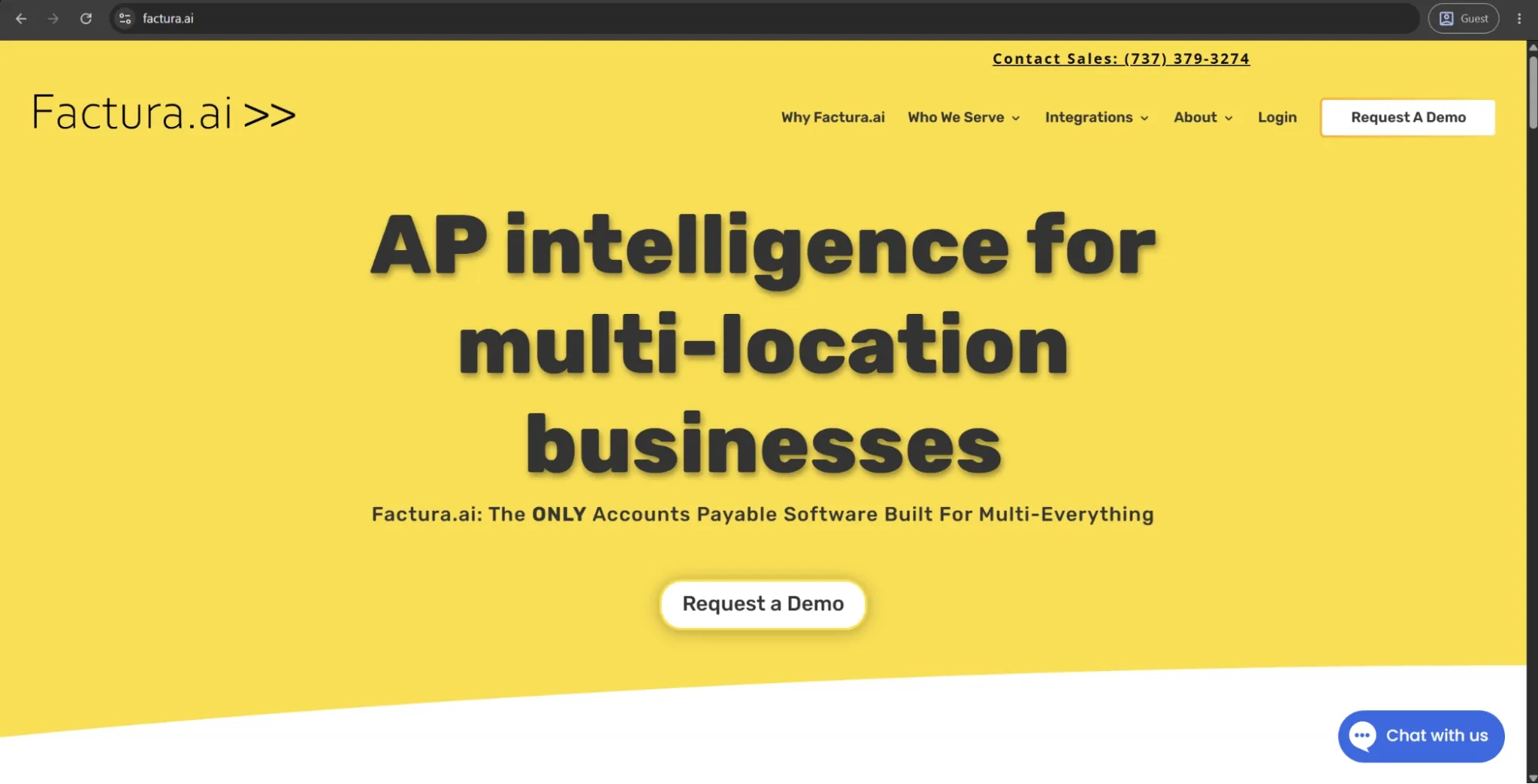
Factura.ai was founded in 2019 as a cloud-based AP automation platform suitable for multi-location and multi-entity businesses. It’s a good choice for companies in industries like franchising, hospitality, and foodservice, with high invoice volumes and workflows that vary a lot across sites.
Leveraging its proprietary AI to automate data entry, GL coding, and approval routing, it processes and extracts invoice data in under 30 seconds. The integrations with both Sage Intacct and Workday Financial Management are native, with support for invoice splitting across multiple locations from a single document. Other capabilities include the intelligent routing, which automatically assigns invoices to the correct location approver.
Customer ratings:
- G2 — 4.9/5 points based on 27 user reviews
Advantages:
- The platform handles invoice splitting across multiple locations from a single document natively, without workarounds.
- Approval workflow automation reduces cross-departmental email chains and speeds up processing time significantly.
- The customer support team responds quickly and actively helps configure the platform to fit specific operational needs.
Shortcomings:
- Initial setup requires a meaningful time investment, including per-vendor AI training before the system reaches full accuracy.
- The platform's niche focus on multi-location businesses makes it a poor fit for organizations with standard single-entity AP workflows.
- The ERP integration range is narrow, with native support limited primarily to Sage Intacct and Workday Financial Management.
Customer reviews (original spelling):
- Katie W.— G2 — “This software is so fast and accurate. When assistance is needed, their customer service experience is unmatched.”
- Taylor P. — G2 — “The only real drawback is the upfront lift—there’s a learning curve and some time needed to train the AI per vendor before you’re fully up and running, especially if your vendors have inconsistent invoice formats. That said, this is pretty common with any new software, and the Factura.ai team supported me through the entire process, making sure I felt confident every step of the way.”
Pricing:
There is no public pricing information that could be found on Factura.ai’s official website.
The author’s note:
Factura.ai is one of the rare AP tools on the list that was created with the intent of fixing a single operational issue instead of generic AP pain points. The multi-location part isn't just a feature, but an entire philosophy.
For operators managing dozens of restaurant locations or franchise units, Factura.ai addresses invoice complexities that standard AP software often struggles with, such as splitting a single vendor invoice across multiple sites or routing approvals to non-finance location managers. These strengths make Factura.ai a compelling option for a specific segment of the market, but potentially a less suitable choice for organizations with more conventional AP needs.
Tipalti
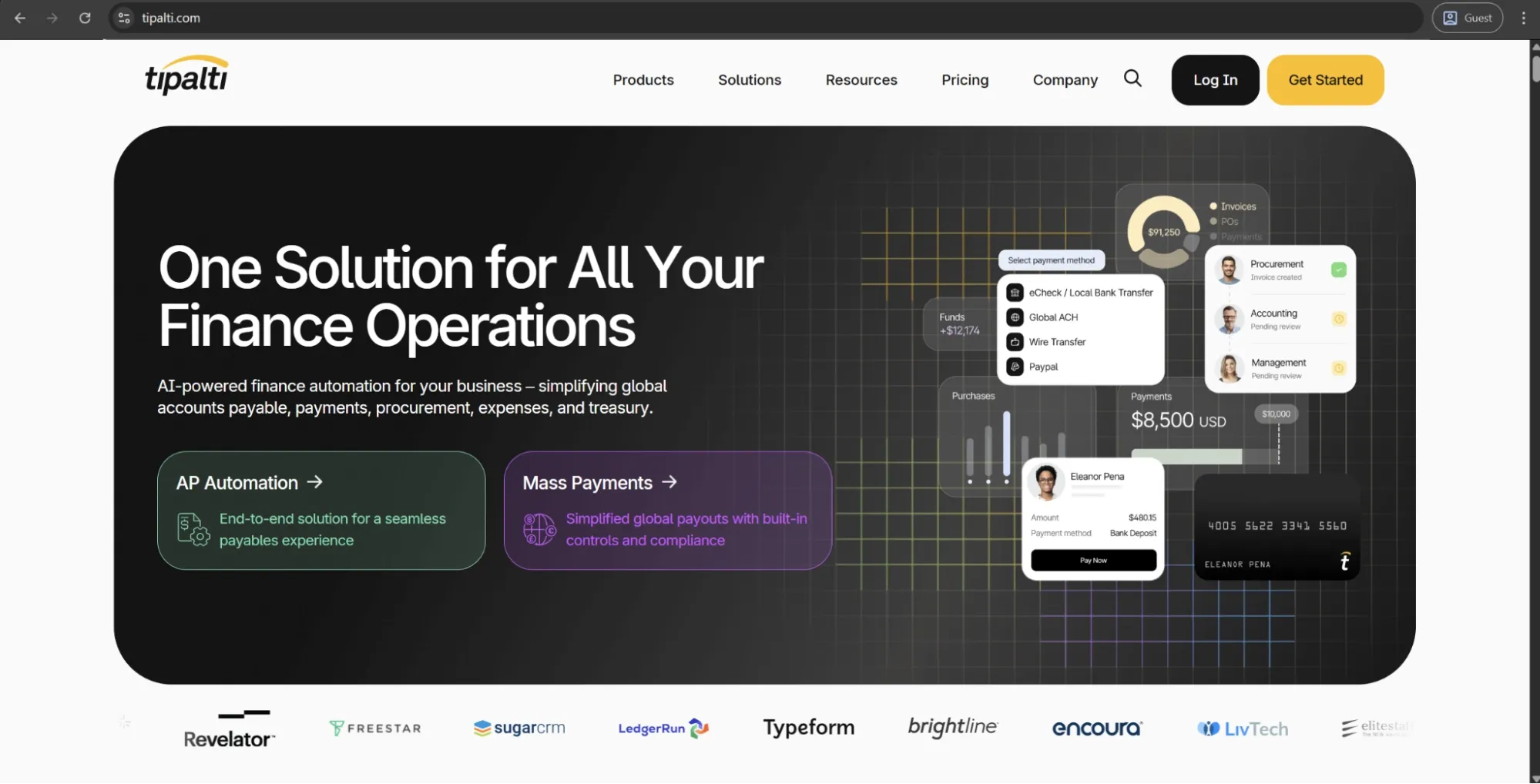
Tipalti, founded in 2010, is a global cloud-based payables automation platform. It consolidates supplier onboarding, invoice capture and approvals, tax and regulatory compliance, mass payment execution, and reconciliation into a single interconnected environment.
When it comes to payments, Tipalti supports payouts to 196 countries in 120 currencies using various payment methods. It’s well-known among mid-market businesses, digital marketplaces, and affiliate networks that process large volumes of outbound payments to external partners regularly.
Customer ratings:
Advantages:
- The platform automates global mass payments to 196 countries, handling tax compliance, currency conversion, and payment method selection in a single workflow.
- Supplier onboarding and W-9/W-8 tax form collection happen within the platform, removing a common administrative burden from AP teams.
- Built-in OFAC screening and payment fraud detection add compliance controls that most AP-focused tools don’t include natively.
Shortcomings:
- ERP integration reliability has been a persistent issue, with NetSuite sync failures appearing consistently in user reviews across multiple years.
- The platform is complex to set up and navigate, requiring significant training investment before teams can use it at full capacity.
- Approval workflow notifications for rejected claims do not reach approvers automatically, creating gaps in the review process.
Customer reviews (original spelling):
- Erin B. — Capterra — “It has been generally positive in regards to accomplishing the goal of automating manual billing/collections and payment workflows and speeding up the invoice process, especially. I'm not sure I would say it's the number one tool out there, but it is a workable solution.”
- Danielle M. — G2 — “I like having the option to classify expenses, use credit cards, share employee expenses, and run a procurement process all in one place, with reports that can be ready in minutes. I think the Settings area isn’t very user-friendly. Also, the Reports area isn’t easy to understand, and I don’t always know what to choose.”
Pricing:
Tipalti separates its pricing offerings into two large categories: Accounts Payable and Mass Payments.
Accounts Payable pricing includes three tiers:
- Select — $99/month: Includes unlimited users, supplier self-onboarding, ERP integrations, tax compliance tools, and automated TIN validation.
- Advanced — $199/month: Adds 2- and 3-way matching, flexible bill approval workflows, domestic multi-entry infrastructure, and dedicated customer support.
- Elevate — custom pricing: Includes all previous features plus FX hedging, global multi-entity infrastructure, priority support, and professional services for custom ERP integrations.
The author’s note:
Tipalti occupies a distinct position in the market compared with most AP solutions on this list. Its strengths lie less in optimizing internal invoice approval processes and more in executing high-volume payments across extensive payee networks.
When it comes to finance teams that are dealing with normal vendor invoice workflows, having more features in an AP solution might add unneeded complexity. Tipalti is best suited for companies that manage partner programs, affiliate networks, or marketplace payouts at scale.
BILL
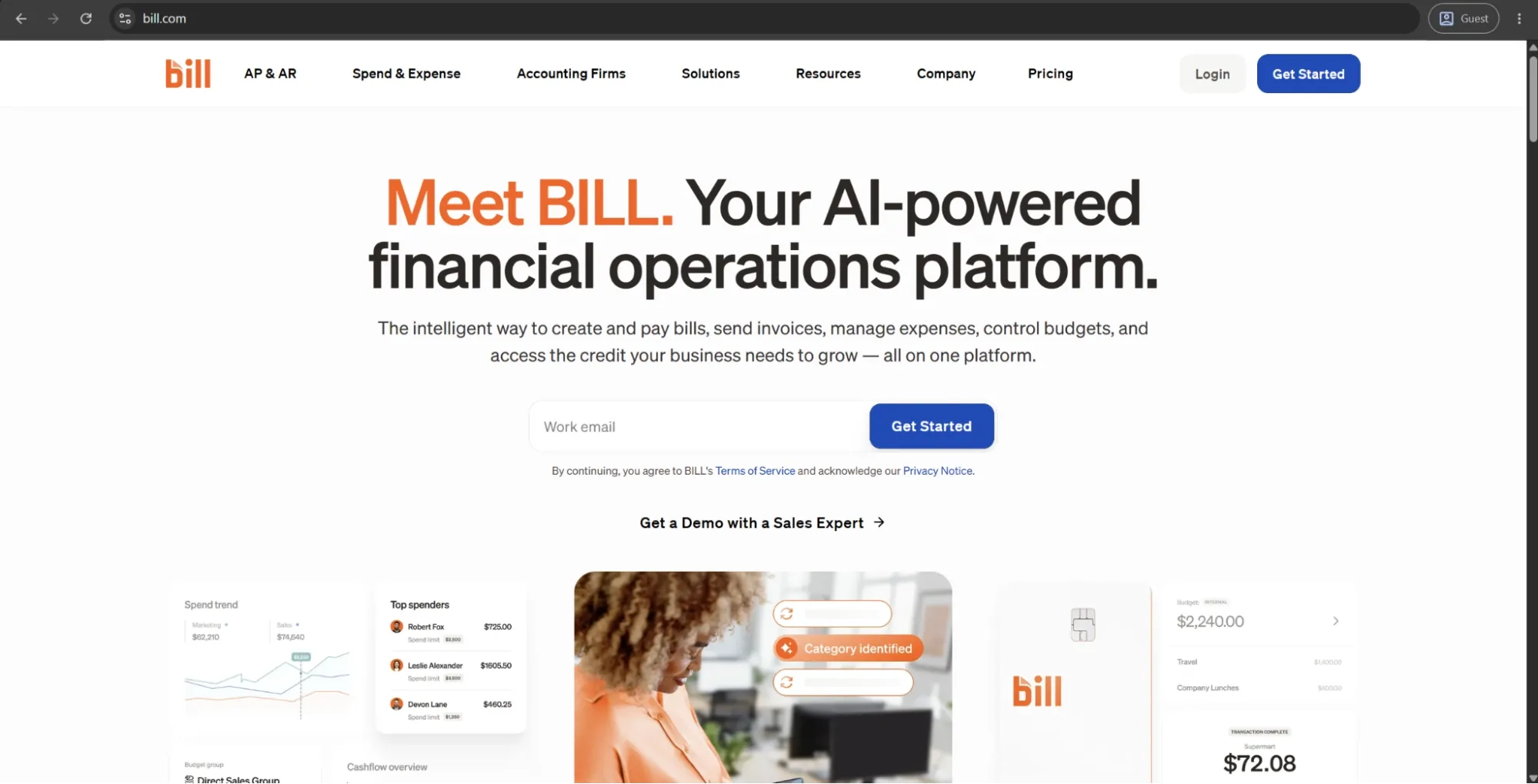
BILL (formerly Bill.com) is a cloud-based financial operations platform providing both accounts payable and accounts receivable automation capabilities to small and mid-sized businesses. The platform is used by over 480,000 businesses and participates in processing roughly 1% of U.S. GDP in payments every year, which makes it one of the most widely used AP tools on the SMB market.
The core AP workflow includes invoice capture, automated data extraction, approval routing, and payment execution via ACH, check, wire transfer, or a virtual card. BILL can also be easily integrated with the Divvy corporate card for expense management; integrations with major accounting platforms such as QuickBooks, Xero, NetSuite, and Sage Intacct are also available.
Customer ratings:
Advantages:
- The platform is fast to implement and straightforward to use, making it one of the most accessible entry points into AP automation for small finance teams.
- Two-way accounting sync with QuickBooks, Xero, NetSuite, and Sage Intacct keeps financial records consistent without manual reconciliation.
- The free Spend and Expense module, which includes unlimited virtual cards, adds meaningful value without increasing software costs.
Shortcomings:
- Per-user pricing combined with per-transaction fees can make total costs climb quickly as team size or payment volume grows.
- Syncing issues between BILL and connected accounting systems surface regularly in user reviews, disrupting workflows when they occur.
- The platform has not kept pace with the needs of growing businesses, particularly around multi-entity support and advanced approval configurations.
Customer reviews (original spelling):
- Stacie B. — G2 — “The tool is a great way to view all invoices and send payments when desired. The ease of paying bills is the best feature of the device. I also appreciate that if their is a delay in payment, the system sends out alerts.”
- Hallye N. — Capterra — “Bill is a great software to keep track of bill payments, AR, AP, customer invoicing and payments, running reports and has great customer support. Bill can be costly as it has many additional software's and features that work with it but all are worth the money, Bill is better for larger scale businesses.”
Pricing:
BILL’s offering is separated into four primary pricing plans with their own features, costs, and limitations:
- Essentials — $49 per user per month — provides approval workflow automation, centralized bill management, standard approval policy customization, 6 standard user roles, manual integration with accounting software, and an abundance of Accounts Receivable features.
- Team — $65 per user per month — can offer automatic 2-way sync with several different versions of QuickBooks and Xero, access to custom user roles, and more.
- Corporate — $89 per user per month — builds on the previous offering with custom approval policies, discounts for approver-only users, and a multitude of procurement-specific features.
- Enterprise doesn’t have a specific price attached to it, prompting potential clients to contact the sales team directly or request a demo instead. It expands upon the Corporate plan with features such as SSO support, API access, dual control, syncing purchasing orders with automating 2- and 3-way matching, and more.
The author’s note:
BILL is one of the most user-friendly AP automation solutions for smaller finance teams, often acting as an entry point into the field. It can offer a quick setup, a straightforward interface, and a pricing model structured in a way that would still make sense for businesses that are not ready for enterprise-grade tools.
A major downside of BILL is its limited capabilities when it comes to supporting quickly-growing businesses, as it cannot keep up with rapidly increasing organizational complexity. Teams that manage multiple entities, nuanced approval hierarchies, or many non-standard invoices are likely going to find the configuration capabilities of the platform insufficient as time goes on.
Precoro
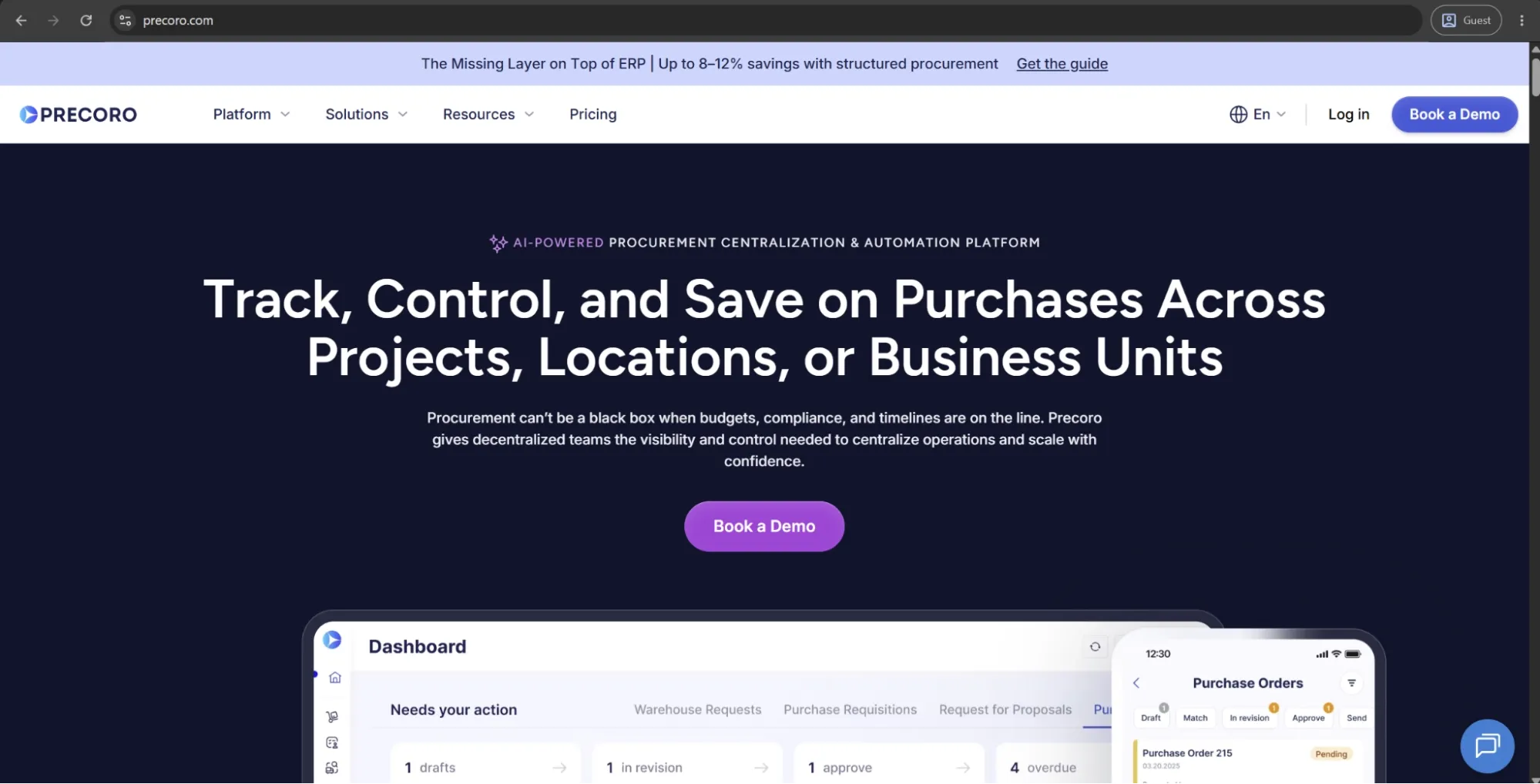
Precoro is the agentic procurement and spend centralization platform that integrates accounts payable into the full procure-to-pay process. It enables companies to control spending through intake and PO management even before invoices arrive.
Since its inception in 2015, Precoro has amassed an active customer base of over 1,000 mid-market companies throughout the U.S., Europe, and Asia. It has also been recognized as a Major Player in the IDC MarketScape for AI-Enabled Procure-to-Pay in 2025.
Precoro offers Intelligent AP Automation powered by AI agents that scan invoices, create invoice records for review, and match invoices with corresponding purchase orders, mapping the data. In addition, the platform provides duplicate invoice detection, automatic three-way matching, customizable approval workflows, and robust budget controls to support accounts payable processes.
It integrates easily with NetSuite, QuickBooks Online, Xero, Sage Intacct, and Microsoft Dynamics 365 out of the box and doesn’t require extensive IT expertise to set everything up.
Customer ratings:
Advantages:
- Precoro offers multi-entity management and supports multi-currency.
- AI agents reduce operational workload in invoice processing and allow finance teams to focus on higher-value, more strategic activities.
- Precoro automatically processes e-invoices in multiple formats, including UBL 2.1, CFDI, XRechnung, and other local standards.
- Flexible approval workflows let teams route invoices by department, location, amount, supplier, budget, or custom rules without relying on IT.
- Precoro supports vendor payments through ACH transfers, same-day ACH, wire transfers, and international payments. Payments can be initiated within AP workflows and automatically synchronized with connected accounting systems.
- The Supplier Portal reduces back-and-forth with vendors by letting them submit invoices and update their own information directly.
Shortcomings:
- Precoro may be more than very small teams need if they only want basic invoice creation or simple approval tracking.
- Initial setup also requires defining approval rules, budgets, suppliers, and matching logic before the platform delivers full value. It’s not overly complex, but companies with unclear or inconsistent processes may need to standardize their workflows first.
- Its inventory functionality works well for procurement-related stock visibility, receiving, and internal transfers, but it isn’t designed to replace a dedicated warehouse management system.
Customer reviews (original spelling):
- Krasi A. — Capterra — “Navigating through the software feels like second nature. The user interface is clean, intuitive, and beautifully designed. Even team members who were initially apprehensive about learning a new system quickly embraced it, thanks to its user-friendly layout. With Precoro software in place, our procurement process has become more efficient than ever. From requisition to approval to invoicing, every step flows seamlessly, saving us valuable time and resources. Post-implementation support has also been outstanding. Precoro continues to offer prompt and effective assistance whenever we need it, demonstrating their commitment to customer satisfaction and long-term partnership.”
- Michael C. — G2 — “The best thing about Precoro is that it allows us to track invoices in a centralized environment. The integration with NetSuite helps us streamline invoice approvals and removes the need for constant emailing between accounting and various departments regarding invoice questions and approvals.”
Pricing:
Precoro’s pricing model is relatively simple and consists of three pricing tiers:
- Core — starts at $499 per month billed annually, offers basic procurement features like automated approvals and three-way matching, along with spend & vendor management, a number of integrations (Xero, QuickBooks, Slack), and reporting analytics.
- Automation — starts at $999 per month billed annually, expanding upon the previous tier with AI-powered AP automation, intake management, PunchOut catalogs, real-time budget tracking, AI Assistant, SSO support, and more.
- Enterprise tier comes with no public pricing information, but it offers additional integrations, advanced admin controls, no user number limitations, and enterprise-grade data protection.
There’s also a dedicated AP automation package starting at $499 per month when billed annually. It covers invoice automation needs, including invoice capture, approval workflows, budget checks, vendor management, and accounting integrations, without the procurement layer.
The author’s note:
Precoro’s positioning sets it apart from many of its peers. The platform is designed to control spend before it becomes an invoice, which makes it especially well suited for procurement-led organizations rather than teams focused purely on accounts payable.
Finance teams dealing with maverick spending, budget overruns, or limited visibility into committed expenses will find Precoro particularly valuable. It’s also a strong fit for mid-sized companies looking for AP automation that is easy to implement and simple to use.

Nanonets
Nanonets is an AI-first intelligent automation platform, with AP automation being one of its primary use cases. The platform uses machine learning models trained on millions of financial documents to acquire data from invoices, receipts, purchase orders, and bank statements, regardless of their format. The platform doesn’t need templates for every vendor, and manual setup is also not necessary.
The AP workflow of the solution includes automated data extraction, PO matching, GL coding, approval routing, and ERP sync. It can integrate with SAP, QuickBooks, Xero, Sage, and NetSuite. Integrations for a wide range of workplace tools are also available, including Slack, Gmail, and Google Drive, and all of that is available via a developer-friendly API that supports custom integrations.
Customer ratings:
Advantages:
- The AI-driven OCR handles any invoice format without requiring predefined templates, making it particularly strong for high-volume or inconsistent document workflows.
- Approval actions can be completed directly from email or Slack, reducing friction for non-finance stakeholders in the review process.
- The developer-friendly API gives technical teams meaningful flexibility to build custom integrations and automation beyond what the standard platform offers.
Shortcomings:
- Processing speed varies significantly, with some users reporting inconsistent performance during high-volume periods.
- Certain integration configurations require technical expertise, creating a dependency on IT resources that smaller teams may not have.
- The platform lacks native payment execution, which means organizations need a separate tool to complete the full invoice-to-pay workflow.
Customer reviews (original spelling):
- Anoop N. — Capterra — “Nanonets is generally well-regarded for its AI-powered accuracy, automation capabilities, and user-friendly interface. It's considered a valuable tool for businesses looking to streamline document processing and reduce manual data entry.”
- Olivia T. — Capterra — “Nanonets excels at automating data extraction with impressive accuracy. The AI-driven OCR technology significantly reduces manual data entry, saving time and effort. The API integrations make it easy to connect with existing workflows. The pricing structure could be more flexible for smaller businesses, and some customization options require technical expertise.”
Pricing:
Nanonets seems to be using a somewhat unconventional model for this field — a pay-as-you-go model. $200 in credits is given to all new users for free, and once those are used up, users can purchase additional credits to continue working.
There are also higher-tier options, including Credits Accelerate and Enterprise plans, designed for larger organizations. These appear to include volume-based pricing and advanced features such as integrations with Salesforce, SAP, Oracle Fusion, NetSuite, and Microsoft Dynamics 365, as well as SSO support, region-specific AWS hosting, approval logs, file edit history, and more.
The author’s note:
Nanonets has a somewhat unusual approach to AP automation when compared with its primary alternatives. It was originally a document intelligence engine, with AP automation growing out of this foundation — not the other way around.
Such a peculiar origin matters in practice. Teams that have high invoice volumes, inconsistent vendor formats, or documents that often break OCRs tend to find that the extraction accuracy of Nanonets is higher than in most dedicated AP solutions. That said, teams in need of a structured and workflow-heavy AP platform with built-in payment execution might find a better option elsewhere.
DocuWare
DocuWare is a cloud-based document management and workflow automation solution that was founded in 1988 and is headquartered in Germany. While DocuWare is available globally, it also has a very strong presence in the US market. The company supports over 20,000 customers in different industries and was named a Challenger in the 2026 Gartner Magic Quadrant for Document Management.
Invoice processing is among the most popular use cases for DocuWare, including features like data capture automation, intelligent indexing, routing for approval, ERP integration, and archiving with complete audit trails. The solution can be deployed in a cloud, on-premise, or hybrid form, providing more flexibility to organizations that have strict data residency and compliance needs.
Customer ratings:
Advantages:
- The platform handles document management across multiple departments in a single system, making it a strong choice for organizations that need governance beyond just AP.
- Intelligent indexing automatically classifies and extracts data from documents that cannot be standardized, reducing manual handling for complex document types.
- Flexible deployment options — cloud, on-premises, or hybrid — give organizations with strict data residency or compliance requirements more control than most AP tools allow.
Shortcomings:
- Initial configuration requires significant time and technical involvement, particularly when building complex cross-departmental workflows.
- As a document management platform first, the AP-specific feature depth does not match that of dedicated AP automation tools on this list.
- Pricing isn’t publicly available and scales with users and storage, which makes cost estimation difficult without a full sales engagement.
Customer reviews (original spelling):
- August K. — Capterra — “Overall, DocuWare has been a useful document management platform. It helps keep documents organized and makes it easier for users to access what they need.”
- Nicholas B. — G2 — “One thing worth keeping in mind is that the setup and overall workflow design require some upfront planning. To get the most value out of DocuWare, it really helps to start with a clear picture of your processes, your folder structure, and how user permissions should be set. For smaller teams, that initial configuration can feel a bit heavy or time-consuming, especially if those details aren’t mapped out in advance.”
Pricing:
DocuWare does not provide any pricing data on its official website. The platform seems to be operating using personalized quote-based prices that can only be acquired after requesting a demo or another form of feedback.
The author’s note:
Though DocuWare doesn’t fit the image of a traditional AP automation solution, that can be considered its advantage as well. It’s an enterprise content management platform that can also handle AP especially well — a meaningful distinction for organizations that require document control across several departments, and not just finance.
As a direct replacement for Stampli, its feature set might feel a lot bigger than what the organizations need. It’s most often considered by teams that require a single system to manage HR documents, contracts, manufacturing records, and invoices under one unified governance framework.
MineralTree
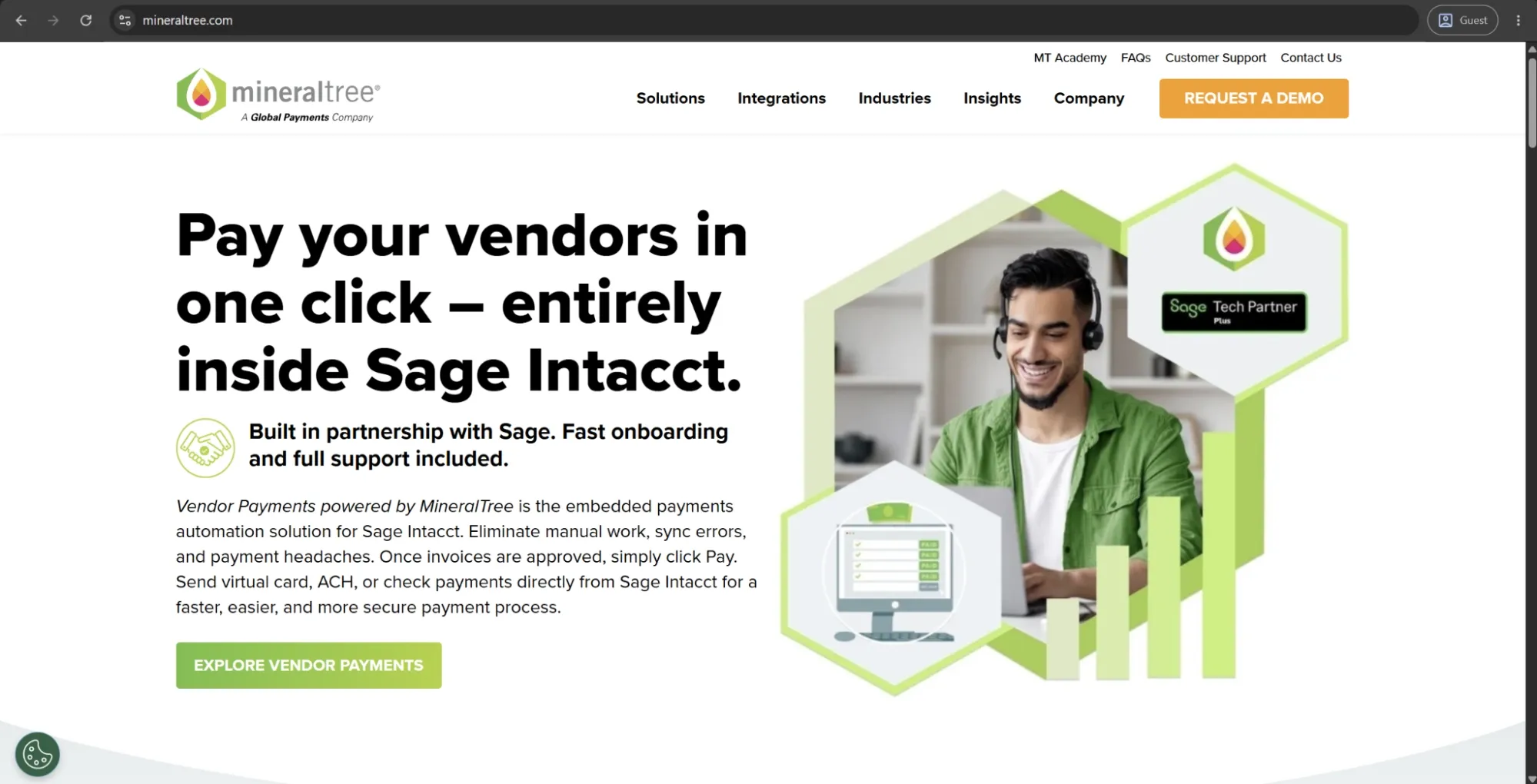
MineralTree is an AP and payment automation platform designed for the needs of mid-market and enterprise finance teams. It offers two core products: TotalAP, an end-to-end invoice-to-payment automation platform, and TotalPay, a standalone payment automation tool for organizations that require disbursement automation without overhauling their entire AP workflow.
This platform covers invoice capture, approval routing, PO matching, and payment execution via virtual card, ACH, and check. MineralTree seamlessly integrates with hundreds of ERPs and accounting systems like Oracle NetSuite, QuickBooks, Xero, Sage Intacct, and Microsoft Dynamics. It also includes dual-approval controls and audit trails as basic security features.
Customer ratings:
Advantages:
- The virtual card rebate program can offset platform costs meaningfully for organizations that process high payment volumes through card-eligible vendors.
- Dual-approval controls and Positive Pay integration are built into the standard product, providing strong fraud mitigation without requiring add-ons.
- Non-finance staff can submit invoices via email or portal upload without needing system access, which keeps adoption rates high across the organization.
Shortcomings:
- ERP sync reliability has surfaced as an issue in user reviews, with occasional failures creating reconciliation work that undermines the automation benefit.
- The multi-approver workflow dashboard feels clunky to some users, with refresh glitches occasionally forcing teams to re-enter approval loops.
- The platform is US-only, which makes it a non-starter for organizations with cross-border or international payment needs.
Customer reviews (original spelling):
- Laura R. — Capterra — “During the recent pandemic, it was a huge plus that I could still pay anyone virtually, even if the vendor required a paper check. With everyone working remotely I am able to move everything through in a timely manner without seeing a single soul.”
- Ifeoma E. — G2 — “MineralTree successfully covers all the workflow through invoice processing and payment. The software work in hand with multiple accounting systems and ERP, helping us in invoice approvals. We monitor and evaluate all the payments made in our company and this gives the firm’s stakeholders a clear financial view. MineralTree is a stronger approach in managing fraud, ensuring that we significantly reduce risks and this is through two factor authentication, OTP, among others. The program is global in its performance, supporting global currencies and international markets.”
Pricing:
MineralTree doesn’t provide its pricing data on the official website. The only option available there is to request a personalized demo.
The author’s note:
While MineralTree doesn’t have the same level of brand recognition as many competitors, it offers a mature product, strong ERP connectivity, and a virtual card rebate program that can help reduce costs for high-volume payment operations.
It’s a strong fit for finance teams that want a secure, integrated AP platform without the complexity of an enterprise suite, particularly those that prefer to phase in invoice automation over time.
SAP Ariba
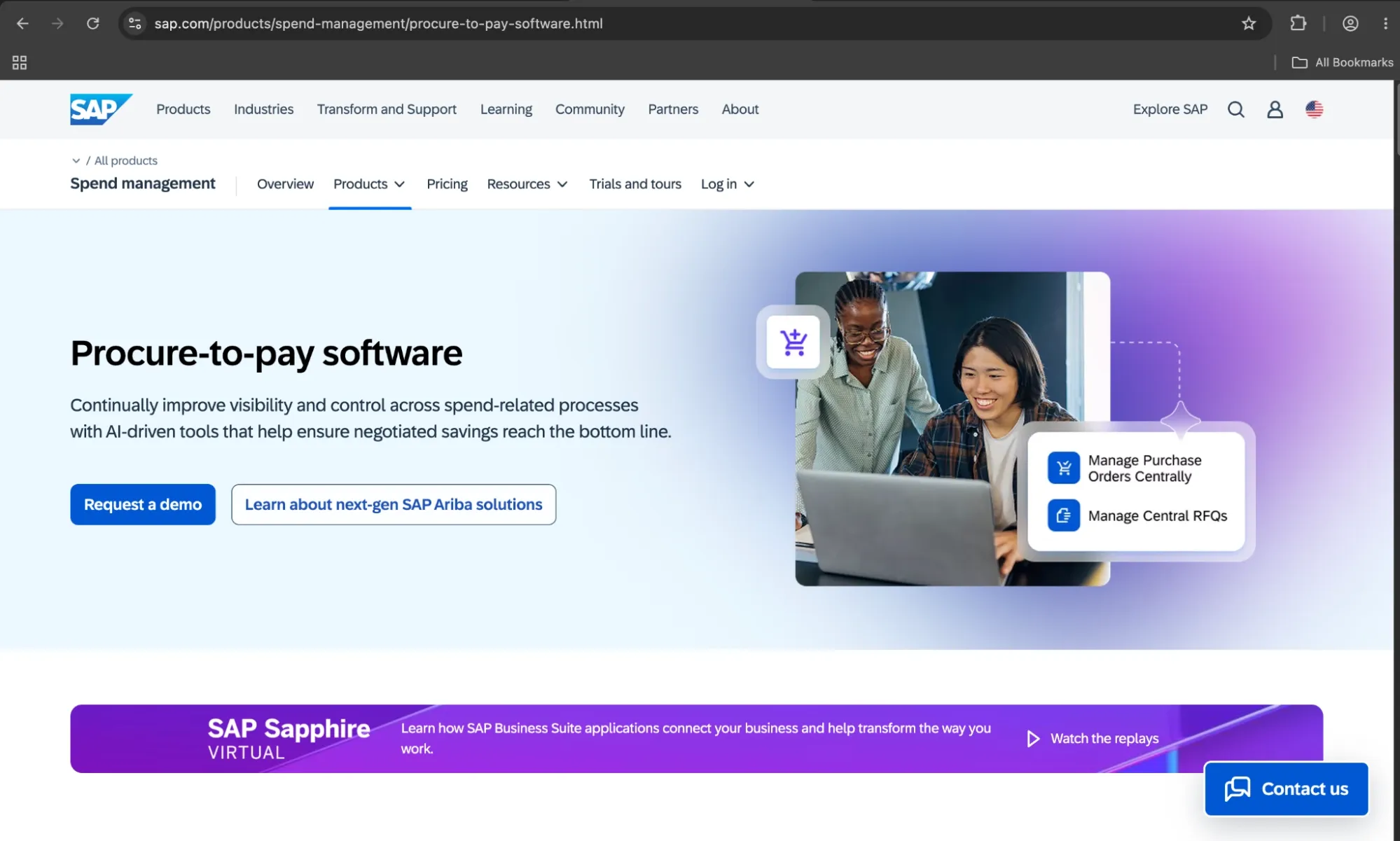
SAP Ariba is an enterprise-grade source-to-pay solution encompassing sourcing, contract management, procurement, supplier management, and invoice automation. The system is connected to a global network of more than 5.4 million businesses all over the planet and is a native part of SAP S/4HANA and other SAP ERP systems. Such an impressive feature set makes it the standard choice for procurement tasks for any company that is already invested in the SAP infrastructure.
When it comes to AP capabilities, SAP Ariba can offer invoice processing, PO matching, and payment scheduling, with both AI-assisted validation and fraud detection being built into the workflow. A “next-generation Ariba” was also introduced by SAP in early 2026, embedding the Joule AI copilot directly into procurement workflows in order to provide support for real-time sourcing decisions, bid analysis, and contract management.
Customer ratings:
Advantages:
- The supplier network of over 5.4 million businesses enables faster onboarding and reduces the manual effort of establishing new vendor connections.
- Integration with SAP S/4HANA and other SAP tools is seamless, making it a natural fit for organizations already standardized on SAP infrastructure.
- Contract management and compliance tracking are consistently rated among the strongest capabilities on the platform across verified reviewer pools.
Shortcomings:
- The user interface feels outdated compared to modern AP tools, and the learning curve is steep enough that new users frequently require significant training investment.
- High-volume invoice processing has revealed gaps, including the absence of mass upload functionality and frequent errors that require manual intervention.
- Pricing sits firmly at the enterprise level and is not publicly disclosed, making it inaccessible and difficult to evaluate for mid-market organizations.
Customer reviews (original spelling):
- Emma B. — Capterra — “My overall experience with SAP Ariba is a positive one. I had some teething issues getting set up and logged in, but now that has been resolved, it is very easy and intuitive to use. It is easy to navigate through tasks and provides a document trial for financial records.”
- Jeet S. — G2 — “It provides transparency and scalability into compliance, supplier risk and sustainability management. It also enhances buyers, supplier, and user experience by bringing in a digital transformation to the supply chain. Easy to use both from end-user and admin point of view.”
Pricing:
SAP has a dedicated pricing page for its spend management capabilities that doesn’t offer much in terms of pricing clarification. There is a baseline cost ($2,420 per month per user) for the SAP Strategic Procurement package, but it is unclear whether that package includes SAP Ariba.
Ariba is mentioned in the names of two add-ons to add on top of a current pricing plan: SAP Ariba direct materials sourcing add-on and SAP Ariba e-tendering add-on for the public sector, but neither of those plans has a specific price attached to them.
The author’s note:
The topic of adopting SAP Ariba as a whole hinges on one major question: whether the business in question already has a SAP ecosystem set up. For businesses that are already on SAP S/4HANA, it’s a natural extension that brings procurement and AP into the infrastructure that is already available to them.
That same situation becomes completely different for everyone outside of the SAP ecosystem. The implementation is difficult, the overall costs are at the enterprise-level, and the AP capabilities can’t stand on their own in comparison with many other lightweight AP tools.
Coupa
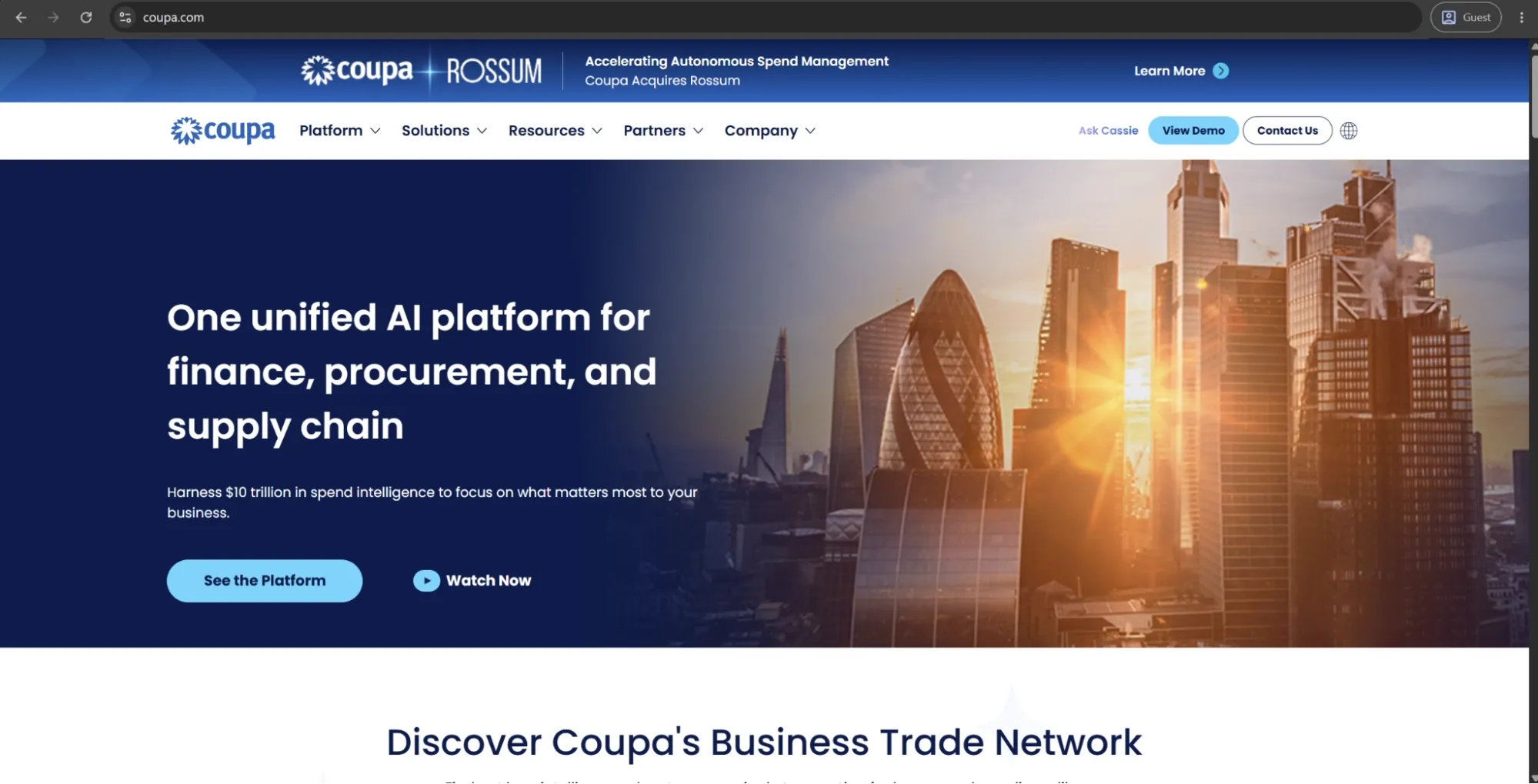
Coupa provides a cloud-based total spend management platform for large enterprises and their needs. It can manage procurement, AP automation, expense distribution, and supply chain operations from within the same framework. The platform processes over $8 trillion in annual spend across its entire customer base, drawing on that transactional data to train its AI systems that already improve upon over 100 features in sourcing, supplier onboarding, and invoice processing.
AP automation in Coupa includes touchless invoice processing, automated exception routing, fraud detection, and payment execution. Coupa also released its Navi agentic AI portfolio in 2025, which offers autonomous agents for sourcing, supplier collaboration, and supply chain modeling, making it one of the most AI-forward enterprise spend management solutions on the market.
Customer ratings:
Advantages:
- Real-time spend visibility across procurement, invoicing, and expense management gives finance and procurement teams a unified view of where money is going.
- The platform's AI draws on $8 trillion in annual transaction data to surface cost-saving opportunities and flag anomalies, which dedicated AP tools cannot replicate at that scale.
- Workflow customization and real-time approval notifications support fast decision-making across complex organizational structures.*
Shortcomings:
- Implementation timelines regularly exceed expectations, with non-technical staff adoption proving particularly difficult in organizations without dedicated change management resources.
- Customer support response times surface as a consistent complaint across G2, Capterra, and TrustRadius reviews, particularly for post-implementation issues.
- The platform's breadth makes it expensive and complex for organizations whose primary need is AP automation rather than full spend management.
Customer reviews (original spelling):
- Mai M. — Capterra — “Overall, it has been a true asset and a helpful tool with very specific clients who are incredibly important to my small business!”
- Jacup J. — G2 — “the system can feel slow and clunky at times especially when navigating between modules or uploading receipts through the mobile app It’s powerful but not always the most seamless experience Also some suppliers find the portal confusing which sometimes delays transactions on their end.”
Pricing:
Coupa doesn’t have public pricing information on its official website, but it offers an abundance of partners via the Coupa Partner Xchange Program that can be used to acquire different products from Coupa depending on a company’s location and other factors.
The author’s note:
There are only a few platforms on this list that can compete with the complexity of Coupa, and while that is its strongest selling point, it also seems to be the leading cause of customers' frustration. Its capabilities are expansive, but so are its implementation timelines, its configuration needs, and the total cost of ownership.
When AP teams consider Coupa, it's worth assessing what exactly they are getting into. This platform is designed with the premise that the main issue that needs to be addressed is procurement complexity (not AP effectiveness). As such, organizations focusing on AP needs may start paying for functionality they may never use to begin with.
Dooap
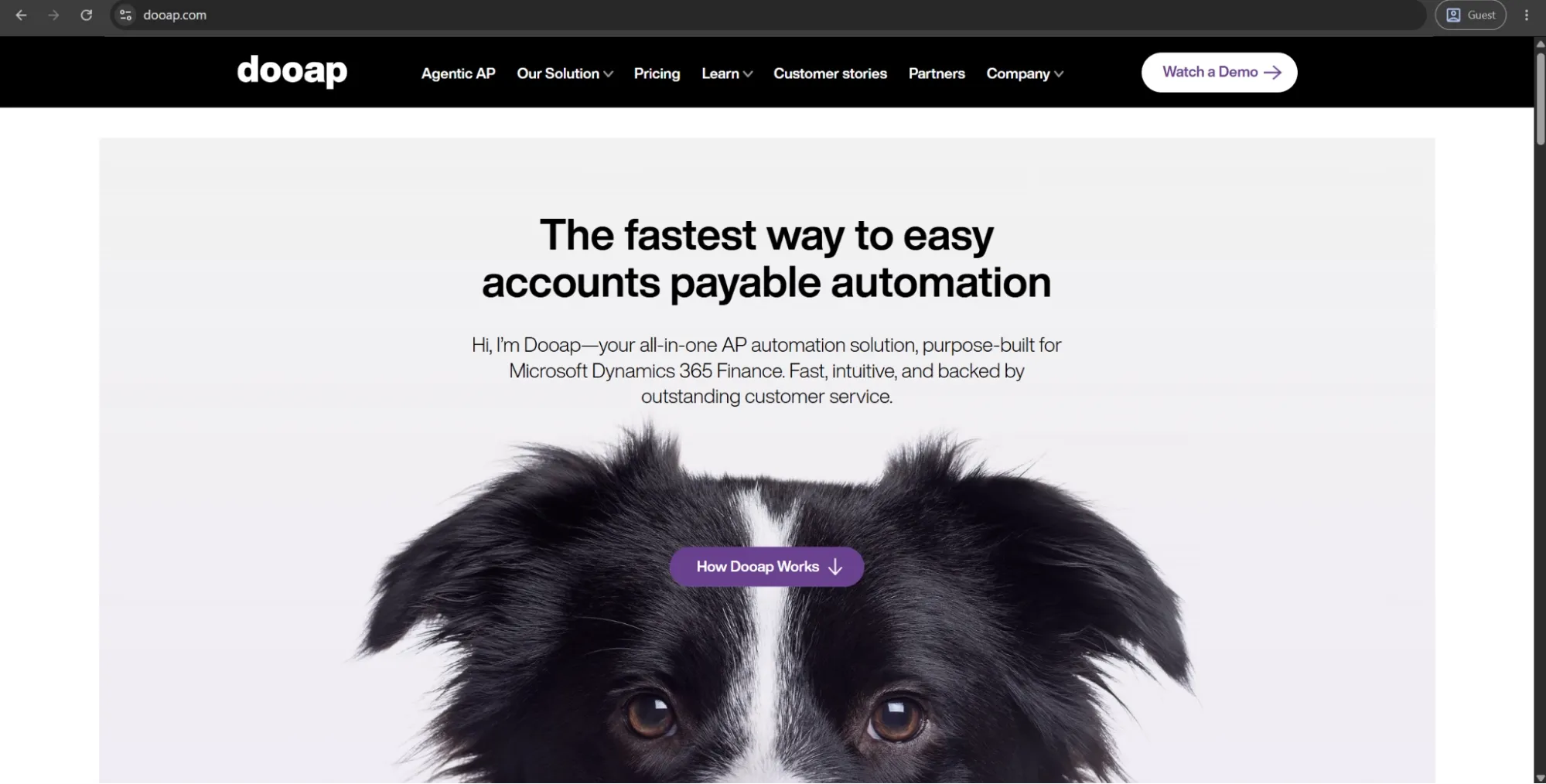
Dooap is the only Microsoft-certified AP automation platform designed from the ground up for Microsoft Dynamics 365 Finance and Supply Chain Management. Invoice capture, predictive GL coding, PO matching, approval workflows, and payment processing — it all runs in real-time synchronization with D365 without influencing the ERP performance.
In May 2026, Dooap released an agentic AI platform for AP teams called Dooap Studio that allows those teams to build, configure, and govern their own AI agents without relying on IT departments in the process. Dooap has reported a Net Promoter Score of +82 in their 2025 customer satisfaction survey, which is an extremely high score for an enterprise software application.
Advantages:
- Native real-time sync with Microsoft Dynamics 365 Finance eliminates the integration maintenance overhead that third-party connectors typically require.
- The mobile-first design allows approvers to review, comment, code, and approve invoices from any device, improving adoption rates among non-desk staff.
- Dooap Studio allows AP teams to build and govern their own AI agents without IT involvement, giving finance teams meaningful configuration control.
Shortcomings:
- The platform is built exclusively for Microsoft Dynamics 365 Finance and AX 2012, making it irrelevant for organizations running any other ERP.
- Performance slows noticeably when loading purchase orders and purchase requisitions, particularly in environments with high transaction volumes.
- Running multiple sessions simultaneously can trigger bugs, which creates friction for AP managers who work across several workflows or entities at once.
Pricing:
Dooap uses a Software-as-a-Service model, with its pricing being based on the number of invoices per year. The prices themselves are as follows:
- SME — $17,900 per year, includes 10,000 invoices.
- Mid-market — $54,000 per year, includes 40,000 invoices.
- Enterprise — no public price, supposed to work with volumes that do not fit into other plans.
All of the pricing plans include Dooap Capture capability, a Dooap Web Application, bi-monthly product updates, Dooap Analytics (Power BI), a native mobile app, guaranteed compatibility with new D365 F&SCM versions, separate environments with D365 F&SCM integration, and more.
The author’s note:
Dooap is probably the one solution with the most clearly defined audience on this list. It doesn't attempt to be for everyone, as it's made specifically for organizations that are using Microsoft Dynamics 365 Finance, and this is a job that Dooap is very good at.
It’s a great option for any D365 Finance users who are frustrated with the depth of Stampli’s ERP integration. As for practically everyone else, it might not be the most fitting option available.
AvidXchange
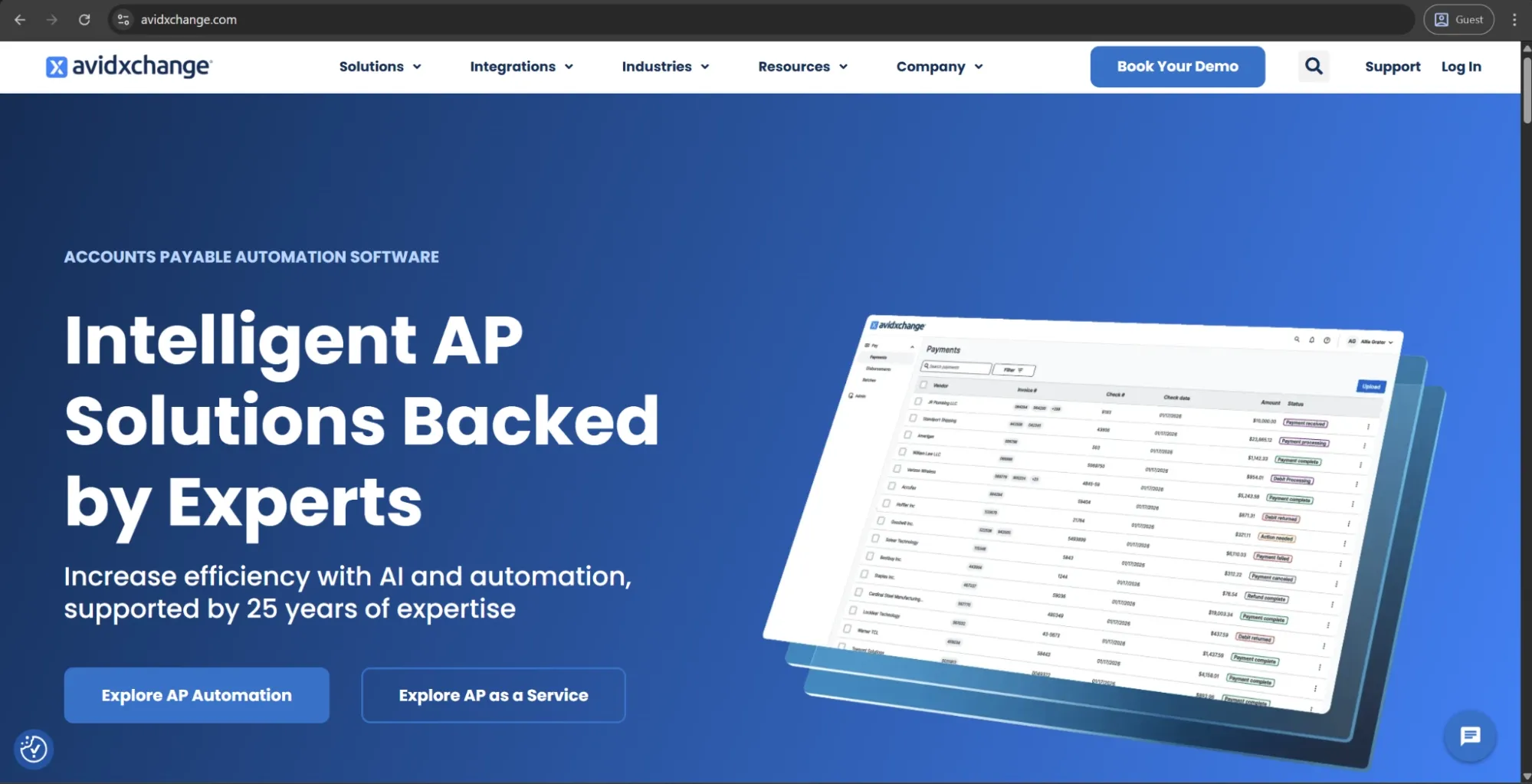
AvidXchange offers an accounts payable automation and payment solutions platform that has over 25 years of experience. The platform provides service to more than 8,500 businesses, and payments have been made to 1.3 million suppliers via AvidXchange's proprietary payment network.
The core capabilities of AvidXchange range from invoice capture to approval workflows and payments via check, ACH, or virtual card. In October 2025, AvidXchange was taken private in a $2.2 billion acquisition by TPG and Corpay, merging with Corpay’s B2B payments capabilities to serve a combined base of 250,000 merchants.
Customer ratings:
Advantages:
- The proprietary AvidPay network reaches over 1.3 million suppliers, reducing the effort required to enroll vendors into electronic payment workflows.
- Approval workflows are highly customizable, allowing finance teams to replicate their existing processes without restructuring around the platform's defaults.
- AI agents launched in April 2025 use historical invoice and supplier data to predict approval likelihood, reducing manual review time on routine transactions.
Shortcomings:
- Customer support quality surfaces as a consistent concern in user reviews, with slow response times and unresolved tickets appearing across multiple platforms.
- Invoices occasionally get stuck in processing queues and require manual intervention to move forward, undermining the automation value for busy teams.
- The platform lacks a dedicated mobile app, which limits accessibility for approvers who need to manage AP tasks away from a desktop.
Customer reviews (original spelling):
- Linda A. — Capterra — “AvidExchange provides a robust and highly secure platform that excels at creating a fully auditable and collaborative accounts payable workflow. The system’s foundational strengths lie in its transparency and fine-grained administrative control. Every business should have this software!”
- Stein T. — G2 — “Only knowing our previous AP platform which was very manual, I don't have much that I dislike in Avid. There are two things that probably stand out for me which include the following: in my opinion, I feel like there are some features that require too many extra clicks to access, their menus should be more hover and also some features should be linked together as opposed as getting out of one section to goto another. Another issue I have is the speed, with this being hosted by Avid, there are times that the system might show some latency which can lead to frustration as it is something that we cannot control.”
Pricing:
There doesn’t seem to be any pricing information on AvidXchange’s official website. The only option available initially is to book a personalized demo.
The author’s note:
The TPG and Corpay acquisition is the most important context for evaluating AvidXchange right now. The integration into a larger payments infrastructure business suggests a potential increase in payment automation functionality, but clearly raises many valid questions about the future long-term priorities of the entire platform.
Aside from that, the core AP product is a mature and trusted platform in the mid-market financial community. Organizations that process high supplier payment volumes and want a platform with a large, established supplier network will find AvidXchange a practical and capable option.
Basware
Basware is an enterprise AP automation platform that has over 40 years of experience and has processed more than $10 trillion in total spend from all its customers. Its AI model is trained on 2.5 billion invoices, with Basware itself presenting this factor as a core differentiator of its extraction accuracy and auto-matching performance.
The platform is intended for large, globally operating enterprises with high invoice volumes across multiple ERPs and countries. Key functionality covers automated, touchless invoice processing, multi-format e-invoicing, PO matching, handling of non-PO invoices, compliance enforcement, and a dual-sided compliance engine that supports e-invoicing mandates across different regulatory jurisdictions.
Customer ratings:
Advantages:
- The AI, trained on over 2.5 billion invoices, delivers touchless processing rates of up to 89% in documented customer cases, which is among the highest in this category.
- Global e-invoicing compliance across multiple regulatory jurisdictions is built into the platform, removing a significant administrative burden for multinational organizations.
- All invoice communication, attachments, and approval are activity consolidated in one place, eliminating the need for email or external messaging during the review process.
Shortcomings:
- Implementation costs are high, and ERP integration is complex, with setup timelines that can extend significantly beyond initial estimates.
- The user interface has a steep learning curve and draws frequent criticism for feeling overcomplicated relative to the workflows it is meant to simplify.
- Rejecting an invoice mid-workflow requires administrator intervention to remove it from the approval chain, adding friction to a process that should be straightforward.
Customer reviews (original spelling):
- Ahmet D. — Capterra — “Basware is one of the leading purchase-to-pay/invoice processing platforms. The workflow engine allows the implementation of kind of an approval process regardless of detail and exceptions. This power however comes with a price, the implementation can be challenging and the implementation learning curve can be sometimes steep. Consolidated reports are very useful and the ERP integration is sold, which is a must-have for any kind of P2P Platform.”
- Oscar H. — G2 — “I find Basware user-friendly in multiple areas. It offers convenient features such as exporting Excel files, and the filters often work well. It is also easy to modify large numbers of invoices with the function to update selected rows of selected header data.”
Pricing:
Basware doesn’t offer specific pricing information on its official website.
The author’s note:
Basware functions on a scale that differs from most tools on this list. The platform is meant for an organization handling thousands of invoices monthly in multiple countries, and the depth of its compliance and e-invoicing features reflects that.
When it comes to mid-market companies looking at Basware as an alternative to Stampli, it’s probably more than they actually need. That being said, Basware becomes an obvious choice when it comes to large enterprises with multiple countries to deal with, high compliance issues, and sufficient internal resources for the implementation and maintenance.
Yooz
Founded in 2010, Yooz is a cloud-based AP automation platform used by more than 7,000 customers globally to process over 300 million invoices every year. The total range of integrations that Yooz offers includes more than 250 ERP and financial systems, which is more than any other AP tool on this list.
Core capabilities of the product include AI invoice capture, GL coding, PO matching, automated approval workflow, payment disbursement, and fraud protection. In 2025 Yooz also released YoozVendorStatements, an AI-driven vendor statement reconciliation system, and YoozProtect, an advanced fraud prevention layer that covers payment integrity and document authentication.
Customer ratings:
Advantages:
- Native integration with over 250 ERP systems removes the compatibility question that blocks many AP automation evaluations before they get started.
- YoozProtect adds document authentication and payment integrity checks as a standard layer, making fraud prevention part of the core product rather than an add-on.
- The mobile-friendly interface allows approvers to process invoices from any device, which keeps approval cycles moving without requiring desk access.
Shortcomings:
- OCR accuracy has proven inconsistent, with the system regularly misreading invoices or failing to correctly identify vendors, requiring manual correction.
- Reporting and analytics capabilities are limited, with no native support for cash flow forecasting or trend analysis that more mature finance teams typically require.
- The onboarding process draws frequent criticism for being confusing, and workflow customization beyond standard configurations often requires support team involvement.
Customer reviews (original spelling):
- Saho D. — Capterra — “I really like it! E-mail notifications and e-documentation of invoices are important functions they should work always.”
- Faith K. — G2 — “The fact that it links with our accounting software and uses AI to learn and adapt. It is easy to use and was easy to train employees who use it every day.”
Pricing:
Yooz uses an unusual pricing approach. Instead of listing clear software costs, its pricing page focuses on estimating potential savings from improved cash flow management.
From the available information, we can see that a 15-day free trial is offered, and pricing follows a subscription model based on the volume of documents processed. Beyond that, no specific pricing details are provided, and users are directed to contact the company for a custom quote.
The author’s note:
250 ERP integrations is something worth taking a moment to consider. There are many finance departments that have had trouble in the past with integrating their specific financial system seamlessly. This exact target audience is who Yooz is aiming for in most cases.
It's also one of the more fraud-conscious options on this list. Businesses in industries with significant operational invoice fraud risk (construction, professional services, multi-entity hospitality) may benefit from taking a closer look at Yooz’s fraud detection and document verification capabilities.
Sage Intacct
Sage Intacct is a cloud-based financial management solution that has expanded its AP automation capabilities significantly over the last two years. The 2026 R1 release introduced AI-powered data extraction and line-level PO matching, as well as embedded payments via Sage Vendor Payments (powered by MineralTree). These payments are now available for US customers, covering ACH, check, and virtual card payments directly from within the application.
Sage’s core AP features include AI-driven invoice capture, duplicate detection, approval routing, and real-time dashboards. Organizations in areas that Sage Intacct already has a strong market share in (like healthcare, nonprofits, professional services, and SaaS) will find the platform extremely suitable for their goals.
Customer ratings:
Advantages:
- AP automation is built directly into the ERP, which means invoice data, GL coding, and financial reporting all operate from a single source of truth without third-party sync.
- AI-powered line-level PO matching and automated duplicate detection reduce manual review time significantly for teams processing high invoice volumes.
- Multi-entity consolidation and dimensional reporting give finance teams operating across subsidiaries real-time visibility that standalone AP tools cannot replicate.
Shortcomings:
- The platform carries a steeper learning curve than most dedicated AP tools, and new users frequently require substantial training before working independently.
- Native AP automation features have historically required third-party integrations to fill gaps, particularly around payment execution and expense management.
- Pricing sits above comparable mid-market alternatives, and some third-party apps do not sync smoothly, introducing workflow friction that undermines the single-platform benefit.
Customer reviews (original spelling):
- Alex S. — Capterra — “Our overall experience with Sage Intacct has been very positive. It provides a strong financial infrastructure with the flexibility and depth needed to support a growing organization. The system has significantly improved our reporting capabilities and internal visibility, which has been valuable for both management and audit purposes. While implementation and onboarding require some upfront effort, the long-term benefits outweigh the initial investment. In terms of value for money, Sage Intacct delivers a high-quality solution that scales well as organizational needs evolve.”
- Levi S. — G2 — “Being able to keep multiple tabs open for different entities within the same login is a game-changer. I also really appreciate how quickly I can move between modules. The custom reports are extremely helpful once you know how to use them. The CSV uploads for checking accounts, 1099 transaction updates, adding bills, adding invoices, adding GLs, adding vendors, and adding customers are amazing and make those updates much easier to manage.”
Pricing:
Sage Intacct doesn’t have any public pricing information available on the official website. The only way to receive such information is to request their pricing from the company’s sales department.
The author’s note:
Sage Intacct has a very peculiar position when it comes to its comparison with platforms like Stampli — since it isn’t an AP automation tool by design. This platform is an ERP that chooses to have native AP automation capabilities as a part of its core product, which drastically changes the nature of the entire evaluation.
If an organization is already running Sage Intacct, the more important question is whether they’re satisfied with native AP automation capabilities or they need a dedicated solution for these purposes. If a company isn’t using this platform yet, bundling ERP and AP automation into a single platform is worth weighing against the cost and complexity of running them separately.
Quadient
Quadient AP, acquired by Quadient from Beanworks, is a cloud-based AP automation platform that was included in the inaugural 2025 Gartner Magic Quadrant for Accounts Payable Applications. The platform features invoice capture with up to 99% accuracy (via OCR), GL coding, three-way matching, approval workflows, as well as accounts receivable automation within a single solution.
Quadient AP integrates with ERP and accounting systems like NetSuite, QuickBooks, Sage, Sage Intacct, SAP Business One, Xero, and both Microsoft Dynamics GP and NAV. The ongoing investment into GP and NAV integrations is the big stand-out factor, as many AP vendors seem to have deprioritized support for those legacy Microsoft ERP integrations.
Customer ratings:
Advantages:
- Continued investment in Microsoft Dynamics GP and NAV integrations makes Quadient one of the few AP platforms still actively supporting those legacy ERP environments.
- The combined AP and AR automation within a single platform reduces vendor overhead for finance teams managing both sides of the ledger.
- OCR data capture reaches up to 99% accuracy, which meaningfully reduces the manual correction workload for teams processing high invoice volumes.
Shortcomings:
- ERP synchronization failures appear across multiple review platforms as the most serious recurring issue, with accounting integration rated as the second-lowest feature on GetApp.
- Workflow customization during onboarding proves more resource-intensive than anticipated, with multi-entity deployments in particular taking significantly longer than vendors estimate.
- Reporting tools lack depth, and the interface navigation proves difficult for non-finance staff, requiring more ongoing training than most mid-market teams budget for.
Customer reviews (original spelling):
- Julia H. — Capterra — “The training was pretty good. Going in, I wasn't sure what questions to ask and how to set things up prior to training but it all worked out well. I no longer have to print and hand-jam invoices into our ERP system so I'm saving time there.”
- Brady J. — G2 — “They will make you sign contract extension before they fix anything, they always have a non-concurrent contract date for their service and for their machine so that you can't cancel one without the other, they will hit you with a massive charge for cancelling early and can just end up not fixing your broken machine if they don't feel like it. Calling them takes forever to get anyone on the phone.”
Pricing:
There is no official pricing data that could be found on Quadient’s website.
The author’s note:
Virtually all AP automation vendors have quietly withdrawn from Microsoft Dynamics GP and NAV as the two products age. Quadient has not, and this decision alone is what made it a worthy competitor on this list — a single decision for customers who still use either of those legacy products with no migration plans in sight.
In addition to the legacy ERP angle, the combined AP and AR functionality in one system is a notable element for finance organizations looking to consolidate their tools. It's not a common combination in this category, and it reduces the vendor management overhead of finance teams that run separate point solutions for each part of the ledger.
Concur Invoice
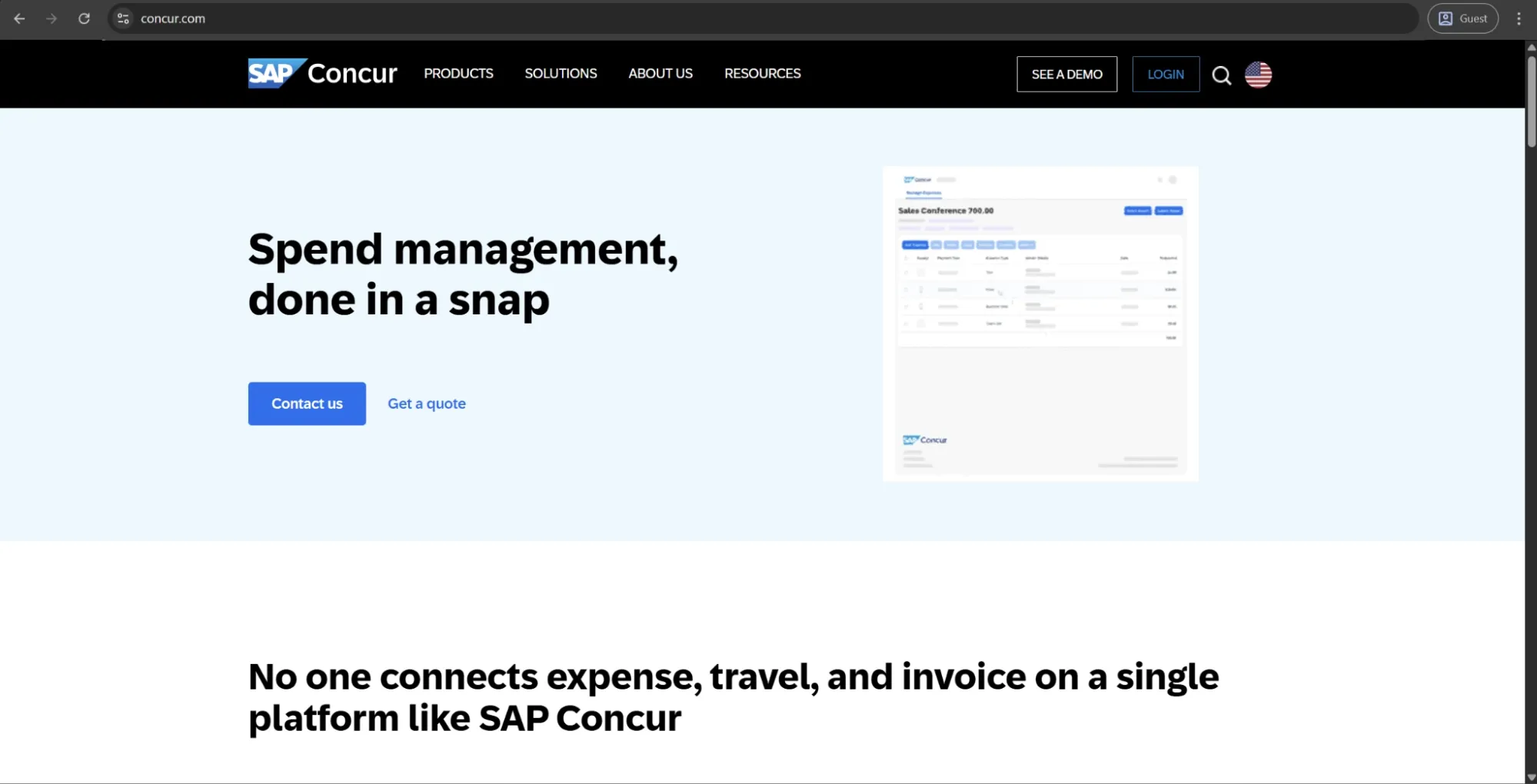
SAP Concur is a cloud-based travel, expense, and invoice management platform used by enterprises globally. A part of the SAP solution known as Concur Invoice handles invoice capture, approval workflow configuration, GL coding, and ERP integration. It is most commonly deployed alongside the travel and expense modules as part of a centralized spend management stack.
The solution integrates with most major ERPs and provides a full audit trail for all invoice activity. Companies that already use Concur for T&E (travel and expenses) management tend to expand its use to invoice processing in order to bring all employee expenses and vendor payables together in one system and in the same reporting layer.
Customer ratings:
Advantages:
- Connecting invoice processing with travel and expense data in one platform gives multinational organizations a unified view of all employee and vendor spend.
- Built-in policy compliance checks and approval hierarchy enforcement guide both employees and approvers through the process before submission, reducing downstream errors.
- Multi-currency support and local tax compliance handling make the platform well-suited for organizations operating across multiple countries and regulatory environments.
Shortcomings:
- Implementation timelines are long, and the learning curve is steep, with multiple reviewers describing the onboarding experience as overwhelming relative to comparable tools.
- The desktop interface requires too many steps for routine actions, and the overall design feels outdated compared to modern AP platforms.
- The AP module delivers its clearest value as part of the broader Concur suite, making it a poor standalone choice for teams whose primary need is invoice automation rather than integrated spend management.
Customer reviews (original spelling):
- Nick C. — Capterra — “Overall it is an easy app to use with clear controls and I've encountered only one issue since I started using it.”
- Chandan T. — G2 — “One of the key challenges with SAP Concur is the limited flexibility in expense categories and user input options. It often lacks sufficient customization for real-world expense scenarios, leading to manual workarounds. The user interface can also feel complex, with multiple steps required for simple submissions. Additionally, receipt scanning accuracy is inconsistent, and the overall experience could be improved with better automation, smarter suggestions, and more intuitive navigation. Performance lags and limited visibility into approval workflows further impact user efficiency.”
Pricing:
SAP Concur doesn’t have any public pricing information available on the official website. The only way to receive such information is to contact their sales department for a personalized quote or a demo.
The author’s note:
Concur is the most T&E-centric option on this list, and this context is important when it comes to comparing it with other options. Its invoice processing capabilities are well-accepted within established enterprise settings and work just fine, but were never meant to be the primary strength of the solution.
Finance teams whose primary requirement is AP automation will likely find dedicated platforms on this list better suited to that need. Choosing Concur makes logical sense when a company is already using or going to be using SAP for travel and expense management and would like to have vendor invoice processing in the same system rather than in a second application.
A comparison table
There is no single AP automation tool that can fit all organizations. In fact, the differences between solutions in this article are so significant that some of them cannot be meaningfully compared to each other to begin with. As such, the comparison table was separated into three smaller ones that focus on the company size and operational complexity for which each platform is best suited.
SMB-tier AP automation tools
Tools within this tier are best suited for smaller finance teams that require quick setup, simple processes, and clear integration with their existing accounting stack. The comparison focuses on factors that matter most at this stage of organizational complexity.
| Solution | Best for | ERP | Payments | Complexity |
|---|---|---|---|---|
| BILL | SMBs & early-stage teams | QuickBooks, Xero, NetSuite, Sage Intacct | Native | Low |
| Factura.ai | Multi-location hospitality ops | Sage Intacct, Workday | Native | Moderate |
| Nanonets | High-volume / messy invoices | SAP, QuickBooks, Xero, Sage, NetSuite | None (data layer) | Moderate |
| Dooap | Microsoft Dynamics 365 users | Dynamics 365, AX 2012 | Native | Low |
Mid-market AP automation tools
Finance teams at this tier are usually dealing with higher invoice volumes, more complex approval structures, and greater payment diversity than small to mid-sized businesses. The comparison was performed with these factors in mind.
| Solution | Best for | Multi-entity | Payments | Fraud | AP focus |
|---|---|---|---|---|---|
| MineralTree | Payment security focus | Yes | ACH, check, virtual card | Positive Pay | Pure AP |
| Precoro | Centralized multi-entity control | Yes | ACH, same-day ACH, wire, international | Preventive controls | Procure-to-pay |
| Quadient | Legacy ERP + AP/AR mix | Yes | ACH, check, virtual card | Limited | Pure AP |
| Yooz | Flexible ERP environments | Yes | ACH, check, virtual card | YoozProtect | Pure AP |
| AvidXchange | Large supplier networks | Yes | ACH, check, virtual card | Limited | Pure AP |
| Tipalti | High-volume global payments | Yes | Global (multi-method) | OFAC screening | AP + payments |
Enterprise-grade platforms with AP capabilities
The products in this tier aren’t AP-first tools whatsoever — AP automation is only one of many components within a broader financial or procurement suite, and the evaluation criteria chosen here reflect that reality.
| Solution | Best for | Deployment | System type | Complexity |
|---|---|---|---|---|
| SAP Ariba | SAP-centric procurement orgs | Cloud | Suite module | High |
| SAP Concur | Invoice + T&E management | Cloud | Suite module | High |
| Coupa | End-to-end spend control | Cloud | Suite module | High |
| Basware | High-volume compliance AP | Cloud / hybrid | Enterprise AP | High |
| DocuWare | Document governance & control | Cloud / hybrid | Suite module | High |
| Sage Intacct | ERP-aligned finance teams | Cloud | ERP-native | Moderate |
How do you choose the best Stampli alternative?
The best starting point for this answer isn’t a feature checklist, but a clear idea of your organization’s size, ERP environment, and the actual scope of the problem that needs to be solved.
A small team attempting to speed up approvals and simplify payment execution is going to have a fundamentally different list of priorities than a multinational finance operation that has to deal with international compliance issues, high invoice volumes, and complex approval hierarchies. The three comparison tables above help companies remove most of the noise from the equation, leaving a concise group of truly relevant alternatives.
That being said, the final choice is often difficult to make based on a comparison article alone. Implementation experience, support quality, and day-to-day usability are all factors that only become clear once a tool has been used in real production environments for some time (and by certain people).
Luckily, most platforms on this list offer demos or trial access. Testing two or three tools in a real invoice workflow will quickly reveal practical friction points that reviews often miss. It’s also helpful to request customer references to validate real-world performance.
Find out if Precoro is the right fit
Book a demo to see how Precoro supports your team’s real invoice workflow from capture to payment.