









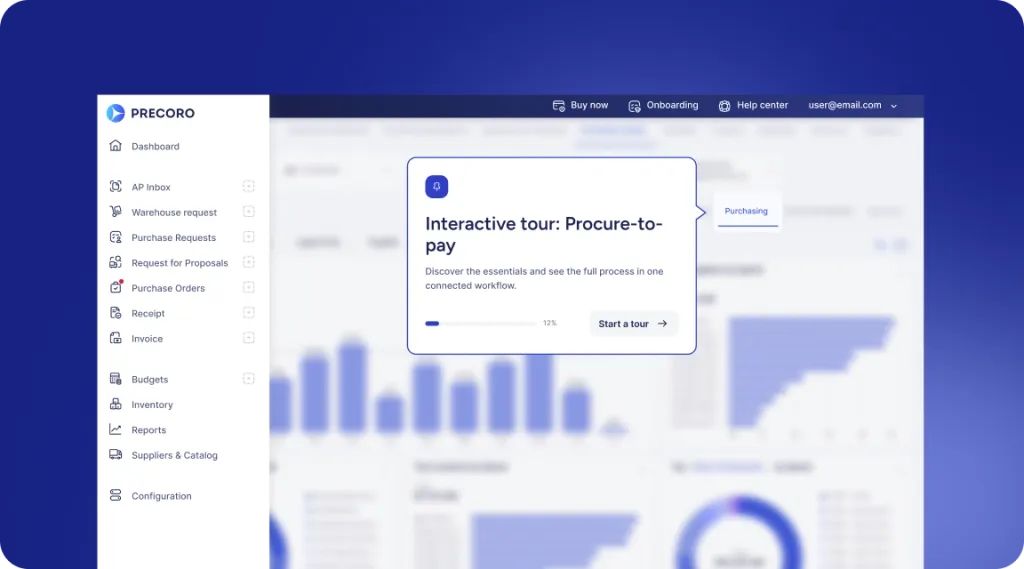
 Explore Precoro's features




















Supplier creation
Adding a new supplier to Precoro has never been so comfortable. For now, you can just fill in a supplier’s name and add everything else later. And look how neat it is!
Document cancellation
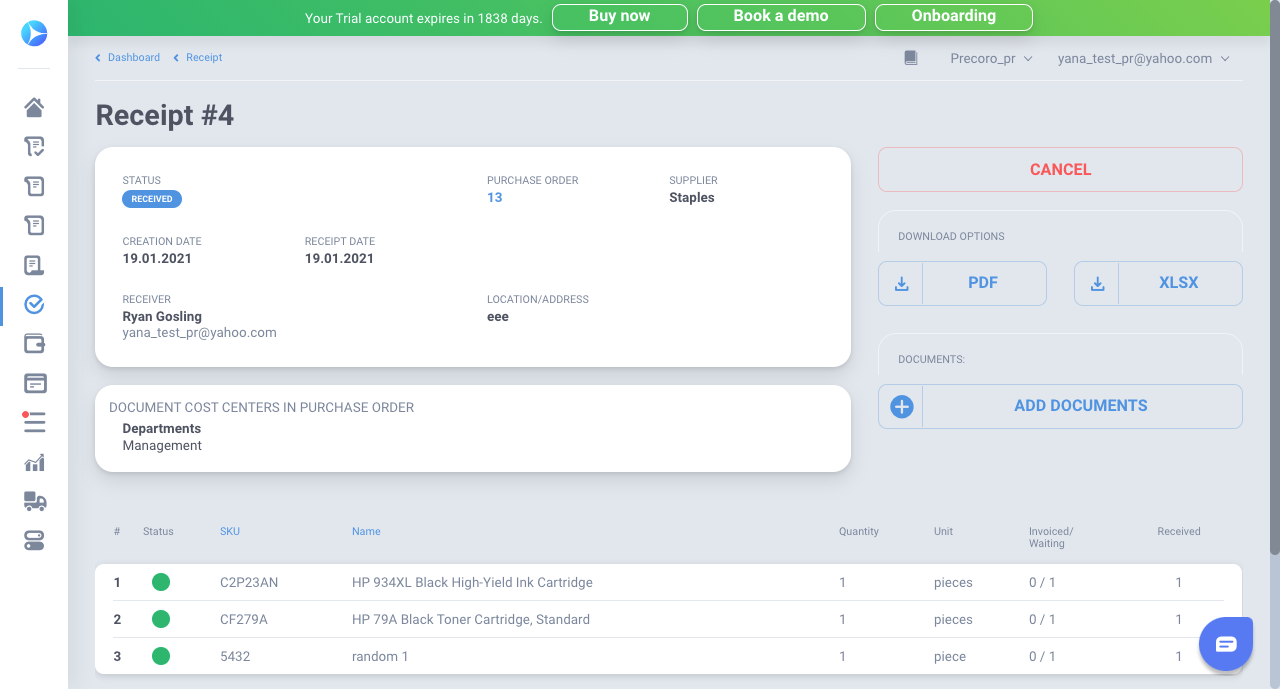
It is crucial to have more control over your documents. So we added a possibility to cancel any Receipt even if they are received.
Please note that cancellation can be made only by the creator and approvers of a particular Receipt.
More flexible taxes
Taxes became more customizable. From November, you can add negative taxes (for example, withholding ones). You can add them to the list of all your taxes.
Custom deducted sum formula
We propose some more ways for budget customization. Now you can set up a percentage of the tax to be calculated in the deducted sum in Budgets and Basic Settings.
Importing and updating supplier possibilities
We’ve got many requests about adding several currencies while importing suppliers. So now, if you need to add more than one currency while importing or updating suppliers in bulk — just add them with a comma. You can add as many as you need for the supplier.
What is more — you can also edit and add currencies while updating suppliers in bulk. But note, that you are not able to edit currencies if they are used in the catalog, or you are integrated with QuickBooks.
